Top AI Productivity Tools

AI Tools for Productivity

Discover the best Productivity AI tools to enhance your productivity and creativity.

Page 30 of 108 • 1290 total tools
Screenshot of Eraser Diagramgpt

Eraser Diagramgpt

Freemium

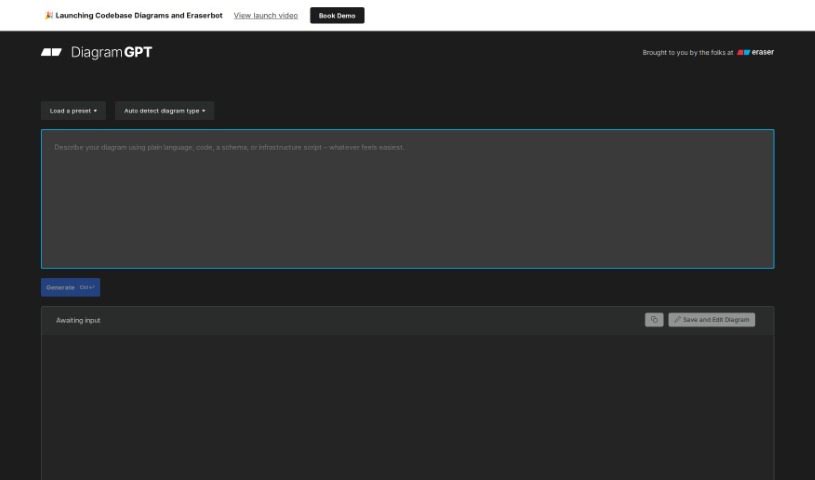
DiagramGPT, developed by Eraser, uses OpenAI's GPT-4 to generate technical diagrams from plain English or code. It determines the diagram type from your input and produces it in a "diagram-as-code" format, supporting entity relationship diagrams, cloud architecture diagrams, and sequence diagrams. Generated diagrams can be edited in Eraser using its diagram-as-code syntax, which is built with engineering teams in mind.

Productivity View Tool →
Screenshot of EstimateAI

EstimateAI

Freemium

EstimateAI is a time management tool that uses artificial intelligence to generate accurate estimates for how long tasks will take, tailored to each user. It requires no technical expertise and is built for freelancers, startups, and large companies alike. The core idea is smoother task management through precise time estimates, with data kept safe and private to support reliable decisions and better team productivity.

Productivity View Tool →
Screenshot of Ethertext

Ethertext

Freemium

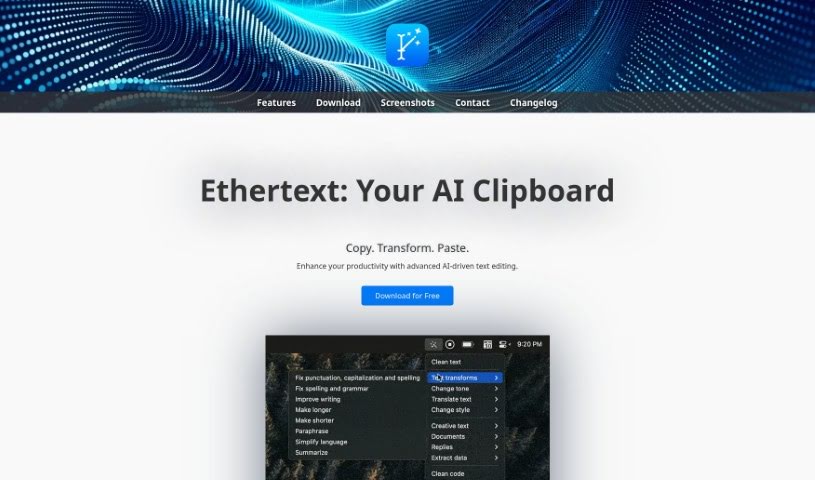
Ethertext is an AI-powered text editor designed to speed up editing and writing tasks. Copy text, then transform it with a single click — adjust tone or style, improve grammar, or apply custom AI prompts. It also handles code-related work such as explaining, debugging, or translating code snippets (including translation into JavaScript).

Productivity View Tool →
Screenshot of Ev Intersection

Ev Intersection

Freemium

EV Intersection is a digital platform that uses artificial intelligence to help people buy electric vehicles. Built by Toyota, it lists top electric cars from multiple manufacturers and generates AI summaries of reviews for each model. Users can compare vehicles by model, range, horsepower, motor type, top speed, and price.

Productivity View Tool →
Screenshot of Everbility

Everbility

Freemium

Everbility is an AI assistant designed for allied health professionals, aimed at simplifying time-consuming documentation tasks such as writing reports and taking notes. Its features include AI-powered writing assistance, a chatbot, customizable templates, and AI-assisted research lookup. Users report significant time savings, particularly for report writing and note-taking.

Productivity View Tool →
Screenshot of Everypixel

Everypixel

Freemium

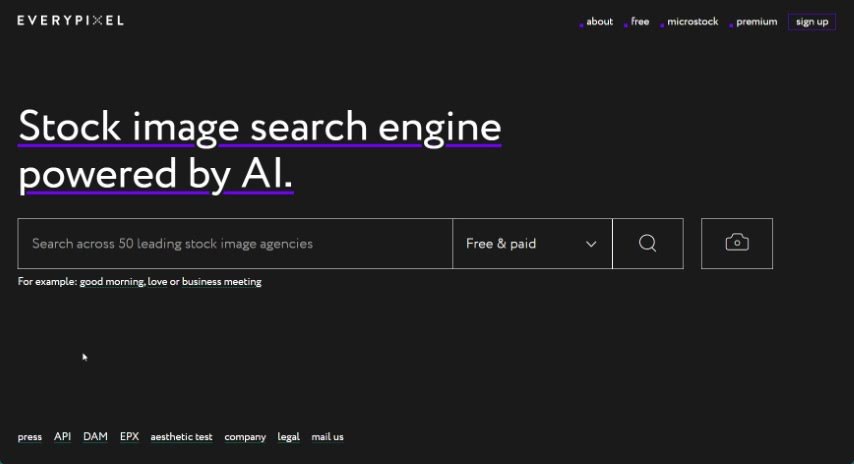
Everypixel is an AI-powered stock image search engine that acts as a central hub for a large library of stock images. It gathers licensed content from many different stock websites, saving time by letting you search everything from one place. You can narrow results using filters for color, orientation, and image type, and compare prices across different sites. Whether you need free or premium images, Everypixel covers both, including exclusive collections tailored for various needs. The platform notes that all image rights belong to the original copyright holders.

Productivity View Tool →
Screenshot of Excelbot

Excelbot

Freemium

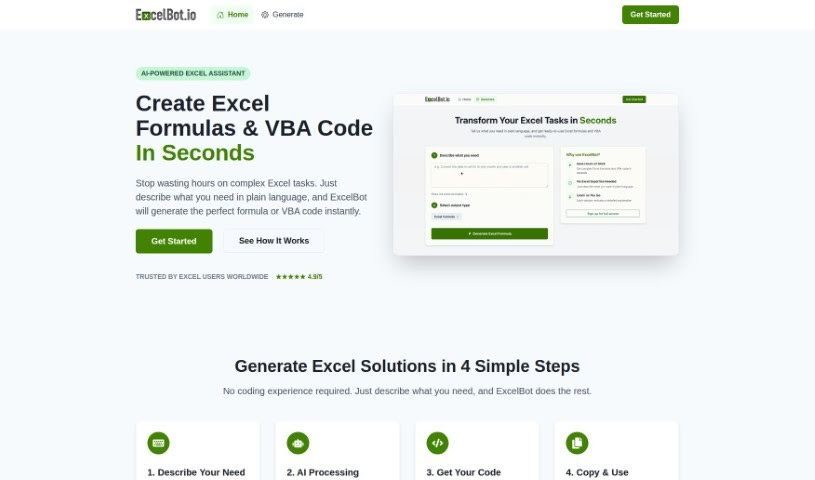
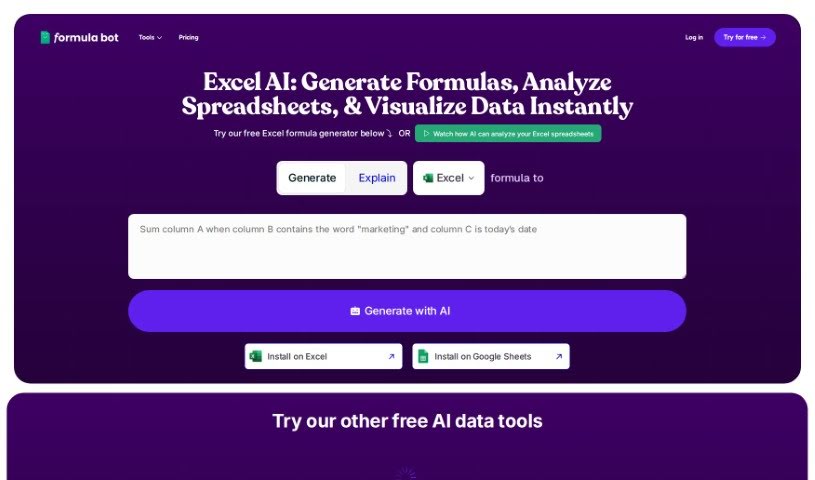
Excelbot is an AI assistant for Excel that generates formulas and VBA code from plain-English descriptions. You type what you want, and it produces the formula or code, explains what it does, and lets you copy the result into your spreadsheet. No coding experience is required, though the tool is equally useful for experienced coders who want a faster way to generate Excel-specific code. It was developed by ExcelBot.io.

Productivity View Tool →
Screenshot of Excelformulabot

Excelformulabot

Freemium

Excelformulabot is an AI-powered tool that generates Excel formulas from plain-English instructions. Type what you need, and it produces the formula. It works with both Excel and Google Sheets.

Productivity View Tool →
Screenshot of Excelmaster

Excelmaster

Freemium

ExcelMaster.ai is an AI assistant built to act as an Excel expert. It helps you create, fix, or explain complex formulas, and draft or refine VBA scripts — all through plain, everyday language. The goal is to make you more productive and help you learn Excel step by step.

Productivity View Tool →
Screenshot of ExperAI

ExperAI

Freemium

ExperAI is an AI tool that provides businesses of all sizes with personalized solutions. It uses algorithms and machine learning to deliver insights, automate tasks, and improve productivity, with applications in data science, design, customer support, and content creation.

Productivity View Tool →
Screenshot of Extend

Extend

Freemium

Extend is an AI tool for automating enterprise workflows with unstructured data. It extracts and processes information from documents, images, and emails, handling formats that include PDFs, CSVs, XLSX files, images, and handwritten notes. Beyond extraction, it supports sorting, analysis, and question-answering over your data.

Productivity View Tool →
Screenshot of Extracta.ai

Extracta.ai

Freemium

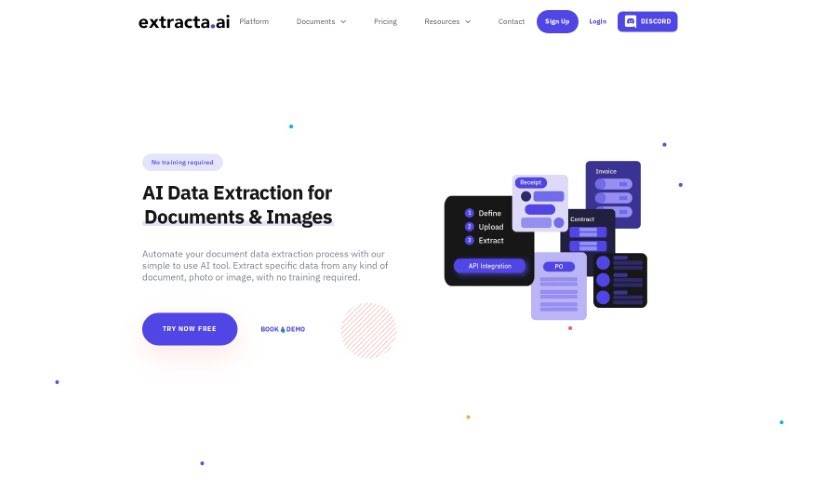
Extracta.ai is a platform for pulling data from unstructured documents. It reads scanned papers and extracts the key information you need without manual training. Businesses can create custom templates to automate data extraction tasks, improving efficiency and accuracy. The platform also offers specialized APIs for document types such as invoices, resumes, and contracts, and supports smart data automation and business intelligence data mining.

Productivity View Tool →

About Productivity tools

Having a task list that seems to grow longer by the hour is a fast track to burnout. Between managing clogged email inboxes, jumping across context-heavy browser tabs, updating project boards, and tracking down files, everyday administrative work drains momentum. When managing your workflow takes more energy than doing your actual job, staying focused gets tough.

These workflow platforms act as high-speed productivity partners for task management, scheduling, and daily automation. They won’t replace your personal discipline or strategic priorities, but they handle routine administrative tasks so you can protect your focus time.

Organizing daily tasks and scheduling focus blocks takes far less manual effort. Manually moving deadlines around when a project slips or trying to carve out focus time between back-to-back meetings usually leaves you with a chaotic calendar. Smart scheduling assistants evaluate your working habits, auto-prioritize tasks, and block out dedicated focus time on your calendar before your day gets overrun.

Clearing out email backlogs and workspace communications becomes much faster, too. Sifting through dozens of unread messages just to pull out two urgent client requests wastes valuable time. Intelligent inbox tools summarize long email threads, draft contextual replies, and sort low-priority newsletters away from critical messages—helping you reach inbox zero without reading every word.

Synthesizing notes and cross-platform information creates a central memory hub. Losing track of an important project link or a quick thought saved in a random document stalls your momentum when you need it most. AI productivity assistants search across your workspace apps, notes, and bookmarked links, letting you ask plain-English questions to pull up specific files, meeting notes, or ideas in seconds.

Key Capabilities to Consider:

  • Smart calendar and time blocking: Systems that auto-schedule tasks into your calendar around existing meetings and focus preferences.
  • Contextual email and message drafting: Tools that scan long communication threads to generate concise replies and action items.
  • Universal workspace search: Software that connects with your documents, notes, and cloud storage to retrieve files through simple prompts.
  • Task prioritization algorithms: Applications that rank daily action items by urgency, deadlines, and project dependencies.
  • Workflow automation builders: Connectors that trigger actions across different apps without requiring manual data entry.

Daily productivity will always depend on clear personal priorities and healthy work habits. Software can organize a calendar, draft an email reply, and index your notes, but choosing what truly deserves your time requires human judgment.

Explore the productivity tools below to take control of your workday.

The Best AI Productivity Tools

  1. Perplexity: for automating tasks and helping with management.
  2. Small PDF.com: for smoother document management for teams.
  3. Gamma: for document creation tools that save time.
  4. Odoo: for a task management and collaboration app.
  5. Zoom: for analyzing and summarizing meeting content.
  6. N8N: for smoother team onboarding processes.
  7. Prezi: for engaging team collaboration sessions.
  8. Tableau: for creating reports and dashboards more easily.
  9. Data Camp: for efficient team collaboration workflows.
  10. Otter.ai: for getting action items from meetings without the fuss.
  11. Tenorshare: for easily summarizing long PDF documents.
  12. Slidesgo: for creating professional presentations efficiently.
  13. Facecheck Id: for streamlining identity verification tasks.
  14. HIX.AI: for boosting writing speed with smart tools.
  15. Tactiq: for automating meeting notes for teams.
New tools, in your inbox.

Weekly picks of the best AI tools we've researched and added — no spam, unsubscribe anytime.

Join 25,000+ AI enthusiasts. No spam, unsubscribe anytime.