AI Tools for Teachers: Top Picks for the Classroom

AI Tools for Teachers

Discover the best Teachers AI tools to enhance your productivity and creativity.

Page 1 of 9 • 104 total tools
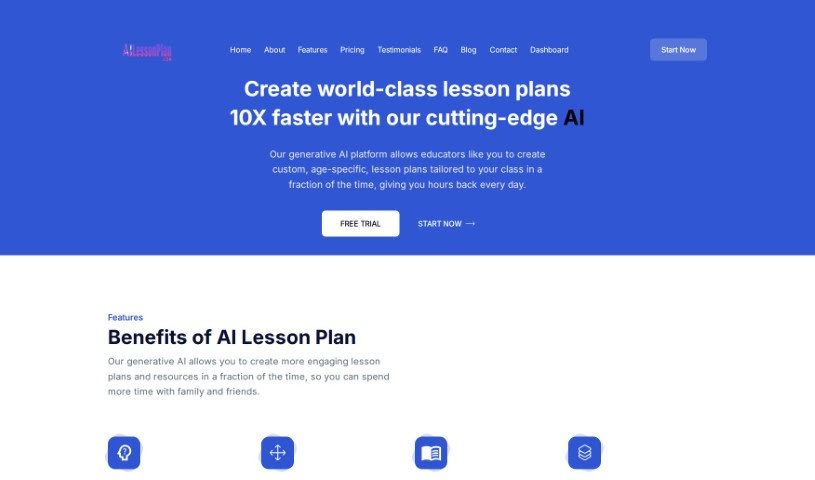
Screenshot of AILessonPlan

AILessonPlan

Freemium

AILessonPlan is a cloud-based generative AI tool that helps educators create custom lesson plans quickly. It supports popular formats including 5E, Madeline Hunter, 4A's, Bloom's Taxonomy Basic, and Five-Step Lesson plans, and lets you customize those formats or add your own.

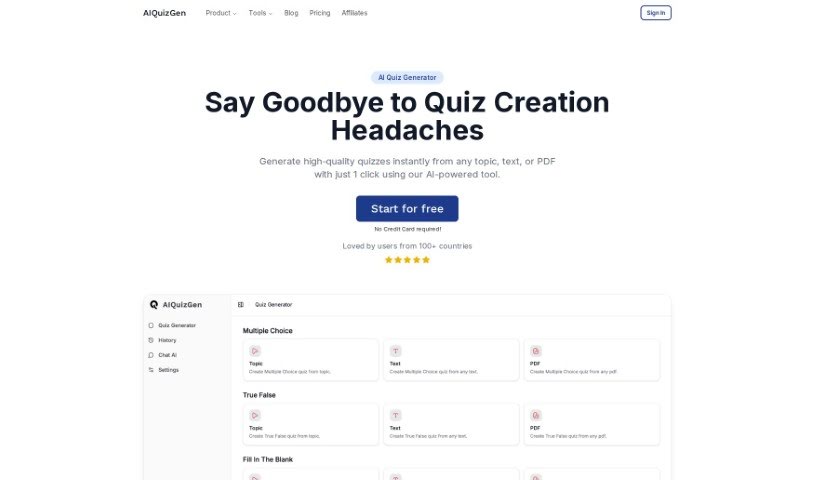
Screenshot of AIQuizGen

AIQuizGen

Freemium

AIQuizGen is an AI-based quiz generator for education and business, created by Nathan Hayes. It automates question creation, offers multiple question styles, and reduces errors and bias in assessments. Quizzes can be adjusted by difficulty and edited after generation, and a saved history lets users track progress and refine quizzes over time. No setup or installation is required, and the tool is designed for users without technical skills.

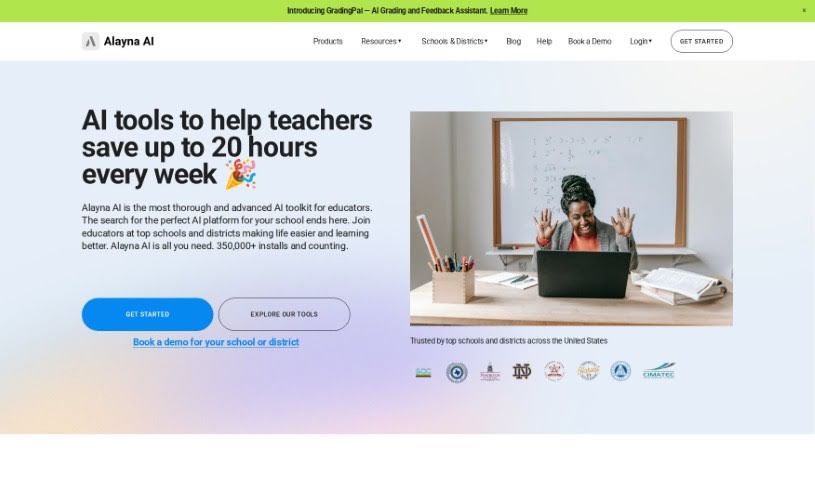
Screenshot of Alayna US

Alayna US

Freemium

Alayna US is an educational platform built for K-12 teachers and schools. It assists with lesson planning, curriculum mapping, quiz creation, grading, personalized learning materials, AI-generated art, email and communication tools, and detailed student feedback. It also provides support for school and district administrators and emphasizes data privacy and security.

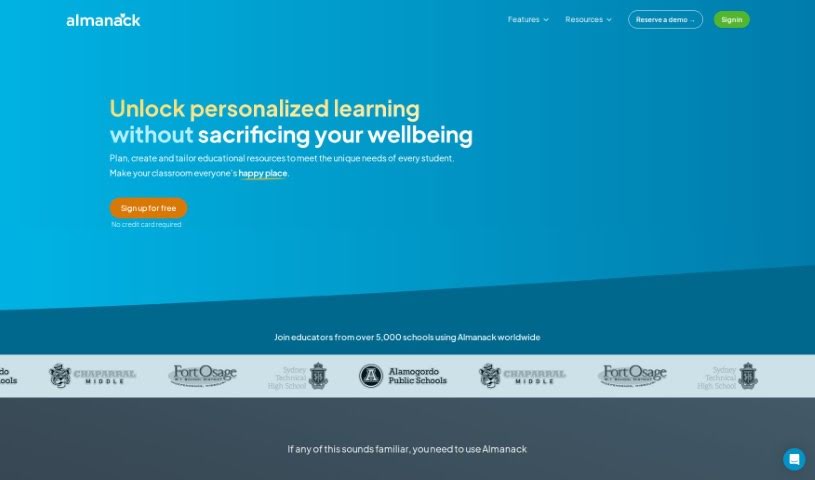
Screenshot of Almanack

Almanack

Freemium

Almanack is an AI-powered platform built for teachers. It generates course materials — tests, quizzes, worksheets, slide decks, and group activities — and supports lesson planning. The interface is straightforward, and the AI offers suggestions as teachers build their lesson plans and materials. An AI grading assistant provides detailed feedback on student work, reducing grading time. Almanack supports curricula including Ontario, Cambridge, the UK National Curriculum, and the Australian Curriculum.

Screenshot of Association for Writing Across the Curriculum

Association for Writing Across the Curriculum

Freemium

The Association for Writing Across the Curriculum (AWAC) supports the Writing Across the Curriculum (WAC) movement and works to advance WAC as a global intellectual and pedagogical approach. It supports students developing writing skills throughout their academic careers, helps faculty improve writing instruction, and promotes research into how writing works across subjects and academic levels. AWAC treats writing as a way to learn, explore ideas, and communicate, and prioritizes collaboration, inclusivity, equity, research-backed methods, and sustainable growth in the WAC field.

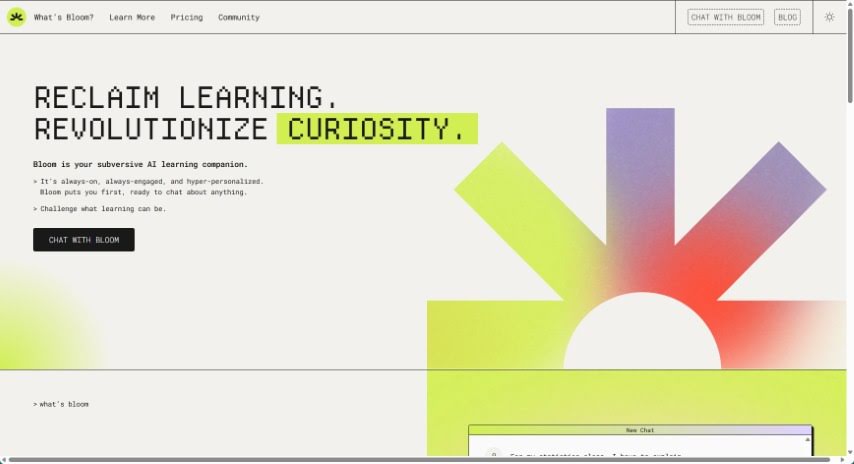
Screenshot of Bloom Bot AI

Bloom Bot AI

Freemium

Bloom Bot AI is a reading companion designed to make engaging with text more meaningful. It lives on Discord and uses advanced language models to help you understand what you read, build analytical skills, and explore your curiosity through conversation. Bloom is available 24/7, works for one-on-one tutoring, group study, or classroom activities, and is completely free.

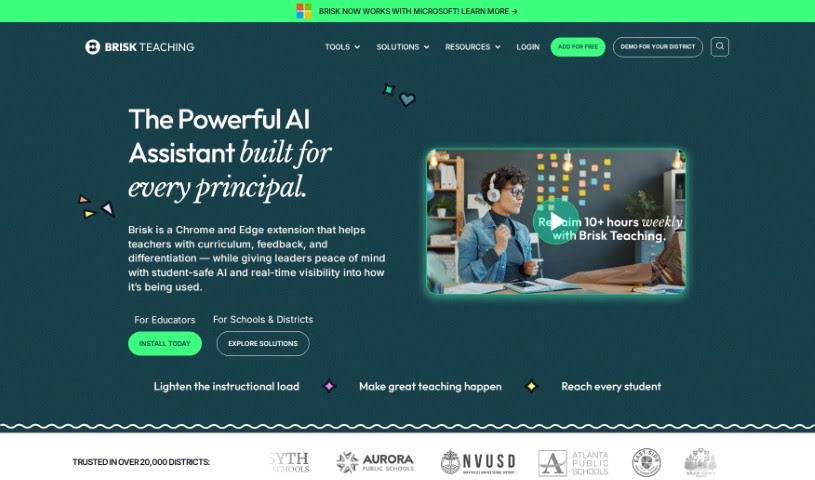
Screenshot of Brisk Teaching

Brisk Teaching

Freemium

Brisk Teaching is a Chrome extension built to help teachers and educators with day-to-day classroom tasks. It works directly inside Google Docs and Google Classroom, so there is no need to upload files manually — you can check for AI-generated content while you work. It spots AI-written student work, checks for plagiarism, finds grammar mistakes, helps build curriculum, generates feedback ideas, and assesses the reading level of texts. The goal is to cut down on admin work so teachers can spend more time teaching. The team behind Brisk includes technologists, teachers, and parents with experience in educational technology.

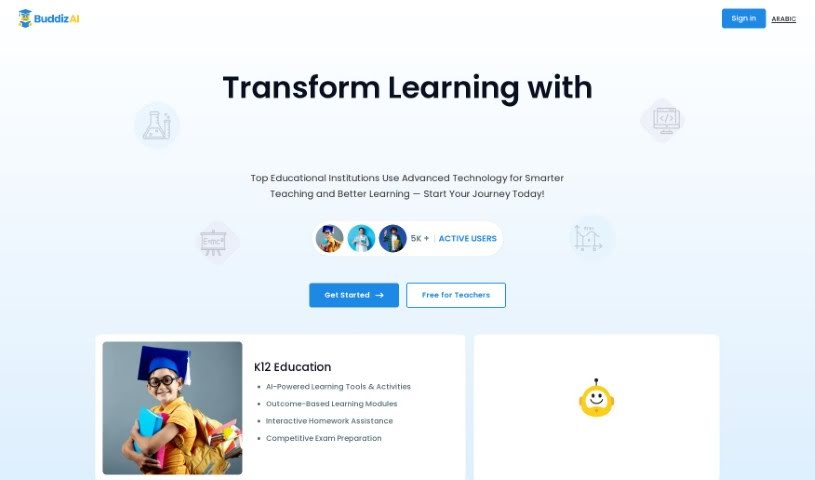
Screenshot of Buddiz

Buddiz

Freemium

Public information about Buddiz is limited. The name suggests a possible connection to mindfulness or Buddhist practice, but the platform's documented features describe an education tool serving students, educators, parents, and institutions.

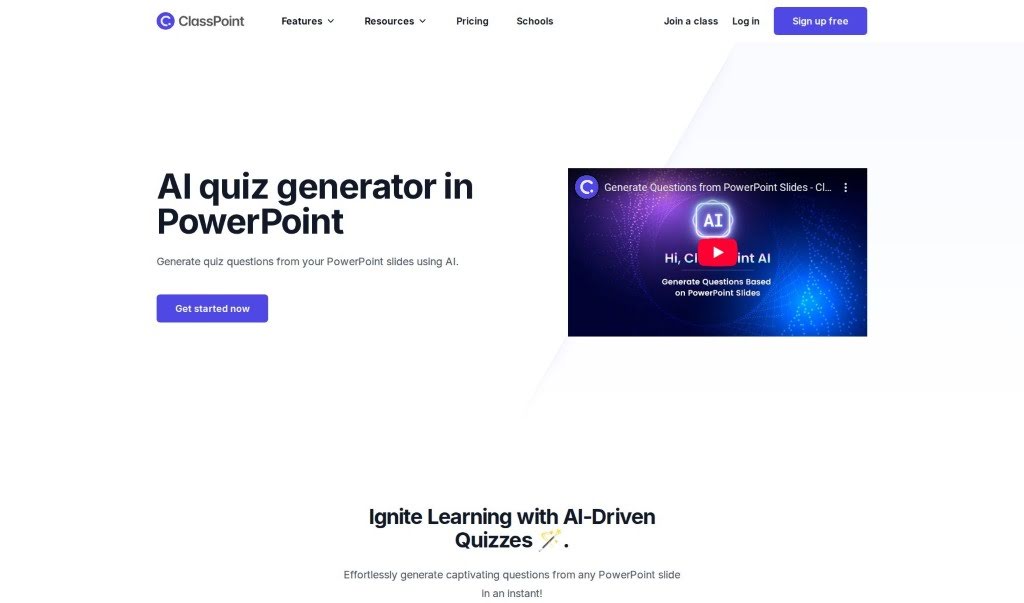
Screenshot of ClassPoint AI AI Quiz Generator

ClassPoint AI AI Quiz Generator

Freemium

The AI Quiz Generator is built into PowerPoint and creates quiz questions directly from your presentation slides. Upload your slides, and within seconds you have questions ready to go. For teachers and presenters who want to add interactive assessments to lessons, it offers a straightforward way to turn presentation material into quiz content.

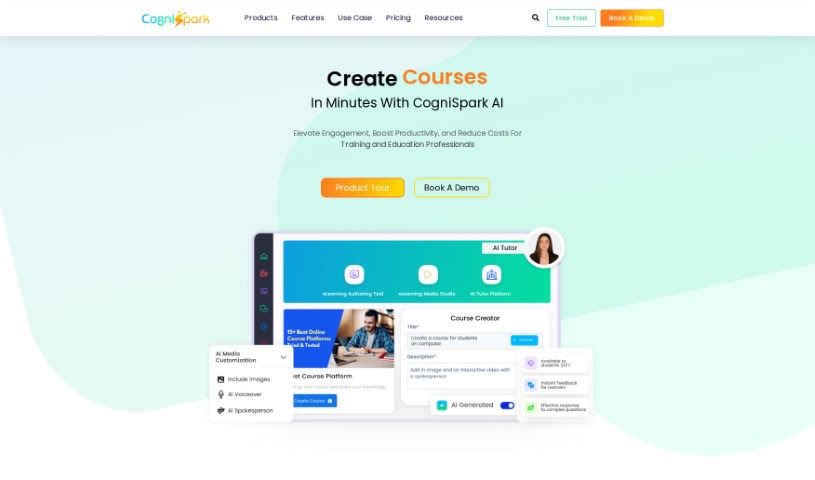
Screenshot of CogniSpark AI

CogniSpark AI

Freemium

CogniSpark is an AI-powered eLearning authoring tool for creating interactive, visually appealing training content. It supports full courses, micro-learning videos, and other multimedia formats, and bundles a suite of AI tools for course creators, instructional designers, and educators. The company emphasizes client-first service, a solution focus, high security, and a diverse, collaborative work environment.

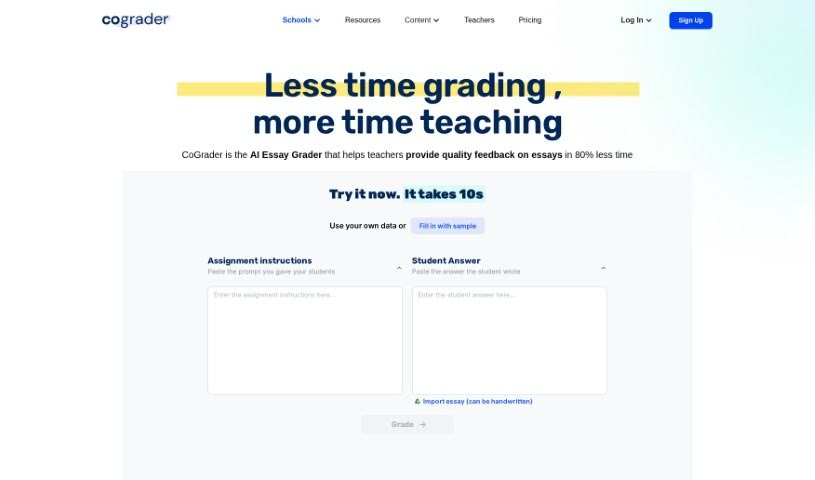
Screenshot of CoGrader

CoGrader

Freemium

CoGrader is an AI tool that helps educators grade essays more efficiently. Teachers import assignments from platforms like Google Classroom, Canvas, and Schoology, set their grading criteria, and receive detailed feedback and justification reports for each student. The teacher always has the final say and can adjust grades before submitting.

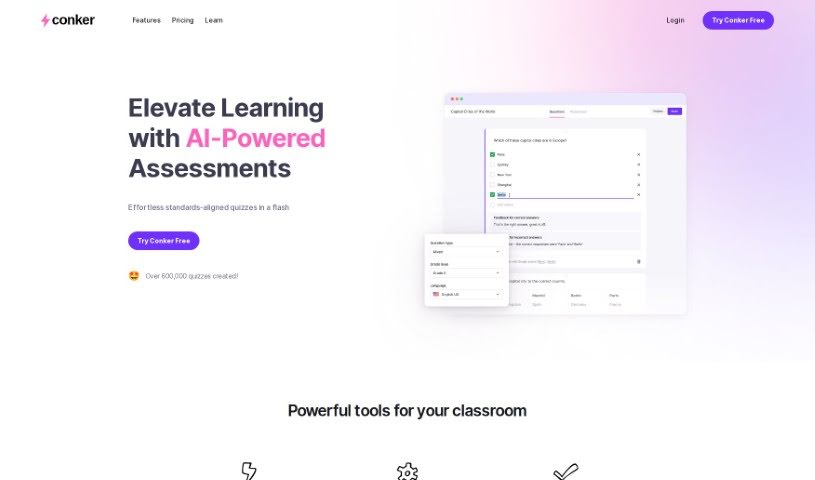
Screenshot of Conker

Conker

Freemium

Conker is an AI-powered quiz creation tool for educators. It generates unique quizzes tailored to your students' needs, making it easier to differentiate instruction. The platform includes a large library of assessments aligned with K12 standards, plus accessibility features such as a built-in read-aloud option to support every learner.

Previous 1 of 9 Next

About Teachers tools

Juggling lesson plans, stacks of grading, administrative paperwork, and classroom management can make teaching feel like a constant race against the clock. Between tailoring materials for different learning levels and writing progress updates, finding time to focus on actual instruction often feels impossible.

These teaching assistants handle routine prep work, generate fresh activity ideas, and simplify administrative chores without replacing human instruction or automating your personal teaching style.

Lesson Planning, Differentiated Instruction, and Parent Communications

Crafting engaging lesson plans and interactive activities from scratch takes hours of unpaid evening time. AI assistants generate customizable rubrics, structured unit outlines, and reading passages tailored to specific grade levels in seconds. Instead of starting with a blank document on Sunday night, you get a solid framework to adapt to your curriculum and teaching style.

Supporting a classroom full of diverse learning needs becomes far less overwhelming, as well. Creating multiple versions of an assignment, translating notices for non-native English speakers, or simplifying complex articles normally takes hours of tedious editing. Educational AI platforms let you adjust text complexity, build targeted practice sets, or draft personalized accommodations for students who need extra support with a few clicks.

Managing feedback and parent communication also takes far less energy. AI tools help streamline essay grading by organizing constructive commentary, generating exit tickets, and identifying common student errors. You can send home clear, professional progress notes and email updates to families without spending your whole evening staring at a screen.

Practical Capabilities for Educators:

  • Automated lesson generation: Systems that draft detailed lesson plans, learning objectives, and discussion prompts tied to educational standards.
  • Differentiated learning controls: Settings that let you quickly adjust reading levels, vocabulary lists, and assignment complexity for different student needs.
  • Interactive quiz creation: Tools that turn text passages, notes, or web pages into ready-to-use quizzes, flashcards, and exit tickets.
  • Assessment and feedback assistance: Features that provide structured feedback templates and help summarize student performance trends.
  • Parent communication tools: Generators that help draft professional emails, newsletters, and behavior updates for families in multiple languages.

Great teaching will always rely on empathy, intuition, and personal connection with your students. Software cannot mentor a struggling reader, foster a positive classroom culture, or replace the human element of education. But letting smart tools handle repetitive paperwork and lesson formatting gives you back the time and energy needed to focus on your students.

Check out the teaching tools below to streamline your classroom prep.

The Best AI Teacher Tools

  1. Gradescope: Automates grading and feedback for assignments.
  2. Smodin: Offers feedback on students’ writing skills.
  3. Magic School AI: Helps streamline lesson creation and management.
  4. Study Fetch: Provides automated grading and feedback for assessments.
  5. Quizgecko: Efficiently creates classroom quizzes.
  6. Formative: Turns PDFs into auto-graded quizzes.
  7. Revisely: Gives personalized feedback on essays.
  8. Microsoft Reading Coach Preview: Improves reading engagement in the classroom.
  9. Wasitai: Aids classroom engagement and lesson planning.
  10. Brisk Teaching: Customizes curriculum for different learners.
  11. Twee: Creates adaptable lesson plans for various topics.
  12. Lumos Learning: Makes class assignments effortless.
  13. AILessonPlan: Creates lesson plans, worksheets, quizzes and rubrics.
  14. To Teach AI: Streamlines lesson planning using AI tools.
  15. Curipod: Boosts lesson planning efficiency.
New tools, in your inbox.

Weekly picks of the best AI tools we've researched and added — no spam, unsubscribe anytime.

Join 25,000+ AI enthusiasts. No spam, unsubscribe anytime.