Surviving law school often feels like drowning in endless casebooks and dense judicial opinions. Between reading dozens of pages of appellate rulings for every class, preparing case briefs, surviving cold calls in the Socratic classroom, and assembling massive outlines for final exams, your schedule fills up fast. It’s easy to spend late nights at the law library hunting for the core holding of a 19th-century court decision or trying to organize months of class notes into a workable exam outline.
These academic reading and study tools act as high-speed research partners for law students, paralegals, and legal researchers. They won’t take your final exams or replace genuine legal reasoning, but they help you analyze lengthy case opinions, organize subject-matter outlines, and practice applying legal rules to hypothetical exam scenarios.
Tackling Casebooks, Outlines, and Cold Calls
Speeding up case preparation without cutting corners on comprehension is one of the biggest wins for law students. Reading multi-page judicial opinions just to identify procedural history and core legal rules takes hours. Smart legal reading tools scan court documents, highlight procedural posture, and break down complex holdings into clear summaries. You get a clear roadmap of the case before diving into the full opinion, making your reading far more focused.
Synthesizing course materials into an organized outline gets much simpler as final exams approach. Turning hundreds of pages of lecture notes, class discussion, and case law into a structured rule statement often leads to writer’s block. AI outlining assistants help organize legal doctrines, group related precedent, and format clear rule-application frameworks for subjects like Torts, Contracts, or Constitutional Law.
Preparing for Socratic cold calls and essay exams becomes far less stressful, too. Walking into class unprepared for a professor’s hypothetical questions is a common source of law school anxiety. AI study tools can quiz you on doctrine, generate hypothetical fact patterns, and test your ability to apply legal tests under timed conditions. You can practice spotting issues and drafting essay responses long before exam week arrives.
Key Capabilities to Look For:
- Case opinion summarization: Systems that extract holdings, procedural history, and key rule statements from court decisions in seconds.
- Source-linked verification: Features that tie generated summaries directly back to exact page numbers and paragraph citations in the original text.
- Rule synthesis and outlining: Tools that help group course topics, organize case precedents, and build structured study guides for final exams.
- Socratic-style practice testing: Applications that generate hypothetical fact patterns and quiz you on legal doctrines to test issue-spotting skills.
- PDF and document analysis: Software capable of reading large casebook scans, law review articles, and statutory codes to answer targeted study questions.
Succeeding in law school will always depend on your own critical thinking, logical analysis, and legal ethics. Software can summarize a judicial holding or help organize a study guide, but interpreting complex statutes and crafting persuasive legal arguments rests entirely on your sharp mind. Letting smart tools handle initial document scanning and study prep simply gives you back the energy needed to master the law.
Take a look through the study assistants below to streamline your law school routine.
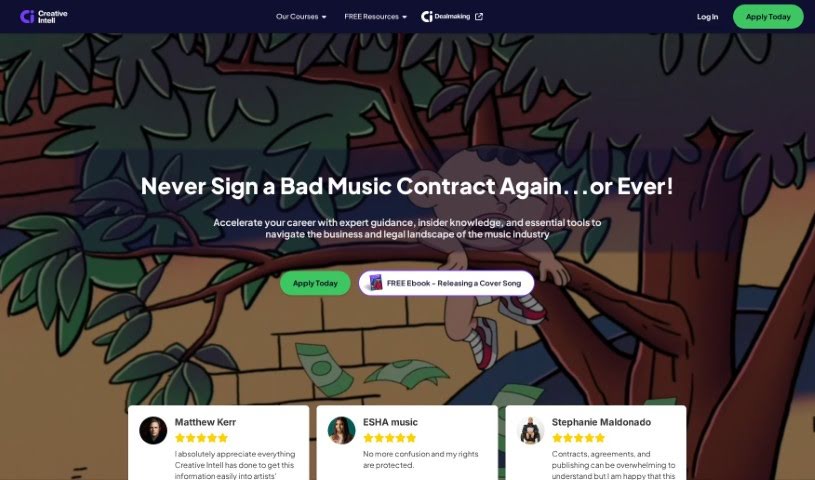
- Creative Intell: Great for legal research and help with case analysis.
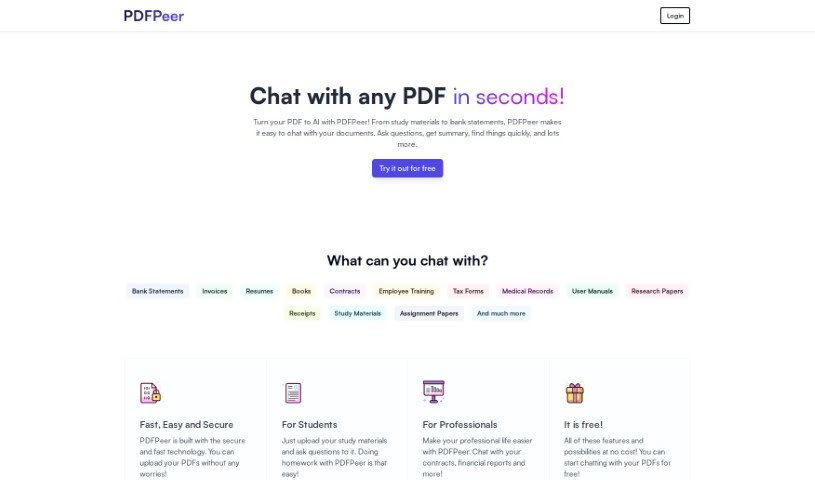
- PDFPeer: Helps you summarize legal texts for case studies.
- Ask Rbg: Good for practicing judicial reasoning.
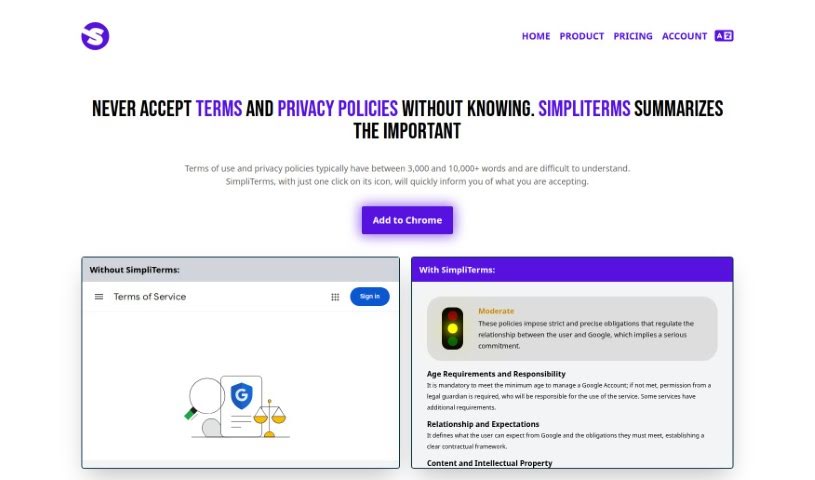
- Simpliterms: A tool for analyzing privacy policies.