AI Product Design Tools: Top Picks & How They Work

AI Tools for Product Design

Discover the best Product Design AI tools to enhance your productivity and creativity.

Page 1 of 5 • 60 total tools
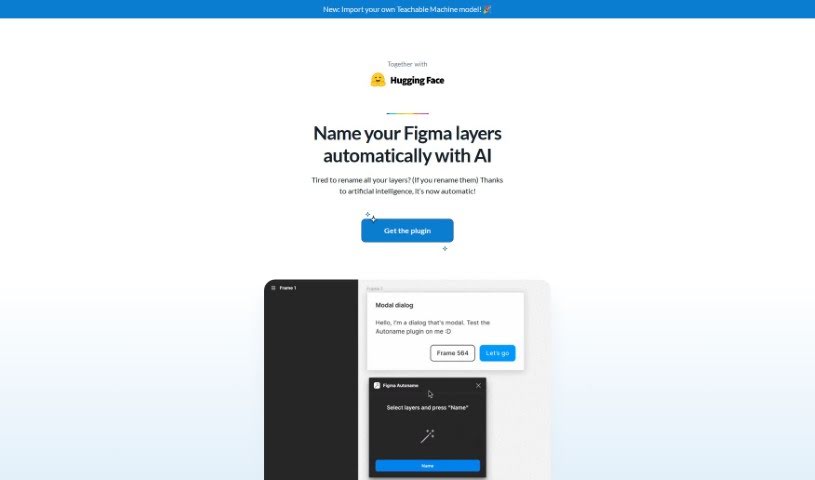
Screenshot of Autoname

Autoname

Freemium

Autoname is a Figma plugin that automatically renames all your frames with one click. It uses artificial intelligence to name layers efficiently, eliminating manual work. It also protects components and instances from accidental renaming through smart name detection. More than 30,000 designers use it. Autoname is free, open-source under the MIT License, and community-driven. It supports importing Teachable Machine models, and the team welcomes contributions.

Product Design View Tool →
Screenshot of Avataar

Avataar

Freemium

Avataar is a company focused on spatial storytelling and visual experiences powered by generative AI. It offers what it describes as the world's first AI-led Computer Vision platform, enabling businesses, brands, and individuals to create interactive experiences. Avataar holds over 10 patents and contributes to industry standards with Khronos, Nvidia, Meta, Google, and AWS. The company is backed by investments from Sequoia Capital and Tiger Global.

Product Design View Tool →
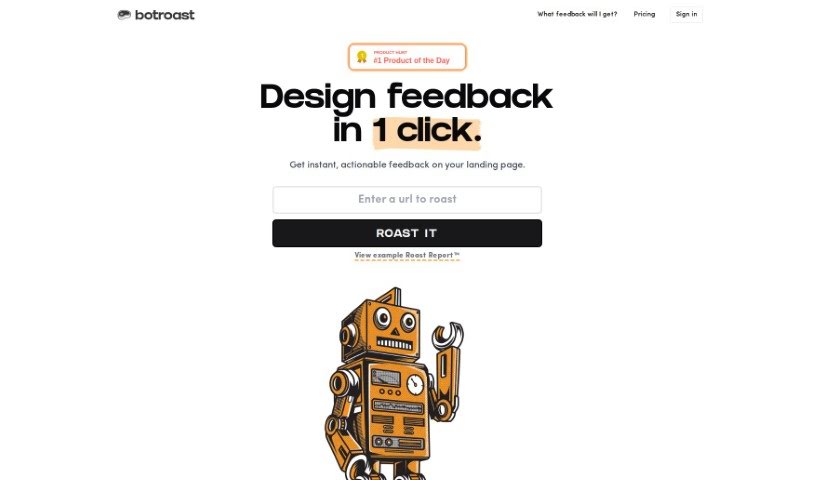
Screenshot of Botroast

Botroast

Freemium

Botroast is an AI platform that gives designers fast, actionable feedback on their product designs. It generates a detailed "Roast Report" that evaluates design foundations, visual hierarchy, layout, spacing, typography, color theory, depth, design assets, and other specifics. The goal is to provide practical advice you can apply immediately to improve your designs on your own.

Product Design View Tool →
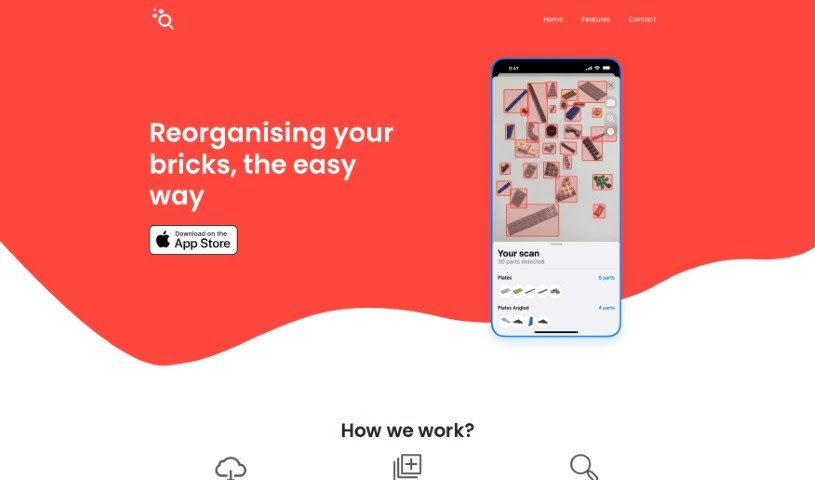
Screenshot of Bricksee

Bricksee

Freemium

Bricksee is an app for brick-building enthusiasts. It provides clear, step-by-step instructions, progress tracking, and smart search tools to help users rebuild brick sets and manage their collections.

Product Design View Tool →
Screenshot of Brilliant Labs

Brilliant Labs

Freemium

Brilliant Labs builds Frame AI Glasses, open-source eyewear designed to overlay digital information onto the physical world. The glasses can analyze your surroundings in real time using technologies such as OpenAI and Whisper, display live web searches in your line of sight, and translate languages on the fly. Because the hardware and software are open source, users can modify, improve, and build on the design. The company's stated goal is to boost knowledge, creativity, and empathy through community-driven innovation.

Product Design View Tool →
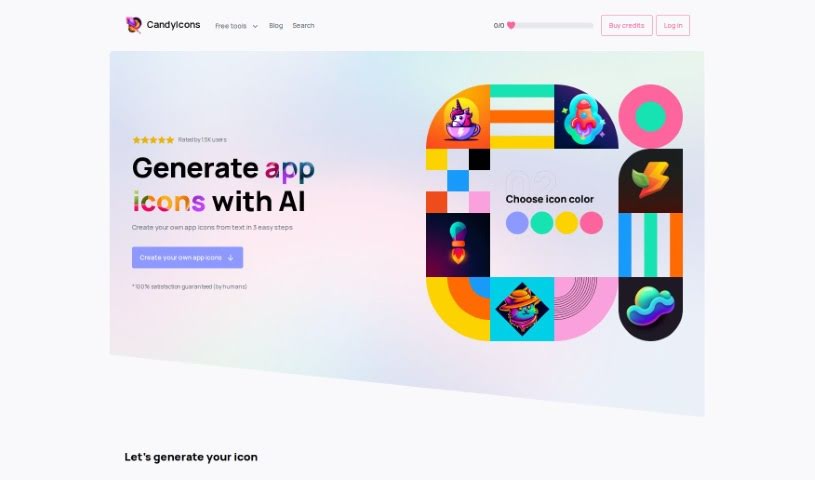
Screenshot of CandyIcons

CandyIcons

Freemium

CandyIcons is an AI design tool for creating high-quality app icons in three steps. It also offers a large library of pre-made icons and generates custom favicons and app icons that meet app store requirements. Its tools — the AI App Icon Generator, Favicon Generator, and iOS/macOS Asset Generator — are located in the Design section. It is a paid service.

Product Design View Tool →
Screenshot of Car Concepts AI

Car Concepts AI

Freemium

Car Concepts AI (CarConceptsAI) generates custom car wrap designs. Upload a photo of your car, describe the style you want, and the tool produces personalized wrap concepts. It accepts a wide range of image formats and lets you guide the output with specific themes, color palettes, and special elements.

Product Design View Tool →
Screenshot of Clarifai

Clarifai

Freemium

Clarifai is an AI platform company founded in 2013 by Matthew Zeiler, Ph.D. It helps enterprises bring AI into their operations at scale. The company built its reputation by winning image classification contests and has since been named a leader in computer vision platforms by both Forrester and IDC MarketScape.

Product Design View Tool →
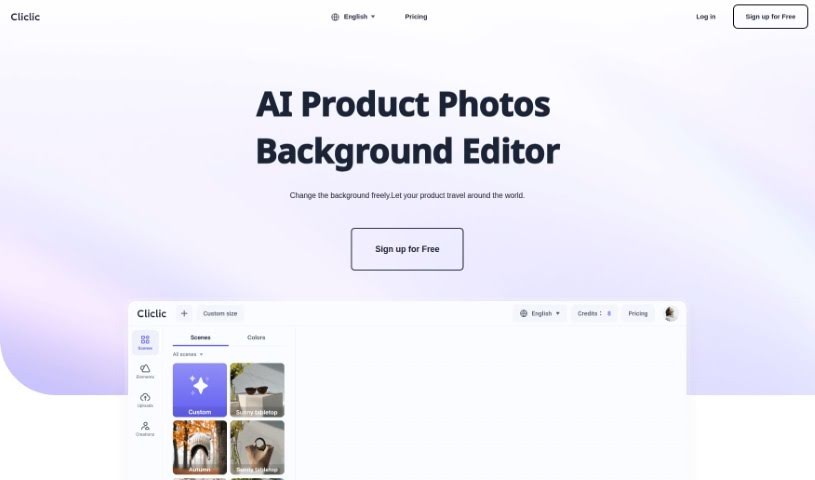
Screenshot of Cliclic AI

Cliclic AI

Freemium

Cliclic AI is an AI product image background editor that helps you quickly create attractive backgrounds for product photos. It lets you place your branded products into different scenes, using ready-made presets or custom scenes matched to your product. The tool supports custom canvas sizes, a broad library of pre-designed scenes, and works across many product types.

Product Design View Tool →
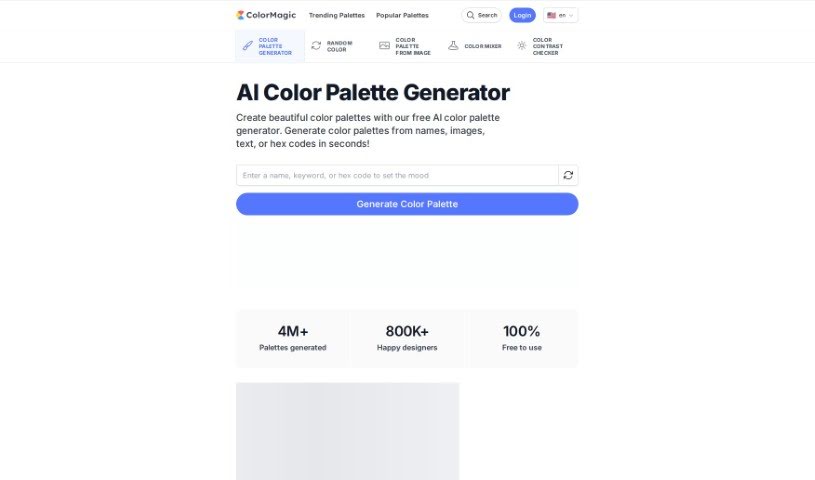
Screenshot of ColorMagic

ColorMagic

Freemium

ColorMagic is an AI tool that creates color palettes from a keyword or an uploaded image. Type in a word that captures the mood you're after, or upload a picture containing the colors you want, and the tool generates a matching palette. Palettes can be created and adjusted quickly, making it useful for anyone who needs color inspiration. Terms of use and a privacy policy are available in several languages, including English and 日本語.

Product Design View Tool →
Screenshot of Creatie

Creatie

Freemium

Creatie is a product design software that integrates AI into a range of design tasks: wireframing, interface design, AI-generated art, prototyping, and team collaboration. Its aim is to make design work more efficient by using AI to help with ideation, design, collaboration, prototyping, and project handoff.

Product Design View Tool →
Screenshot of Domsy.io

Domsy.io

Freemium

Domsy.io is an AI-powered design tool that turns creative ideas into actual designs. It uses artificial intelligence to simplify the design and prototyping process, and it's built to be easy to use — no special skills or technical background required. Both beginners and experienced designers can use it to speed up designing and prototyping.

Product Design View Tool →
Previous 1 of 5 Next

About Product Design tools

Translating user needs into intuitive digital products requires constant iteration. Balancing user research, visual polish, component variants, and handoff specs can easily drain your team’s creative focus. When administrative tasks and repetitive pixel-pushing slow down your design sprints, staying focused on core user experience problems gets tough.

The product design tools in this collection act as high-speed design partners. They won’t replace human empathy, deep user research, or critical problem-solving skills, but they can draft wireframes, synthesize customer feedback, and build component libraries in moments.

Wireframing, Research Synthesis, and Developer Handoffs

Generating rapid interface ideas turns rough concepts into interactive mockups in minutes. Turning user stories into visual layouts usually means staring at a blank canvas and dragging basic shapes around for hours. Modern prompt-to-UI platforms take text descriptions or hand-drawn whiteboarding sketches and generate editable vector layouts, giving you quick layout options to test and refine.

Synthesizing user research and customer feedback takes far less manual effort, too. Digging through dozens of recorded interview transcripts, survey responses, and usability test clips can stall an entire design sprint. AI research assistants parse customer feedback, spot common pain points, and organize recurring feature requests, letting you base design choices on real user data rather than guesswork.

Automating design system components and developer handoffs keeps production moving forward. Creating light and dark mode color tokens, responsive layout variants, and accessibility-compliant UI elements by hand gets tedious fast. Intelligent design tools build UI variations automatically, check color contrast ratios, and export clean code specs for engineering teams without breaking component rules.

Capabilities Worth Exploring:

  • Prompt-to-UI generation: Systems that turn text descriptions or rough sketches into editable vector layouts and UI components.
  • Automated user research synthesis: Software that scans research transcripts, tags user pain points, and organizes findings into actionable insights.
  • Design system token management: Features that generate consistent typography scales, color palettes, and component states across large libraries.
  • Accessibility and contrast checking: Tools that review visual layouts for color compliance, readable font sizes, and screen reader compatibility.
  • Developer handoff and code export: Applications that convert design frames into clean CSS, React, or Swift code for engineering teams.

Designing digital products people love will always depend on human empathy, thoughtful problem-solving, and a deep understanding of user needs. Algorithms can generate wireframes and export tokens, but building meaningful user experiences requires your human perspective.

Check out the product design tools below to sharpen your sprint workflow.

The Best AI Product Design Tools

  1. Meshy: Great for quickly creating 3D product models.
  2. Kittl: Makes logo creation a breeze, often in just minutes.
  3. Tripo AI: Ideal for developing prototypes fast.
  4. Maze: Helps you test prototypes and gather feedback efficiently.
  5. Uizard IO: Perfect for rapidly prototyping app interfaces.
  6. Sprig: A tool to help you improve your product design process.
  7. Supademo: Lets you create interactive prototypes for user testing.
  8. Magic Patterns: Quickly prototype product ideas using AI.
  9. Color Magic: Get inspiration for colors based on keywords.
  10. Creatie: Easily design high-fidelity prototypes.
  11. Clarifai: Offers automated visual style analysis.
  12. Fireworks.ai: Provides AI-driven enhancements for prototyping.
  13. Brilliant Labs: Supports collaborative prototyping and feedback.
  14. Patterned AI: Elevate your product designs with unique patterns.
  15. Leo.ai: Speeds up CAD modeling from your sketches.
New tools, in your inbox.

Weekly picks of the best AI tools we've researched and added — no spam, unsubscribe anytime.

Join 25,000+ AI enthusiasts. No spam, unsubscribe anytime.