Top AI Tools You Can Use Without Coding

AI Tools for No Code

Discover the best No Code AI tools to enhance your productivity and creativity.

Page 1 of 7 • 73 total tools
Screenshot of Agenthub

Agenthub

Freemium

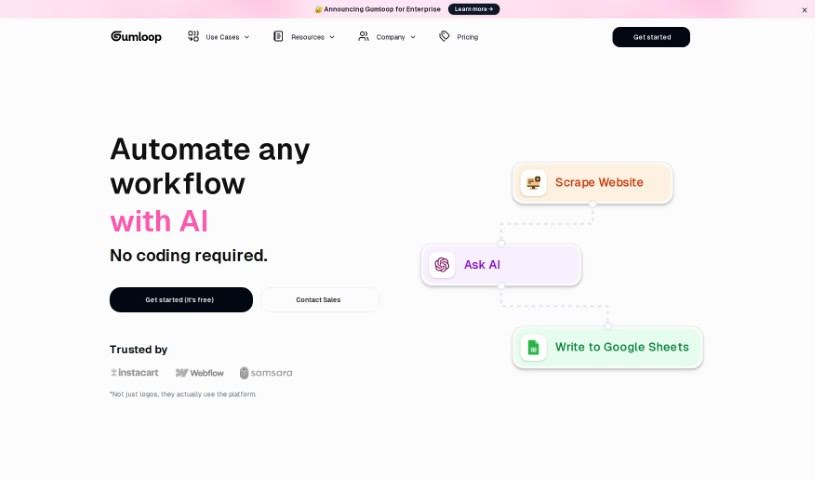
Agenthub is a platform for automating workflows with AI, without requiring AI expertise. You build custom tools by dragging, dropping, and deploying components. Built-in features include a Website Scraper, an "Ask AI" function, and the ability to add rows to spreadsheets automatically.

Screenshot of Airbook

Airbook

Freemium

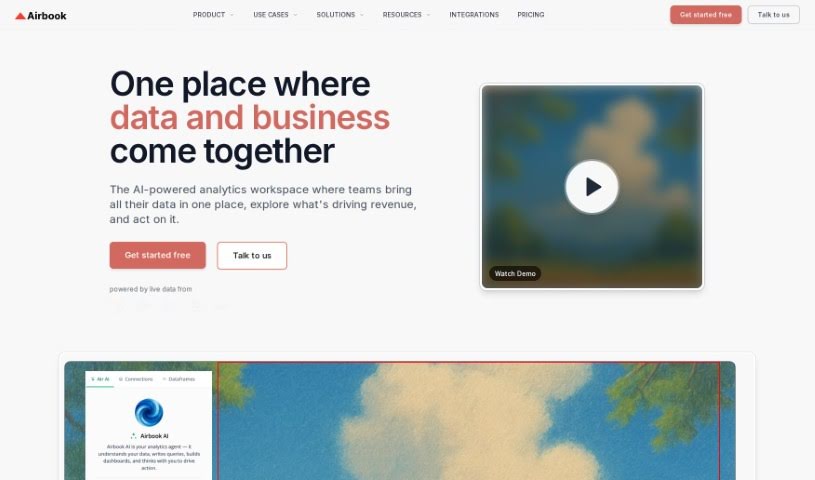
Airbook is a collaborative analytics platform for building and sharing data insights. It connects to over 150 data sources — including databases, data warehouses, and business apps — and lets users work with data using SQL, Python, or a no-code interface, all in one place. Airbook's tech stack includes Python, AWS, GCP, TypeScript, React, and Supabase.

Screenshot of Airparser

Airparser

Freemium

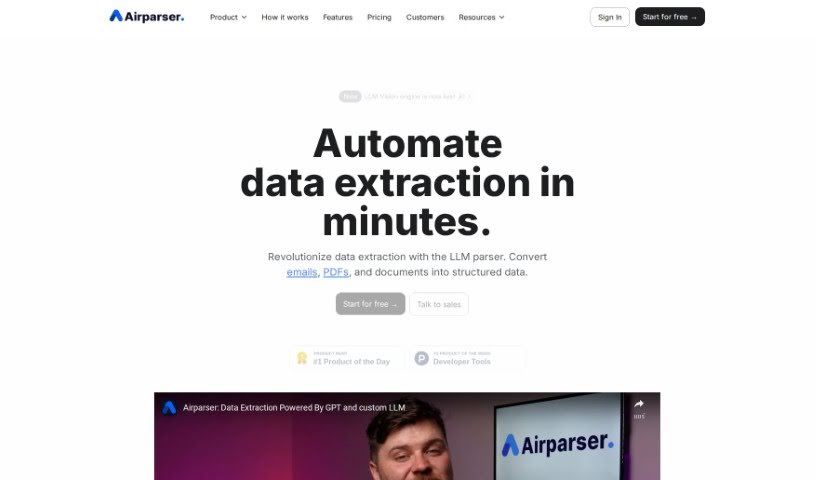
Airparser is a data extraction tool that uses GPT-4 to pull structured information from emails, PDFs, and other documents. It automates manual data entry, supports over 60 languages, and reads typed, scanned, or handwritten text. Connections to other tools run through APIs and webhooks, and data is protected with encryption and other security measures. Users highlight its ease of use, reliable handling of different document types, and efficient extraction. The team behind it is known for being helpful and quick to respond.

Screenshot of AIStud-io

AIStud-io

Freemium

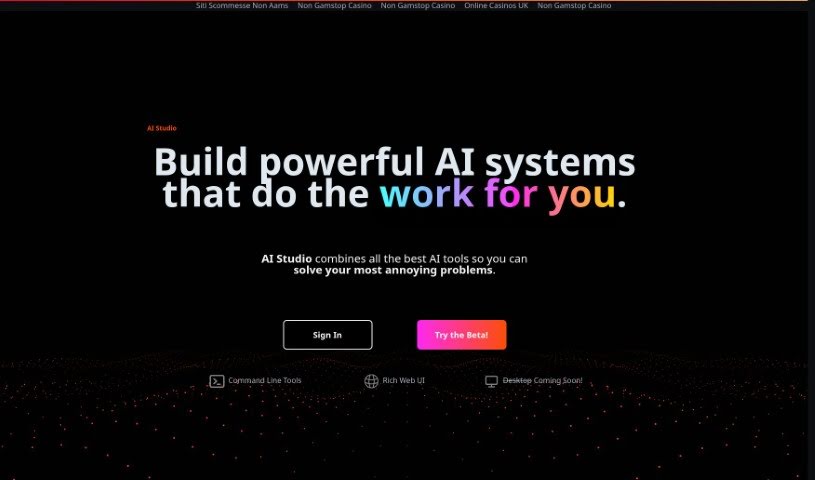
AIStud-io is an AI platform that brings together a suite of AI tools for automating everyday tasks and building complex AI systems. It pairs a Rich Web UI with command line tools for advanced operations, making it suitable for AI beginners and experienced developers alike. The platform aims to simplify AI development so it is accessible even without much coding experience. A desktop version is in development.

Screenshot of Aivia

Aivia

Freemium

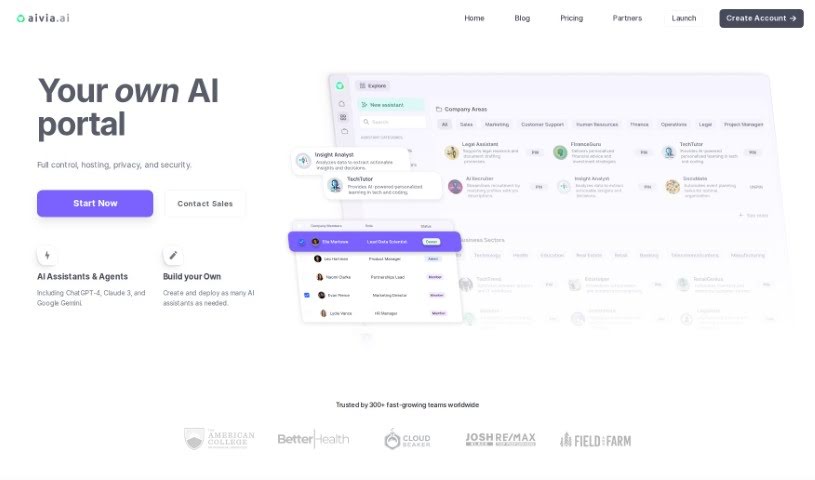
Aivia is an AI adoption platform for businesses. It provides a private, encrypted workspace where teams can access AI models such as ChatGPT-4 and Google AI, train custom AI assistants on their own data without coding, and deploy pre-trained Specialist Assistants for marketing, sales, finance, operations, and engineering. The platform also includes collaboration tools, a database of over 2,500 prompts, an AI Academy for professional development, and team management features covering billing, permissions, and privacy settings.

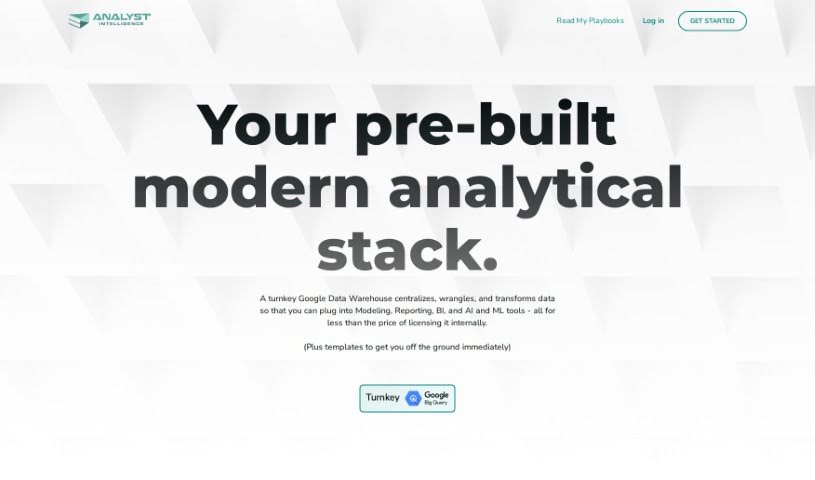
Screenshot of Analyst Intelligence

Analyst Intelligence

Freemium

Analyst Intelligence is a no-code AI platform for automating data analysis tasks. It cleans data, writes SQL for Google BigQuery, performs financial analysis, and generates advanced analytics and predictive insights. The platform consolidates data from multiple sources, converts currencies, calculates KPIs, runs cohort analysis, and tracks sales pipelines, with a focus on time-series financial analysis for individuals, operators, and small companies.

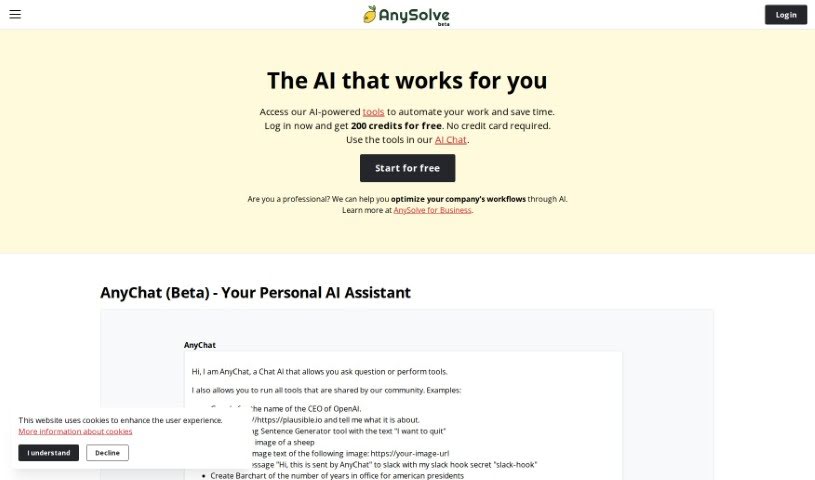
Screenshot of Anysolve AI

Anysolve AI

Freemium

Anysolve is a platform that brings together dozens of AI tools in a central hub for automating tasks. Users can create custom AI tools, share them with others, and execute tasks through a REST interface or a Python library. Outputs can include PDFs, charts, and images. New users receive free credits upon registration to start running tasks.

Screenshot of Asknotion

Asknotion

Freemium

AskNotion is a no-code tool that lets you build a ChatGPT-like chatbot trained on your Notion pages. You can sync Notion pages without limits, use up to 300,000 tokens for chatting and searching, and create up to 1,000 chat sessions. The Starter package costs $9.99 per user per month and includes a 5-day trial.

Screenshot of Aureo

Aureo

Freemium

Aureo is a company dedicated to building smart algorithms and applications that make the future more accessible, sustainable, and functional. Its low-code AI platform lets users build, integrate, and sync AI models without needing to be a coding expert. The platform is fully GDPR compliant, keeps up with new data protection laws automatically, and offers instant data auditing.

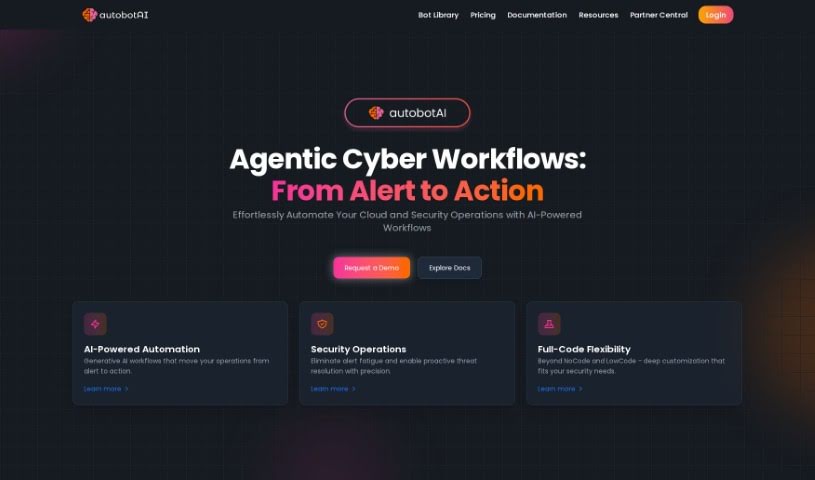
Screenshot of autobotAI

autobotAI

Freemium

autobotAI is a cloud security and management platform that uses AI-powered hyperautomation to simplify operations across AWS, Azure, GCP, Kubernetes, and Git. It reduces manual work and provides easy-to-use automation workflows. The platform uses Generative AI to handle complex tasks, offers context-aware automation, and includes an approval system to keep humans in the loop.

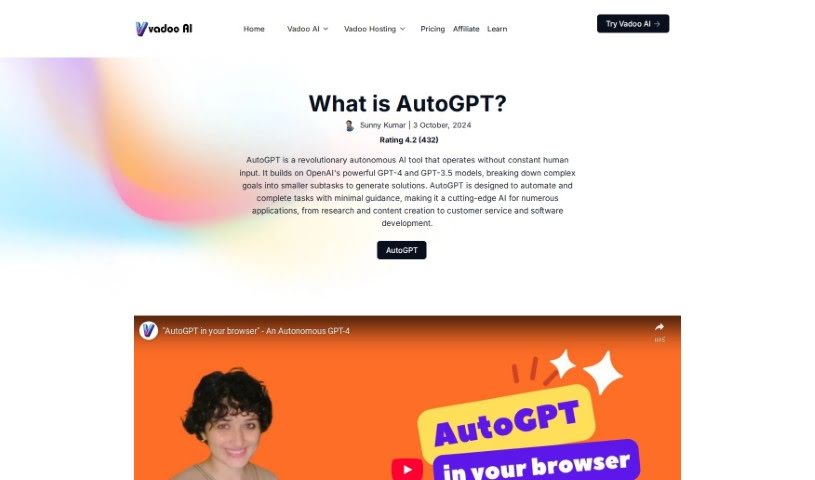
Screenshot of Autogpt

Autogpt

Freemium

AutoGPT is an open-source AI application that uses autonomous AI agents powered by GPT-4 to handle a variety of tasks. It is designed to be user-friendly, so you can train AI agents without a technical background. Its main goals are autonomy and efficiency, and it offers a customizable, advanced AI solution. Because it is open-source, it is continuously improved and helps make AI technology more accessible.

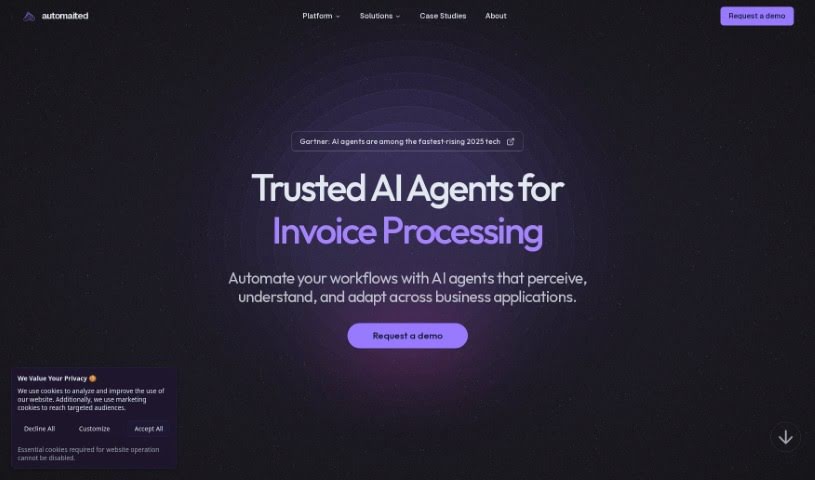
Screenshot of Automaited

Automaited

Freemium

Automaited is an AI-powered automation software that lets users automate business tasks with a click, regardless of technical background. It handles data transfer between systems, document extraction, and navigation across applications. It aims to boost productivity, improve efficiency, cut costs, reduce errors, and free up time. Setup support and custom automations are available.

Previous 1 of 7 Next

About No Code tools

Turning a great business idea into a working web app, customer portal, or internal database used to require hiring a developer or spending months learning how to write code. Even with visual drag-and-drop platforms, setting up complex database permissions and multi-step logic can quickly stall your launch.

The platforms in this section act as digital architects for creators, entrepreneurs, and operations teams. They don’t replace creative problem solving or business strategy, but they construct database schemas, draft user interfaces, and build automated workflows straight from plain English instructions.

Building Apps with Natural Language

Generating functional prototypes from simple prompts turns concepts into usable software in minutes. Instead of building every screen, form, and table by hand, prompt-to-app tools let you describe what you need in plain text. The software generates the initial layout, sets up data tables, and configures basic navigation—giving you a working draft to refine with visual editors.

Setting up complex logic and multi-app automations gets much easier, too. Configuring conditional rules, API connections, and data transfers without code can feel intimidating when edge cases pop up. AI co-builders help map out multi-step workflows, connect external apps like Slack or Airtable, and suggest fixes when something breaks to keep your automations running smoothly.

You can also embed intelligent features directly into your end-user applications. Modern no-code tools let you add smart search assistants, automated text generators, and document processors directly into your client portals. Your users can ask questions about stored records or upload files for instant analysis without you needing custom backend code.

Key Capabilities to Consider:

  • Prompt-to-layout generation: Builders that convert text descriptions into working user interfaces, forms, and database schemas.
  • Native database and API connectivity: Connectors that link cleanly with spreadsheets, external databases, and SaaS tools without custom code.
  • Conversational workflow assistants: Tools that help you build, test, and debug multi-step automations using natural language commands.
  • Granular access and permission controls: Features that let you manage role-based views for clients, team members, and administrators.
  • Code export and platform flexibility: Options that allow you to export source code or connect with developer tools as your application scales.

Building successful digital products always depends on your vision, strategy, and understanding of user needs. Algorithms can generate page layouts and run automated workflows, but defining the real problem you’re solving requires human insight. Handing off routine visual setups and workflow logic gives you back the time needed to grow your product.

Explore the no-code tools below to bring your ideas to life.

The Best AI No Code Tools

  1. Softr: Build no-code apps easily.
  2. Lightning AI: Deploy AI models without coding skills.
  3. Universe Website Builder: Create a portfolio without coding skills.
  4. Scade.pro: Build AI chatbots without coding.
  5. Lutra AI: Create custom AI workflows without coding.
  6. Gigasheet: Get effortless data insights without coding.
  7. Promptitude.io: Streamline prompt creation without coding.
  8. Modern Query: Adds conversational search to any website without code.
  9. Airparser: Seamlessly extract data for your workflows.
  10. Liner.ai: Train ML models with no code.
  11. Autotab: Effortlessly automate browser tasks for everyone.
  12. GoLess: Automate workflows using visual interfaces.
  13. Cradl AI: Streamline workflows with drag-and-drop ease.
  14. Toolbuilder: Build apps without writing code.
  15. Aivia: Build AI solutions without coding skills.
New tools, in your inbox.

Weekly picks of the best AI tools we've researched and added — no spam, unsubscribe anytime.

Join 25,000+ AI enthusiasts. No spam, unsubscribe anytime.