AI Interior Design Tools: Top Picks & Reviews

AI Tools for Interior Design

Discover the best Interior Design AI tools to enhance your productivity and creativity.

Page 1 of 7 • 74 total tools
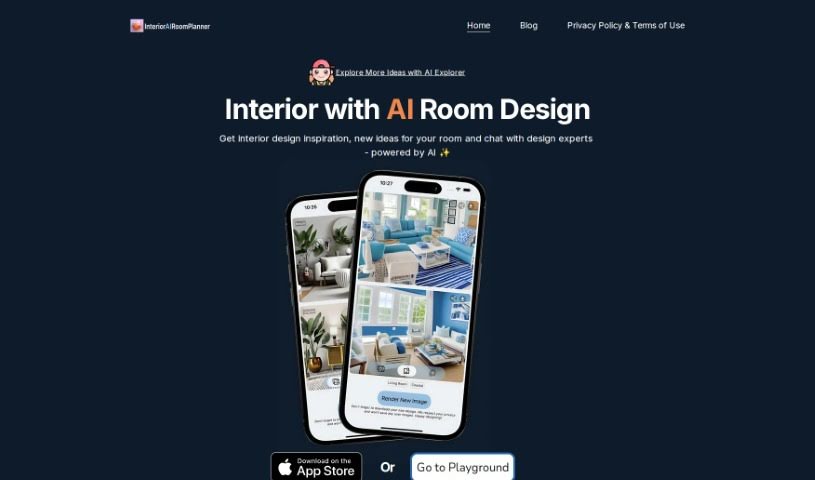
Screenshot of AI Interior Planner

AI Interior Planner

Freemium

AI Interior Planner is an AI tool for planning and designing living spaces. It takes inputs such as room size, layout preferences, and style choices, then generates personalized design ideas. Users can preview furniture arrangements, color schemes, and decorations to create functional, attractive spaces.

Interior Design View Tool →
Screenshot of AI Interior Pro

AI Interior Pro

Freemium

AI Interior Pro is an online platform for interior design ideas and inspiration. It offers high-quality images and virtual design tools that help users visualize design concepts, covering styles from modern urban aesthetics to classic country charm. The focus is on spaces that are both functional and stylish, with practical tips on color palettes, materials, furniture, and decor alongside visual inspiration. New content is added regularly, and users can be connected with experienced design experts for personalized advice.

Interior Design View Tool →
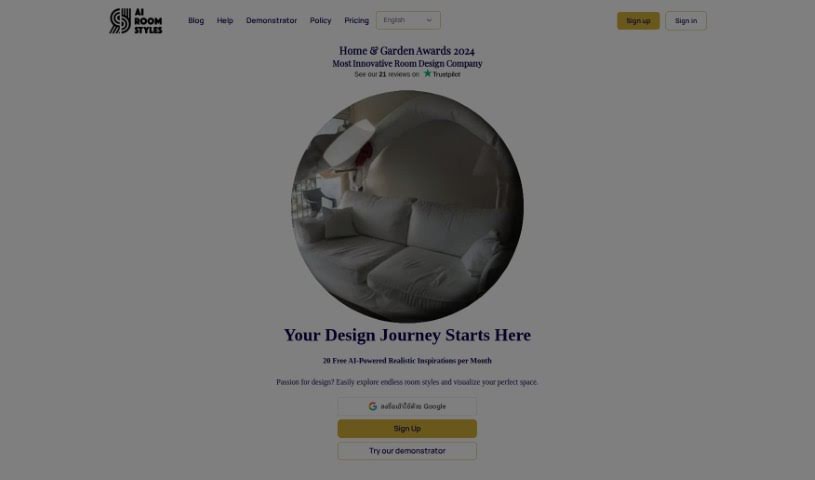
Screenshot of AI Room Styles

AI Room Styles

Freemium

AI Room Styles is an AI-powered interior design tool for homeowners and designers. It helps visualize and personalize living spaces by exploring room styles, testing color schemes, arranging furniture, and selecting decor. Its machine learning adapts to user preferences over time, suggesting design ideas based on personal taste and current trends — covering furniture placement, wall colors, lighting, and decor. The goal is to streamline the interior design process with fresh ideas and extensive customization.

Interior Design View Tool →
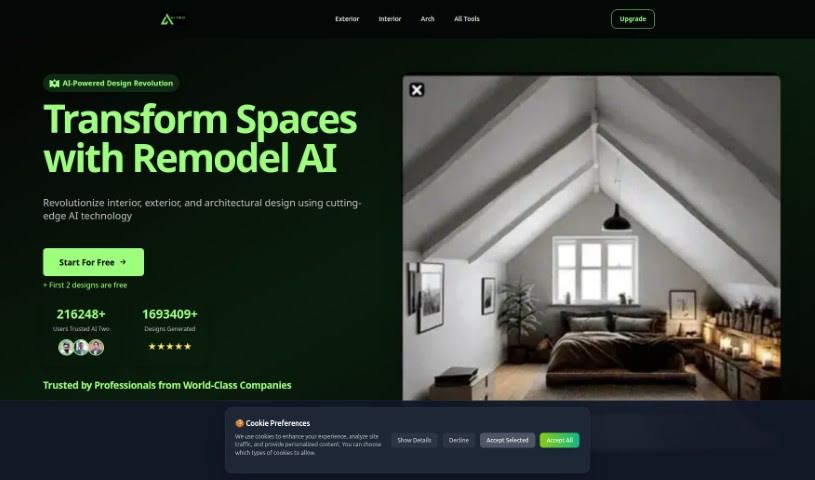
Screenshot of AI Two

AI Two

Freemium

AI Two (AITWO.CO) is an AI-powered design tool for interior, exterior, and architectural design. It supports remodeling of interior and exterior spaces, virtual staging for property listings, landscaping, and related design tasks, with a focus on producing precise, customized remodeling designs. The platform is used by individuals and design professionals at top companies, who report positive feedback on the quality and impact of its AI-driven designs.

Interior Design View Tool →
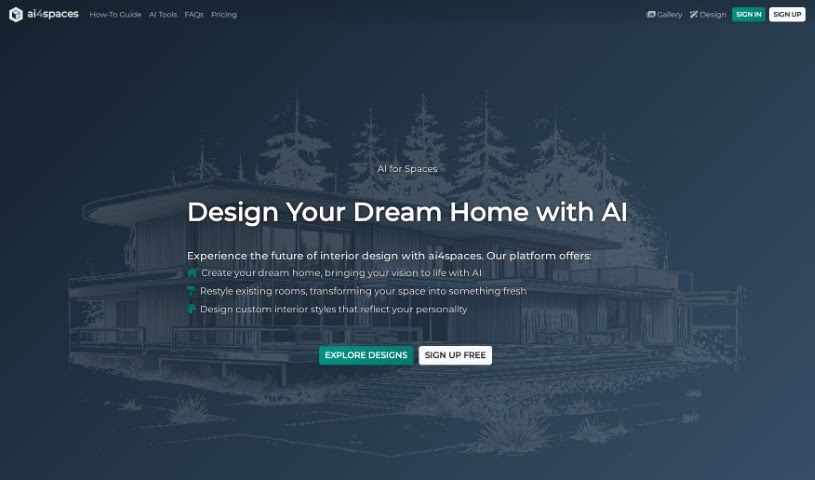
Screenshot of ai4spaces

ai4spaces

Freemium

ai4spaces is an AI-powered home design platform. It uses AI models like GPT and Stable Diffusion to create architectural and interior designs. Users can upload their own images to generate realistic visualizations, choose from a range of styles, and customize room layouts, furniture, and decor. It serves homeowners seeking personalized designs as well as professionals who need faster design workflows.

Interior Design View Tool →
Screenshot of Arch-E

Arch-E

Freemium

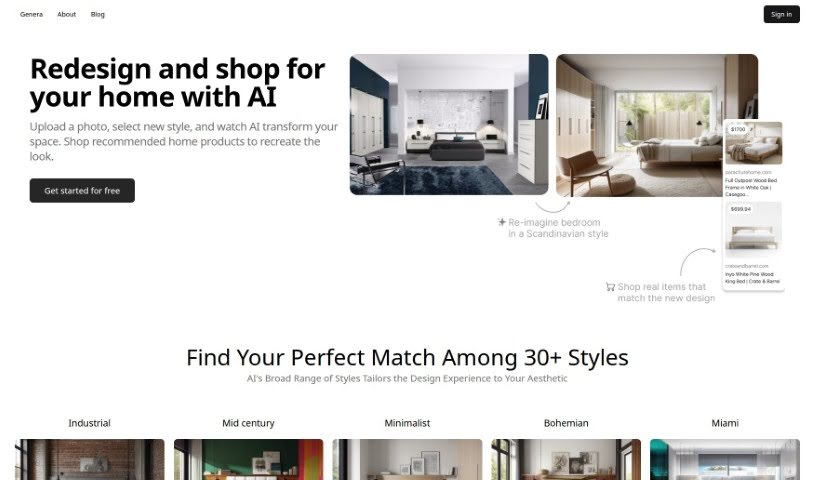
Arch-E is a machine learning model that generates images of buildings from text descriptions and converts architectural sketches into photorealistic visuals. It was trained on thousands of architectural images. Upload a photo of a space, choose from more than 30 styles — including Industrial, Mid Century, and Minimalist — and Arch-E returns a redesigned version of the room in under 30 seconds, complete with furniture and decor suggestions that match the chosen style.

Interior Design View Tool →
Screenshot of Cactus Interior

Cactus Interior

Freemium

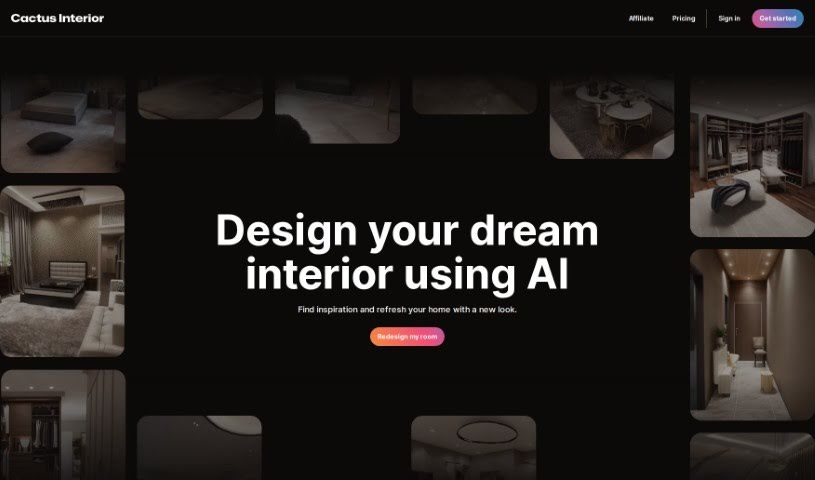
Cactus Interior is an AI tool for designing and redesigning interior spaces. It serves homeowners, interior designers, and real estate agents, offering more than 80 room configurations, materials, and styles. The tool generates design concepts in seconds and lets users view transformations immediately through before/after images. Its stated goals are to speed up real estate transactions and give professionals an advantage by providing design inspiration on demand.

Interior Design View Tool →
Screenshot of Collov AI

Collov AI

Freemium

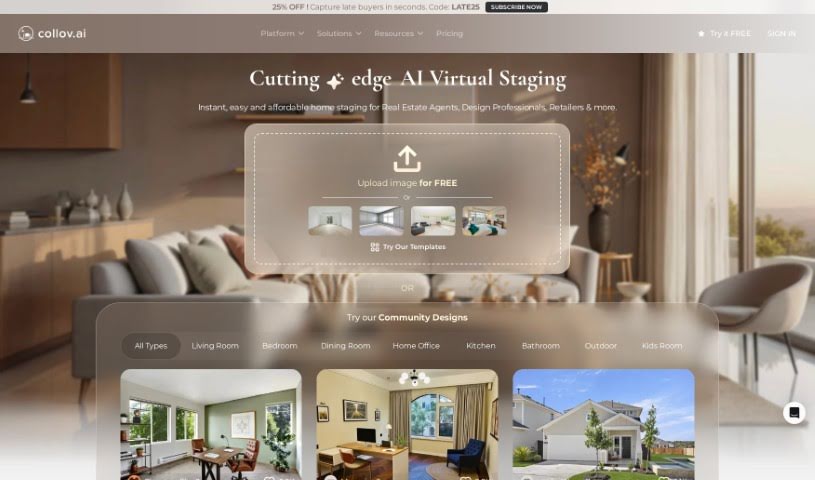
Collov AI is a tool that transforms photos into engaging visuals for living spaces. It uses spatial intelligence to help you reimagine and improve rooms, making it useful for online listings, screens, and design presentations. Features include visualizing cabinet designs, flooring options, and countertops, swapping out furniture, completely redesigning a room, or planning a partial remodel. You can learn more or get started through the contact details on their website.

Interior Design View Tool →
Screenshot of Coohom

Coohom

Freemium

Coohom is a platform for creating images, developing content, and handling digital marketing. Its AI automates image creation and editing, letting you produce visuals through an interface that works regardless of skill level. You can upload your own pictures by dragging and dropping them or through its interactive features.

Interior Design View Tool →
Screenshot of Decor Ai

Decor Ai

Freemium

DecorAI is an interior design tool that uses artificial intelligence to generate quick, affordable design ideas for your rooms. It has been trained on roughly 160 million design samples, allowing it to provide personalized suggestions for layout and style. The main appeal is cost and speed: you get professional-level room designs without the price of hiring a traditional interior designer. It suits homeowners wanting a fresh look, renters needing temporary design solutions, and small business owners furnishing spaces on a budget.

Interior Design View Tool →
Screenshot of DecorAI

DecorAI

Freemium

DecorAI is an AI platform built for interior design. It generates personalized mood boards, turns sketches into realistic photos with one click, and lets you explore different room styles for various occasions. The goal is to speed up the design process, cut costs, and help you produce unique design concepts quickly — whether you're a professional designer or a design enthusiast.

Interior Design View Tool →
Screenshot of Decoratly

Decoratly

Freemium

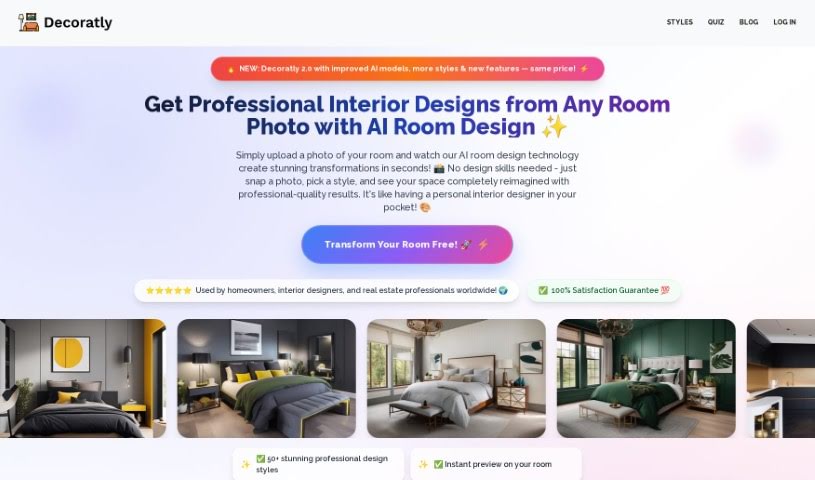
Decoratly is an AI-powered tool for transforming interior and exterior spaces. Upload a photo of your room or outdoor area, specify your preferred style, colors, and furniture, and the AI generates realistic design changes based on your input. It was built to make AI-driven design accessible to a broad audience, from professional designers to homeowners redecorating their own spaces.

Interior Design View Tool →
Previous 1 of 7 Next

About Interior Design tools

Reimagining a room or planning a full home redesign usually starts with excitement, but it can quickly turn into a frustrating chore. Between measuring tight corners, testing paint swatches, sourcing furniture, and building 3D mockups from scratch, design projects eat up hours. (I once spent a whole Saturday wondering if a navy velvet sofa would clash with warm hardwood floors.) When clients struggle to visualize a space from flat sketches, keeping decisions moving gets tough.

These visual platforms act as fast design partners for interior designers, home decorators, and real estate professionals. They won’t replace your spatial intuition or personal style, but they help you test concepts, generate virtual staging, and build mood boards in minutes.

Rethinking Visual Staging and Room Concepts

Instant room redesigns give you a head start during initial client meetings. Uploading a photo of an empty living room or an outdated kitchen lets you test different design aesthetics in seconds. Whether a client wants to see mid-century modern, minimalist, or industrial finishes, smart rendering engines swap out furniture, lighting, and wall textures on the fly. You get clear visual options to spark conversation before buying a single piece of furniture.

Virtual staging makes vacant properties look warm and inviting without physical staging fees. Moving actual sofas, tables, and artwork into an empty home for a photo shoot takes significant time and budget. AI staging software places styled furniture into property photos with realistic shadows and correct scale, helping buyers picture how the space functions.

Turning flat floor plans into interactive models becomes much easier as well. Converting a 2D sketch or CAD file into a 3D walkthrough used to demand complex software modeling. Modern interior design tools read wall dimensions, place doors and windows automatically, and render a walkable 3D preview that clients can explore on screen.

Useful Features for Designers:

  • Photo-to-render restyling: Systems that analyze an existing room photo and apply new decor styles, color palettes, or furniture layouts.
  • Real furniture catalog integration: Features that map generated visual concepts to real products with actual prices and dimensions.
  • Automated 3D floor plan conversion: Software that converts 2D sketches or floor plan PDFs into interactive 3D models.
  • Virtual staging controls: Tools built specifically for real estate listings, letting you furnish empty rooms virtually.
  • Lighting and texture controls: Settings that let you tweak daylight angles, ceiling fixtures, and surface materials across your renders.

A well-designed space will always depend on human scale, personal taste, and thoughtful spatial planning. Software can render 3D rooms and swap wall colors, but feeling how a space actually lives requires an artist’s eye.

Browse the interior design tools below to start testing new ideas.

The Best AI Interior Design Tools

  1. Luma AI: for 3D visualization and space planning.
  2. Coohom: for creating realistic interior design mock-ups.
  3. Homestyler: for making personalized room layouts.
  4. AI Interior Planner: Turns room photos and style preferences into furniture layouts and colour schemes.
  5. Room GPT: for virtually trying out new furniture.
  6. AI Interior Pro: Interior design ideas and tools with high-quality reference imagery.
  7. Collov AI: for virtual room redesign and visualization.
  8. Roomsgpt: for planning virtual room layouts.
  9. ReRoom AI: for quick room redesigns with style choices.
  10. Remodel AI: for optimizing room layouts.
  11. Interior AI: for generating photorealistic interior renders.
  12. AI Room Styles: Turns a room photo into designs with custom styles, colours and furniture.
  13. Get Floor Plan: for creating 3D room layouts more easily.
  14. Look X AI: for generating custom style images for interiors.
  15. Spacely AI: for virtual room layout and styling ideas.
New tools, in your inbox.

Weekly picks of the best AI tools we've researched and added — no spam, unsubscribe anytime.

Join 25,000+ AI enthusiasts. No spam, unsubscribe anytime.