Video Content Tools

AI Tools for Video Content

Discover the best Video Content AI tools to enhance your productivity and creativity.

Page 1 of 6 • 61 total tools
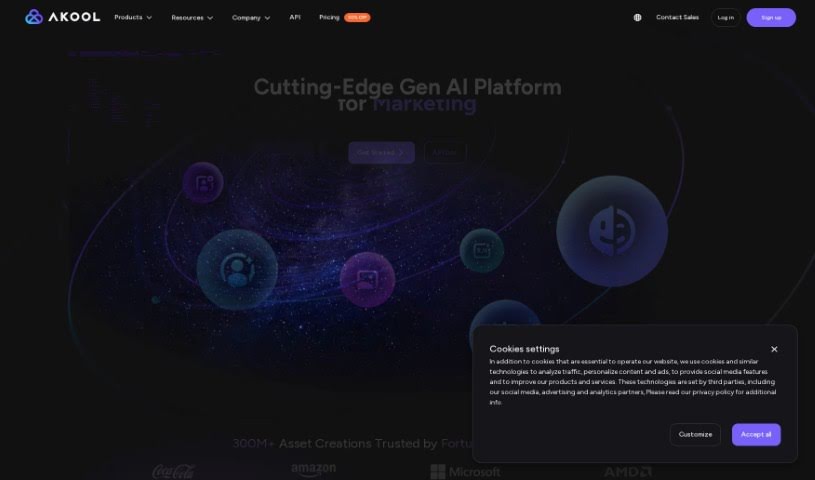
Screenshot of AKOOL

AKOOL

Freemium

AKOOL offers AI tools for marketing, using generative AI to create personalized marketing solutions. Its tools include face swaps, realistic avatars, personalized videos, and background changes, with an emphasis on high-quality, customizable results, smooth integration, and data privacy and security.

Video Content View Tool →
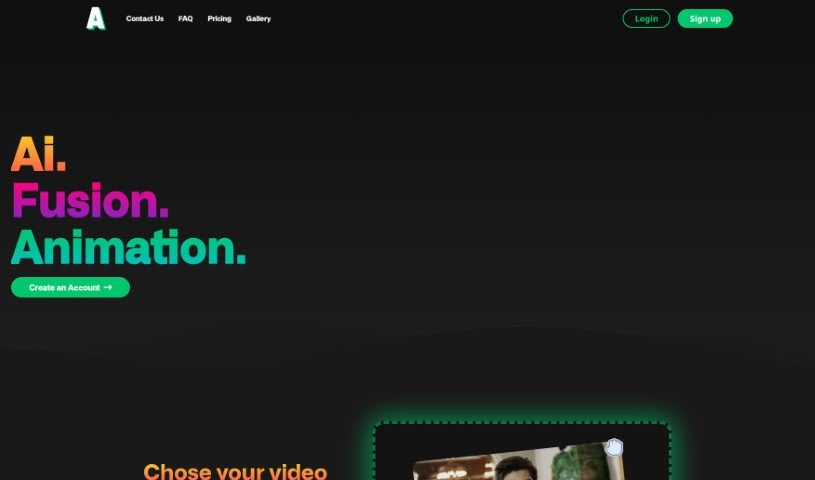
Screenshot of Animatable AI

Animatable AI

Freemium

Animatable AI converts your own video footage into animated characters and scenes. You upload a video, the tool removes the original background, and the footage is transformed into a chosen animation style set within a 360° environment. Characters and environments can be customized, new animation styles are added regularly, and a generation takes about 10 minutes. The tool is aimed at animators, filmmakers, and content creators of any skill level.

Video Content View Tool →
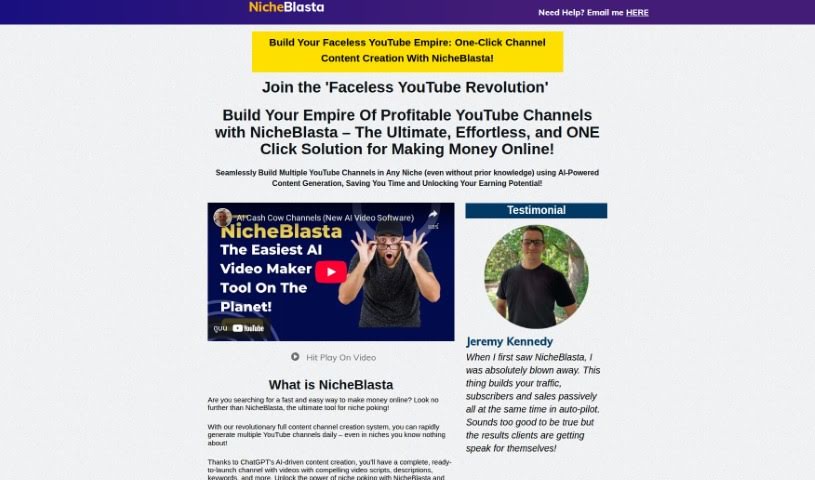
Screenshot of anthonyhaye Nicheblasta

anthonyhaye Nicheblasta

Freemium

Nicheblasta is an AI tool that creates entire YouTube channels with a single click. Powered by ChatGPT, it handles titles, descriptions, keywords, and timestamps, and is built to help users launch, optimize, and grow YouTube channels without prior niche expertise.

Video Content View Tool →
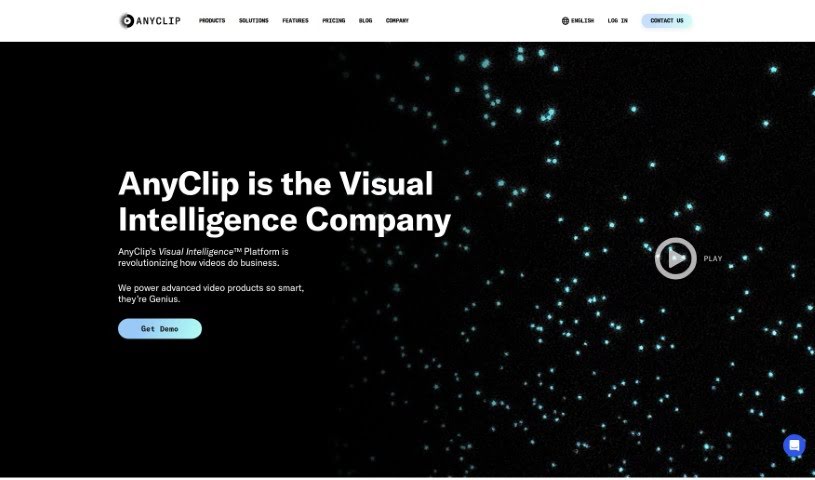
Screenshot of AnyClip

AnyClip

Freemium

AnyClip is a video platform that uses artificial intelligence to turn standard videos into dynamic, data-rich content. It offers two main products: Genius+ for customer-facing communications and GeniusWork for internal team communications. Its AI tools make videos searchable, measurable, personalizable, merchandisable, and interactive.

Video Content View Tool →
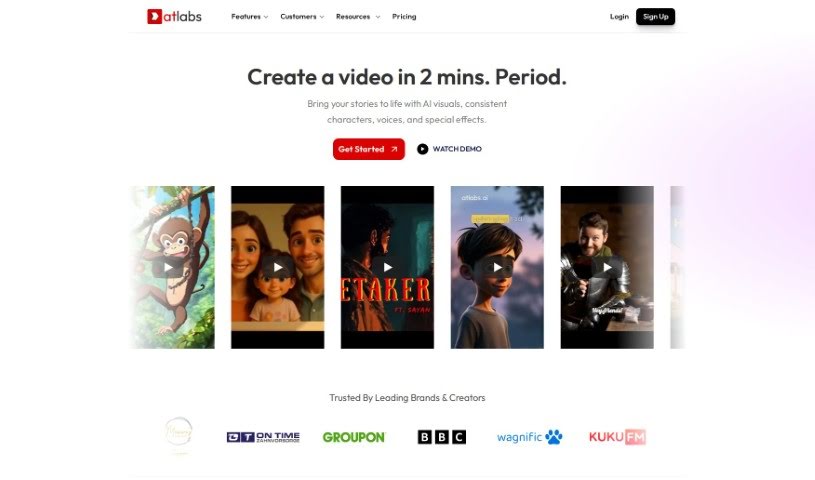
Screenshot of Atlabs AI

Atlabs AI

Freemium

Atlabs AI is a complete AI video platform built for businesses. It is designed to help companies create engaging, on-brand videos without advanced technical skills. Users type in text or import existing content, and the AI generates a script and assembles the video. The platform includes an AI Assets Generator, brand-consistent motion graphics, support for over 40 languages, AI voiceovers, captions, one-click video translations, a consistent character library, video overlays, resizing and instant export in various aspect ratios, and intelligent keyword highlighting. It can also create personalized videos for businesses based on their website URL. Atlabs AI is accessed by logging in, and customer support is available on the platform.

Video Content View Tool →
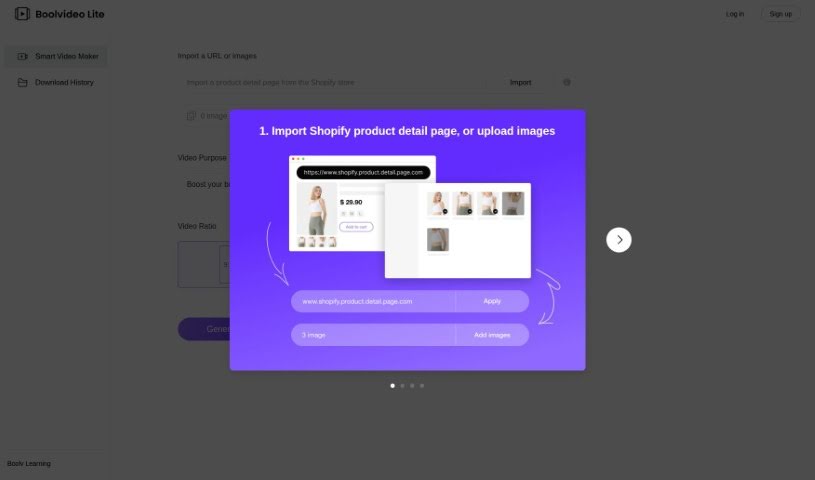
Screenshot of BOOLV VideoMaker

BOOLV VideoMaker

Freemium

BOOLV VideoMaker is an AI-powered video creation platform that turns ideas into finished videos with minimal effort. Aimed at marketers, educators, and content creators, it handles the technical side of production so users without editing experience can still produce engaging visuals. The tool is available at [videomaker.boolv.tech](https://videomaker.boolv.tech/) and covers video generation, creation, and editing.

Video Content View Tool →
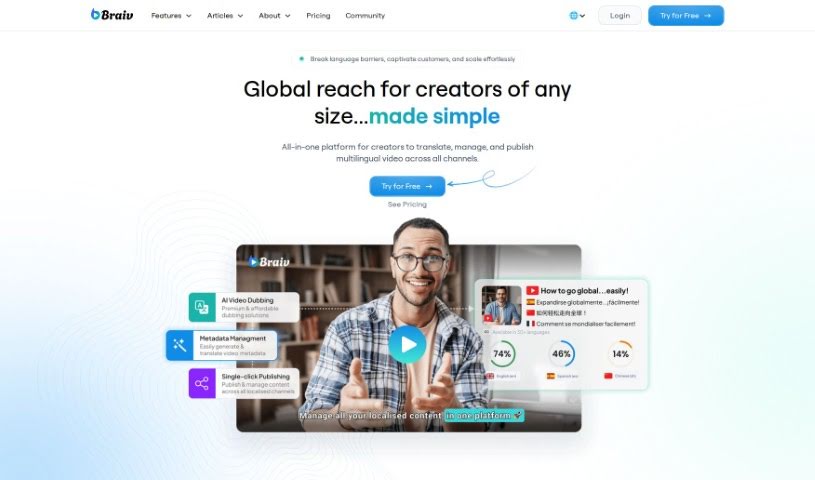
Screenshot of Braiv

Braiv

Freemium

Braiv is described as the world's first multi-language online video hosting platform. It combines automatic captions, translations, and AI dubbing in a customizable video player. Features include brand customization, animated captions, one-click language switching, caption translations, and foreign audio switching. The platform is designed for global audiences and aims for simplicity and accessibility.

Video Content View Tool →
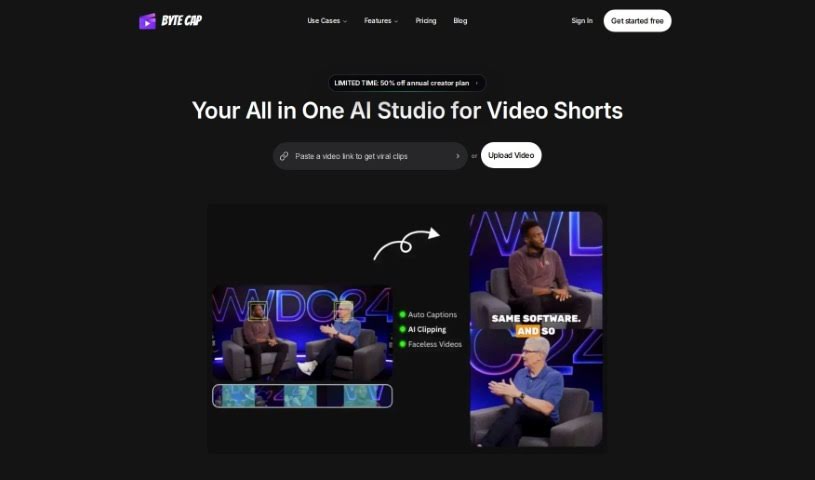
Screenshot of Bytecap

Bytecap

Freemium

Bytecap is a browser-based captioning tool for video creators. It uses a speech recognition system with roughly 99% accuracy to generate captions automatically, then lets you refine them in an interactive editor. Captions can be customized extensively — font styles, colors, effects, on-screen position, and size — to match your brand.

Video Content View Tool →
Screenshot of Captiwiz

Captiwiz

Freemium

Captiwiz is a video editing tool that uses AI to automatically generate captions, highlight important keywords, and add music, animated emojis, and sound effects. It also creates descriptions for social media platforms like Facebook, Instagram, YouTube, and TikTok. Videos can be customized with trendy fonts, animations, emojis, and sound effects to help boost audience engagement.

Video Content View Tool →
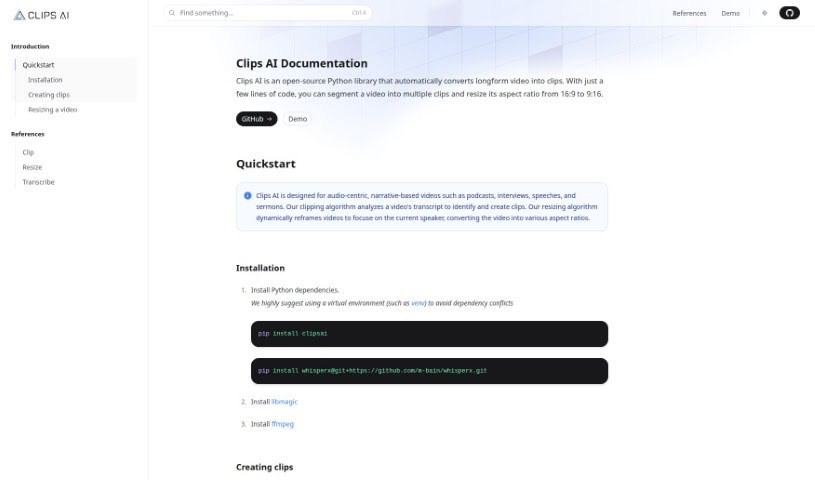
Screenshot of Clips AI

Clips AI

Freemium

Clips AI is an open-source Python library that splits long videos into smaller clips and resizes them to different aspect ratios with just a few lines of code. It is built for narrative, audio-driven videos such as podcasts, interviews, speeches, and sermons.

Video Content View Tool →
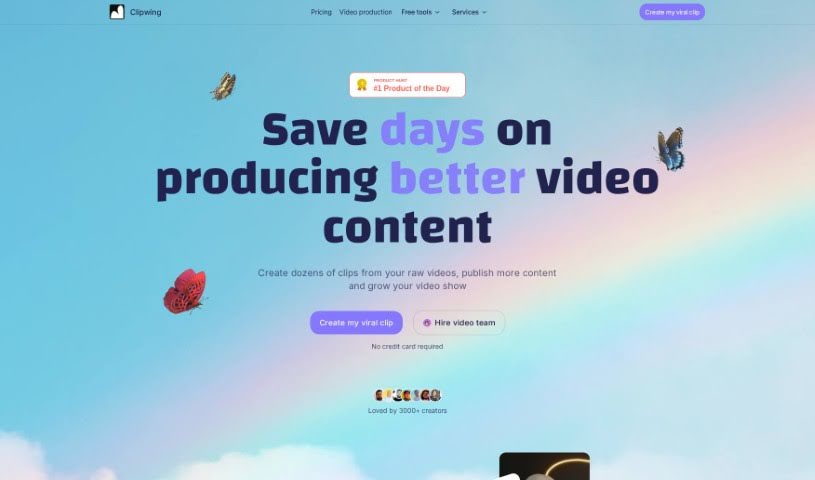
Screenshot of Clipwing

Clipwing

Freemium

Clipwing is a browser-based video editing tool that uses AI to transcribe your videos and identify the most interesting moments. Select segments from the transcript, add subtitles, and turn the results into short clips. It works best with talking-head content such as podcasts, interviews, product demos, and lectures.

Video Content View Tool →
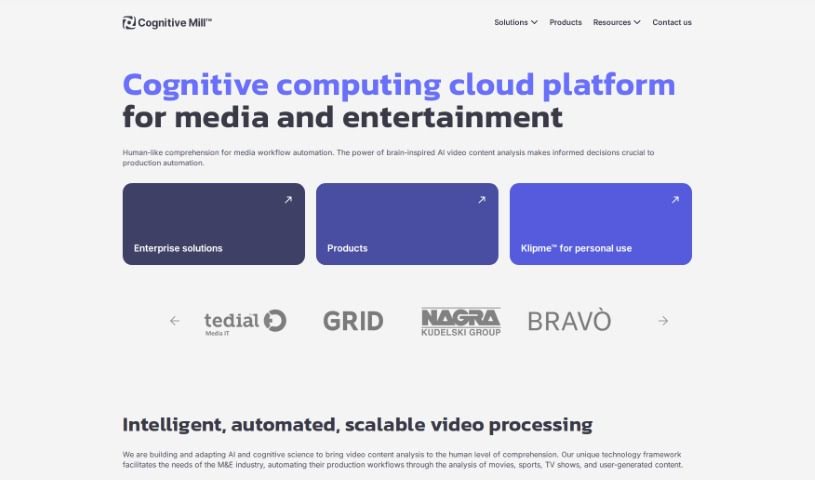
Screenshot of Cognitive Mill

Cognitive Mill

Freemium

Cognitive Mill is a cloud platform built for the media and entertainment industry. It uses AI and cognitive science — including brain-inspired algorithms — to automatically analyze video content, understand its context, and automate workflows. The platform runs on scalable cloud infrastructure and is designed to streamline media production, support better decision-making, and improve content quality.

Video Content View Tool →
Previous 1 of 6 Next

New tools, in your inbox.

Weekly picks of the best AI tools we've researched and added — no spam, unsubscribe anytime.

Join 25,000+ AI enthusiasts. No spam, unsubscribe anytime.