Best AI Drawing Generators: Top Tools Compared

AI Tools for Drawing

Discover the best Drawing AI tools to enhance your productivity and creativity.

Page 1 of 3 • 30 total tools
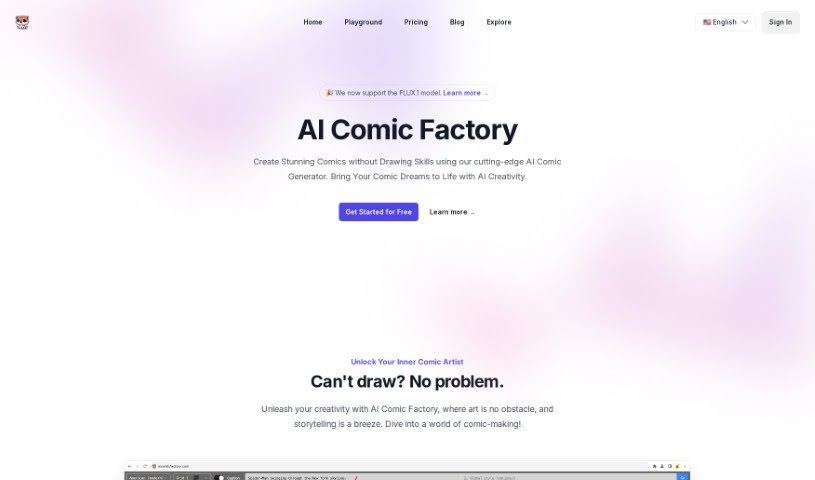
Screenshot of AI Comic Factory

AI Comic Factory

Freemium

AI Comic Factory is an online platform that generates comic books from text descriptions. Users describe characters, art style, and scenes, and the AI produces the panels — no drawing skills required. Features include multiple art styles, panel layout options, adjustable captions, a Redraw Image tool, and prompt editing.

Screenshot of AI Drawing Generator

AI Drawing Generator

Freemium

AI Drawing Generator is an AI-powered tool that turns simple sketches into detailed images. It is built on ControlNet, a neural network architecture developed by Lvmin Zhang and Maneesh Agrawala that enhances existing AI models such as diffusion models. ControlNet lets these models accept additional inputs like outlines, color segments, and keypoints. Users upload a sketch and provide a text description to guide the final image. The tool works with different AI models, including StableDiffusion, and can train effectively even with smaller datasets. It is designed mainly for learning and creative use.

Screenshot of Aidraw

Aidraw

Freemium

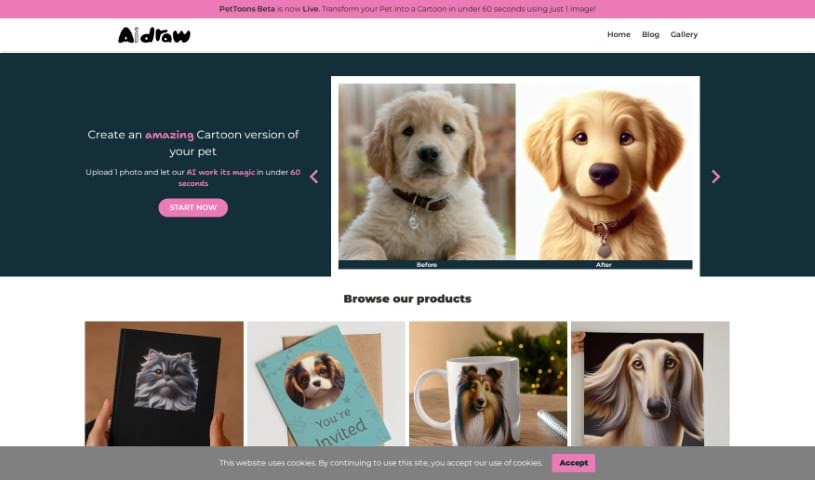
Aidraw is a design tool that turns a single photo of your pet into a cartoon portrait in under a minute. You provide one picture, and the tool produces the cartoon version. Available materials do not identify the creator or company behind it.

Screenshot of AutoDraw

AutoDraw

Freemium

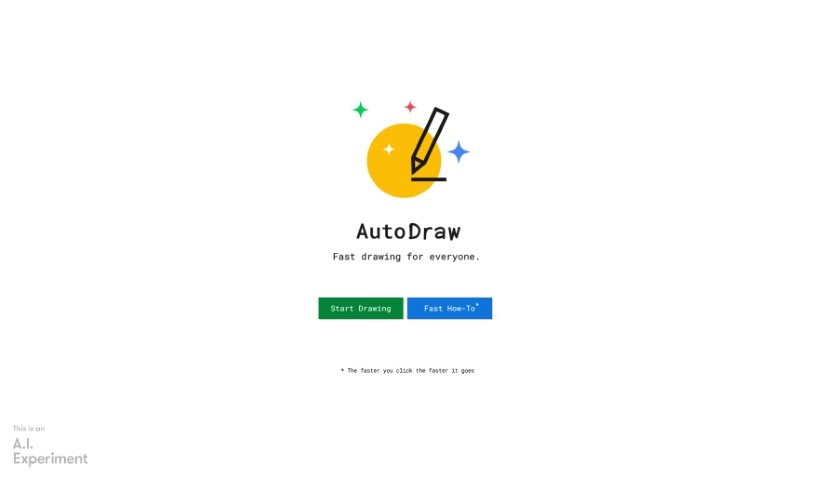
AutoDraw is a free drawing tool that combines machine learning with artwork from artists. It helps users create visual content quickly on smartphones, tablets, laptops, and desktops, with no downloads or payments required. Its suggestion feature uses technology similar to QuickDraw to recognize hundreds of drawings, and more are planned over time.

Screenshot of COLOR anything

COLOR anything

Freemium

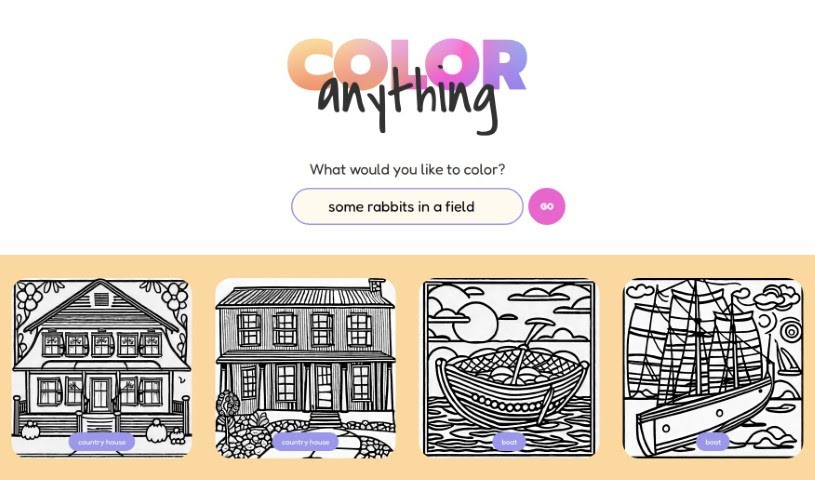
COLOR anything is a creative platform that uses artificial intelligence to generate custom coloring pages. You describe a subject, character, or scene, and the AI turns it into a unique, printable page. It works for both kids and adults, with themes ranging from gingerbread houses and superheroes to pandas and mythical creatures like zeraora.

Screenshot of Color Pop

Color Pop

Freemium

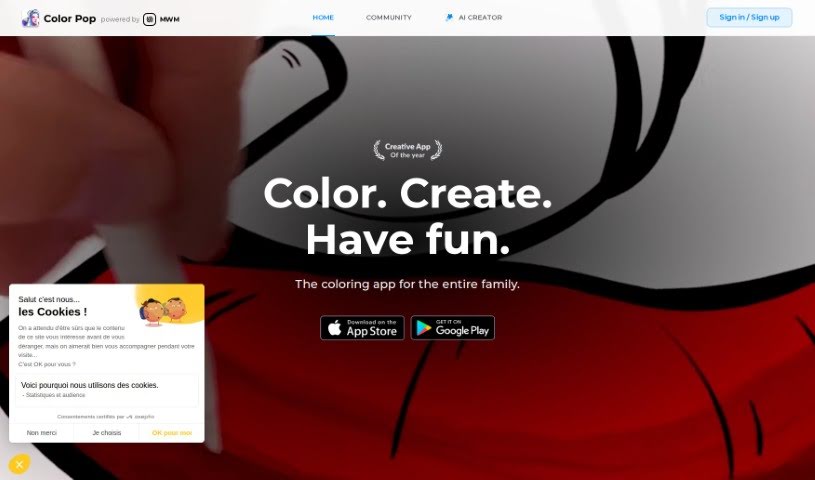
Color Pop is an easy-to-use coloring app that brings the classic fun of coloring into the digital world. It offers over 600 hand-picked designs suitable for all ages, along with a realistic toolkit of pens, brushes, and spray tools. Users can enhance their artwork with more than 1,000 textures and effects, create their own coloring pages with an AI generator, and share their work with a community of over 5,000 colorists.

Screenshot of Colorbliss

Colorbliss

Freemium

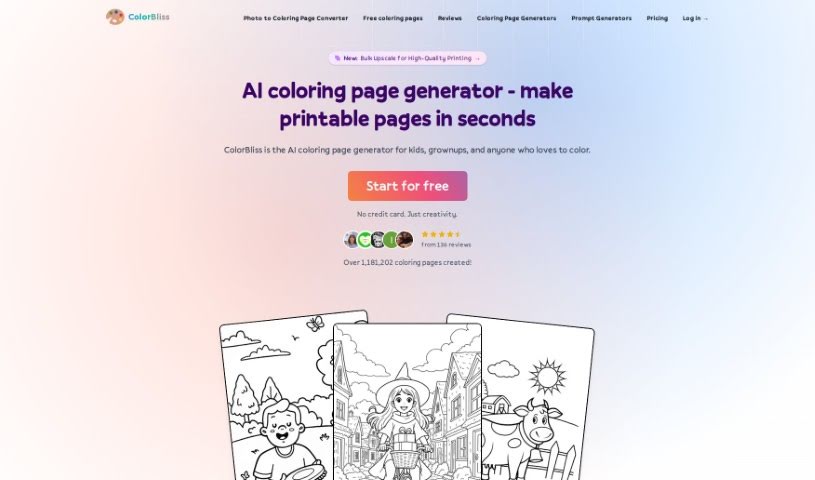
ColorBliss is an AI tool for creating custom coloring pages from text descriptions, your own photos, or your drawings. It interprets your input and produces detailed outlines suitable for coloring.

Screenshot of ColorBliss.art

ColorBliss.art

Freemium

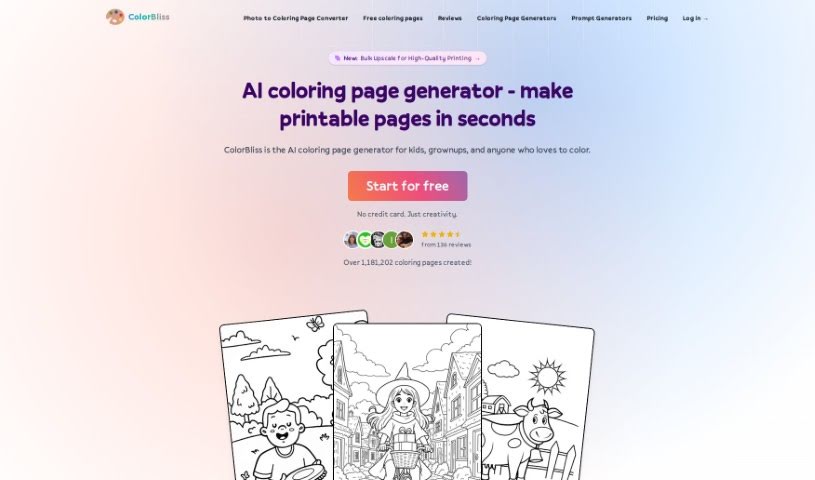
ColorBliss.art is a platform created by Ben Robertson that uses AI to generate custom coloring sheets. You describe what you want — for yourself, your kids, or your students — and the tool produces an image ready to be printed and colored.

Screenshot of Colorin AI

Colorin AI

Freemium

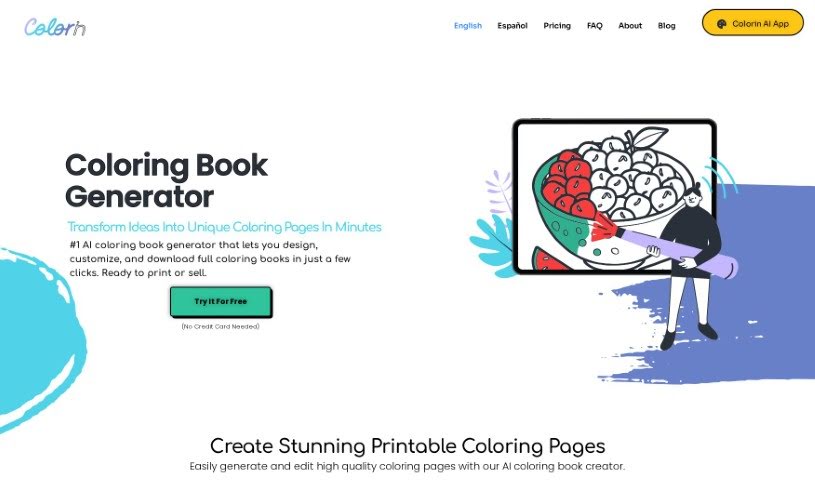
Colorin AI is a platform that uses artificial intelligence to help you create coloring pages and entire coloring books. Designs are customizable, and the tool is simple enough for personal, educational, or commercial use. You can print your drawings from anywhere, keep projects organized, and download them whenever needed. It offers a range of pre-designed styles plus color therapy features. Users report that it has helped them boost creativity, earn money, and express emotions. Colorin AI also runs a Creative Community and offers plans with premium features and credits for AI drawings.

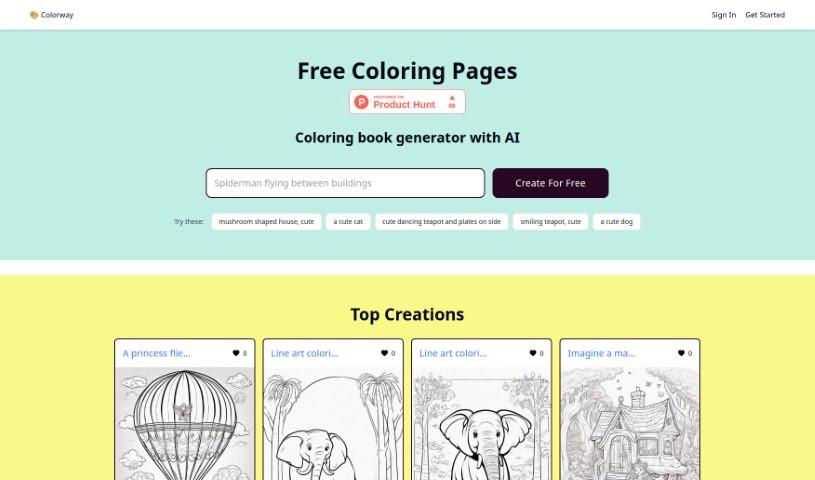
Screenshot of Colorway AI

Colorway AI

Freemium

Colorway AI is an online platform with an AI-powered coloring book generator. You can access free coloring pages or generate your own designs, covering animals, realistic scenes, intricate mandalas, and aesthetic illustrations, plus character pages such as Batman, Moana, and Spiderman. The platform has been featured on Product Hunt.

Screenshot of DoDoBoo

DoDoBoo

Freemium

DoDoBoo is a drawing app created by a group of dads who wanted to give kids a fun and educational place to develop their drawing skills. It combines learning with AI technology, helping children create artwork that is meaningful to them.

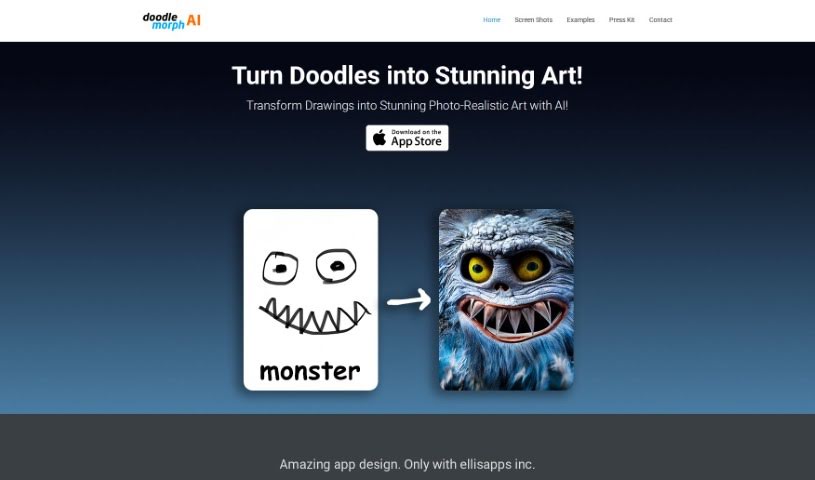
Screenshot of Doodle Morph AI

Doodle Morph AI

Freemium

Doodle Morph AI is an AI-powered app from EllisApps Inc. that turns sketches, doodles, and drawings into high-quality, photo-realistic digital art. It processes your input as you draw, delivering results in real time, and includes audio and visual features along with security measures designed to keep your creations safe.

Previous 1 of 3 Next

About Drawing tools

Staring at a blank digital canvas with a stylus in hand can feel intimidating. Whether you’re sketching a character concept, mapping out a comic panel, or trying to fix tricky anatomy in an illustration, getting ideas onto the page takes time. You can easily lose hours wrestling with perspective lines, cleaning up sketchy strokes, or testing flat color schemes.

The AI tools in this category act as specialized drawing assistants. They don’t replace your artistic style or creative vision, but they help generate references, clean up rough sketches, and speed up line art and color fills.

Speeding Up Line Art, Color, and References

Turning quick roughs into finished linework is often one of the biggest bottlenecks for digital artists. Sketching out a dynamic pose takes minutes, but turning those messy guidelines into crisp vector paths or clean ink lines usually takes hours. Modern drawing tools read your initial rough strokes, interpret intended shapes, and generate clean linework while preserving your original composition.

Colorizing black-and-white line art gets much faster, too. Manually laying down flat base colors, choosing shadows, and rendering highlights across dozens of layers can feel repetitive. Smart shading and auto-coloring tools analyze line boundaries and lighting directions, applying base fills and suggested gradient shadows in seconds so you can focus on refining details.

Generating custom reference material is another major win. Finding the exact angle of a hand holding an object or figuring out how fabric drapes in dramatic lighting can freeze your drawing progress. Instead of spending an hour searching stock photos, AI drawing assistants let you pose virtual 3D models or render custom lighting references tailored to your specific character design.

Key Features for Illustrators:

  • Sketch-to-art generation: Systems that turn rough pencil drafts and gesture doodles into clean line art or rendered illustrations.
  • Auto-coloring and smart shading: Features that fill line art with base colors, suggest palette options, and apply soft gradients automatically.
  • Stylus and brush responsiveness: Applications that support pressure-sensitive drawing tablets and customizable brush textures.
  • Pose and perspective references: Tools that generate customizable 3D poses, lighting angles, and vanishing guides for complex scenes.
  • Real-time generation feedback: Canvas extensions that update rendered artwork as you draw, offering immediate visual feedback for fast iteration.

Artistic expression and taste will always come from the person holding the pen. Software can’t feel emotion or tell a story through a brushstroke. But by taking over tedious line cleanup, color fills, and reference hunting, smart tools give you the space to focus on what you love most: drawing.

Check out the drawing tools below to upgrade your digital workspace.

The Best AI Drawing Generators

  1. AutoDraw: Great for quickly creating visual content.
  2. AI Comic Factory: Perfect for designing custom characters.
  3. Color Bliss.art: Lets you create unique art pieces on demand.
  4. Scribble Diffusion: Turns simple drawings into detailed art.
  5. Shortbread AI: Design characters easily with AI.
  6. Pixel-Art.ai: For AI-assisted pixel art creation.
  7. Aidraw: Turns a single pet photo into a cartoon portrait in under a minute.
  8. Maze Guru: Instantly create doodles and find inspiration.
  9. Sketchar: Get AI art prompts for creative sketches.
  10. Roughly App: For dynamic character design sketches.
  11. Color Pop: Easily create personalized coloring pages.
  12. Magic Tellers: Create endless unique coloring pages.
  13. Colorbliss: Make coloring pages from your sketches.
  14. COLOR anything: Craft unique coloring pages instantly.
  15. Colorin AI: Creates customizable coloring pages and books.
New tools, in your inbox.

Weekly picks of the best AI tools we've researched and added — no spam, unsubscribe anytime.

Join 25,000+ AI enthusiasts. No spam, unsubscribe anytime.