Top AI Game Development Tools

AI Tools for Game Development

Discover the best Game Development AI tools to enhance your productivity and creativity.

Page 1 of 4 • 37 total tools
Screenshot of AI Dungeon

AI Dungeon

Freemium

AI Dungeon is a text-based adventure game where you guide the story and an AI brings it to life. Instead of a pre-designed world, you tell the AI what kind of world, characters, and situations you want, and it generates them as you play. It works like a fantasy simulation powered by AI, producing open-ended adventures: one session might have you leading an army against an alien invasion, the next playing a fantasy detective investigating the attempted assassination of a fairy queen.

Game Development View Tool →
Screenshot of Betafish.js

Betafish.js

Freemium

Betafish.js is an open-source chess AI with a user-friendly interface. It is designed for chess players who want a challenging opponent and a smooth game experience. The AI's thinking time can be set from 1 to 10 seconds per move, so you can play quick games or take more time for strategic play.

Game Development View Tool →
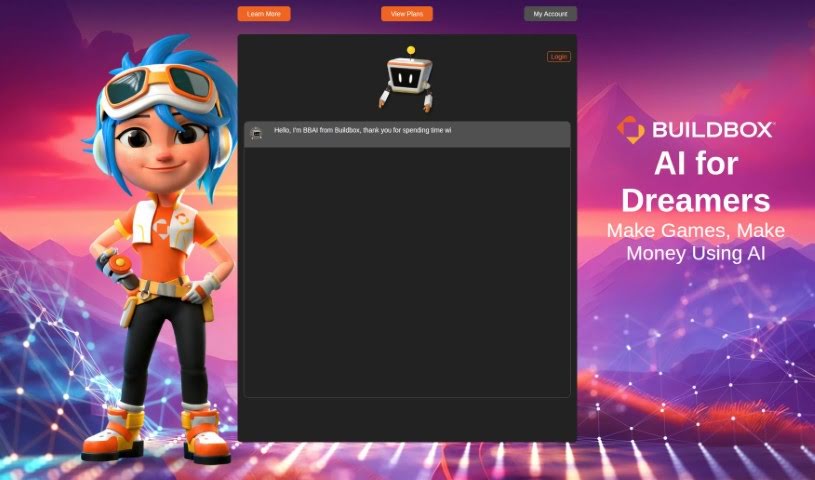
Screenshot of Buildbox

Buildbox

Freemium

Buildbox is the company behind BBAI, an initiative centered on Generative AI technology. BBAI uses artificial intelligence to simplify creative processes, particularly for developing games and interactive content. Its goal is to give creators access to the latest AI tools, making design and development workflows smoother and more efficient.

Game Development View Tool →
Screenshot of ChessGPT

ChessGPT

Freemium

ChessGPT is an AI tool built for chess players of all skill levels, from beginners to long-time enthusiasts. It provides personalized guidance, analyzes your games, suggests moves, and generates custom training exercises. The platform also includes a large database of historical chess games and community features for connecting with other players.

Game Development View Tool →
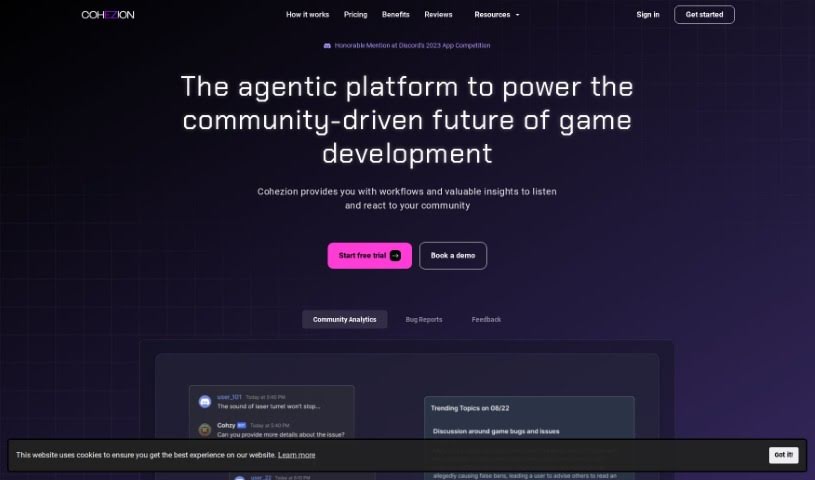
Screenshot of COHEZION

COHEZION

Freemium

COHEZION is an AI-powered platform built to strengthen the connection between game developers and their players. It combines bug reporting, communication tools, and analytics so studios can act on community input. Core features include:

Game Development View Tool →
Screenshot of DINGR

DINGR

Freemium

DINGR is an AI-powered tool that helps League of Legends players improve their gameplay. It analyzes how you play and provides insights to sharpen your skills, acting as a personal gaming coach. You can track your performance over time, compare your stats with friends, view player profiles (including popular ones), and review match analyses to identify what you did well and where you can improve.

Game Development View Tool →
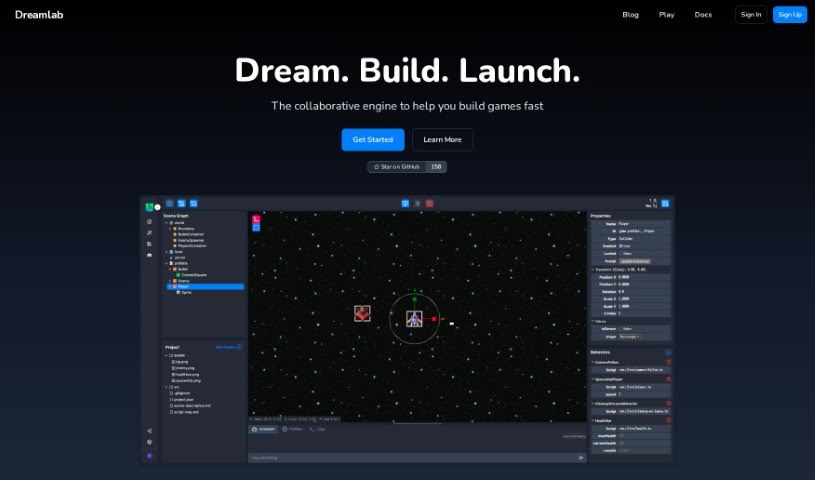
Screenshot of Dreamlab

Dreamlab

Freemium

Dreamlab is an AI tool that generates animated game sprites from simple text descriptions. It includes a built-in game creator for building multiplayer games, and you can also export your assets for use in other software. The platform uses image generation methods like Stable Diffusion 1.5 and 2.1, and supports custom models such as LoRAs and embeddings for more personalized character creation. Dreamlab does not involve blockchain or NFTs.

Game Development View Tool →
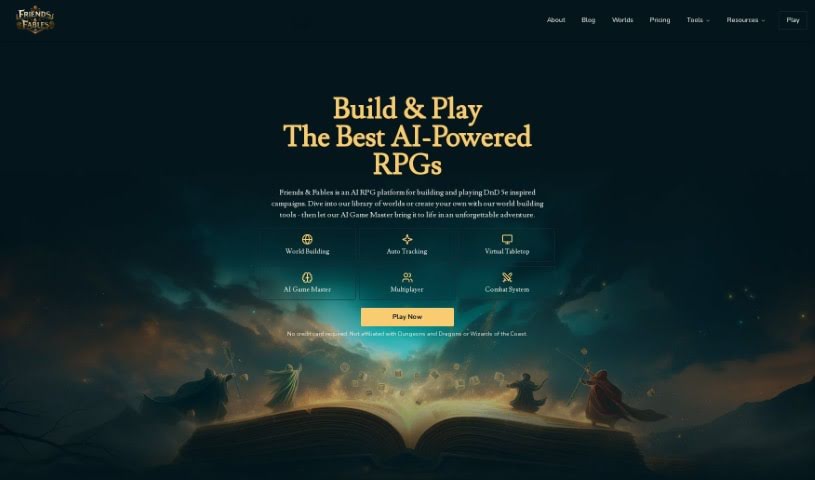
Screenshot of Friends & Fables

Friends & Fables

Freemium

Friends & Fables is a dynamic text RPG that combines elements from text-based RPGs, MUDs, and tabletop RPGs (ttRPGs). It uses AI to understand what the player describes, allowing free-form actions similar to a verbal tabletop session with friends — while the game automatically tracks the game state. The project is built by Will & David, two indie developers who work on it in their evenings and weekends. Friends & Fables is not affiliated with Dungeons & Dragons or Wizards of the Coast.

Game Development View Tool →
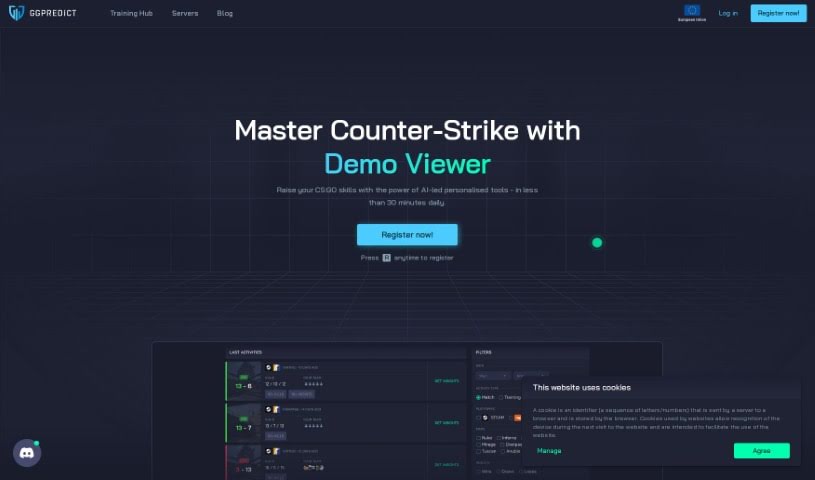
Screenshot of Ggpredict.io

Ggpredict.io

Freemium

GGPredict.io is an eSports analytics and predictions platform for players and fans of competitive gaming. It provides insights, training modules covering a range of eSports topics, and a prediction engine that uses machine learning algorithms to forecast the outcomes of eSports events such as Dota 2 and League of Legends tournaments. It also functions as a community where gamers can connect, share experiences, and learn from one another.

Game Development View Tool →
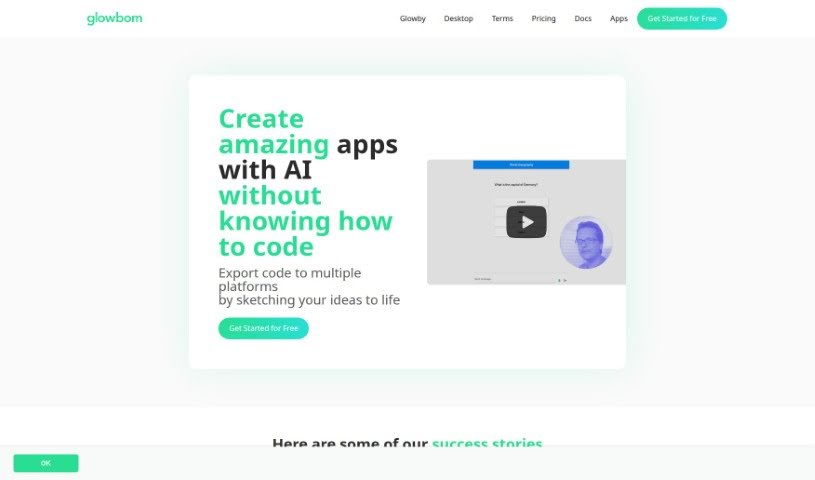
Screenshot of Glowbom

Glowbom

Freemium

Glowbom is a no-code platform for building apps and games that run across multiple platforms without writing code. It supports a wide range of targets, including Flutter, iOS, Android, web apps, native Android, Kotlin, Jetpack Compose, React, TypeScript with Redux, and watchOS, plus game development for Android and the Web using Unity.

Game Development View Tool →
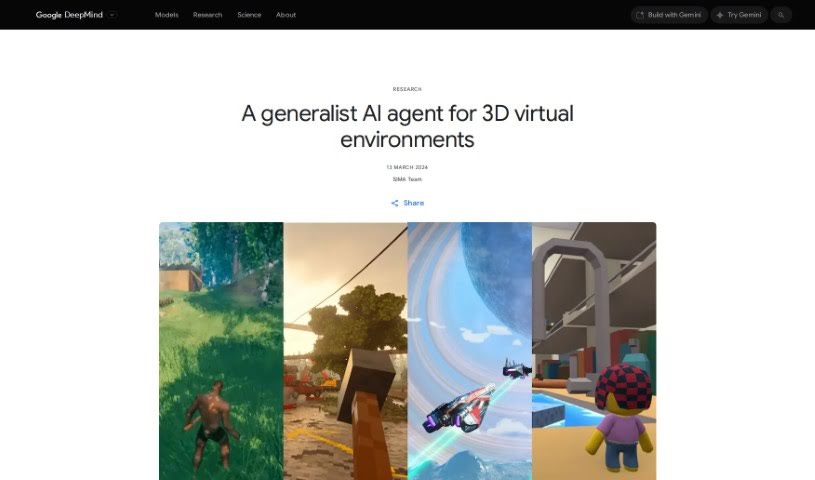
Screenshot of Google SIMA AI

Google SIMA AI

Freemium

SIMA (Scalable Instructable Multiworld Agent) is an AI agent developed by Google DeepMind. It is designed to understand a variety of virtual environments and complete tasks by following plain English instructions.

Game Development View Tool →
Screenshot of Gpt Games

Gpt Games

Freemium

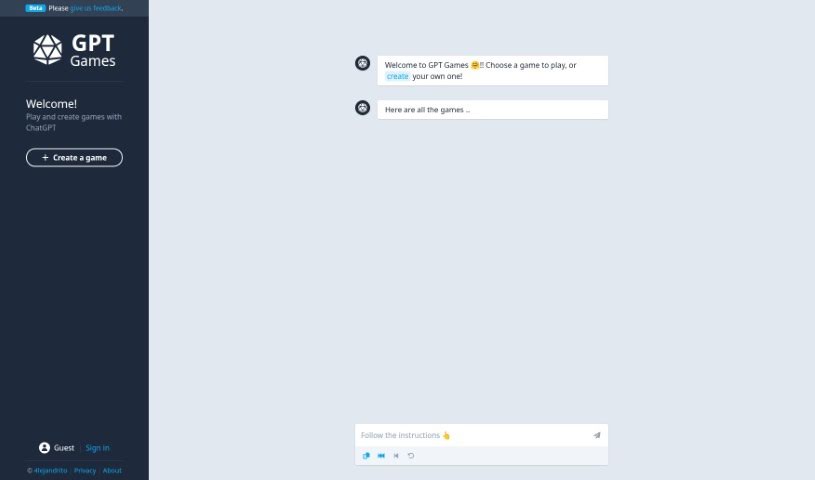
GPT Games is an interactive platform where you can play games and build your own, all powered by ChatGPT. You can try out games made by other players or design something new from scratch. The team actively seeks user feedback to improve the experience, though as with any GPT-based technology, outputs may occasionally be inaccurate.

Game Development View Tool →
Previous 1 of 4 Next

About Game Development tools

Building a game means wearing six hats at once. Whether you’re a solo developer or running a small studio, you’re constantly writing code, modeling 3D assets, painting textures, composing music, and tweaking level balance. When routine asset creation and bug fixes swallow your whole week, refining the actual gameplay loop gets pushed to the side.

The development tools in this category act like extra production assistants. They won’t build a finished game on their own, but they handle early asset drafts, rapid prototyping, and boilerplate code so you can focus on making your game fun.

Speeding Up Code, Assets, and Worldbuilding

Prototyping gameplay mechanics gets much faster when you aren’t hunting down syntax errors for hours. Smart coding tools understand game engines like Unity, Unreal Engine, and Godot. You can describe a feature in plain English, and the assistant generates C#, C++, or GDScript logic to get your inventory system or movement mechanic running in an afternoon rather than a full sprint.

Visual pre-production becomes far more doable for small teams, too. Generating concept art, 3D meshes, 2D sprites, and environment textures usually takes a dedicated art team. AI asset generators let you turn rough sketches or text descriptions into initial 3D models and sprite variations. While these assets usually need a human touch before shipping, they give your team immediate building blocks to work with.

Narrative design and voice prototyping also see big gains. Writing branching dialogue trees and recording placeholder audio for dozens of side quests takes serious time. Dialogue generators and text-to-speech platforms let you draft interactive conversations and temporary character voices for early playtests, bringing your game world to life long before official studio recording sessions begin.

Useful Capabilities to Consider:

  • Engine compatibility: Tools that export clean files or connect directly to Unity, Unreal Engine, or Godot through plugins.
  • 2D and 3D asset generation: Software that produces initial 3D meshes, PBR textures, 2D sprite sheets, and concept art tailored to your art style.
  • Scripting and debugging support: Extensions that help write gameplay logic, convert visual scripts to text code, and fix runtime errors in your IDE.
  • Procedural environment tools: Applications that help shape terrain, scatter prop assets, and generate level variations using custom rules.
  • Audio and dialogue prototyping: Tools that create placeholder voice lines, adaptive music tracks, and interactive dialogue trees for NPCs.

A memorable game comes down to feel, pacing, and player experience—things an algorithm can’t judge. But handing off routine coding scripts and early asset drafts gives you the time you need to refine how your game actually plays.

Check out the tools below to speed up your game production.

The Best AI Game Development Tools

  1. AI Dungeon: Great for designing interactive stories for games.
  2. Rosebud AI: Helps you craft unique game assets and code.
  3. Friends & Fables: Offers dynamic storytelling tools for RPGs.
  4. Inworld AI: Provides AI-generated assets to simplify design.
  5. Ludo.ai: Offers solutions for interactive game prototyping.
  6. Skingenerator.io: Lets you create custom character skins for games.
  7. Google SIMA AI: Ideal for designing dynamic NPC behavior.
  8. RPGGO AI: Generates dynamic NPC dialogue.
  9. Superagent: Useful for finding and analyzing game assets.
  10. Sprite Fusion: Helps create tilemaps for platformer games.
  11. Meeko: A system for managing game assets in real-time.
  12. Chess GPT: Good for prototyping and testing chess game mechanics.
  13. Nunu: Aids in dynamic gameplay testing and interaction.
  14. Dreamlab: Lets you create multiplayer games using AI assets.
  15. Pixel Vibe: Quickly creates game character sprites.
New tools, in your inbox.

Weekly picks of the best AI tools we've researched and added — no spam, unsubscribe anytime.

Join 25,000+ AI enthusiasts. No spam, unsubscribe anytime.