Making a film requires wearing dozens of hats and managing endless technical details. Whether you’re cutting an indie feature, directing commercial spots, or producing short films, the gap between your creative vision and the final export is packed with tedious labor. You can easily spend hours organizing footage tags, hunting for music tracks, matching shot colors, or cleaning up noisy audio when you’d rather focus on telling a compelling story.
These specialized post-production assistants and virtual crew members handle repetitive technical chores, speed up pre-production, and streamline your editing suite without replacing your directorial choices or artistic vision.
Streamlining Pre-Production and the Edit Bay
Pre-production planning gets much faster when you can visualize scene layouts and shot lists early. Instead of spending days drawing manual storyboards or searching stock photo sites for moodboard images, smart visual tools translate script pages into rough storyboards. You can test camera angles, frame compositions, and lighting directions before your crew ever sets foot on set.
Post-production and video editing also see immediate speed improvements. Sorting through hours of raw b-roll, syncing multi-camera audio tracks, and cutting out bad takes normally consumes a massive chunk of your editing schedule. AI video software transcribes dialogue, identifies key character takes, and groups footage by scene or camera angle automatically, letting you assemble rough cuts in a fraction of the time.
Color grading, visual effects, and audio cleanup become far more accessible, too. Matching color tones across different cameras or removing unwanted objects from a background shot used to require expensive VFX setups or time-consuming frame-by-frame masking. Modern editing software applies consistent color profiles across your timeline, cleans up room noise, and handles rotoscoping in seconds, giving your project a polished cinematic look on an indie budget.
Useful Features for Production:
- Automated rotoscoping and object removal: Tools that isolate subjects, cut out backgrounds, and remove unwanted gear without manual frame masking.
- Script-to-storyboard generation: Software that parses script text to generate visual storyboards and camera shot recommendations.
- Dialogue transcript editing: Features that let you edit video scenes by simply deleting or moving text in an automatically generated transcript.
- Color matching and style transfer: Systems that analyze reference stills and apply matching color grades across different camera angles.
- Smart audio separation and enhancement: Applications that remove wind noise, isolate vocal tracks, and balance room sound automatically.
Great filmmaking will always depend on emotional depth, human relationships, and authentic performances. Software can mask a background, suggest a color grade, or organize shot clips, but giving a film heart and meaning remains your responsibility as a storyteller. Letting smart tools handle routine technical edits simply gives you back the energy needed to direct your vision.
Explore the production tools below to upgrade your workflow.
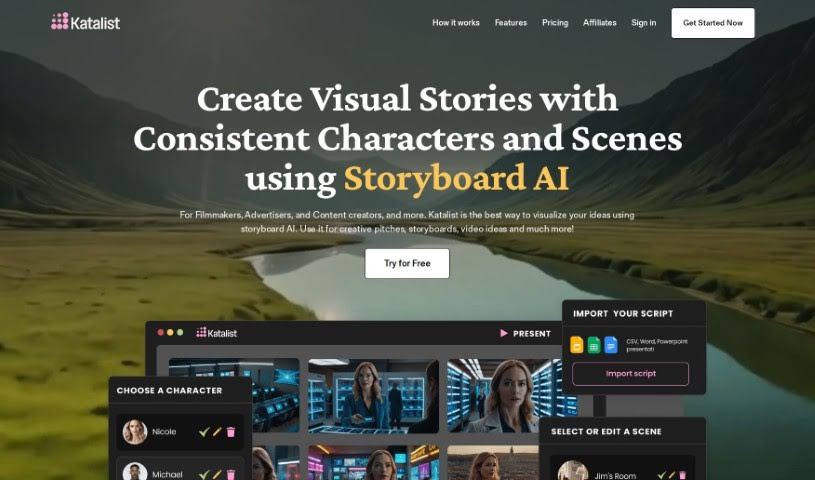
- Katalist AI: Great for creating dynamic storyboards for films.
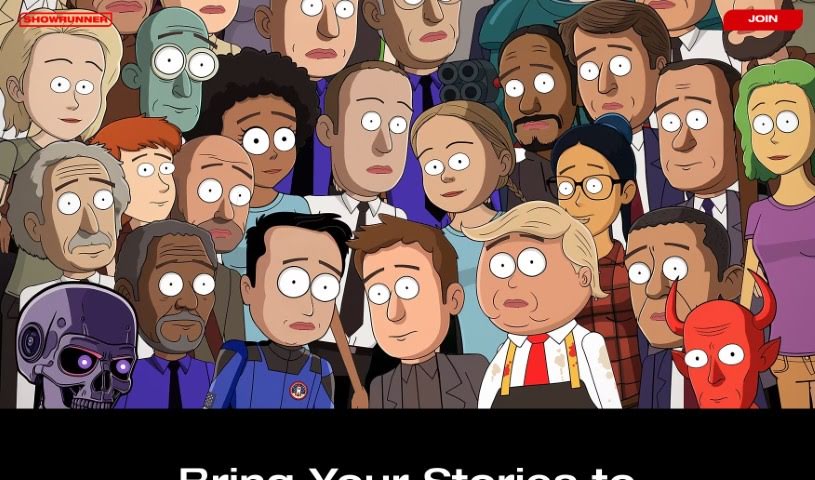
- Showrunner: Helps organize scripts for film projects.
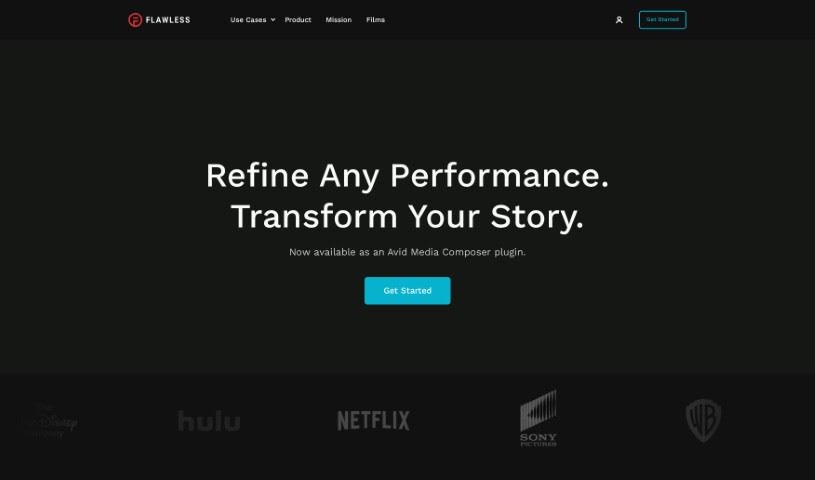
- Flawless AI: Seamlessly syncs dialogue with visuals.
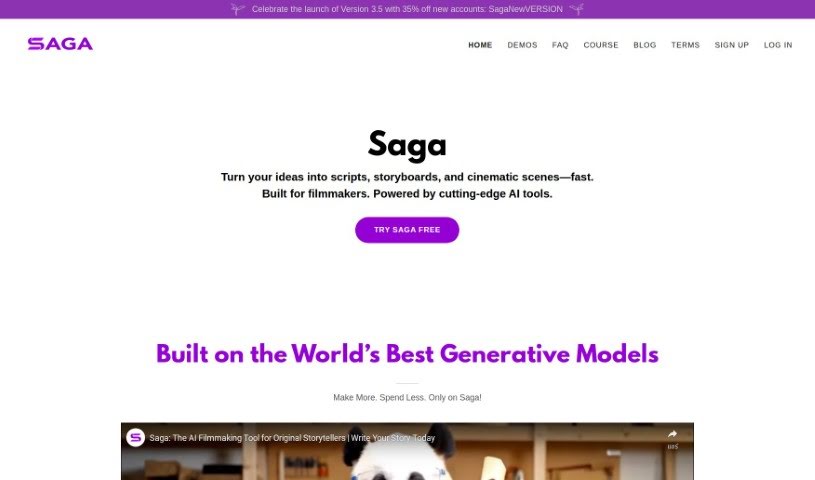
- Saga: Perfect for mastering visual techniques in film.
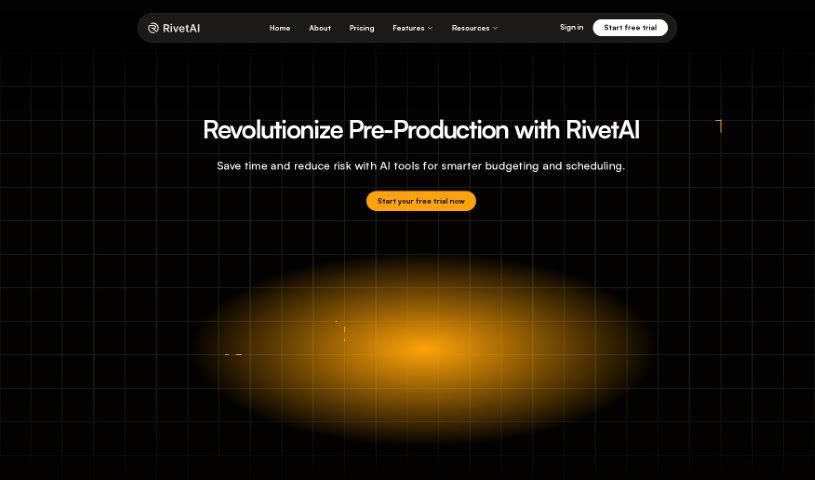
- Rivet AI: Automates script breakdown and scheduling.
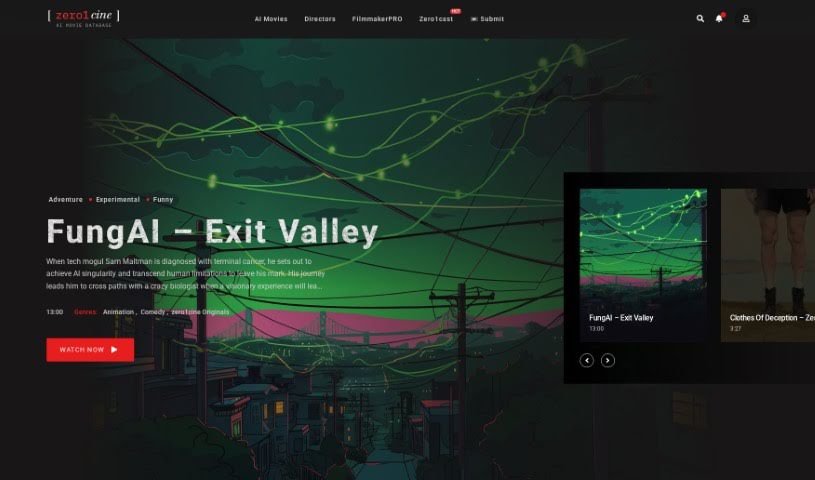
- zero1cine: Streamlines scene planning for filmmakers.
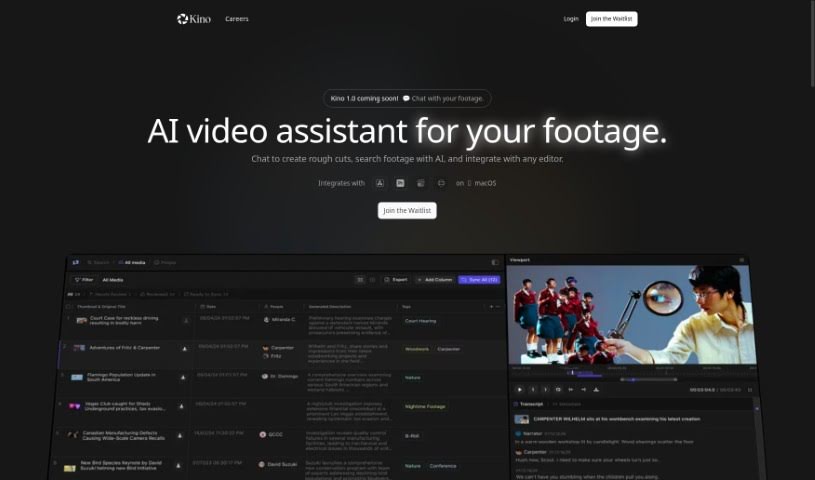
- Kino AI: Effortlessly matches scenes to scripts.
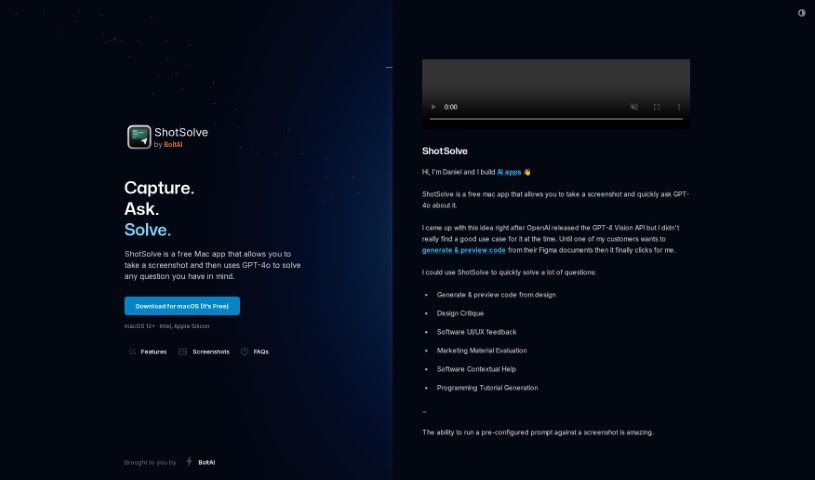
- Shot Solve: Simplifies shot planning and script notes.
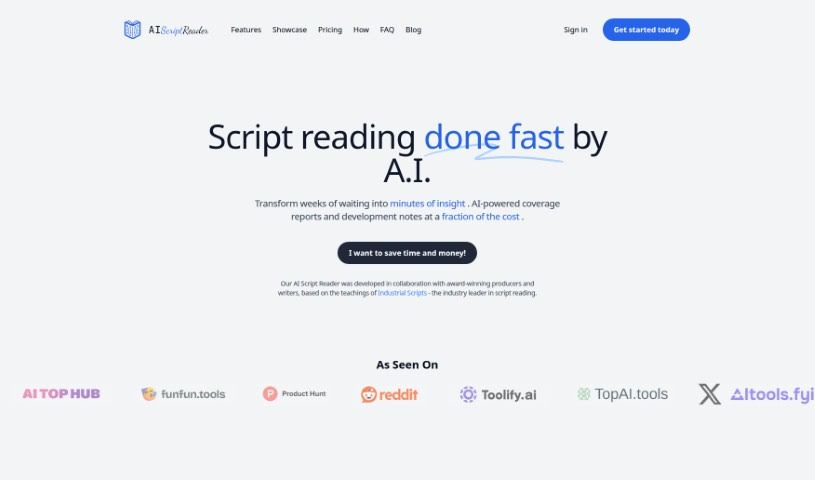
- Aiscriptreader: Helps evaluate scripts for filmmakers.
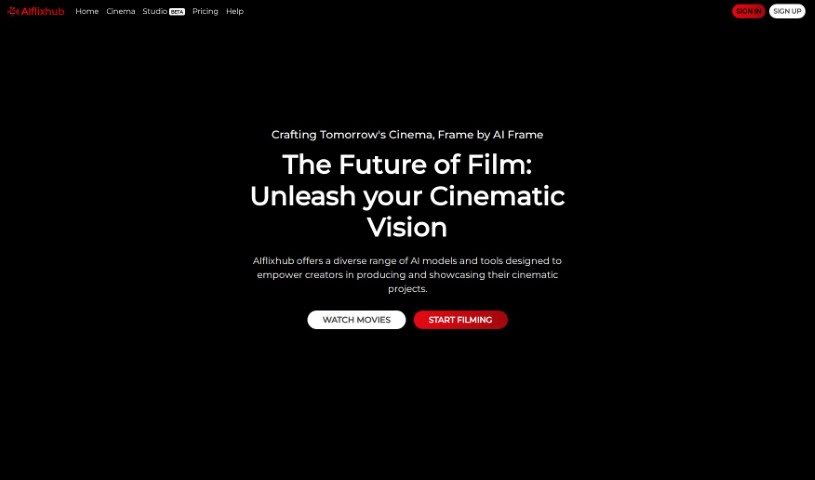
- Aiflixhub: Craft dynamic films with AI support.
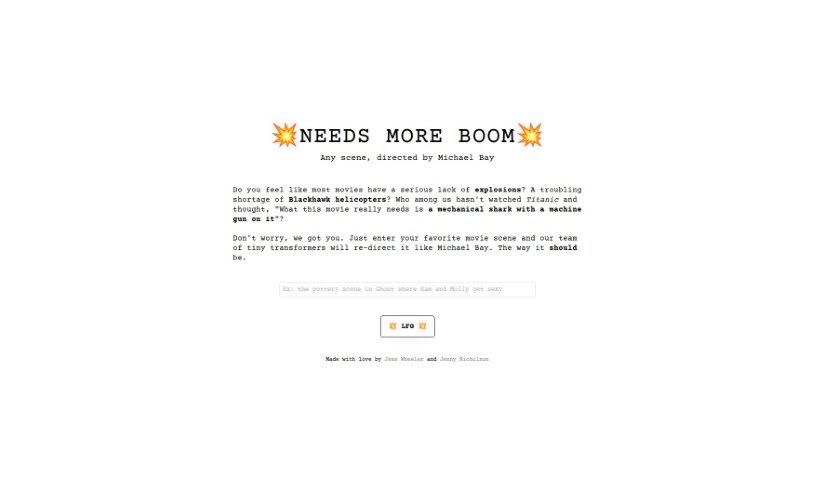
- NEEDS MORE BOOM: Reworks movie scenes into an over-the-top action style.
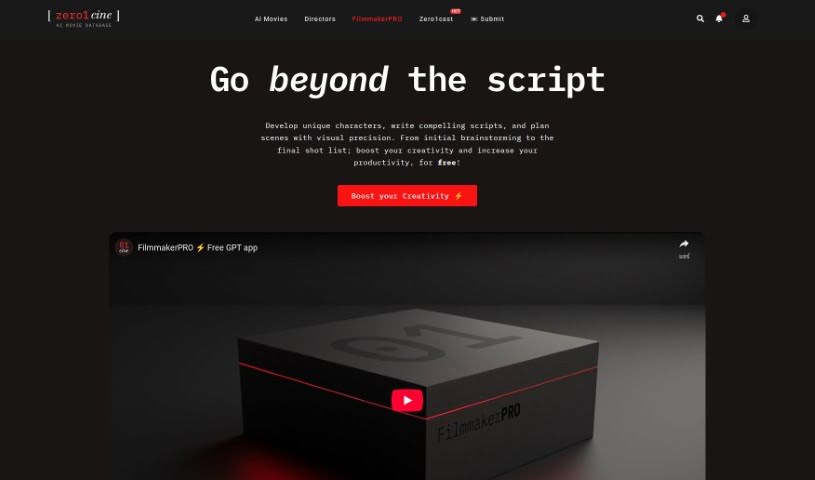
- zero1cine Filmmaker PRO: Streamlines film production workflows.