AI Note Takers Explained: Top Tools & How They Work

AI Tools for Note Taking

Discover the best Note Taking AI tools to enhance your productivity and creativity.

Page 1 of 12 • 138 total tools
Screenshot of AI Diary

AI Diary

Freemium

AI Diary is a personal journaling companion that pairs AI with the practice of keeping a diary. It tracks moods, delivers personalized insights, and includes creative tools such as AI-generated poems and entry summaries. It supports emotional well-being, self-reflection, creativity, focus, and productivity, with voice interactions and mood graphs built in.

Note Taking View Tool →
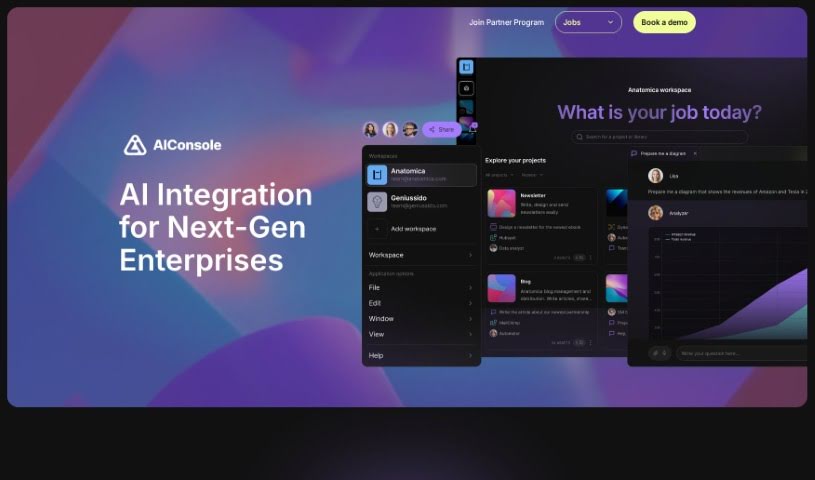
Screenshot of AIConsole

AIConsole

Freemium

AIConsole is an open-source desktop AI editor that adapts to user needs. It automates tasks, creates content, and manages applications while keeping data private: it sends only essential data to AI language model (LLM) APIs. It runs on Linux, Mac, and Windows and can be downloaded from the official website. Development emphasizes community collaboration on GitHub and Discord.

Note Taking View Tool →
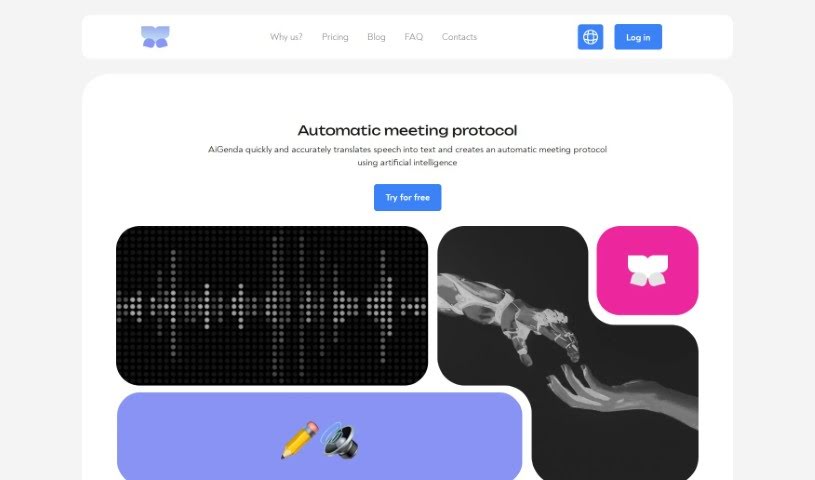
Screenshot of AiGenda

AiGenda

Freemium

AiGenda is an AI-powered platform for online meetings, lectures, and conferences. It transcribes conversations automatically, produces concise summaries, shortens discussions, and highlights key agreements. The platform integrates with Google Meet, Zoom, and Telemost, supports many languages, and includes built-in security measures with real-time processing. It runs on smartphones and offers subscription plans for different business needs.

Note Taking View Tool →
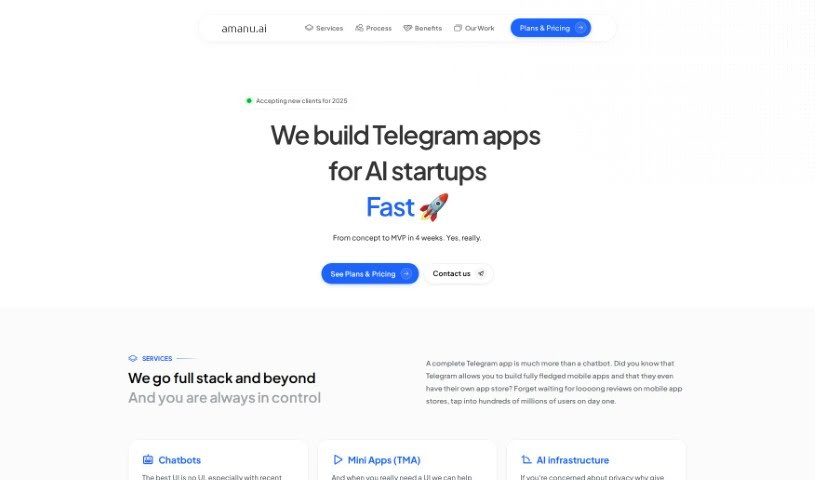
Screenshot of Amanu

Amanu

Freemium

Amanu is an AI assistant for team chat platforms. It learns from the messages, documents, and meetings you authorize, then turns that material into a searchable knowledge hub for your team. When questions come up, Amanu answers from that stored knowledge the way an experienced colleague would — without judgment. It remembers messages, threads, and snippets you mark, so your team can find information quickly.

Note Taking View Tool →
Screenshot of Ambient

Ambient

Freemium

Ambient is an AI assistant built for Chiefs of Staff and founders to reduce administrative work. It combines AI-powered note-taking, task management, and strategic prioritization in a single interface designed to improve productivity.

Note Taking View Tool →
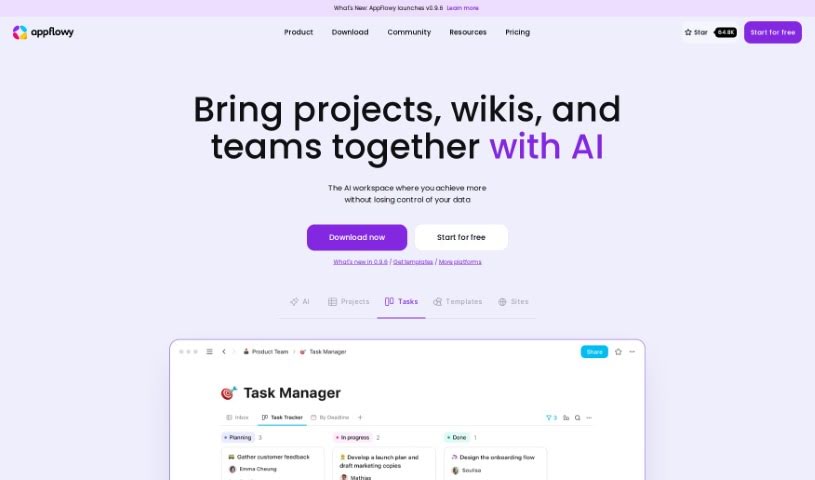
Screenshot of Appflowy

Appflowy

Freemium

AppFlowy is an open-source, AI-powered workspace for managing wikis, projects, notes, and tasks. It works offline, offers end-to-end encryption, and is customizable, with a rich-text editor at its core. Native apps run on macOS, Windows, Linux, iOS, and Android, and the project has a community of contributors from over 50 countries.

Note Taking View Tool →
Screenshot of April AI

April AI

Freemium

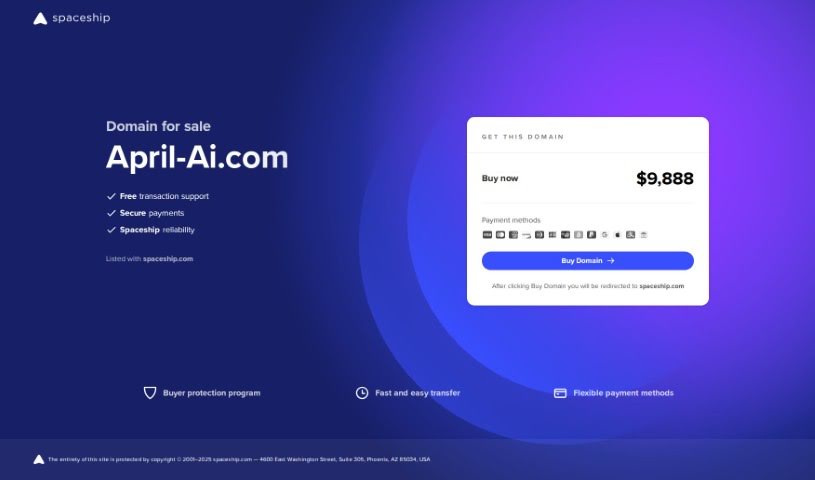
April AI is a personal speech coach that joins your calls. After you log in with your Google account, it joins meetings live, listens to the conversation, and sends detailed feedback to your email once the call ends. It accounts for the context of each meeting and your communication style, so the feedback is relevant and tailored to your personal development.

Note Taking View Tool →
Screenshot of Artu

Artu

Freemium

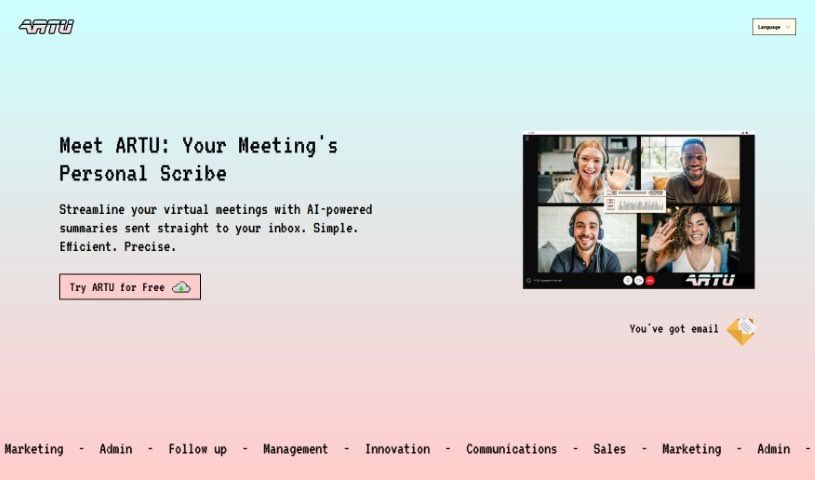
Artu is an AI assistant built for virtual meetings. It automatically generates meeting minutes, summaries, next steps, key topics, and participant details, then emails everything as soon as the meeting ends. You install it through the Artu Meetings Chrome extension, which also lets Artu join your online meetings and help keep them organized.

Note Taking View Tool →
Screenshot of Asknotion

Asknotion

Freemium

AskNotion is a no-code tool that lets you build a ChatGPT-like chatbot trained on your Notion pages. You can sync Notion pages without limits, use up to 300,000 tokens for chatting and searching, and create up to 1,000 chat sessions. The Starter package costs $9.99 per user per month and includes a 5-day trial.

Note Taking View Tool →
Screenshot of Asknova

Asknova

Freemium

Asknova is a digital conversational assistant for brainstorming, planning, content creation, and to-do management. It supports customizable agents, command management, adjustable behavior, access to past notes, reminders, and multiple operating modes. It is built for teamwork, including collaborative creation of services or games.

Note Taking View Tool →
Screenshot of AudioNotes

AudioNotes

Freemium

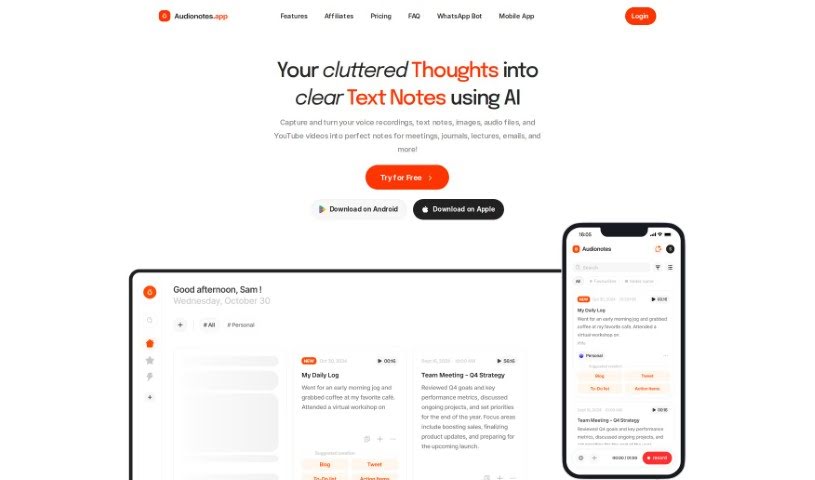
AudioNotes is an AI-powered app that helps you organize your thoughts. It turns spoken words or written notes into clear, structured summaries and can generate custom content such as emails and social media posts. The app connects with tools like WhatsApp and Notion, includes an AI chat assistant for asking questions about your notes, and runs as a lightweight web app on Android and iOS. Content creation is available in over 19 languages.

Note Taking View Tool →
Screenshot of Augment AI

Augment AI

Freemium

Augment AI is a personal AI assistant designed to help you remember information, type less, and read faster across the apps you use. It transcribes meetings, creates summaries, organizes important documents, and offers personalized help based on how you work. It integrates with meeting platforms and focuses on privacy and security, encrypting data and following industry standards. It is currently free to use, and the team states that data privacy will remain a top priority regardless of future business model changes.

Note Taking View Tool →
Previous 1 of 12 Next

About Note Taking tools

Sitting down after a long meeting or class to make sense of messy, typed notes is a common headache. Between scribbling down points while someone speaks, capturing action items, and organizing outlines later, taking notes by hand drains your focus. When you spend all your energy writing down words instead of listening, keeping track of big ideas gets tough.

Think of these tools as organized personal assistants for students, professionals, researchers, and project leads. They transcribe live audio, summarize key points, and structure scattered thoughts so you can find information quickly.

Real-Time Transcripts, Summaries, and Knowledge Graphs

Turning live audio and recorded conversations into searchable text takes seconds instead of hours. Trying to write down every word during a lecture or client call means missing out on real engagement. Modern speech-to-text assistants listen in the background, transcribe spoken dialogue in real time, and tag different speakers so you get a clean transcript without missing a detail.

Synthesizing long meetings and study sessions into clear summaries saves massive amounts of time. Reviewing five pages of raw text to find one key decision is tedious. Intelligent note-taking software scans your transcripts, pulls out main themes, and generates bulleted summaries with assigned action items. You get a quick overview to review in two minutes before moving on to your next task.

Building a searchable knowledge hub across large projects becomes far easier, too. Storing notes in separate files often means losing track of important facts over time. Smart note applications automatically link related topics across your digital notebook, suggest tags, and let you ask questions in plain English to pull up specific quotes or facts instantly.

Useful Features for Organization:

  • Real-time audio transcription: Systems that record spoken audio and convert it into accurate, timestamped text while distinguishing between speakers.
  • Automated summary creation: Features that condense long transcripts and meeting notes into clear bullet points, action items, and key takeaways.
  • Cross-note semantic search: Tools that let you search your entire note library using natural language questions rather than exact keyword matches.
  • Knowledge graph linking: Software that automatically connects related notes, ideas, and project references into an organized web of information.
  • Multi-platform synchronization: Applications that sync smoothly across desktop computers, web browsers, and mobile devices for quick access anywhere.

Great note taking will always depend on your curiosity, understanding, and personal organization style. Software can transcribe audio, generate a summary, and link related documents, but choosing what matters most requires your human judgment.

Browse the note-taking tools below to organize your workspace.

The Best AI Note Takers

  1. Otter.ai: for making team meetings smoother with AI notes.
  2. AI Diary: Journaling with mood tracking, writing analysis and voice entries.
  3. Fireflies AI: for easy automation of meeting recaps.
  4. Fathom AI: for simple meeting summaries and action items.
  5. PLAUD: for help transcribing lectures efficiently.
  6. AIConsole: Open-source desktop AI editor that automates tasks and drafts content.
  7. Notta: for making meeting summaries simple.
  8. Klangio: for turning lectures into music notes.
  9. Supernormal: for making meeting summaries easier.
  10. Jamie AI: for generating meeting summaries with ease.
  11. AiGenda: Transcribes meetings and highlights key agreements across call platforms.
  12. Voicenotes: for summarizing lectures into clear action items.
  13. Bubbles Notetaker: for smoother meeting notes and action items.
  14. Mentalyc: for automatically summarizing therapy sessions.
  15. Amanu: Team chat assistant that learns from your messages and meetings.
New tools, in your inbox.

Weekly picks of the best AI tools we've researched and added — no spam, unsubscribe anytime.

Join 25,000+ AI enthusiasts. No spam, unsubscribe anytime.