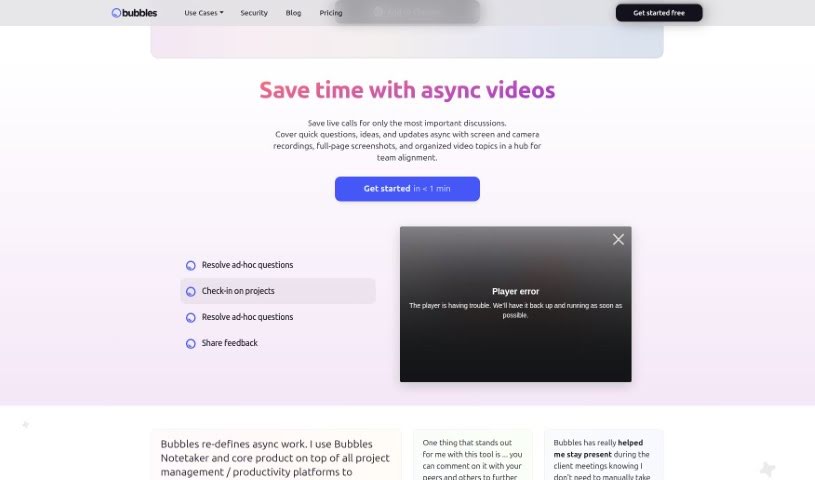
Screenshot of Bubbles Notetaker

Bubbles Notetaker

Discover what Bubbles Notetaker is and how to use it effectively in 2025. We'll explore its features and see how it stacks up against other AI note-takers.

Screenshot

What is Bubbles Notetaker?

Bubbles Notetaker is a smart, AI-powered tool designed to really boost your productivity and make collaboration during meetings a breeze. It lets you record, transcribe, and follow up on meetings asynchronously, which is super helpful for capturing those key insights and making sure all decisions are clearly documented. Plus, it hooks right into your Google Calendar, so it can automatically transcribe and generate summaries for you. You can even add comments directly to recorded meetings using your screen, camera, or text annotations. For teams spread across different time zones, it offers optional smart reminders to keep everyone in the loop. Ultimately, Bubbles Notetaker aims to make meetings more efficient, collaborative, and communicative, whether your team is working remotely or together in person.

Who created Bubbles Notetaker?

Hunter Finley, who works as a Google TV Creative Producer at Google, is the person behind Bubbles Notetaker. He launched it on July 12, 2024. The main idea behind the tool is to boost productivity and collaboration during meetings. It does this by offering features like recording, transcribing, and asynchronous follow-ups. Bubbles Notetaker also connects with Google Calendar and includes various collaboration tools to make managing meetings much smoother.

What is Bubbles Notetaker used for?

Bubbles Notetaker is incredibly versatile, helping you:

  • Boost productivity and collaboration during any meeting.
  • Record and transcribe your meetings so you don’t miss a thing.
  • Keep meetings on track with asynchronous follow-ups, ensuring important insights and decisions are captured.
  • Get AI-powered summaries with action items by integrating directly with your Google Calendar.
  • Add comments to recorded meetings using your screen, camera, or text annotations for focused discussions.
  • Send optional smart reminders to team members, especially those in different time zones.
  • Collaborate easily with external folks, even if they don’t want to sign up or install complicated systems.
  • Review designs, websites, documents, and applications asynchronously using text, video, screen, and voice annotations.
  • Check project timelines, action items, and next steps without interrupting your team’s flow.
  • Resolve quick questions asynchronously, cutting down on the need for lengthy calls.
  • Ensure meeting effectiveness through its asynchronous follow-up capabilities.
  • Automate meeting transcriptions and get AI-powered summaries with action items by linking with Google Calendar.
  • Comment on meeting recordings using screen, camera, and text annotations.
  • Get smart reminders to include team members who couldn’t make it to meetings.
  • Make collaboration with external stakeholders simple, without any signup or complex setups required.
  • Review designs, websites, documents, and applications asynchronously with various annotation types.
  • Improve how efficiently your team collaborates and communicates, whether in person or remotely.
  • Wrap up meetings with clear to-do items and set up dedicated channels for ongoing collaboration.
  • Record meetings with built-in transcription.
  • Provide asynchronous follow-ups to make sure all insights and decisions are properly captured.
  • Automate meeting transcriptions by integrating with Google Calendar.
  • Add comments to recorded meetings using screen, camera, and text annotations.
  • Send smart reminders to team members in different time zones.
  • Make collaboration with external stakeholders easy, without needing them to sign up.
  • Review designs, websites, documents, and applications asynchronously.
  • Enhance meeting efficiency, collaboration, and communication in all sorts of settings.
  • Resolve ad-hoc questions without lengthy calls by handling them asynchronously.
  • Record, transcribe, and follow up on meetings asynchronously.
  • Get automatic transcriptions and AI-powered summaries with action items by integrating with Google Calendar.
  • Involve team members who missed meetings with helpful smart reminders.
  • Facilitate collaboration with external stakeholders without requiring signups or complex systems.
  • Asynchronously review designs, websites, documents, and applications using text, video, screen, and voice annotations.
  • Keep tabs on project timelines, action items, and next steps without disrupting your team.
  • Resolve ad-hoc questions asynchronously.
  • Offer a complete solution to improve meeting efficiency, collaboration, and communication for both remote and in-person teams.

Who is Bubbles Notetaker for?

Bubbles Notetaker is a great tool for a variety of professionals, including:

  • Google TV Creative Producer
  • Director of Product at Mediflix
  • Lead Product Developer at SurveySparrow
  • Founder of Flikframe
  • VP of Operations at ClickUp
  • Product developers in general
  • Marketing professionals
  • Creative Producers working in Technology Companies
  • Directors of Product
  • Lead Product Developers
  • Directors of Product
  • Lead Product Developers
  • VPs of Operations
  • Founders
  • Creative Producers
  • Product Developers
  • Co-Owners
  • CEOs and Cofounders

How to use Bubbles Notetaker?

Using Bubbles Notetaker is pretty straightforward. Just follow these simple steps:

  1. Connect Your Calendar: Start by quickly linking your calendar to the tool. It’s a simple connection.
  2. Record and Transcribe: Bubbles Notetaker automatically records and transcribes your meetings. It even generates AI-powered summaries that include action items, making it easy to see what needs to be done.
  3. Comment and Annotate: You can add comments directly to your recorded meetings. Use your screen, camera, or text annotations to highlight key points and facilitate focused discussions.
  4. Collaboration Features: When you finish a meeting, you can immediately create to-do items and set up channels for conversations. This helps organize feedback and makes collaboration much more effective.
  5. Asynchronous Follow-ups: You’ll benefit from asynchronous follow-ups and smart reminders. This is especially useful for including team members who couldn’t attend the meeting live.
  6. Security: Rest assured, the tool ensures your recordings and transcripts are secure. It’s a tool trusted by both new startups and established major companies.
  7. Flexible Pricing: Bubbles Notetaker offers pricing options that can be adjusted to fit individual users, freelancers, and teams of all sizes.
  8. Customer Support: If you ever need help, you can reach out for 24/7 customer support via email, or you can join our Slack community for assistance.

By following these steps, you can really use Bubbles Notetaker to make your meetings more productive and collaborative, whether you’re working remotely or in person. The tool’s easy-to-use features help streamline communication, save you valuable time, and encourage really efficient teamwork.

Related AI Tools

Discover more tools in similar categories that might interest you

Stay Updated with AI Tools

Get weekly updates on the latest AI tools, trends, and insights delivered to your inbox

Join 25,000+ AI enthusiasts. No spam, unsubscribe anytime.