AI Tools for Note Taking

Discover the best Note Taking AI tools to enhance your productivity and creativity.

Page 1 of 13 • 145 total tools

Taking notes is a really important skill today, especially with how fast things move and how much information we deal with. Whether it’s for lectures, meetings, or just jotting down personal thoughts, good note-taking can totally change how we remember and use information. But honestly, handwritten notes can get messy, and typing sometimes feels like a race to get your thoughts down before they disappear.

That’s where AI note-taking tools come in. These aren’t just apps that type for you; they use artificial intelligence to help you organize, pull together information, and even find key insights on their own. If you find the right AI tool, you can easily move from messy notes to neat, digital ones.

I’ve spent the last few weeks checking out different options, and I’ve put together a list of the best AI note-taking tools out there right now. Each one has its own special features for different needs, from recording audio to summarizing long articles. So, whether you’re a student, a professional, or just someone who likes to stay organized, there’s likely something here for you.

If you’re ready to make your note-taking experience much better and get some valuable time back, let’s look at the top AI note-taking tools.

The best AI Note Takers

  1. Otter.ai for making team meetings smoother with AI notes.
  2. Tactiq to automatically capture meeting notes without any effort.
  3. Fireflies AI for easy automation of meeting recaps.
  4. Fathom AI for simple meeting summaries and action items.
  5. PLAUD for help transcribing lectures efficiently.
  6. Tldv to make meeting note-taking much smoother.
  7. Notta for making meeting summaries simple.
  8. Klangio for turning lectures into music notes.
  9. Supernormal for making meeting summaries easier.
  10. Jamie AI for generating meeting summaries with ease.
  11. Blu Dot to improve how efficiently you document meetings.
  12. Voicenotes for summarizing lectures into clear action items.
  13. Bubbles Notetaker for smoother meeting notes and action items.
  14. Mentalyc for automatically summarizing therapy sessions.
  15. Sembly AI to automate meeting notes and follow-ups.

How do AI note takers work?

AI note takers have become really helpful for managing information better. Basically, these apps use advanced natural language processing (NLP) to look at spoken or written text. They turn words into a structured format, which helps them spot main ideas, organize thoughts, and summarize content easily.

Most AI note takers use large language models (LLMs). These models have learned from tons of data, like articles, books, and conversations. This training helps them understand context, see how topics connect, and even guess what information is most important.

When you use an AI note taker, it processes what you input right away, whether you’re speaking notes during a meeting or typing ideas while studying. As it captures the information, it uses algorithms to break down sentences, pull out key points, and suggest insights. This lets you focus on your thoughts without worrying about missing anything important.

Lots of popular apps can connect with other tools, making it simple to manage your knowledge. For example, notes you take in an AI tool can sync with project management apps or cloud storage. This connection boosts productivity, making it easy to find and share information when you need it.

AI note takers are also flexible because they can handle different ways of inputting information, from typing to voice. You can speak notes for them to transcribe later, which makes them accessible and convenient. All in all, AI note takers are changing how we record and interact with information by using the latest technology.

Our best AI note takers at a glance

RankNameBest forPlans and PricingRating
1Otter.aiMaking team meetings smoother with AI notes.Paid plans start at $13.59/month.4.73 (11 reviews)
2TactiqAutomating meeting notes effortlessly.N/A4.64 (11 reviews)
3Fireflies AIEffortless meeting recap automationPaid plans start at $10/month.4.67 (12 reviews)
4Fathom AIEffortless meeting summaries and action itemsPaid plans start at $19/month.4.33 (24 reviews)
5PLAUDEfficient lecture transcription helpPaid plans start at Free/N/A.4.40 (15 reviews)
6TldvMaking meeting note-taking much smoother.N/A4.31 (13 reviews)
7NottaMaking meeting summaries simple.N/A4.72 (29 reviews)
8KlangioTurning lectures into music notesN/A4.74 (34 reviews)
9SupernormalMaking meeting summaries easier.Paid plans start at $18/month.4.79 (19 reviews)
10Jamie AIGenerating meeting summaries with ease.N/A4.33 (15 reviews)
11Blu DotImproving how efficiently you document meetings.N/A4.60 (25 reviews)
12VoicenotesSummarizing lectures into clear action items.N/A4.64 (11 reviews)
13Bubbles NotetakerMaking meeting notes and action items smoother.Paid plans start at $Free/month.4.64 (11 reviews)
14MentalycAutomatically summarizing therapy sessions.Paid plans start at $39.99/month.4.75 (12 reviews)
15Sembly AIAutomating meeting notes and follow-ups.Paid plans start at $20/month.4.64 (11 reviews)
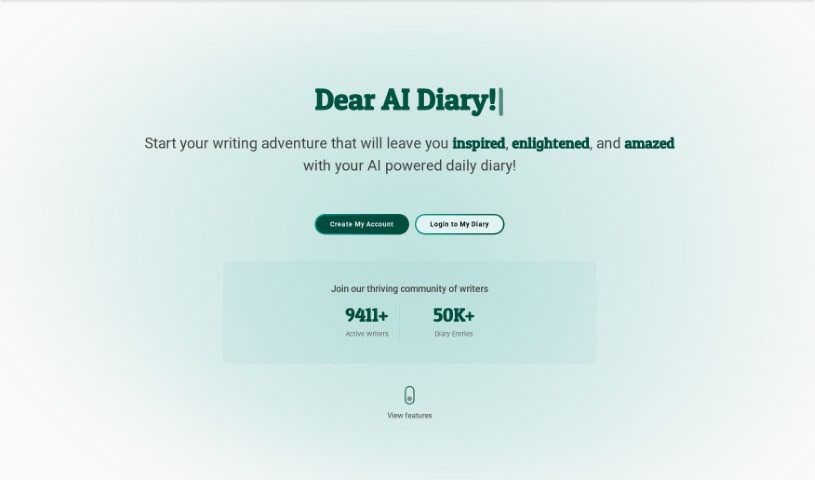
Screenshot of AI Diary

AI Diary

Freemium

AI Diary is your personal journaling companion, blending modern tech with the timeless practice of keeping a diary. It's designed to really help you connect with yourself. You can track your moods and get personalized insights, use creative writing tools like AI-generated poems, and get quick summaries of your thoughts. The goal is to boost your emotional well-being, encourage self-reflection, spark creativity, and help you focus and be more productive with your journaling. Plus, it offers voice interactions and mood graphs, making the whole process smoother and more enjoyable.

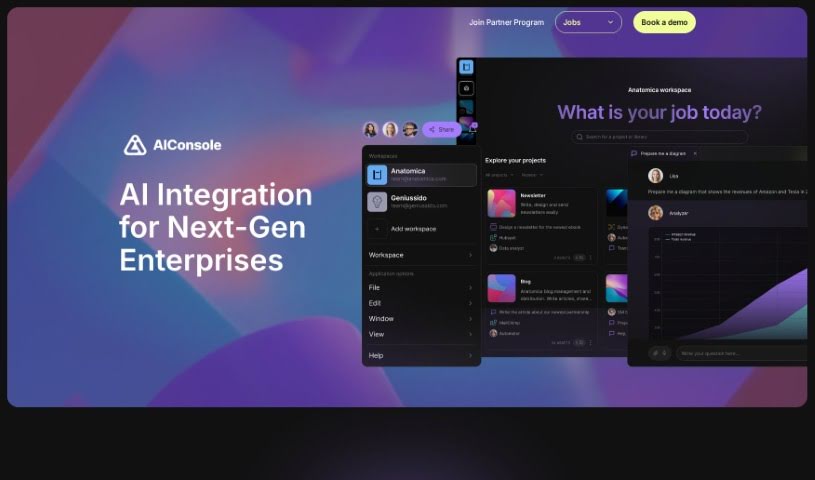
Screenshot of AIConsole

AIConsole

Freemium

AIConsole is a desktop AI editor that's open-source and designed to be flexible, adapting to what you need it to do. It is a smart assistant that can help automate tasks, create content, manage your applications, and importantly, keep your data private. It's built with privacy in mind, meaning it only sends the essential data to AI language model (LLM) APIs. You can use it on Linux, Mac, and Windows. Plus, it has a strong community aspect, with collaboration happening on platforms like Github and Discord. You can actually train AIConsole yourself by simply describing the tasks you want it to perform. Over time, it gets better and better at these tasks through a process of 'learning by doing.' It also features 'expert level prompt engineering' to ensure its responses are accurate and efficient. Beyond that, AIConsole makes it easier for businesses to integrate AI into their operations, helps streamline how work gets done, and even connects you with AI consultants who specialize in specific fields if you need expert help.

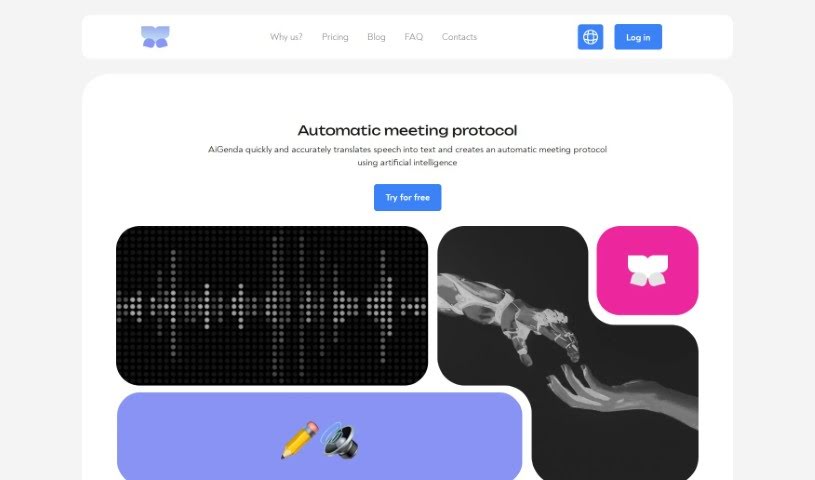
Screenshot of AiGenda

AiGenda

Freemium

AiGenda is an AI-powered platform designed to make your online meetings, lectures, and conferences run much smoother. It is your personal assistant for these events. It automatically handles tasks like transcribing everything that's said, creating concise summaries, shortening conversations, and pointing out the main agreements reached. It works seamlessly with popular video conferencing tools like Google Meet and Zoom, supports many different languages, and really prioritizes keeping your information secure. You can use AiGenda on your smartphone, and they offer different subscription plans to fit what your business needs.

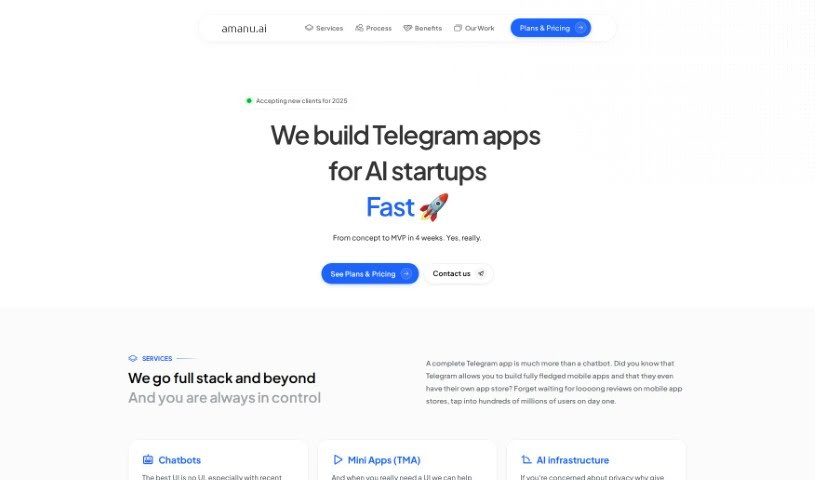
Screenshot of Amanu

Amanu

Freemium

Amanu is a company that makes really special, handcrafted sandals. What's neat is that they're custom-made just for you, fitting your unique needs perfectly. They're serious about quality, using top-notch materials sourced all the way from Italy, which really shows their dedication to both luxury and making things that last. The whole process Amanu uses involves creating these custom sandals step-by-step, where you get to pick and fit everything, making sure each pair is truly one-of-a-kind. By focusing on this personalization and skilled craftsmanship, Amanu offers a really tailored experience in the world of footwear. They're definitely for anyone who values individuality and wants premium quality in their sandals.

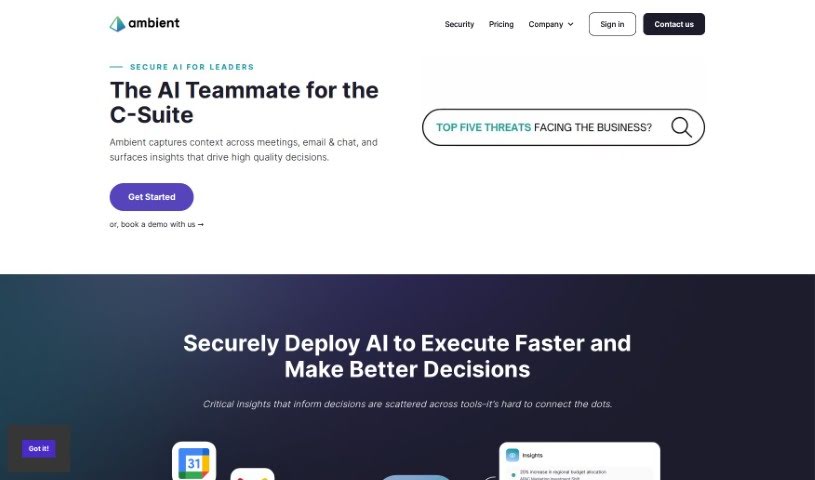
Screenshot of Ambient

Ambient

Freemium

Ambient is a smart tool designed to help Chiefs of Staff and Founders get their valuable time back. It completely changes how leaders handle their daily tasks by acting as an intelligent assistant for taking notes and managing tasks. This means you can streamline your work and focus more on big-picture decisions and core business goals, rather than getting bogged down in administrative details. Ambient offers features like AI-powered note-taking, task management, strategic focus, and a general efficiency boost, all wrapped up in an easy-to-use interface to make you more productive.

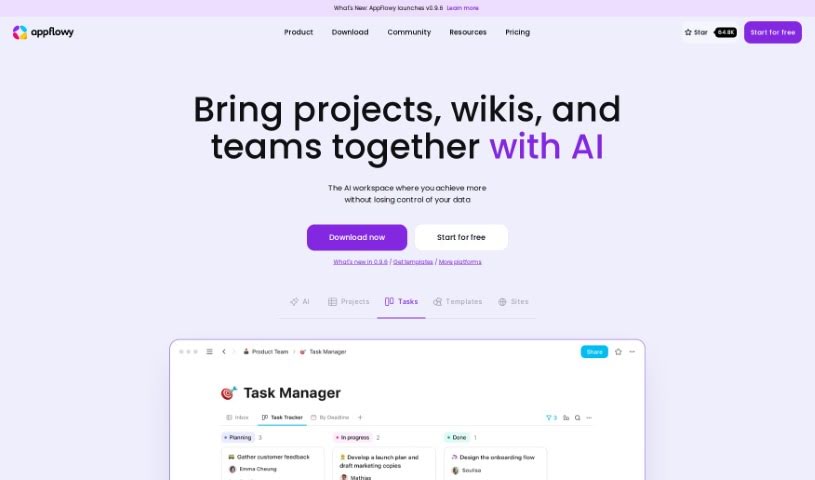
Screenshot of Appflowy

Appflowy

Freemium

AppFlowy is a really neat, open-source workspace built to help you be more productive, all while keeping your data super secure and under your control. It is an AI-powered space where you can easily manage your wikis, projects, notes, and tasks. What's great is that it works even when you're offline, offers end-to-end encryption for top-notch security, and you can customize it to look and feel just right for you. Plus, its user-friendly interface comes with a powerful rich-text editor. You can use AppFlowy on pretty much any device – macOS, Windows, Linux, iOS, and Android – so it's always with you. It’s a project that’s really grown thanks to its community, with people from over 50 countries contributing, meaning you can truly tailor AppFlowy to fit exactly what you need.

Screenshot of April AI

April AI

Freemium

April AI is a really smart tool designed to help you get better at speaking, and it does it efficiently. It is your personal speech coach, right there on your calls. This platform gives you personalized feedback on how you're speaking during meetings, making it much simpler to sharpen your communication abilities. All you need to do is log in with your Google account. Once you do that, April AI can join your meetings live, listen to the conversations, and then send you detailed feedback via email after the call wraps up. Professionals from all sorts of fields trust April AI, especially those who are busy and want to improve their speaking and leadership skills without needing to carve out extra time for practice. The tool is pretty clever; it understands the context of your meetings and even your unique communication style, so the feedback it gives you is accurate, relevant, and perfectly suited for your personal growth journey.

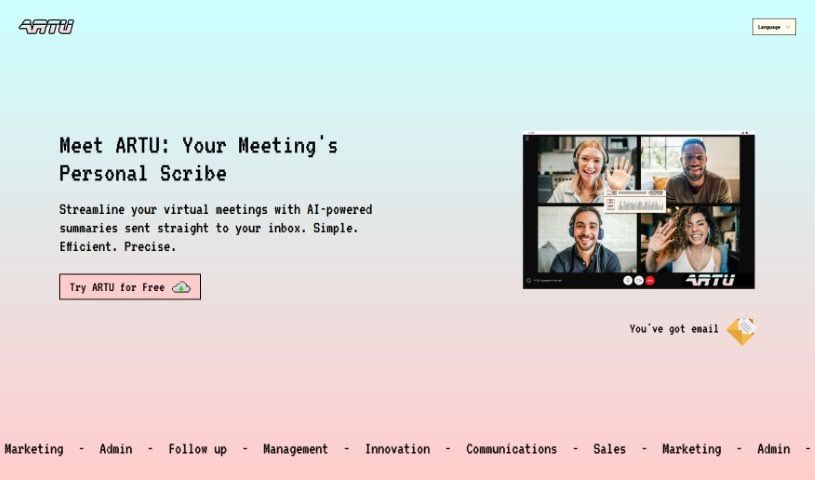
Screenshot of Artu

Artu

Freemium

Artu is an AI assistant designed to make virtual meetings much smoother. It automatically creates meeting minutes, summaries, identifies next steps, highlights key topics, and lists participant details, sending it all to your email right after the meeting wraps up. You can easily use it with a Chrome extension, which makes coordinating and organizing your meetings a breeze. Artu takes data security seriously, processing and organizing your information safely. They offer different subscription plans – Personal, Business, and Corporate – each with features to boost your productivity. You can also store and organize all sorts of content, like ideas, tasks, videos, links, and social media posts. Artu works with many communication tools, including email, WhatsApp, Discord, and Telegram. This means you can assign tasks, share content, and even have Artu join your online meetings through the Artu Meetings Chrome extension to help keep things efficient.

Screenshot of Asknotion

Asknotion

Freemium

AskNotion is a really neat tool that lets you build your own ChatGPT-like chatbot, all trained on your Notion pages. This means you can chat with your own data easily, no coding needed! With AskNotion, you get some great perks: you can sync your Notion pages as much as you want, use up to 300,000 tokens for chatting and searching your AI-powered Notion pages, and even create as many as 1,000 chat sessions. The pricing is super clear, too. It starts at just $9.99 per user each month for the Starter package, and you can try it out risk-free for 5 days. AskNotion is all about making collaboration smoother, boosting your productivity, and really bringing out the best in your Notion pages by using AI.

Screenshot of Asknova

Asknova

Freemium

Asknova is your digital sidekick, ready to help you brainstorm, plan your next big move, create content, and manage your to-do list. What's really neat is that it lets you customize your own agents, manage commands, and even tweak how it behaves. It can also look back at your old notes, give you reminders, and switch between different ways of working. Plus, Asknova is built for teamwork, so you can use it to design services or even build games together with others.

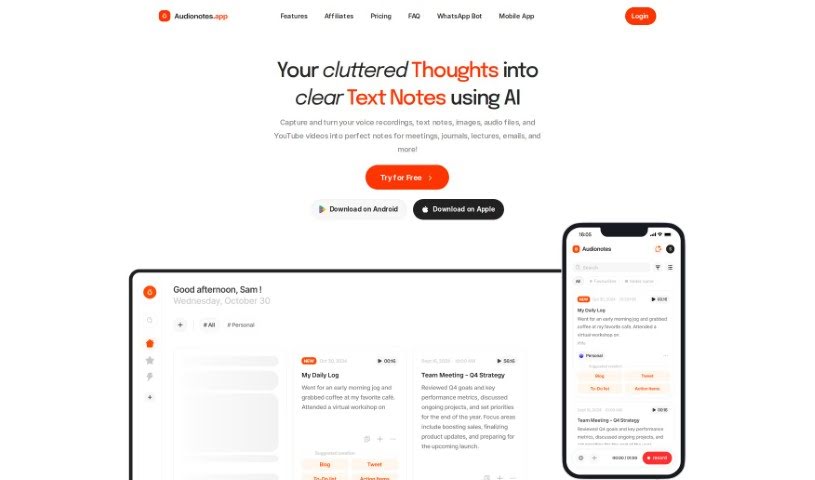
Screenshot of AudioNotes

AudioNotes

Freemium

AudioNotes is an AI-powered app designed to help you organize your thoughts. It is a smart assistant that takes your spoken words or written notes and turns them into clear, well-structured summaries. It's all about making note-taking smoother and boosting your productivity. You can record your voice or type notes, and AudioNotes can even help you create custom content like emails or social media posts. It connects easily with apps you already use, like WhatsApp and Notion, and even has a handy AI chat assistant for asking questions about your notes. Plus, it's super accessible on your phone through a lightweight web app that works on both Android and iOS. You can even create content in over 19 languages, which is pretty neat!

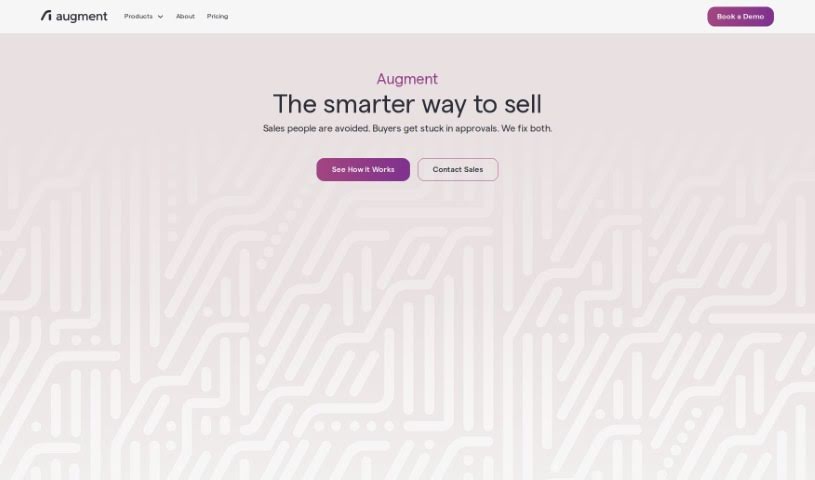
Screenshot of Augment AI

Augment AI

Freemium

Augment AI is your personal AI assistant, built to help you remember things better, type less, and read faster across all the apps you use. It can transcribe meetings, create summaries, organize your important documents, and even offer personalized help based on how you work and interact with information. Augment AI fits right into your daily workflow, works with different meeting platforms, and helps you be more productive by giving you instant recall and easy access to information. Plus, it really focuses on keeping your data private and secure. The goal is to boost your productivity by cutting out the unnecessary stuff, giving you just the relevant information, and understanding your writing style. They also really care about privacy and security, encrypting your data all the time and sticking to industry standards to keep your information safe. Right now, it's free to use, as they're focused on making the product amazing first. They want you to know that your data privacy will always be a top priority, no matter what happens with their business model down the line.

Previous 1 of 13 Next

Stay Updated with AI Tools

Get weekly updates on the latest AI tools, trends, and insights delivered to your inbox

Join 25,000+ AI enthusiasts. No spam, unsubscribe anytime.