AI Tools for Infographics

Discover the best Infographics AI tools to enhance your productivity and creativity.

Page 1 of 1 • 11 total tools

In today’s world, telling stories with visuals is key, and infographics are a fantastic way to break down complicated information into something easy to grasp and fun to look at. But, making good infographics can seem tough, especially if you’re not a designer. The good news? A whole new set of AI tools is here, making the whole process much simpler and open to everyone.

These smart platforms use AI to handle the design work, suggest layouts, and even offer content ideas. This means you can really focus on your story instead of getting stuck on the technical stuff. As people want more eye-catching visuals, these AI solutions help individuals and businesses create great infographics faster than ever.

Over the last few months, I’ve checked out a bunch of AI tools made just for making infographics. Whether you like simple drag-and-drop tools or smart templates that adjust to what you’re putting in, there’s something for every skill level. In this guide, I’ll share the top picks I’ve found, so you can pick the perfect tool to bring your ideas to life with fantastic visuals.

The best AI Infographics Tools

  1. Venngage for creating data-driven visual stories
  2. Infography for visual data storytelling for presentations
  3. Infografix for engaging data visualization for reports
  4. Moodboard Creator for visualizing data for engaging storytelling
  5. QRX Codes for engaging users with branded infographics
  6. Outline Ninja for quickly turning data into stunning infographics.
  7. Qr GPT for visual data storytelling creation
  8. Panoslice for crafting visually engaging infographics.
  9. Smart Visuals for visual storytelling for social media posts
  10. Midvector for transforming text into engaging visuals.
  11. QR Blend for dynamic data visualization with QR codes
  12. Birdbanner for quick Twitter infographic creation
  13. Squigl for creating engaging data visualizations.
  14. Design Stripe AI Cards for creating engaging infographic visuals.

How do AI infographics tools work?

AI infographic tools work by combining data visualization techniques with AI algorithms. Their main goal is to make complex information easy to understand through appealing graphics. Basically, they look at the data you give them, figure out the main points, and turn those into visual elements.

Most AI infographic tools use big datasets and smart algorithms to suggest design layouts, color schemes, and icons that match your content’s theme. By using templates and pre-made graphics, they speed up the creation process, letting you make professional-looking infographics fast.

The technology often includes natural language processing (NLP). This helps the tool understand what your text means, so it can suggest relevant visuals that fit your message. For example, if you input data about climate change, the tool might suggest images of the Earth, graphs showing temperature changes, or icons for renewable energy.

AI-driven infographic tools can also adapt to your personal style and who you’re trying to reach. They learn from your past projects or how you use them to offer suggestions tailored just for you. This makes the experience better and the visuals you create more effective.

To make an infographic, you usually start with a prompt or some specific data. The AI then creates a first draft of the design, which you can then tweak. This back-and-forth between what you input and what the AI generates allows for a collaborative design process, making sure the final result matches what you had in mind.

Basically, AI infographic tools blend your creativity with smart technology, making data visualization accessible to everyone. They help people who aren’t graphic designers to share complex ideas clearly and effectively, showing just how much AI can change creative work.

Our best AI infographics tools at a glance

RankNameBest forPlans and PricingRating
1Venngagecreating data-driven visual storiesN/A4.76 (17 reviews)
2Infographyvisual data storytelling for presentationsPaid plans start at $500/N/A.4.78 (23 reviews)
3Infografixengaging data visualization for reportsN/A3.20 (5 reviews)
4Moodboard Creatorvisualize data for engaging storytellingN/A4.67 (12 reviews)
5QRX Codesengage users with branded infographicsN/A4.74 (43 reviews)
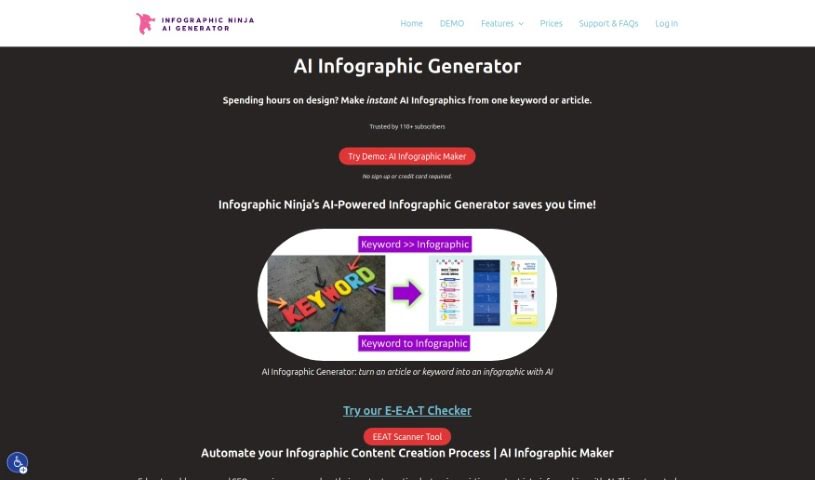
6Outline Ninjaquickly turn data into stunning infographics.Paid plans start at $0.33/infographic.4.67 (12 reviews)
7QrGPTvisual data storytelling creationN/A4.77 (22 reviews)
8Panoslicecrafting visually engaging infographics.N/A3.60 (5 reviews)
9SmartVisualsvisual storytelling for social media postsN/A4.67 (12 reviews)
10Midvectortransforming text into engaging visuals.N/A4.82 (11 reviews)
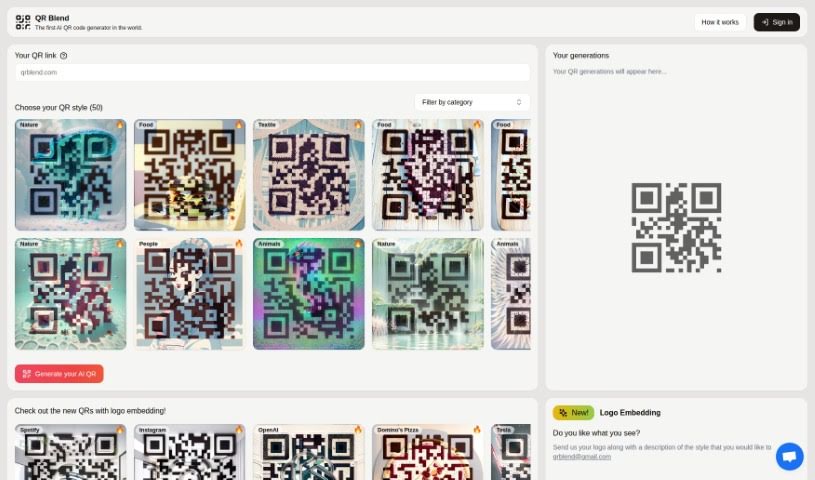
11QR Blenddynamic data visualization with qr codesN/A4.80 (10 reviews)
12Birdbannerquick twitter infographics creationN/A3.33 (6 reviews)
13Squiglcreate engaging data visualizations.N/A3.40 (5 reviews)
14DesignStripe AI Cardscreating engaging infographic visuals.N/A4.76 (25 reviews)
Screenshot of DesignStripe AI Cards

DesignStripe AI Cards

Freemium

AI Cards is your go-to platform for creating content that's not just visually appealing, but also interactive and engaging. It's powered by AI, meaning it helps you whip up all sorts of personalized content – like cards, posters, and social media graphics – using a bunch of pre-designed templates. The AI handles a lot of the heavy lifting in the creation process, making it super efficient and easy to use, even if you're not a design whiz. It's a fantastic tool for anyone, whether you're an individual or a business, who needs to quickly produce eye-catching materials for any occasion. The interface is really straightforward, and the AI technology makes creating custom graphics a breeze.

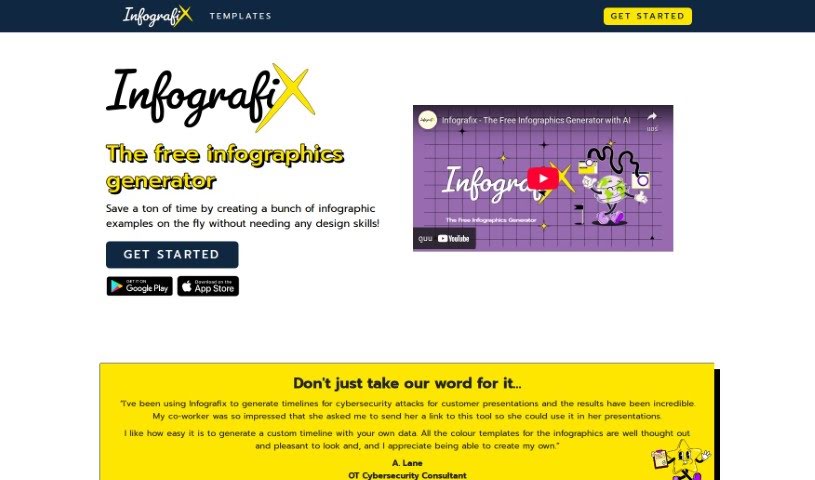
Screenshot of Infografix

Infografix

Freemium

Infografix is a handy, free tool that lets you create infographics easily, even if you're not a designer. It uses AI to help you whip up infographic examples quickly. You can make all sorts of visual content, like lists, hierarchies, timelines, cycles, process maps, SWOT analyses, and mind maps. You can use it right in your web browser, or if you prefer, you can download the app from the Apple App Store or Google Play. Infografix taps into generative AI, specifically Azure AI, to help you generate infographics from simple text prompts. Plus, you can tweak colors, fonts, and export formats (PNG, JPG, SVG, PDF) to make your infographics look just right.

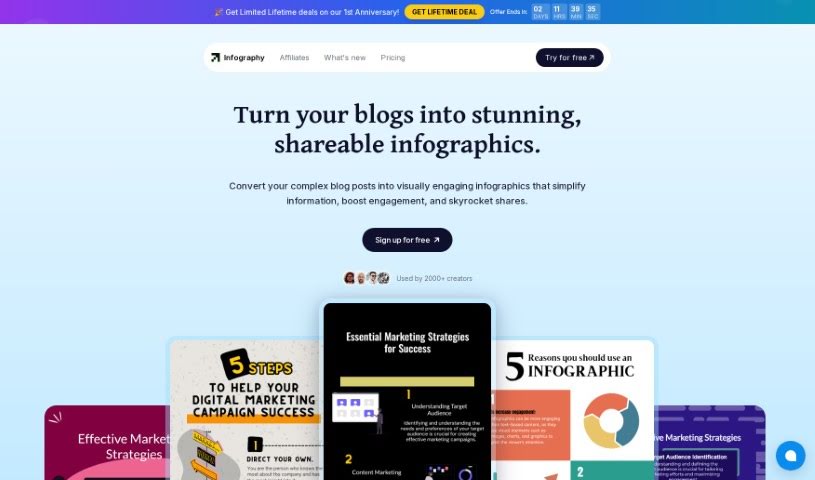
Screenshot of Infography

Infography

Freemium

an infographic is a visual story. As the document "infography.pdf" explains, it's all about creating and sharing information in a way that's easy to grasp and genuinely interesting. Instead of just text, infographics blend images, charts, graphs, and concise text to get complex data across clearly. You'll see them everywhere – in news articles, textbooks, marketing materials, and presentations – because they make information so much more appealing and understandable. Essentially, infographics are a fantastic way to simplify and boost how we communicate ideas using creative visuals.

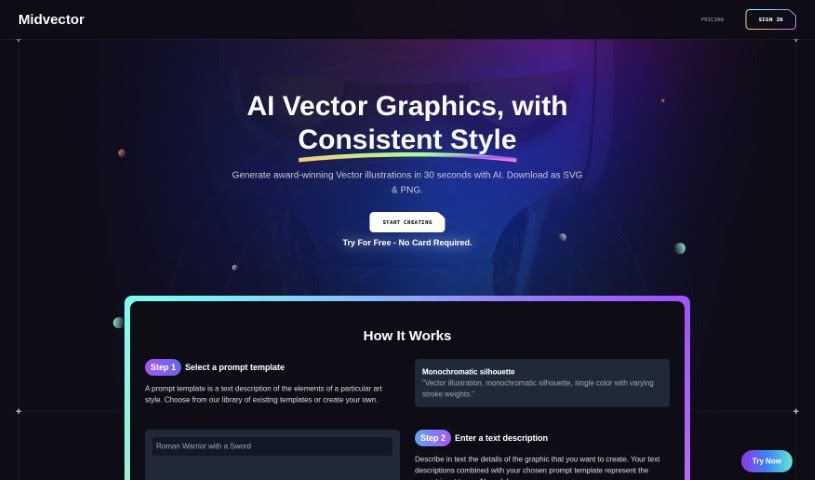
Screenshot of Midvector

Midvector

Freemium

MidVector is a really neat tool designed to take your text and turn it into eye-catching, informative vector images. It is a translator for your words, but instead of another language, it speaks in visuals. It's smart enough to understand different kinds of text, figure out what it means, and then create scalable vector images that look great whether you're printing them or using them online. The tech behind it uses advanced algorithms and machine learning to really dig into your text data. This makes it super helpful for fields like market research, digital marketing, and even education. Basically, MidVector helps you get a better handle on complicated text by showing it to you in a graphical way, which is fantastic for visualizing data and making sense of information.

Screenshot of Moodboard Creator

Moodboard Creator

Freemium

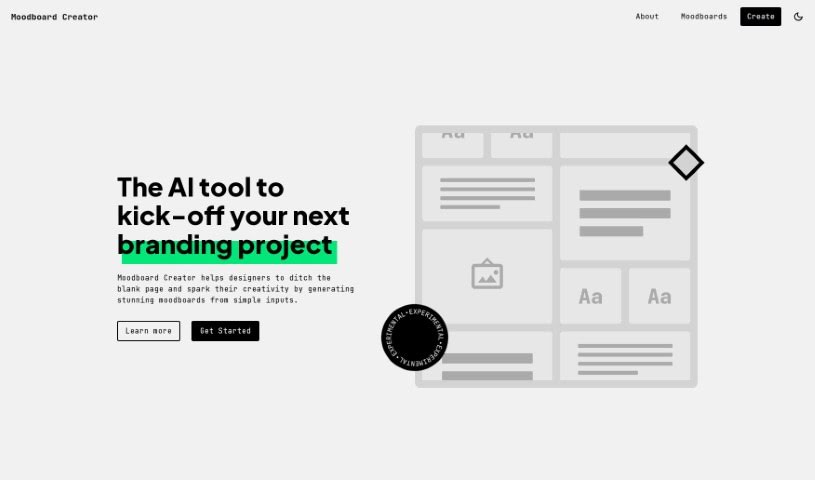
Moodboard Creator is a smart AI tool designed to help designers kickstart their branding projects. It's great for creating impressive moodboards by turning simple ideas into detailed visual guides. This really helps shape design directions and get the creative juices flowing. It's super easy to use, so whether you're a seasoned pro or just starting out, you'll find it helpful. It's fantastic for sparking creativity, letting you explore different colors, textures, and patterns, and it makes communicating your design vision a breeze. Juan Ignacio Rios developed Moodboard Creator, and it's a real lifesaver for designers who don't want to stare at a blank page. Instead, you can dive into your projects with plenty of inspiration and clear direction.

Screenshot of Outline Ninja

Outline Ninja

Freemium

Outline Ninja is an AI-powered tool that helps you create infographics. It offers several great benefits:

Screenshot of Panoslice

Panoslice

Freemium

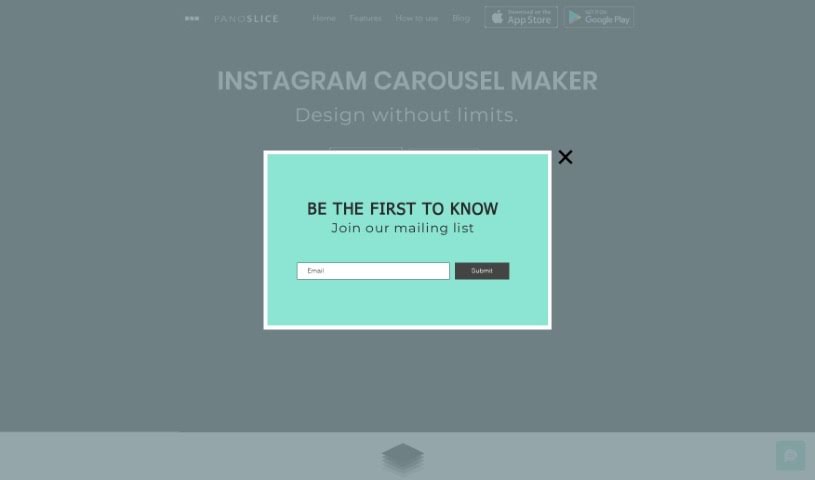
Panoslice is a really handy tool that helps you create all sorts of cool visuals for your online presence. Think seamless carousels for Instagram, stylish collages, and engaging slide presentations – it's great for platforms like Instagram, LinkedIn, and many others. Photographers, personal brands, and content creators use it to make their visual stories pop, announce things, support their Instagram Shops, and even put together educational posts. What's neat is that it comes with over 400 templates you can use right away, or you can design from scratch on a freeform canvas for a perfectly balanced look. Plus, it has this AI feature that can turn your text prompts into carousels, and you can even convert blog posts into social media content just by pasting a URL. You can grab Panoslice on both the Apple App Store and Google Play Store, so it's super easy to access whether you're on iOS or Android.

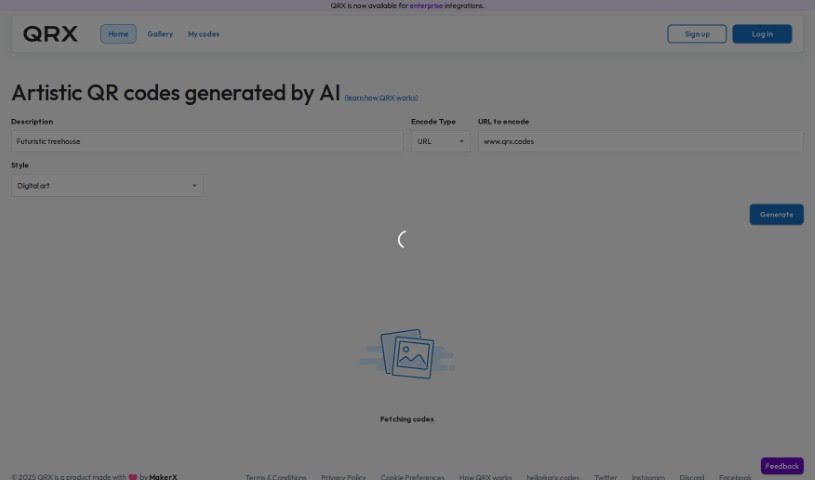
Screenshot of QRX Codes

QRX Codes

Freemium

QRX is a really neat tool that lets you create QR codes that aren't just functional, but also colorful and artistic. You can customize them to perfectly match your brand's look and feel. Instead of those standard black-and-white QR codes, QRX lets you transform them into visually appealing images that are much more likely to grab people's attention. And don't worry, these aren't just pretty pictures; they're fully functional and scannable, leading users directly to whatever content you want them to see. The platform itself has a super user-friendly editor, making customization a breeze, and it offers high-resolution export options, which is great whether you're using them digitally or for print.

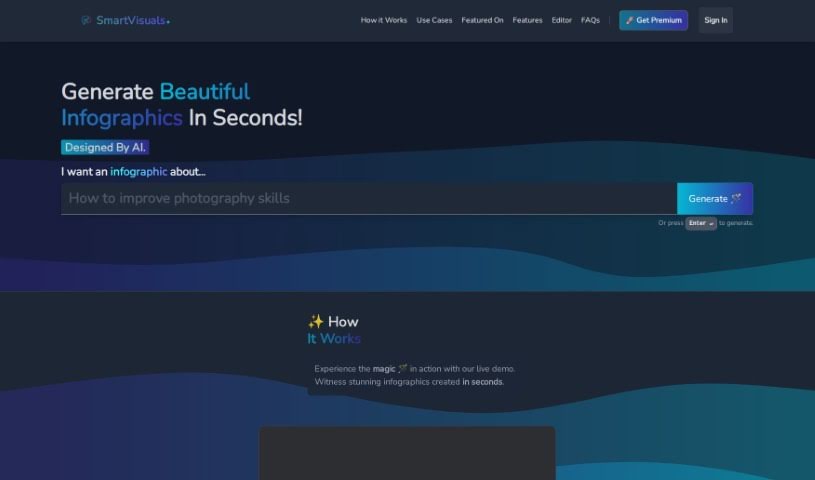
Screenshot of SmartVisuals

SmartVisuals

Freemium

SmartVisuals.app is a really neat online tool designed to make creating infographics super simple. It is your go-to for making visual content look great, even if you're not a design pro. It's an AI-powered infographic generator that's incredibly easy to use, letting you whip up eye-catching infographics without needing a ton of design experience. The way it works is pretty cool: you give it your data, and the AI helps put it all together into an informative and engaging infographic. This is perfect for all sorts of things, whether you're teaching something, presenting data, or working on marketing materials. Plus, SmartVisuals.app is free to use, runs on AI, and includes handy features for editing text and images. It’s a versatile tool that can be a real lifesaver for anyone creating content.

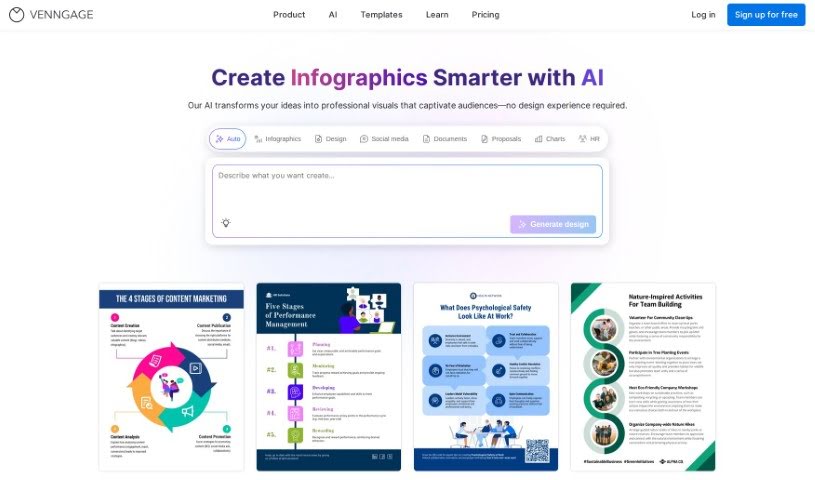
Screenshot of Venngage

Venngage

Freemium

Venngage's AI Infographic Generator is designed to be super easy to use. It offers a bunch of helpful features, like letting you create infographics quickly with AI's help. You'll find tons of different templates for all sorts of design needs, making it simple to navigate and get the most out of your experience. Plus, it gives you detailed insights through site usage analytics, which can really help you fine-tune your marketing efforts with eye-catching visuals. Essentially, this tool uses AI to make creating infographics a breeze, ensuring your designs not only look great but also get your message across clearly.

Previous 1 of 1 Next

Stay Updated with AI Tools

Get weekly updates on the latest AI tools, trends, and insights delivered to your inbox

Join 25,000+ AI enthusiasts. No spam, unsubscribe anytime.