AI Tools for Transcription

Discover the best Transcription AI tools to enhance your productivity and creativity.

Page 1 of 12 • 135 total tools

Transcribing audio or video content can take a lot of time. If you’re a journalist, podcaster, or student, the sheer volume of audio files can feel overwhelming. What if there was a way to make this process faster and more efficient? That’s where AI transcription tools come in.

These tools are really changing how we handle speech-to-text conversion. We’re past the days of monotonous manual typing. With so many options available, there’s a wide variety of choices suited for different needs and budgets.

You can find everything from powerful software offering high accuracy to simpler apps perfect for quick notes. The world of AI transcription is full of new developments. I’ve spent time testing and evaluating the most effective transcription tools to help you find the right fit for your projects.

As technology keeps evolving, so does the potential for these AI-driven solutions. Ready to streamline your transcription workflow and save valuable time? Let’s explore the best AI transcription tools currently on the market.

The best AI Transcription Tools

  1. Turbo Scribe for efficient podcast transcription
  2. Adobe Podcast to transcribe audio accurately
  3. Transkriptor for automating lecture notes for students
  4. Screen App for documenting meeting notes and action items
  5. Maestra AI to quickly convert audio to text transcripts
  6. Speechnotes for easy note-taking from recordings
  7. Transcribe Me for efficient lecture transcription
  8. Assembly AI for accurate meeting transcripts
  9. Sonix for easy audio-to-text transcription
  10. Deepgram for podcast transcription
  11. Blipcut to transcribe YouTube content for wider reach
  12. Cleanvoice AI for accurate podcast episode transcriptions
  13. Good Tape for effortless audio-to-text conversion
  14. Trint for real-time meeting transcription
  15. Openai Whisper for real-time meeting transcription

How do AI transcription tools work?

AI transcription tools are designed to convert spoken language into written text. They use advanced machine learning algorithms to improve accuracy. At their core, these tools rely on speech recognition technologies that analyze audio waves and identify spoken words. The process begins by capturing audio input, whether from a live conversation, a recording, or any other source.

Once the audio is captured, the AI system breaks it down into smaller segments. It then uses algorithms to process these segments, recognizing phonemes—the basic sounds of speech. By comparing these sounds against a large database of known words and phrases, the tool effectively transcribes the speech into written format.

Context is really important for transcription accuracy. Modern AI systems often use natural language processing (NLP) techniques to understand the context of a conversation. This ensures that words are not only transcribed correctly but also that the meaning and intent are preserved, especially in complex sentences or industry-specific jargon.

The training data for these tools includes a wide variety of accents, dialects, and speech patterns. The more varied the dataset, the better the tool becomes at handling different speakers and contexts. This extensive training helps the AI recognize subtle nuances in speech, including tone and inflection, allowing it to provide more accurate transcriptions.

In real-world use, AI transcription tools are becoming invaluable for journalists, researchers, and businesses. They can save hours of manual work and boost productivity. Integrations with platforms like Zoom or Google Meet let users automatically transcribe meetings in real time, simplifying documentation and ensuring no valuable insights are missed.

While transcription technology is strong, it does have challenges. Background noise, overlapping speech, and technical terminology can be difficult. However, ongoing advancements in AI and machine learning are continually improving the accuracy and efficiency of these tools, making them an essential asset in today’s digital environment.

Our best AI transcription tools at a glance

RankNameBest forPlans and PricingRating
1TurboScribeefficient podcast transcriptionPaid plans start at $10/month.4.80 (5 reviews)
2Adobe Podcasttranscribing audio with accuracyN/A4.67 (12 reviews)
3Transkriptorautomating lecture notes for studentsPaid plans start at $Affordable/N/A.4.31 (13 reviews)
4ScreenAppmeeting notes and action items documentationN/A4.86 (51 reviews)
5Maestra AIquickly converting audio to text transcriptsN/A4.64 (11 reviews)
6Speechnoteseasy note-taking from recordingsPaid plans start at $1.9/mo.4.27 (11 reviews)
7TranscribeMeefficient lecture transcriptionPaid plans start at $0.07/minute.4.94 (36 reviews)
8AssemblyAIaccurate meeting transcriptsPaid plans start at $0.15/hour.4.33 (12 reviews)
9Sonixeasy audio-to-text transcriptionN/A4.33 (6 reviews)
10Deepgrampodcast transcriptionN/A4.09 (23 reviews)
11Blipcuttranscribing YouTube content for wider reachN/A4.52 (23 reviews)
12Cleanvoice AIaccurate podcast episode transcriptionsN/A4.33 (12 reviews)
13Good Tapeeffortless audio-to-text conversionN/A4.82 (11 reviews)
14Trintreal-time meeting transcriptionN/A4.78 (23 reviews)
15Openai Whisperreal-time meeting transcription toolN/A4.74 (23 reviews)
Screenshot of 008 Agent

008 Agent

Freemium

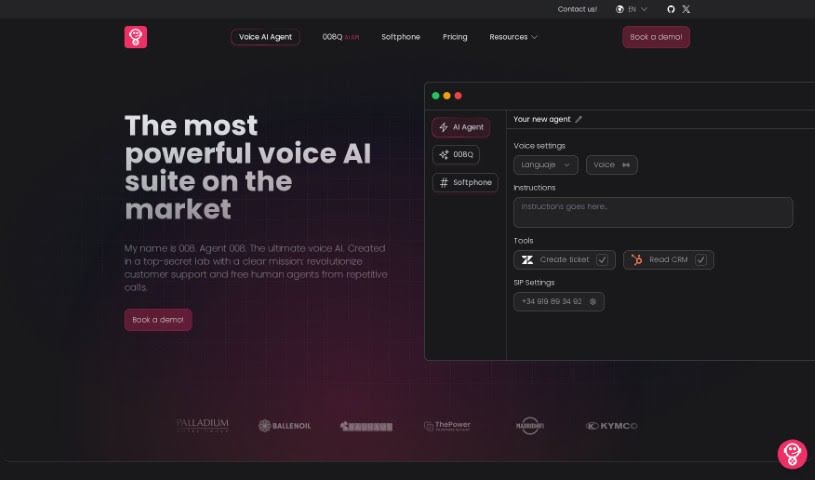
008 Agent is a smart, open-source helper for your phone calls, especially if you use VoIP. It's built to make your conversations better by handling calls in a really advanced way and processing all the data that comes with them. It records and analyzes everything that happens during your calls. This means you get features like automatic call transcription, which turns spoken words into text, and sentiment analysis to gauge the mood of the conversation. It can even summarize calls for you. Plus, it connects easily with your CRM, keeps track of calls without you having to think about it, and you can customize a lot of its features. While it relies on the community for updates and sometimes the sentiment analysis isn't perfectly accurate, and the programmable conversational agent can be a bit slow to respond, it's still a fantastic tool for improving how you communicate.

Screenshot of Acallrecorder

Acallrecorder

Freemium

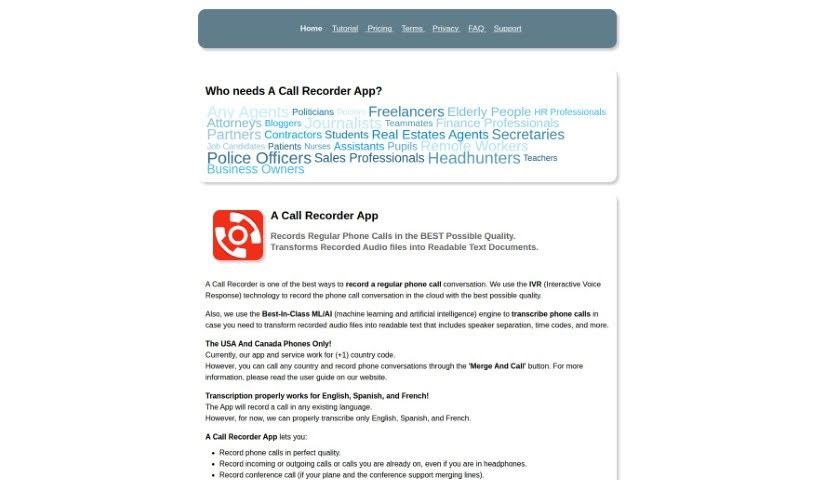
Acallrecorder is a handy app for recording and transcribing phone calls, brought to you by AnswerSolutions LLC. It works with both modern Apple and Android phones. You get high-quality audio recording, cloud-based options, and even machine learning to turn your conversations into text. Plus, it can separate speakers in the transcriptions, which is super useful! It's designed to be easy to use, making it a great tool for all sorts of people – think sales folks, finance pros, business owners, nurses, journalists, students, and really, anyone who needs to capture and understand phone conversations efficiently. You get an initial 60 free minutes to try it out, and you can easily buy more if you need them.

Screenshot of Actual Chat

Actual Chat

Freemium

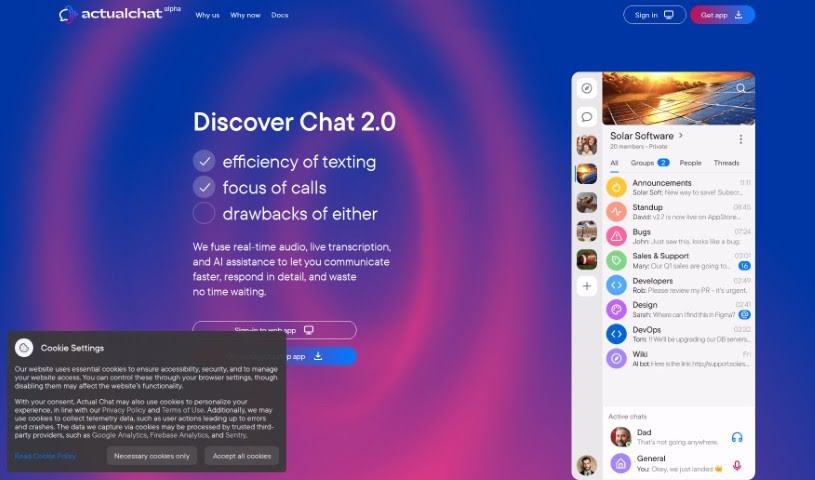
Actual Chat is a handy communication tool that brings together real-time audio, live transcription, and AI assistance. It is your go-to for clear conversations, whether you're chatting with family, friends, or colleagues. It provides live transcriptions of spoken words, which is great for understanding everything that's said. Plus, it offers anonymity if you prefer, helps you work on your speech clarity, and lets you choose whether you want to listen to the audio or just read the transcription. It's super useful for all sorts of situations – from casual family or friend chats to more formal settings like remote team meetings, webinars, online classes, and even customer support. You can grab the app for both Android and iOS, and it works well even in noisy places. The whole idea behind Actual Chat is to make communication more inclusive, less stressful, and to help everyone communicate a bit better.

Screenshot of Adobe Podcast

Adobe Podcast

Freemium

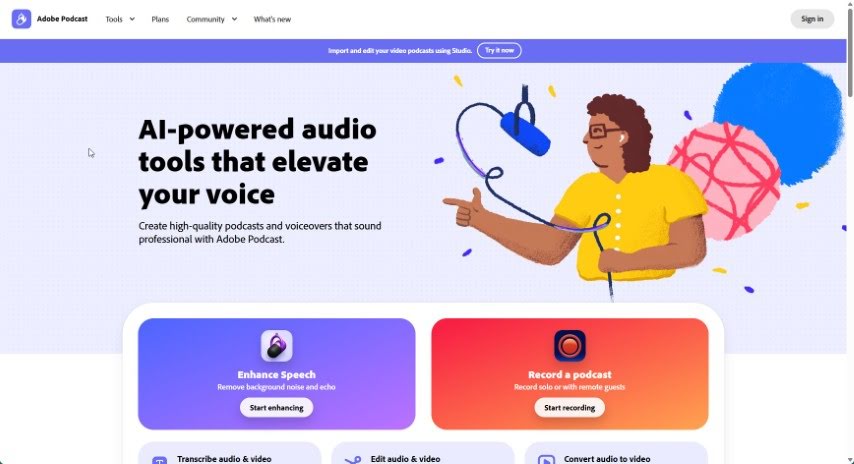
Adobe Podcast is a really neat audio platform designed to make podcasting better for everyone. It uses advanced recording tech to capture super clear audio, cutting out background noise so your recordings sound great every time. Beyond just recording, Adobe Podcast can automatically turn your audio into text, which makes editing and making your content accessible a breeze. Plus, it makes sharing your work simple, letting you get your content out on different platforms and connect with more people. It's designed to be easy to use, helps your content get found more easily online, and has editing tools that work for creators at any skill level. Basically, Adobe Podcast is all about helping you create professional-sounding audio content without all the usual hassle.

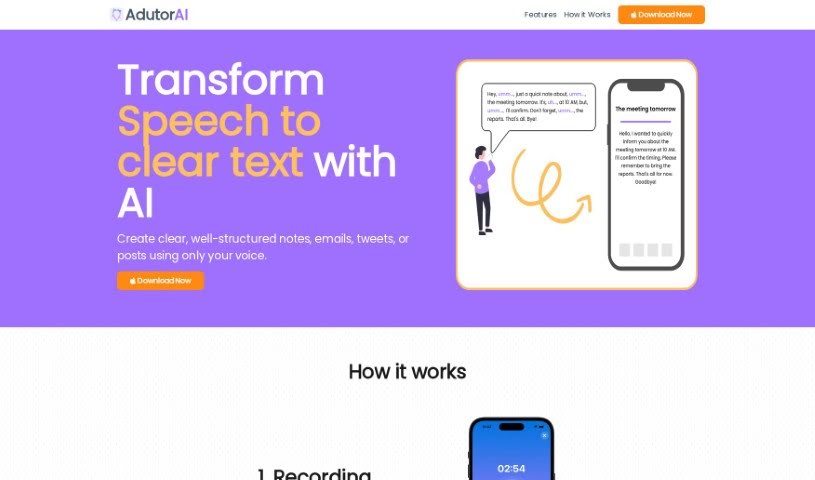
Screenshot of AdutorAI

AdutorAI

Freemium

AdutorAI is a handy tool designed to turn spoken words into text that's not only clear but also completely error-free. It's perfect for processing audio clips up to 3 minutes long, making it ideal for quick meetings, interviews, or any short audio content you need transcribed. What's great is that AdutorAI offers a bunch of features to help you work with your notes. You can save them, edit them, adjust their length (make them shorter or longer), summarize the content, translate it into different languages, restyle it for a better look, or even regenerate the text if you're not happy with the first go. It also supports multiple languages and gets better every day thanks to its advanced algorithms. The benefits are pretty clear: you get customized text, outputs that are easy to understand and well-structured, support for various languages, and a boost in productivity for things like emails and social media posts.

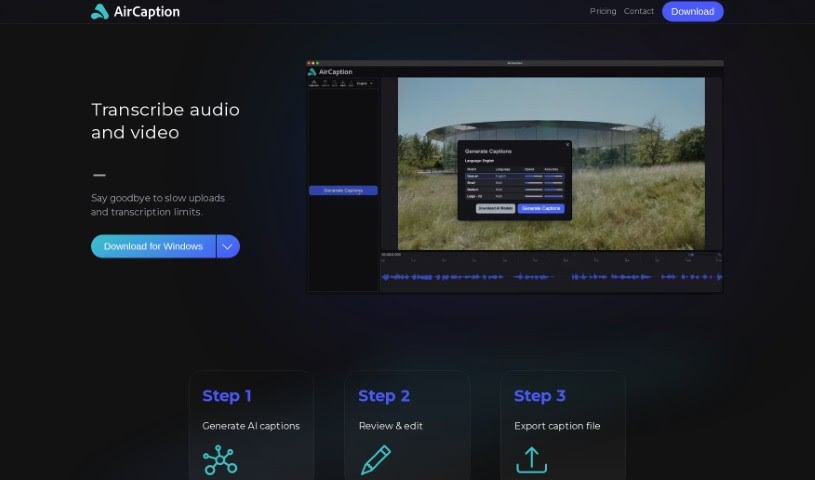
Screenshot of AirCaption

AirCaption

Freemium

AirCaption is a smart transcription software that uses AI models from OpenAI to create captions, transcripts, and subtitles for your audio or video content. You can easily review and edit these captions, then export them in various formats like SRT, VTT, TXT, or even directly onto your video. It's built for both Mac and Windows, and a really great feature is that it works offline. Plus, your privacy is protected because all transcriptions happen right on your own computer. AirCaption supports up to 60 languages and includes helpful hotkeys to speed up your workflow. It’s a fantastic tool for all sorts of professionals – think video editors, podcasters, language learners, legal folks, marketers, researchers, event organizers, online course creators, and journalists. Basically, anyone who needs to transcribe content can use it to make their work more accessible and easier for their audience to understand.

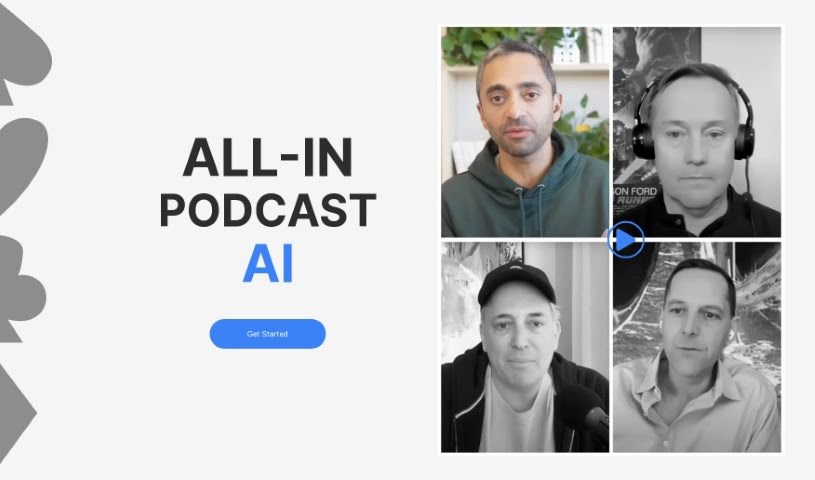
Screenshot of Allinpod

Allinpod

Freemium

Allinpod.ai is a really neat AI audio platform, brought to you by My Creativity Box. What makes it special is that it lets you create personalized rap verses using the actual voices of Chamath, Sacks, and Friedberg – you know, the Besties from the All In podcast! So, you can actually make custom rap songs with their unique voices. They offer different pricing plans for generating audio and video, and if you go for the Creator plan, you even get watermark-free video exports. Allinpod.ai uses some pretty advanced speech recognition to get accurate transcriptions and generate videos, which really helps boost your podcasting game with high-quality content and smooth speech-to-text.

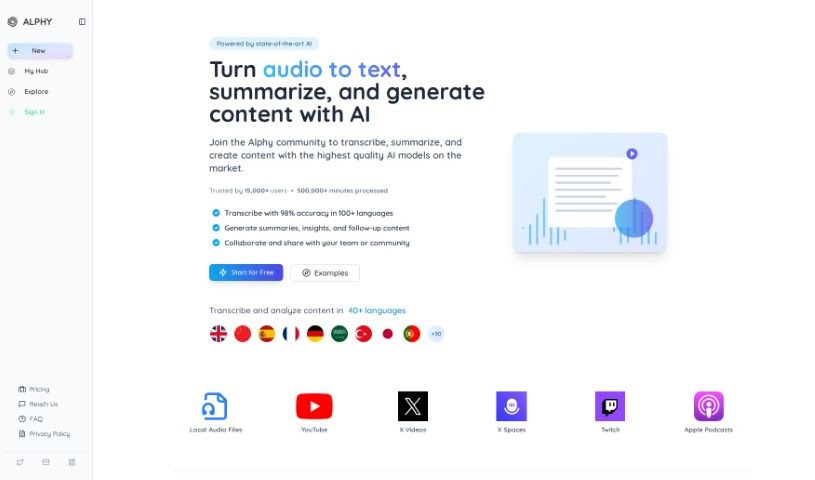
Screenshot of Alphy

Alphy

Freemium

Alphy is an AI tool designed to help you really connect with both online and offline audio and video content. It is your smart assistant for anything you listen to or watch. It uses AI to transcribe, summarize, and even help you create new written content from your videos and recordings. You can simply share a link or upload your own recordings, and Alphy will give you transcriptions, summaries, key takeaways, and even a mini AI assistant to help you dig deeper into the content. Plus, Alphy lets you build your own AI-powered search engines, called "Arcs," for any content you've processed.

Screenshot of Ambiki

Ambiki

Freemium

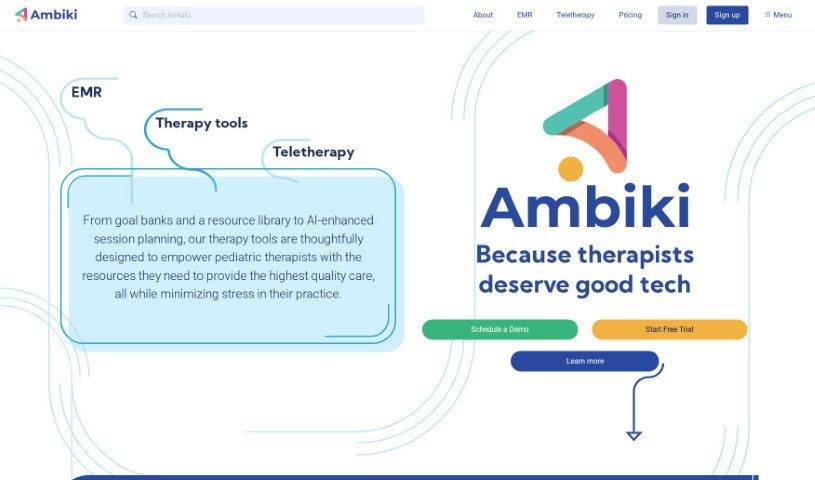
Ambiki is a smart tool built to help Speech-Language Pathologists (SLPs) by taking care of time-consuming documentation. It is your assistant for things like transcribing therapy sessions, writing up visit notes, analyzing pronunciation errors, keeping track of progress, and planning future sessions. It even creates summaries that parents can easily understand and links to helpful research based on what happened in each session. Basically, Ambiki frees up SLPs by handling many of the administrative tasks, giving them more time for what matters most – their patients.

Screenshot of AnthemScore

AnthemScore

Freemium

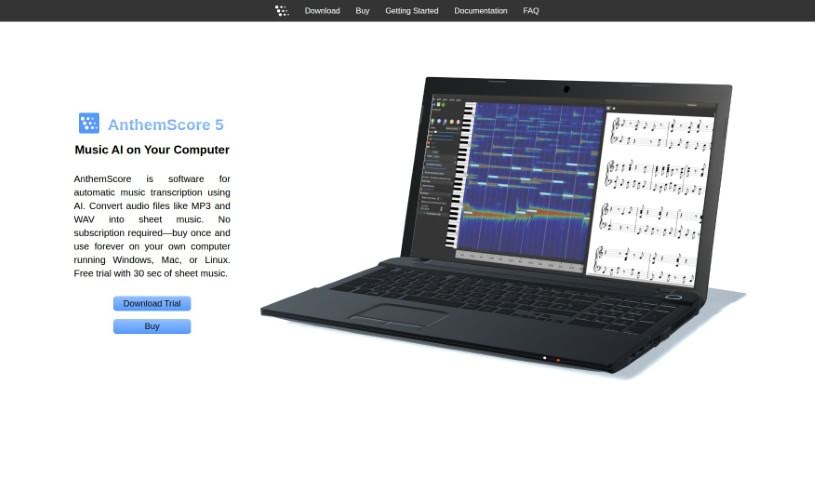
AnthemScore is a software that automatically transcribes music. It uses AI to turn your audio files, like MP3s and WAVs, into sheet music. It is a smart assistant for musicians! It can automatically detect notes, and it also gives you easy tools to fix any mistakes. You'll save a lot of time with its features for editing notes and beats. Plus, you can customize it for different instruments and do some pretty advanced editing. It works on Windows, Mac, and Linux, and you only buy it once – no subscriptions needed, so you can use it on your own computer forever. It handles lots of audio formats, including MP3, WAV, FLAC, and OGG Vorbis, but it might not work with files protected by DRM, like m4p. AnthemScore comes in a few different versions – Lite, Professional, and Studio – each offering more features. You might get note editing, a spectrogram to see the audio visually, audio playback, and more, depending on the edition. They also offer a free trial, so you can give it a spin before you buy.

Screenshot of Apptek

Apptek

Freemium

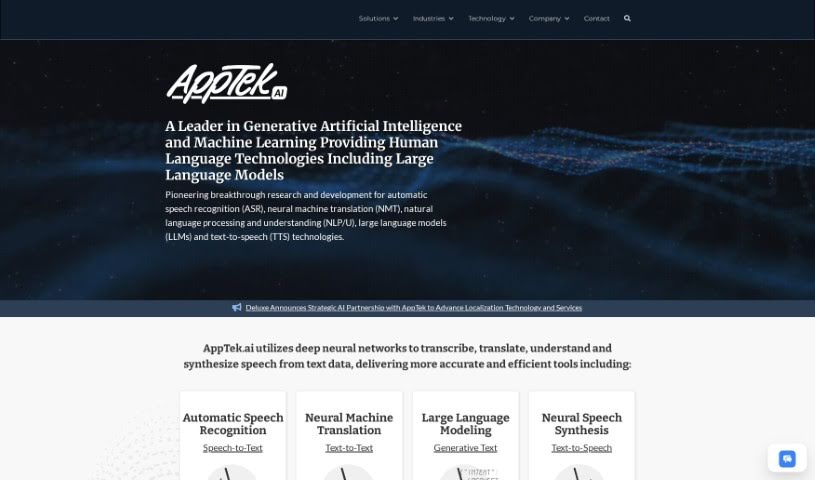
AppTek is a leading company that really knows its stuff when it comes to artificial intelligence (AI) and machine learning. They're experts in automatic speech recognition, machine translation, and understanding human language. Think of their advanced tech like this: their automatic speech recognition is super precise for turning spoken words into text. Their machine translation makes switching between languages smooth and easy. And their natural language understanding helps computers grasp what humans are saying, which is perfect for things like virtual assistants or customer service systems. AppTek's AI tools are built on top-notch machine learning algorithms, and they've been trained on tons of language data. This means their systems just keep getting more accurate and efficient. Because AppTek is so dedicated to research and development, businesses trust them to provide innovative AI solutions that can really boost operations, productivity, and how customers experience their services.

Screenshot of AssemblyAI

AssemblyAI

Freemium

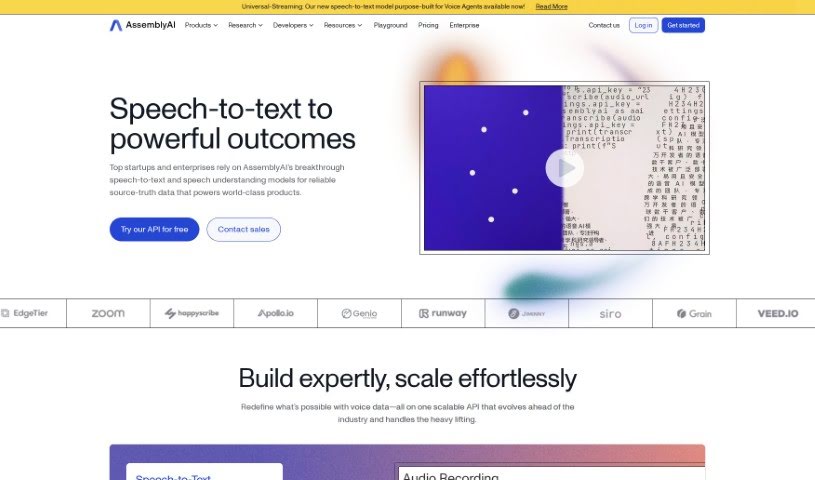
AssemblyAI is a really advanced platform that gives developers a quick and efficient way to use artificial intelligence (AI) for tasks involving audio processing. It is a toolbox packed with pre-trained AI models, all accessible through a simple API. It's especially good at speech transcription and understanding what's being said. What makes AssemblyAI stand out is how fast and accurate it is when handling audio data. This means it's perfect for applications that need to analyze audio in real-time or very close to it, with a high degree of precision. Plus, its API is designed with developers in mind, and it supports many different programming languages, making it easy for a wide range of people to use. It really opens up new possibilities for anything related to audio.

Previous 1 of 12 Next

Stay Updated with AI Tools

Get weekly updates on the latest AI tools, trends, and insights delivered to your inbox

Join 25,000+ AI enthusiasts. No spam, unsubscribe anytime.