AI Tools for Meetings

Discover the best Meetings AI tools to enhance your productivity and creativity.

Page 1 of 11 • 127 total tools

In today’s busy work world, meetings are both necessary and, let’s be honest, sometimes overwhelming. Between tricky scheduling and the sheer effort of taking notes, challenges can pile up fast. Wouldn’t it be amazing if something could just handle those things for you?

That’s where AI meeting assistants come in. This category has really grown up over the last few years. They’re not just for taking notes or managing calendars anymore. Now, they can give you smart summaries, track your action items, and even suggest topics for your agenda based on what you need.

I’ve spent time digging into and testing a bunch of these AI meeting assistants to see how they compare. This guide points out the best ones you can get right now, showing off what they do and what makes them special.

Whether you want to make your meetings smoother, get more done, or just cut down on the chaos, there’s an AI meeting assistant here that’ll likely be a great fit. Let’s check out the options that can really change your meeting experience.

The Best AI Meetings Assistants

  1. Zoom: Helps you schedule meetings easily and take notes.
  2. Otter.ai: Makes taking meeting notes simple and effortless.
  3. Fireflies AI: Streamlines meeting notes and tasks.
  4. Fathom AI: For efficient meeting notes and key highlights.
  5. Cal.ai: Automates the process of scheduling meetings.
  6. Motion: Offers an automated system for scheduling meetings.
  7. Tldv: Helps streamline meeting summaries and follow-ups.
  8. Reclaim AI: Automatically schedules breaks during meetings.
  9. Crystal Knows: Makes meeting prep easier with personality insights.
  10. Supernormal: Helps you get the most out of your meetings without much effort.
  11. Jamie AI: Effortlessly summarizes what was discussed in meetings.
  12. Blu Dot: Streamlines meeting scheduling and follow-ups.
  13. MeetGeek: Provides streamlined meeting notes and insights.
  14. Voicenotes: Efficiently captures meeting notes and action items.
  15. Bubbles Notetaker: Streamlines meeting transcriptions and tasks.

How Do AI Meeting Assistants Work?

AI meeting assistants have become super popular, using advanced tech to make meetings run more smoothly. Basically, these tools use natural language processing (NLP) to understand what’s being said or written. When you talk or type into the platform, the AI analyzes it right away, helping to pull out important details or action items from the conversation.

A big part of what AI meeting assistants do is automatically transcribe conversations. This feature records what’s said, so you don’t miss any key points. Having accurate transcripts means you can focus on the discussion itself instead of worrying about writing everything down. Plus, you can always look back at the transcripts later, which really helps with productivity and keeping communication on track.

Beyond just transcribing, AI meeting assistants can also summarize your meetings. After the session wraps up, they can create short overviews that highlight the main topics and decisions. This is a lifesaver for busy professionals who don’t have time to read through long notes. These summaries help make sure everyone involved is on the same page about what was decided.

What’s more, many AI meeting assistants connect with your calendar apps. This lets them schedule and manage meetings smoothly, sending out invitations and reminders to everyone. By handling the logistics, these tools help avoid scheduling conflicts and simplify the whole process.

The technology behind AI meeting assistants mostly relies on machine learning algorithms. These are trained on tons of data from conversations and meeting notes. By spotting patterns in language and context, the AI gets really good at understanding different speech styles. This extensive training helps the assistant work well across all sorts of topics and ways of talking in meetings.

If you’re looking to make your meetings better, AI meeting assistants offer some really exciting possibilities. They don’t just save you time; they also help people engage more during discussions. As technology keeps advancing, we can expect these tools to get even smarter, further changing how we run meetings in the future.

Our Best AI Meetings Assistants at a Glance

RankNameBest forPlans and PricingRating
1ZoomScheduling meetings and taking notes easily.Paid plans start at $15.99/month.4.73 (11 reviews)
2Otter.aiTaking meeting notes effortlessly.Paid plans start at $13.59/month.4.73 (11 reviews)
3Fireflies AIStreamlining meeting notes and tasks.Paid plans start at $10/month.4.67 (12 reviews)
4Fathom AIEfficient meeting notes and highlights.Paid plans start at $19/month.4.33 (24 reviews)
5Cal.aiAutomating meeting scheduling.Paid plans start at $15/month.4.33 (6 reviews)
6MotionAutomated meeting scheduling system.N/A4.18 (11 reviews)
7TldvStreamlining meeting summaries and follow-ups.N/A4.31 (13 reviews)
8Reclaim AIAuto-scheduling breaks in meetings.Paid plans start at $10/month.4.25 (12 reviews)
9Crystal KnowsStreamlining meeting prep with personality insights.N/A4.50 (24 reviews)
10SupernormalOptimizing meeting efficiency.Paid plans start at $18/month.4.79 (19 reviews)
11Jamie AIEffortlessly summarizing meeting discussions.N/A4.33 (15 reviews)
12Blu DotStreamlining meeting scheduling and follow-ups.N/A4.60 (25 reviews)
13MeetGeekStreamlined meeting notes and insights.Paid plans start at Free/N/A.5.00 (30 reviews)
14VoicenotesEfficient meeting notes and action items.N/A4.64 (11 reviews)
15Bubbles NotetakerStreamlining meeting transcriptions and tasks.Paid plans start at $Free/month.4.64 (11 reviews)
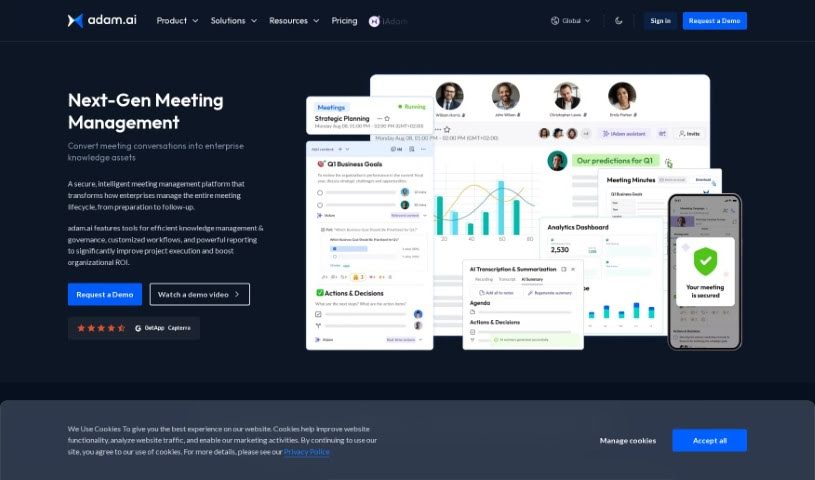
Screenshot of Adam.ai

Adam.ai

Freemium

Adam.ai is a really comprehensive platform for managing projects, designed to make teamwork and communication much smoother for your team. It’s packed with features that help you assign and keep track of tasks, manage your documents, create meeting minutes, and even connect with popular tools like Google Drive and Slack. The whole idea behind Adam.ai is to boost productivity by keeping all your project-related information in one central spot and making it easy for everyone on the team to collaborate in real-time. It’s got a user-friendly interface and really focuses on efficiency, helping teams stay organized, be more transparent, and ultimately nail their project goals through great communication and task management.

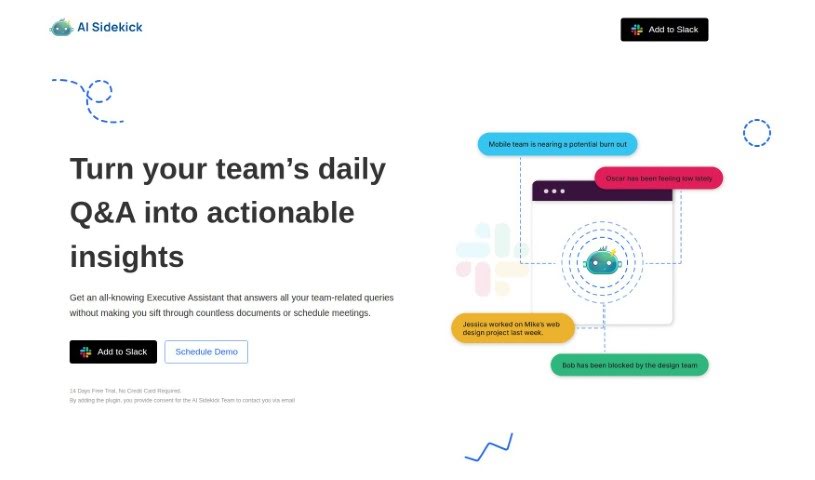
Screenshot of AI Sidekick

AI Sidekick

Freemium

AI Sidekick is a modern tool that works with Slack, giving you team analytics powered by ChatGPT. It is your virtual Executive Assistant right inside Slack. It's designed to really boost your team's productivity by giving you fast answers to questions about your team and offering practical insights. It makes daily tasks much simpler, like setting up a Daily Q&A channel, quickly filling out those daily updates with a simple command, and letting you have unlimited chats. They offer a 14-day free trial, and you can choose plans for individual users or your whole workspace.

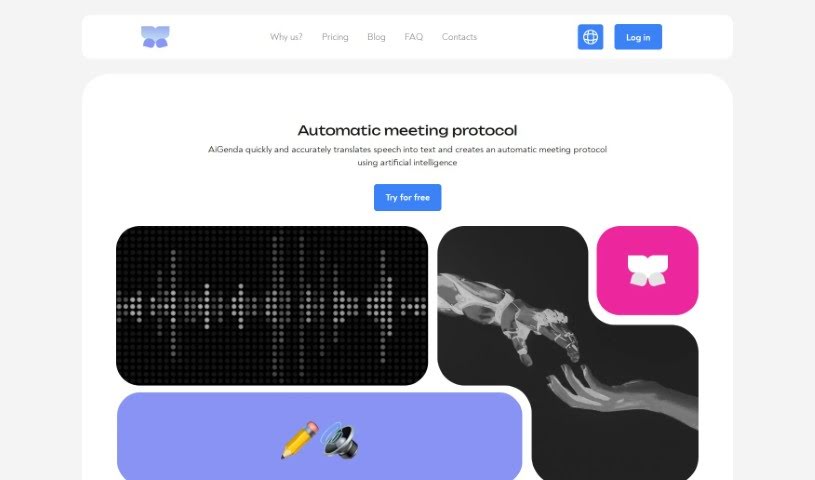
Screenshot of AiGenda

AiGenda

Freemium

AiGenda is an AI-powered platform designed to make your online meetings, lectures, and conferences run much smoother. It is your personal assistant for these events. It automatically handles tasks like transcribing everything that's said, creating concise summaries, shortening conversations, and pointing out the main agreements reached. It works seamlessly with popular video conferencing tools like Google Meet and Zoom, supports many different languages, and really prioritizes keeping your information secure. You can use AiGenda on your smartphone, and they offer different subscription plans to fit what your business needs.

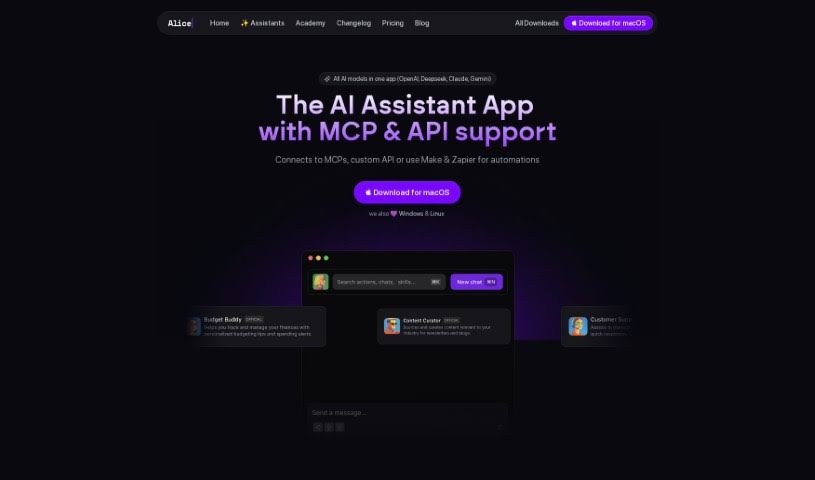
Screenshot of Alice

Alice

Freemium

Alice is a really powerful AI assistant that runs right on your desktop. It gives you quick and reliable access to a bunch of different AI models, like OpenAI, Perplexity, and Claude, among others. With Alice, you can chat with these AI assistants, create and use your own custom templates called Snippets, connect with other apps using Remote Actions, easily switch between different AI models, process images, use your voice to dictate and listen to responses, and really tailor the user experience with things like keyboard shortcuts. Alice also cares about your privacy – it keeps your chat history stored locally. It works with the latest versions of Windows and macOS. What makes Alice stand out from other AI assistants is its focus on desktop use, the flexibility to use many different AI models, its customizable Snippets, the ability to integrate with apps, its strong privacy features, the promise of regular updates, and the option for a lifetime license.

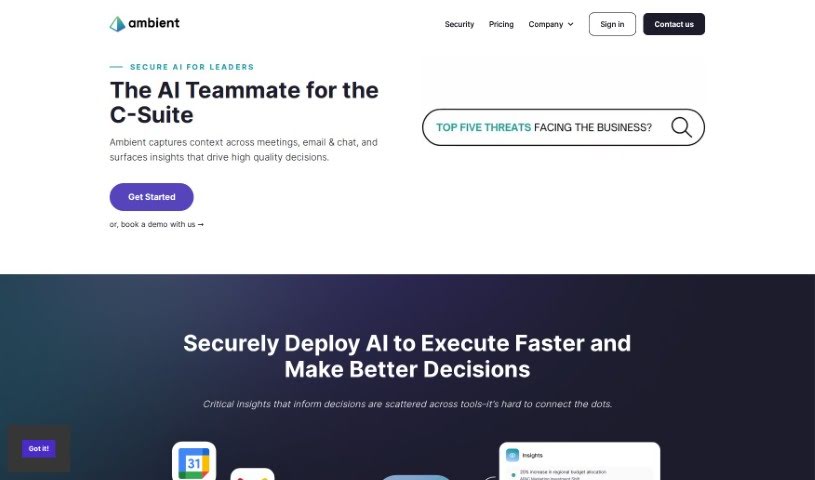
Screenshot of Ambient

Ambient

Freemium

Ambient is a smart tool designed to help Chiefs of Staff and Founders get their valuable time back. It completely changes how leaders handle their daily tasks by acting as an intelligent assistant for taking notes and managing tasks. This means you can streamline your work and focus more on big-picture decisions and core business goals, rather than getting bogged down in administrative details. Ambient offers features like AI-powered note-taking, task management, strategic focus, and a general efficiency boost, all wrapped up in an easy-to-use interface to make you more productive.

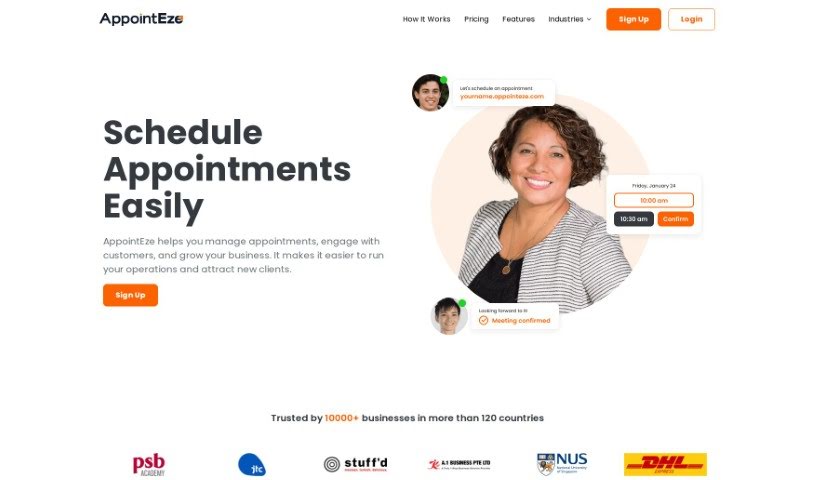
Screenshot of Appointeze

Appointeze

Freemium

Appointeze is a cloud-based appointment management system built for small and medium-sized businesses. It is your digital assistant for handling appointments, making things much smoother and saving everyone time. It lets you easily share when you're free, book meetings, and even automate the whole booking process. Customers have really liked how simple it is to use and how flexible it is for setting up appointments that work for them.

Screenshot of April AI

April AI

Freemium

April AI is a really smart tool designed to help you get better at speaking, and it does it efficiently. It is your personal speech coach, right there on your calls. This platform gives you personalized feedback on how you're speaking during meetings, making it much simpler to sharpen your communication abilities. All you need to do is log in with your Google account. Once you do that, April AI can join your meetings live, listen to the conversations, and then send you detailed feedback via email after the call wraps up. Professionals from all sorts of fields trust April AI, especially those who are busy and want to improve their speaking and leadership skills without needing to carve out extra time for practice. The tool is pretty clever; it understands the context of your meetings and even your unique communication style, so the feedback it gives you is accurate, relevant, and perfectly suited for your personal growth journey.

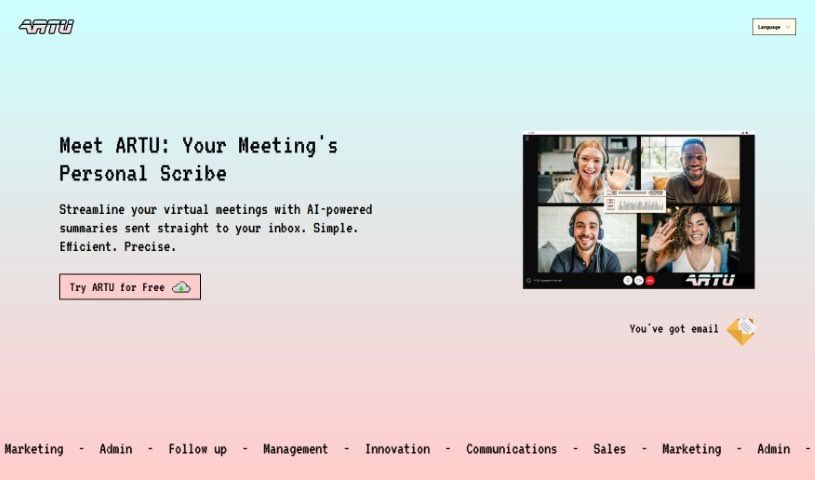
Screenshot of Artu

Artu

Freemium

Artu is an AI assistant designed to make virtual meetings much smoother. It automatically creates meeting minutes, summaries, identifies next steps, highlights key topics, and lists participant details, sending it all to your email right after the meeting wraps up. You can easily use it with a Chrome extension, which makes coordinating and organizing your meetings a breeze. Artu takes data security seriously, processing and organizing your information safely. They offer different subscription plans – Personal, Business, and Corporate – each with features to boost your productivity. You can also store and organize all sorts of content, like ideas, tasks, videos, links, and social media posts. Artu works with many communication tools, including email, WhatsApp, Discord, and Telegram. This means you can assign tasks, share content, and even have Artu join your online meetings through the Artu Meetings Chrome extension to help keep things efficient.

Screenshot of Atomic

Atomic

Freemium

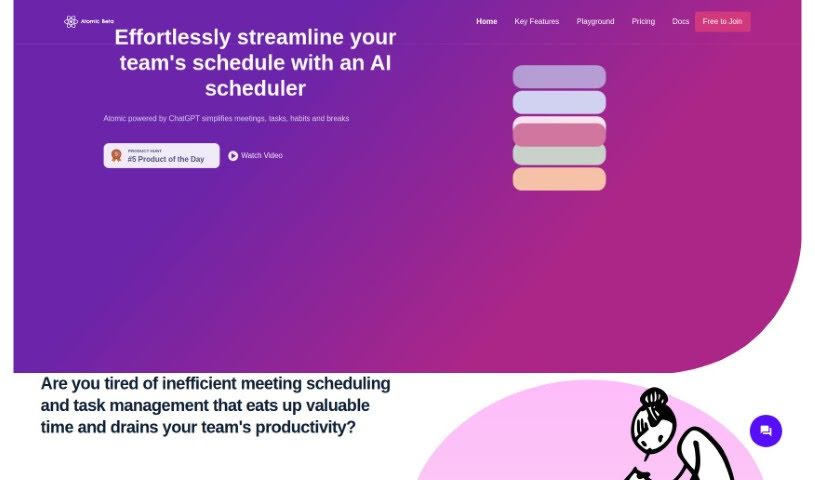
Atomic is an AI-powered calendar assistant that's designed to make scheduling meetings and managing tasks for teams much smoother. It is your smart helper for keeping your team's schedule organized. It's got cool features like Autopilot, which automatically finds the best times for meetings based on everyone's availability, and a smart search that lets you use custom event templates. Basically, Atomic wants to take the hassle out of scheduling and task management so your team can really focus on getting their work done.

Screenshot of Augment AI

Augment AI

Freemium

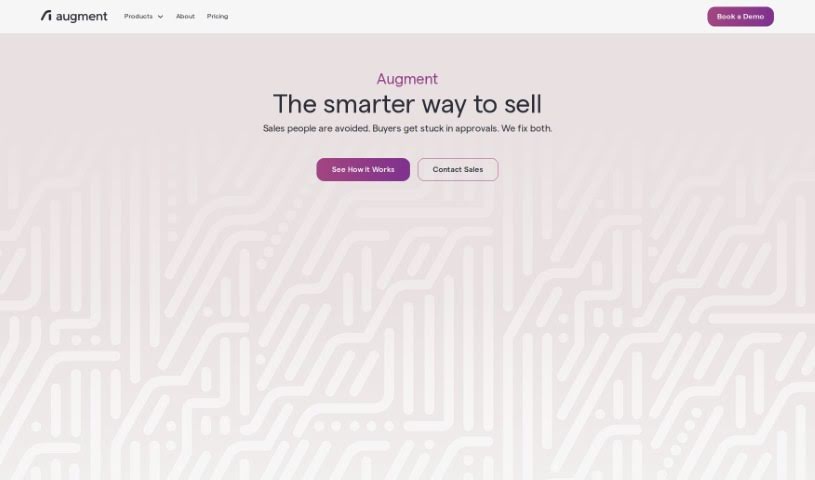
Augment AI is your personal AI assistant, built to help you remember things better, type less, and read faster across all the apps you use. It can transcribe meetings, create summaries, organize your important documents, and even offer personalized help based on how you work and interact with information. Augment AI fits right into your daily workflow, works with different meeting platforms, and helps you be more productive by giving you instant recall and easy access to information. Plus, it really focuses on keeping your data private and secure. The goal is to boost your productivity by cutting out the unnecessary stuff, giving you just the relevant information, and understanding your writing style. They also really care about privacy and security, encrypting your data all the time and sticking to industry standards to keep your information safe. Right now, it's free to use, as they're focused on making the product amazing first. They want you to know that your data privacy will always be a top priority, no matter what happens with their business model down the line.

Screenshot of Avoma

Avoma

Freemium

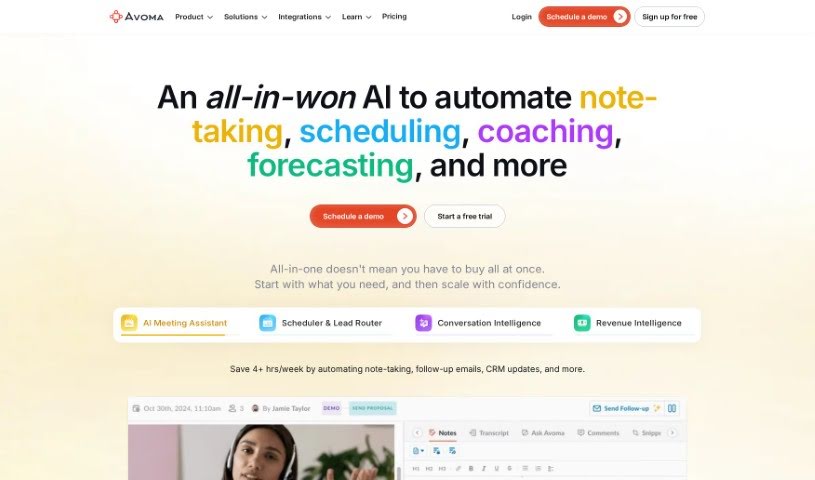
Avoma, which stands for "A Very Organized Meeting Assistant," was founded in late 2017. Its main goal is to boost meeting productivity by blending human insight with artificial intelligence. The company envisions a future where meetings are completely reimagined, helping people and companies reach bigger goals. Their mission? To make communication better for knowledge workers by handling those low-value tasks automatically and boosting the important work. Avoma really values being open, staying curious, and showing gratitude. They also stick to some key principles, like focusing on the "Jobs To Be Done" – what people actually need the tool to do – taking ownership like an entrepreneur, and always getting better with a growth mindset.

Screenshot of Backtrack

Backtrack

Freemium

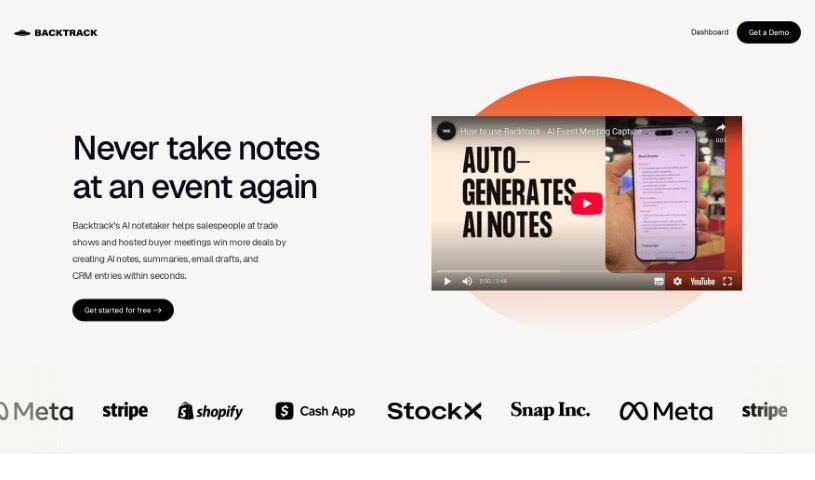
Backtrack is a really handy tool for Mac users, sitting right in your menu bar. It is a personal recorder that can recall and save audio, screen recordings, and even conversations you've had in the past. It's super versatile, perfect for capturing everything from Slack Huddles and client calls to brainstorming sessions, user interviews, sales calls, webinars, and even bug reporting. You can locally record up to five hours of past audio, screen activity, or microphone input. Plus, you get to preview and tweak what you've saved before you download it. And here's a neat part: Backtrack also has AI note-taking built-in. You can upload your recordings to the cloud, and the AI will whip up transcripts and summaries for you, saving you from all that manual note-taking. It automatically keeps track of the last hour of internal or external audio and your screen, making it easy to retrieve and store, all while keeping your privacy safe until you decide to share.

Previous 1 of 11 Next

Stay Updated with AI Tools

Get weekly updates on the latest AI tools, trends, and insights delivered to your inbox

Join 25,000+ AI enthusiasts. No spam, unsubscribe anytime.