AI Tools for Logo Generation

Discover the best Logo Generation AI tools to enhance your productivity and creativity.

Page 1 of 3 • 35 total tools

In today’s digital world, a great logo is super important for showing off your brand. But, making a logo that looks good and is memorable can be tough, especially if you’re a startup or small business on a tight budget. The good news? AI technology has made it much easier to create professional-looking logos without spending a fortune.

AI logo generators are now really helpful tools that simplify the whole design process. Anyone can use them, no matter their artistic talent. These platforms use smart systems to create unique designs based on just a little bit of information from you, letting you generate logos fast and easily. And the best part? You don’t need to be a graphic designer to get awesome results.

After checking out a bunch of AI logo generators, I’ve put together a list of the top ones out there right now. They offer everything from simple interfaces to lots of customization options, so they can help with whatever you need, whether you’re starting a new brand or just want to update your current one.

Get ready to discover some of the most innovative AI logo generators that can bring your branding ideas to life with just a few clicks!

The best AI Logo Generators

  1. Logoai: Great for quickly creating your brand identity.
  2. Turbologo: Helps you design unique business logos fast.
  3. Brandmark: Makes logo creation quick for startups.
  4. Logomaster.ai: Offers instant logos for startups and brands.
  5. Design.com AI Logo Generator: Perfect for small business branding.
  6. Zoviz: Makes logo design easy for startups.
  7. Logo Diffusion: Creates unique logos instantly from text.
  8. Sologo AI: Crafts unique logos with ease.
  9. Ultimate AI Logo Maker: Ideal for small business branding logos.
  10. Logo Makr AI Logo Maker: Quick logo creation for startups.
  11. Namecheap Logo Maker: Designs unique logos for many different industries.
  12. Designhill Logo Maker: Creates unique logos for startups.
  13. Fontjoy: Easily crafts unique logo font pairings.
  14. Logopony: Creates unique brand logos with ease.
  15. Logomakerr: Instant logo design for your brand identity.

How do AI logo generators work?

AI logo generators use smart systems that look at design rules and what you tell them. When you give them details like your favorite colors, style, and what industry you’re in, the generator gets to work. It uses these details to look through a huge collection of design elements, patterns, and styles, helping it create logos that match what you’re looking for.

At their heart, these AI tools use neural networks. These have been trained on tons of logos and graphics. This training helps the systems understand trends, shapes, and looks that people like. Basically, they learn from countless examples to figure out what makes a logo effective and appealing.

Most logo generators have a user-friendly interface that guides you through designing. After you give your initial input, the AI will create several design options. You can then tweak these designs further based on your feedback, changing colors, fonts, and layouts until you get a logo that really feels like your brand.

It’s also worth noting that many logo generators don’t just use pre-made templates. Instead, they mix elements in new ways, making sure each logo feels unique. This means you can get a professional-looking logo without needing a lot of design experience or knowledge.

If you look closer at the technology, you’ll see machine learning at work. This process lets the AI get better over time by learning from what users choose and prefer. This improves both the customization options and the overall quality of the logos it creates.

So, to sum it up, AI logo generators combine advanced systems, lots of design data, and your input to create logos that fit your specific needs. This mix of technology and customization helps businesses of all sizes create distinct identities in just a few minutes.

Our best AI logo generators at a glance

RankNameBest forPlans and PricingRating
1Logoaiquick brand identity creation.N/A4.67 (12 reviews)
2Turbologoquickly design unique business logos.Paid plans start at $39.99/one-time payment.4.62 (13 reviews)
3Brandmarkquick logo creation for startups.N/A4.73 (11 reviews)
4Logomaster.aiinstant logos for startups and brands.Paid plans start at $39/one-time fee.4.55 (11 reviews)
5Design.com AI Logo Generatorsmall business branding creationN/A5.00 (7 reviews)
6Zovizeffortless logo design for startups.N/A4.67 (3 reviews)
7Logo Diffusioninstant unique logo creation from text.N/A4.80 (10 reviews)
8SologoAIcrafting unique logos effortlessly.N/A4.77 (13 reviews)
9Ultimate AI Logo Makersmall business branding logosPaid plans start at $15.9/month.4.27 (11 reviews)
10LogoMakr AI Logo Makerquick logo creation for startups.N/A4.92 (62 reviews)
11Namecheap Logo Makerdesign unique logos for varied industries.N/A4.64 (11 reviews)
12Designhill Logo Makercreating unique logos for startups.N/A4.64 (14 reviews)
13Fontjoycrafting unique logo font pairs easily.N/A3.67 (6 reviews)
14Logoponycreating unique brand logos easily.N/A4.27 (11 reviews)
15Logomakerrinstant logo design for brand identity.N/A4.79 (28 reviews)
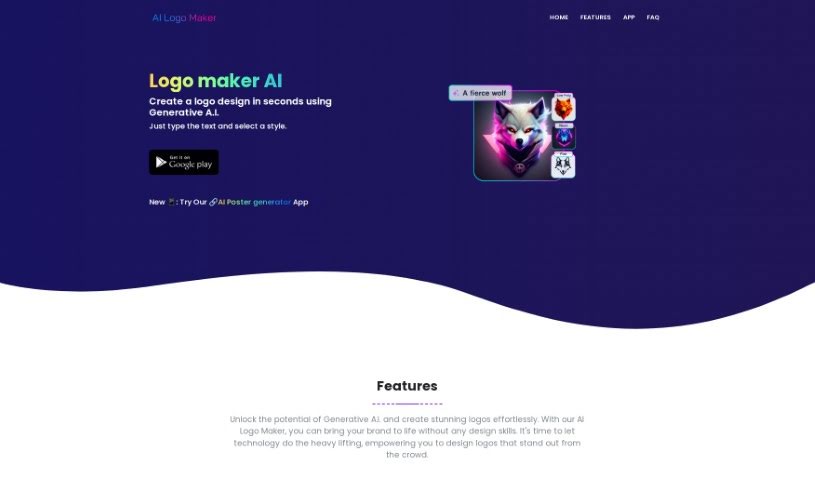
Screenshot of AI Logo Maker

AI Logo Maker

Freemium

An AI Logo Maker is essentially a smart tool that uses artificial intelligence to help you design logos and other graphic elements. It is a digital assistant that takes your ideas and turns them into visual concepts. It really simplifies the whole logo design process, making it super accessible even if you don't have any design experience. You can give the AI some basic input, and it'll generate a bunch of logo ideas for you. Then, you can tweak these concepts to make a logo that truly feels like your brand. This kind of tool usually supports different logo styles, lets you play around with colors, fonts, and other design elements, and lets you download your final logo in common formats like PNG, JPG, and SVG. Plus, they often have customer support ready to help if you get stuck.

Web Development View Tool →
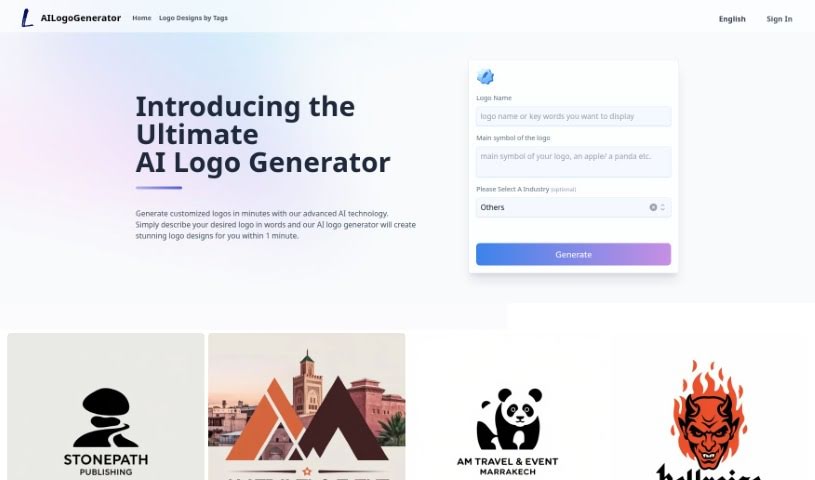
Screenshot of Ailogogenerator

Ailogogenerator

Freemium

Ailogogenerator is a really neat tool that helps bring your branding ideas to life. It uses AI to create logos, making it a standout option if you're looking to 'make your own logo.' Best of all, it's free for everyone to use! This isn't just about making a basic logo; it's a smart way to craft AI brand logos that truly capture what your business is all about. By blending AI technology with creative design, Ailogogenerator makes sure every logo it creates is unique and reflects your brand's identity and values. It’s a smooth combination of technology and design.

Web Development View Tool →
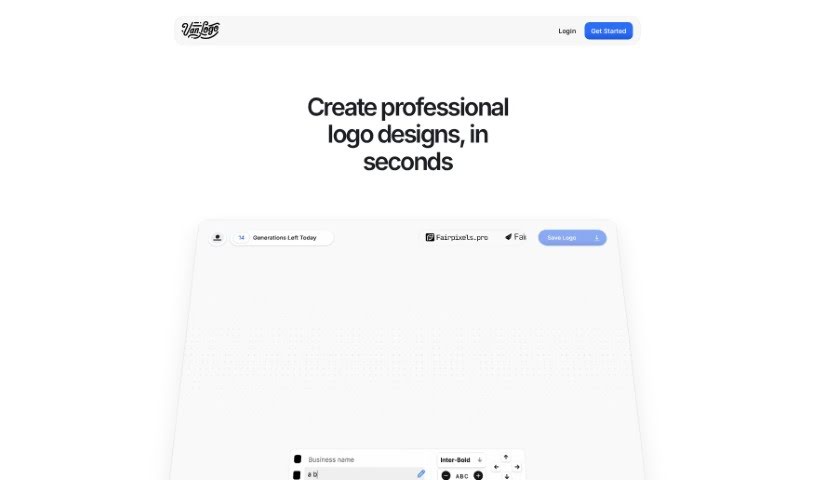
Screenshot of Ameela

Ameela

Freemium

Ameela is a platform designed to help startups create logos easily, offering a free AI-powered logo maker. It's built with a super intuitive interface, so even if you don't have any design experience, you can navigate the logo creation process without a hitch. You can easily edit your company name and download the logo as an .SVG file. This means you get a high-quality, scalable image that won't lose its crispness no matter how big or small you make it. Ameela's AI is pretty smart, too; it can suggest design elements based on your industry and what you like, making it a great option for startups that want a professional-looking logo without the hefty price tag of hiring a designer.

Web Development View Tool →
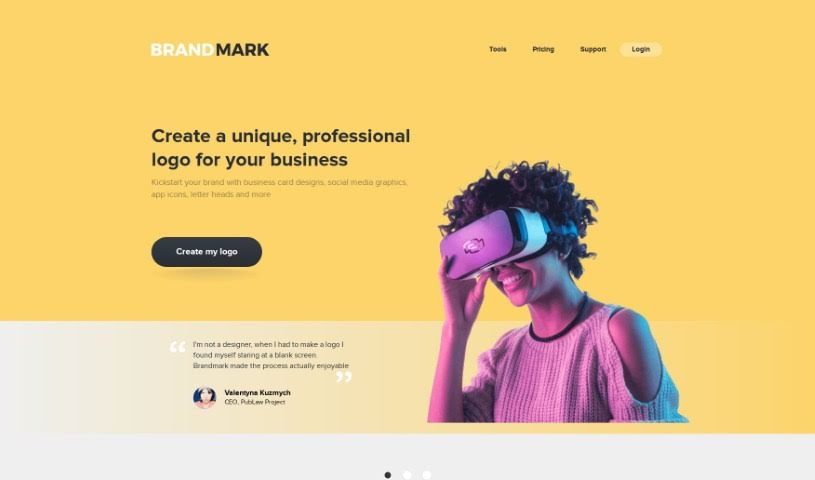
Screenshot of Brandmark

Brandmark

Freemium

Brandmark is a really helpful platform for designing logos. What's great about it is that you get full copyright for your designs, meaning you can use them for both commercial and personal projects without any worries. Plus, they offer unlimited revisions, so you can tweak your logo anytime, even after you've bought it. You can even generate as many logos as you like for free, and you don't even need to create an account to get started. People who've used Brandmark often say it's exceptional quality, offers complete branding solutions, and is fantastic value for money. It's perfect for anyone who isn't a designer but wants to create a logo they'll truly love. Brandmark makes logo design feel easy and enjoyable, and they really focus on making sure customers are happy.

Web Development View Tool →
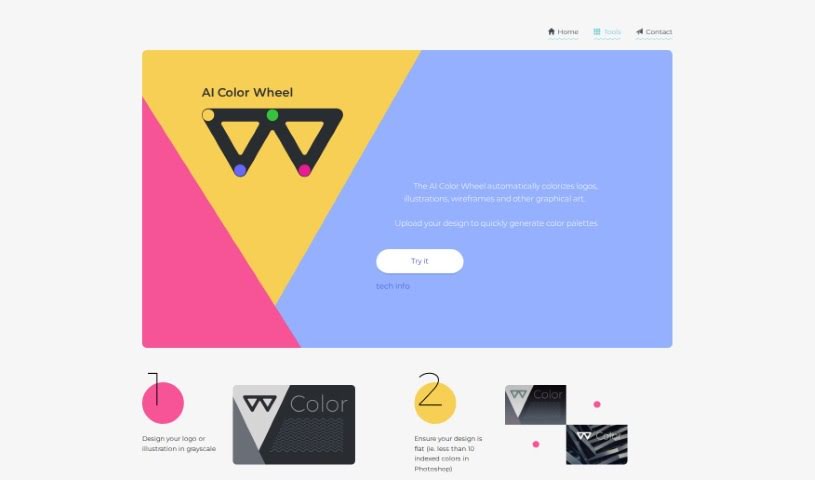
Screenshot of Brandmark Color Wheel

Brandmark Color Wheel

Freemium

The Brandmark Color Wheel is a really helpful tool designed to make your logo designs even better. It offers several useful features, like color quantization (which helps simplify colors in an image), creating a connectivity matrix to understand color relationships, and even colorizing images. Basically, by using this tool, you can really boost how your logos look and how effective they are. It makes working with colors and design elements much simpler, helping you craft a logo that truly stands out.

Web Development View Tool →
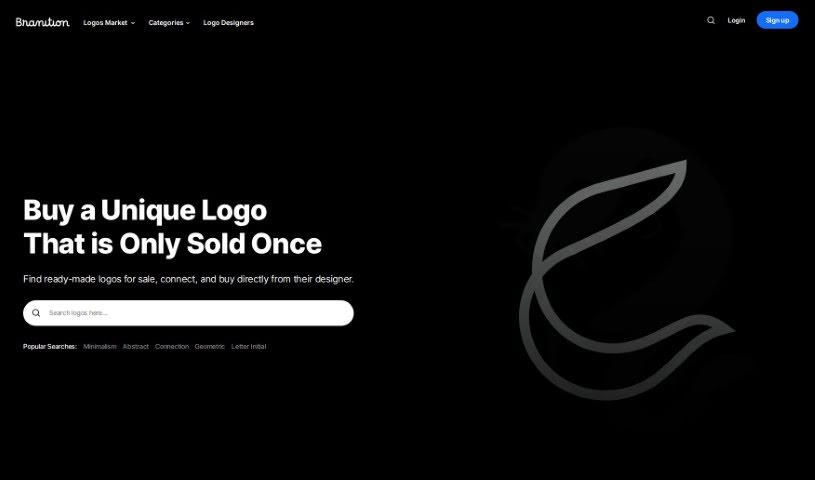
Screenshot of Branition

Branition

Freemium

Branition is a platform designed for logos and brandable names. It's a place where designers can showcase and sell their unused logos without paying any extra commission fees. This setup lets customers connect directly with designers before they decide to buy. To keep things running, Branition might show some ads on the site, but the main services remain free for everyone.

Web Development View Tool →
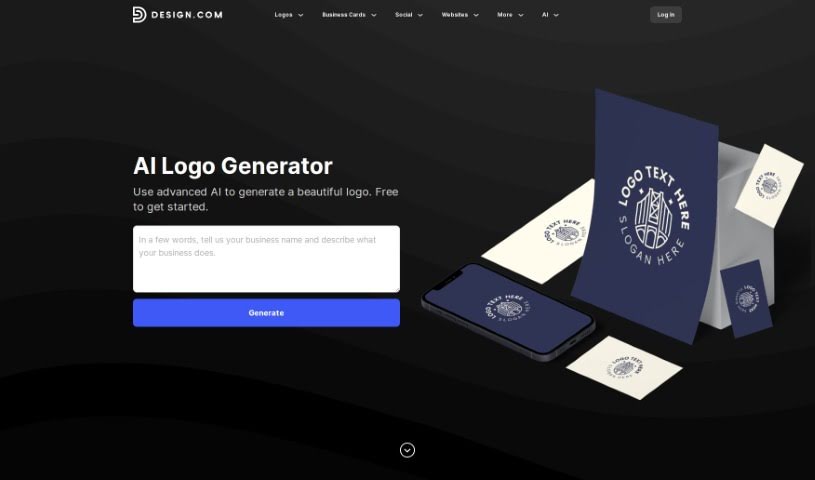
Screenshot of Design.com AI Logo Generator

Design.com AI Logo Generator

Freemium

Design.com's AI Logo Generator is pretty neat – it's packed with over 145,000 unique logo designs, all created by advanced artificial intelligence. The best part? You can access it for free! This means you can browse and tweak as many logo designs as you want, with absolutely no limits. It's designed for super-fast logo creation. You can pick a design you like and start editing it in mere seconds, meaning you'll have a custom logo ready in just a few minutes. Essentially, this tool makes creating a logo much simpler by giving you a huge variety of AI-generated designs that are easy to customize to perfectly match your brand.

Web Development View Tool →
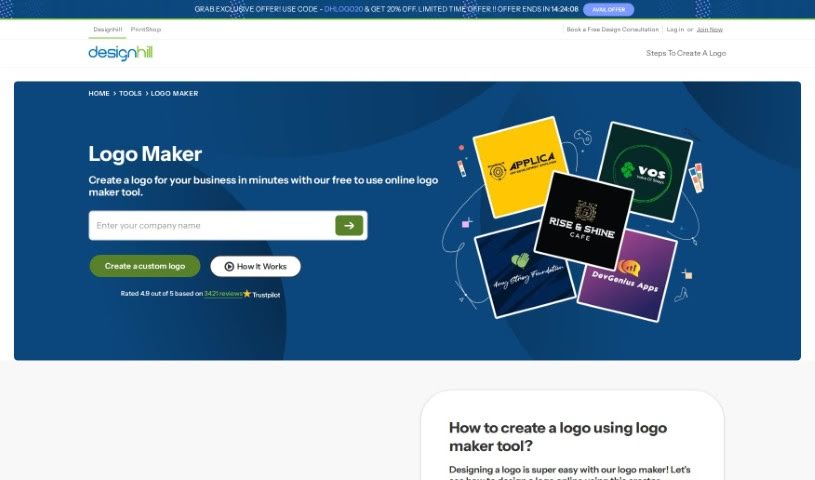
Screenshot of Designhill Logo Maker

Designhill Logo Maker

Freemium

A Logo Maker, like the one Designhill offers, is your personal AI-powered design assistant. It's built to help anyone, whether you're just starting a business or already running one, create a custom logo without needing to be a design pro. You simply tell it a bit about your business – like your industry, the name, and maybe a tagline – and the tool gets to work, generating a bunch of different logo ideas for you. It's got a huge library of templates and styles, so whether you're a seasoned designer or just dipping your toes into branding, you'll find something that fits. Plus, you can tweak things like the layout, fonts, and colors right there on the platform. The whole point is to make logo creation straightforward and convenient, even offering different file formats so your new logo looks great everywhere you use it.

Web Development View Tool →
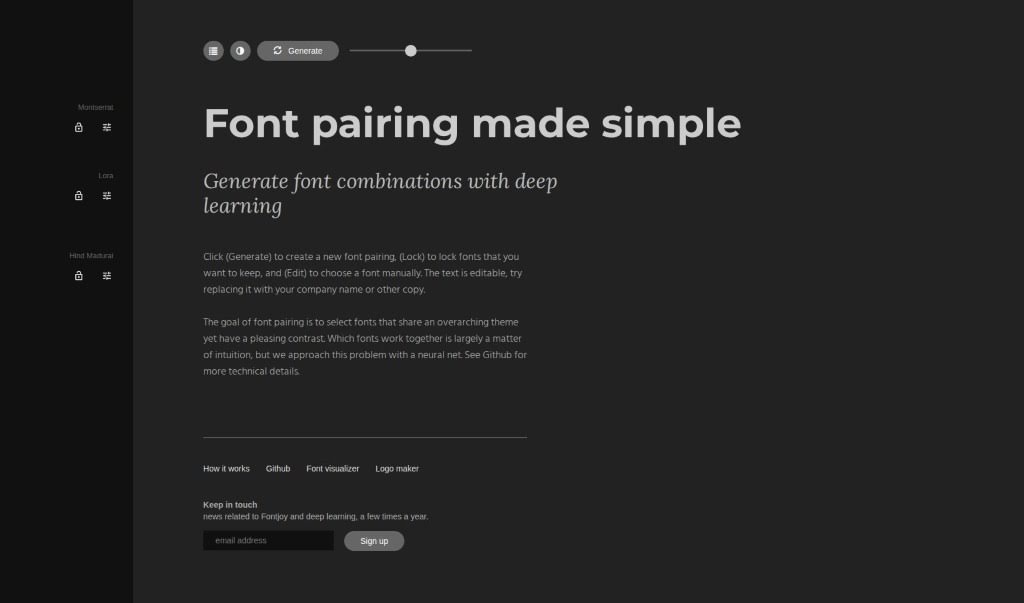
Screenshot of Fontjoy

Fontjoy

Freemium

Fontjoy is a really neat website that makes picking font combinations super easy. It uses deep learning, which is a type of AI, to suggest font pairings that go well together based on a general theme you're going for, while also making sure they have enough contrast to look good. The goal is to help you find that perfect font duo without all the guesswork. You can generate new pairings, lock in a font you really like so it stays put, or even pick fonts yourself if you have something specific in mind. Plus, Fontjoy throws in a font visualizer and a logo maker, which are pretty handy additions. What really makes it stand out is how simple it is to use, its smart AI technology, all the ways you can customize your choices, and those extra tools like the visualizer and logo maker.

Web Development View Tool →
Screenshot of Gradient Insight

Gradient Insight

Freemium

LogoBrainstorm AI is a tool that uses smart AI technology to create logo ideas based on a brand description you give it. It is a way to explore different logo concepts and really nail down a design that fits your brand perfectly. It creates vector illustrations, lets you customize the logos, and is a really affordable option, especially for startups. Just a heads-up, it doesn't include text in the logos it generates, and you can only use it online. But, it does offer free features, and you can still use any discount codes you might have. It's a great choice for small businesses that want professional, memorable logos without the big expense of hiring a graphic designer.

Web Development View Tool →
Screenshot of Hidden Logo

Hidden Logo

Freemium

Hidden Logo is an AI-powered platform packed with tools designed to help you create really eye-catching marketing materials. Think logos and other graphics that perfectly capture your brand's unique vibe. They offer a logo generator, and you can even try it out for free! They've got different package options, from basic to premium, giving you access to a variety of images, bundles, and resolutions. Hidden Logo really highlights how AI can help you create custom logos, custom Zoom backgrounds, posters for conferences, and even cover images for your LinkedIn profile. People who've used it often say the logos it produces are super unique and grab attention, which is fantastic for helping brands stand out.

Web Development View Tool →
Screenshot of Hiding Elephant

Hiding Elephant

Freemium

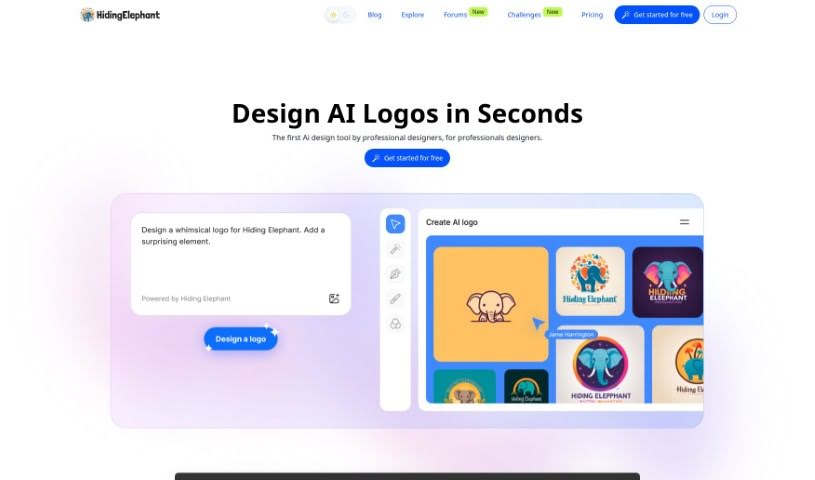
Hiding Elephant is a logo design tool powered by AI, specifically built with professional designers in mind. What really sets it apart is its ability to create a completely unique, custom logo for every single use. It steers clear of the usual method of just combining text with existing images. For designers, it offers some really handy features. You can convert your logos into vector format with a tool called "Vectorize," or generate lots of different versions of a logo all at once using "Magic Prompt." Plus, there are advanced editing tools to really polish your designs. The whole interface is designed to be super user-friendly, making it easy to manage your projects. It’s really built to meet the specific needs of professional logo designers.

Web Development View Tool →
Previous 1 of 3 Next

Stay Updated with AI Tools

Get weekly updates on the latest AI tools, trends, and insights delivered to your inbox

Join 25,000+ AI enthusiasts. No spam, unsubscribe anytime.