AI Tools for PDF Chat

Discover the best PDF Chat AI tools to enhance your productivity and creativity.

Page 1 of 5 • 49 total tools

Dealing with PDFs can sometimes feel like navigating a digital maze, right? Whether you’re trying to pull information from long reports, fill out forms, or work on a project with others, the usual ways of handling these documents can be a real drag. What if there was a much smoother way to do it? That’s where AI PDF chatting tools come in – they’re designed to make these tasks much simpler.

These smart platforms use artificial intelligence to help you interact with your PDFs conversationally. Instead of having to scan through pages yourself or hunt for answers, you can just ask questions and get instant replies. This new approach can really change how you handle documents, making it faster and more intuitive to find what you need.

Over the past few months, the world of AI PDF tools has seen some big leaps forward. Many of these solutions don’t just pull out text; they also offer features like summarizing, adding notes, and letting you ask questions interactively. After looking at a bunch of different options, I’ve put together a list of the best AI PDF chatting tools available right now – tools that can genuinely boost your productivity and make dealing with PDFs a lot less of a headache.

If you’re ready to change how you work with PDF documents, let’s jump in and discover the most engaging and efficient AI-powered solutions out there.

The best AI PDF Chat Tools

  1. ChatPDF: Great for quickly summarizing long documents.
  2. Humata: Offers instant PDF Q&A for fast knowledge access.
  3. Ask Your PDF: Perfect for interactive PDF Q&A sessions.
  4. Chat DOC: Provides instant insights from PDF documents.
  5. Note GPT AI Chat PDF: Ideal for interactive PDF question answering.
  6. Sharly AI: Good for interactive PDF document discussions.
  7. Sci Space AI Chat for scientific PDFs: Helps you quickly summarize research findings.
  8. Small PDF.com Chat PDF: Useful for interactive PDF content discussions.
  9. Docanalyzer.ai: Great for interactive document Q&A sessions.
  10. Gist Ai: Lets you quickly extract insights from PDF chats.
  11. PDFgpt.io: Makes Q&A on PDF content effortless.
  12. Search Plus AI: Offers interactive PDF Q&A sessions.
  13. Docalysis: Provides instant answers to your PDF inquiries.
  14. Petal: Good for interactive PDF discussions and feedback.
  15. Honeybear.ai: Delivers seamless PDF question and answer sessions.

How do AI PDF chat tools work?

AI PDF chat tools mainly work by combining natural language processing (NLP) with PDF document analysis. Basically, these tools are built to understand and interpret the information inside PDF files, letting you talk to the text by asking questions.

When you upload a PDF to an AI PDF chat tool, it first scans the document to pull out the text and important data. This process involves recognizing characters, how the document is formatted, and its overall structure, making sure the AI can refer to the content correctly.

After the text is extracted, the AI uses language models to create answers based on your questions. These models are trained on huge amounts of text, which helps them understand context, meaning, and even subtle language differences. This means you can ask specific questions about the PDF, and the AI will find the right information quickly.

Plus, some AI PDF tools can summarize parts of the document, point out key information, or even offer explanations. They use algorithms that figure out the most relevant content for your questions, ensuring the answers are not just correct but also fit the context.

The technology often blends machine learning with ways to parse documents, leading to a smooth user experience. This means you can have a dynamic conversation with the PDF’s content, much like you might discuss it with a knowledgeable colleague.

Essentially, AI PDF chat tools change how we interact with documents. By connecting static text with conversational interaction, these tools make it easier to sort through complex information, boosting productivity and understanding in our increasingly digital world.

Our best AI PDF chat tools at a glance

RankNameBest forPlans and PricingRating
1ChatPDFquickly summarize lengthy documents.N/A4.74 (39 reviews)
2Humatainstant pdf q&a for quick knowledge accessPaid plans start at $49/month.4.46 (13 reviews)
3AskYourPDFinteractive pdf q&a sessionsN/A4.76 (25 reviews)
4ChatDOCinstant insights from pdf documents.N/A4.70 (40 reviews)
5NoteGPT AI Chat PDFinteractive pdf question answeringN/A4.83 (12 reviews)
6Sharly AIinteractive pdf document discussionsN/A4.73 (11 reviews)
7SciSpace AI Chat for scientific PDFssummarize research findings quickly.N/A4.82 (11 reviews)
8SmallPDF.com ChatPDFinteractive pdf content discussionsN/A4.84 (69 reviews)
9Docanalyzer.aiinteractive document q&a sessionsN/A4.73 (11 reviews)
10Gist Aiextract insights from pdf chats quickly.N/A4.81 (31 reviews)
11PDFgpt.ioeffortless q&a on pdf contentN/A4.83 (29 reviews)
12SearchPlus AIinteractive pdf q&a sessionsN/A4.83 (6 reviews)
13Docalysisinstant answers from pdf inquiries.N/A4.67 (12 reviews)
14Petalinteractive pdf discussions and feedbackN/A4.73 (11 reviews)
15Honeybear.aiseamless pdf question and answer sessionsPaid plans start at $10/month.4.82 (39 reviews)
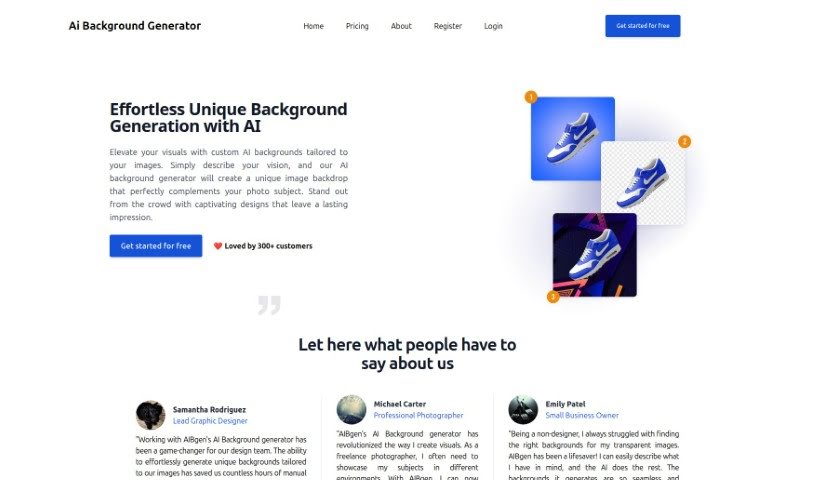
Screenshot of Aibgen

Aibgen

Freemium

Aibgen appears to be a term mentioned in a document called "aibgen.pdf." Sadly, we can't see what's inside that document right now. If you could share more details or context about Aibgen, I'd be happy to help craft a description that's easy to understand and avoids sounding like it was written by a machine.

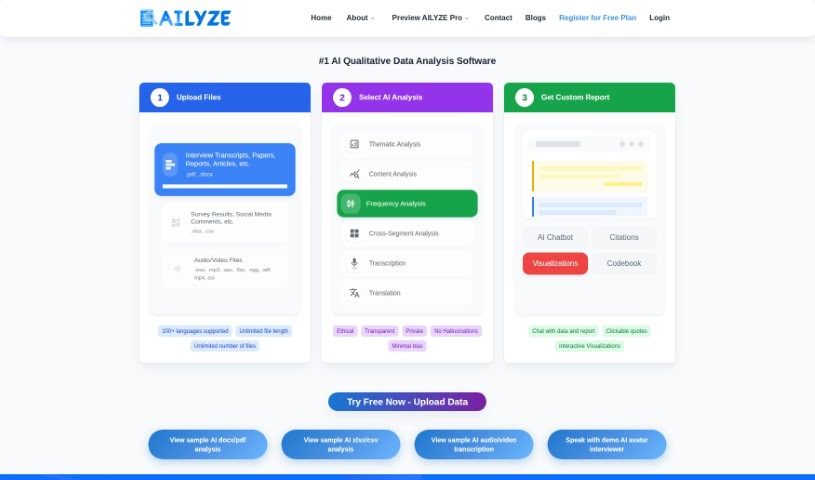
Screenshot of AILYZE

AILYZE

Freemium

AILYZE is a cutting-edge AI platform designed to completely change how we approach qualitative research. With AILYZE, you can quickly analyze documents like PDFs, Word files (.docx), and Excel spreadsheets (.xlsx). It helps you get comprehensive insights up to 30 times faster, and it works across many different languages.

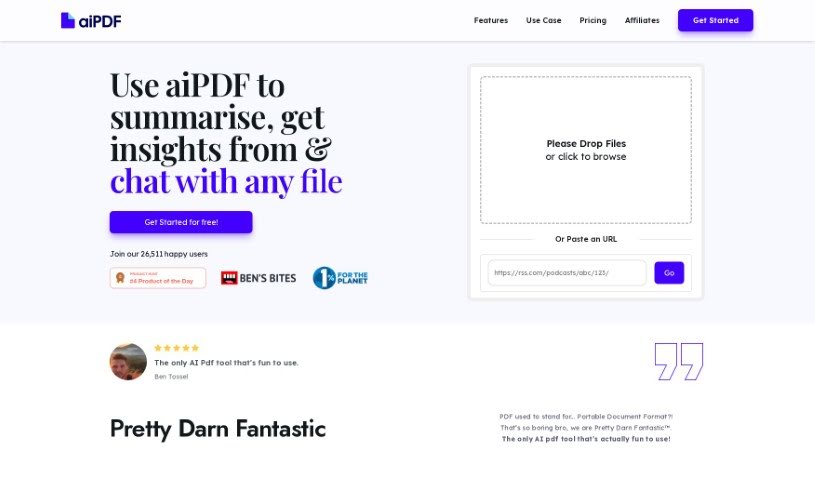
Screenshot of aiPDF

aiPDF

Freemium

aiPDF is a handy online tool that lets you upload your PDF documents and really dig into them. It is a way to have a conversation with your files. You can ask it questions, pull out specific pieces of information, and get neat summaries, all straight from the documents you've uploaded. What's great is that they really focus on keeping your data safe, and they even provide detailed references for the answers you get. Plus, they support environmental charities, which is a nice touch. You don't need to download or install anything; it all happens right in your web browser. The responses you receive are accurate and come directly from the materials you've uploaded. You're always in charge of your documents, too – you can delete them from aiPDF's system whenever you want.

Screenshot of Arches AI

Arches AI

Freemium

Arches AI is a really neat tool that completely changes how you work with PDF documents. It uses artificial intelligence to let you upload PDFs and then chat with a personalized bot. You can ask it specific questions, and it gives you direct, relevant answers right away. Forget about sifting through pages or using basic keyword searches; this platform offers a much faster and more focused way to find what you need in your documents. It is having a smart assistant for your PDFs. It's got a user-friendly design, that AI chatbot, easy PDF uploads, instant answers, and it's great at understanding tricky material. Honestly, it's a lifesaver for students, researchers, professionals, or really anyone who deals with a lot of documents. Get ready for a whole new way to explore your files with Arches AI.

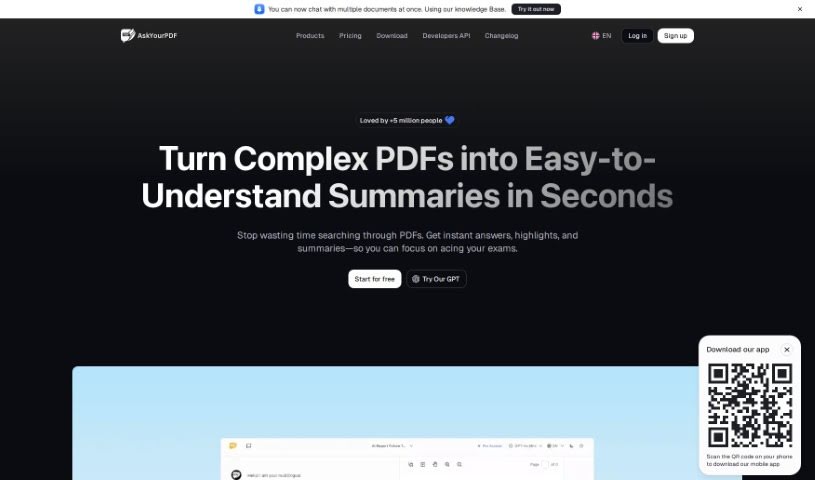
Screenshot of AskYourPDF

AskYourPDF

Freemium

AskYourPDF is a really handy online platform packed with tools for all sorts of PDF tasks. It is your go-to spot for anything PDF-related. You can easily switch files to and from PDF format, which is super convenient. Plus, it's got tools to merge, split, shrink, and even edit your PDFs. It’s a complete package for keeping your PDF documents organized and working smoothly. Whether you're an individual or running a business, AskYourPDF makes dealing with PDFs simpler, helping you get more done and streamline your work. Its easy-to-use design and wide range of functions mean anyone can manage their PDFs effectively and without hassle.

Screenshot of B7Labs

B7Labs

Freemium

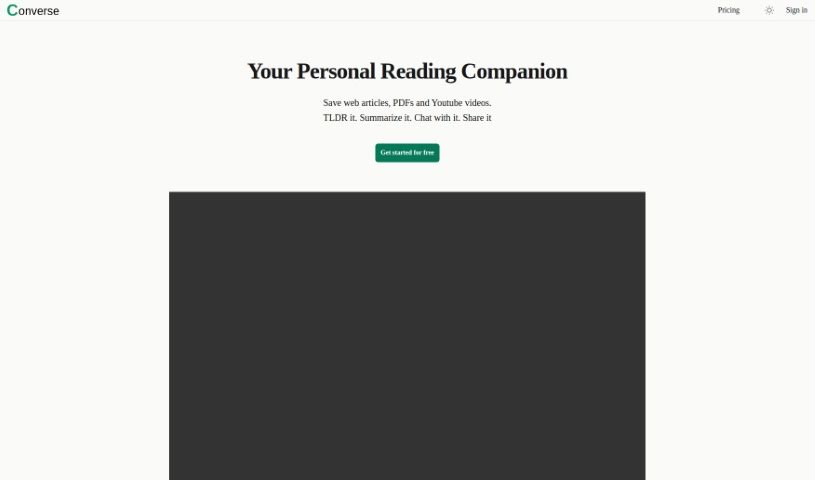
B7Labs offers a product called Converse, designed to really boost how you read and understand things. It gives you tools for faster comprehension and AI-powered summaries, making it easier to get through lots of text. They have a few different pricing options, including a free plan and paid tiers. These paid plans unlock more features, like unlimited AI summaries, TLDRs, key takeaways, and even image generations. For developers and businesses, B7Labs also provides specific plans that include API access. Plus, there's an option to host the Converse technology stack right on your own servers. It's worth noting, though, that we didn't find much detail about Converse's core features or how it connects with social media platforms like Twitter and Discord.

Screenshot of Brayden.ai

Brayden.ai

Freemium

Brayden.ai is a neat AI tool that lets you have interactive chats about all sorts of files, especially PDFs. Think of it like having a helpful chatbot you can talk to about your documents. You just upload your file, and then you can ask Brayden.ai questions about it. It’s pretty versatile, too, handling formats like TXT, PDF, EPUB, Markdown, and even Zip files. This makes it a really convenient way to get information out of your files without having to read through them all yourself. While it jokes about not being the youngest AI around, Brayden.ai actually provides a super user-friendly way to dig into your files and understand what's inside.

Screenshot of Bunni AI

Bunni AI

Freemium

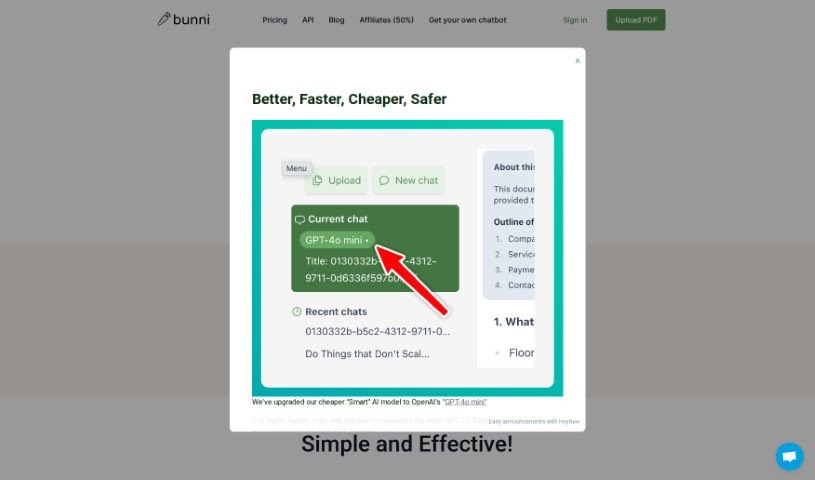
Bunni AI is a really neat online platform that lets you interact with your PDF documents in a pretty unique way. Basically, you can chat with your PDFs, which makes finding information and getting summaries much faster. You can upload PDFs up to 20MB, and then just ask questions to get exact answers straight from the document. It's super easy to use, works with any language, and you only pay for what you use – no monthly fees! Plus, Bunni gives you a special link for each document, making it simple to share and let others ask questions too. It's already got over 4,000 users and is growing, which shows people like it. They're using advanced tech like GPT-3.5 right now and plan to add GPT-4 soon, so it's definitely keeping up with the latest advancements.

Screenshot of Chatd.ai

Chatd.ai

Freemium

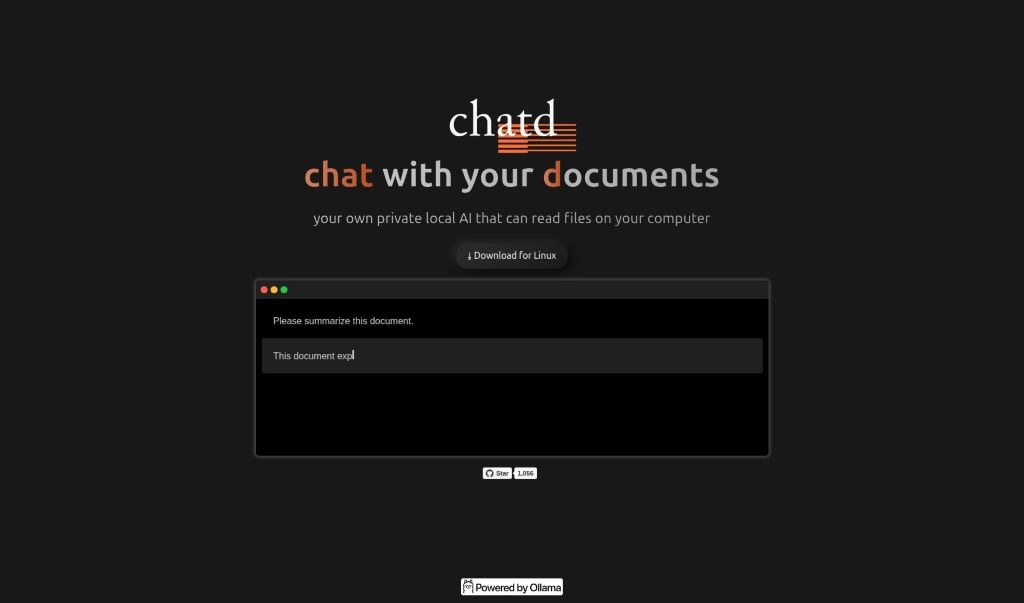
Chatd.ai is a neat AI tool that lets you chat privately with documents stored right on your computer. It is your own personal AI assistant for your files. It really focuses on privacy and keeping everything local, so your conversations about your documents are secure. This tool cleverly combines chatting with reading your files, making it super easy to interact with them conversationally. The best part? You don't need any external servers or cloud services. Plus, it works great on Linux!

Screenshot of ChatDOC

ChatDOC

Freemium

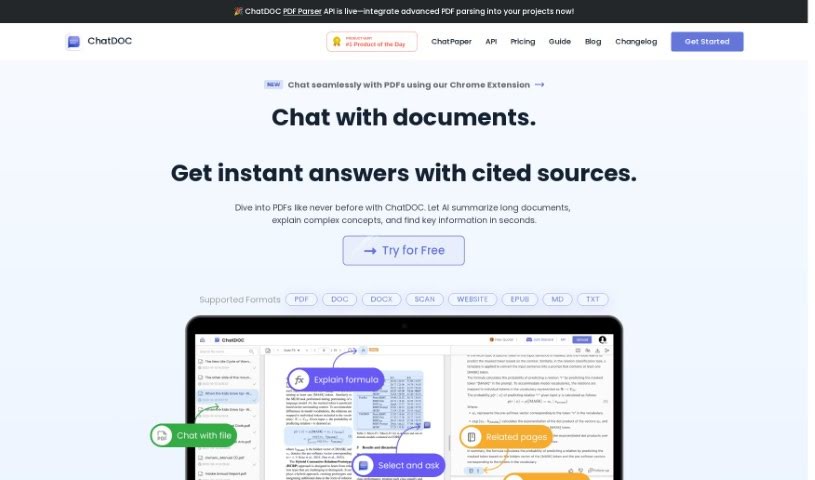
ChatDOC is a really neat tool designed to make team communication and collaboration smoother. It is a central hub where your team can easily chat, share files, and keep projects organized. It's built with a user-friendly interface, making it simple for everyone to connect and work together effectively. The main goal here is to boost productivity by giving you one place for all your discussions and task management. Plus, it's quite flexible – you can tweak its settings and connect it with other tools you already use, so it fits right into whatever way your team likes to work. All in all, if your business wants to communicate better and get more done, ChatDOC is a solid choice.

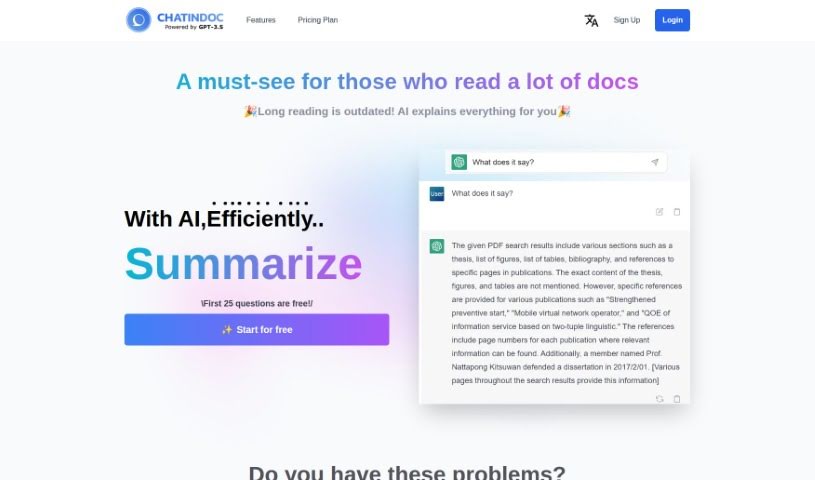
Screenshot of ChatInDoc

ChatInDoc

Freemium

ChatInDoc is a really smart PDF viewer that's built with OpenAI's ChatGPT. It is a way to have a conversation with your documents. It's designed to help you quickly get through long, complicated PDFs, whether they're academic papers, detailed reports, or instruction manuals. You can just ask it questions right in the chat, and the AI can help summarize parts, explain tricky terms, or even analyze entire reports. It's powered by GPT-3.5 and GPT-4, so it's pretty capable. You can expect features like super-fast PDF analysis, clear summaries of complex stuff, easy explanations for words you don't know, and even analysis of those dense IR reports. Plus, it works in multiple languages. There's a free plan if you want to try it out, with some limits, and a Pro plan that gives you more 'points' for more questions and lets you handle bigger files, among other perks.

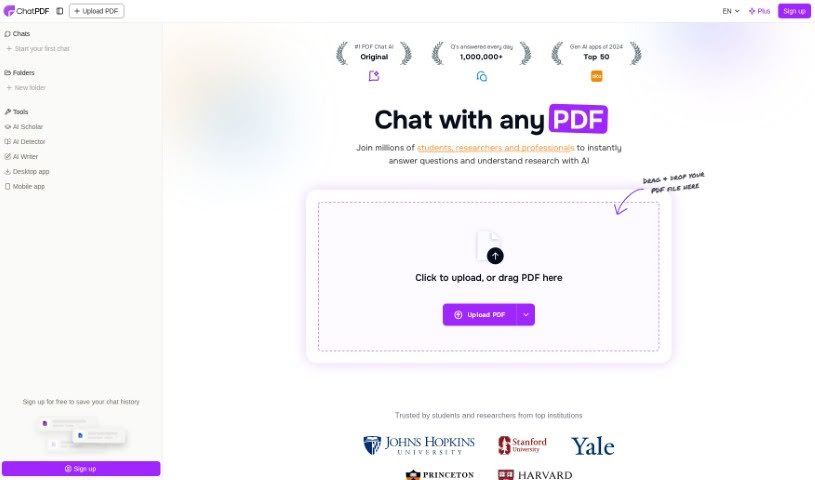
Screenshot of ChatPDF

ChatPDF

Freemium

ChatPDF is a really neat AI tool that completely changes how you understand and dig into research papers. It even gives you unlimited access to the Jenni AI Writer, which is a big help when you're writing. Basically, it lets you have a conversation with any PDF document you have. This means you can get instant answers to your questions, pull out specific information, or get a quick summary of the content. It's perfect for students getting ready for exams, researchers looking for study info, or even professionals who need to go through legal contracts or financial reports. ChatPDF offers a solution that's fast, easy to use, and secure. Plus, it handles PDFs in lots of different languages and even shows you where the information came from in the original document, which really adds to its credibility. With its super simple interface, ChatPDF is a must-have if you want to make your reading and research tasks way less of a hassle.

Previous 1 of 5 Next

Stay Updated with AI Tools

Get weekly updates on the latest AI tools, trends, and insights delivered to your inbox

Join 25,000+ AI enthusiasts. No spam, unsubscribe anytime.