AI Tools for Photographers

Discover the best Photographers AI tools to enhance your productivity and creativity.

Page 1 of 5 • 59 total tools

Photography has always been about capturing that perfect shot, but technology is really changing how photographers shoot, edit, and share their work these days. With AI tools becoming more common, photographers can speed up their workflow, get more creative, and really improve their skills. No matter if you’re a pro or just starting out, there’s an AI tool out there to help you take your photography to the next level.

You’ve got everything from smart editing software that automatically fixes your photos to apps that can create amazing images from just a simple description. The possibilities feel endless! These tools don’t just save you time; they also spark new artistic ideas, letting your unique vision really stand out in every picture.

I’ve spent a good amount of time checking out the newest AI tools for photographers, looking at what they offer, how easy they are to use, and how much they actually help with the craft. While some of the claims might sound a bit much, the best tools genuinely help your creative process instead of taking over.

Wondering which AI tools can really improve your photography experience? You’ve come to the right place. Here’s a list of the top options that can help you capture and refine your visual stories. Let’s get started!

The Best AI Photographers Tools

  1. Topaz Labs for enhancing photos with AI precision
  2. Skylum for AI-driven photo enhancement tools
  3. Phot Ai for professional photo editing and design tools
  4. Deep Image AI for enhancing photos for portfolio presentation
  5. ON1 for creative photo editing essentials
  6. Retouchme for quick portrait enhancement for photographers
  7. Aftershoot for easy photo selection and editing.
  8. Retouch4me for easy batch retouching for photographers
  9. Portrait Art for editing and retouching photos
  10. Heyphoto for advanced photo retouching
  11. Profile Picture AI for enhancing portfolio imagery
  12. Upscalepics for high-quality image enlargement for photographers
  13. Hama for seamless object removal
  14. Reeflex Store for essential tools for stunning imagery
  15. Lucidpic for creating lifelike backdrops for portraits

How Do AI Photography Tools Work?

AI photography tools use smart algorithms and neural networks to create and improve images. Basically, these tools use big generative models, often built with techniques like Generative Adversarial Networks (GANs) or diffusion models. These models are trained on huge amounts of images, learning to recognize patterns, styles, and how to compose shots.

When you give the AI a prompt or an image, it looks at that data and figures out the best way to create a new image. This involves breaking down things like lighting, color, and texture. By using what it learned during training, AI tools can make completely new images or change existing ones based on what you want.

Just like with AI writing software, many photography tools on the market are built on similar core models. They often have a different interface or extra features to stand out, but they mostly work using the same basic technology. This similarity means there are tons of creative possibilities across different platforms.

Companies like Adobe and Canva have quickly added these AI features to their photo editing software. They either partner with top AI development companies or create their own models to give users advanced editing options, like removing backgrounds, changing styles, or making images look better.

If you want to learn more, there are lots of resources that explain computer vision and how these AI models actually work. In short, AI photography tools capture the huge range of human visual creativity, making artistic projects more accessible and innovative than ever before.

Our Best AI Photographers Tools at a Glance

RankNameBest forPlans and PricingRating
1Topaz LabsEnhancing photos with AI precisionN/A4.70 (10 reviews)
2SkylumAI-driven photo enhancement toolsN/A4.75 (24 reviews)
3Phot AiProfessional photo editing and design toolsN/A4.77 (13 reviews)
4Deep Image AIEnhance photos for portfolio presentationN/A4.75 (8 reviews)
5ON1Creative photo editing essentialsN/A4.17 (6 reviews)
6RetouchmeRapid portrait enhancement for photographersPaid plans start at $0.99/one-time purchase.4.69 (26 reviews)
7AftershootEffortless photo selection and editing.N/A4.74 (53 reviews)
8Retouch4meEffortless batch retouching for photographersN/A4.83 (12 reviews)
9PortraitArtEditing and retouching photosPaid plans start at $7.99/one-time.4.20 (5 reviews)
10HeyphotoAdvanced photo retouchingN/A4.70 (10 reviews)
11Profile Picture AIEnhancing portfolio imageryN/A4.04 (28 reviews)
12UpscalepicsHigh-quality image enlargement for photographersPaid plans start at $3/month.4.73 (11 reviews)
13HamaSeamless object removalN/A4.71 (24 reviews)
14Reeflex StoreEssential tools for stunning imageryN/A4.70 (10 reviews)
15LucidpicCreate lifelike backdrops for portraitsPaid plans start at $0.03/each.3.20 (5 reviews)
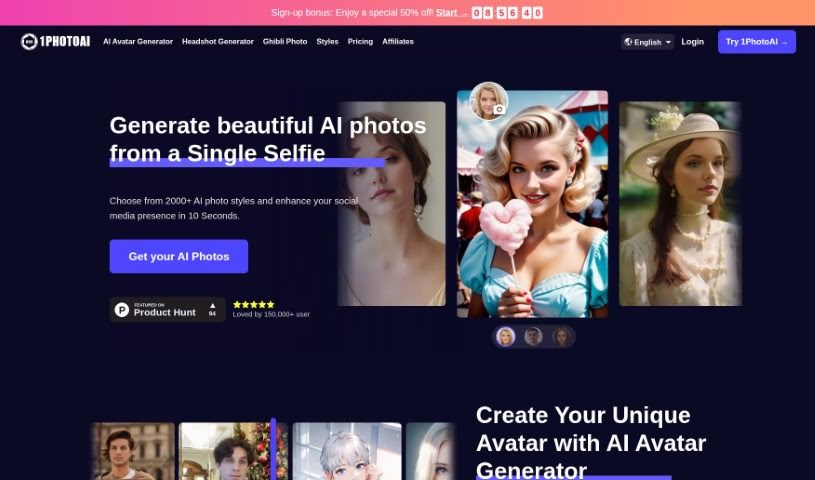
Screenshot of 1PhotoAI

1PhotoAI

Freemium

1PhotoAI is your personal AI photographer. It's a tool designed to whip up professional-looking headshots in a flash – we're talking just about 10 seconds! You get to pick from a huge variety of styles, whether you need a passport photo, something a bit more glamorous, a street-style vibe, or a classic professional headshot. To get the best results, just upload a clear selfie showing your upper body. And don't worry about your photos; they're only used internally for the AI to do its magic, and your payment is handled securely by Stripe.

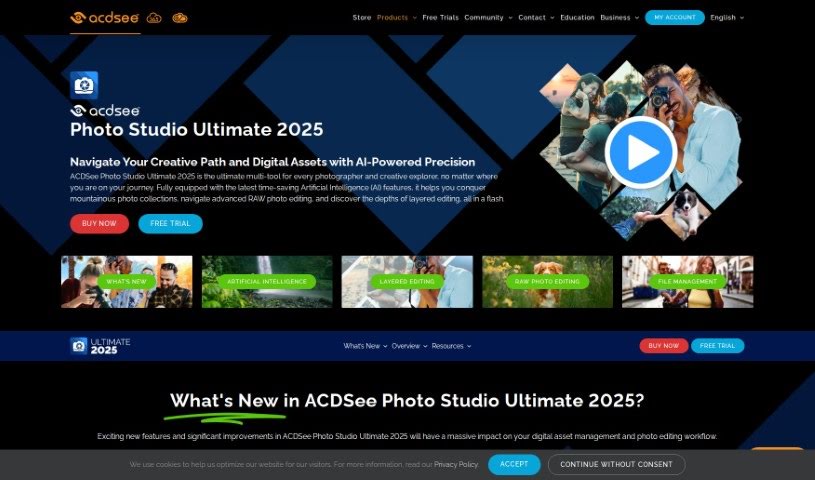
Screenshot of ACDSee Photo Studio

ACDSee Photo Studio

Freemium

ACDSee is a really handy software solution built for photographers and creative folks, no matter their skill level. It's packed with AI-powered tools that make managing and editing your photos a breeze. Think of features like AI Keywords, which help you find your pictures much faster, or the AI Object Selection Tool for making super precise edits. Plus, there's AI Sky Replacement to really make your images pop. ACDSee also gives you robust tools for editing RAW photos, managing all your digital assets, and it even makes it easy to switch over from programs like Photoshop and Lightroom. Essentially, it's all about making your photography workflow smoother, with smart features like facial recognition, organized metadata, and powerful search capabilities.

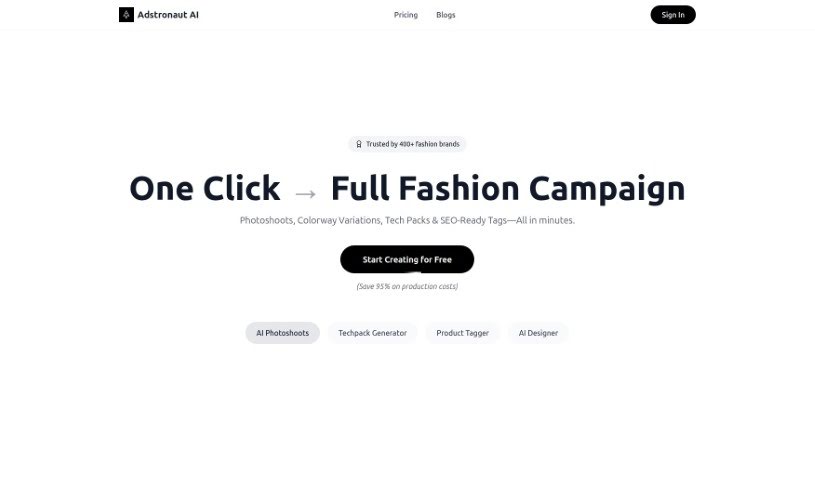
Screenshot of Adstronaut

Adstronaut

Freemium

Adstronaut is an AI-powered platform designed to give your business branding a serious visual boost. It uses generative AI to create fantastic visuals, including AI-curated content, professional product photos, and even fashion photoshoot images. It is a way to turn your everyday pictures into something that looks like it came straight from a high-end studio. Plus, you get access to special AI models you can use for free to show off your fashion products. Adstronaut offers different subscription plans, each with its own set of perks like photo credits, resolution choices, and access to these unique models. They also take privacy and security seriously, with strong measures in place to protect your data.

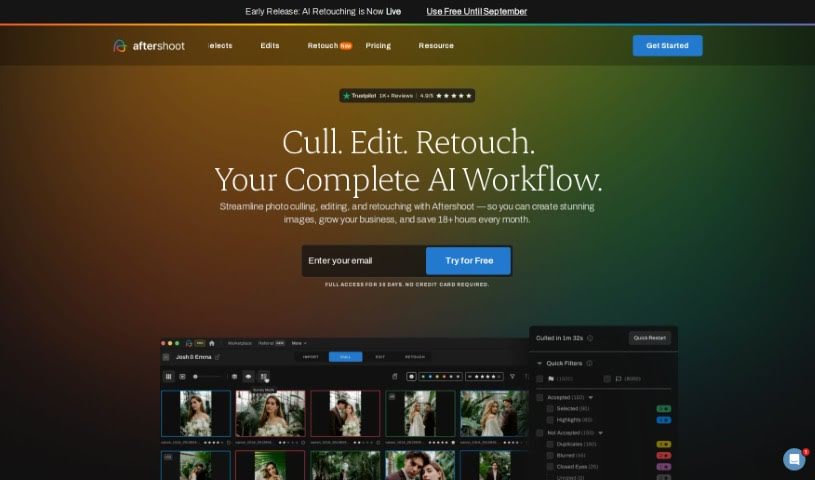
Screenshot of Aftershoot

Aftershoot

Freemium

Aftershoot is a smart, AI-powered tool built for professional photographers. It's designed to speed up your workflow significantly without ever sacrificing the quality of your images. It is your super-efficient assistant. The software uses advanced artificial intelligence to quickly go through thousands of photos, picking out the very best ones in a flash. Its main goal? To make the whole process of culling and editing photos much smoother, freeing up a ton of time for photographers. This means you can spend more time on the creative side of things and growing your business. Aftershoot offers some really helpful features, like AI culling, super-fast processing, professional editing tools, and ways to make your entire workflow much more efficient, all while ensuring you get top-notch results.

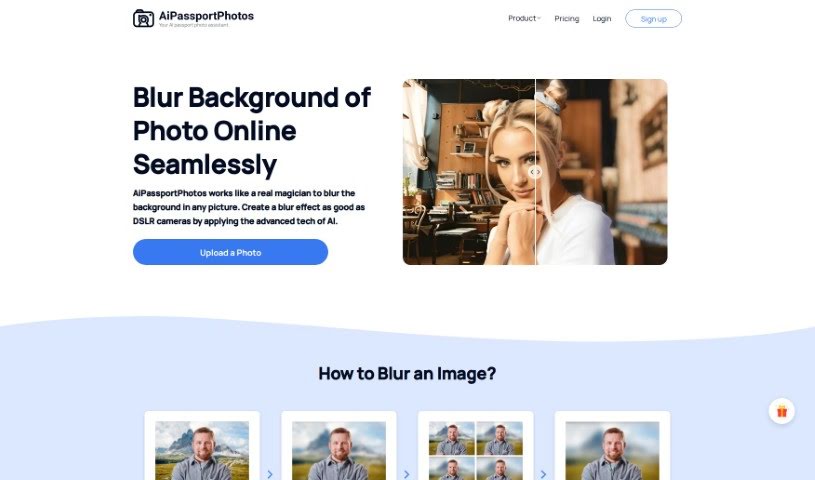
Screenshot of AiPassportPhotos Blur Background

AiPassportPhotos Blur Background

Freemium

A blurred background is a really common photography technique. It's used to create that smooth, out-of-focus look behind your main subject. When you blur the background, your subject really pops, naturally drawing the viewer's eye right to it. It's a go-to for portrait shots, product photos, and all sorts of visual content because it just makes the subject stand out so much better. You can get this effect with special camera lenses, by tweaking camera settings like aperture, or by using editing software like Photoshop after you've taken the picture. Essentially, a blurred background adds a sense of depth and makes your photo more visually interesting overall.

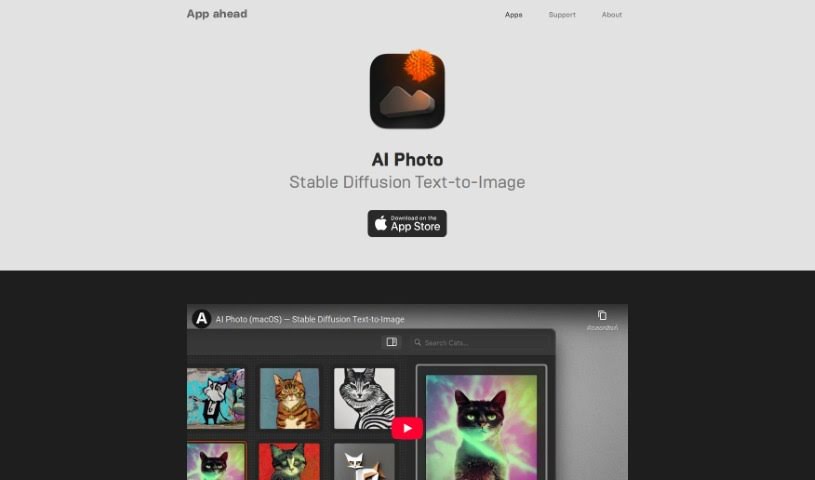
Screenshot of App Head AI Photo

App Head AI Photo

Freemium

When we talk about AI Photo, we're really talking about using artificial intelligence in photography. It's a pretty neat technology that offers a bunch of features to make taking and editing pictures easier and better. Think of things like recognizing what's in a photo, automatically adjusting settings for the best shot, or even identifying faces. By using smart machine learning, these AI Photo tools can do a lot of the heavy lifting, like tweaking settings or spotting subjects, which really speeds things up and leads to better-looking photos for everyone, whether you're a pro or just enjoy snapping pics.

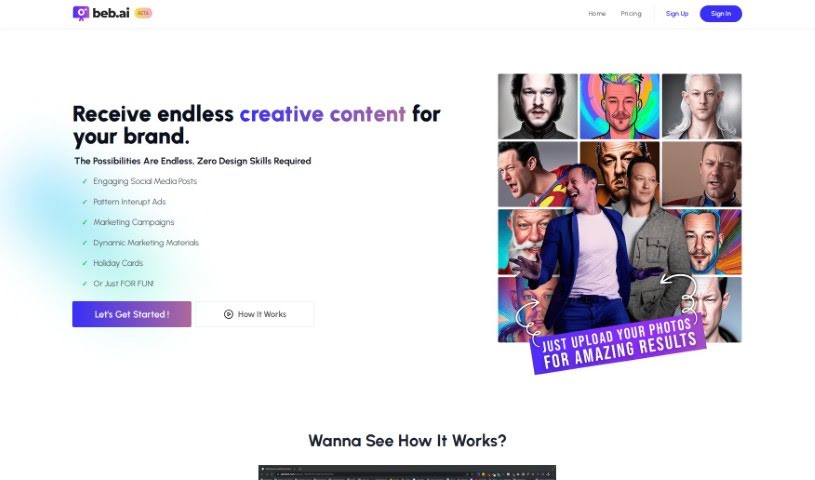
Screenshot of Beb AI

Beb AI

Freemium

Beb AI is a software tool that comes with its own set of advantages and disadvantages. Let's break down some of the cool things it can do:

Screenshot of Boudoir.ai

Boudoir.ai

Freemium

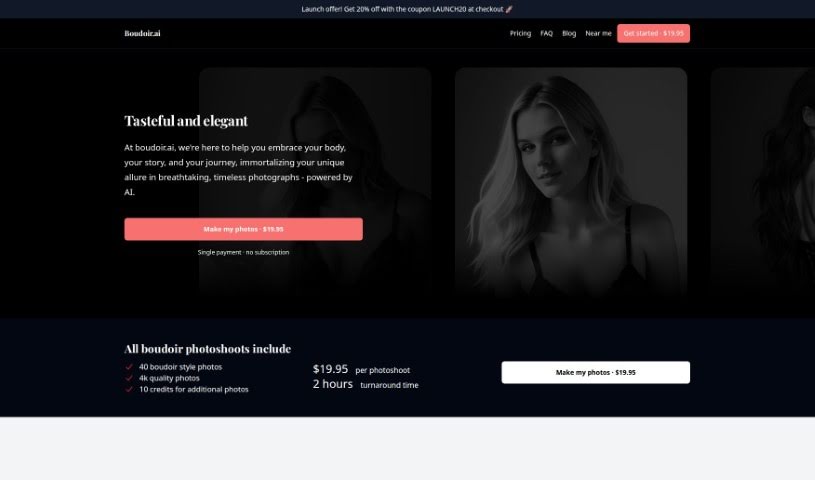
Boudoir.ai is a photography service that uses artificial intelligence to create beautiful, intimate photos. It is a modern studio that captures an elegant, timeless feel. You can upload your own pictures, and the AI transforms them into stunning boudoir-style photographs. It's a quick and affordable way to get these special shots, and you don't need a subscription. Each photoshoot costs a single, fixed price of $19.95, and you'll get your finished photos back in just 2 hours. Plus, to celebrate their launch, you can use the code LAUNCH20 for a 20% discount. It’s a fantastic way to capture your unique story and personal journey in a way that truly lasts.

Screenshot of Camira AI

Camira AI

Freemium

Camira AI is a really neat tool for photographers and videographers who want to make their content creation process smoother and better. It is an all-in-one platform where you can handle everything from the initial planning and shooting stages right through to writing, editing, and even marketing your work. The whole idea is to simplify your creative workflow and help you produce higher-quality content. It's all about making your content creation game stronger.

Screenshot of Capture

Capture

Freemium

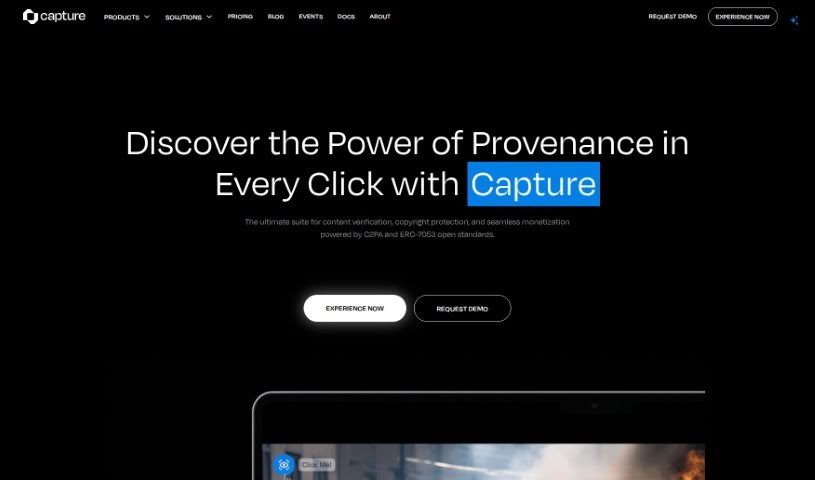
Capture is a creator's best friend, powered by Numbers Protocol. It's designed to keep your creative work safe and sound, making sure everyone knows where it came from. It gives you real ownership of your digital media by securely verifying it, adding blockchain-based metadata, storing it decentrally, handling licensing, and managing consent for AI mining. In today's fast-paced digital world, especially with AI, Capture is key to building trust and proving ownership for your digital creations. It's super important for labeling content made by AI, keeping track of a digital asset's history, preserving the value of generative art, protecting your intellectual property, and stopping digital fakes and piracy.

Screenshot of Colorify

Colorify

Freemium

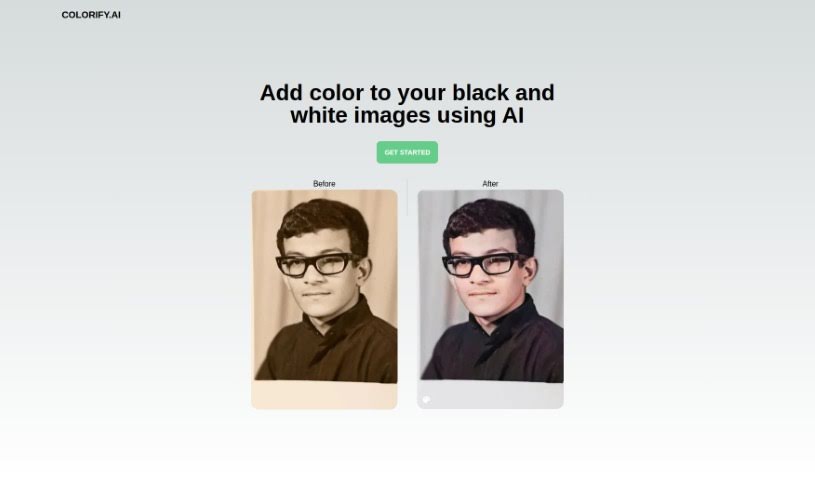
Colorify is a really neat AI platform designed to bring old black and white photos back to life. It transforms them into vibrant, full-color images. Whether you're looking to colorize old family photos, preserve historical archives, or for any other reason, Colorify makes it super easy. You just upload your picture, and with a single click, the AI gets to work. It's pretty amazing to see monochrome photos turn into colorful masterpieces, all thanks to its advanced AI technology. This tool is fantastic for everyone, from casual hobbyists and professional photographers to historians and genealogists who want to add a new dimension of color to their black and white images.

Screenshot of Coloromo

Coloromo

Freemium

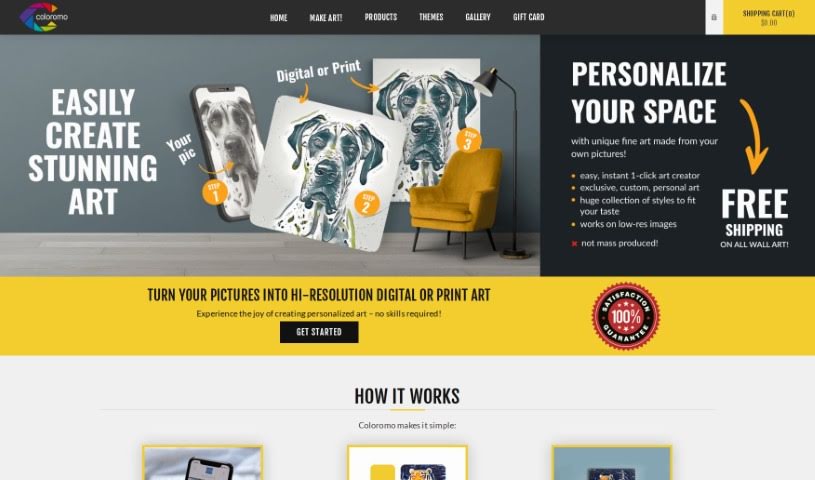
Coloromo is a really neat platform that lets you transform your photos into unique, personalized artwork. It's super simple, taking just three main steps: you upload a photo, pick from a bunch of cool artistic styles, and then choose how you want to receive it – maybe a high-resolution digital download, or perhaps prints on materials like canvas, wood, acrylic, metal, or even decals. The system looks at your photo and then offers up several different interpretations. Think classic art styles, modern looks, mixed media, cool patterns, nature-inspired designs, and more. You can go for traditional art forms, modern styles, or just pick a surprise option! Plus, if you're an artist, Coloromo gives you a chance to partner with them and create your own AI styles to sell. Their whole goal is to make art creation easy and accessible for everyone, no special skills or fancy software needed. You get a wide variety of artistic outputs instantly. It’s a great way to create personalized prints and digital art from your own images, perfect for sprucing up your living space or making one-of-a-kind gifts.

Previous 1 of 5 Next

Stay Updated with AI Tools

Get weekly updates on the latest AI tools, trends, and insights delivered to your inbox

Join 25,000+ AI enthusiasts. No spam, unsubscribe anytime.