AI Tools for Presentations

Discover the best Presentations AI tools to enhance your productivity and creativity.

Page 1 of 5 • 56 total tools

Making good presentations can often feel like a real struggle. You have to craft the right story and design slides that grab attention, and it can all feel pretty overwhelming. Wouldn’t it be great if AI could simplify that whole process, making it easier to captivate your audience without all the stress?

The world of AI presentation tools has changed a lot in the past year. Those days when these apps just offered basic templates are long gone. Now, they come with advanced features that help you create visually striking slides, tailor your content, and even weave in multimedia smoothly.

I’ve spent a good amount of time exploring and testing the best AI presentation makers out there. Whether you’re a seasoned pro or a student needing to impress in class, these tools can seriously speed up your workflow while making your presentations look much better.

With so many options available, the real challenge isn’t just finding a presentation maker—it’s picking the right one for what you need. Let’s dive into the top contenders that can help turn your ideas into stunning visuals.

The best AI Presentation Makers

  1. Gamma: Great for easy slide design and editing.
  2. Prezi: Ideal for dynamic business presentations.
  3. Slidesgo: Helps you quickly craft stunning slide decks.
  4. Visme: Perfect for engaging, interactive pitch decks.
  5. Presentationsai: Makes creating multilingual presentations a breeze.
  6. Pitch: For rapidly designing impactful sales pitches.
  7. Beautiful.AI Designerbot: Lets you create stunning presentations effortlessly.
  8. Ai PPT: Helps you create stunning investor visuals.
  9. Xmind AI: For creating visually appealing slides.
  10. Slides GPT.com: Quickly crafts engaging slide content.
  11. SlidesAI: Streamlines slide creation for busy presenters.
  12. Canva AI Presentation Maker: Creates engaging business pitches.
  13. Magic Slides: Offers rapid presentation design for events.
  14. Livepolls Slide Generator: Engages your audience with live polls.
  15. Plus AI: Enhances slide content and design.

How do AI presentation makers work?

AI presentation makers work using artificial intelligence and natural language processing, much like AI writing tools. Essentially, they use smart algorithms to analyze the information you give them—whether it’s text, images, or themes—and then generate multimedia presentations that fit what you need.

These tools usually draw on large datasets to understand what makes a presentation effective in terms of structure and design. By looking at examples of past successful presentations, they can suggest layouts, color schemes, and how to organize content for different situations.

When you input a topic, the AI presentation maker can find relevant images, graphs, and designs from its library. It basically automates the process of finding and arranging visual elements, so you can focus on your main message instead of getting bogged down in layout tasks.

Some platforms also offer customizable templates, giving you a starting point if you want to add your own personal touch. This mix of AI-driven suggestions and user customization means you can create presentations that look good and communicate your message clearly, even without special design skills.

The technology behind it works by predicting which elements will connect best with an audience. It analyzes things like design trends and how content is usually received. This helps the AI create presentations that not only look good but also communicate your intended message effectively.

All in all, AI presentation makers simplify the creative process. They empower anyone—from students to professionals—to create impactful presentations easily and efficiently. While they might not completely replace human creativity, they’re powerful tools that can really improve how we present information.

Our best AI presentation makers at a glance

RankNameBest forPlans and PricingRating
1GammaEffortless slide design and editingN/A4.79 (19 reviews)
2PreziDynamic business presentationsPaid plans start at $19/month.4.18 (11 reviews)
3SlidesgoQuickly craft stunning slide decks.N/A4.68 (22 reviews)
4VismeEngaging interactive pitch decks.N/A4.50 (12 reviews)
5PresentationsaiEffortless multilingual presentation creationN/A4.52 (21 reviews)
6PitchDesigning impactful sales pitches rapidly.N/A4.75 (12 reviews)
7Beautiful.AI DesignerbotCreate stunning presentations effortlessly.N/A4.75 (69 reviews)
8AiPPTCreating stunning investor visualsN/A4.79 (24 reviews)
9Xmind AICreating visually appealing slidesN/A4.67 (6 reviews)
10SlidesGPT.comCrafting engaging slide content quickly.N/A4.72 (25 reviews)
11SlidesAIStreamline slide creation for busy presenters.N/A4.77 (22 reviews)
12Canva AI Presentation MakerCreating engaging business pitches.N/A4.68 (60 reviews)
13Magic SlidesRapid presentation design for events.Paid plans start at $12.4/month.4.72 (46 reviews)
14Livepolls Slide GeneratorEngage audience with live pollsN/A4.64 (11 reviews)
15Plus AISlide content enhancement and design.N/A4.76 (42 reviews)
Screenshot of AiPPT

AiPPT

Freemium

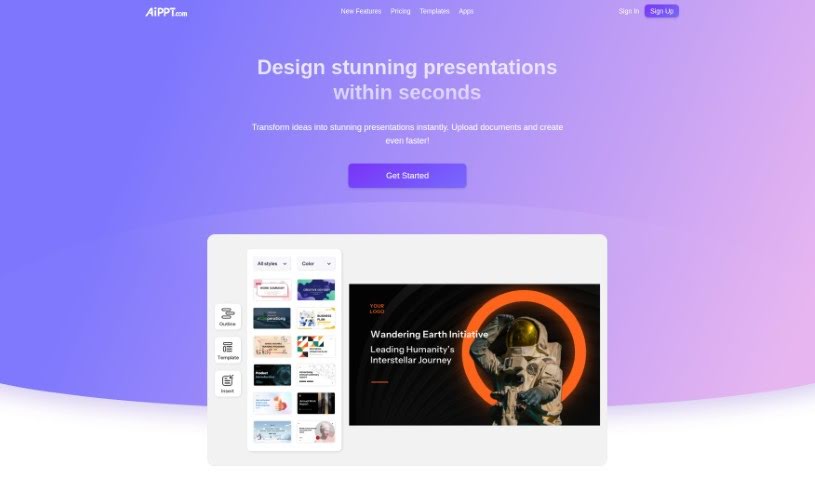
AiPPT is a handy toolkit that uses AI to make creating and improving your PowerPoint or Google Slides presentations much simpler. You can easily get presentation outlines, structure your documents, and even turn different file types into slides with just one click. Plus, AiPPT offers a bunch of presentation templates, so you can quickly give your slides a polished look. It also includes features like automatic text generation and easy online editing. This makes it a great tool for all sorts of people, from sales reps and students to entrepreneurs, helping them boost their presentation skills and get more done.

Screenshot of Artificin

Artificin

Freemium

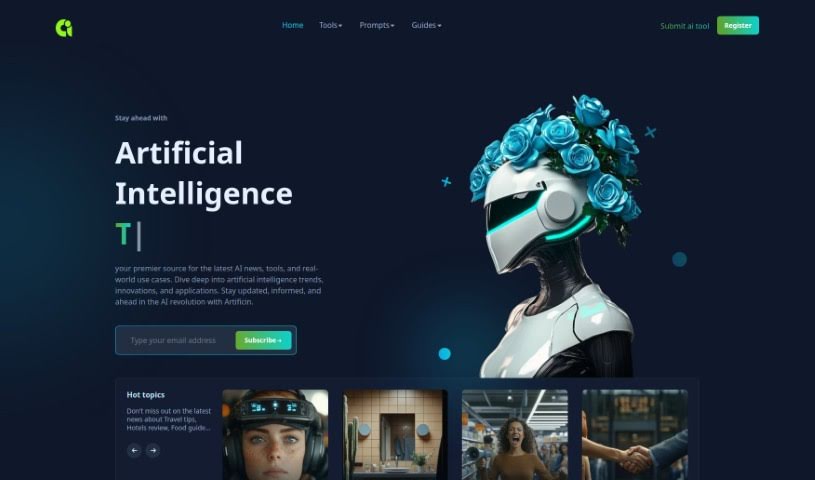
Artificin is a smart AI tool built right into Google Slides, designed to help you create and edit presentations. Imagine just typing in your topic, the kind of presentation you need, and how long you want it to be – Artificin does the rest, crafting fully-editable slides for you. What really sets it apart is its library of over 100 professionally designed slide templates. It uses these to automatically build diagrams, flowcharts, and infographics, making your presentations look great and get your message across clearly.

Screenshot of Beautiful.AI Designerbot

Beautiful.AI Designerbot

Freemium

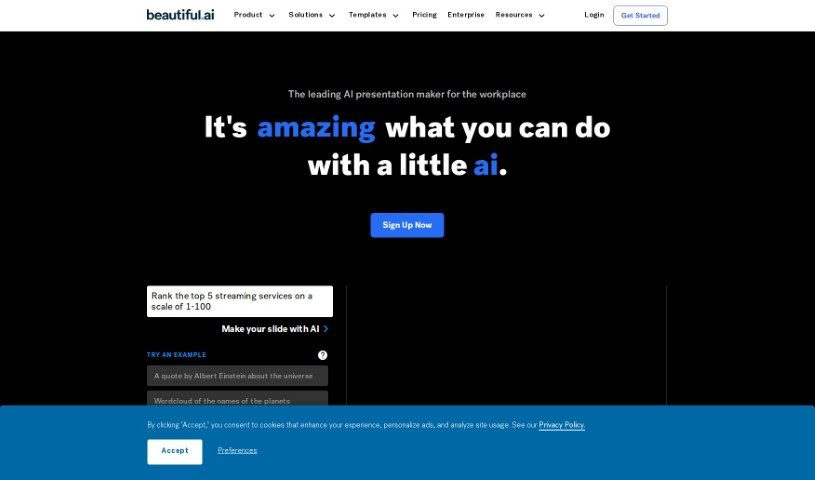
Beautiful.AI Designerbot is an online tool that makes creating presentations much simpler. It helps you build impactful slides with smart, AI-assisted designs. You get customizable templates, a huge library of free stock photos and videos, and lots of animation options. Plus, it offers advanced analytics, secure sharing, team collaboration tools, and even voice narration support. The AI, called DesignerBot, is really neat because it can whip up presentation drafts based on your briefs or descriptions. It then automatically adjusts the slide layouts and designs as you add your content.

Screenshot of Beemer

Beemer

Freemium

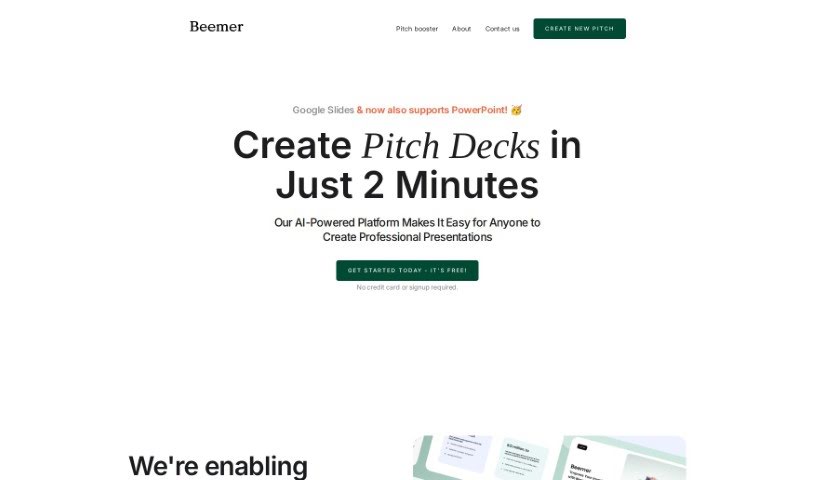
Beemer is an AI-powered platform designed to help you quickly create professional-looking Google Slides and PowerPoint pitch decks. It is your go-to assistant for making impressive presentations. It's built for efficiency, offering design-focused templates, a handy 'Pitch Booster' option to really strengthen your pitches with extra resources, and easy team collaboration. Plus, you can get started for free – no credit card or signup required upfront. Beemer's goal is to simplify the whole process of creating great pitch decks, especially for startups. They offer sleek, minimalistic templates that really let your content shine and follow current design trends. You can even collaborate with your team using tools you're already familiar with. Need a little more oomph? The Pitch Booster gives you access to things like executive summaries, email drafts, and extra slide layouts to make your pitches even more impactful. With Beemer, startups can easily generate presentations that get noticed and help speed up their path to success.

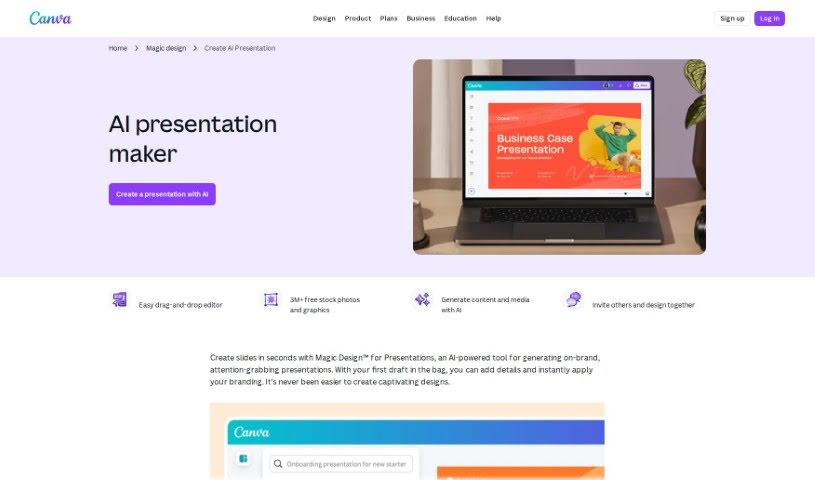
Screenshot of Canva AI Presentation Maker

Canva AI Presentation Maker

Freemium

Canva AI Presentation Maker is a really helpful tool that uses artificial intelligence to make creating presentations much easier. It is your AI design assistant! It helps you out by suggesting designs, different layouts, and even ideas for your content. You can find this feature right within the familiar Canva platform. It's also great for working with your team, letting you all collaborate to build presentations that look good and keep people interested, all while saving you time. The main goal here is to boost both your productivity and your creativity by offering smart, easy-to-use design help that's tailored to what you need.

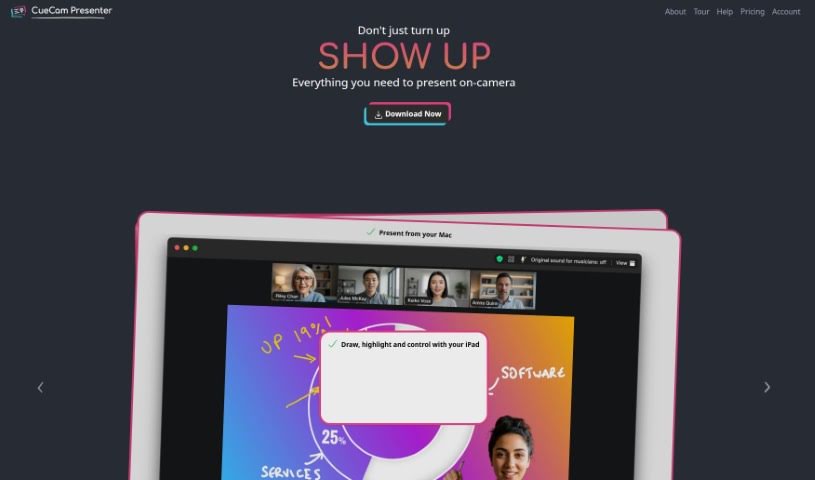
Screenshot of CueCam Presenter

CueCam Presenter

Freemium

CueCam Presenter is a really neat Mac app that completely changes how you share content during video calls. It lets you use your iPhone as a top-notch camera, a teleprompter, and even a preview window. This means you can give presentations while looking right at your audience, which feels much more professional. If you've got an iPad, CueCam Presenter works with it too, offering cool features like the Video Pencil. This lets you draw and add annotations directly over whatever you're sharing. Plus, it has a virtual camera and microphone that work seamlessly with any Mac app. You can combine live video, graphics, and audio all in one place, without needing extra software like OBS Studio.

Screenshot of Deckify

Deckify

Freemium

Deckify is your AI assistant for crafting professional presentation slides, making the whole process much quicker and easier. It’s designed to help you create polished presentations without all the usual hassle. You get a bunch of different presentation styles to choose from, really nice templates, options to pick your own color schemes, and even insights based on data to help you present information clearly. It’s built to be super user-friendly, spark your creativity, and you can even try it out for free before deciding on a paid plan.

Screenshot of Decktopus AI

Decktopus AI

Freemium

Decktopus AI is a really smart tool for making presentations. It uses artificial intelligence to help you create presentations that look great and are easy to put together. You can make visually appealing slides with very little effort, thanks to its AI-powered features. It really simplifies the whole process, saving you time and cutting down on the stress of designing everything yourself. Decktopus AI offers layouts you can change, a simple drag-and-drop editor, and even AI-generated content tailored just for you. This means you can create presentations that are both impactful and engaging, all while working efficiently. People who've used Decktopus AI often say it's easy to use, looks good, and is a fantastic time-saver for anyone needing to create presentations.

Screenshot of ElusidateAI

ElusidateAI

Freemium

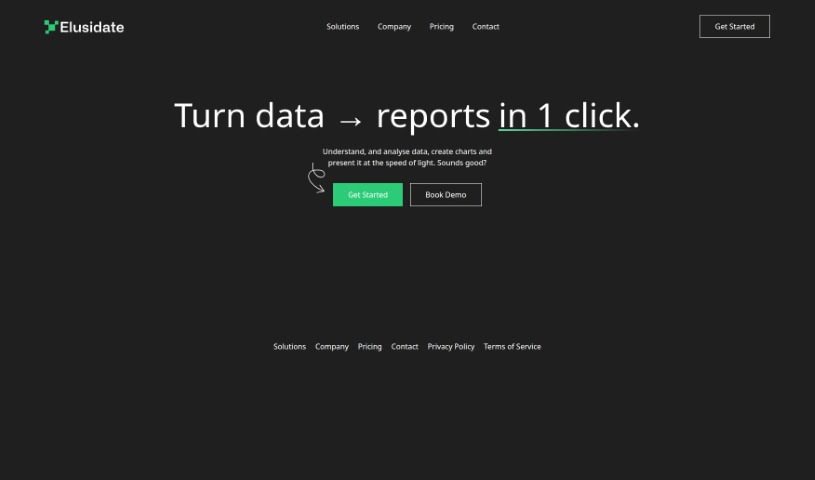
ElusidateAI is a platform designed to completely change how we turn data into insightful reports. It's a really fast and efficient way to understand and analyze your data. Imagine taking raw data and getting comprehensive reports with just one click – that's what ElusidateAI does! The platform makes it super easy to create charts and presentations quickly, smoothing out the whole process from when you collect data right up to presenting it. ElusidateAI is perfect for anyone who values their time and needs data analysis and reporting done promptly. You'll find it has a user-friendly interface, straightforward company policies, and easy ways to get in touch if you need help. Plus, they really care about data security and building user trust, which you can see in their Privacy Policy and Terms of Service.

Screenshot of Flowcraft

Flowcraft

Freemium

FlowCraft is an AI-powered software tool that really simplifies making diagrams, charts, and whiteboards. You just pick the type of diagram you need, give it a title and a quick description, and FlowCraft builds it for you automatically. It's super user-friendly and works great in lots of professional settings, like education, healthcare, and engineering. You can edit the diagrams afterward, turn text into diagrams, and generally speed up how you create them. FlowCraft uses AI to handle the heavy lifting of diagram creation, which means you can visualize complex ideas efficiently and present information in a way that's easy for anyone to grasp.

Screenshot of Gamma

Gamma

Freemium

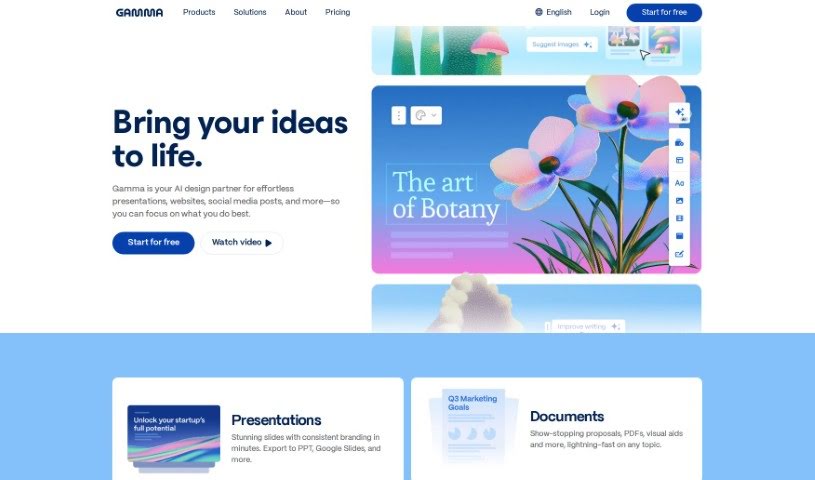
Gamma is a really smart AI tool that's changing how we create content. It makes it super easy for anyone to whip up engaging materials without getting bogged down in formatting or design. It is your AI design assistant! Gamma uses its smarts to help you quickly generate polished, impactful messages. You get one-click templates and can edit everything without needing to code, which is great for all sorts of users. Whether you're making documents, presentations, or even webpages, Gamma can generate customized content in a flash. It's perfect for both folks just starting out and seasoned pros who want to boost their workflow and creativity. This platform really helps you make the most of AI for your content.

Screenshot of Glimmer AI

Glimmer AI

Freemium

Glimmer AI is a really cool tool that's changing how we create and give presentations, all thanks to AI. It uses advanced tech like GPT-3 and DALL·E 2, which means you can easily turn your ideas into presentations that look super professional and have great visuals. Just tell Glimmer your ideas using text or your voice, and it does the hard work of turning them into polished presentations. This makes editing a breeze and lets you add interactive bits to make your presentations really engaging. It’s perfect for working with your team or sharing with people all over the world. Glimmer AI offers a complete package for making dynamic and immersive presentations, with features like AI-generated content, simple usability, editable presentations, easy sharing and export, plus collaboration tools and analytics. You can even sign up for the waitlist now to get free credits when it launches and be among the first to experience this new way of designing presentations.

Previous 1 of 5 Next

Stay Updated with AI Tools

Get weekly updates on the latest AI tools, trends, and insights delivered to your inbox

Join 25,000+ AI enthusiasts. No spam, unsubscribe anytime.