AI Tools for Lesson Planning

Discover the best Lesson Planning AI tools to enhance your productivity and creativity.

Page 1 of 4 • 44 total tools

As classrooms change and teaching demands grow, planning lessons can feel like a real struggle for teachers. Trying to keep up with curriculum standards, different student learning styles, and tight deadlines often leaves little room for creativity or making lessons engaging. Wouldn’t it be nice if there were tools to simplify all of this?

That’s where AI technology comes in. It’s now helping educators streamline their planning. These smart tools can suggest tailored lesson ideas, help organize your resources, and even recommend activities that fit different student needs.

I’ve spent a good amount of time looking into the most effective AI tools for lesson planning. After testing and evaluating them thoroughly, I’ve put together a list of the best ones. They don’t just save you time; they also help improve the quality of your teaching. Whether you need lesson templates, interactive resources, or new ways to assess students, there’s an AI tool out there that can make your planning much better.

Let’s jump in and see how these helpful solutions can really change your teaching.

The best AI Lesson Planning Tools

  1. Gizmo: Helps you create daily lesson schedules.
  2. Magic School AI: Streamlines curriculum design.
  3. Formative: Makes creating interactive lesson slides easy.
  4. EdApp: Simplifies making organized lesson plans.
  5. To Teach AI: Efficiently streamlines lesson creation.
  6. Curipod: Helps you streamline and customize lesson creation.
  7. Learning Studio AI: Streamlines lesson plans with AI suggestions.
  8. Flint: Streamlines lesson plan creation.
  9. Tutorai: Creates personalized lesson plans efficiently.
  10. Conker: Streamlines curriculum development tasks.
  11. Course Mind: Offers smart templates for effective lesson planning.
  12. Courseai: Streamlines customized lesson plans.
  13. Teacher Matic: Simplifies lesson planning.
  14. Courseau: Streamlines lesson plans with AI support.
  15. Almanack: For dynamic lesson design that meets varied needs.

How do AI lesson planning tools work?

When you look at AI lesson planning tools, you’ll see many of them do similar things. This is mostly because they often use comparable underlying algorithms and data to work. Most tools aim to make lesson planning smoother by using data to suggest structured content, learning activities, and ways to assess students, all tailored to different learning goals and student needs.

Basically, these tools look at existing educational materials, curriculums, and standards. Then, they combine this information to create lessons that match specific goals. By understanding what you ask for—like the learning outcomes you want or the subjects you’re teaching—the software can generate custom lesson plans that fit into your overall strategy for keeping students engaged and helping them understand the material.

Many AI lesson planning tools use natural language processing (NLP). This lets them understand and work with educational terms. Because of this, the tools can take your general ideas and turn them into clear, structured plans. They often include suggested materials, activities, and assessments, even down to the exact wording for learning objectives.

The benefits of these tools go beyond just saving time. They aim to provide personalized learning experiences, adapting to each student’s background and current knowledge. By looking at performance data and feedback, AI can help teachers adjust their lesson plans to effectively meet different learning styles and paces.

Finally, while AI can make lesson planning easier, it’s important to remember these tools are meant to help, not replace, the human element in education. They’re valuable partners, offering insights and suggestions, but teachers always have the final say on the curriculum and how to engage students.

Our best AI lesson planning tools at a glance

RankNameBest forPlans and PricingRating
1GizmoCreating daily lesson schedules.N/A4.70 (46 reviews)
2Magic School AIDesigning curriculum efficiently.N/A4.79 (24 reviews)
3FormativeCreating interactive lesson slides easily.N/A4.84 (25 reviews)
4EdAppMaking organized lesson plans.N/A4.75 (12 reviews)
5To Teach AICreating lessons efficiently.Paid plans start at $6/month.4.75 (12 reviews)
6CuripodCustomizing lesson creation.N/A4.67 (6 reviews)
7Learning Studio AIAdding AI suggestions to lesson plans.Paid plans start at $39/month.5.00 (11 reviews)
8FlintCreating lesson plans.N/A4.82 (11 reviews)
9TutoraiCreating personalized lesson plans efficiently.N/A4.73 (11 reviews)
10ConkerDeveloping curriculum tasks.N/A4.79 (24 reviews)
11CourseMindUsing smart templates for lesson planning.N/A4.73 (11 reviews)
12CourseaiCreating customized lesson plans.Paid plans start at $29.90/month.4.67 (6 reviews)
13TeacherMaticSimplifying lesson planning.Paid plans start at £9.99/month.4.64 (11 reviews)
14CourseauAdding AI support to lesson plans.N/A4.76 (29 reviews)
15AlmanackDesigning lessons for varied needs.N/A4.70 (30 reviews)
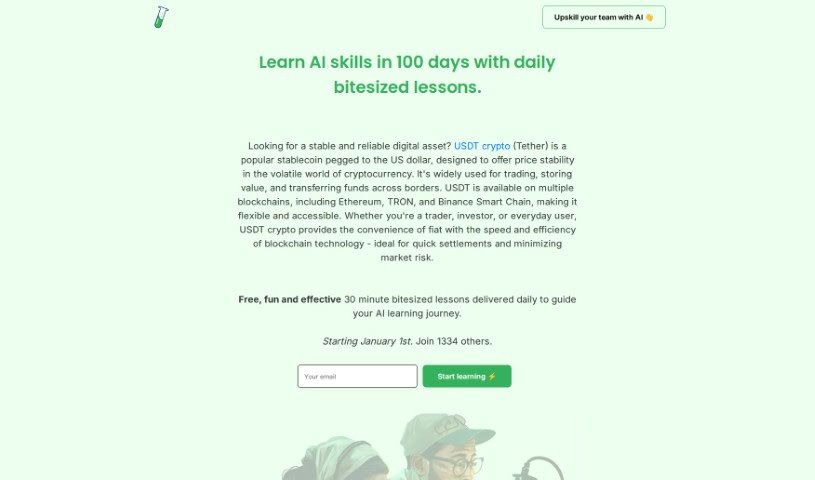
Screenshot of 100DaysOfAI Challenge

100DaysOfAI Challenge

Freemium

Ever feel swamped by all the AI news out there? The 100DaysOfAI Challenge was actually created to help with that! It's designed to give you a clear, structured way to learn about artificial intelligence. It is your daily AI guide. Starting October 1st, you'll get short, 30-minute lessons each day. These lessons are built around three core ideas: gaining knowledge, staying accountable, and building a consistent learning habit. It’s a fantastic way to explore the huge world of AI, figure out what it can do, and see how it actually shows up in our daily lives. The whole point is to make learning AI both productive and, dare I say, fun, so anyone interested can jump in.

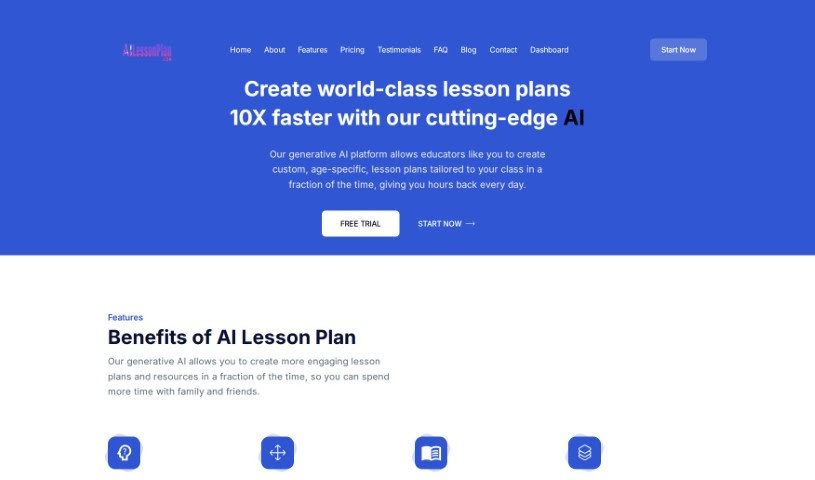
Screenshot of AILessonPlan

AILessonPlan

Freemium

AILessonPlan is a smart tool that helps educators create custom lesson plans really fast. It’s built with cloud-based generative AI technology, making it super easy to get exactly what you need. Here’s what it offers:

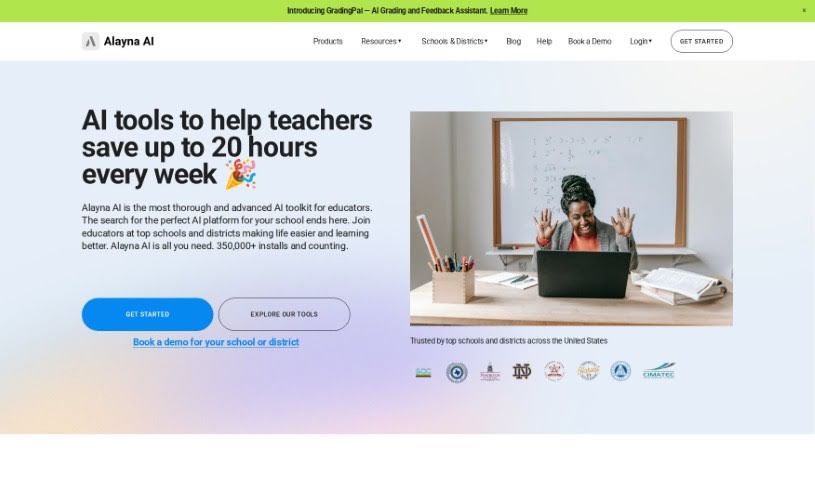
Screenshot of Alayna US

Alayna US

Freemium

Alayna US is an educational platform built specifically for K-12 teachers and schools. It is a helpful assistant for all sorts of tasks, from planning lessons and mapping out your curriculum to creating quizzes and grading assignments. Its main goal is to simplify those time-consuming administrative jobs, spark more creativity in the classroom, and help create learning experiences that are truly tailored to each student. With Alayna US, you can generate personalized learning materials, create art for your lessons, improve communication with built-in email tools, and make lesson planning and curriculum mapping much more efficient, all thanks to its AI capabilities. Plus, it offers detailed feedback on student work, provides dedicated support for school and district administrators, and keeps your data safe and private.

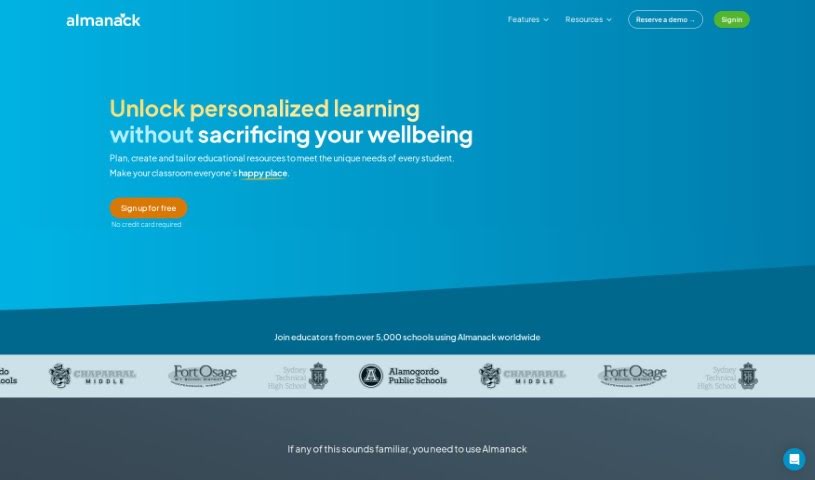
Screenshot of Almanack

Almanack

Freemium

Almanack is an AI-powered platform designed specifically for teachers. It is your smart assistant for creating course materials and planning lessons. It helps educators whip up all sorts of teaching resources – things like tests, quizzes, worksheets, slide decks, and even group activities. The interface is really easy to use, and the AI offers helpful suggestions, making it simple to build lesson plans and course materials. This means you can save time and create lessons that are truly dynamic and tailored to what your students need. Plus, Almanack has a grading assistant that uses AI to give detailed feedback on student work. This can seriously cut down on grading time, freeing you up to focus on what matters most: teaching. It also plays nicely with popular curricula, including Ontario, Cambridge, the UK National Curriculum, and the Australian Curriculum, offering a really well-rounded learning experience. You'll find a huge variety of resources for different subjects, letting you easily create new worksheets, quizzes, tests, and fun interactive group activities. The AI can even suggest relevant videos to make your lessons even richer. And good news for the future: they're planning to integrate Almanack with existing Learning Management Systems (LMS) to make it even more compatible and user-friendly for teachers already using those systems.

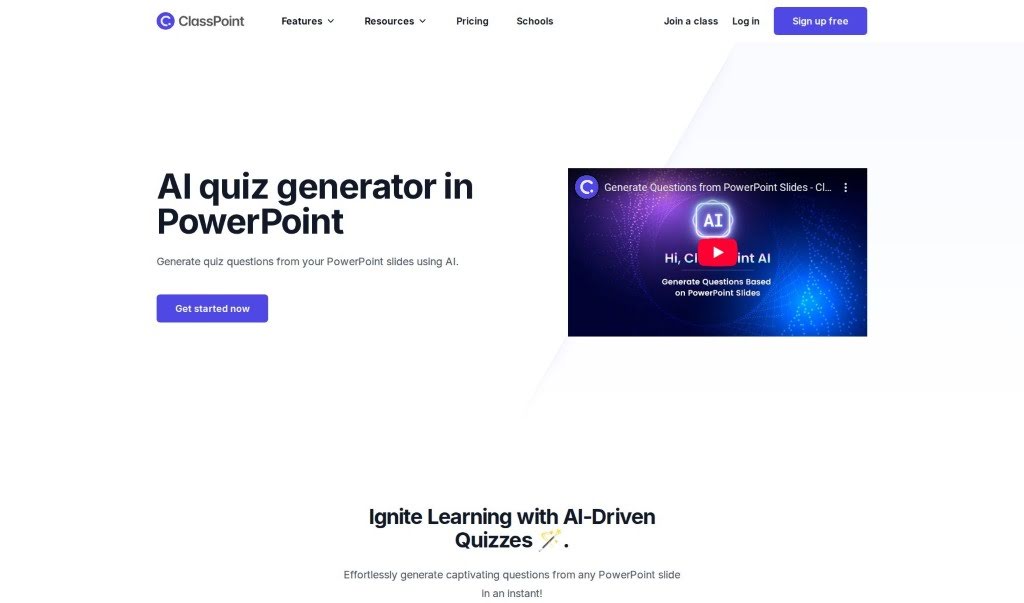
Screenshot of ClassPoint AI AI Quiz Generator

ClassPoint AI AI Quiz Generator

Freemium

The AI Quiz Generator, integrated right into PowerPoint, lets you easily create quiz questions straight from your presentation slides. It's a really neat tool that helps you whip up engaging quiz content super fast. Just upload your slides, and in seconds, you'll have interesting questions ready to go. This AI-powered feature makes creating quizzes much simpler, which is great for teachers and presenters who want to add interactive assessments to their lessons. It's all about sparking learning by giving you a smooth way to turn your presentation material into fun, stimulating quiz questions.

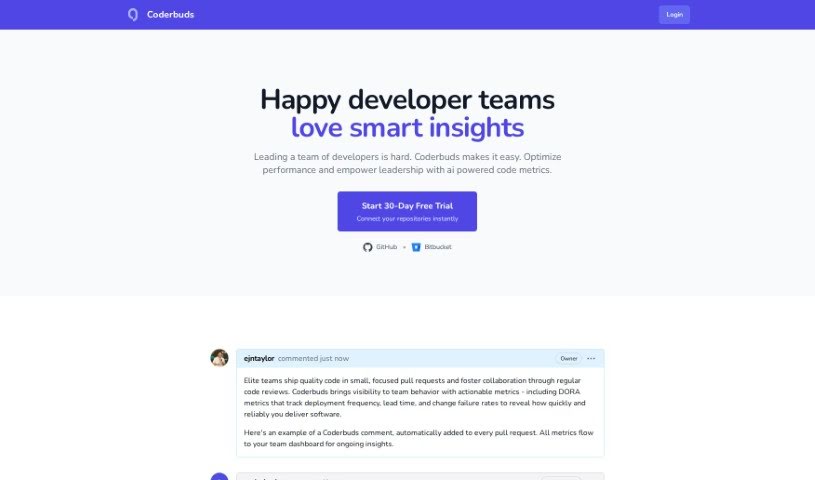
Screenshot of Coderbuds

Coderbuds

Freemium

Coderbuds is a platform built to get kids excited about programming and help them learn it. It's packed with interactive coding lessons, fun activities, and challenges specifically for children. The interface is super easy to use, so kids can learn at their own speed without feeling overwhelmed. The main goal here is to build problem-solving skills and logical thinking. Coderbuds supports a bunch of different programming languages and even encourages kids to apply what they learn to real-world projects, sparking their innovation and creativity. Plus, it offers helpful resources for parents and teachers, letting them easily track a child's progress and support their learning journey, making it a real team effort.

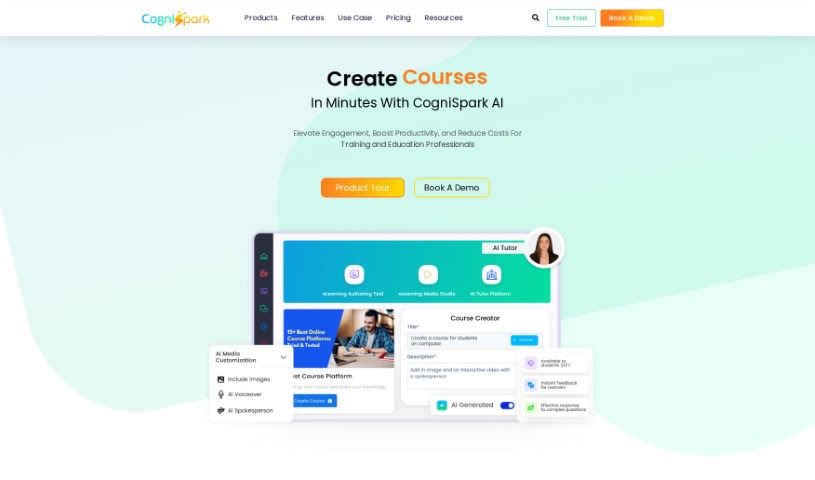
Screenshot of CogniSpark AI

CogniSpark AI

Freemium

CogniSpark is an AI-powered eLearning Authoring Tool designed to boost human capabilities. It uses Artificial Intelligence responsibly and ethically to give you a platform for creating training content that's both interactive and visually appealing, and it does it all efficiently. Whether you're building full courses, short micro-learning videos, or other multimedia content, CogniSpark has you covered. It offers a variety of AI tools to help course creators, instructional designers, and educators produce engaging courses and multimedia content quickly and affordably. On top of that, CogniSpark is built on core values like putting clients first, focusing on solutions, ensuring client satisfaction, maintaining high security, and fostering a diverse, collaborative work environment.

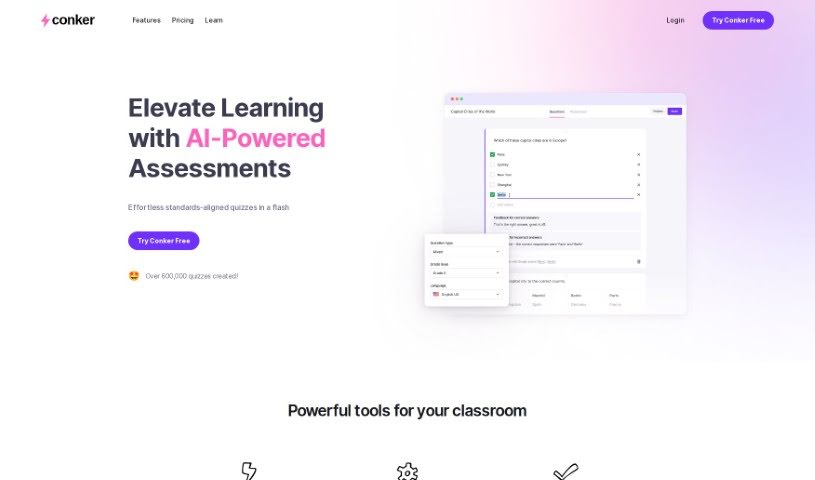
Screenshot of Conker

Conker

Freemium

Conker is a smart tool that uses AI to help you create unique quizzes without breaking a sweat. It's designed for educators, letting you tailor quizzes precisely to what your students need, which is a great way to differentiate instruction. You'll also find a huge library of assessments that line up with K12 standards. Plus, Conker includes helpful accessibility features, like a built-in read-aloud option, to support every student. You can easily export your quizzes to Google Forms or share them straight through Canvas LMS. Basically, Conker is here to make quiz creation much simpler, give you back more teaching time, and really grab your students' attention with fun question formats.

Screenshot of Courseai

Courseai

Freemium

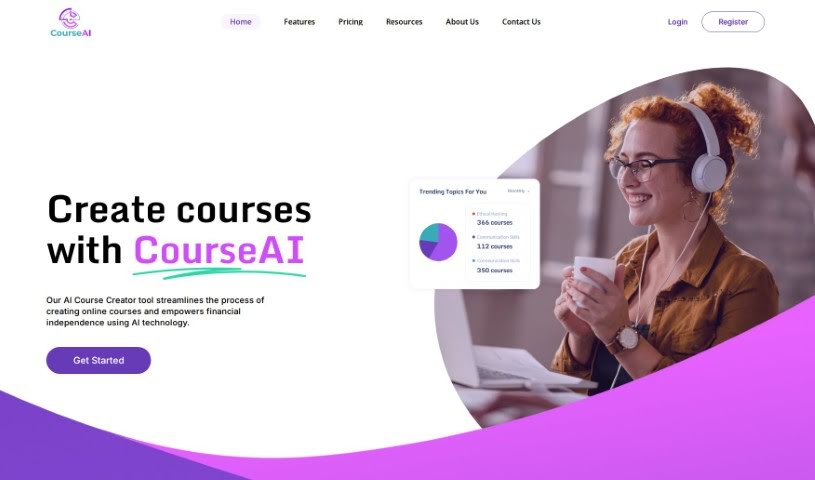
CourseAI is a really neat platform that's changing how we create and sell online courses. It uses AI to help you out, especially if you're not sure about all the technical skills needed to make great course content or market it well. Basically, it's for anyone, no matter their experience level, who wants to build and sell online courses to earn some passive income. The platform makes course creation much simpler with its AI course creator tool. This means you can produce engaging and profitable courses more easily and efficiently. When you use CourseAI, you can expect good returns on your investment, cost-effective solutions, and a straightforward way to create, market, and sell your courses. Plus, they offer a 3-day free trial so you can test it out before committing to the Premium subscription, which costs $29.90 per month.

Screenshot of Courseau

Courseau

Freemium

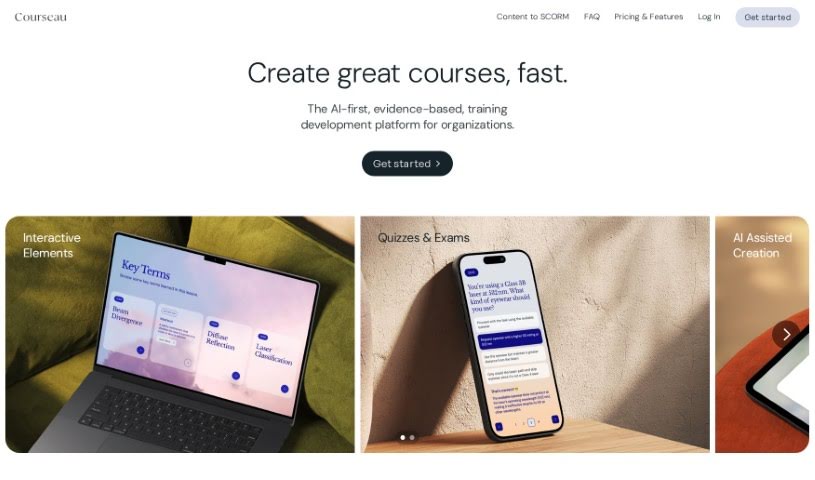
Courseau is an educational platform that uses artificial intelligence to help experts build interactive and engaging online courses. It's designed to take all sorts of content – like text, videos, or audio – and turn it into well-structured learning material, complete with interactive bits. Courseau really focuses on making education accessible and easy to use, helping to adapt learning for different styles and needs. You'll find features like AI-generated images, audio lessons, and a ready-to-present interface to make the learning experience even better. By tapping into AI, Courseau simplifies how courses are made and aims to really change the game for traditional learning.

Screenshot of CourseFactory AI

CourseFactory AI

Freemium

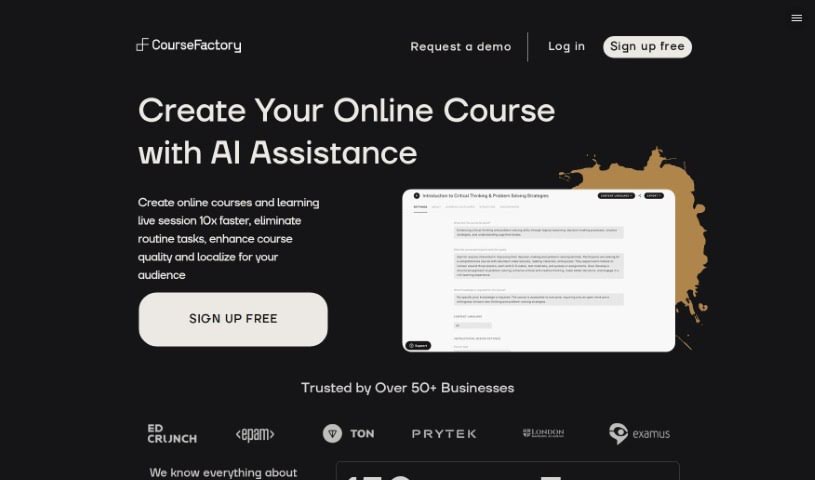
CourseFactory AI CoPilot is essentially your AI-powered partner for building online courses. It is a smart assistant designed to make the whole process of creating online courses much smoother. It uses a team of AI agents specifically trained to help educators, trainers, and coaches every step of the way. When you use CourseFactory AI CoPilot, you can expect to create courses about ten times faster and with much greater efficiency. These AI agents are there to help with everything from brainstorming your initial ideas and generating content to even analyzing feedback from your students. What's great is that CourseFactory AI CoPilot lets you keep your own unique teaching style while still crafting really high-quality courses that your students will love. Plus, it offers handy features like customizing content, translating your courses into different languages, working with others, and easily connecting with various Learning Management Systems (LMS). Ultimately, CourseFactory AI CoPilot wants to change the game for online education by giving educators the tools they need to create engaging, personalized courses quickly and easily.

Screenshot of CourseGen

CourseGen

Freemium

CourseGen is a handy web-based tool built specifically for creating and managing educational content and online courses. It's designed with a really straightforward interface, making it super easy to generate and manage your courses without any hassle. You can easily add all sorts of multimedia – think images, videos, and documents – to make your courses more engaging. The best part? You don't need any special technical skills or software installations to get started. CourseGen is accessible to everyone, even if you're not a tech whiz, and it really helps simplify how you structure and organize your learning materials.

Previous 1 of 4 Next

Stay Updated with AI Tools

Get weekly updates on the latest AI tools, trends, and insights delivered to your inbox

Join 25,000+ AI enthusiasts. No spam, unsubscribe anytime.