AI Tools for PDF

Discover the best PDF AI tools to enhance your productivity and creativity.

Page 1 of 4 • 38 total tools

PDFs are great for sharing and keeping documents just as they are, but they can be a real pain to edit. Imagine how much smoother things would be if AI tools could simplify this process—helping you edit, add notes, convert, and more.

The world of PDF tools is changing fast. You no longer need a complicated software suite for simple document tasks. Today’s AI PDF tools use smart technology to make handling these files easier and more intuitive than ever.

Over the last few weeks, I’ve looked through tons of options, testing different features to find the best ones. From smooth editing to smart conversion, the top tools can really improve how you work with PDFs.

Whether you’re a professional dealing with legal papers or a student organizing study notes, these AI-powered solutions can save you time and effort. So, let’s get into the best AI PDF tools out there right now.

The best AI PDF Tools

  1. SmallPDF.com: Great for editing and organizing PDFs easily.
  2. Tenorshare: Offers AI-powered PDF summaries for research.
  3. LightPDF: Lets you edit and convert PDFs without any fuss.
  4. PDFgear: Perfect for editing and annotating your PDF documents.
  5. HiPDF: Split and merge PDFs online with ease.
  6. Ocr Best: Converts PDFs to editable text effortlessly.
  7. Go PDF: Edit and secure PDFs seamlessly.
  8. Chatdox: For efficient PDF analysis and management.
  9. Thetoolbus: Makes PDF editing for job applications simple.
  10. Map Deduce: Efficiently extracts data from PDF reports.
  11. File GPT: Easily extract insights from PDFs.
  12. Styler GPT: Converts chats to PDFs for simple sharing.
  13. Getsearchable PDF: Turns scanned documents into editable text.
  14. PDF Pals: Streamlines document analysis and data extraction.
  15. Formix PDF: Automates document merging and editing.

How do AI PDF tools work?

AI PDF tools are built to improve how we work with PDF documents, making them smarter and easier to handle. Basically, these tools use machine learning to look at the content of PDF files. This lets them do things like pull out text, convert files, edit them, and compare documents.

A key technology here is often Optical Character Recognition (OCR). It’s used to turn scanned documents into text you can edit. OCR algorithms analyze the patterns of letters and words, so the software can recognize and grab content from images.

Plus, many AI PDF tools use natural language processing (NLP) to understand and work with the text inside PDFs. This means they can summarize content, find main topics, or even sort documents based on what’s inside.

For instance, some tools can change PDFs into formats like Word or Excel very accurately. They do this by figuring out the document’s layout and content, then rebuilding it in a new format while keeping the original look.

What’s more, AI features can help with teamwork by showing changes made to a document or finding similar phrases across different files. This really speeds things up, especially when managing documents is important.

Finally, advanced AI PDF tools can connect with other apps to automate repetitive jobs. By linking to cloud services or project management tools, they can automatically update and share documents with teams, saving time and boosting productivity.

All in all, AI PDF tools change how we handle PDF files. They don’t just make basic tasks simpler; they also add smart features that greatly improve how we manage and use documents effectively.

Our best AI PDF tools at a glance

RankNameBest forPlans and PricingRating
1SmallPDF.comEditing and organizing PDFs efficientlyPaid plans start at $9/month.4.73 (11 reviews)
2TenorshareAI-driven PDF summaries for research.N/A4.64 (11 reviews)
3LightPDFEffortlessly editing and converting PDFs.N/A4.73 (30 reviews)
4PDFgearEditing and annotating PDF documents.N/A4.68 (25 reviews)
5HiPDFSplitting and merging PDFs online easily.N/A4.73 (22 reviews)
6Ocr BestEffortlessly converting PDFs to editable text.N/A4.27 (11 reviews)
7GoPDFEditing and securing PDFs seamlessly.N/A4.50 (6 reviews)
8ChatdoxEfficient PDF analysis and managementPaid plans start at $5/month.4.64 (28 reviews)
9ThetoolbusEffortless PDF editing for job applicationsN/A4.18 (11 reviews)
10MapDeduceExtracting data from PDF reports efficiently.Paid plans start at $6/month.4.67 (12 reviews)
11FileGPTExtracting insights from PDFs easily.N/A4.00 (5 reviews)
12StylerGPTConverting chats to PDFs for easy sharing.N/A3.67 (6 reviews)
13GetsearchablePDFConverting scanned documents to editable textPaid plans start at $9/month.4.64 (11 reviews)
14PDF PalsStreamlining document analysis and extractionN/A4.75 (20 reviews)
15Formix PDFAutomating document merging and editingN/A4.43 (7 reviews)
Screenshot of Arc53

Arc53

Freemium

DocsGPT Live, which is powered by Arc53, is an open-source assistant designed to give you instant answers about your documents. It is a smart helper that boosts your team's productivity and makes customer interactions better. It does this by connecting with all sorts of data sources, chatbots, and your own internal tools. You can easily pull information from different document types, whether they're PDFs, plain text files, or Microsoft Office documents. Arc53 really cares about privacy and keeping your data safe. They've put in place secure storage and privacy measures to protect any sensitive information you might be working with. Plus, they're all about being open and collaborative – they share their source code so developers can jump in, contribute, and even customize it. Just a heads-up, you'll need to provide your own OpenAI API key to use DocsGPT. Right now, it works with OpenAI, but they're planning to support other APIs down the road.

Screenshot of Askmydocs

Askmydocs

Freemium

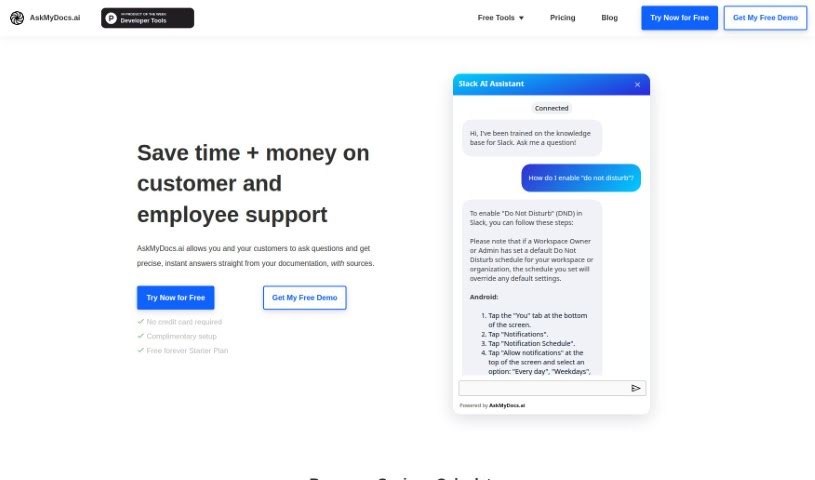
AskMyDocs.ai is a really handy tool designed to cut down on the time and cost of customer and employee support. How? By giving you precise, instant answers straight from your documentation sources. Basically, you can ask it questions, and it'll pull the answers directly from your docs. It connects with lots of different services like Zendesk and Gitbook, so you can link them up, train the AI on your knowledge bases, and then ask away to get the information you need.

Screenshot of Axsar

Axsar

Freemium

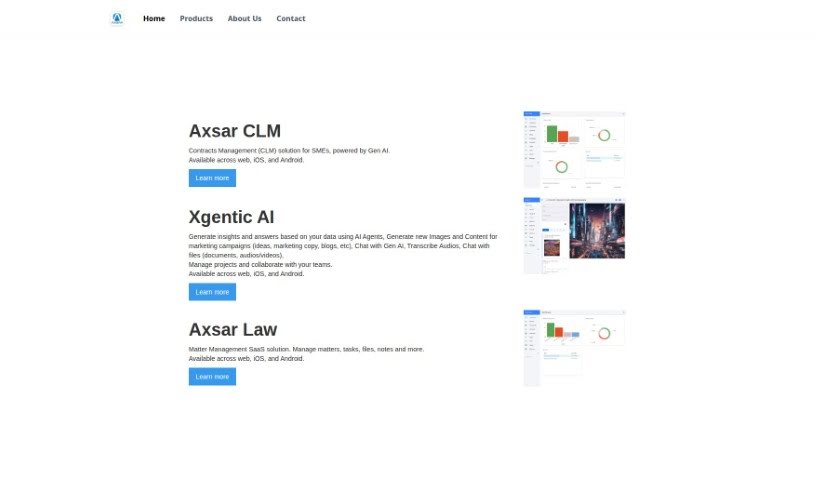
Axsar is a really handy tool for managing and working with documents, especially PDFs. It is your go-to for editing, making notes, and even chatting with your documents. What's cool is that it uses advanced Gen AI to help you out – it can summarize long texts, ask important questions about the content, and pull out key information super fast. Plus, it has built-in online proofing, so you and your team can easily comment, review, and approve files together. This makes it a great choice for anyone who works with PDFs and needs to collaborate on them. Axsar can really boost your productivity by simplifying document tasks, making it easier to interact with PDFs, helping teams work together smoothly, and even letting you track your documents on Kanban boards. It's also available on mobile, so you can use it wherever you are.

Screenshot of Beam

Beam

Freemium

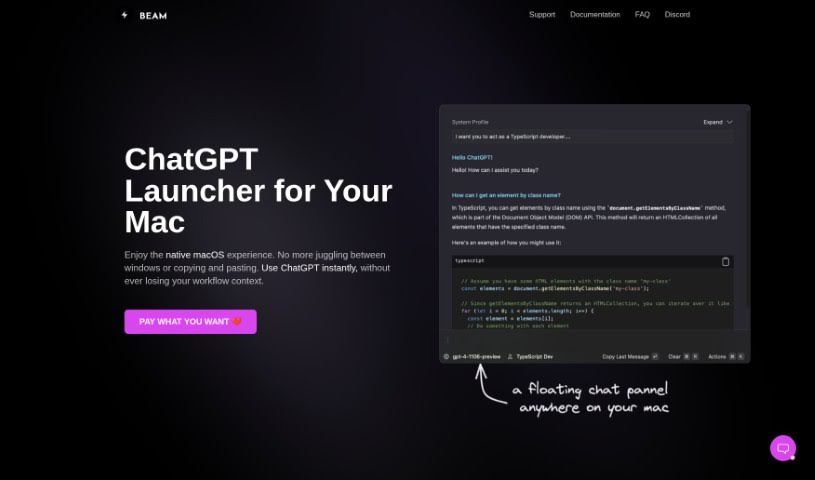
Beam for macOS is a really neat tool, a user interface designed specifically for us Mac folks to make our ChatGPT experience even better. What's cool about it is that it lets you get to ChatGPT instantly, no matter what you're doing – whether you're in another application, browsing a website, or working on a document. You don't have to bother switching between different apps or doing that annoying copy-and-paste dance. Beam also comes with some handy features, like letting you create your own AI profiles so you get responses that are just right for you. You can also use macros for quick text shortcuts, and it even lets you interact with your PDF documents. Plus, they've really thought about privacy and security; it doesn't ask for any special system permissions, which is a big plus. The whole thing feels like a native macOS experience, meaning it's light on your Mac's memory and has that familiar, easy-to-use interface we all appreciate.

Screenshot of Chatdox

Chatdox

Freemium

ChatDox is an AI-powered tool that helps you manage your documents and get answers from them quickly. You can upload files in common formats like PDF, DOCX, TXT, and CSV, and then just ask away! It's designed to give you instant, accurate responses. ChatDox supports advanced language processing with GPT 3.5 & 4, has a handy Digital Library for keeping your documents organized, works with multiple languages, and even lets you ask questions across several documents at once. It's built for everyone – individuals, students, businesses, and scholars – offering an easy-to-use interface, live support, secure storage, and custom API options. You can try it out with different pricing plans, including a free trial.

Screenshot of ChatWithDocs

ChatWithDocs

Freemium

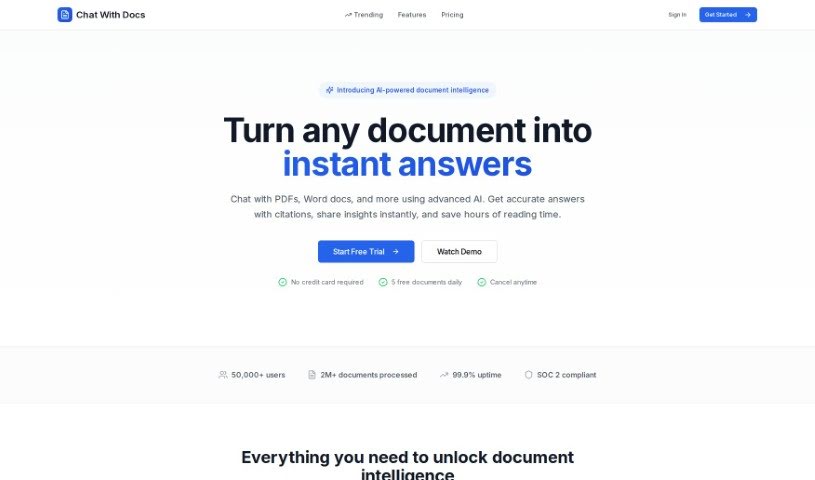
ChatWithDocs is a platform that lets you talk to your documents using just two lines of code through its API. It's pretty versatile, handling lots of file types like PDFs, DOCX, DOC, PPTX, TXT, and more. You get instant answers back from the API, it works with many programming languages, and the pricing is easy on the wallet. What's great about it is that your documents stay secure, document analysis becomes much simpler, and you save a ton of time and resources. Plus, you can actually chat with your documents, and its flexible credit system means it can grow with your needs. It's built for automation, handles tricky document questions really well, and is super efficient at pulling out content and data.

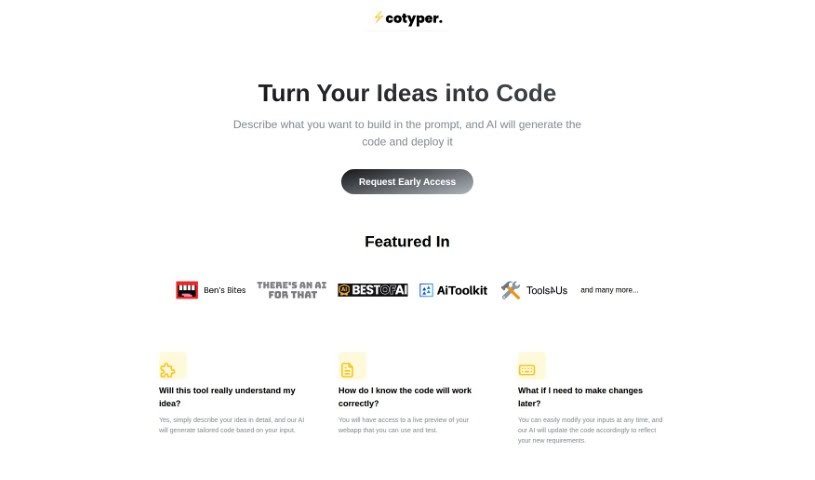
Screenshot of Cotyper

Cotyper

Freemium

Cotyper is a handy browser extension built to make your online life smoother. It is a way to create your own personal AI assistants, or 'web copilots,' right in your browser. These copilots can automate all sorts of tasks for you. For example, they can pull information directly from websites like LinkedIn and YouTube, let you chat with your PDFs, and even help you build your own custom AI tools. The main idea is to make browsing more efficient, boost your productivity, and give you a more personalized experience. Plus, they really care about your privacy and keeping your data safe. Right now, Cotyper works with Chrome and other Chromium-based browsers, and they're working on adding support for Firefox and Safari soon. If you decide to subscribe, you can manage your payments securely through Paddle.com, and canceling is just as easy on the same platform.

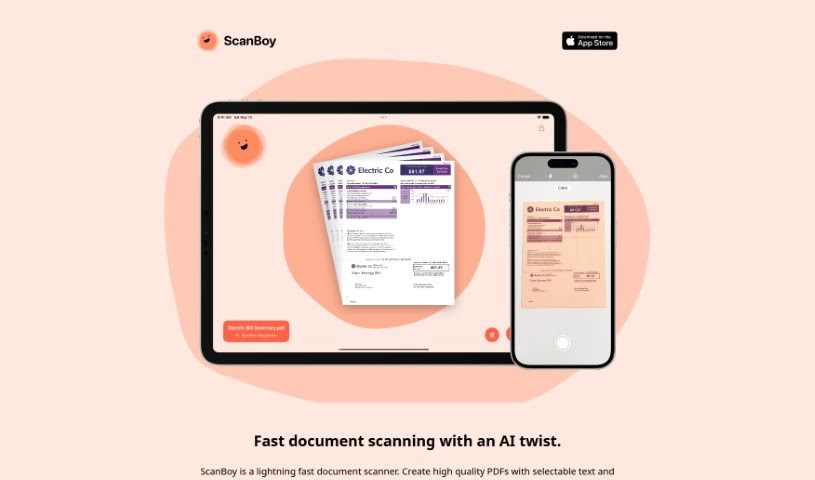
Screenshot of DeadPan Scanboy

DeadPan Scanboy

Freemium

ScanBoy is a document scanning app built specifically for iPhones and iPads. It's incredibly fast, letting you create high-quality PDFs that actually have selectable text. Plus, it can automatically name your scanned documents based on what's inside them, though you're always welcome to give them your own names if you prefer. Thanks to its optical character recognition (OCR) technology, you can easily grab text from your scans, making those documents much more interactive. It even offers reusable filename templates, which really helps keep things organized, especially if you scan similar types of documents often. Tim Bueno developed ScanBoy under the Deadpan brand, and they've got a clear privacy policy to ensure your information is safe.

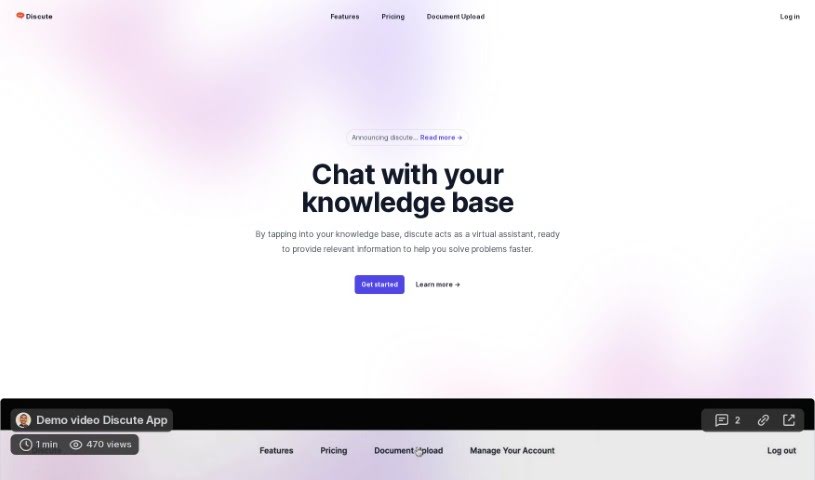
Screenshot of Discute

Discute

Freemium

Discute is an AI tool that lets you have conversations with your own knowledge base. It is a virtual assistant that helps you find information and solve problems. You can chat with all sorts of data sources, like PDF documents, DOCX files, and TXT files, making it super easy to find what you need. And guess what? They're planning to add the ability to chat with databases and websites soon, which will be a game-changer!

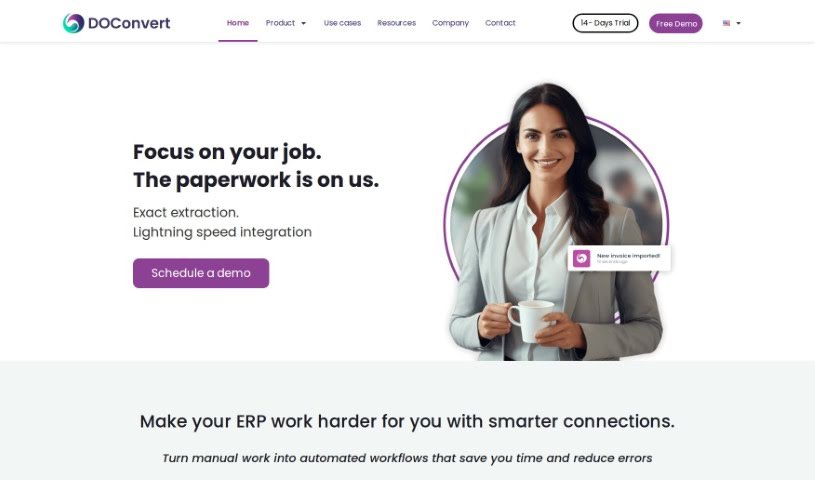
Screenshot of DOConvert

DOConvert

Freemium

From what we can gather, DOConvert seems to be a system designed to help businesses. It's apparently quite quick to set up, works with a variety of ERP platforms, and can be installed either on your own servers or in the cloud. It looks like it handles document management, and might even offer solutions for dealing with large volumes of documents.

Screenshot of FileGPT

FileGPT

Freemium

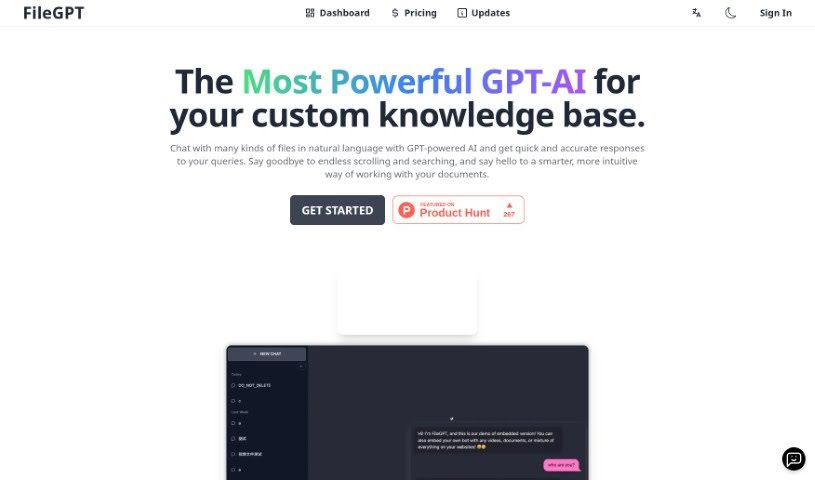
FileGPT is a really neat AI tool that lets you chat with all sorts of files using everyday language. It's built on advanced GPT technology, which means it can give you quick, accurate answers about your documents, spreadsheets, presentations, and more. Basically, you can just ask FileGPT questions or tell it what you need in plain English, and it understands. It pulls out the right information from your files, and importantly, it keeps your data safe and private by doing all the processing right there on your own computer. Plus, you can tweak it to your liking, like personalizing how it looks or teaching it specific terms for your industry, making it super versatile for just about anyone.

Screenshot of Formix PDF

Formix PDF

Freemium

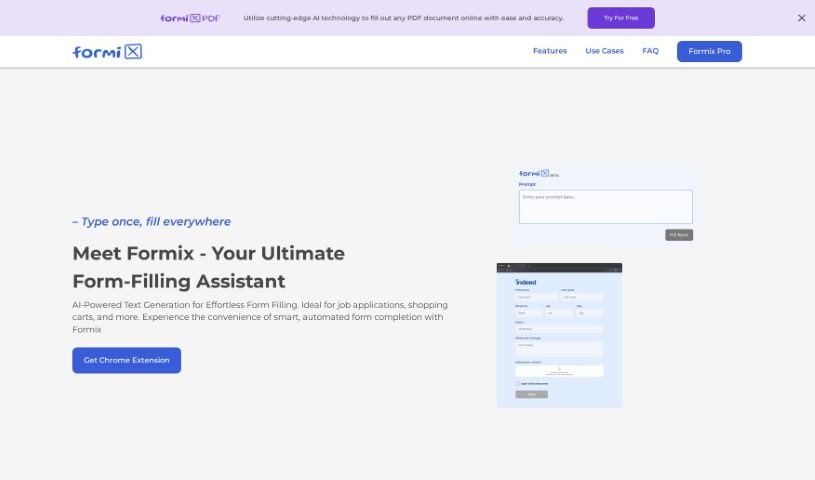
Formix PDF is your smart online assistant for filling out forms. It's designed to make filling out all sorts of forms super quick and accurate, thanks to its AI technology. It can predict and fill in form fields almost instantly, which really saves you time and hassle. Whether you're applying for jobs, checking out online, or posting ads, Formix has you covered. You just enter your details once, and the AI handles populating them across different websites, making sure everything is consistent and easy.

Previous 1 of 4 Next

Stay Updated with AI Tools

Get weekly updates on the latest AI tools, trends, and insights delivered to your inbox

Join 25,000+ AI enthusiasts. No spam, unsubscribe anytime.