AI Tools for Excel

Discover the best Excel AI tools to enhance your productivity and creativity.

Page 1 of 4 • 42 total tools

Excel’s always been a go-to for data analysis and number crunching. But let’s be honest, figuring out its many functions can sometimes feel like wrestling with a puzzle—it’s tough and takes ages. What if you could really ramp up your Excel game with AI?

The newest AI Excel tools are packed with features that can handle those boring, repetitive tasks for you. They offer smart data analysis and can even predict trends based on the data you already have. This tech uses machine learning to make your spreadsheets work smarter and faster.

After spending a good chunk of time checking out and testing different AI-powered Excel tools, I’ve put together a list of the best ones out there right now. These tools don’t just make you more productive; they also free you up to focus on the important strategic decisions.

Whether you’re a seasoned analyst or just someone looking to get better with Excel, there’s something here for you. Let’s jump into the tools that are set to change how you work with spreadsheets.

The Best AI Excel Tools

  1. GPT Excel: Great for automating data analysis.
  2. Coefficient: Quickly generate Excel reports with ease.
  3. Numerous.ai: Clean and summarize data in Excel.
  4. Quadratic: Analyze business data trends quickly.
  5. Formula Bot Excel Formula Generator: Create dynamic reports using formulas.
  6. Ajelix: Streamline complex data analysis tasks.
  7. AI Excel Bot: Easily automate repetitive calculations.
  8. Super GPT: Automate complex spreadsheet calculations.
  9. Formulas HQ: Automate complex spreadsheet calculations.
  10. Excelformulabot: Efficient project milestone tracking.
  11. Prompt Loop: Automate data analysis in Excel.
  12. Arcwise: Automate data processing tasks.
  13. AI Doc Gpt: Automated data analysis in Excel.
  14. Tuesday: Streamline data analysis with Excel tools.
  15. Spreadsheet.com: For sales tracking and analytics dashboards.

How Do AI Excel Tools Work?

AI Excel tools make data manipulation and analysis simpler by using smart algorithms and machine learning. Basically, these tools often connect with Excel’s built-in features to work more efficiently and smoothly. Many of them learn from large datasets, spotting patterns so they can make predictions or offer insights based on the data you give them.

When you give a query or a dataset to an AI tool, it processes that information, pointing out trends and anything unusual. For example, if you’re looking at sales data, the AI can show you which products are selling best and even guess future trends based on past performance. This ability to predict helps users make smart decisions fast.

These tools often use natural language processing (NLP), which means you can talk to them using everyday language. Instead of hunting for complicated, pre-set formulas, you can just ask questions or request specific analyses. This really lowers the barrier to entry for people who aren’t data analysis experts.

By connecting with cloud services, these models can be trained continuously. As they get new data, they tweak their algorithms to stay up-to-date. This means AI Excel tools will not only get smarter over time but also adjust to how users work and to market changes, making them more useful.

In the end, AI Excel tools are built to boost productivity by automating routine tasks and offering advanced analysis capabilities. As they keep developing, they have the potential to completely change how people and businesses interact with data, making complex analysis accessible to more people.

Our Top AI Excel Tools at a Glance

RankNameBest ForPlans and PricingRating
1GPT ExcelAutomating data analysisPaid plans start at $6.99/month.4.87 (23 reviews)
2CoefficientQuickly generating Excel reports with ease.N/A4.37 (19 reviews)
3Numerous.aiCleaning and summarizing data in Excel.N/A4.79 (39 reviews)
4QuadraticAnalyzing business data trends quickly.N/A4.78 (27 reviews)
5Formula Bot Excel Formula GeneratorCreating dynamic reports with formulas.N/A4.68 (22 reviews)
6AjelixStreamlining complex data analysis tasks.Paid plans start at $75/yearly.4.70 (20 reviews)
7AI Excel BotEasily automating repetitive calculations.N/A4.67 (45 reviews)
8SuperGPTAutomating complex spreadsheet calculations.N/A4.78 (23 reviews)
9Formulas HQAutomating complex spreadsheet calculationsPaid plans start at $599/month.3.91 (11 reviews)
10ExcelformulabotEfficient project milestone trackingPaid plans start at $6.99/month.4.70 (10 reviews)
11PromptLoopAutomating data analysis in Excel.N/A4.83 (23 reviews)
12ArcwiseAutomating data processing tasksN/A4.76 (21 reviews)
13AI Doc GptAutomated data analysis in ExcelN/A3.75 (8 reviews)
14TuesdayStreamlining data analysis with Excel tools.N/A4.60 (25 reviews)
15Spreadsheet.comSales tracking and analytics dashboardsPaid plans start at $7/month.4.18 (11 reviews)
Screenshot of AI Doc Gpt

AI Doc Gpt

Freemium

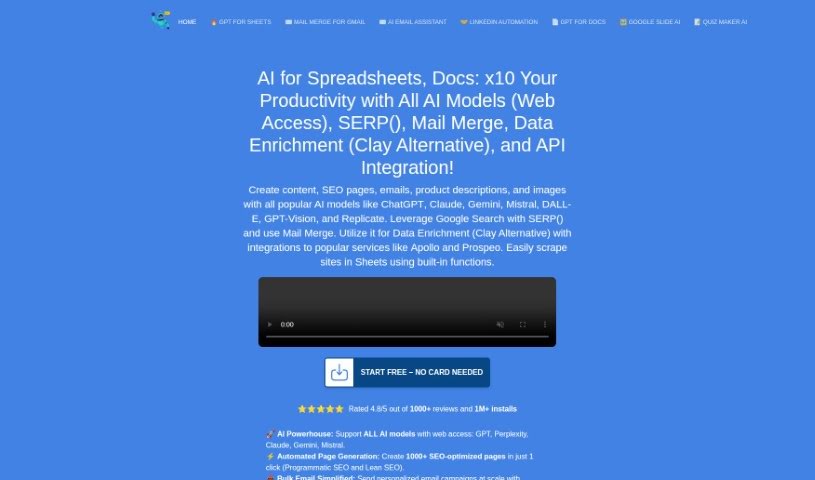
DocGPT is your smart writing partner, built right into Google Docs. It's designed to help professionals like you create great content quickly and without errors. It uses advanced AI to write in a way that sounds completely natural, just like a human wrote it. Whether you need an email, a report, or even a blog post, DocGPT has you covered. Plus, it supports over 26 languages and can even help you get found online by suggesting keywords to improve your SEO. It's a really versatile tool for anyone looking to write better and faster.

Screenshot of AI Excel Bot

AI Excel Bot

Freemium

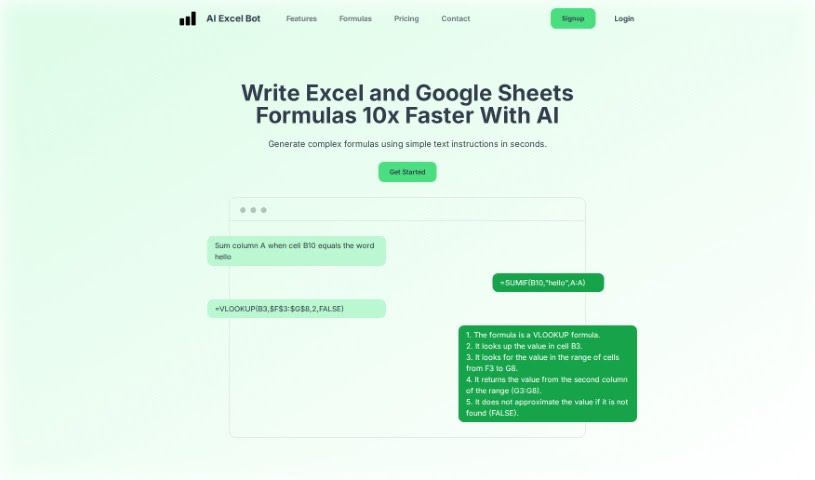
AI Excel Bot is a really handy tool that helps you create and understand complicated Excel formulas super fast, right within your spreadsheets. This smart AI-powered bot makes managing Excel files, VBA scripts, and even Google Sheets much simpler. You can try it out for free, or go for the advanced AI tools if you need to tackle really complex formulas. It lets you create custom Excel formulas just by typing what you need. It's super easy to use, whether you're just starting out with Excel or you're a seasoned pro. Plus, it’s a budget-friendly way to get those custom formulas without needing tons of experience. By using AI, AI Excel Bot totally changes how you handle spreadsheets, making it way easier to get a handle on tricky formulas, manage your data, and get tasks done efficiently.

Screenshot of Ajelix

Ajelix

Freemium

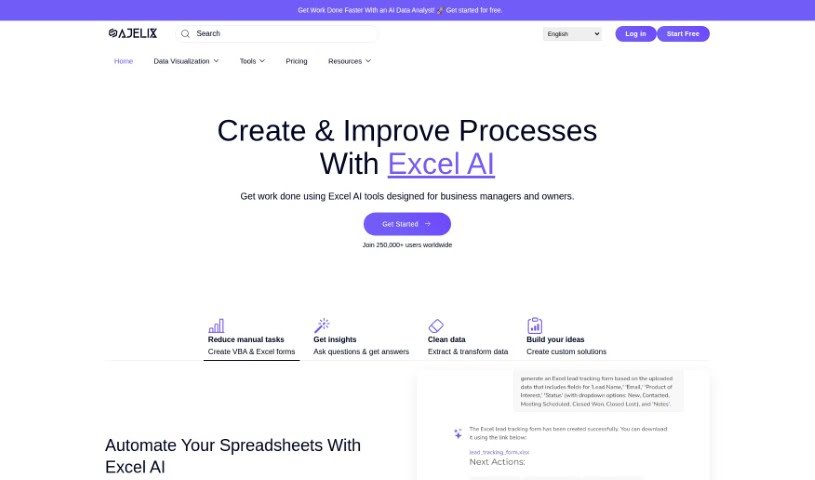
Ajelix is a smart tool designed to make working with Excel and Google Sheets a whole lot easier and more productive. It is your AI assistant for spreadsheets! It comes packed with helpful features like an AI Formula Generator, which can whip up Excel formulas for you, and an AI VBA Script Generator to help you automate tasks. It can even translate your spreadsheets and generate templates. Plus, there's a handy Formula and Script Library, an Excel Add-in, and a Virtual AI Assistant ready to lend a hand. The main idea behind all these tools is to help you work faster and smarter with your spreadsheets, whether that means writing formulas and scripts more quickly, translating files, or collaborating on your work.

Screenshot of Arcwise

Arcwise

Freemium

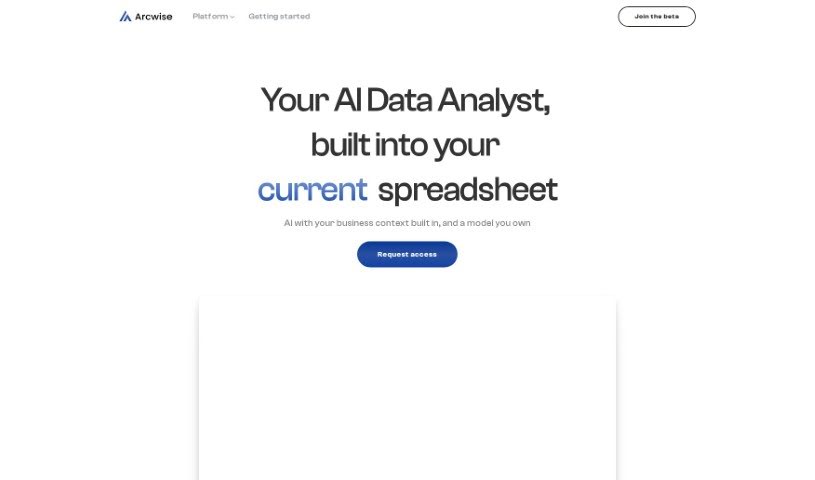
Arcwise AI is your smart assistant for Google Sheets, powered by GPT. It's designed to help you work with your data more easily. You can tell it what you need in plain English, and it'll help you understand, clean, and process your data. It's like chatting with your spreadsheet! You can ask it for formula ideas, figure out how calculations connect, tidy up addresses, change date formats, summarize information, and even pull data from web pages directly into a table. Plus, Arcwise AI is really easy to use, gives you helpful insights into your data, makes understanding it a breeze, and answers your questions quickly. It’s a genuinely useful tool for all sorts of data management jobs in Google Sheets.

Screenshot of Array Assistant

Array Assistant

Freemium

Array Assistant is an AI-powered tool built to make working with spreadsheets much easier. It is your smart helper for Microsoft Excel. It can automate a bunch of common tasks, like creating complex formulas for you, cleaning up messy data, summarizing long pieces of text, explaining tricky problems you encounter, and even helping you design your own automations right within Excel. The goal is to help both professionals and students use spreadsheets more smoothly. It offers quick text generation and efficient tools for tidying up your data. You can try Array Assistant for free, and they have different pricing plans based on how many requests you plan to make each month.

Screenshot of Askexcel

Askexcel

Freemium

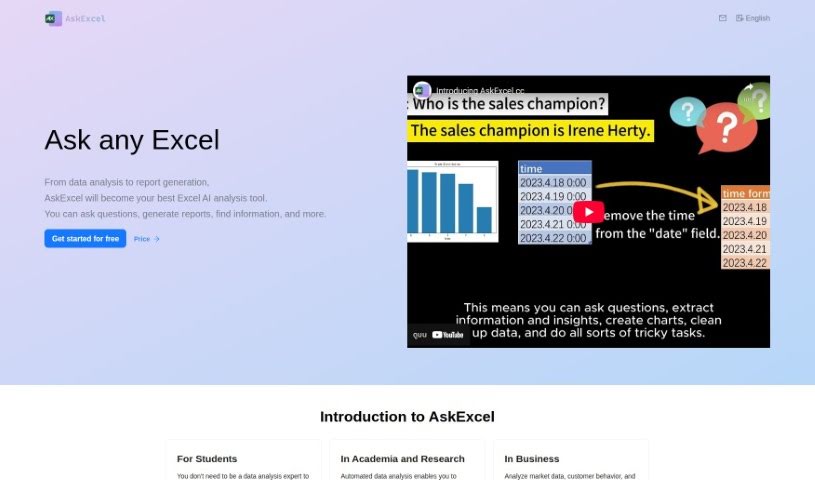
AskExcel is a really handy AI tool built specifically for people who use Excel. It is your smart assistant for digging into your data. It can help you whip up reports, find specific pieces of information, and answer all sorts of questions you might have about your data analysis or reports.

Screenshot of Capgo

Capgo

Freemium

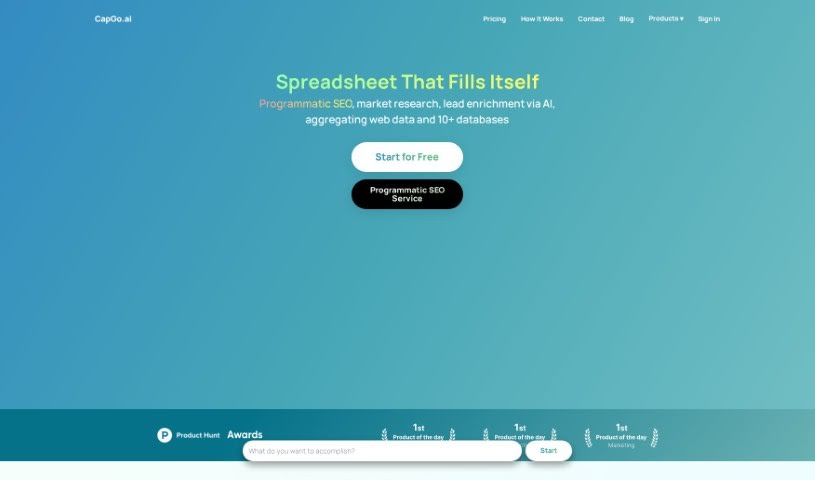
Capgo is a tool that really stands out because of all the great things it can do. It connects smoothly with your spreadsheets, making it super easy to work with your data in a really efficient way. One of the best parts? You can fill in data with just one click! This saves you a ton of time and also means you're less likely to accidentally use old, outdated information. Plus, Capgo gives you live data straight from Google, so you know everything is accurate. It's also got the backing of Antler, a well-known company, and comes with a solid privacy policy and clear terms of service. This all makes it a fantastic choice for anyone using it for work or business. It really simplifies tasks like market research, and you don't need to do much to get it working, which makes it effective for all sorts of uses.

Screenshot of Charm

Charm

Freemium

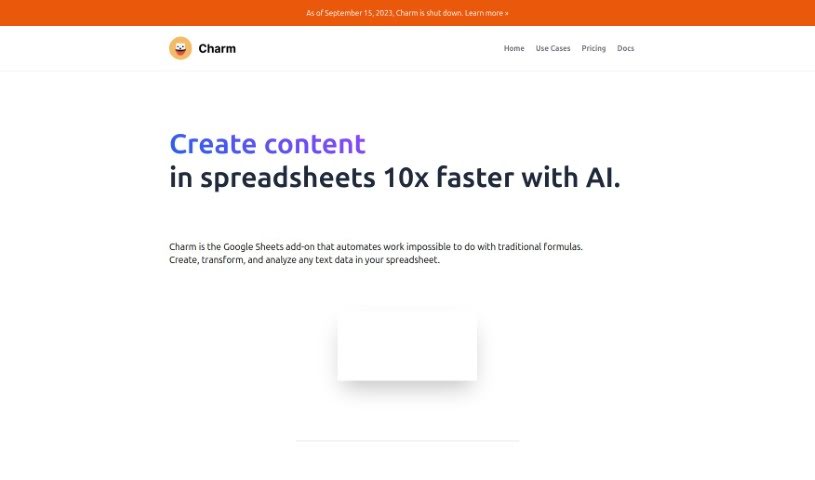
Charm is your smart assistant for Google Sheets. It's an add-on designed to take on those repetitive, time-consuming spreadsheet tasks, thanks to AI like GPT-3. What can it do? Well, it's great at tidying up messy data, whipping up content for blogs or marketing, and sorting through feedback to make your work life smoother. Plus, it's super easy to use, no matter your tech skill level.

Screenshot of Coefficient

Coefficient

Freemium

Coefficient is a tool that really changes how spreadsheets work by connecting them directly to databases. Its main goal is to make data analysis much easier, especially for people who don't code. It helps you analyze data faster, more accurately, and generally better. Coefficient automatically links Google Sheets to live data from all sorts of business systems. Plus, it has handy features like GPTX() spreadsheet functions that can clean, format, query, and analyze your data. This all works to simplify your data tasks and boost your productivity. You can also create great-looking charts, pivot tables, reports, and dashboards just by describing what you want in plain English, making it super user-friendly and adaptable for any business.

Screenshot of Docsium

Docsium

Freemium

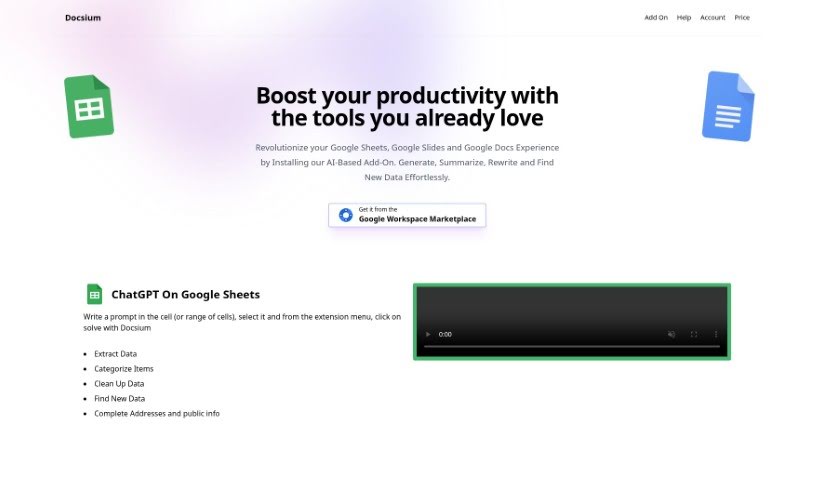
Docsium is a handy AI add-on for Google Sheets, Google Docs, and Google Slides. It uses GPT-3 technology to help you get more done. It is a smart assistant that can generate data, summarize long texts, rewrite content, and even find information for you.

Screenshot of Equals

Equals

Freemium

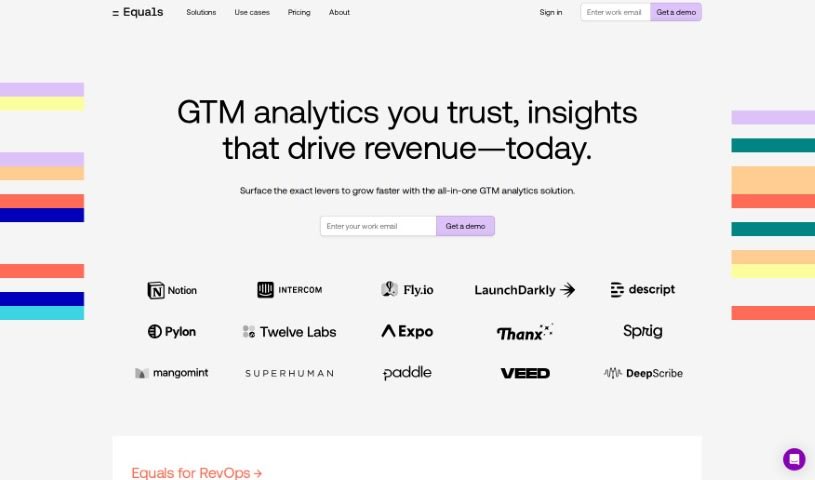
Equals is an AI assistant built to make your spreadsheet work much easier and faster. It is your smart helper for all sorts of tasks, whether you need to create formulas, run SQL queries, summarize data, or collaborate with others. It really shines with its real-time collaboration features, support for over 100 different formulas, and professional-grade charting tools. Equals can automate your spreadsheets by connecting to your data sources, help you build calculated columns, and even offers handy features like formula auto-extension, advanced keyboard shortcuts, and a built-in SQL editor.

Screenshot of Excelbot

Excelbot

Freemium

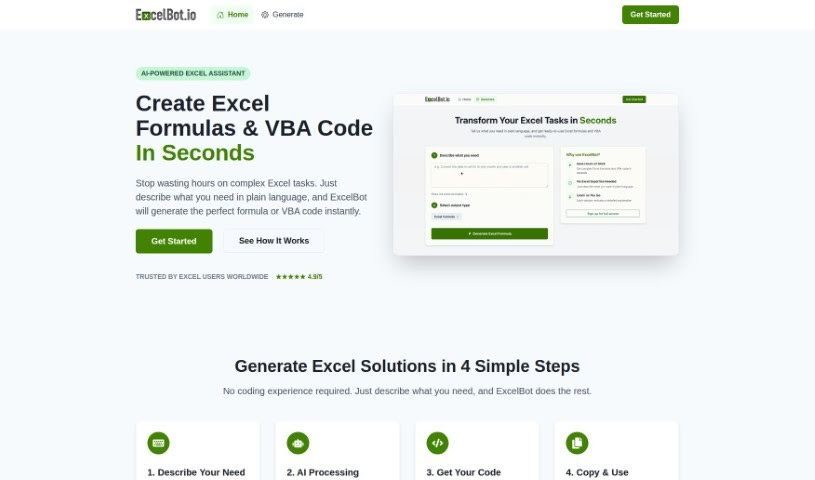
Excelbot is your personal assistant for Excel. It lets you create, edit, and copy Excel formulas or even VBA code just by typing what you want in plain English. It’s designed to be super easy to use, whether you’re an Excel whiz or just starting out. Excelbot can whip up Excel formulas and VBA code based on your natural language requests, and it even explains what the code does. This is a real game-changer for everyone, from seasoned coders to absolute beginners. It helps automate your Excel tasks, boost your productivity, makes managing data a breeze, and generally simplifies coding for anyone new to it. However, it's not perfect. You'll need an email for the free trial, it doesn't support many languages, there's no offline option, and data privacy isn't explicitly detailed. Plus, there aren't any built-in learning resources, it doesn't work with other spreadsheet programs, there's no mobile app, and you can't collaborate with others. You also have to manually copy and paste results, and it doesn't offer guidance if you run into errors.

Previous 1 of 4 Next

Stay Updated with AI Tools

Get weekly updates on the latest AI tools, trends, and insights delivered to your inbox

Join 25,000+ AI enthusiasts. No spam, unsubscribe anytime.