What is Array Assistant?
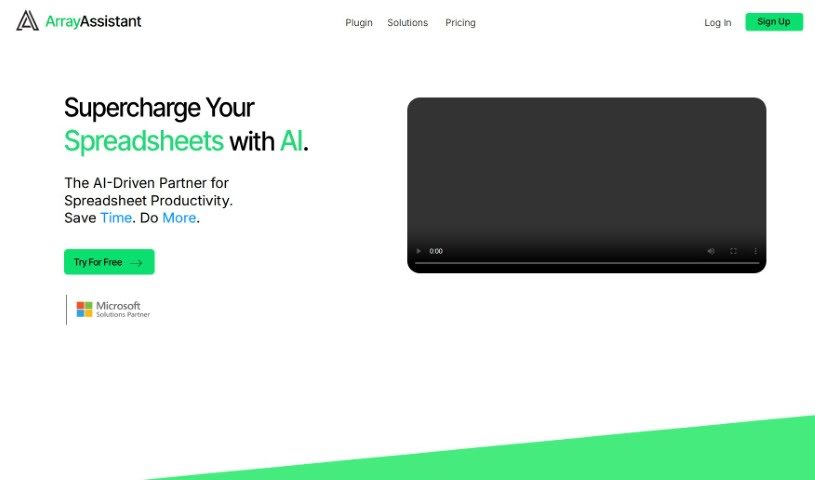
Array Assistant is an AI-powered tool built to make working with spreadsheets much easier. It is your smart helper for Microsoft Excel. It can automate a bunch of common tasks, like creating complex formulas for you, cleaning up messy data, summarizing long pieces of text, explaining tricky problems you encounter, and even helping you design your own automations right within Excel. The goal is to help both professionals and students use spreadsheets more smoothly. It offers quick text generation and efficient tools for tidying up your data. You can try Array Assistant for free, and they have different pricing plans based on how many requests you plan to make each month.
Who created Array Assistant?
Array Assistant was started by a team who really wanted to help people work smarter, especially with spreadsheets. This AI tool officially launched on June 17, 2024, with a big aim: to completely change how efficient our workflows are. The company behind it is all about making Microsoft Excel spreadsheets better by automating tasks, building formulas, cleaning data, summarizing text, explaining problems, and designing automations. They’ve made it user-friendly and offer various pricing options, including free and subscription plans, so it’s a good fit for professionals, students, and anyone looking to get the most out of their spreadsheets.
What is Array Assistant used for?
- Automating Excel Tasks: It handles things like creating formulas, cleaning up data, summarizing text, explaining problems, and designing automations directly within your spreadsheets.
- Boosting Student Productivity: Students can use it to get better at spreadsheets, making it easier to create formulas, clean data, summarize text, understand problems, and design automations for their schoolwork or projects.
- Helping Professionals: Across many fields, professionals can save time and improve their output by automating tasks like data cleaning, formula creation, text summarization, problem explanation, and designing automations.
- Fast Text Generation: Need to write a lot of text within a spreadsheet? Array Assistant can generate high-quality content quickly.
- Efficient Data Cleaning: It’s great for cleaning up large amounts of data efficiently, offering capable tools to make your data tidy.
- Organizing Spreadsheets: The tool helps you organize your spreadsheets better by classifying data, which leads to improved data management and overall efficiency.
- Streamlining Routine Work: It boosts productivity by automating common, often tedious tasks like data cleaning, formula creation, text summarization, and problem explanation, freeing you up for more important work.
- Better Writing: Use its text generation tools to write more effectively and faster.
- Summarizing Text: It can summarize text directly within your spreadsheets.
- Explaining Problems: Get help understanding and fixing issues with your spreadsheets using its problem explanation tools.
Who is Array Assistant for?
- Professionals in all sorts of fields
- Students
How to use Array Assistant?
Here’s a simple guide to using Array Assistant effectively:
- Get to Know Array Assistant: First off, remember that Array Assistant is an AI tool designed to improve your Microsoft Excel experience. It automates tasks like making formulas, cleaning data, summarizing text, explaining issues, and designing automations.
- Automate Your Tasks: You can use Array Assistant to automate a variety of things in Excel. This includes creating formulas, cleaning up data, summarizing text, explaining problems, and designing automations.
- How Students Benefit: Students can really boost their spreadsheet skills with Array Assistant. It helps manage data efficiently for coursework, and it’s great for creating formulas, cleaning data, summarizing text, explaining problems, and designing automations.
- For Professionals: Professionals can make their spreadsheet work much smoother. By automating tasks like data cleaning, formula creation, text summarization, problem explanation, and automation design, they can save time and focus more on their main responsibilities.
- Using the Text Generation Feature: Array Assistant has tools that let you quickly create high-quality written content. This is super helpful if you need to generate a good amount of text right inside your spreadsheets.
- Cleaning Your Data: The tool is designed to help you efficiently clean up large datasets, whether they’re text or numbers. This makes organizing and classifying your data on spreadsheets much easier.
- Boosting Overall Productivity: Array Assistant really enhances productivity by taking care of routine tasks like data cleaning, formula creation, text summarization, and problem explanation. This means you have more time for the work that really matters.
- Better Spreadsheet Organization: You can get your spreadsheets much more organized thanks to its data classification features. This improves how you manage your data and makes everything more efficient.
- Trying It Out and Pricing: Array Assistant offers a free trial, which is a great way to start. They also have several pricing plans to fit different needs, such as Basic, Pro, Enterprise, and Corporate Solutions.
If you want more details about its features, pricing, what you need to run it, how to get customer support, or anything else, you should definitely check out the official Array Assistant website.