AI Tools for Youtube Video

Discover the best Youtube Video AI tools to enhance your productivity and creativity.

Page 1 of 3 • 31 total tools

Making great YouTube content is a mix of creativity, smart planning, and, these days, technology. With so many videos going up every day, it can feel tough to get noticed. But what if some AI tools could actually make the whole process easier, improve your video quality, and help your channel really take off?

AI video tools have come a long way, offering creators all sorts of helpful solutions. You can find everything from software that edits videos automatically to advanced tools for analytics and SEO. These innovations can really turn a rough idea into a polished video. It’s all about working smarter, not just harder.

When I recently looked into the top AI tools for YouTube, I checked out a bunch of platforms that can help with different parts of making and improving your videos. Having the right tools means you can save time, keep your audience more engaged, and maybe even get more subscribers.

Whether you’ve been making videos for a while or you’re just getting started, these tools can help you reach your full potential. Ready to step up your YouTube game? Let’s jump into the best AI tools that can really change your video content starting today.

The best AI Youtube Video Tools

  1. Video Candy: Great for editing and improving your YouTube videos.
  2. Lumen5: Makes creating YouTube videos much simpler.
  3. Slicetube: Helps you create video highlights effortlessly.
  4. Tella: Automates the process of writing YouTube video descriptions.
  5. Taja AI: Generates video titles and descriptions.
  6. Tubics: Designed to boost your organic views on YouTube.
  7. ChatTube: Offers tips for optimizing your video content.
  8. You-Tldr: Lets you quickly summarize YouTube videos with ease.
  9. Chaindesk AI YouTube Summarizer: Provides fast overviews of video content.
  10. Facelessvideos.ai: Helps you create viral YouTube Shorts without showing your face.
  11. Video2Recipe: Converts YouTube cooking videos into easy-to-follow recipes.
  12. Chapterme: Boosts YouTube engagement effortlessly.
  13. Braiv: Enhances your YouTube content with custom branding.
  14. Happy SRT: Generates AI subtitles for your YouTube videos.
  15. Creator ML: Optimizes YouTube titles to get more views.

How do AI youtube video tools work?

AI tools for YouTube have become really popular because they make video creation and editing so much smoother. Basically, these tools use smart algorithms, often powered by AI, to look at your video content and automatically make it better. Their systems usually process your existing videos, learning from them to understand common patterns, styles, and what keeps viewers watching.

These tools often rely on machine learning models that analyze information from different places. They can figure out the best parts to cut, suggest video ideas based on what’s trending, or even write scripts. This frees you up to focus more on the creative side instead of getting bogged down in the technical stuff.

Lots of AI video tools are made to help with specific jobs, like adding captions automatically or improving visuals. For instance, some platforms can turn spoken words into text, making it easier for people to follow along. Others might suggest eye-catching thumbnails based on what the content is about.

What’s great about these tools is how much information they can handle. By studying successful videos across many different types of content, they help creators see what really connects with audiences. This data-driven approach helps you fine-tune your content based on what viewers like, which usually leads to better engagement.

Plus, some AI tools can even manage things like background music and sound effects. They look at existing audio clips and pick ones that fit well with your video and make the whole viewing experience better, making your videos more immersive.

As creators use these tools, they get helpful insights into how their videos are performing. Many platforms offer analytics that show how different parts of your video affect viewer retention and interaction. This feedback lets you adjust your strategies for future videos.

So, really, using AI in video creation and editing has changed how content gets made. By taking care of routine tasks and offering useful insights, these tools let creators focus on telling engaging stories while the AI handles the technical challenges.

Our best AI youtube video tools at a glance

RankNameBest forPlans and PricingRating
1Video Candyediting and enhancing YouTube videosN/A4.83 (6 reviews)
2Lumen5simplifying the YouTube video creation processPaid plans start at $29/month.4.87 (30 reviews)
3Slicetubecreating video highlights effortlesslyN/A4.83 (6 reviews)
4Tellaautomating YouTube video descriptionsN/A4.82 (22 reviews)
5Taja AIgenerating video titles and descriptions.N/A4.73 (11 reviews)
6Tubicsboosting organic views on YouTube videos.N/A4.73 (11 reviews)
7ChatTubegetting video content optimization tipsPaid plans start at $4.99/month.4.82 (11 reviews)
8You-Tldrquickly summarizing YouTube videos easily.Paid plans start at $9.99/month.4.73 (11 reviews)
9Chaindesk AI YouTube Summarizergetting quick video content overviewsN/A4.71 (24 reviews)
10Facelessvideos.aicreating viral YouTube Shorts effortlessly.Paid plans start at $99.99/month.4.70 (23 reviews)
11Video2Recipeconverting YouTube cooking videos to recipes.N/A4.74 (43 reviews)
12Chaptermeboosting YouTube engagement effortlessly.N/A4.64 (28 reviews)
13Braivenhancing YouTube content with custom branding.N/A4.70 (10 reviews)
14HappySRTgenerating AI subtitles for YouTube.Paid plans start at $0.99/month.4.75 (12 reviews)
15CreatorMLoptimizing YouTube titles for higher views.N/A4.93 (40 reviews)
Screenshot of 10LevelUp

10LevelUp

Freemium

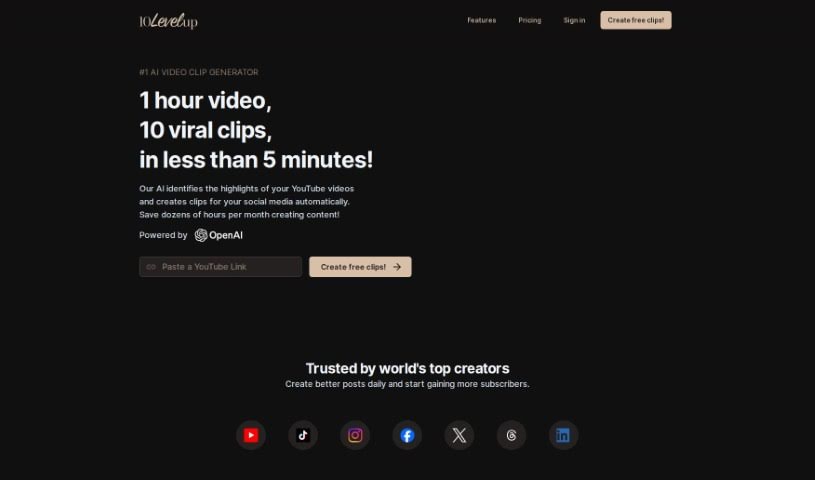
10LevelUp is a smart tool that uses AI to find the best moments in your longer videos. It then automatically creates short clips from these highlights, perfect for sharing on social media. It is your personal video editor for platforms like YouTube, LinkedIn, Twitter, TikTok, and Instagram. It can detect who's speaking, automatically clip segments, add captions, resize your video, and even set up the best output formats for you. All you need to do is upload your video file or a YouTube link, tell it your preferred settings while it works its magic, and then pick the clips you want to share.

Video Generation View Tool →
Screenshot of AI Youtube Thumbnails

AI Youtube Thumbnails

Freemium

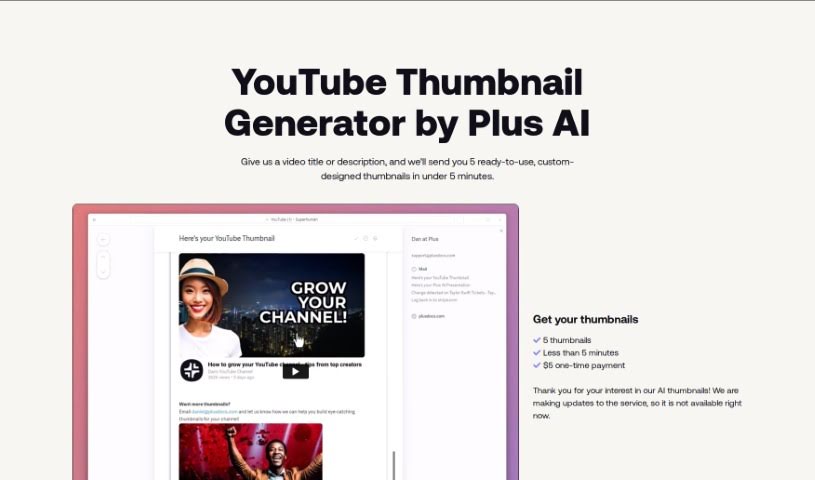
AI YouTube Thumbnails are generated using a special tool, an AI YouTube Thumbnail Generator. It's built to help content creators and video marketers whip up really attractive thumbnails for their YouTube videos. This tool automatically creates thumbnails by looking at your video content, figuring out the most important parts, suggesting how to put things together visually, and then adding text based on what's in the video. You can tweak all sorts of things, like where the text goes, what fonts to use, colors, and other graphics to make your thumbnails pop. Plus, it makes sure everything follows YouTube's rules, gets the image dimensions just right, and generally aims to get more people to click on your videos. Using this tool can really save you time and hassle, helping you make professional-looking thumbnails that draw more viewers in.

Video Generation View Tool →
Screenshot of Aico

Aico

Freemium

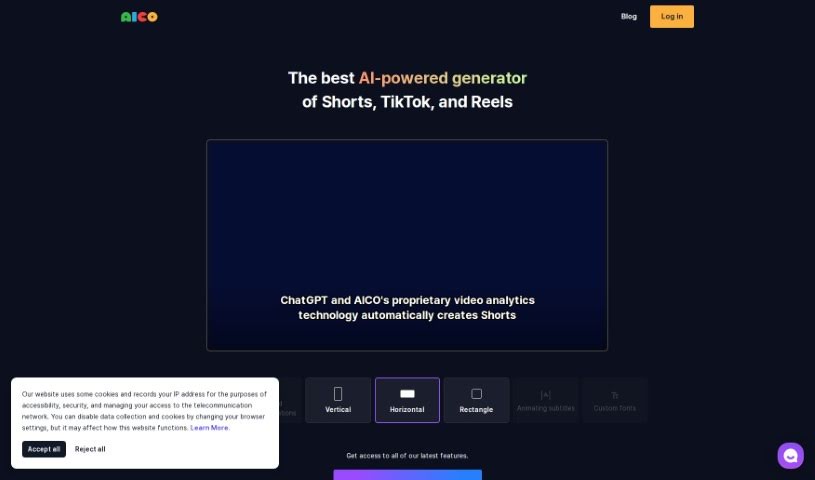
AICO is an AI tool designed to make creating shorts from YouTube videos much simpler. With AICO, you can easily generate AI-edited shorts and AI subtitles in just three clicks. This tool comes with a bunch of features to help you create better videos. For instance, it can detect foreign languages, translate them automatically, suggest the best areas to crop for face positions, and even let you include YouTube comments right in your shorts. Plus, AICO can tell different speakers apart and offers AI title suggestions, which could help you come up with engaging titles that draw more viewers to your channel. There's also a mobile app available, so you can easily create vertical videos on your phone that work seamlessly with the AICO platform on your PC.

Video Generation View Tool →
Screenshot of anthonyhaye Nicheblasta

anthonyhaye Nicheblasta

Freemium

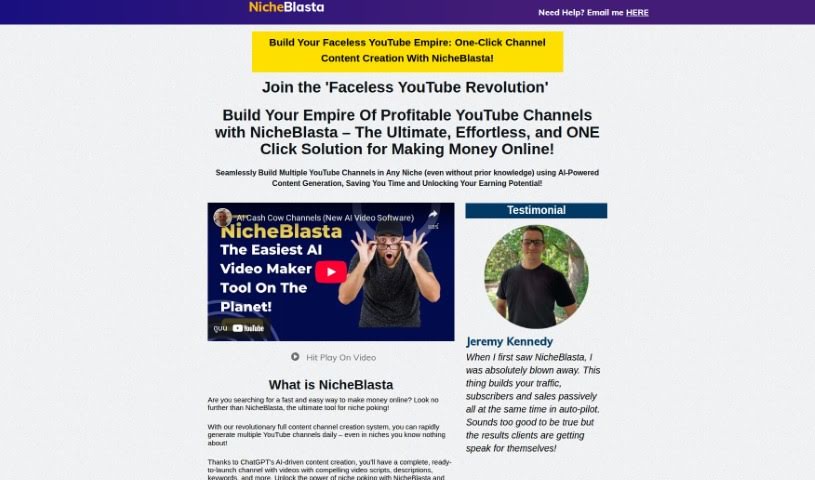
Nicheblasta is a really neat AI tool that lets you create entire YouTube channels with just a click. It uses ChatGPT to help you make high-quality, well-optimized videos for all sorts of niches. Think titles, descriptions, keywords, timestamps – it handles it all. Basically, Nicheblasta makes it super simple to get a YouTube channel up and running, optimize your videos, and grow on the platform, even if you don't know much about a particular niche. It's packed with features like automated niche exploration, video creation tools, a rank checker, optimized playlists, voiceovers, and even FAQ videos, all powered by ChatGPT. Plus, it has this new thing called "Launch Poking," which is a pretty big deal for affiliate marketing. It's designed to turn product launches into profitable campaigns in just minutes. This tool looks at sales pages, writes great video scripts, adds timestamps to keep viewers engaged, and creates FAQ videos to get more clicks on YouTube. Nicheblasta aims to help you easily rank high on YouTube by combining ChatGPT's smarts with powerful video creation features.

Video Generation View Tool →
Screenshot of Ask Youtube

Ask Youtube

Freemium

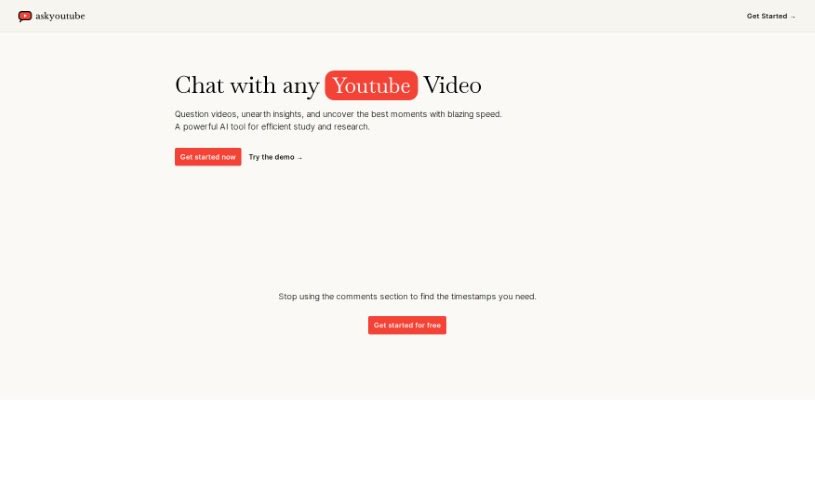
Ask YouTube is your personal assistant for any YouTube video. It's a tool that lets you have a conversation with the video itself. You can ask it questions, dig for interesting insights, and pinpoint the most important moments in a flash. People are calling it a really effective AI tool for anyone who studies or researches a lot, making it super easy and fast to get what you need from YouTube content. You can even start using Ask YouTube for free, which means you won't have to waste time sifting through comments to find those crucial timestamps anymore.

Video Generation View Tool →
Screenshot of Braiv

Braiv

Freemium

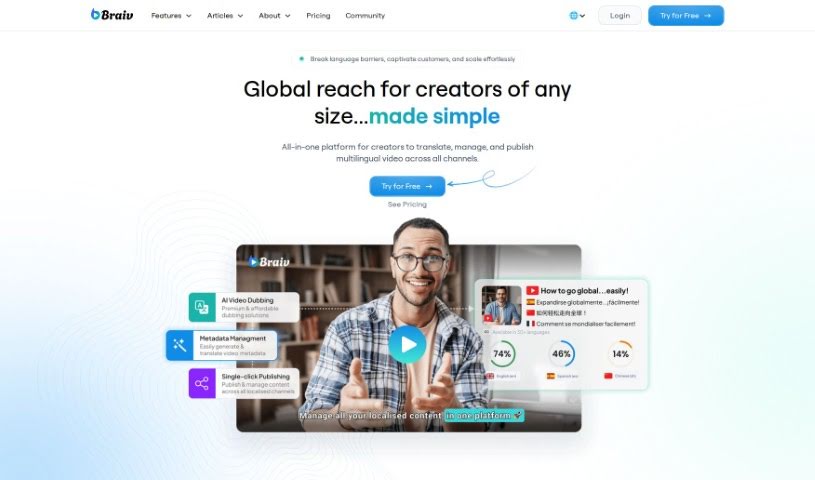
Braiv is described as the world's first multi-language online video hosting platform. What makes it stand out is how it combines automatic captions, translations, and AI dubbing all within a customizable video player. It's really designed to reach a global audience. You'll find features like brand customization, cool animated captions, easy language switching, caption translations, and even foreign audio switching. Braiv aims for simplicity and accessibility, making it easy to get your videos and your brand in front of viewers worldwide in just a few simple steps.

Video Generation View Tool →
Screenshot of BuzzMyVideos Fullscore

BuzzMyVideos Fullscore

Freemium

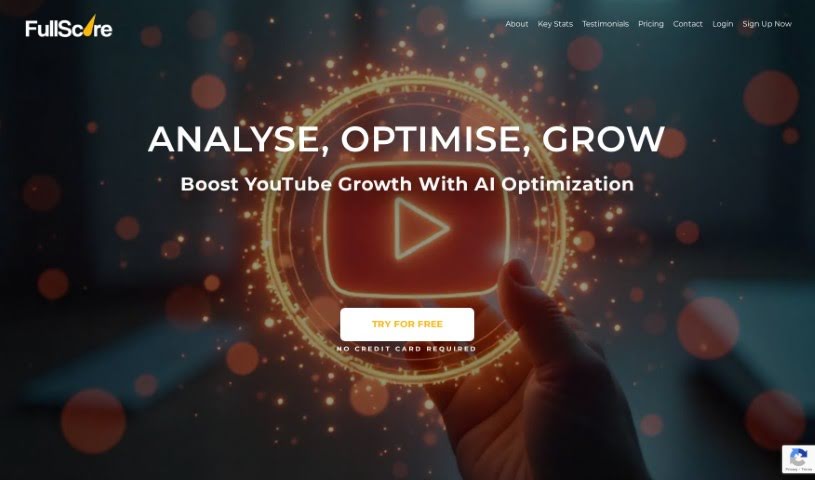
BuzzMyVideos Fullscore is a handy tool from BuzzMyVideos designed to give you detailed analytics for your YouTube channel. It's all about helping you make smarter decisions for your content and reach more viewers. It is your data-driven guide to YouTube success. Fullscore helps creators by offering insights into how to optimize their YouTube presence, analyzing how their channel is performing, and even providing a free YouTube audit with practical tips to help you improve. It uses AI-powered analytics to help your audience grow, figure out what your viewers really like, and build a better content strategy. Ultimately, it aims to make your YouTube channel the best it can be with smart optimization practices and support for an affiliate program. It's designed to be easy to use, giving you a clear picture of what your audience is up to and what they prefer, so you can create content that really connects.

Video Generation View Tool →
Screenshot of Chaindesk AI YouTube Summarizer

Chaindesk AI YouTube Summarizer

Freemium

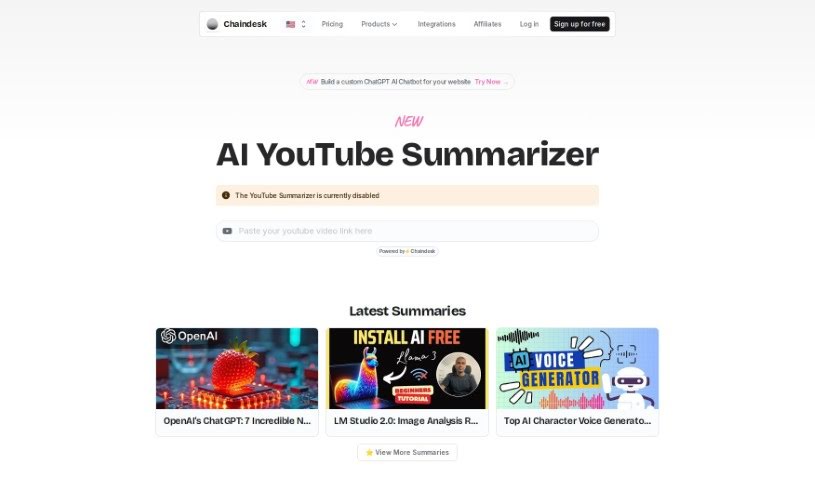
The AI YouTube Summarizer is your personal assistant for YouTube videos. It's a smart tool, built with the power of ChatGPT and Chaindesk, designed to give you the main ideas from any YouTube video in a neat, concise summary. This means you can get the gist of a video really quickly without having to sit through the whole thing. It's super handy for anyone who needs to pull out key information fast – whether you're a researcher diving into topics, a content creator keeping up with trends, or just someone who wants to learn something new from YouTube without the time commitment. The summaries it creates are accurate, offering quick insights that are perfect for academic work or professional use. Best of all, it's free! It works with videos that have spoken words and captions, and it delivers these summaries in just seconds, though naturally, longer or more complex videos might take a tiny bit more time.

Video Generation View Tool →
Screenshot of Chapterme

Chapterme

Freemium

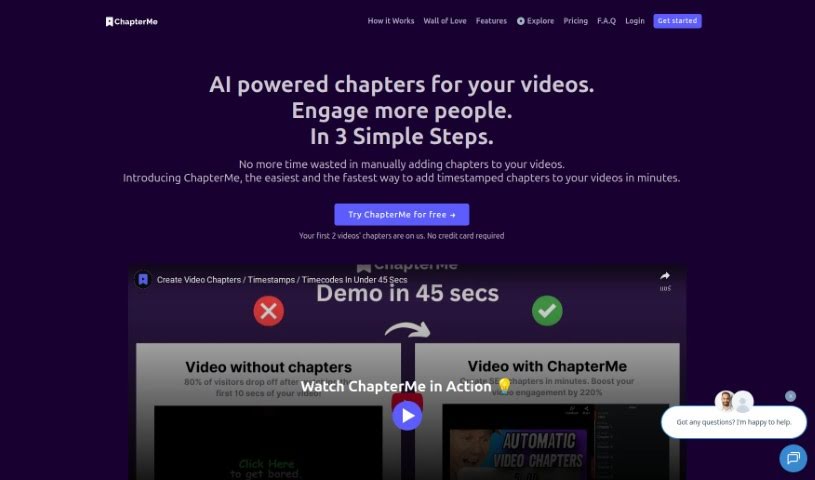
ChapterMe is a neat tool that uses ChapterGPT to make adding time-stamped chapters to your videos and podcasts super simple. Honestly, it cuts down the time you'd spend doing this manually by a lot. This means creators can speed up their production and make their content more engaging for viewers. The idea behind ChapterMe is to help creators and companies deliver content that's both informative and easy to navigate, generating chapters automatically in just a few minutes. Plus, you can even tweak how the video player looks to match your brand, which could help get more plays.

Video Generation View Tool →
Screenshot of ChatTube

ChatTube

Freemium

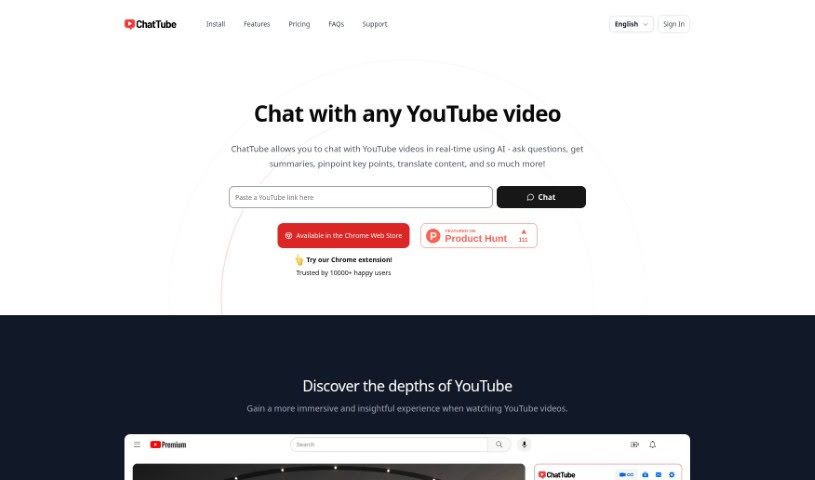
ChatTube is a smart Chrome extension that really upgrades your YouTube experience. It lets you have personalized chats with an AI right there as you watch videos. You can ask questions, get quick summaries, find the most important parts, translate things, and so much more, all in real-time. ChatTube offers a few different pricing options, so you can pick one that fits how much you plan to use it, whether that's just a little or a lot. These plans give you daily access to video chats, messaging, support for videos that don't have transcripts, and even priority email help. Plus, ChatTube keeps a record of your chats so you can pick up where you left off, and it also has a history of the videos you've interacted with. They're really keen on hearing what users think and are always working on making it even better, with plans to let you even interact with content from the comment section down the road. It works with most browsers based on Chrome and supports chatting in many different languages.

Video Generation View Tool →
Screenshot of Clipcision

Clipcision

Freemium

Clipcision is an AI-powered tool designed to help you manage your YouTube channel and boost your content strategy. It's packed with AI-trained modules and features that make managing your content and workflow much smoother, ultimately helping your channel perform better. It is your all-in-one assistant for YouTube.

Video Generation View Tool →
Screenshot of Facelessvideos.ai

Facelessvideos.ai

Freemium

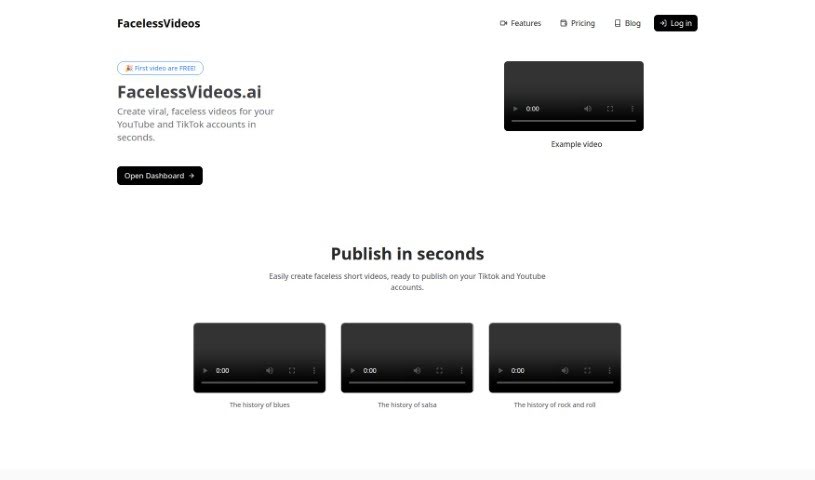
FacelessVideos.ai is a platform built to help content creators make those viral, engaging videos you see on YouTube and TikTok – the ones where you don't actually see anyone's face. It really simplifies the whole video creation process. You just give it a short description of what you want, and the AI takes it from there to build your video. They offer different subscription plans, and here's a nice perk: the first 100 videos you make are completely free. This makes it a really appealing option if you're looking to try out making faceless content without a big upfront commitment. Plus, FacelessVideos.ai lets you publish your videos quickly and gives you unlimited storage for everything you create.

Video Generation View Tool →
Previous 1 of 3 Next

Stay Updated with AI Tools

Get weekly updates on the latest AI tools, trends, and insights delivered to your inbox

Join 25,000+ AI enthusiasts. No spam, unsubscribe anytime.