AI Tools for Youtube Video

Discover the best Youtube Video AI tools to enhance your productivity and creativity.

Page 2 of 3 • 31 total tools

Making great YouTube content is a mix of creativity, smart planning, and, these days, technology. With so many videos going up every day, it can feel tough to get noticed. But what if some AI tools could actually make the whole process easier, improve your video quality, and help your channel really take off?

AI video tools have come a long way, offering creators all sorts of helpful solutions. You can find everything from software that edits videos automatically to advanced tools for analytics and SEO. These innovations can really turn a rough idea into a polished video. It’s all about working smarter, not just harder.

When I recently looked into the top AI tools for YouTube, I checked out a bunch of platforms that can help with different parts of making and improving your videos. Having the right tools means you can save time, keep your audience more engaged, and maybe even get more subscribers.

Whether you’ve been making videos for a while or you’re just getting started, these tools can help you reach your full potential. Ready to step up your YouTube game? Let’s jump into the best AI tools that can really change your video content starting today.

The best AI Youtube Video Tools

  1. Video Candy: Great for editing and improving your YouTube videos.
  2. Lumen5: Makes creating YouTube videos much simpler.
  3. Slicetube: Helps you create video highlights effortlessly.
  4. Tella: Automates the process of writing YouTube video descriptions.
  5. Taja AI: Generates video titles and descriptions.
  6. Tubics: Designed to boost your organic views on YouTube.
  7. ChatTube: Offers tips for optimizing your video content.
  8. You-Tldr: Lets you quickly summarize YouTube videos with ease.
  9. Chaindesk AI YouTube Summarizer: Provides fast overviews of video content.
  10. Facelessvideos.ai: Helps you create viral YouTube Shorts without showing your face.
  11. Video2Recipe: Converts YouTube cooking videos into easy-to-follow recipes.
  12. Chapterme: Boosts YouTube engagement effortlessly.
  13. Braiv: Enhances your YouTube content with custom branding.
  14. Happy SRT: Generates AI subtitles for your YouTube videos.
  15. Creator ML: Optimizes YouTube titles to get more views.

How do AI youtube video tools work?

AI tools for YouTube have become really popular because they make video creation and editing so much smoother. Basically, these tools use smart algorithms, often powered by AI, to look at your video content and automatically make it better. Their systems usually process your existing videos, learning from them to understand common patterns, styles, and what keeps viewers watching.

These tools often rely on machine learning models that analyze information from different places. They can figure out the best parts to cut, suggest video ideas based on what’s trending, or even write scripts. This frees you up to focus more on the creative side instead of getting bogged down in the technical stuff.

Lots of AI video tools are made to help with specific jobs, like adding captions automatically or improving visuals. For instance, some platforms can turn spoken words into text, making it easier for people to follow along. Others might suggest eye-catching thumbnails based on what the content is about.

What’s great about these tools is how much information they can handle. By studying successful videos across many different types of content, they help creators see what really connects with audiences. This data-driven approach helps you fine-tune your content based on what viewers like, which usually leads to better engagement.

Plus, some AI tools can even manage things like background music and sound effects. They look at existing audio clips and pick ones that fit well with your video and make the whole viewing experience better, making your videos more immersive.

As creators use these tools, they get helpful insights into how their videos are performing. Many platforms offer analytics that show how different parts of your video affect viewer retention and interaction. This feedback lets you adjust your strategies for future videos.

So, really, using AI in video creation and editing has changed how content gets made. By taking care of routine tasks and offering useful insights, these tools let creators focus on telling engaging stories while the AI handles the technical challenges.

Our best AI youtube video tools at a glance

RankNameBest forPlans and PricingRating
1Video Candyediting and enhancing YouTube videosN/A4.83 (6 reviews)
2Lumen5simplifying the YouTube video creation processPaid plans start at $29/month.4.87 (30 reviews)
3Slicetubecreating video highlights effortlesslyN/A4.83 (6 reviews)
4Tellaautomating YouTube video descriptionsN/A4.82 (22 reviews)
5Taja AIgenerating video titles and descriptions.N/A4.73 (11 reviews)
6Tubicsboosting organic views on YouTube videos.N/A4.73 (11 reviews)
7ChatTubegetting video content optimization tipsPaid plans start at $4.99/month.4.82 (11 reviews)
8You-Tldrquickly summarizing YouTube videos easily.Paid plans start at $9.99/month.4.73 (11 reviews)
9Chaindesk AI YouTube Summarizergetting quick video content overviewsN/A4.71 (24 reviews)
10Facelessvideos.aicreating viral YouTube Shorts effortlessly.Paid plans start at $99.99/month.4.70 (23 reviews)
11Video2Recipeconverting YouTube cooking videos to recipes.N/A4.74 (43 reviews)
12Chaptermeboosting YouTube engagement effortlessly.N/A4.64 (28 reviews)
13Braivenhancing YouTube content with custom branding.N/A4.70 (10 reviews)
14HappySRTgenerating AI subtitles for YouTube.Paid plans start at $0.99/month.4.75 (12 reviews)
15CreatorMLoptimizing YouTube titles for higher views.N/A4.93 (40 reviews)
Screenshot of Fanfuel

Fanfuel

Freemium

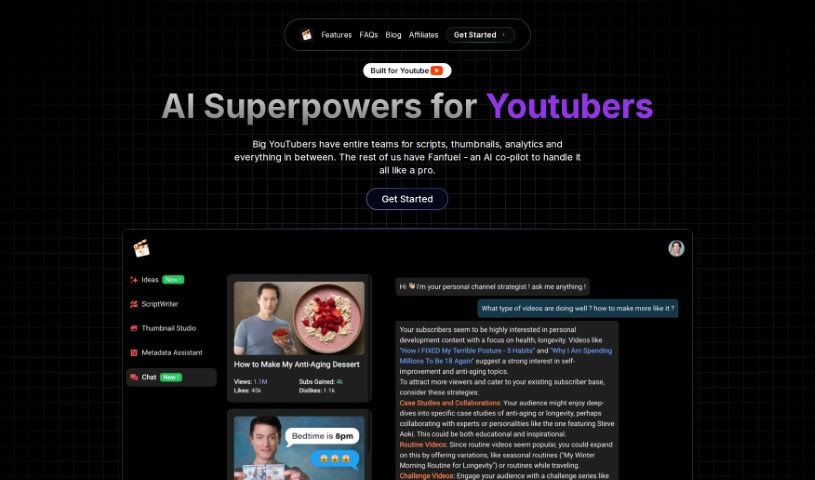
Fanfuel is a really helpful AI tool built specifically for YouTube creators looking to make their content creation process smoother and more effective. It is your all-in-one assistant. It comes packed with smart features like an AI thumbnail generator that helps you create eye-catching visuals, a script writer to help you get past writer's block, and an analytics chat feature that breaks down your channel's performance. Plus, it has a metadata maker for better SEO, an idea suggester to keep your content fresh, and even a thumbnail face swapper. They're also working on tools like an AI stock music finder and an AI script narration tool, which sounds pretty cool.

Video Generation View Tool →
Screenshot of HappySRT

HappySRT

Freemium

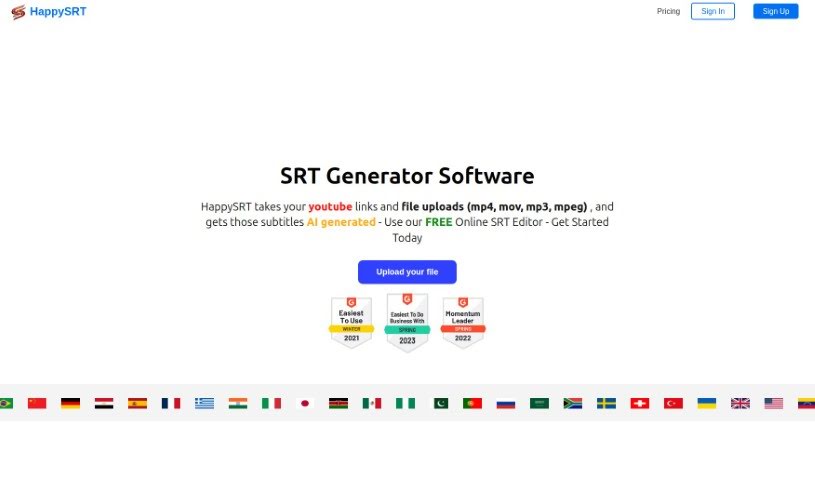
HappySRT is an online service, based right here in Toronto, Ontario, that offers a handy Online SRT Editor. It's designed specifically for creating subtitles for your YouTube videos. What's really neat is that it can generate subtitles for you using either a YouTube link or by uploading your own files. This makes putting subtitles on your videos much quicker and more accurate. You can pick from different subscription plans to get access to features like AI subtitle generation and editing tools. Basically, HappySRT wants to make it super simple for YouTube creators to add subtitles, helping them easily connect with a wider audience by breaking down language barriers.

Video Generation View Tool →
Screenshot of Lumen5

Lumen5

Freemium

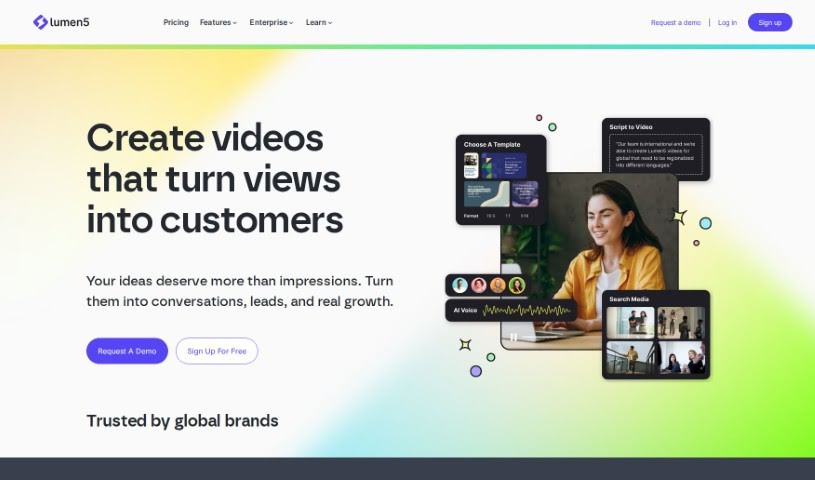
Lumen5 is a really neat video creation platform. It uses artificial intelligence (AI) to help people who don't have any video experience create engaging videos in just minutes. You just put in your text, and Lumen5's AI figures out the important phrases, picks out fitting visuals, and adds background music to make your video look great. The platform is super easy to use, with a drag-and-drop editor. You can also customize it to match your brand, use its huge media library, and even do more advanced things like trimming clips or adding text. Basically, Lumen5 wants to make video creation simple and accessible for everyone, no matter their tech skills.

Video Generation View Tool →
Screenshot of Magic Thumbnails

Magic Thumbnails

Freemium

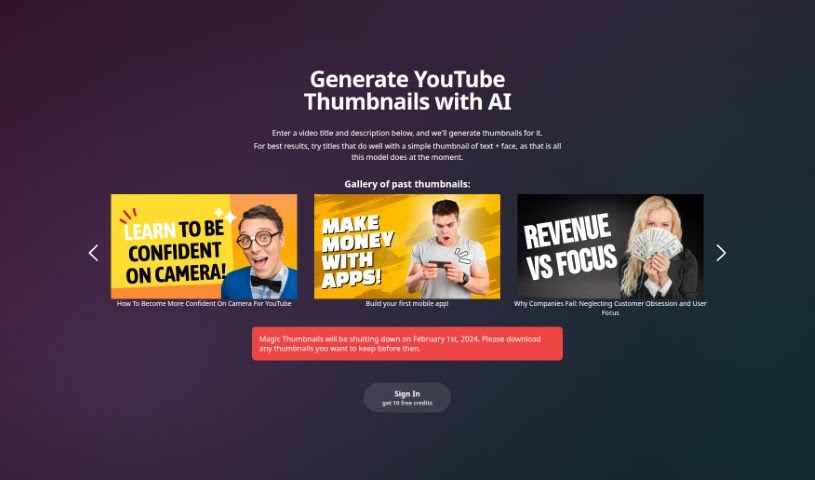
Magic Thumbnails is a smart, AI-powered tool built specifically to help YouTube creators make really appealing and engaging thumbnails for their videos, and it does it without any fuss. You just give it your video's title and description, and its AI algorithms get to work, automatically creating thumbnail options that are both eye-catching and perfectly match your video's content. It is ditching the manual design work so you can pour more energy into creating awesome videos. Plus, Magic Thumbnails lets you tweak things like layout styles, fonts, colors, and images. It also focuses on SEO, weaving in keywords and tags right into the thumbnail design. This helps your videos climb higher in search results, drawing in more organic viewers, which can lead to more views and subscribers. All in all, Magic Thumbnails offers a smooth, efficient way for YouTubers to boost their video marketing strategy, cutting out the usual headaches of thumbnail creation.

Video Generation View Tool →
Screenshot of MakeShorts

MakeShorts

Freemium

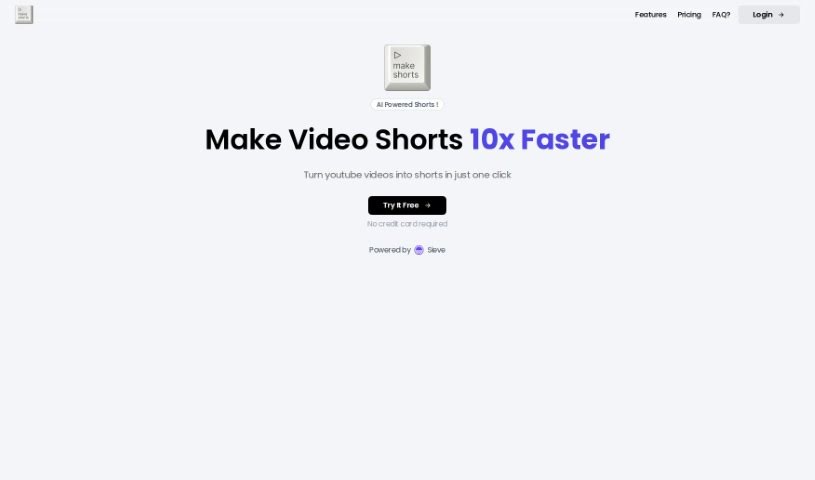
MakeShorts is a smart tool that uses AI to make creating short videos from your YouTube content super easy. It is your go-to for repurposing longer videos into engaging clips for platforms like YouTube Shorts, TikTok, and Reels. It's designed to automatically find the most interesting parts of your videos, switch them to a vertical format with smart cropping that keeps the focus on the speaker, and even add fast, accurate AI-powered subtitles. Plus, it helps you get noticed by suggesting AI-generated descriptions and hashtags. MakeShorts offers different pricing plans based on how many minutes of video you upload, with options like lite, plus, and pro to fit what you need and your budget. The AI works to transform your videos while keeping the original meaning and flow intact. It's especially handy for things like video podcasts, lectures, interviews, and webinars, as the AI is good at spotting captivating subjects and highlighting the most exciting moments.

Video Generation View Tool →
Screenshot of Music 2 Tube

Music 2 Tube

Freemium

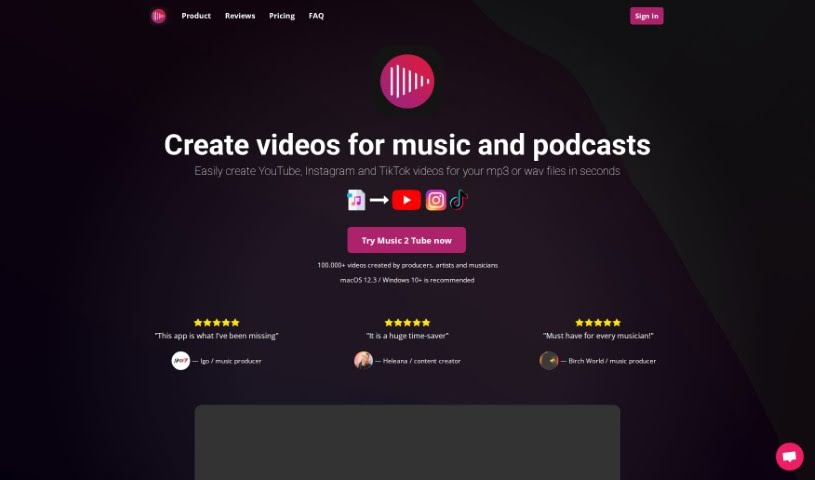
Music 2 Tube is a handy platform designed to help you create and upload videos for your music, beats, and podcasts. It’s packed with features to make video creation a breeze. You can whip up beat videos in bulk, upload an unlimited number of videos to YouTube, and even schedule your uploads. Plus, you can really make your videos your own by customizing elements, adding cool effects like background blur, and applying watermarks. It also plays nicely with cloud storage, including your Google Drive files, making it super easy to create videos for YouTube, Instagram, and TikTok. You can even add your branding to the videos. What's great is that it supports MP3 and WAV audio formats and doesn't re-render your audio, so the quality stays top-notch.

Video Generation View Tool →
Screenshot of Ranku

Ranku

Freemium

RankU is a really helpful tool designed specifically for YouTube creators looking to make sure their channel or video ideas are solid before they even start. It is your idea validation expert. All you need to do is type in your proposed title or a brief description, and RankU dives in to give you valuable insights. It'll tell you about the competition out there for your idea, how your concept might rank in the market, and even offer suggestions on how to tweak your plan to make it even better. What's neat is that it provides these recommendations tailored to your specific channel statistics and where you currently stand in the market. You can download and start using RankU for free, and if you want to dig even deeper with more advanced analysis and even better recommendations, there's a Pro membership option. Honestly, using RankU could potentially save you thousands of dollars by helping you assess and refine your ideas before you invest time and resources into making them a reality.

Video Generation View Tool →
Screenshot of Slicetube

Slicetube

Freemium

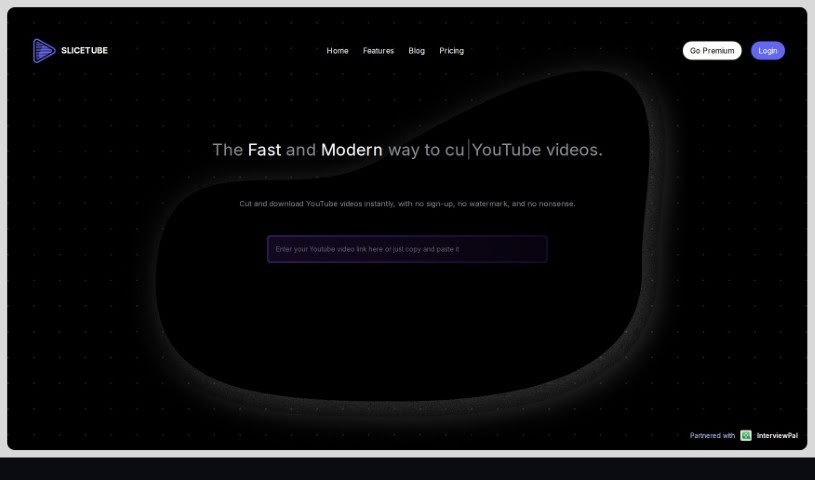
Slicetube is a really neat and smart tool that makes downloading YouTube videos super easy. It's got a modern look and lets you grab videos in up to 4K quality. What's cool is you can trim videos right within the tool – just pick the time range you want to save. This means you can slice, cut, and get your editing done quickly. Plus, Slicetube lets you choose different formats like MP3, MP4, and WEBM, so you get what you need. They've teamed up with InterviewPal, and a lot of YouTube creators really like Slicetube because it's so straightforward and has these handy modern features.

Video Generation View Tool →
Screenshot of Taja AI

Taja AI

Freemium

Taja AI is a really complete platform that helps you manage your entire YouTube video workflow, from start to finish. It is your all-in-one solution for getting your videos ready and out there. It's packed with features that make your life easier, like helping you write titles and descriptions that YouTube's algorithm will love, creating eye-catching thumbnails, and even turning your longer videos into short, shareable clips. The best part? It can save you a massive amount of time – up to 90%!

Video Generation View Tool →
Screenshot of Tella

Tella

Freemium

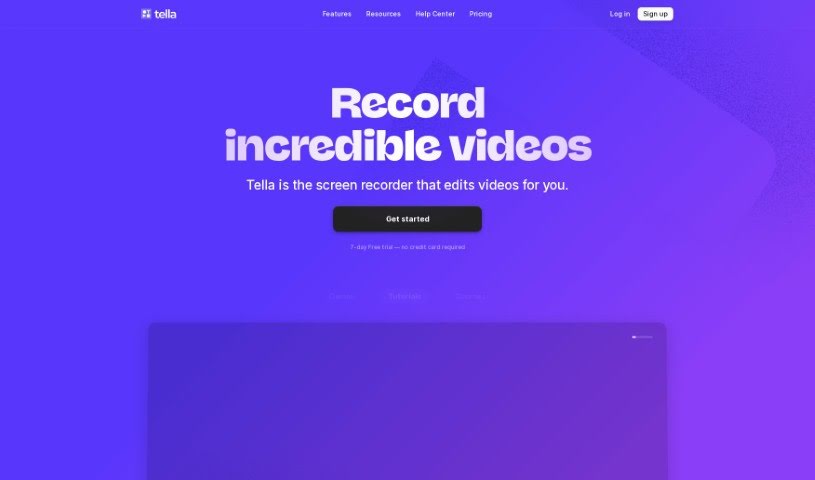
Tella.tv offers a really handy AI YouTube Description Generator. It's designed to help you create custom video descriptions that really fit your content. When you use this generator, you'll save a good chunk of time and be able to write descriptions that grab people's attention. The tool keeps YouTube SEO in mind, making sure you can use the full 5000 characters allowed. Plus, you can tell it exactly which keywords you want to include. Want to add some emojis to make your descriptions pop? You can do that too, and even pick a tone that matches your brand. Honestly, this AI tool is a lifesaver for anyone who makes videos. It just makes writing descriptions so much simpler, freeing you up to focus on creating more great content. Why not give it a whirl and see how the AI YouTube Description Generator can effortlessly boost your video descriptions?

Video Generation View Tool →
Screenshot of TranslateTracks

TranslateTracks

Freemium

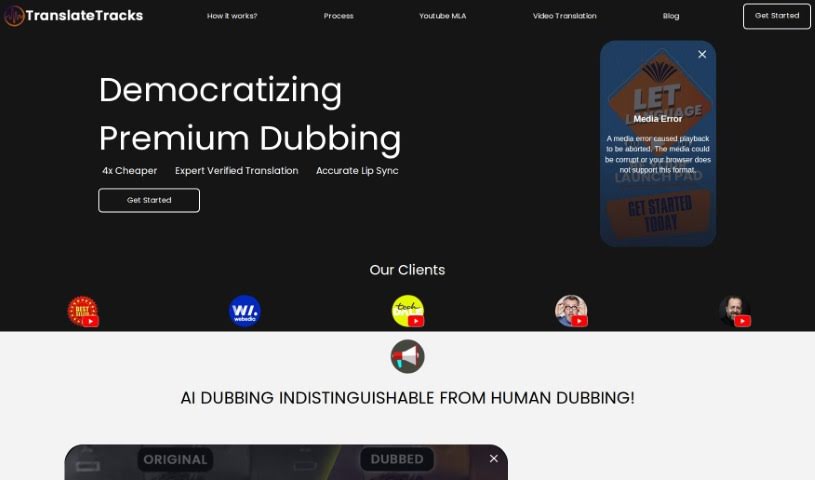
TranslateTracks is an AI-powered service that helps you dub and translate your videos. Its main goal is to help you connect with a global audience by breaking down language and cultural barriers. The platform uses its own AI models alongside expert localization teams to deliver high-quality, accurate, and affordable dubbing and translation. Honestly, the quality of the dubbed content is so good, it really rivals what human voice actors can do. It's like getting a luxurious language solution without the hefty price tag. What's really neat is that it can handle translations and dubbing in many languages all at once, and it's super fast, getting your content ready for the world in no time. The service is cost-effective because it cleverly combines AI technology with human expertise. The AI models do most of the heavy lifting, ensuring accuracy while keeping costs down. Plus, TranslateTracks lets you customize subtitles and dubs, which is fantastic for really connecting with diverse audiences worldwide and letting you put your own personal touch on your content.

Video Generation View Tool →
Screenshot of Tubics

Tubics

Freemium

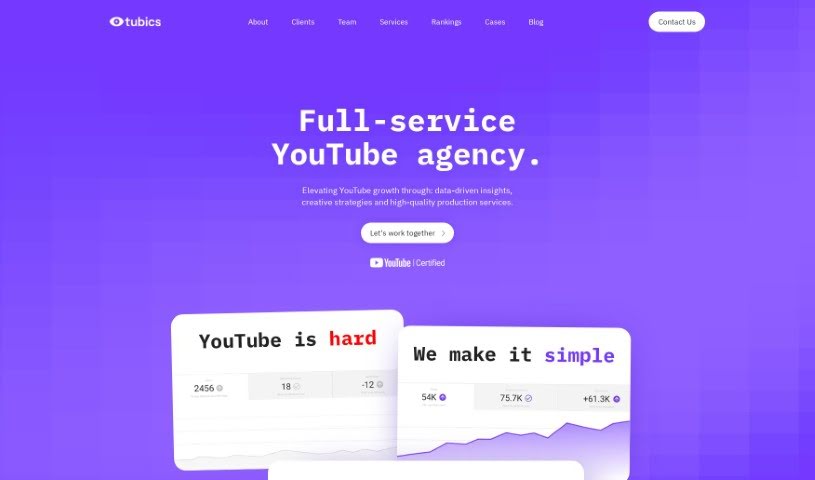
Tubics is a startup from Vienna, founded back in 2017. Their main goal? To make YouTube a real asset for businesses. The founders, Claudia Eder, Matthias Funk, and Matthias Posch, noticed that many companies struggled with YouTube, often seeing a poor return on investment (ROI) unless they were pouring money into paid ads. They realized there was a big gap in expertise when it came to optimizing YouTube channels. So, they built a self-service software platform designed to automate and fine-tune YouTube channels using a workflow driven by data. At its core, Tubics values passion, curiosity, effectiveness, and teamwork – these are the things that really fuel their success. They offer both YouTube agency services and a smart, AI-powered YouTube SEO software. This combination helps brands not only grow their presence on YouTube but also significantly improve their video ROI. It is a tool that gives you data-backed ideas for videos, suggests the best titles and descriptions, and ultimately aims to get you more organic views and better rankings on Google.

Video Generation View Tool →

Stay Updated with AI Tools

Get weekly updates on the latest AI tools, trends, and insights delivered to your inbox

Join 25,000+ AI enthusiasts. No spam, unsubscribe anytime.