10LevelUp
Video Generation Video Editing
Learn more
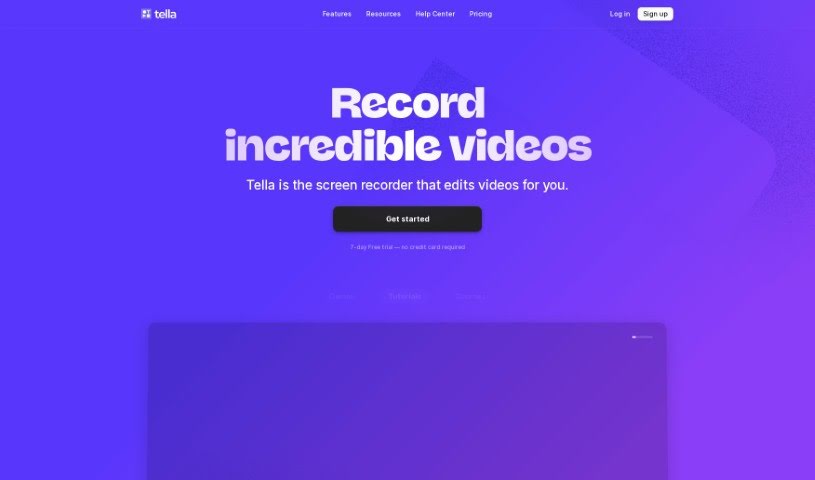
Discover Tella's AI YouTube Description Generator, which creates SEO-optimized video descriptions with custom keywords, tone, and emojis.
Tella.tv offers an AI YouTube Description Generator that creates custom video descriptions tailored to your content. It saves time and helps you write descriptions that grab attention. The tool is built with YouTube SEO in mind, letting you use the full 5000 characters allowed. You can specify which keywords to include, add emojis, and choose a tone that matches your brand. For anyone who makes videos, it simplifies writing descriptions and frees up time for creating content.
Tom Critchlow created the AI YouTube Description Generator. He is part of TellaHQ, the company behind the tool. TellaHQ provides a platform for making and editing videos, with the goal of simplifying video creation and helping businesses and creators produce better-quality videos.
Beyond the description generator, Tella’s video platform supports:
Tella is useful for content creators, YouTubers, marketers, video editors, entrepreneurs, coaches, and anyone who creates content.
Related
Discover more tools in similar categories
Weekly picks of the best AI tools we've researched and added — no spam, unsubscribe anytime.
Join 25,000+ AI enthusiasts. No spam, unsubscribe anytime.