AI Tools for Video Generation

Discover the best Video Generation AI tools to enhance your productivity and creativity.

Page 1 of 28 • 333 total tools
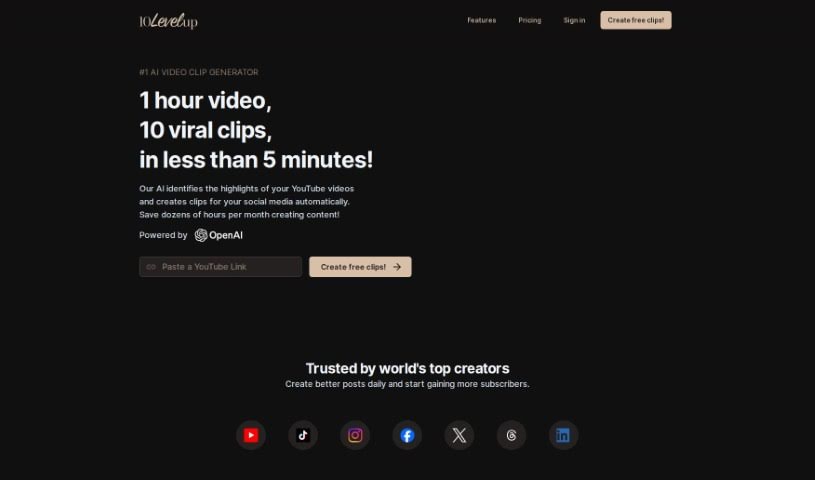
Screenshot of 10LevelUp

10LevelUp

Freemium

10LevelUp is a smart tool that uses AI to find the best moments in your longer videos. It then automatically creates short clips from these highlights, perfect for sharing on social media. It is your personal video editor for platforms like YouTube, LinkedIn, Twitter, TikTok, and Instagram. It can detect who's speaking, automatically clip segments, add captions, resize your video, and even set up the best output formats for you. All you need to do is upload your video file or a YouTube link, tell it your preferred settings while it works its magic, and then pick the clips you want to share.

Video Generation View Tool →
Screenshot of 2Short AI

2Short AI

Freemium

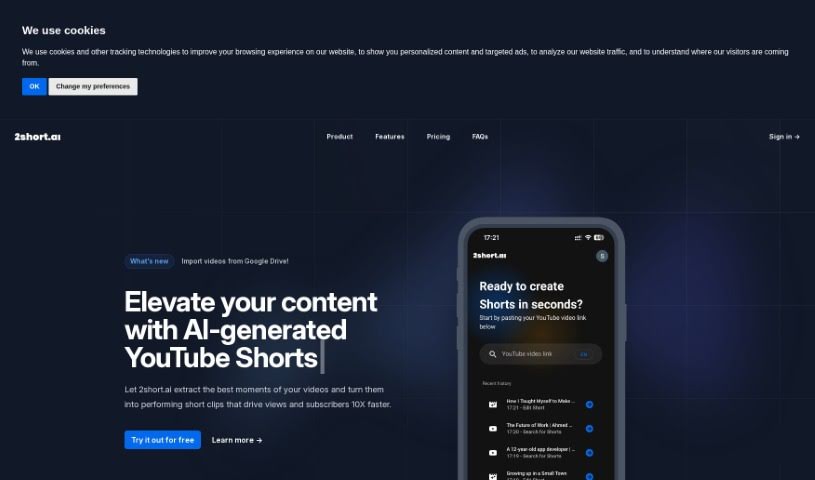
2short.ai is your go-to AI assistant for creating those super engaging short videos you see everywhere – you know, the ones for YouTube Shorts, TikTok, and Reels. This tool is really good at pulling out the most interesting bits from your longer videos, turning them into clips that grab attention and help you get more views and subscribers, fast. It makes it so much simpler to reuse your existing content by smartly finding the most captivating parts. Some of the standout features include its center stage facial tracking, which keeps the speaker in focus, one-click animated subtitles that look great, unlimited exports in high quality, and a variety of aspect ratios to fit any platform. Plus, it offers advanced editing tools and brand presets to keep your look consistent. It’s designed to be really easy to use and comes with affordable pricing, making it a fantastic tool for anyone looking to boost their channel and cut down on editing time.

Video Generation View Tool →
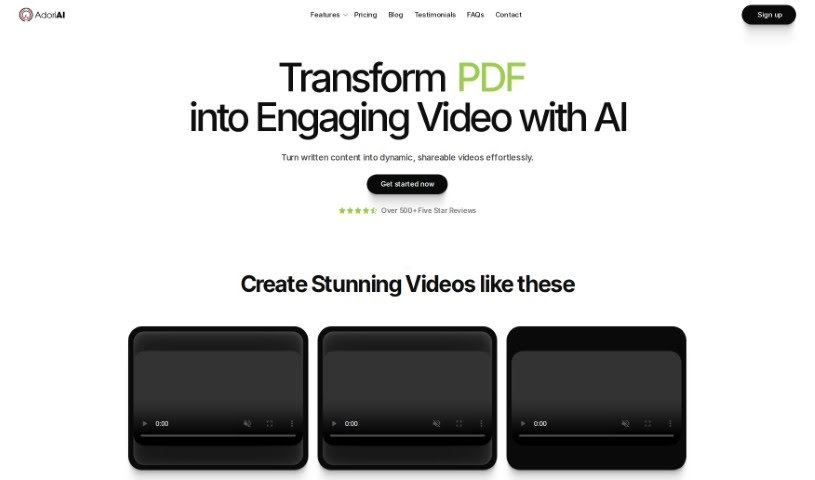
Screenshot of Adori Labs

Adori Labs

Freemium

Adori Labs is an AI-powered tool that acts as a Blog to Video Maker. Essentially, it lets you easily turn your blog posts into engaging videos. How does it do that? Well, it generates scenes with relevant images, pulls out headlines, text, and key points from your blog, and even creates summaries for video titles and descriptions to help with SEO. Plus, you get access to a range of high-quality voices for professional voiceovers, eye-catching visuals, and everything is optimized for search engines to help you rank higher and get more organic traffic. Adori Labs also connects smoothly with social media platforms for easy sharing, offers clear pricing with no watermarks, and even automates publishing to YouTube. It's a fantastic option for bloggers who want to boost their content marketing, save time, and get noticed online.

Video Generation View Tool →
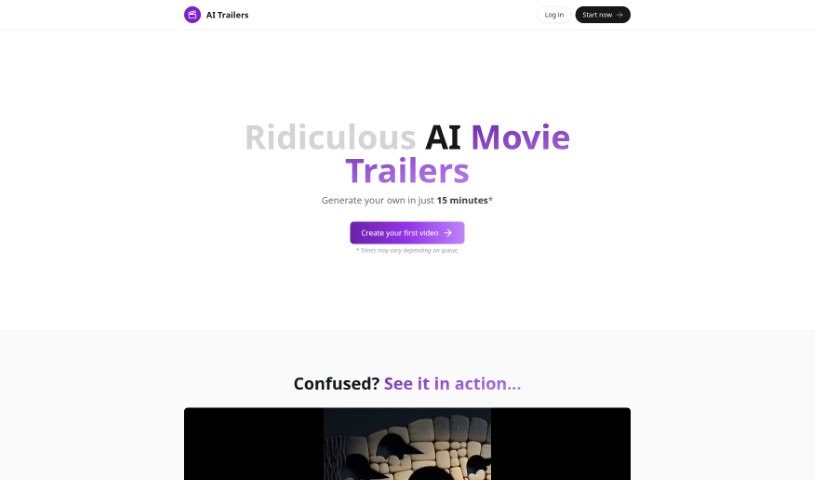
Screenshot of AI Trailers

AI Trailers

Freemium

AI Trailers is a service that lets you create your own AI-generated movie trailers, and it's surprisingly quick and easy. You can whip up personalized trailers, usually between 20-40 seconds long, by using artificial intelligence to help write the script, create the images, and even do the narration. Plus, you've got options for more AI-driven tweaks or manual edits to really fine-tune the final product. What's great is the pricing – it's really accessible, starting at just $5 for a video credit. If you ever need a hand, they've got customer support ready on Discord. Basically, AI Trailers wants to make making AI movie trailers a smooth and enjoyable process for everyone.

Video Generation View Tool →
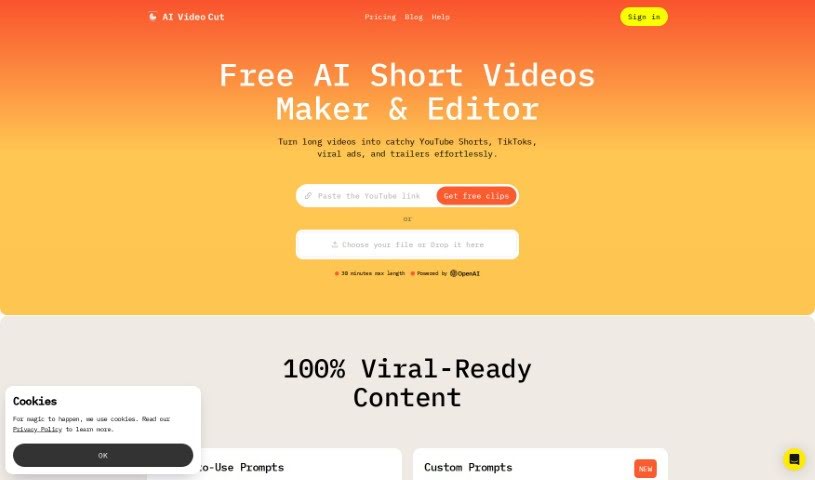
Screenshot of AI Video Cut

AI Video Cut

Freemium

AI Video Cut is your go-to tool for transforming lengthy videos into bite-sized content. Whether you need a catchy trailer, a quick short, or an engaging video ad, this tool can do it. It's designed with today's audiences in mind, who often consume content quickly on platforms like YouTube, TikTok, and various ad channels. What's neat is that it handles conversational English really well. You can also tell it how long you want your clips to be, choosing from options like 5, 10, or 20 phrases. Plus, it boasts impressive transcription accuracy, thanks to some smart AI prompting. Looking ahead, AI Video Cut is planning to add even more useful features, like letting you export your clips in different aspect ratios and a handy Telegram bot so you can clip videos easily right from your phone.

Video Generation View Tool →
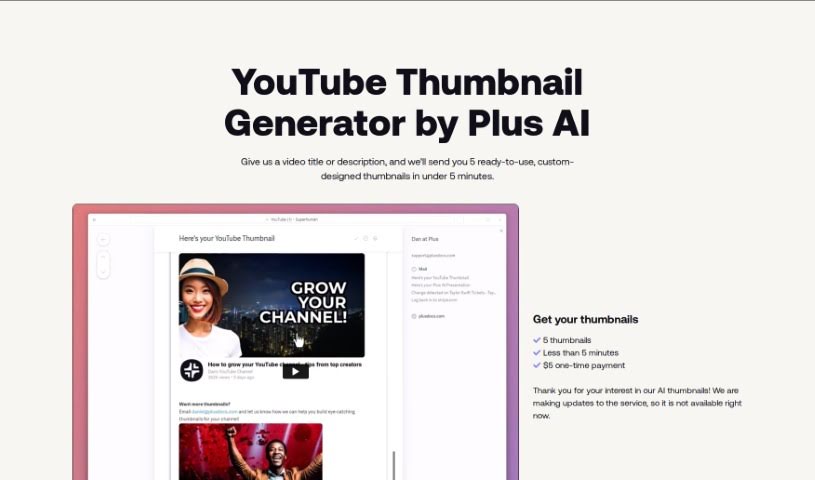
Screenshot of AI Youtube Thumbnails

AI Youtube Thumbnails

Freemium

AI YouTube Thumbnails are generated using a special tool, an AI YouTube Thumbnail Generator. It's built to help content creators and video marketers whip up really attractive thumbnails for their YouTube videos. This tool automatically creates thumbnails by looking at your video content, figuring out the most important parts, suggesting how to put things together visually, and then adding text based on what's in the video. You can tweak all sorts of things, like where the text goes, what fonts to use, colors, and other graphics to make your thumbnails pop. Plus, it makes sure everything follows YouTube's rules, gets the image dimensions just right, and generally aims to get more people to click on your videos. Using this tool can really save you time and hassle, helping you make professional-looking thumbnails that draw more viewers in.

Video Generation View Tool →
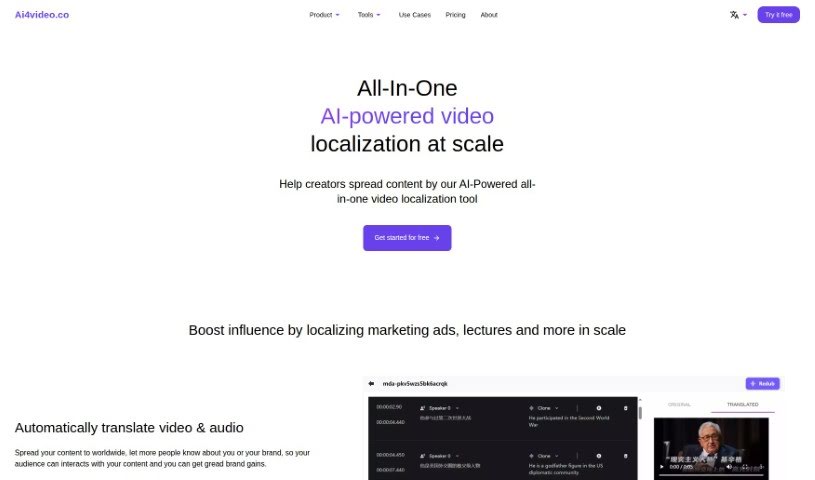
Screenshot of Ai4Video

Ai4Video

Freemium

Ai4Video is a comprehensive, AI-driven platform designed to make video localization simple and effective. It is your all-in-one solution for adapting video content for a global audience. It offers a wide range of features, including translating your videos, dubbing them with realistic speaker voices, and even cloning the original speaker's voice. Beyond that, it helps you adjust content to fit different languages, upscale your videos to stunning 4K quality, add color to black and white footage, remove unwanted elements with inpainting, and edit backgrounds. It supports translation into many different languages and has smart tools that can identify things like animals, plants, currencies, and landmarks within your images. The AI Rewriter feature is particularly neat, as it can tweak your content to match the natural flow and timing of different languages. Ai4Video also handles audio-to-text translation, which really smooths out the whole localization process. You can even try it out with a free trial, and if you need help, their support team is available via email at [[email protected]](/cdn-cgi/l/email-protection#0f7c7a7f7f607d7b4f6e663b79666b6a60216c60).

Video Generation View Tool →
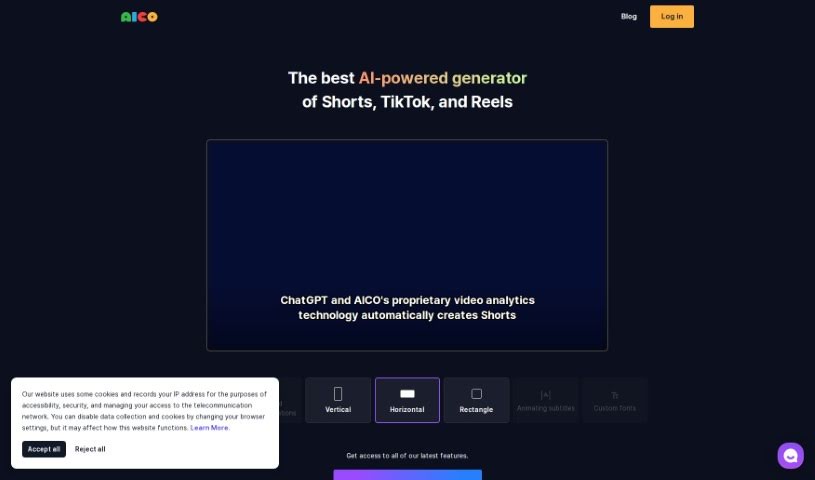
Screenshot of Aico

Aico

Freemium

AICO is an AI tool designed to make creating shorts from YouTube videos much simpler. With AICO, you can easily generate AI-edited shorts and AI subtitles in just three clicks. This tool comes with a bunch of features to help you create better videos. For instance, it can detect foreign languages, translate them automatically, suggest the best areas to crop for face positions, and even let you include YouTube comments right in your shorts. Plus, AICO can tell different speakers apart and offers AI title suggestions, which could help you come up with engaging titles that draw more viewers to your channel. There's also a mobile app available, so you can easily create vertical videos on your phone that work seamlessly with the AICO platform on your PC.

Video Generation View Tool →
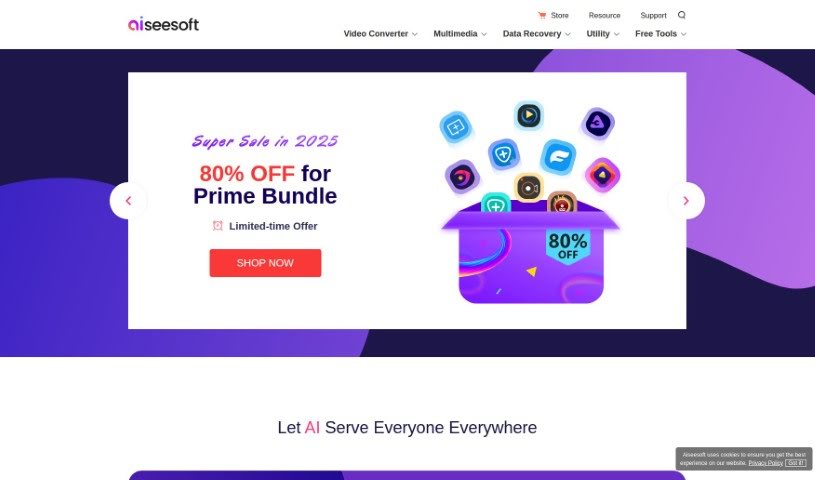
Screenshot of Aiseesoft

Aiseesoft

Freemium

Aiseesoft offers a whole suite of software designed to help with all sorts of multimedia tasks. Think video conversion, getting your lost data back, creating DVDs, converting PDFs, and even making your images look better.

Video Generation View Tool →
Screenshot of AKOOL

AKOOL

Freemium

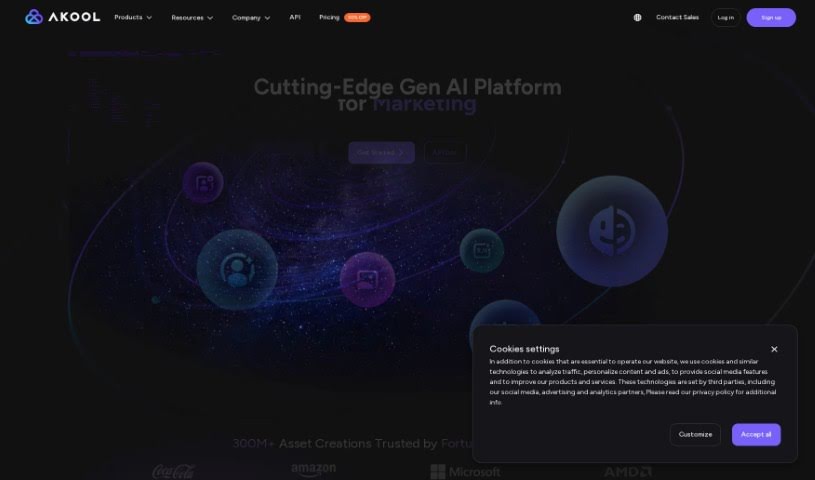
AKOOL is a company that offers advanced AI tools specifically for marketing. They've developed an AI image generator that can create really high-quality images, even in 4K resolution. This means you can be super creative with fewer limits, and they even offer free trials so you can try it out before you buy.

Video Generation View Tool →
Screenshot of Animagic

Animagic

Freemium

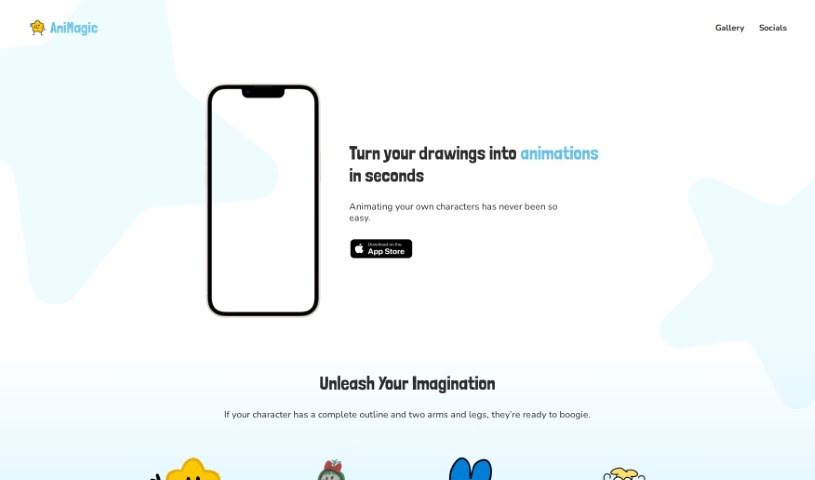
Animagic is a really neat tool that uses Artificial Intelligence to quickly and easily turn your static drawings into animated characters. You just upload your character drawings, and Animagic handles the animation part, making your characters dance or do other cool actions. It’s super user-friendly, so whether you’re new to art or a seasoned pro, you won’t need to be an animation software expert. Animagic also lets you customize things like adding more characters, tweaking the dance moves, and changing the backgrounds. This means you can create really unique and engaging animations. These animations are great for all sorts of things – think websites, social media posts, or even educational materials. It’s a versatile tool that can really boost your visual content and spark creativity.

Video Generation View Tool →
Screenshot of Animaker

Animaker

Freemium

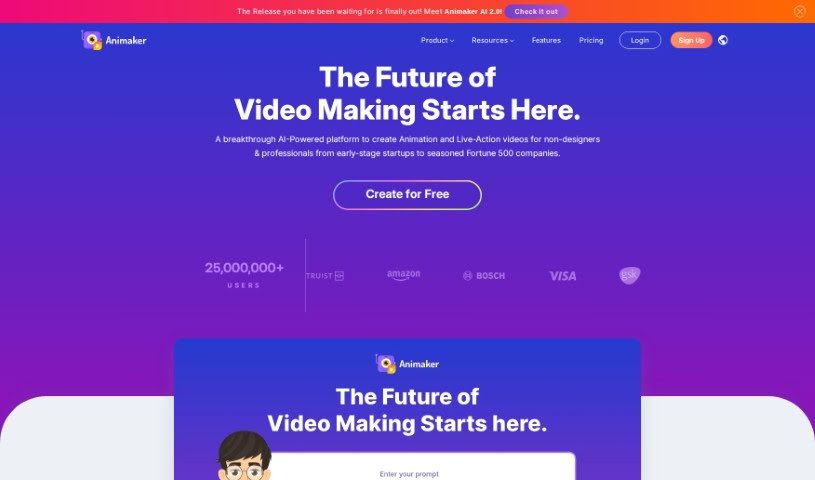
Animaker is a really comprehensive online platform that makes video creation a breeze, whether you're a total beginner or a seasoned pro. It lets you whip up animated and live-action videos super quickly. It is your all-in-one creative studio, packed with AI-powered tools like Animaker itself, Picmaker, Vmaker, and Voice. These are all designed to help you produce high-quality animated, live-action, and even screen-recorded videos in just minutes.

Video Generation View Tool →
Previous 1 of 28 Next

Stay Updated with AI Tools

Get weekly updates on the latest AI tools, trends, and insights delivered to your inbox

Join 25,000+ AI enthusiasts. No spam, unsubscribe anytime.