AI Tools for Youtube Video Editors

Discover the best Youtube Video Editors AI tools to enhance your productivity and creativity.

Page 1 of 1 • 9 total tools

Making great YouTube videos can feel like a big job. When you’ve got hours of footage and the pressure to make everything look polished, it’s easy to feel a bit swamped. Wouldn’t it be nice if AI could lend a hand and make editing simpler?

AI video editing has come a long way recently. We’ve moved past basic tools that just stitch clips together. Today’s options offer advanced features like automatic cuts, recognizing different scenes, and even changing video styles. These editors are a game-changer for creators, no matter your skill level.

After testing out the best AI video editors available, I’ve put together a list of platforms that really shine. Whether you need to speed up your workflow, improve your video quality, or add professional-looking effects, there’s something here for you.

As AI keeps getting better, these tools can help bring your video ideas to life faster and more smoothly than ever. So, let’s jump into the best AI video editors that can really elevate your YouTube content.

The Best AI YouTube Video Editors

  1. Pictory: Great for quickly producing engaging YouTube content.
  2. Pikzels: Helps with thumbnail design for eye-catching visuals.
  3. TubeMagic: Creates compelling video scripts.
  4. Gling Ai: Streamlines video edits for YouTube creators.
  5. Thumbly: Perfect for making eye-catching YouTube thumbnails.
  6. TubeSpanner: Streamlines video collaboration tools.
  7. Agent Gold: Enhances video editing with creative ideas.
  8. Comment Explorer: Improves edits using audience feedback insights.
  9. TubeHorizon: Enhances edits using viewer feedback insights.
  10. Multytude For Creators: Offers a streamlined editing workflow for creators.
  11. Feedby: Effortlessly manages YouTube comments.

How Do AI YouTube Video Editors Work?

If you search for AI video editing tools online, you’ll find tons of options, and many of them seem to offer very similar features. This is mostly because a lot of these editors use the same core technologies and algorithms, mainly focusing on machine learning and computer vision. Instead of building everything from scratch, developers often tweak existing frameworks to create their own unique interfaces and functions.

Basically, these AI video editors look at your video by breaking it down into smaller frames. They use smart algorithms to understand what’s happening, spot key scenes, and even detect emotions and actions. This analysis helps the software make smart choices about cuts, transitions, and effects, all aimed at keeping viewers engaged.

You might be surprised to hear that these tools can handle those tedious tasks, like cutting out silences or picking the best shots from longer recordings. This automation frees up creators to focus more on storytelling and creativity, instead of spending hours sorting through raw footage.

Lots of popular platforms have quickly added AI editing features. This lets users work together smoothly while benefiting from smart suggestions and improvements. It’s not about replacing the editor entirely, but rather about giving them AI-powered help to boost their creativity.

To put it simply, AI video editors use large amounts of data to train their models. This allows them to recognize patterns and make decisions based on what they see. By using techniques like object recognition and scene detection, these tools can create video sequences that look polished and make sense.

If you want to dig deeper, you could look into articles about how machine learning is used in video editing or how specific algorithms power these AI tools. It’s clear that AI-driven video editing has huge potential, making the editing process quicker and more efficient without sacrificing quality.

Our Best AI YouTube Video Editors at a Glance

RankNameBest forPlans and PricingRating
1Pictoryproducing engaging YouTube content swiftly.N/A4.73 (11 reviews)
2Pikzelsthumbnail design for engaging visualsN/A4.82 (11 reviews)
3TubeMagiccreates compelling video scripts.Paid plans start at $47/month.5.00 (27 reviews)
4Gling Aistreamlines video edits for YouTube creatorsN/A4.67 (6 reviews)
5Thumblycreating eye-catching YouTube thumbnailsN/A3.60 (5 reviews)
6TubeSpannerstreamlining video collaboration toolsN/A4.73 (11 reviews)
7Agent Goldenhancing video editing with creative ideasN/A4.82 (11 reviews)
8Comment Explorerenhances edits with audience feedback insightsN/A4.70 (10 reviews)
9TubeHorizonenhances edits using viewer feedback insights.N/A4.70 (27 reviews)
10Multytude For Creatorsstreamlined editing workflow for creatorsN/A3.25 (4 reviews)
11Feedbyeffortless YouTube comment managementPaid plans start at $1/comment.4.79 (14 reviews)
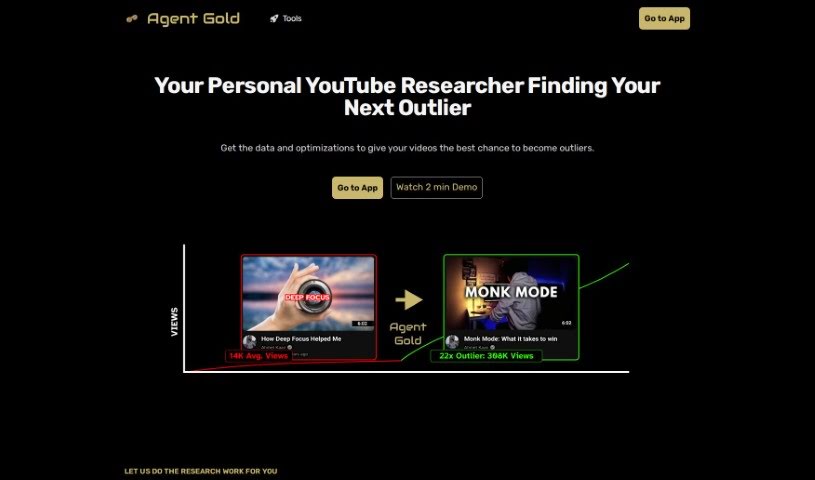
Screenshot of Agent Gold

Agent Gold

Freemium

Agent Gold is an AI tool built specifically for YouTube creators, designed to help them make their content better and grow their audience. It is a smart assistant that helps you come up with catchy video titles, create concise summaries, and even automatically generate posts for social media and emails. It does this by looking at what's worked in the past and what's popular right now. Plus, Agent Gold acts like your personal advisor, digging into what makes top-performing videos successful, suggesting fresh content ideas, and offering ways to improve your YouTube channel overall. The goal is to work with you, blending its AI capabilities with your unique style and voice to really boost your channel's performance and keep your audience engaged.

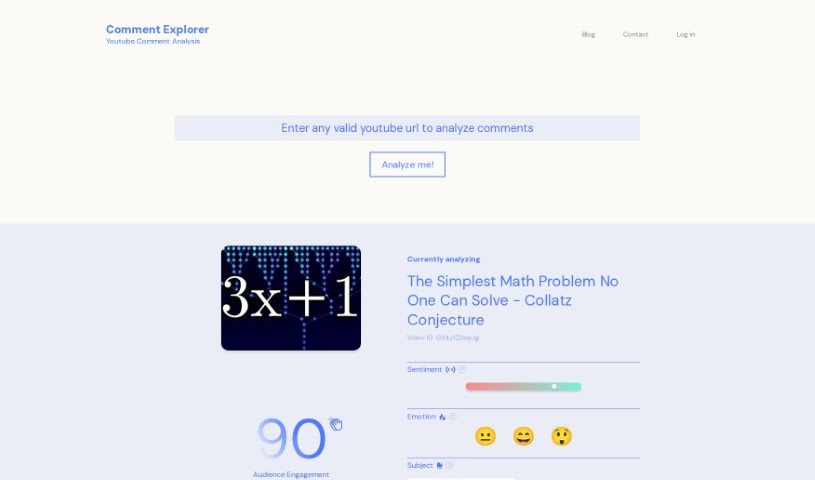
Screenshot of Comment Explorer

Comment Explorer

Freemium

Comment Explorer is a smart tool that uses AI to help you understand what people are saying in the comments on your YouTube videos. It is your personal YouTube comment analyst. With its Comment Analyzer feature, you can easily dive into the feelings, emotions, and main subjects people are talking about in your comment sections. This tool really helps you get a handle on how engaged your audience is and how they're reacting to your videos. By looking at the sentiment, you can get a feel for the general opinion of your content. Plus, understanding the emotions expressed helps you see how your videos are making people feel. It also points out the main topics people are discussing, giving you a quick look at what's on their minds. The tool is super easy to use, with a clear layout for all the analysis results, so you can make smart choices based on what you learn. It even has a neat feature that lets you ask questions directly to your comment section, helping you connect with your audience even better. To really get the most out of Comment Explorer, you'll want to create an account and sign up. This unlocks deeper insights into your YouTube videos.

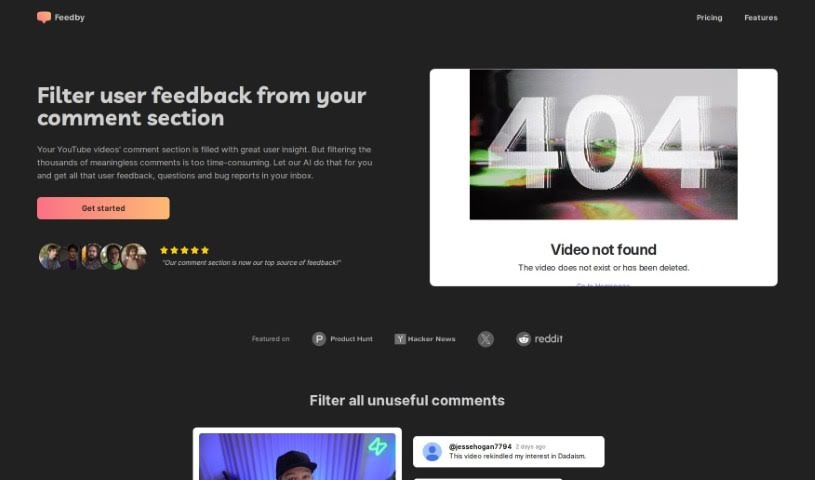
Screenshot of Feedby

Feedby

Freemium

Feedby is a smart, AI-powered tool designed to make managing your YouTube comments much simpler. It uses artificial intelligence to sort through all your comments, filtering out the ones that aren't really helpful. This way, you can easily spot and focus on the valuable feedback, questions, and bug reports that matter most. Instead of spending hours sifting through comments yourself, Feedby does the heavy lifting for you, sending you a neat, organized summary right to your inbox. It’s a real game-changer for anyone creating content on YouTube or running a business there, as it helps you connect better with your audience by pointing out what people are saying that can help you improve your videos. Plus, it’s super easy to set up, doesn't break the bank (starting at just $1 for every 1,000 comments after the free allowance), and really helps you get the most out of your comment section.

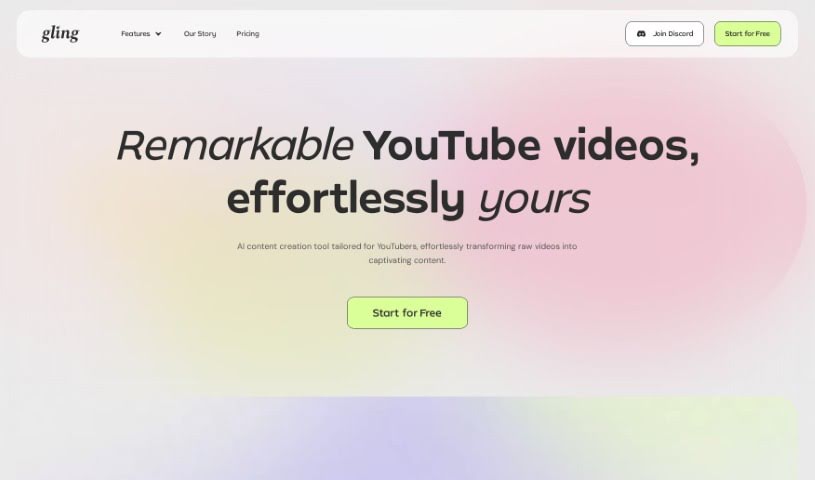
Screenshot of Gling Ai

Gling Ai

Freemium

Gling AI is a really smart video editing tool made just for YouTubers. It uses advanced AI to automatically cut out all the awkward silences and mistakes from your videos. This means you can spend less time fiddling with edits and more time actually creating. The AI looks through your footage, finds those quiet bits or flubbed lines, and just removes them. The result? Smoother, more polished videos that look like you spent hours perfecting them. Beyond just cutting, Gling AI also helps you add things like transitions, captions, cool visual effects, balance your audio, drop in background music, and even do color grading to give your videos that professional polish. It's built to be easy to use, super efficient, and it's always getting better to keep up with what YouTubers need.

Screenshot of Pictory

Pictory

Freemium

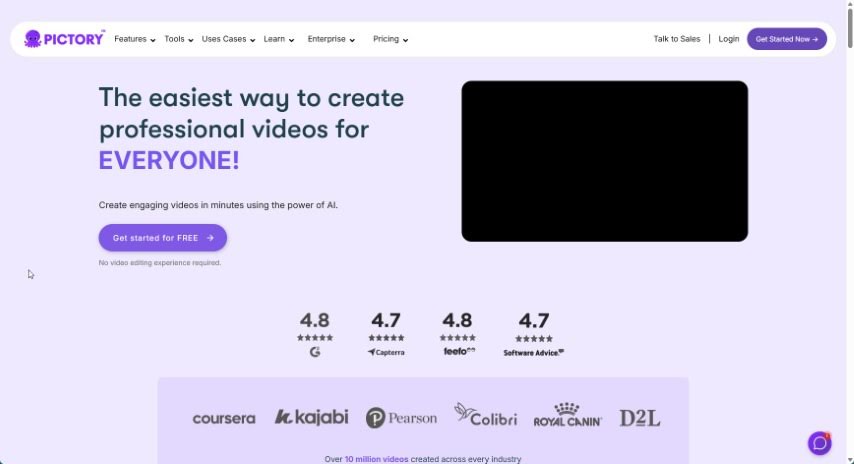
Pictory is a really handy platform that helps you create professional-looking videos. You can start with just a script, or it can automatically turn your blog posts into engaging videos. It's also great for pulling out the best moments from longer recordings, perfect for social media. Plus, you can easily add captions to boost how many people see your videos and keep them watching longer. If you work with others, Pictory makes collaboration simple, and they even offer support for non-profits. To help you get the most out of it, Pictory offers courses like "YouTube Mastery" and "Video Marketing Made Easy," which are designed to help you grow your YouTube channel and get better at video marketing. They've also recently introduced Pictory GPT for Videos and Pictory AI, which are fantastic for turning long content into short, shareable social videos.

Video Generation View Tool →
Screenshot of Pikzels

Pikzels

Freemium

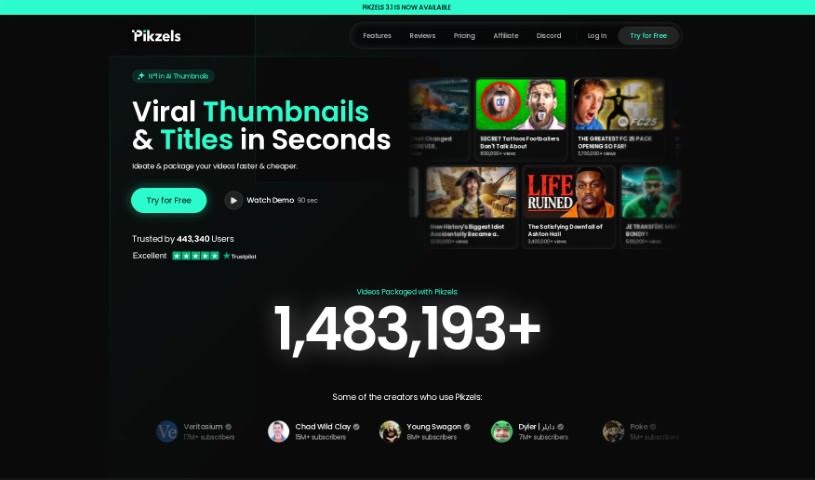
Pikzels AI is a really cool tool that's changing how YouTube creators design their thumbnails. It's got an AI Thumbnail Generator that can whip up eye-catching thumbnails from your ideas in less than 30 seconds. This platform gives you full control over how your thumbnails are made, so you don't need to hire a designer. Plus, it makes sure you get consistent, efficient results, no matter your experience level.

Screenshot of Thumbly

Thumbly

Freemium

Thumbly is a handy website packed with tools for creators and anyone producing content, especially if you're focused on SEO. It offers a Thumbnail Generator, a Title Generator, and even a Free Thumbnail Rating Tool. These tools are designed to help you craft eye-catching thumbnails and compelling titles, which are key to grabbing viewers' attention and boosting your click-through rates. The Thumbnail Generator makes it super easy to customize your visuals using templates and various options. Need a great title? The Title Generator helps you brainstorm catchy ones based on your keywords. Plus, the Free Thumbnail Rating Tool lets you get real feedback from the community, giving you insights to make your thumbnails even better. Essentially, Thumbly is here to support content creators in boosting their online presence and drawing in more viewers, all with user-friendly tools and a solid focus on SEO.

Screenshot of TubeMagic

TubeMagic

Freemium

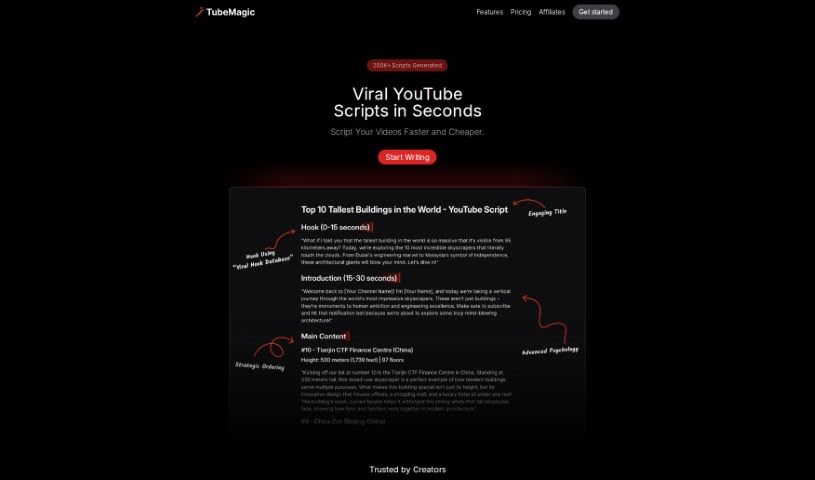
TubeMagic is a tool built to help you grow on YouTube. It uses AI to help you come up with video ideas, write scripts, and make your videos perform better on the platform. It is your AI assistant for YouTube success. It can find popular videos, help you write titles and descriptions that people will search for, and even help you brainstorm new content. While it's great for optimizing your YouTube channel and saving you time, it's important to know it focuses specifically on YouTube and doesn't include video editing features.

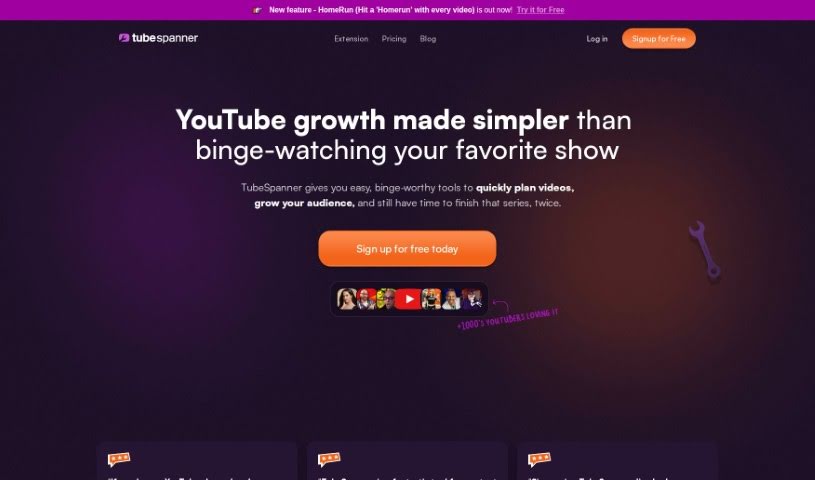
Screenshot of TubeSpanner

TubeSpanner

Freemium

TubeSpanner is a really handy tool designed to make your life as a YouTube creator a lot easier. It is an all-in-one solution that bundles together a bunch of features you'd normally have to pay for separately each month. It’s a cost-effective way to get a lot of functionality in one place.

Previous 1 of 1 Next

Stay Updated with AI Tools

Get weekly updates on the latest AI tools, trends, and insights delivered to your inbox

Join 25,000+ AI enthusiasts. No spam, unsubscribe anytime.