AI Tools for Video Content

Discover the best Video Content AI tools to enhance your productivity and creativity.

Page 1 of 6 β€’ 66 total tools
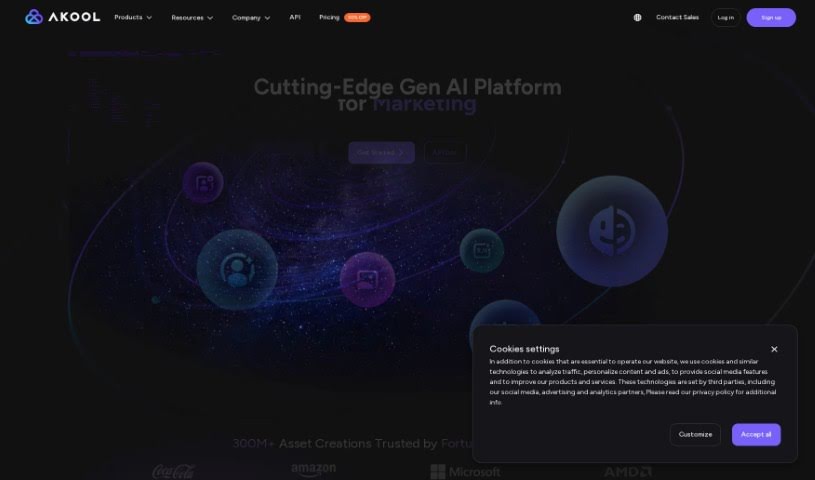
Screenshot of AKOOL

AKOOL

Freemium

AKOOL is a company that offers advanced AI tools specifically for marketing. They've developed an AI image generator that can create really high-quality images, even in 4K resolution. This means you can be super creative with fewer limits, and they even offer free trials so you can try it out before you buy.

Video Generation View Tool β†’
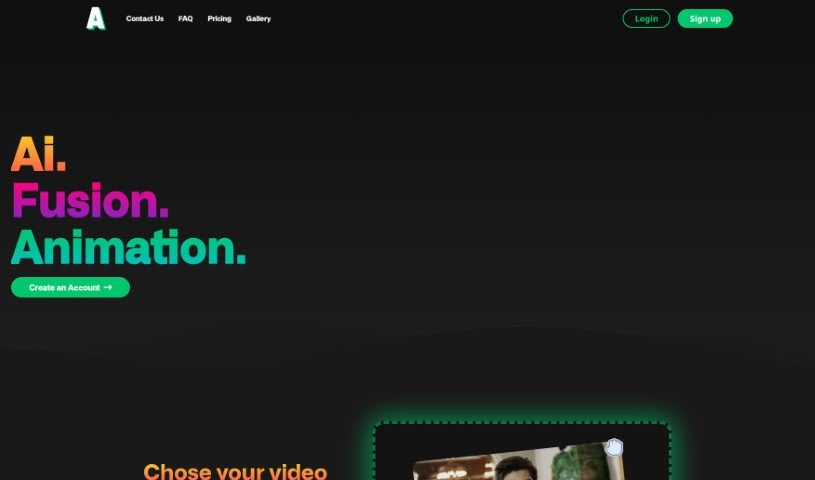
Screenshot of Animatable AI

Animatable AI

Freemium

Animatable AI is a neat tool that uses artificial intelligence to help you create animated characters and scenes really fast. It's designed to be super easy to use, offering a bunch of different animation styles. Plus, you can even create 360Β° environments to put your videos in! What's cool is that you can drop your own videos into these scenes, get rid of the original background, and then transform your footage into whatever animation style you like. If you're an animator, filmmaker, or just a content creator who wants to make awesome animated stuff without spending ages on it, this tool is for you. It can whip up animated characters and scenes in about 10 minutes, and you can tweak both the characters and the environments to your heart's content. They're always adding new animation styles and updating the tool to make it even better for everyone.

Video Generation View Tool β†’
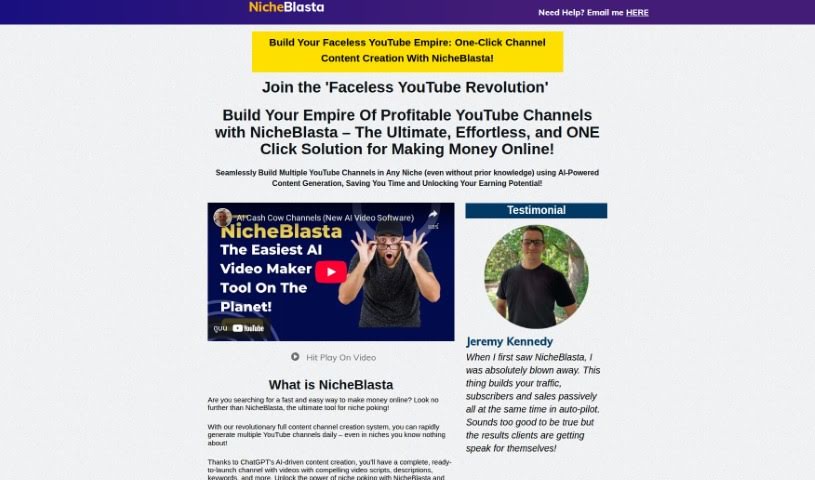
Screenshot of anthonyhaye Nicheblasta

anthonyhaye Nicheblasta

Freemium

Nicheblasta is a really neat AI tool that lets you create entire YouTube channels with just a click. It uses ChatGPT to help you make high-quality, well-optimized videos for all sorts of niches. Think titles, descriptions, keywords, timestamps – it handles it all. Basically, Nicheblasta makes it super simple to get a YouTube channel up and running, optimize your videos, and grow on the platform, even if you don't know much about a particular niche. It's packed with features like automated niche exploration, video creation tools, a rank checker, optimized playlists, voiceovers, and even FAQ videos, all powered by ChatGPT. Plus, it has this new thing called "Launch Poking," which is a pretty big deal for affiliate marketing. It's designed to turn product launches into profitable campaigns in just minutes. This tool looks at sales pages, writes great video scripts, adds timestamps to keep viewers engaged, and creates FAQ videos to get more clicks on YouTube. Nicheblasta aims to help you easily rank high on YouTube by combining ChatGPT's smarts with powerful video creation features.

Video Generation View Tool β†’
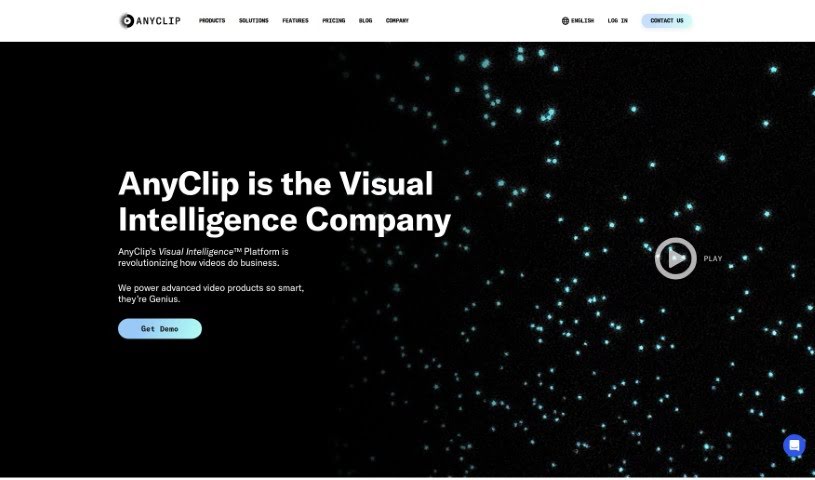
Screenshot of AnyClip

AnyClip

Freemium

AnyClip is a smart video platform that uses artificial intelligence to turn regular videos into something much more dynamic and intelligent. It actually has two main products: Genius+ for when you're talking to customers, and GeniusWork for when you're communicating with your own team. AnyClip's AI tools make your videos searchable, measurable, personalizable, merchandisable, and even interactive. Essentially, they take traditional videos and make them richer with data, giving them smart video capabilities. The whole idea is to help businesses make their videos smarter, more engaging, and more impactful, offering advanced video solutions for all sorts of uses and industries.

Video Generation View Tool β†’
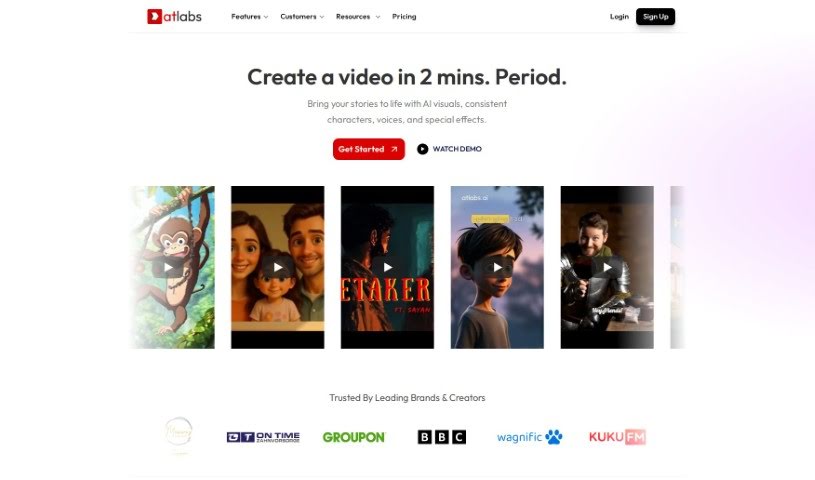
Screenshot of Atlabs AI

Atlabs AI

Freemium

Atlabs AI is a complete AI video platform built specifically for businesses. It's designed to help you create engaging videos that match your brand, even if you don't have advanced technical skills. You can simply type in your text or bring in existing content, and the AI takes it from there to craft a script. The platform is packed with helpful features, including an AI Assets Generator, motion graphics that stay true to your brand, support for many languages, AI voiceovers, and captions. It really simplifies making videos, aiming to boost your organic reach and help your business grow. You can access Atlabs AI by logging in, and they offer customer support right on the platform.

Video Generation View Tool β†’
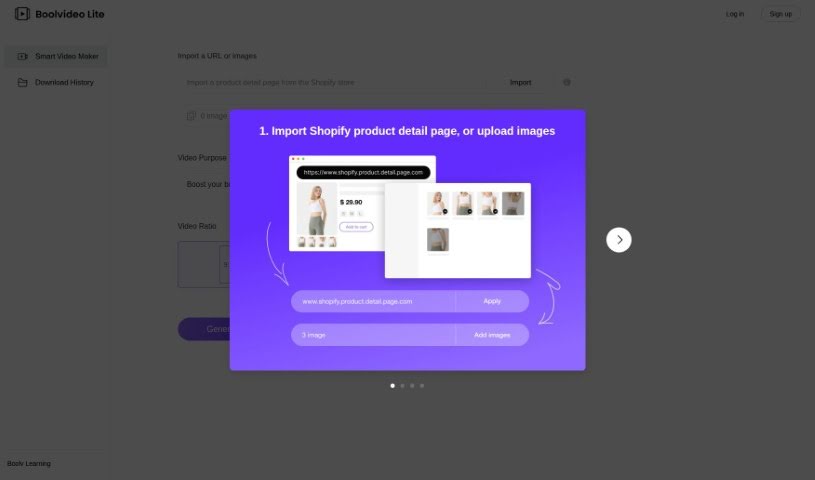
Screenshot of BOOLV VideoMaker

BOOLV VideoMaker

Freemium

BOOLV VideoMaker is a platform designed to offer solutions that really use advanced technology to help both businesses and individuals. They focus on making things efficient, so BOOLV provides easy-to-use interfaces and solid features to help you work smarter and have a better digital experience. The platform is built on reliability and accuracy, meaning you can improve your processes with confidence. BOOLV is always growing, aiming to offer the latest services and products, which is why they're seen as a leader in the tech world. By exploring everything technology has to offer, BOOLV invites you to join them in discovering and creating new technological possibilities.

Video Generation View Tool β†’
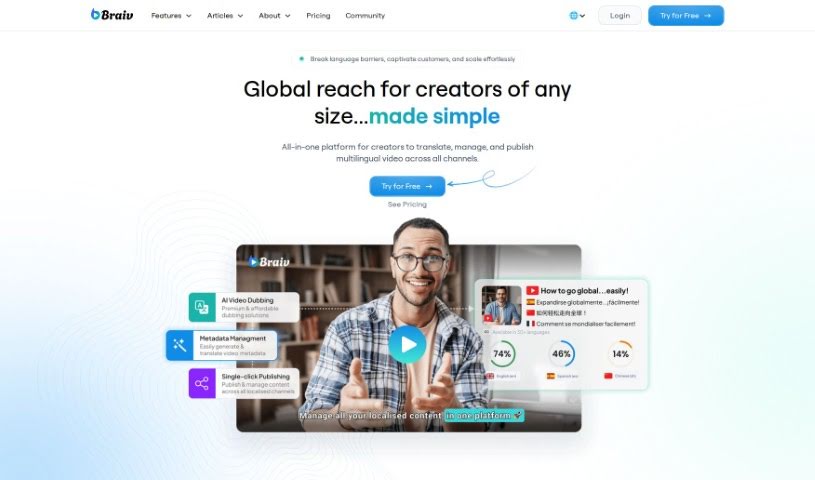
Screenshot of Braiv

Braiv

Freemium

Braiv is described as the world's first multi-language online video hosting platform. What makes it stand out is how it combines automatic captions, translations, and AI dubbing all within a customizable video player. It's really designed to reach a global audience. You'll find features like brand customization, cool animated captions, easy language switching, caption translations, and even foreign audio switching. Braiv aims for simplicity and accessibility, making it easy to get your videos and your brand in front of viewers worldwide in just a few simple steps.

Video Generation View Tool β†’
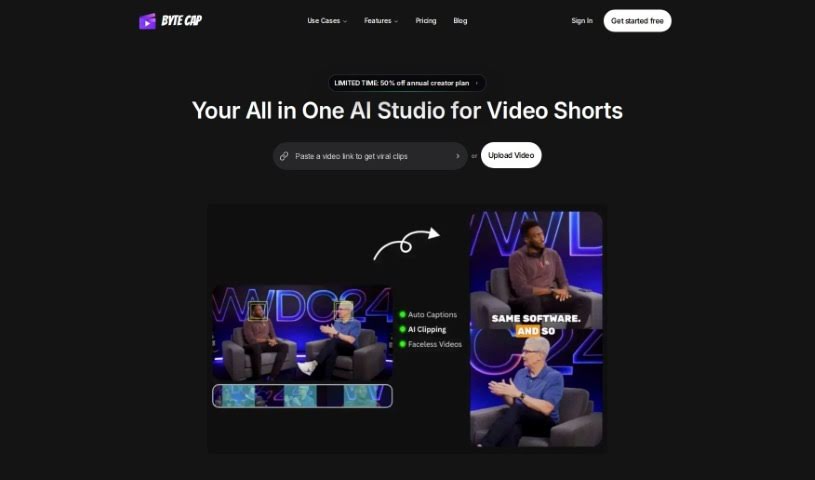
Screenshot of Bytecap

Bytecap

Freemium

Bytecap is a fantastic tool for video creators, offering super-fast caption creation, really accurate speech recognition, and an interactive platform. You can customize your captions a lot – think font styles, colors, special effects, where they appear on screen, and even their size. It's a genuinely helpful tool for pros like video editors, content creators, podcasters, and streamers. Bytecap gives you features like editable timestamps, branding you can customize, the ability to sync sounds with your captions, and a speech recognition system that's about 99% accurate. It's all about making your videos more engaging, boosting viewership, and it's easy to use no matter what kind of computer you have.

Video Generation View Tool β†’
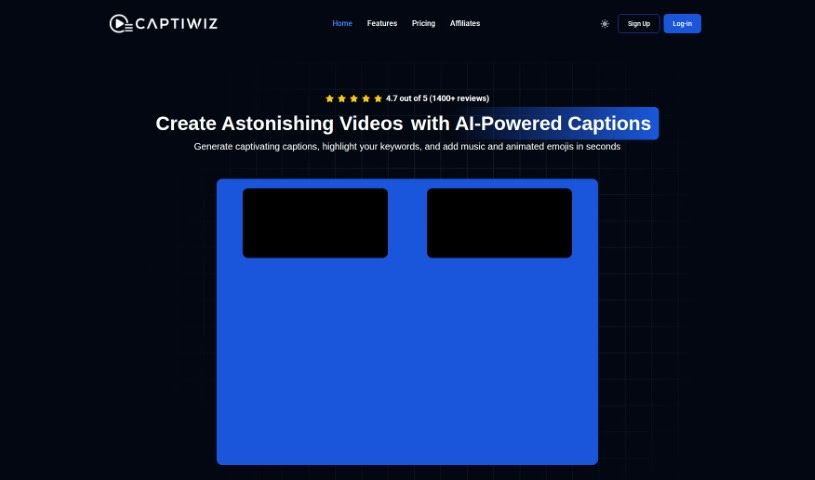
Screenshot of Captiwiz

Captiwiz

Freemium

Captiwiz is a video editing tool that uses AI to automatically generate captions, highlight important keywords, add music, animated emojis, and sound effects. It also creates descriptions for social media platforms like Facebook, Instagram, YouTube, TikTok, and more. You can really make your videos stand out by customizing them with trendy fonts, fun animations, emojis, and sound effects, which helps boost audience engagement. Content creators, vloggers, influencers, and tech fans have given Captiwiz great reviews, saying it's a game-changer for making videos more engaging and captivating.

Video Generation View Tool β†’
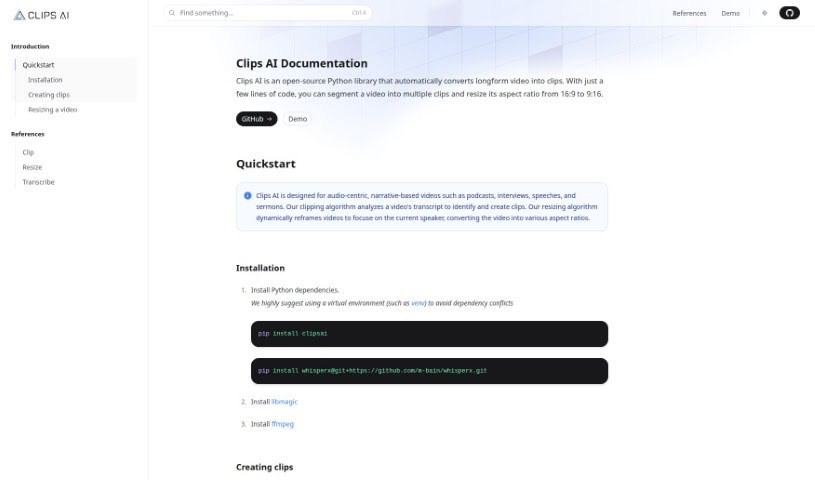
Screenshot of Clips AI

Clips AI

Freemium

Clips AI is a handy, open-source Python library that makes it super easy to chop up long videos into smaller clips. Plus, it can resize them to different aspect ratios with just a few lines of code. It's especially great for videos that tell a story, like podcasts, interviews, speeches, and sermons. The way it works is pretty neat: Clips AI looks at your video's transcript to figure out the best places to cut clips. Then, its resizing feature automatically reframes the video to keep the current speaker front and center. To get started with Clips AI, you'll first need to transcribe your video using WhisperX. This tool is helpful because it tells you exactly when each word starts and stops. You'll also need a Hugging Face access token to resize videos using Pyannote, which helps with speaker diarization. You can find detailed instructions for using Pyannote on its HuggingFace page.

Video Generation View Tool β†’
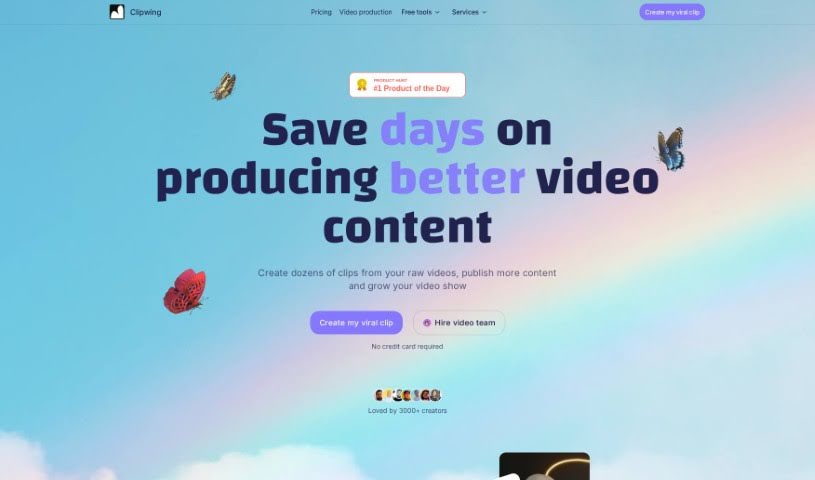
Screenshot of Clipwing

Clipwing

Freemium

Clipwing is a handy video editing tool that uses AI to transcribe your videos and pinpoint the most interesting moments. You can then pick out specific segments and add engaging subtitles to make your videos pop. It's especially great for videos where people are talking, like podcasts, interviews, product demos, and lectures. Clipwing handles all sorts of video formats – landscape, portrait, and square. It can generate transcripts, highlight text to create clips, automatically focus on speakers, resize videos for different platforms, add subtitles, include soundtracks, and lets you create as many clips as you want. Right now, it works with English videos, and there's a free plan with a monthly video minute limit, plus subscription options for more features and storage.

Video Generation View Tool β†’
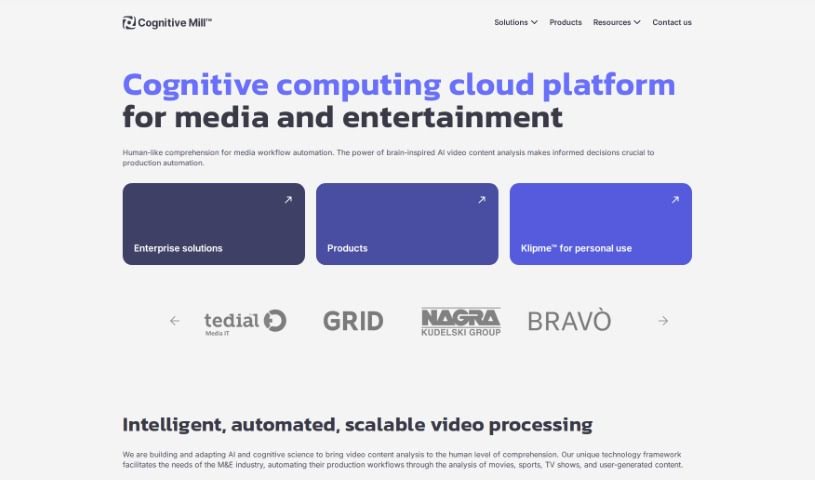
Screenshot of Cognitive Mill

Cognitive Mill

Freemium

Cognitive Mill is a smart cloud platform built specifically for the media and entertainment world. It uses AI and cognitive science – basically, how the human brain works – to automatically analyze video content. This means it can automate workflows, understand the context of what's happening in a video, and uses brain-inspired algorithms to do it all. It's built on a scalable cloud infrastructure, so it can handle a lot of work. The goal here is to make media production smoother, help people make better decisions, and ultimately improve the quality of content across different media projects.

Video Generation View Tool β†’
Previous 1 of 6 Next

Stay Updated with AI Tools

Get weekly updates on the latest AI tools, trends, and insights delivered to your inbox

Join 25,000+ AI enthusiasts. No spam, unsubscribe anytime.