AI Tools for Drawing

Discover the best Drawing AI tools to enhance your productivity and creativity.

Page 1 of 3 • 31 total tools

Art has always been a creative playground, but what if you could team up with AI to boost your artistic vision? AI drawing generators are here, pushing imagination’s limits and making creative expression more accessible than ever.

These tools have come a long way, evolving from simple sketching aids to sophisticated platforms that can transform ideas into amazing visuals in just moments. Whether you’re a seasoned artist or just starting out, there’s something here for everyone.

As I explored the best AI drawing generators, I looked for ones offering unique features, easy-to-use interfaces, and impressive results. Some can create original art from text prompts, while others can add style and flair to your existing images.

The world of AI art tools keeps growing, and the possibilities for collaboration feel endless. If you’re ready to tap into your creativity with cutting-edge technology, let’s check out the best options available right now.

The Best AI Drawing Generators

  1. AutoDraw: Great for quickly creating visual content.
  2. AI Comic Factory: Perfect for designing custom characters.
  3. Color Bliss.art: Lets you create unique art pieces on demand.
  4. Scribble Diffusion: Turns simple drawings into detailed art.
  5. Shortbread AI: Design characters easily with AI.
  6. Pixel-Art.ai: For AI-assisted pixel art creation.
  7. Foxify: Easily create unique digital sketches.
  8. Maze Guru: Instantly create doodles and find inspiration.
  9. Sketchar: Get AI art prompts for creative sketches.
  10. Roughly App: For dynamic character design sketches.
  11. Color Pop: Easily create personalized coloring pages.
  12. Magic Tellers: Create endless unique coloring pages.
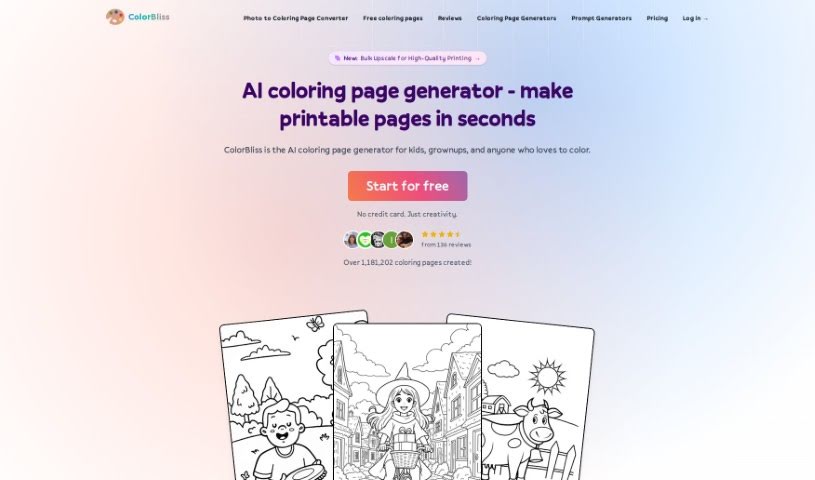
  13. Colorbliss: Make coloring pages from your sketches.
  14. COLOR anything: Craft unique coloring pages instantly.
  15. AI Coloring Pages Generator: For custom coloring pages that let you express yourself.

How Do AI Drawing Generators Work?

AI drawing generators primarily use a mix of advanced machine learning techniques and huge datasets. At their core, these tools often rely on neural networks, especially convolutional neural networks (CNNs) and generative adversarial networks (GANs). These structures help the AI learn patterns from images, allowing it to recreate or generate new art based on what you input.

Much like AI writing tools, AI drawing generators are trained on massive collections of images covering all sorts of styles, genres, and subjects. These datasets might include everything from classic paintings to modern digital art. This rich training helps the AI understand shape, color, and composition, so it can produce visually appealing results.

When you give it a prompt or input, the AI figures out what you’re asking for and starts generating. It uses its training to predict how to render an image that matches your description. Basically, it’s extending the vast visual knowledge it absorbed during training.

Some AI drawing generators improve by using your feedback. This feedback loop lets the AI fine-tune its outputs over time, creating art that users like more and more. This adaptability is part of what makes these tools so engaging for artists and hobbyists.

Many popular drawing apps have started adding AI features, making it simpler for users to explore creative possibilities without needing advanced artistic skills. They offer an easy way to get into digital art, encouraging experimentation and creativity.

If you’re curious about the technical side, lots of resources explain how neural networks work and how they help create images. Overall, AI drawing generators are pushing the limits of art, blending technology with human creativity in really interesting ways.

Our Best AI Drawing Generators at a Glance

RankNameBest ForPlans and PricingRating
1AutoDrawQuickly creating visual contentN/A4.20 (10 reviews)
2AI Comic FactoryDesigning custom charactersN/A4.20 (5 reviews)
3ColorBliss.artCreating unique art pieces on demand.N/A4.80 (10 reviews)
4Scribble DiffusionTurning simple drawings into detailed artN/A4.73 (11 reviews)
5Shortbread AIDesigning characters easily with AI.N/A3.55 (11 reviews)
6Pixel-Art.aiAI-assisted pixel art creationN/A4.70 (10 reviews)
7FoxifyCreating unique digital sketches easily.N/A4.61 (31 reviews)
8Maze GuruInstant doodle creation and inspiration.N/A4.86 (36 reviews)
9SketcharAI art prompts for creative sketches.N/A4.75 (12 reviews)
10Roughly AppDynamic character design sketchesN/A4.64 (11 reviews)
11Color PopCreating personalized coloring pages easily.N/A4.00 (5 reviews)
12Magic TellersEndless unique coloring page creation.N/A4.80 (25 reviews)
13ColorblissCreating coloring pages from your sketches.Paid plans start at $6/month.4.77 (43 reviews)
14COLOR anythingCrafting unique coloring pages instantly.N/A4.70 (10 reviews)
15AI Coloring Pages GeneratorCustom coloring pages for creative expression.N/A4.70 (10 reviews)
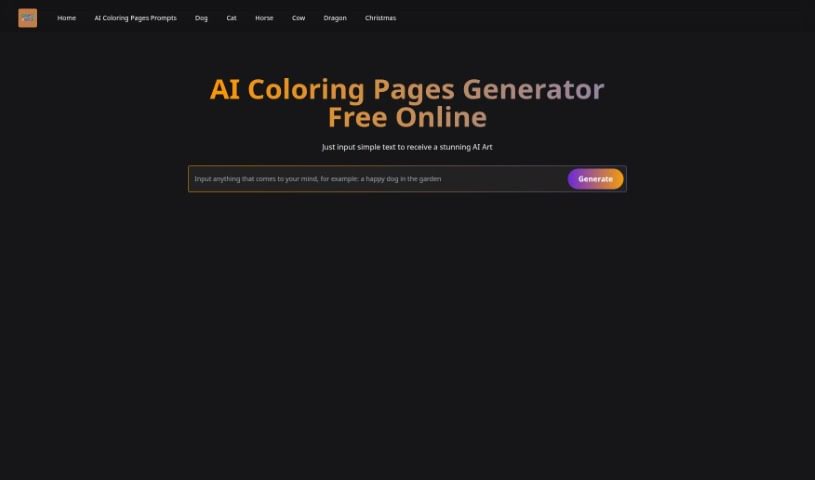
Screenshot of AI Coloring Pages Generator

AI Coloring Pages Generator

Freemium

An AI Coloring Pages Generator is a neat tool that whips up one-of-a-kind coloring sheets. It uses smart artificial intelligence, taking your ideas and turning them into custom pages. You just type in what you're looking for – a prompt or a description – and the AI figures it out, creating a unique coloring page for you in about 40 seconds. These pages are great for everyone, with themes like animals, princesses, superheroes, and holiday fun. You can grab plenty of free coloring pages, or opt for premium ones if you're after something specific. It really offers a ton of ways to customize what you get.

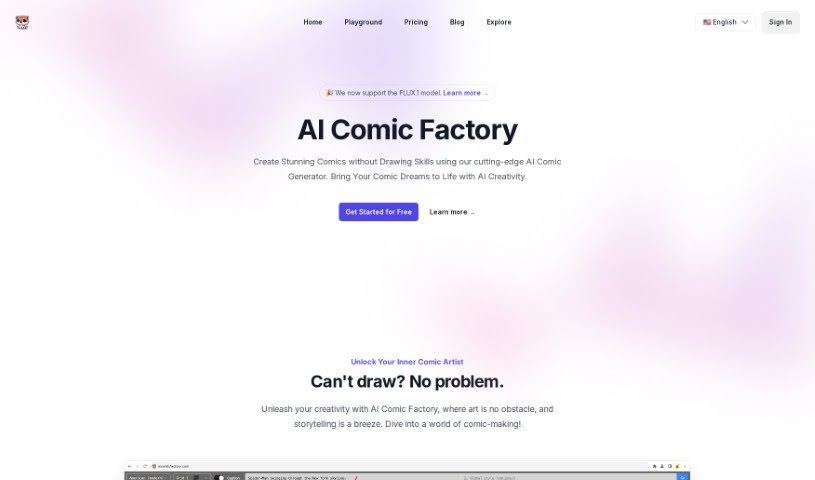
Screenshot of AI Comic Factory

AI Comic Factory

Freemium

AI Comic Factory is an online platform designed to help you create your very own comic books using artificial intelligence. It is your personal AI assistant for comic creation. You can generate entire comics just by describing your characters, the art style you like, and the scenes you imagine – no drawing skills needed whatsoever! The platform comes with a variety of art styles to choose from, different ways to lay out your panels, adjustable captions to tell your story, and the ability to tweak the AI's generated images. If a drawing isn't quite right, you can use the 'Redraw Image' feature to get a fresh take, or edit your prompts to guide the AI closer to your creative vision.

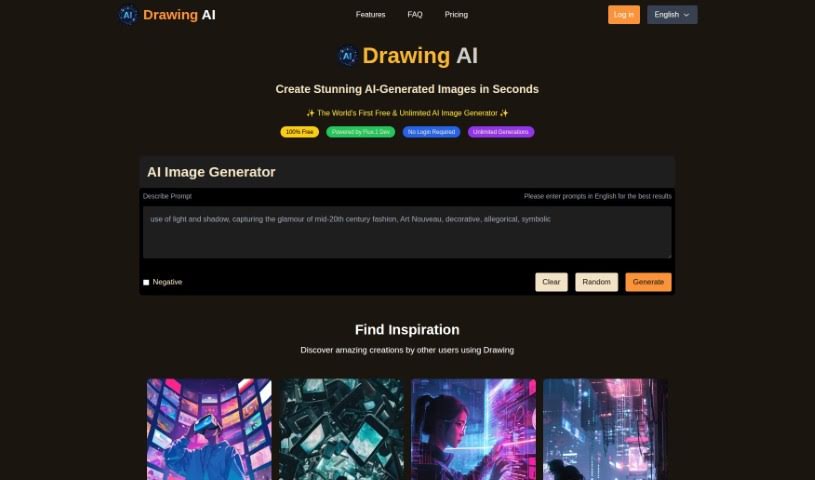
Screenshot of AI Drawing Generator

AI Drawing Generator

Freemium

AI Drawing Generator is a really cool tool that uses artificial intelligence to turn your simple doodles into detailed pictures. It's built on a powerful AI technology called ControlNet, which was developed by Lvmin Zhang and Maneesh Agrawala. Basically, ControlNet helps improve existing AI models (like diffusion models) so they can handle lots of different kinds of input, like outlines, color segments, or even just key points. You just upload your sketch, give it a good description of what you want the final image to look like, and the AI does the rest. What's neat is that it works with lots of different AI models and can learn well even with smaller amounts of data. It's mainly for learning and creating, making it easy to upload your drawings and guide the AI with your words.

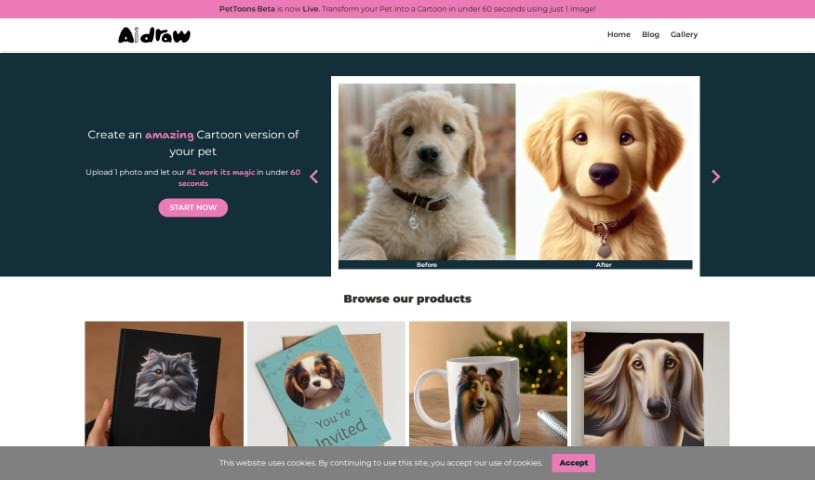
Screenshot of Aidraw

Aidraw

Freemium

While the provided files don't specifically define "Aidraw," based on common knowledge, it's likely a software tool or platform designed for creating various visual content. It is a digital canvas for illustrations, diagrams, or graphics. These kinds of tools usually give you a range of features to draw, design, and customize images exactly how you need them. Aidraw probably offers different drawing tools, ready-made templates, and editing options to help you bring your creative ideas to life visually. It could be used by anyone from artists and designers to professionals in many fields who need to create visual representations for their projects.

Screenshot of AutoDraw

AutoDraw

Freemium

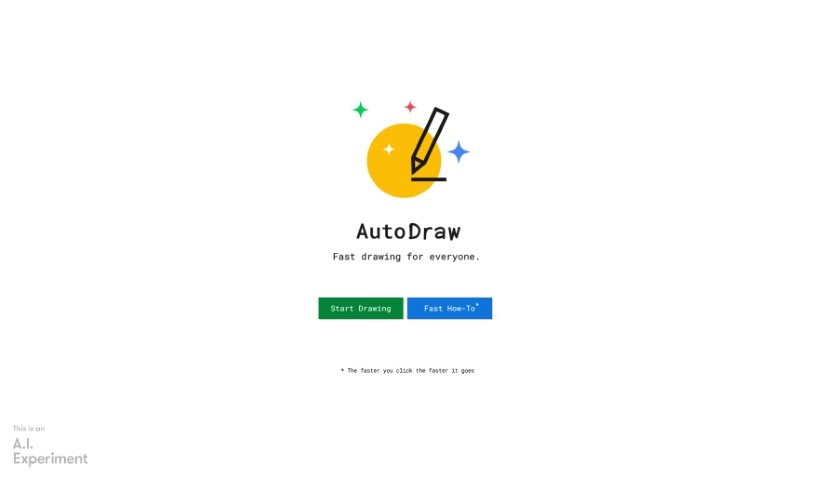
AutoDraw is a really neat drawing tool that blends machine learning with artwork from talented artists. Its main goal is to help you create visual content super fast. You can use it on pretty much any device – your smartphone, tablet, laptop, or desktop – and the best part? No downloads or payments needed! It's got this cool suggestion feature, powered by tech similar to QuickDraw, that can actually recognize hundreds of different drawings. They're planning to add even more over time, too. Basically, AutoDraw wants to make drawing and creating visuals way more accessible and enjoyable for everyone.

Screenshot of COLOR anything

COLOR anything

Freemium

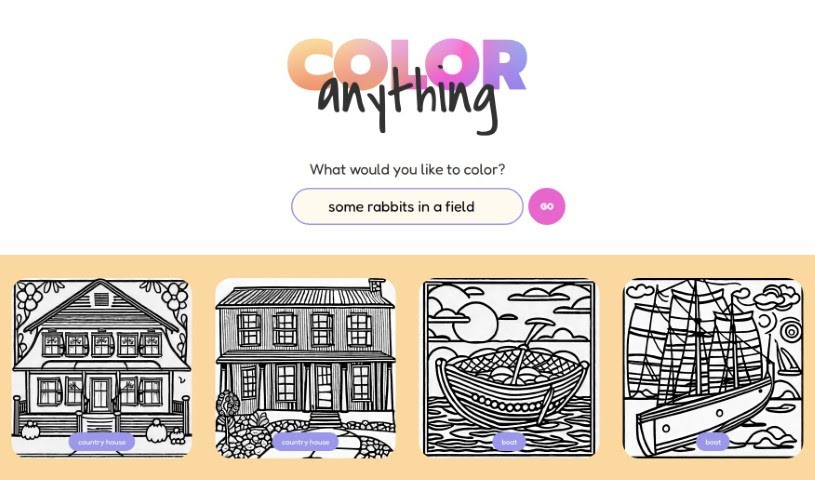
"COLOR anything | AI coloring pages" is a really neat creative platform where you can use artificial intelligence to design your very own coloring pages. It's perfect for both kids and adults, offering tons of themes – think gingerbread houses, superheroes, cute pandas, or even mythical creatures like zeraora. Basically, you just think about what you'd like to color, and the AI helps generate a unique page for you. The site already has a bunch of ready-to-color images too, featuring things like Darth Vader, bodybuilders, ships, robot Santas, and scenic maps. It's super easy to use, so you can quickly create and print coloring pages. It’s a fantastic way to spark creativity and just relax with some art, no matter your age. And the best part? It’s completely free for everyone!

Screenshot of Color Pop

Color Pop

Freemium

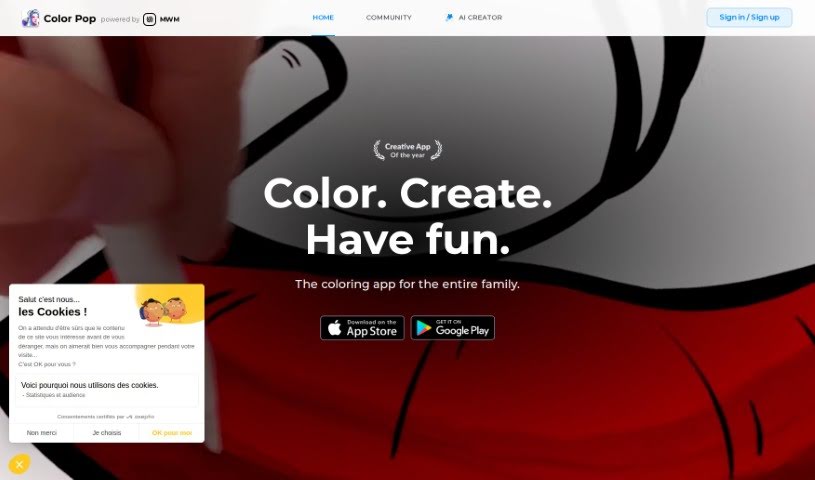
Color Pop is a really neat and easy-to-use coloring app that brings the classic fun of coloring into the digital age. It lets you get creative by coloring all sorts of drawings – there are over 600 hand-picked designs that are perfect for everyone, no matter your age. The app feels like you're using real art supplies, with pens, brushes, and sprays, plus over 1,000 textures and effects to make your creations truly unique. What's more, you can even make your own coloring pages with the app's AI generator and join a community of over 5,000 colorists to share your art and get inspired.

Screenshot of Colorbliss

Colorbliss

Freemium

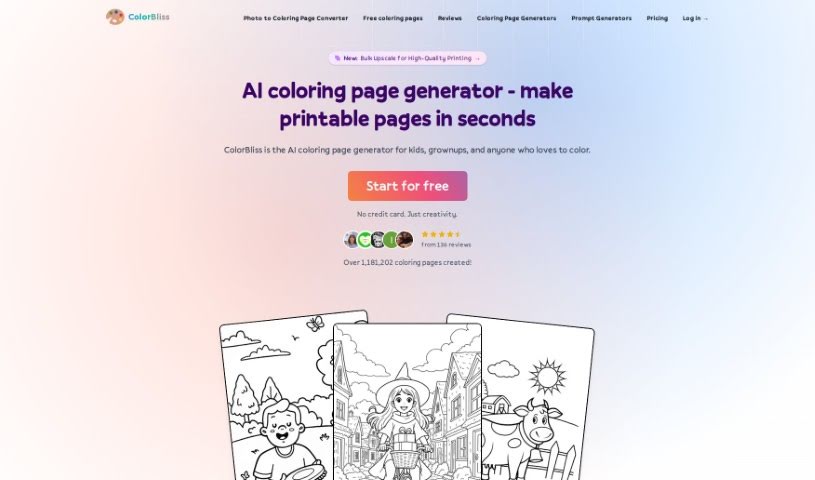
ColorBliss is a neat AI tool that lets you create your own coloring pages. You can make them from simple text descriptions, your own photos, or even your drawings. It's pretty flexible, offering both free and premium plans. If you go for the premium option, you get unlimited access to everything, including high-resolution downloads and some special content you won't find elsewhere. This means you can create all sorts of unique coloring pages – whether it's for your kids, for teaching, or even for selling. The AI behind ColorBliss is quite clever; it uses advanced algorithms to understand what you're asking for and then generates detailed outlines that are just perfect for coloring. Ben Robertson is the person behind ColorBliss; he developed it because he wanted to make it super easy for people like parents, teachers, and artists to create custom coloring pages.

Screenshot of ColorBliss.art

ColorBliss.art

Freemium

ColorBliss.art is a really neat platform, brought to life by Ben Robertson. Its whole purpose is to create custom coloring sheets, all thanks to AI. Imagine you need a specific coloring page – maybe for yourself, your kids, your students, or even your nieces and nephews. You just describe what you're picturing, and ColorBliss.art quickly whips up an image that's ready to be printed and colored. Ben Robertson, the person behind it all, got the idea from his own kids. They'd often come up with these unique coloring sheet ideas that were just impossible to find anywhere else. Wanting to make this a reality, Ben actually left his job as a customer success leader. He wanted to spend more time with his family and pour his energy into developing ColorBliss.art as an independent software developer. It’s a project born from his love for making coloring pages, with plenty of input and support from his family.

Screenshot of Colorin AI

Colorin AI

Freemium

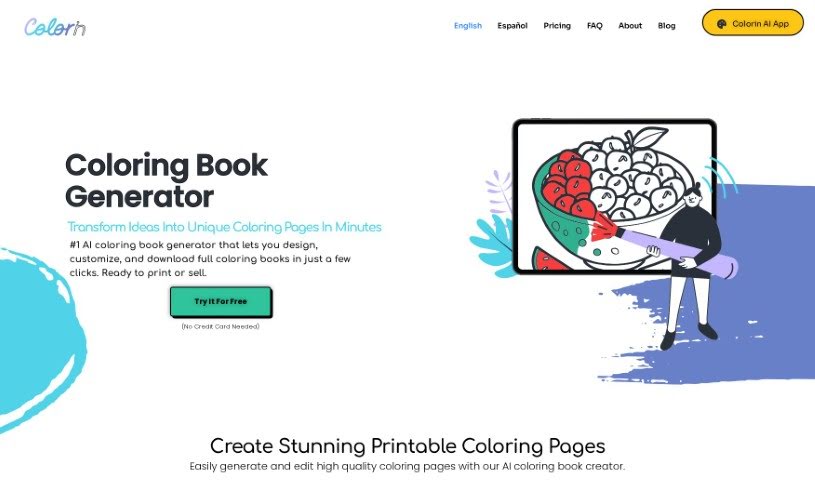
Colorin AI is a really neat platform that uses artificial intelligence to help you create coloring pages and even entire coloring books. What's great is that you can customize the designs yourself. It's super easy to use, and you can make coloring books for all sorts of reasons – whether it's for relaxation, learning, or even to sell. Plus, you can print your drawings from pretty much anywhere. You can also keep your projects organized and download them whenever you need them. They've got a bunch of pre-designed styles to choose from, and you can even explore their color therapy features. Lots of users have shared how Colorin AI has boosted their creativity, helped them earn money, and even provided a way to express their emotions. They really encourage you to join their Creative Community, and they offer different plans with access to premium features and credits for your AI drawings.

Screenshot of Colorway AI

Colorway AI

Freemium

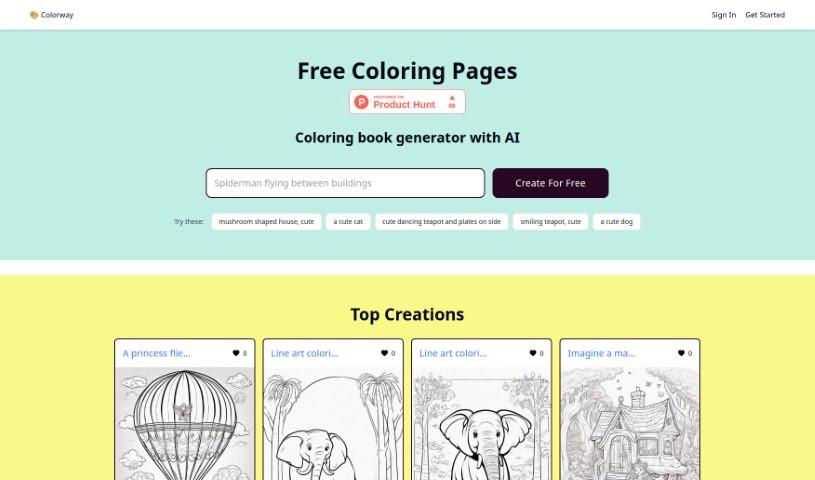
Colorway AI is an online platform that's really shaking things up with its AI-powered coloring book generator. You can jump right in and grab free coloring pages, or even create your own totally unique designs. Whether you're into animals, realistic scenes, intricate mandalas, or cool aesthetic illustrations, they've got you covered. Plus, if you want to go all out, there's a membership option that gives you unlimited access to generate and print as many coloring pages as you like. It's pretty neat – they've even been featured on Product Hunt! You'll find a huge variety of categories, from adorable animals to beloved characters like Batman and Moana.

Screenshot of DoDoBoo

DoDoBoo

Freemium

DoDoBoo is a really neat app created by a group of dads. Their goal? To give kids a fun and educational place where they can really boost their drawing skills. It’s a clever mix of learning and AI technology, designed to help children create artwork that means something to them and make learning an enjoyable experience. What makes DoDoBoo stand out are features like an AI model that's specifically tuned for children's drawings, a design that's super kid-friendly with colors and tools that are easy on the eyes, and strong child protection measures to keep everything safe. Plus, they’re always updating it to make sure it runs perfectly. DoDoBoo really aims to empower kids by transforming their drawings into bright, lively pieces of art. This process helps spark their imagination, improves their art education, introduces them to cool advanced technology, and gives their confidence a real boost with every single thing they create. You can choose from different subscription plans, like 'Apprentice' for a taste of what it offers, 'Go Pro' for more features, and 'Be Elite' for the full experience, each with its own set of benefits. The app also includes fun interactive elements like DoDoBuddy, which keeps kids engaged, Wonderpedia, where they can explore interesting facts, and Storyland, for interactive storytelling adventures.

Previous 1 of 3 Next

Stay Updated with AI Tools

Get weekly updates on the latest AI tools, trends, and insights delivered to your inbox

Join 25,000+ AI enthusiasts. No spam, unsubscribe anytime.