AI Tools for Documentation

Discover the best Documentation AI tools to enhance your productivity and creativity.

Page 1 of 15 • 174 total tools

Documentation can feel like a never-ending task, full of tedious steps and confusing details. Whether you’re writing manuals, project guides, or reports, it’s easy to get stuck. Wouldn’t it be great if AI could help lighten that load?

Lately, AI tools made specifically for documentation have really changed things. They offer ways to speed up writing, organizing, and editing. These aren’t just helpers; they can truly change how you handle your documentation work.

After spending a good amount of time trying out the latest options, I’ve put together a list of the top AI tools for documentation that you might want to check out. If you need help with structure, style, or just getting things done faster, these tools are here to make your life simpler.

In this article, we’ll look at the standout tools making a splash in documentation, how they can help you be clearer and more efficient, and what to keep an eye on as this field keeps growing. Let’s jump in and find the tools that can really improve your documentation efforts.

The best AI Documentation Tools

  1. Tenorshare: Great for easily summarizing PDFs for research.
  2. Mermaid Chart: Perfect for creating code architecture diagrams.
  3. Git Book: A platform for editing documentation collaboratively.
  4. Craft Docs: Ideal for team collaboration and communication.
  5. Slite: Use it to centralize all your company’s knowledge.
  6. Macro.com: Helps you streamline document editing tasks.
  7. Supernormal: Makes meeting notes easy to access.
  8. Writingmate.ai: Offers automated documentation with AI help.
  9. Mentalyc: Provides seamless note-taking for therapists.
  10. Sembly AI: Generates meeting notes automatically.
  11. Document360: Helps create user-friendly product manuals.
  12. Mintlify: Streamlines the creation of developer documentation.
  13. Trickle AI: Manages project notes more efficiently.
  14. Single Store: For searching and analyzing documents in real-time.
  15. Bit.ai: Streamlines how teams manage documentation.

How do AI documentation tools work?

AI documentation tools work much like other AI writing tools, but they’re specifically built to make creating, managing, and updating documents smoother. Basically, they use smart algorithms and large language models to help you generate content, format text, and organize information efficiently.

These tools usually look at what you’ve written and suggest relevant content, making it easier to create thorough documentation. By understanding your questions and prompts, they can produce structured documents that fit specific needs, like technical manuals, user guides, or FAQs.

Plus, AI documentation tools often include features for teamwork, letting multiple people work on a document at the same time. This is super helpful for teams working on projects together, ensuring everyone’s ideas and expertise blend smoothly into one document.

Most of these tools come with templates and best practices learned from huge amounts of data. This means they can suggest styles, formats, and even the right words for your field, making your documentation clearer and more professional.

The technology behind them relies a lot on information from different places, like technical articles, manuals, and other formal documents. This wealth of data lets AI tools act like smart search engines, quickly finding information that can fill in gaps or answer specific questions in your documentation process.

So, in short, AI documentation tools are designed to make your workflow and productivity better when writing and maintaining documents. They help cut down the time spent on repetitive tasks and improve accuracy by using a vast amount of knowledge and understanding context. As these tools keep getting better, their ability to boost efficiency and teamwork in documentation will only grow.

Our best AI documentation tools at a glance

RankNameBest forPlans and PricingRating
1TenorshareEffortless PDF summarization for research.N/A4.64 (11 reviews)
2Mermaid ChartCode architecture diagramsN/A4.84 (19 reviews)
3GitBookCollaborative documentation editing platformN/A4.76 (25 reviews)
4Craft DocsTeam collaboration and communicationPaid plans start at $10/month.4.17 (6 reviews)
5SliteCentralizing company knowledgeN/A4.00 (15 reviews)
6Macro.comStreamlining document editing tasksN/A4.77 (30 reviews)
7SupernormalStreamline meeting notes for easy access.Paid plans start at $18/month.4.79 (19 reviews)
8Writingmate.aiAutomated documentation with AI supportN/A4.64 (11 reviews)
9MentalycSeamless note-taking for therapistsPaid plans start at $39.99/month.4.75 (12 reviews)
10Sembly AIAutomated meeting notes generationPaid plans start at $20/month.4.64 (11 reviews)
11Document360Creating user-friendly product manualsPaid plans start at $149/month.4.82 (11 reviews)
12MintlifyStreamlined developer documentation creationN/A4.17 (6 reviews)
13Trickle AIStreamline project notes managementPaid plans start at $8/month.4.67 (6 reviews)
14Single StoreReal-time document search and analysisPaid plans start at $574.9/month.4.17 (6 reviews)
15Bit.aiStreamlined team documentation managementPaid plans start at $8/month.4.64 (11 reviews)
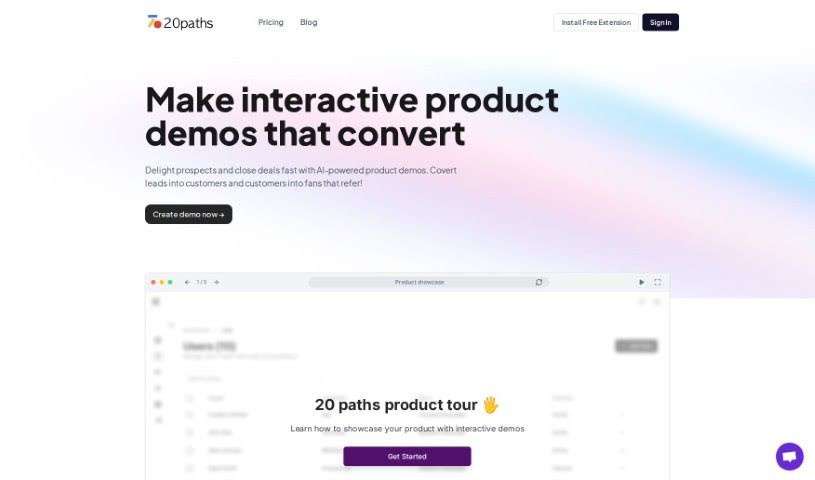
Screenshot of 20Paths

20Paths

Freemium

"20Paths" is your AI assistant for creating how-to guides and documentation. It's really built for folks like technical writers, documentation specialists, and instructional designers who need to put together clear, engaging guides without a huge fuss. The tool has a super user-friendly interface. You can create, tweak, and share guides easily. Plus, it can automatically highlight key parts and generate basic text to speed things up. There's even a handy Chrome extension that lets you start and finish guides with just a click, making the whole process much smoother and more pleasant.

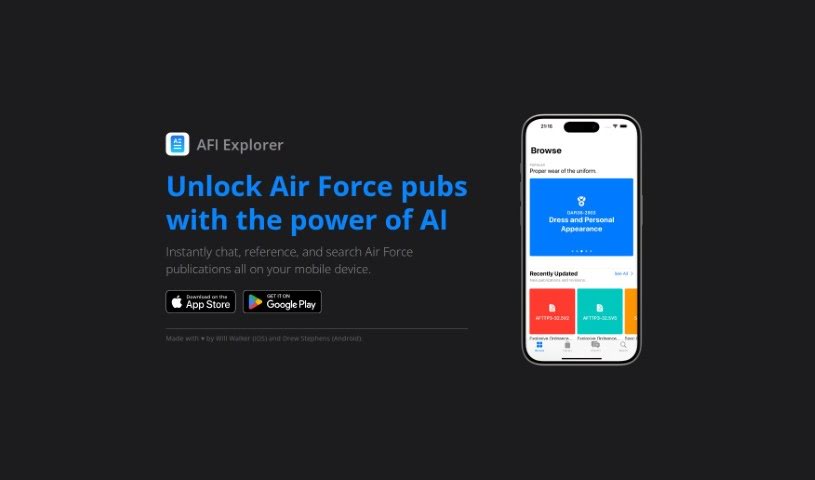
Screenshot of AFI Explorer

AFI Explorer

Freemium

AFI Explorer is a really neat mobile app built specifically for Air Force folks. It makes it super easy to get around all the Air Force publications you need. You can grab it for your iPhone or Android device. It uses AI to help you communicate instantly, find reference materials without a hassle, and search through Air Force publications accurately. Will Walker and Drew Stephens, who are really into tech, developed AFI Explorer. They focused on making it user-friendly and convenient for Air Force professionals who are often on the move. With features like instant chat, easy access to references, smart AI search, and great performance on your phone, AFI Explorer is a genuinely useful tool for anyone in the Air Force.

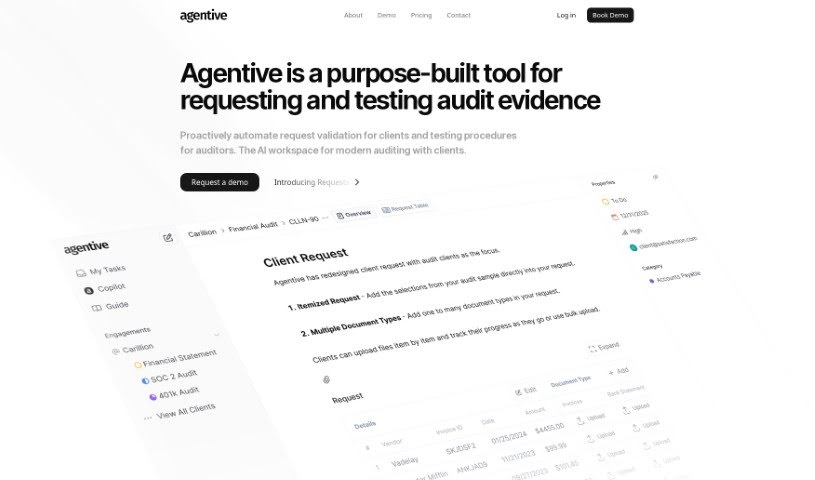
Screenshot of Agentive

Agentive

Freemium

Agentive, also known as Audit Copilot, is a really smart AI tool designed to make the whole audit testing and documentation process much simpler. It uses natural language processing, which means you can talk to it like you would a person. This lets auditors carry out procedures, ask questions, and get the documentation they need, all in real-time. The goal here is to make auditing a better experience by having the system respond quickly to what you need, ensuring audits are thorough and no detail gets missed. You'll find Agentive makes things smooth, cutting down on manual work and making your audit reports more accurate. Its smart features and easy-to-use design make it a great help for audit teams looking to boost their productivity and the quality of their audits. When you use Agentive, you can also expect a personalized assessment of your technology strategy, showing how they're committed to creating solutions that fit your specific business plans.

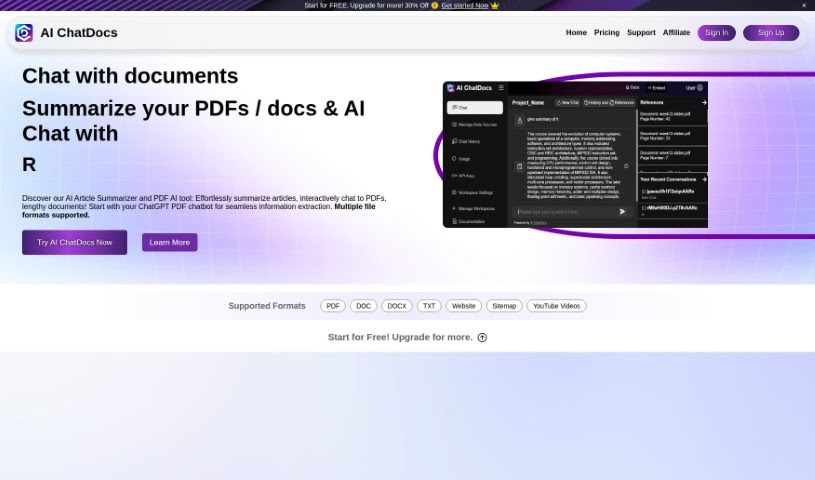
Screenshot of AI ChatDocs

AI ChatDocs

Freemium

AI ChatDocs is a smart, interactive chatbot, powered by OpenAI's ChatGPT technology. It's designed to help you really dig into what a product can do. How? By answering customer questions about it and guiding them through its features and benefits. The chatbot learns from the documents you upload – things like research papers, manuals, or any other kind of document you have. It understands natural language, so you can just talk to it. Plus, you can easily add it to your website to give visitors a friendly, conversational way to get information. It's great at analyzing and summarizing content from your uploaded files, and there are different subscription plans to fit what you need.

Screenshot of AI Finder

AI Finder

Freemium

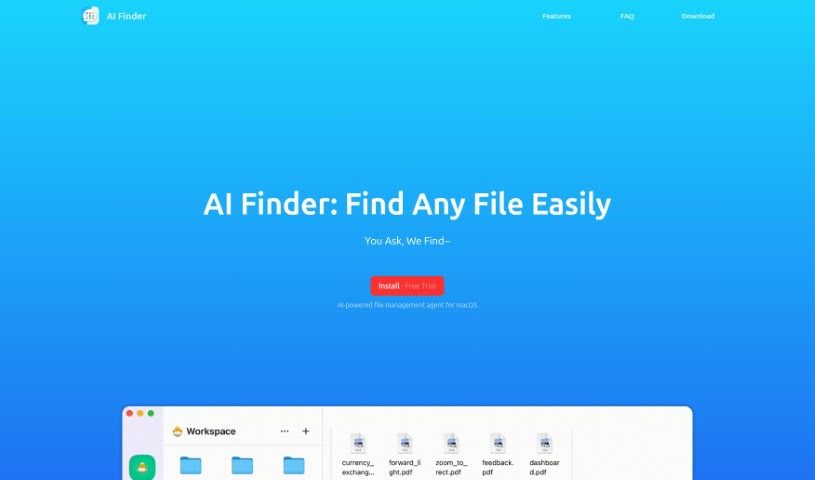
AI Finder is a smart search tool that uses artificial intelligence to help you find important files or folders. Its main goal is to boost your productivity by making the often tedious job of searching through digital documents much easier. The AI in AI Finder scans, identifies, and retrieves files based on what you tell it, really speeding up the search process and saving you time you'd normally spend hunting for things. It is your personal file assistant, simplifying the hunt for what you need in a sea of digital clutter. By letting AI Finder handle the searching, you can get back to focusing on more important work, which naturally ups your productivity.

Screenshot of AI Work Suite

AI Work Suite

Freemium

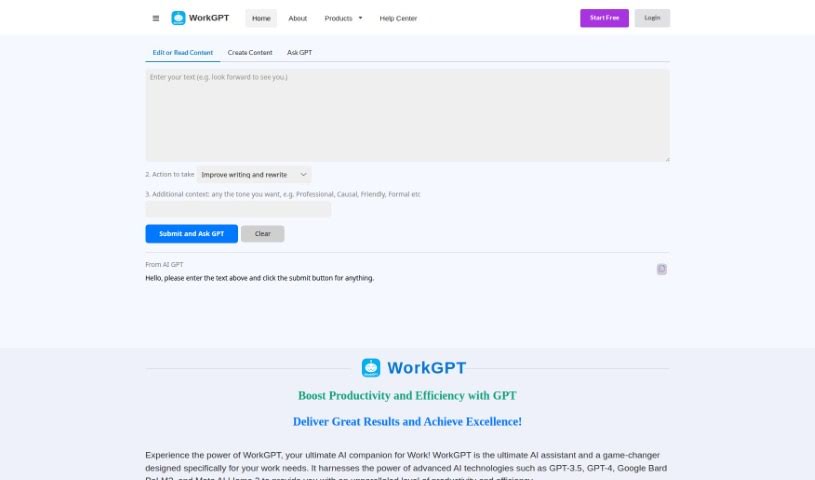
WorkGPT is your go-to AI assistant, built specifically for all your work-related needs. It taps into powerful AI technologies like GPT-3.5, GPT-4, Google Bard PaLM2, and Meta AI LIama 2. The goal? To seriously boost your productivity and make your tasks more efficient, whether you're writing, editing, creating content, or trying to get a handle on complex information. You can easily weave WorkGPT into your daily routine using Google Workspace apps like Docs, Slides, and Sheets, or just access it through the web or a handy Chrome extension. They've also put a lot of thought into data security and privacy, with strong systems to keep your information confidential and safe. WorkGPT can do a lot, from translating languages and summarizing text to helping you understand and explain things, finding synonyms, and even offering a built-in dictionary to make comprehension a breeze. Ultimately, WorkGPT aims to completely change how you work, making you more efficient and helping you tap into your full potential with its AI smarts.

Screenshot of Amanu

Amanu

Freemium

Amanu is a company that makes really special, handcrafted sandals. What's neat is that they're custom-made just for you, fitting your unique needs perfectly. They're serious about quality, using top-notch materials sourced all the way from Italy, which really shows their dedication to both luxury and making things that last. The whole process Amanu uses involves creating these custom sandals step-by-step, where you get to pick and fit everything, making sure each pair is truly one-of-a-kind. By focusing on this personalization and skilled craftsmanship, Amanu offers a really tailored experience in the world of footwear. They're definitely for anyone who values individuality and wants premium quality in their sandals.

Screenshot of Arc53

Arc53

Freemium

DocsGPT Live, which is powered by Arc53, is an open-source assistant designed to give you instant answers about your documents. It is a smart helper that boosts your team's productivity and makes customer interactions better. It does this by connecting with all sorts of data sources, chatbots, and your own internal tools. You can easily pull information from different document types, whether they're PDFs, plain text files, or Microsoft Office documents. Arc53 really cares about privacy and keeping your data safe. They've put in place secure storage and privacy measures to protect any sensitive information you might be working with. Plus, they're all about being open and collaborative – they share their source code so developers can jump in, contribute, and even customize it. Just a heads-up, you'll need to provide your own OpenAI API key to use DocsGPT. Right now, it works with OpenAI, but they're planning to support other APIs down the road.

Screenshot of Archbee

Archbee

Freemium

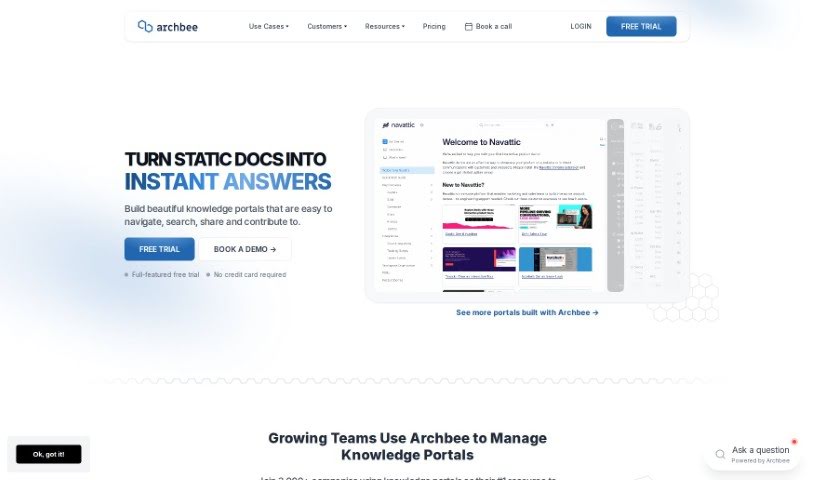
Archbee is a really thorough platform for building and managing your documentation. It is your go-to place for creating documentation portals that can instantly answer questions for both your users and your developers. It's packed with features like Generative AI to help you get quick answers, tools for creating content together with your team, and integrations that make your whole workflow smoother. People often mention how easy Archbee is to use, especially when they need to create technical documentation fast.

Screenshot of Askmydocs

Askmydocs

Freemium

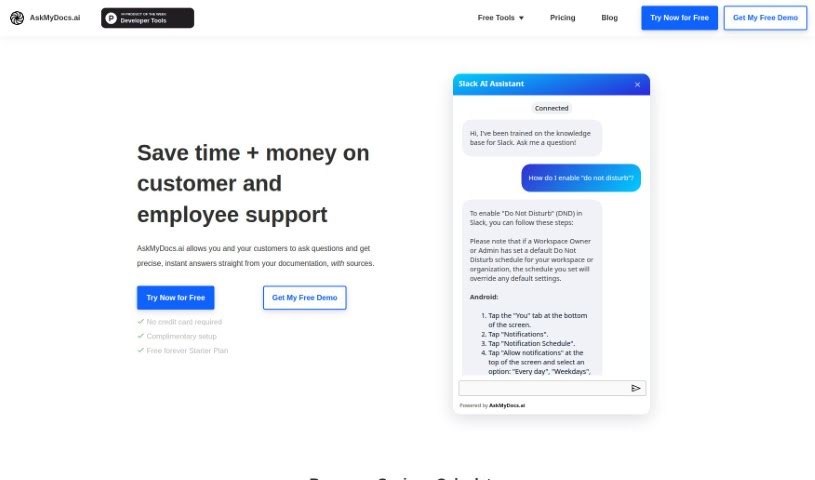
AskMyDocs.ai is a really handy tool designed to cut down on the time and cost of customer and employee support. How? By giving you precise, instant answers straight from your documentation sources. Basically, you can ask it questions, and it'll pull the answers directly from your docs. It connects with lots of different services like Zendesk and Gitbook, so you can link them up, train the AI on your knowledge bases, and then ask away to get the information you need.

Screenshot of Atwork

Atwork

Freemium

Atwork is a really comprehensive software solution for managing work. Its main goal is to automate and simplify how things get done in the workplace, making workflows smoother and boosting overall productivity. It is a central hub that brings together a lot of different tools. You get features for managing tasks and projects, making team communication easier, allocating resources, getting insights from data and analytics, supporting remote work, managing your time, helping with performance reviews, storing documents, ensuring security and compliance, and generally encouraging collaboration.

Screenshot of AutoKT

AutoKT

Freemium

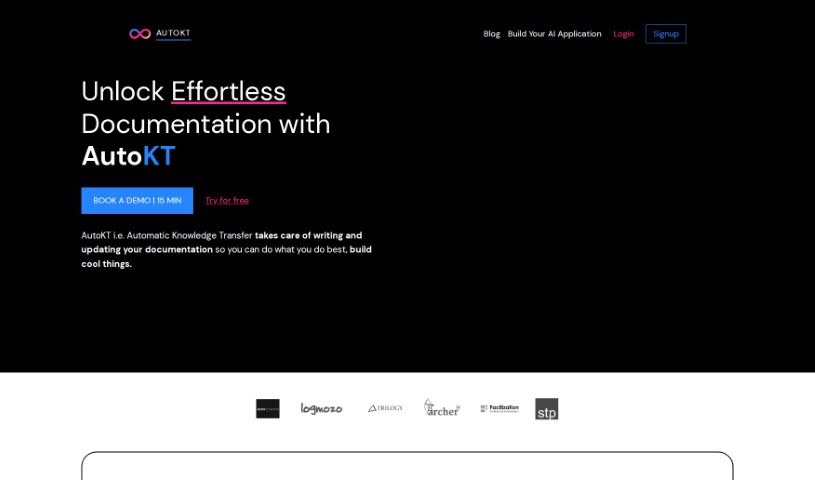
"AutoKT" is your go-to tool for making code documentation a breeze. It's designed to automatically handle the heavy lifting of writing and keeping your codebase documentation fresh. How does it do this? Well, it keeps an eye on code changes you push to your version control systems. When it spots them, it automatically generates documentation based on how your repository is structured. Developers can then easily review these generated docs using a diff viewer, giving the thumbs-up or suggesting changes. Once approved, all that documentation gets stored as vector embeddings, making it super simple for anyone on your team to find information using semantic search. The whole idea behind AutoKT is to ensure your documentation stays current and useful, even when your code is constantly evolving. This really helps save valuable time for everyone, whether they're new to the project or have been around for a while.

Previous 1 of 15 Next

Stay Updated with AI Tools

Get weekly updates on the latest AI tools, trends, and insights delivered to your inbox

Join 25,000+ AI enthusiasts. No spam, unsubscribe anytime.