AI Tools for Documentation

Discover the best Documentation AI tools to enhance your productivity and creativity.

Page 2 of 15 • 174 total tools

Documentation can feel like a never-ending task, full of tedious steps and confusing details. Whether you’re writing manuals, project guides, or reports, it’s easy to get stuck. Wouldn’t it be great if AI could help lighten that load?

Lately, AI tools made specifically for documentation have really changed things. They offer ways to speed up writing, organizing, and editing. These aren’t just helpers; they can truly change how you handle your documentation work.

After spending a good amount of time trying out the latest options, I’ve put together a list of the top AI tools for documentation that you might want to check out. If you need help with structure, style, or just getting things done faster, these tools are here to make your life simpler.

In this article, we’ll look at the standout tools making a splash in documentation, how they can help you be clearer and more efficient, and what to keep an eye on as this field keeps growing. Let’s jump in and find the tools that can really improve your documentation efforts.

The best AI Documentation Tools

  1. Tenorshare: Great for easily summarizing PDFs for research.
  2. Mermaid Chart: Perfect for creating code architecture diagrams.
  3. Git Book: A platform for editing documentation collaboratively.
  4. Craft Docs: Ideal for team collaboration and communication.
  5. Slite: Use it to centralize all your company’s knowledge.
  6. Macro.com: Helps you streamline document editing tasks.
  7. Supernormal: Makes meeting notes easy to access.
  8. Writingmate.ai: Offers automated documentation with AI help.
  9. Mentalyc: Provides seamless note-taking for therapists.
  10. Sembly AI: Generates meeting notes automatically.
  11. Document360: Helps create user-friendly product manuals.
  12. Mintlify: Streamlines the creation of developer documentation.
  13. Trickle AI: Manages project notes more efficiently.
  14. Single Store: For searching and analyzing documents in real-time.
  15. Bit.ai: Streamlines how teams manage documentation.

How do AI documentation tools work?

AI documentation tools work much like other AI writing tools, but they’re specifically built to make creating, managing, and updating documents smoother. Basically, they use smart algorithms and large language models to help you generate content, format text, and organize information efficiently.

These tools usually look at what you’ve written and suggest relevant content, making it easier to create thorough documentation. By understanding your questions and prompts, they can produce structured documents that fit specific needs, like technical manuals, user guides, or FAQs.

Plus, AI documentation tools often include features for teamwork, letting multiple people work on a document at the same time. This is super helpful for teams working on projects together, ensuring everyone’s ideas and expertise blend smoothly into one document.

Most of these tools come with templates and best practices learned from huge amounts of data. This means they can suggest styles, formats, and even the right words for your field, making your documentation clearer and more professional.

The technology behind them relies a lot on information from different places, like technical articles, manuals, and other formal documents. This wealth of data lets AI tools act like smart search engines, quickly finding information that can fill in gaps or answer specific questions in your documentation process.

So, in short, AI documentation tools are designed to make your workflow and productivity better when writing and maintaining documents. They help cut down the time spent on repetitive tasks and improve accuracy by using a vast amount of knowledge and understanding context. As these tools keep getting better, their ability to boost efficiency and teamwork in documentation will only grow.

Our best AI documentation tools at a glance

RankNameBest forPlans and PricingRating
1TenorshareEffortless PDF summarization for research.N/A4.64 (11 reviews)
2Mermaid ChartCode architecture diagramsN/A4.84 (19 reviews)
3GitBookCollaborative documentation editing platformN/A4.76 (25 reviews)
4Craft DocsTeam collaboration and communicationPaid plans start at $10/month.4.17 (6 reviews)
5SliteCentralizing company knowledgeN/A4.00 (15 reviews)
6Macro.comStreamlining document editing tasksN/A4.77 (30 reviews)
7SupernormalStreamline meeting notes for easy access.Paid plans start at $18/month.4.79 (19 reviews)
8Writingmate.aiAutomated documentation with AI supportN/A4.64 (11 reviews)
9MentalycSeamless note-taking for therapistsPaid plans start at $39.99/month.4.75 (12 reviews)
10Sembly AIAutomated meeting notes generationPaid plans start at $20/month.4.64 (11 reviews)
11Document360Creating user-friendly product manualsPaid plans start at $149/month.4.82 (11 reviews)
12MintlifyStreamlined developer documentation creationN/A4.17 (6 reviews)
13Trickle AIStreamline project notes managementPaid plans start at $8/month.4.67 (6 reviews)
14Single StoreReal-time document search and analysisPaid plans start at $574.9/month.4.17 (6 reviews)
15Bit.aiStreamlined team documentation managementPaid plans start at $8/month.4.64 (11 reviews)
Screenshot of Autonoma

Autonoma

Freemium

Autonoma is an AI-powered tool designed to automate the process of generating and maintaining your codebase documentation. Think of it like Confluence, but for code! It offers a user-friendly interface where you can easily access the documentation that's automatically created for you. Here’s how it works: you create an account, connect it to your code repository, and then Autonoma’s AI gets to work. It generates comprehensive documentation for every file in your codebase, including handy installation guides and clear explanations of how everything functions. Ultimately, Autonoma helps developers save a ton of time, makes team communication smoother, speeds up the onboarding process for new team members, and ensures your documentation stays current. It supports a wide variety of programming languages and stacks, so whether you're using Python, JavaScript, Java, C++, C#, Ruby, or PHP, Autonoma has you covered.

Screenshot of Axsar

Axsar

Freemium

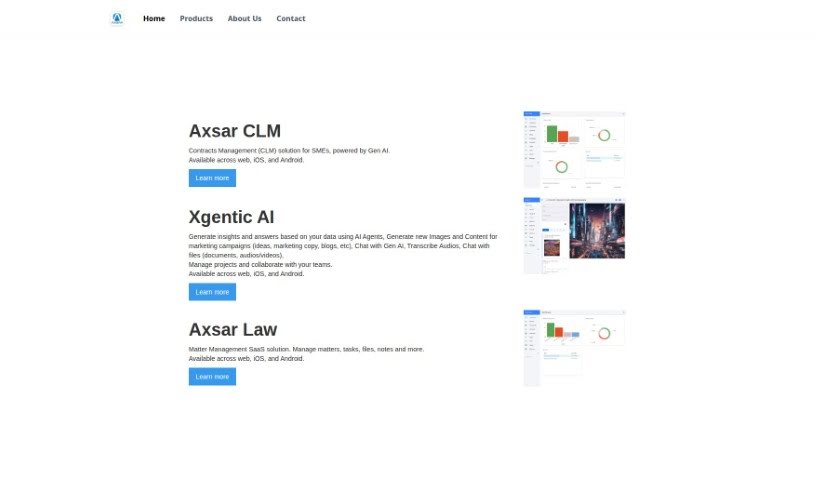
Axsar is a really handy tool for managing and working with documents, especially PDFs. It is your go-to for editing, making notes, and even chatting with your documents. What's cool is that it uses advanced Gen AI to help you out – it can summarize long texts, ask important questions about the content, and pull out key information super fast. Plus, it has built-in online proofing, so you and your team can easily comment, review, and approve files together. This makes it a great choice for anyone who works with PDFs and needs to collaborate on them. Axsar can really boost your productivity by simplifying document tasks, making it easier to interact with PDFs, helping teams work together smoothly, and even letting you track your documents on Kanban boards. It's also available on mobile, so you can use it wherever you are.

Screenshot of Bash

Bash

Freemium

Bash is your personal work assistant, designed to make your life easier by cutting down on busywork and information overload. It’s built to speed up how you plan, strategize, and write. The team behind Bash comes from places like Google, Android, and Uber, so they know a thing or two about making productivity tools. What's really neat is that Bash gives you a personalized feed that connects with all sorts of apps you already use. You can even record meetings directly through it. It helps you sort through, organize, and act on information in mere seconds. Unlike many AI tools that just churn out content, Bash really focuses on your input, which makes it much easier to trust what it generates. Ultimately, Bash aims to make you way more productive by slashing the time you spend on repetitive tasks.

Screenshot of Beam

Beam

Freemium

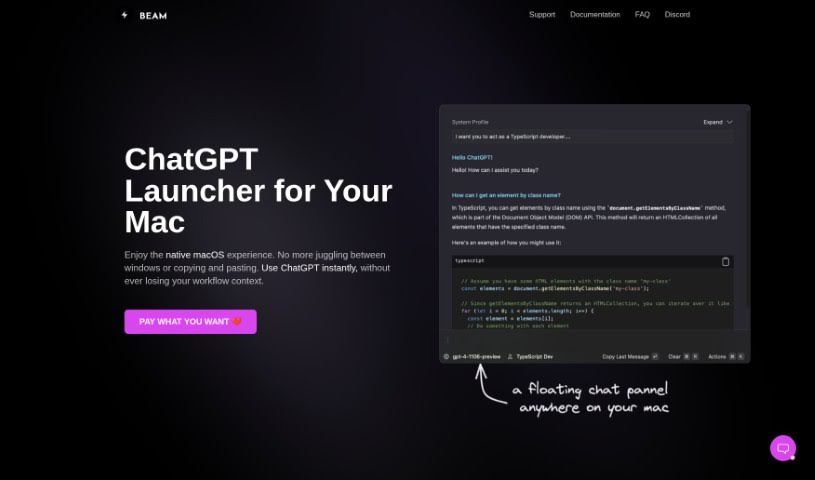
Beam for macOS is a really neat tool, a user interface designed specifically for us Mac folks to make our ChatGPT experience even better. What's cool about it is that it lets you get to ChatGPT instantly, no matter what you're doing – whether you're in another application, browsing a website, or working on a document. You don't have to bother switching between different apps or doing that annoying copy-and-paste dance. Beam also comes with some handy features, like letting you create your own AI profiles so you get responses that are just right for you. You can also use macros for quick text shortcuts, and it even lets you interact with your PDF documents. Plus, they've really thought about privacy and security; it doesn't ask for any special system permissions, which is a big plus. The whole thing feels like a native macOS experience, meaning it's light on your Mac's memory and has that familiar, easy-to-use interface we all appreciate.

Screenshot of Beba Ai

Beba Ai

Freemium

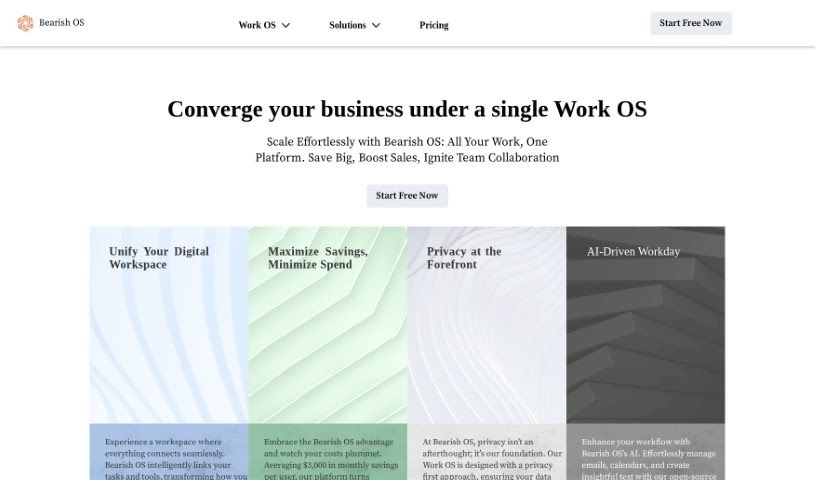
Beba AI is a tool built to improve many parts of how businesses run. It is a helpful assistant for writing, creating, selling, delivering, and lots of other tasks. It works quietly in the background, so it doesn't get in your way, but it's always there to boost your productivity. For instance, it can help you with writing projects, accurately transcribe audio or video files (saving you tons of time and effort compared to doing it manually), and even sort your data to keep things organized. The main goal is for Beba AI to fit right into your current work routine, making you more productive and effective across the board. Plus, they've built in top-notch security measures everywhere, so your privacy and data are well-protected.

Screenshot of Beeyond AI

Beeyond AI

Freemium

Beeyond AI is an all-in-one AI digital assistant web app built to boost your creativity and productivity, whether for personal projects or professional life. It's packed with tools to help you out. You can transform digital art with its AI Art Studio & Editor, get help with writing, chat with your PDFs, create social media content, and even turn audio notes into text. Plus, it can assist with planning trips, figuring out food and nutrition, and making sense of legal documents. Beeyond AI works in many languages and is always getting new features and updates, so you always have the latest AI advancements at your fingertips.

Screenshot of Bit.ai

Bit.ai

Freemium

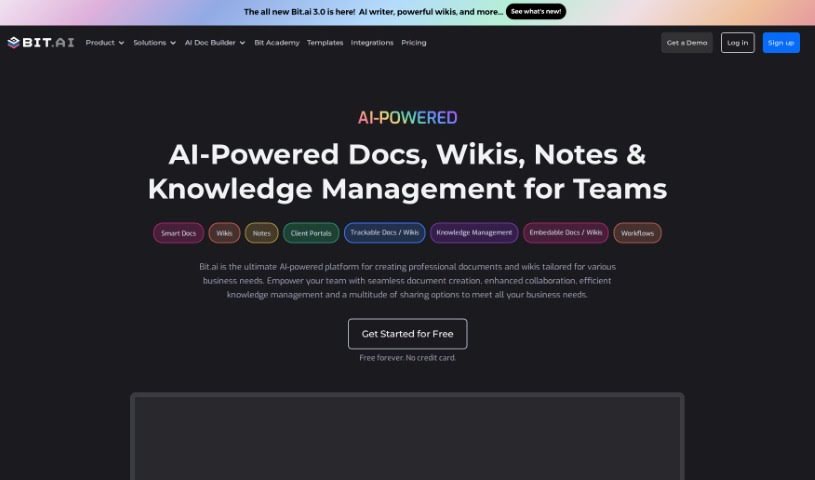
Bit.ai is a really smart platform that uses AI to make working with documents much easier. It's packed with features like tracking who's looking at your documents, a powerful search function, and lots of ways to share your work, whether it's just with your team or through shareable links. Plus, it connects with over 100 other software tools, making it a great fit for all sorts of users – from big businesses and startups to non-profits and schools.

Screenshot of BotPhrase

BotPhrase

Freemium

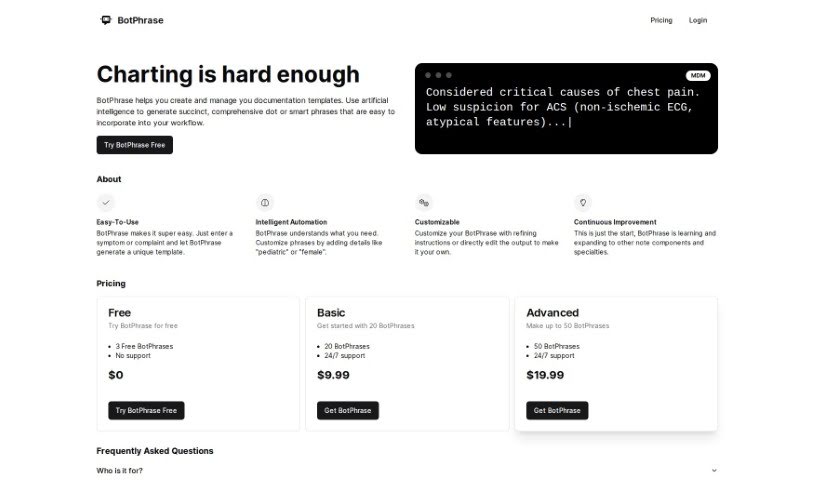
BotPhrase is an AI-powered tool designed to make documenting in Electronic Health Records (EHR) much smoother and better. It creates accurate, detailed dot phrases, also known as smart phrases, that you can easily plug into your daily workflow. BotPhrase offers smart automation for creating custom templates, it's always learning and improving, and it has flexible pricing to fit different healthcare practices.

Screenshot of Bringtable

Bringtable

Freemium

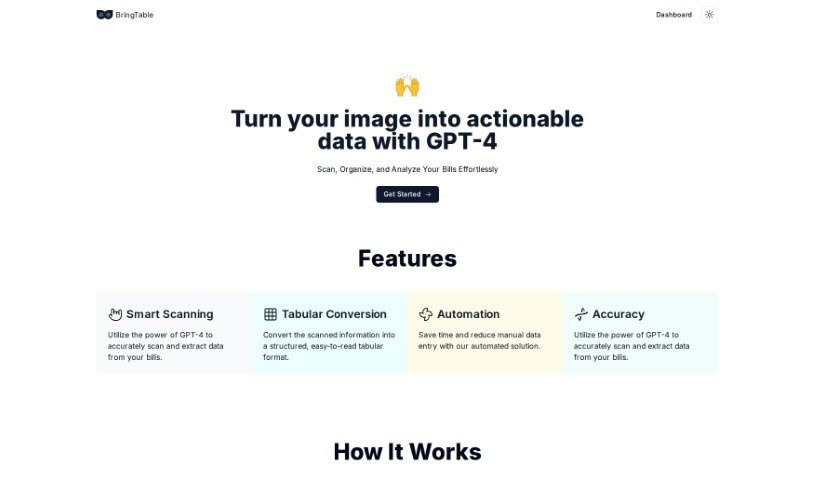
BringTable is a really neat platform designed to make managing your bills a whole lot simpler. It uses the advanced power of GPT-4 to help you organize your bills without all the usual hassle. No more tedious manual data entry! BringTable scans your bills accurately, pulling out all the important details for you. It's like magic, but it's actually smart scanning and conversion that turns your bills into clear, easy-to-read tables. This saves you a ton of time and makes sure everything is accurate. The Beta version is available now for free, so you can try out how efficient and precise it is for handling your bills.

Screenshot of Chatdox

Chatdox

Freemium

ChatDox is an AI-powered tool that helps you manage your documents and get answers from them quickly. You can upload files in common formats like PDF, DOCX, TXT, and CSV, and then just ask away! It's designed to give you instant, accurate responses. ChatDox supports advanced language processing with GPT 3.5 & 4, has a handy Digital Library for keeping your documents organized, works with multiple languages, and even lets you ask questions across several documents at once. It's built for everyone – individuals, students, businesses, and scholars – offering an easy-to-use interface, live support, secure storage, and custom API options. You can try it out with different pricing plans, including a free trial.

Screenshot of ChatWithDocs

ChatWithDocs

Freemium

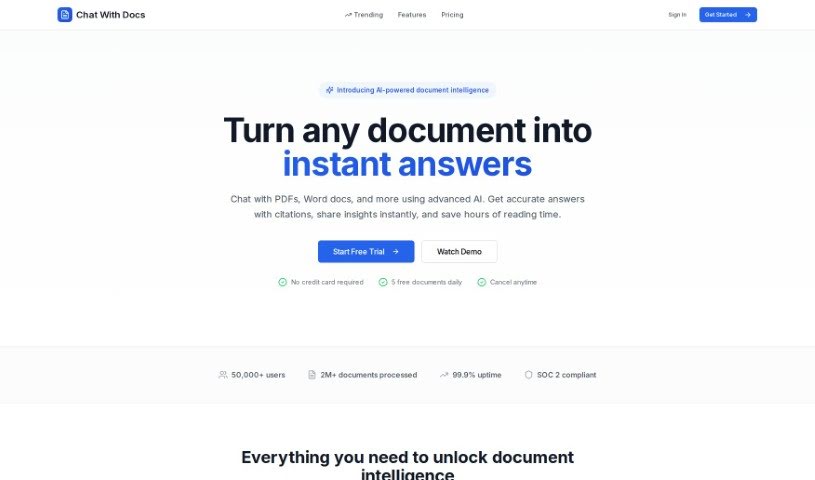
ChatWithDocs is a platform that lets you talk to your documents using just two lines of code through its API. It's pretty versatile, handling lots of file types like PDFs, DOCX, DOC, PPTX, TXT, and more. You get instant answers back from the API, it works with many programming languages, and the pricing is easy on the wallet. What's great about it is that your documents stay secure, document analysis becomes much simpler, and you save a ton of time and resources. Plus, you can actually chat with your documents, and its flexible credit system means it can grow with your needs. It's built for automation, handles tricky document questions really well, and is super efficient at pulling out content and data.

Screenshot of Clarify AI

Clarify AI

Freemium

Clarify AI is a really neat tool designed to help you turn those fuzzy, vague ideas into clear, structured insights, and it does this in just minutes. If you ever struggle to put your thoughts into words, or if your job involves dealing with a lot of uncertainty every day, this tool is made for you. It starts by taking your ambiguous idea, then it works on refining and articulating it so everyone's on the same page about the problem. What's cool is that it automatically builds an organized issue tree for you. This lets you really focus on nailing down the problem itself. As you provide your own thoughts and insights, Clarify AI uses them to generate specific, relevant context for whatever you're working on. You can add your own ideas, and together with Clarify AI, you'll create outputs that are much more than just generic text – they'll have both structure and real relevance. The big wins here are getting crystal clear on your ideas in minutes, easily organizing your thoughts, and building a strong base for any further research or for feeding into other AI tools. It tackles that common problem of trying to get good results without enough context by working with you to build that context, helping you refine your ideas and generate actionable insights efficiently.

Stay Updated with AI Tools

Get weekly updates on the latest AI tools, trends, and insights delivered to your inbox

Join 25,000+ AI enthusiasts. No spam, unsubscribe anytime.