AI Video Creation Tools: Features, Editing, and Automation

AI Tools for Video Creation

Discover the best Video Creation AI tools to enhance your productivity and creativity.

Page 1 of 11 • 127 total tools
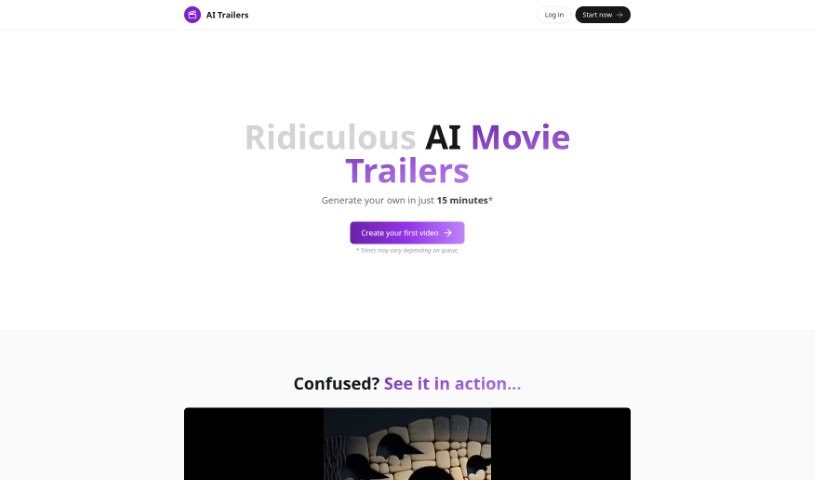
Screenshot of AI Trailers

AI Trailers

Freemium

AI Trailers is a service for creating AI-generated movie trailers. It writes the script, creates the images, and provides the narration, producing personalized trailers that run 20–40 seconds. After generation, you can apply additional AI-driven tweaks or make manual edits to refine the result. Pricing starts at $5 per video credit, support is available through Discord, and refunds can be requested if you're not satisfied.

Video Creation View Tool →
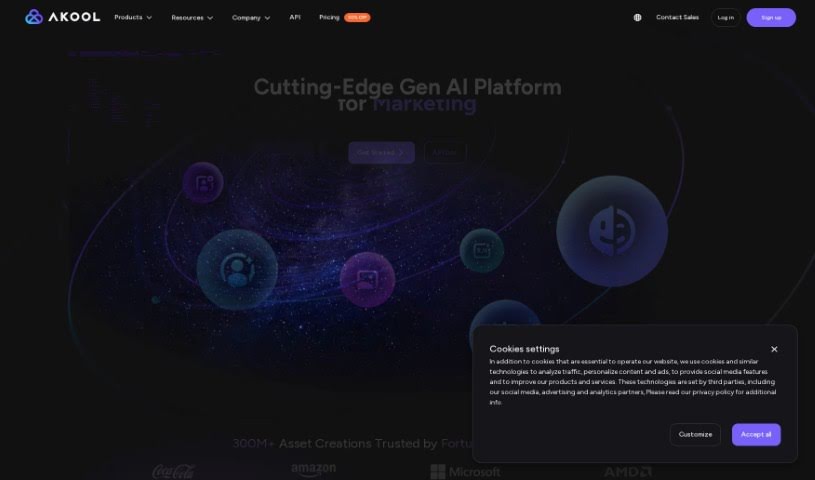
Screenshot of AKOOL

AKOOL

Freemium

AKOOL offers AI tools for marketing, using generative AI to create personalized marketing solutions. Its tools include face swaps, realistic avatars, personalized videos, and background changes, with an emphasis on high-quality, customizable results, smooth integration, and data privacy and security.

Video Creation View Tool →
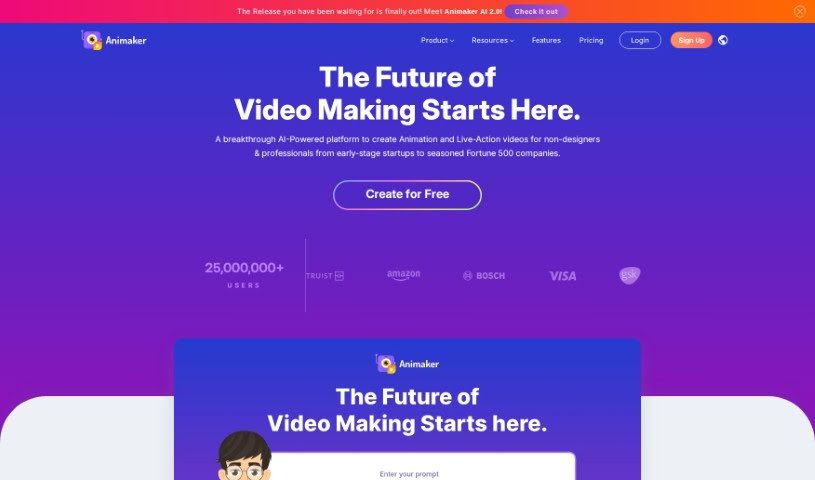
Screenshot of Animaker

Animaker

Freemium

Animaker is an online platform for creating animated and live-action videos. Its suite of AI-powered tools — Animaker, Picmaker, Vmaker, and Voice — is designed to produce animated, live-action, and screen-recorded videos quickly.

Video Creation View Tool →
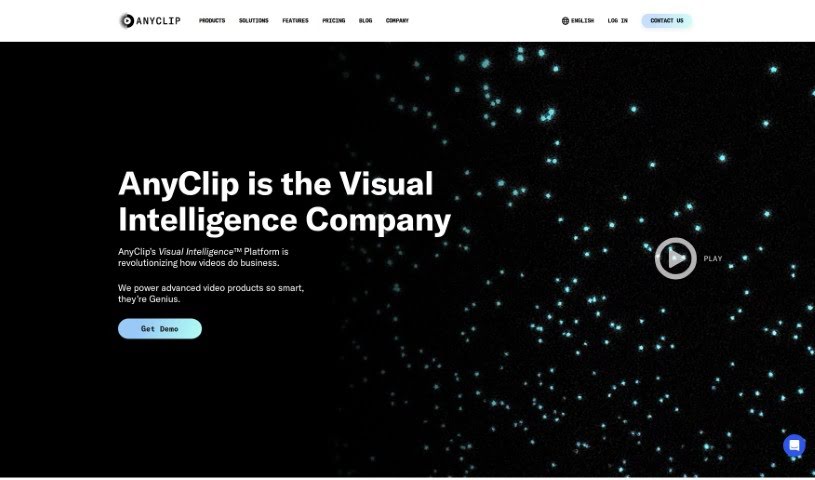
Screenshot of AnyClip

AnyClip

Freemium

AnyClip is a video platform that uses artificial intelligence to turn standard videos into dynamic, data-rich content. It offers two main products: Genius+ for customer-facing communications and GeniusWork for internal team communications. Its AI tools make videos searchable, measurable, personalizable, merchandisable, and interactive.

Video Creation View Tool →
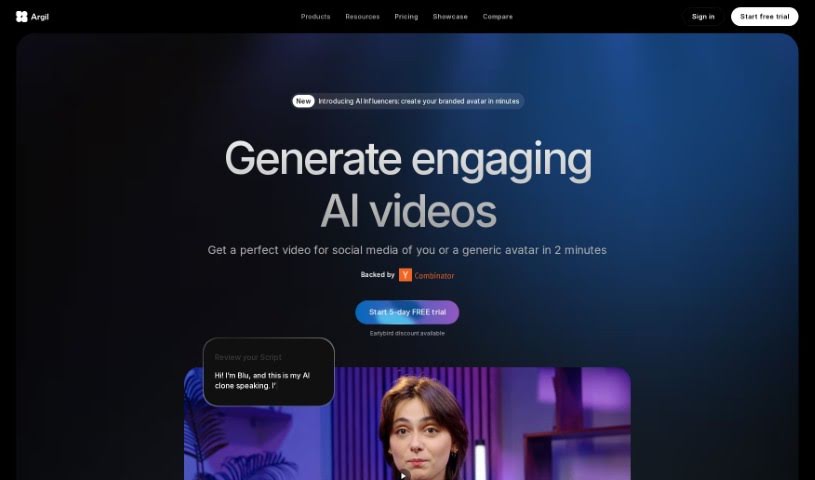
Screenshot of Argil AI

Argil AI

Freemium

Argil AI is a no-code AI automation tool that helps users automate repetitive tasks and build custom automations, including apps and AI features that work with their own data.

Video Creation View Tool →
Screenshot of Atlabs AI

Atlabs AI

Freemium

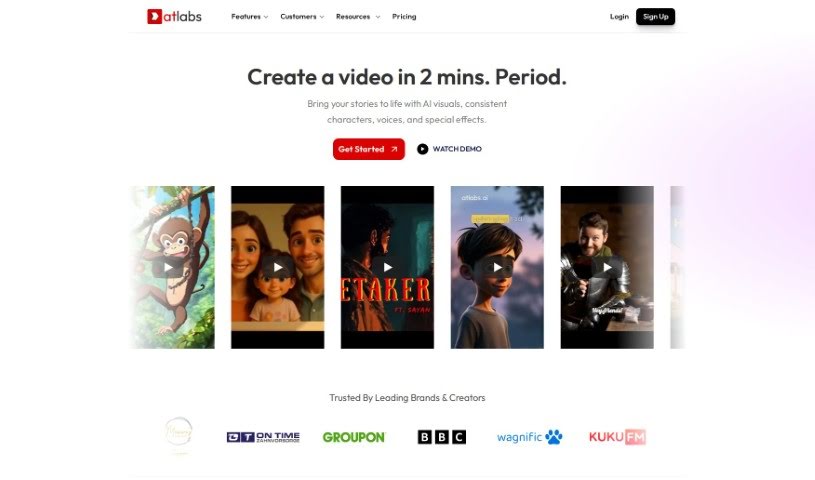
Atlabs AI is a complete AI video platform built for businesses. It is designed to help companies create engaging, on-brand videos without advanced technical skills. Users type in text or import existing content, and the AI generates a script and assembles the video. The platform includes an AI Assets Generator, brand-consistent motion graphics, support for over 40 languages, AI voiceovers, captions, one-click video translations, a consistent character library, video overlays, resizing and instant export in various aspect ratios, and intelligent keyword highlighting. It can also create personalized videos for businesses based on their website URL. Atlabs AI is accessed by logging in, and customer support is available on the platform.

Video Creation View Tool →
Screenshot of Avais

Avais

Freemium

Avais is a volleyball training app that uses AI for real-time tracking, performance analysis, and personalized coaching. It tracks matches, provides instant stats, suggests drills, automatically creates highlight clips, and can help players connect with college scouts. The platform is designed to help athletes improve with specific feedback and make training more engaging through friendly competition.

Video Creation View Tool →
Screenshot of Bhuman

Bhuman

Freemium

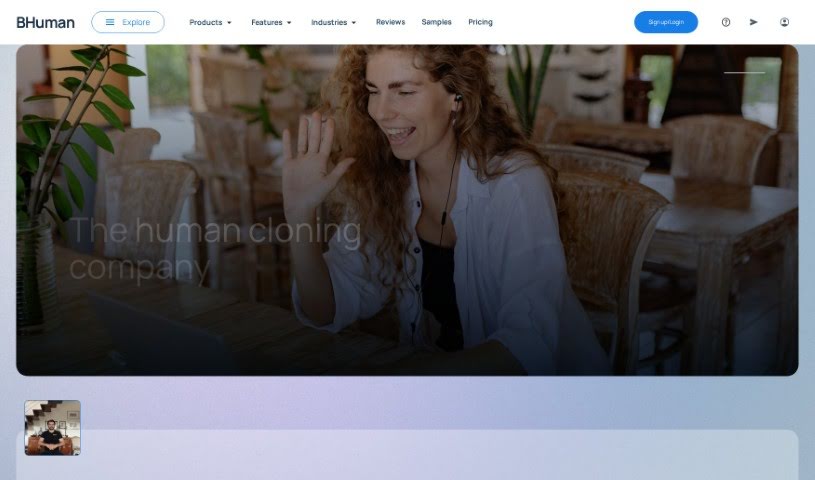
Bhuman is an AI platform for creating personalized videos that look realistic even when reaching large audiences. The system analyzes customer data and generates a video tailored to each recipient based on their preferences, interests, and needs. This individualized approach helps build trust, deepen customer relationships, and drive engagement.

Video Creation View Tool →
Screenshot of Bigvu

Bigvu

Freemium

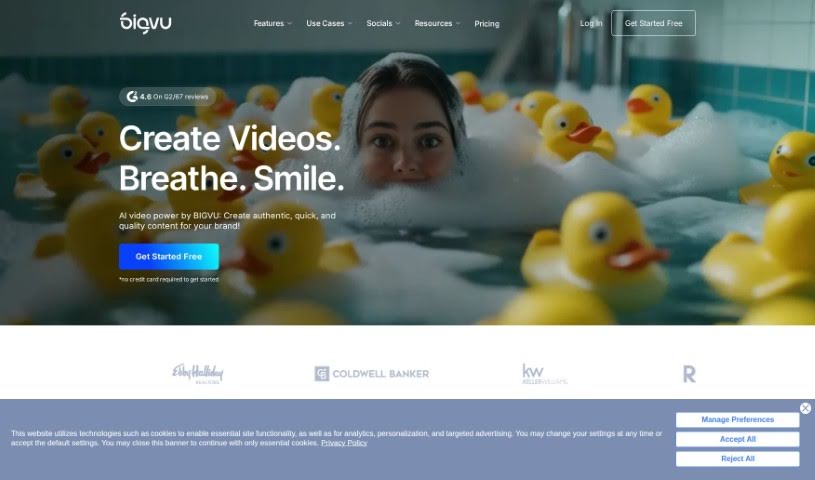
Bigvu is a video creation platform that makes professional video production accessible without a full production crew. It includes a built-in teleprompter, automatic editing, and customizable templates. The platform is designed for individuals and businesses, offering straightforward ways to record, edit, and share videos for marketing, teaching, or social media.

Video Creation View Tool →
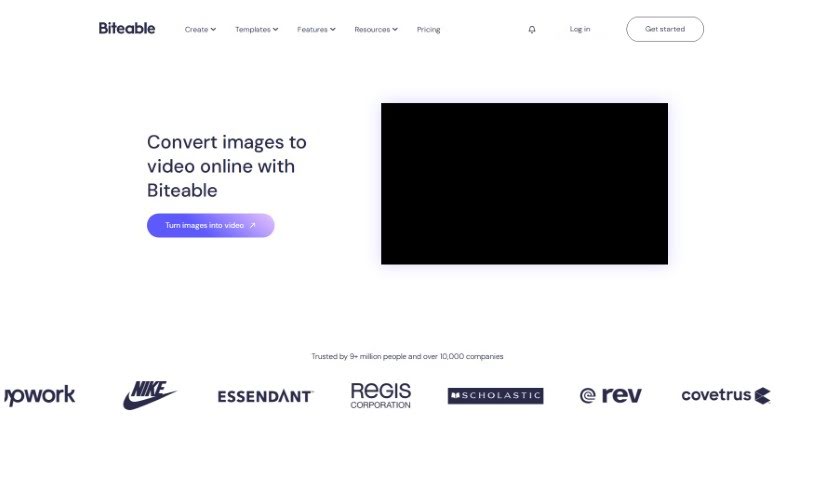
Screenshot of Biteable Image to Video

Biteable Image to Video

Freemium

Biteable Image to Video is an online tool that turns photos into videos. You upload images from your own device or choose from Biteable's image library, then arrange them on a timeline. You can add movement effects such as pans or swipes, transitions between scenes, animated text, icons, and background music. After previewing the result, you can export or share the video in high resolution.

Video Creation View Tool →
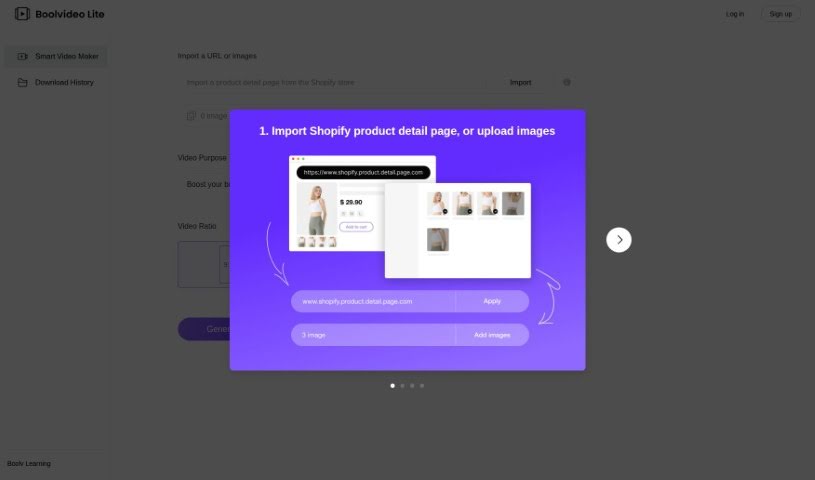
Screenshot of BOOLV VideoMaker

BOOLV VideoMaker

Freemium

BOOLV VideoMaker is an AI-powered video creation platform that turns ideas into finished videos with minimal effort. Aimed at marketers, educators, and content creators, it handles the technical side of production so users without editing experience can still produce engaging visuals. The tool is available at [videomaker.boolv.tech](https://videomaker.boolv.tech/) and covers video generation, creation, and editing.

Video Creation View Tool →
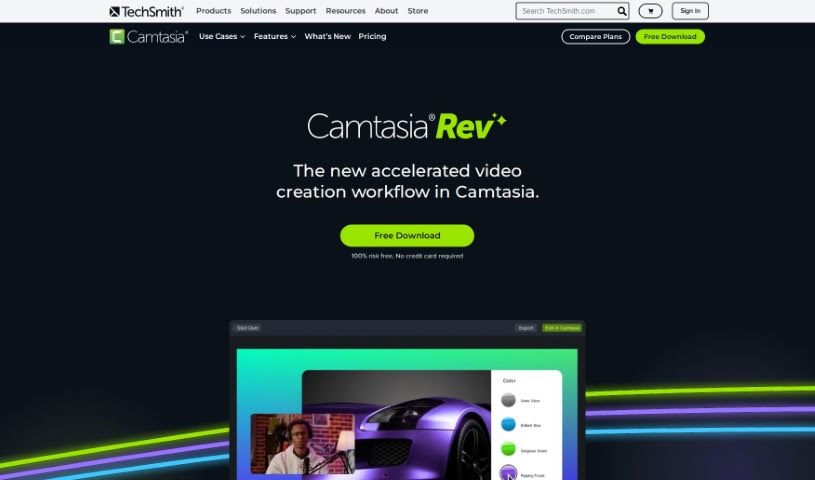
Screenshot of Camtasia Rev

Camtasia Rev

Freemium

Camtasia Rev is an AI-powered workflow built into Camtasia that speeds up video creation. It automates much of the formatting and polish: it can produce content sized for different screens, adjust layouts to fit your needs, and apply background effects and filter templates with a single click. It also simplifies adding annotations and transitions, and it connects with Audiate so you can edit audio as if it were text. The result is polished, on-brand videos produced with less manual work.

Video Creation View Tool →
Previous 1 of 11 Next

About Video Creation tools

Setting up camera gear, editing timeline clips, fixing audio sync, and assembling footage can quickly eat up your entire week. Whether you’re creating promotional videos for a business, producing YouTube tutorials, or building social clips, video production takes significant time and technical effort. It’s easy to spend hours trimming clips, adjusting colors, and rendering files when you’d rather focus on new creative ideas.

These specialized creative assistants streamline raw footage editing, automate scene transitions, and help you generate polished video content faster without replacing directors or video editors.

Speeding Up Rough Cuts, Visual Tweaks, and Multi-Format Exports

Assembling rough cuts from hours of unedited footage used to take days of tedious trimming. Smart video creation tools analyze raw recordings, highlight key moments, and assemble initial timeline edits in seconds. Instead of scrubbing through endless video tracks to find the right take, you get a clean rough cut ready to polish and re-sequence.

Improving video quality and applying visual effects gets much simpler, too. Upgrading low-resolution clips, removing unwanted background objects, or balancing color profiles normally requires advanced editing skills and expensive software. AI-powered video editors fix lighting issues, isolate subjects, and clean up background noise with a few clicks, giving your footage a professional look without hours of frame-by-frame work.

Scaling your video content for different platforms and audiences also becomes far more efficient. Turning a long horizontal video into multiple vertical clips for different channels often means starting from scratch. Video creation assistants automatically reframe subjects for square or vertical feeds, generate matching subtitles, and translate spoken audio into multiple languages, keeping your content pipeline active without extra shoot days.

Key Capabilities to Look For:

  • Automated scene cutting and assembly: Systems that analyze raw footage to identify key moments, remove silences, and generate rough timeline cuts automatically.
  • Smart subject and background removal: Features that let you isolate subjects, swap background elements, or remove unwanted objects without manual rotoscoping.
  • Audio cleanup and balancing: Tools that isolate spoken dialogue, cancel out background noise, and match audio levels across different clips.
  • Auto-reframing and multi-format export: Controls that adjust video aspect ratios for vertical, square, or widescreen formats while keeping the main subject centered.
  • Subtitle and translation integration: Features for generating accurate closed captions, styled subtitles, and translated voiceovers in multiple languages.

Creating compelling video content will always depend on your creative vision, emotional intuition, and knack for storytelling. Software can’t replace genuine human emotion or the spark of an original idea, but letting smart tools handle repetitive clip trimming, audio balancing, and multi-platform formatting gives you back the time needed to bring your vision to life.

Check out the video creation tools below to find the right assistant for your projects.

The Best AI Video Creation Tools

  1. Runway: Great for dynamic scene transition effects.
  2. HeyGen: Makes studio-quality video creation effortless.
  3. Vidnoz AI: For quickly generating AI video content.
  4. Digen AI: Automates video editing and production.
  5. Synthesia: Streamlines creating internal training videos.
  6. Magic Hour: Easily creates engaging promotional videos.
  7. Animaker: Helps you create eye-catching social media videos.
  8. AKOOL: Perfect for personalized holiday video messages.
  9. Live3D: Converts AI art into animated videos.
  10. HitPaw: Enhances videos with watermark-free editing.
  11. Clipchamp: Ideal for social media video editing.
  12. Captions: Streamlines editing for stunning videos.
  13. D-ID: Effortlessly produces marketing videos.
  14. DreamFace: Animates faces for engaging videos.
  15. DeepBrain AI: Quickly turns articles into engaging videos.
New tools, in your inbox.

Weekly picks of the best AI tools we've researched and added — no spam, unsubscribe anytime.

Join 25,000+ AI enthusiasts. No spam, unsubscribe anytime.