Top AI Tools for University Students

AI Tools for University Students

Discover the best University Students AI tools to enhance your productivity and creativity.

Page 1 of 2 • 14 total tools
Screenshot of AI Homework Course Hero

AI Homework Course Hero

Freemium

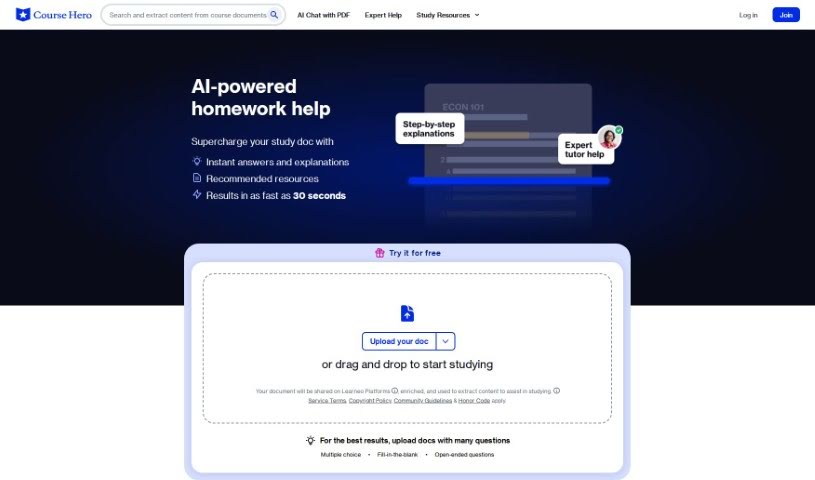
Course Hero is an educational platform for university students. Upload your own study documents and the AI provides instant answers and explanations, highlights key concepts, and creates practice sections for self-study. For more personalized support, you can connect with verified expert tutors, available 24/7. A free trial is available, and full pricing is listed on the official website if you want to continue using the service.

University Students View Tool →
Screenshot of Alevels

Alevels

Freemium

A-Levels (Advanced Level qualifications) are academic assessments commonly taken in the UK and several other countries. Students typically sit them during their final two years of secondary education. They are more challenging than GCSEs and play an important role in university and higher education admission, with qualifications recognized by schools and employers. Students usually choose a few subjects related to their interests or career goals, allowing them to study those areas in depth.

University Students View Tool →
Screenshot of Askvideo.ai

Askvideo.ai

Freemium

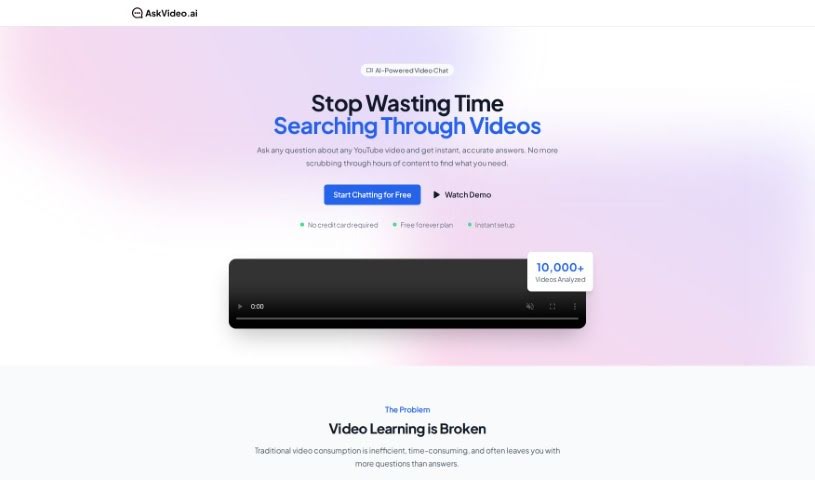
Askvideo.ai is an AI tool that lets you chat with any YouTube video. It reads the video's transcript and answers questions based on that content, so you can get quick answers and insights without rewatching. It's useful for university students working through lectures, professionals following conference talks, and anyone learning from tutorials or documentaries.

University Students View Tool →
Screenshot of Codemia

Codemia

Freemium

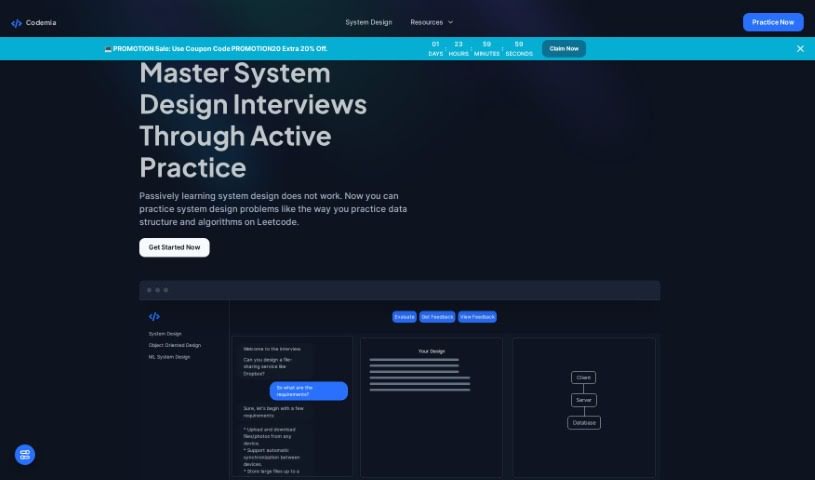
Codemia is an AI-powered learning platform built for system design interview preparation. It provides detailed solutions to a range of system design problems along with clear explanations of the strategies behind them. Core features include:

University Students View Tool →
Screenshot of Connected Papers

Connected Papers

Freemium

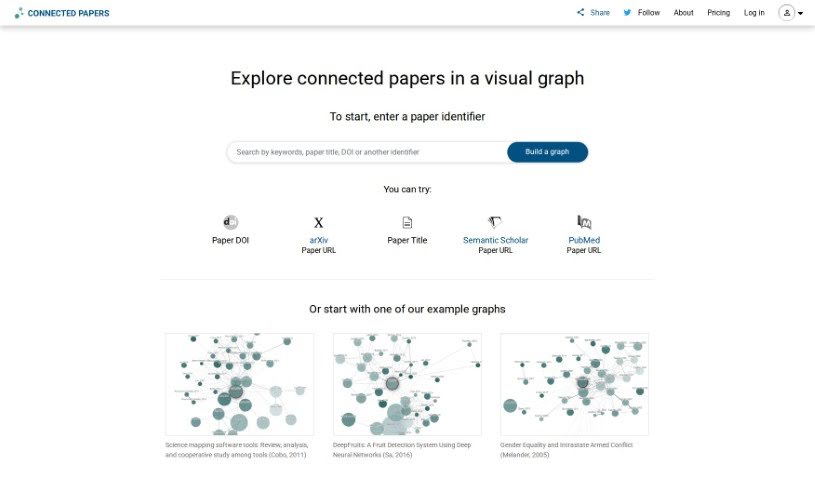
Connected Papers is an online platform that helps researchers, scholars, and scientists explore academic literature. It presents papers as a connected graph, making it easier to see how studies relate to each other, how ideas have developed, and which works are foundational in a field. Results are field-specific, so you can trace the evolution of concepts within your area of research, start new projects, or stay current with recent studies.

University Students View Tool →
Screenshot of Creative Intell

Creative Intell

Freemium

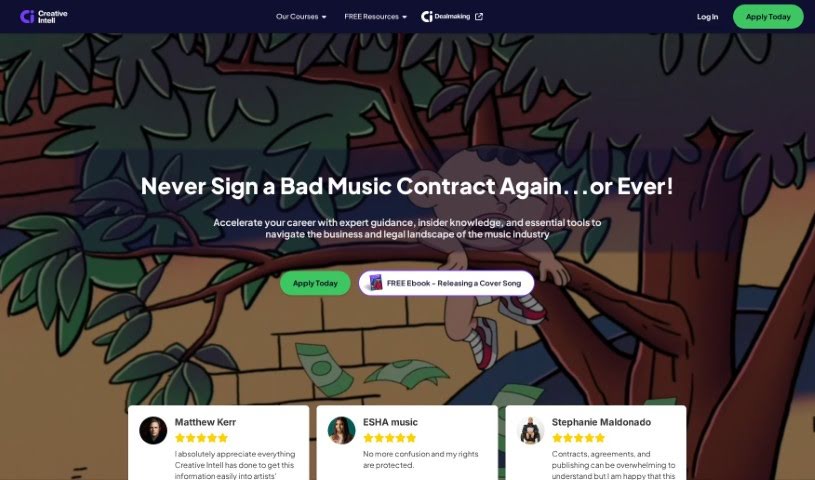
Creative Intell is an online platform offering in-depth education and training in the music business. It provides courses covering the fundamentals of the industry, how industry agreements work, and practical tools to help you navigate the music world. Its goal is to make complicated legal language easier to understand, break down industry-specific formulas, and provide dependable contract templates.

University Students View Tool →
Screenshot of Larq

Larq

Freemium

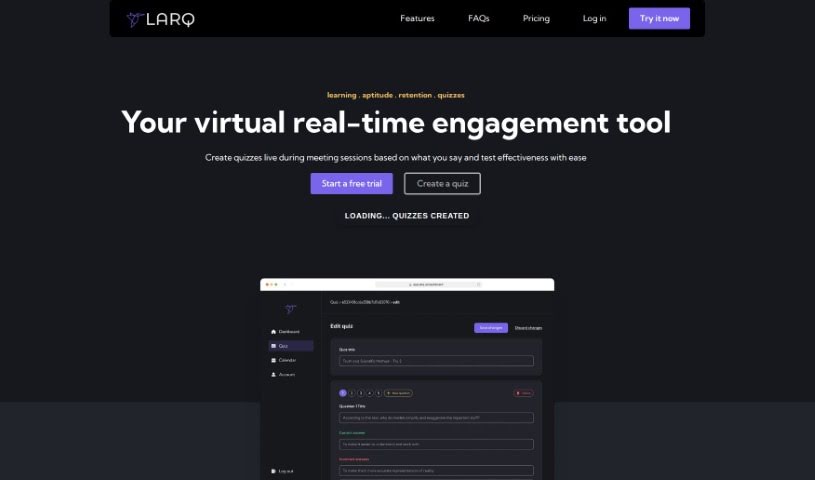
Larq turns live remote sessions into real-time quizzes. Host a meeting, lecture, or training session, and the tool builds quizzes from the session's video and text, then analyzes the results to gauge how well participants understood the material. It can also generate quizzes from YouTube videos and PDF files you supply.

University Students View Tool →
Screenshot of Packback

Packback

Freemium

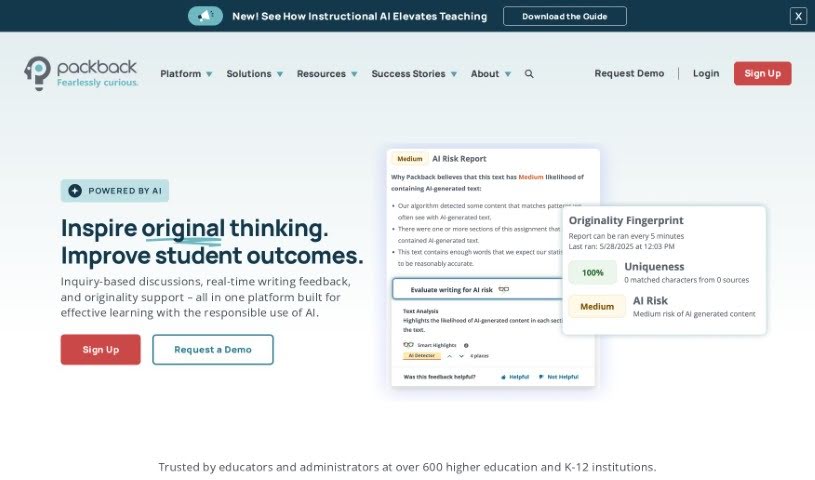
Packback is an online discussion platform designed to boost student engagement and sharpen critical thinking skills in college and university settings. Students can pose questions, join conversations, and connect with course materials in a more meaningful way. The platform gives students instant feedback on their posts, encouraging deeper thinking and curiosity. Its goal is to create a more interactive learning environment and build a culture of inquiry in higher education.

University Students View Tool →
Screenshot of ProfBot

ProfBot

Freemium

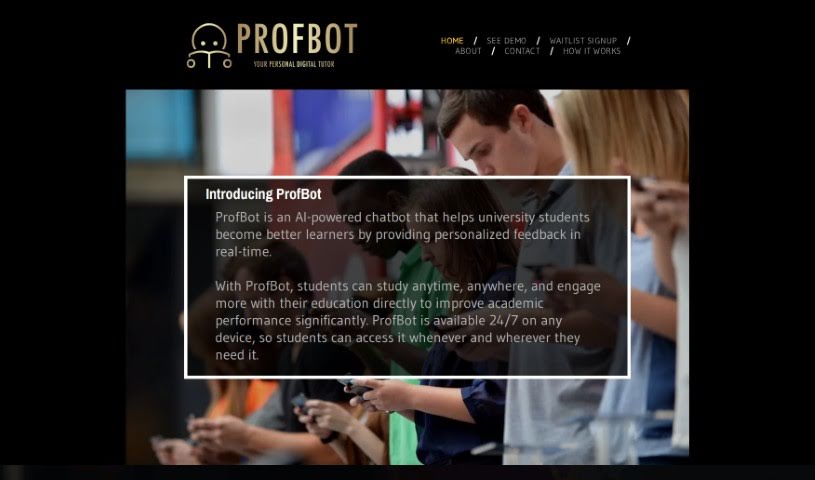
ProfBot is an AI chatbot built to help university students get more out of their studies. It works as a personal tutor, delivering feedback in real time so students can study on their own schedule and engage more deeply with their coursework. The tool is available 24/7 on any device, so support is always within reach.

University Students View Tool →
Screenshot of R.test

R.test

Freemium

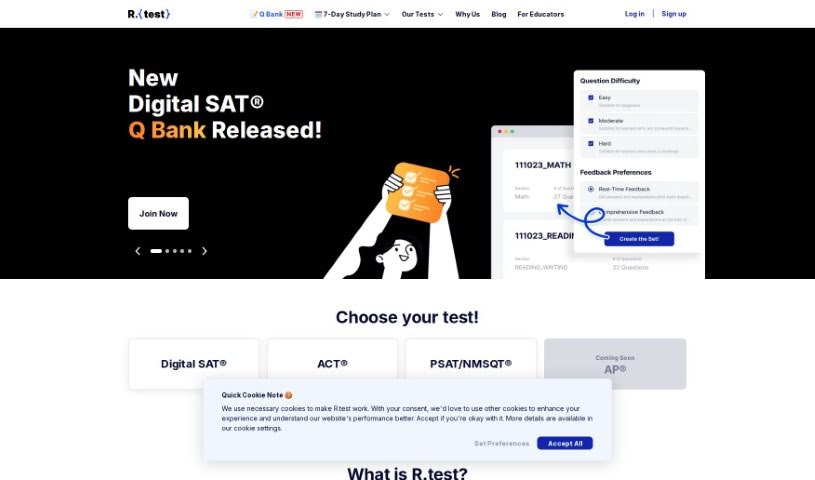
R.test is an AI-powered platform for practicing ACT and SAT tests. You start with a diagnostic test that presents a limited number of questions across different sections, giving you a quick snapshot of your current abilities. AI analytics then generate a detailed performance report pinpointing where you can improve. The test environment is designed to feel like the real SAT and ACT, complete with a test navigator and a timer. R.test is particularly useful for preparing students and instructors for the digital SAT format, and it has received positive feedback from students, tutors, teachers, and evaluators.

University Students View Tool →
Screenshot of Reach Best

Reach Best

Freemium

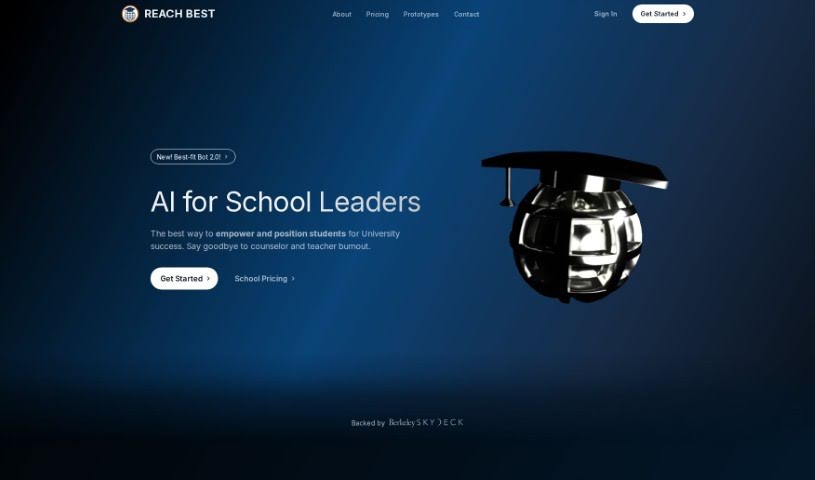
Reach Best is an AI application created by Ryusei, designed to help students navigate university applications. It was built to address the lack of clear information and uncertainty surrounding college admissions. The platform uses algorithms to predict your chances of getting into a university, aiming to ease student anxiety and provide support throughout the application process. Reach Best has also expanded to help high schools set up their own AI-driven university placement programs, reflecting the company's belief that schools play an important role in bringing AI to students.

University Students View Tool →
Screenshot of Snipo

Snipo

Freemium

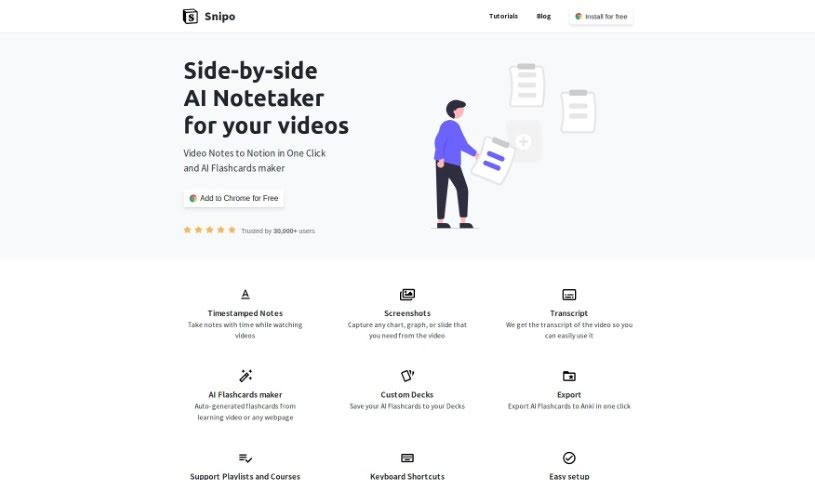
Snipo is a free browser extension for taking video notes directly in Notion. It works with Chrome, Edge, and Firefox, letting you capture specific moments with timestamps, write notes as you watch, and screenshot key visuals such as charts, graphs, or slides. Snipo also generates a full transcript of each video, making the content searchable and easy to reference later.

University Students View Tool →
Previous 1 of 2 Next

About University Students tools

Juggling lecture schedules, endless textbook readings, lab reports, and upcoming midterms can turn any semester into a high-stress balancing act. Between managing group projects, writing research papers, and trying to maintain a social life, keeping up with coursework often feels overwhelming. It’s easy to waste late nights trying to organize messy lecture notes or struggling to break down dense academic papers.

These AI platforms act as specialized study partners for university students. They don’t write essays, take exams, or shortcut your education, but they help organize lecture materials, create custom practice quizzes, and streamline your study sessions.

Synthesizing Coursework, Active Recall, and Paper Prep

Taming dense course materials and lecture slides is often the biggest hurdle during a busy term. Smart study assistants scan uploaded PDFs, recorded lectures, and reading assignments to produce concise summaries, structured outlines, and audio overviews. Instead of re-reading a hundred pages of dense text before a seminar, you get key takeaways and interactive study guides that help you review material faster.

Preparing for exams through active recall and self-testing gets much easier, as well. Memorizing formulas, dates, or complex theories by passive reading rarely leads to top grades. Educational AI tools turn class notes into flashcard decks, multiple-choice practice tests, and step-by-step concept explanations so you can test your knowledge and spot gaps before test day arrives.

Drafting papers and staying organized across multiple courses also becomes far less stressful. Balancing research for history, problem sets for math, and writing assignments for literature requires serious project management. AI writing and research tools help map out essay structures, find cited academic sources, check grammar, and build daily study schedules that prevent last-minute cramming.

Key Capabilities to Look For:

  • Document and textbook synthesis: Systems that summarize uploaded PDFs, slide decks, and research articles while pointing directly to source pages.
  • Practice test and quiz generation: Tools that turn lecture notes and study guides into customizable practice exams and flashcard sets.
  • Concept simplification and tutoring: Features that break down complex equations, scientific theories, or dense philosophy into step-by-step explanations.
  • Source-grounded research assistants: Tools that help scan academic papers, extract key arguments, and generate accurate citations.
  • Study management and planning: Applications that help organize course deadlines, draft assignment outlines, and schedule study sessions.

Earning your degree will always depend on your dedication, critical thinking, and genuine curiosity. Software can’t replace your personal growth, evaluate complex ideas, or replace the effort needed to master a subject. But letting smart tools handle routine note organization, flashcard building, and draft editing gives you back the time and mental energy needed to succeed in college.

Take a look through the tools below to upgrade your study habits and take control of your semester.

The Best AI Tools for University Students

  1. Connected Papers: Helps you create thesis bibliographies with ease.
  2. Packback: Encourages inquiry-driven peer discussions.
  3. TutorBin: Offers personalized homework assistance.
  4. Codemia: Great for system design preparation.
  5. Snipo: Streamlines lecture notes and flashcards.
  6. R.test: Evaluates SAT/ACT prep and readiness.
  7. Creative Intell: A study aid for project brainstorming.
  8. Alevels: Provides personalized study plans for university success.
  9. AI Homework Course Hero: Offers 24/7 expert help for assignments.
  10. Askvideo.ai: Lets you get instant Q&A from lecture videos.
  11. Reach Best: A tool for finding the best-fit university.
  12. Studyquick: Offers AI study support for exam prep.
  13. ProfBot: Gives real-time feedback for study improvement.
  14. Larq: Creates engaging quizzes for remote students.
New tools, in your inbox.

Weekly picks of the best AI tools we've researched and added — no spam, unsubscribe anytime.

Join 25,000+ AI enthusiasts. No spam, unsubscribe anytime.