Staring at a spreadsheet full of syntax errors like #VALUE! or #N/A can stall your momentum for hours. Whether you’re trying to write a complex nested formula, build a dynamic pivot table, or automate a monthly report with VBA, bending a spreadsheet to your will often feels like learning a new language. A task that should take five minutes easily turns into an evening spent scouring forums for formula fixes.
These platforms act as specialized spreadsheet assistants. They don’t replace financial judgment or verify your underlying data, but they translate plain English requests into precise functions, clean messy datasets, and generate custom macros in seconds.
Generating complex formulas using plain language is an immediate time saver. Instead of trying to remember the exact argument order for XLOOKUP, INDEX/MATCH, or nested IFS statements, you just describe what you want. Type a prompt like “sum column C if column A says Completed and column B is from last month,” and the AI hands you the exact formula to paste into your cell.
Automating repetitive tasks with custom scripts is now accessible without a computer science background. Writing VBA macros or Python code to merge multiple sheets, format messy reports, or extract specific text strings used to require advanced coding skills. Modern Excel assistants write, test, and explain custom scripts based on your step-by-step instructions, letting you build automatic workflows with a single click.
Troubleshooting broken workbooks also gets much easier. Tracking down why a long formula returns the wrong number or throws an error across a massive sheet takes valuable time. AI diagnostic tools scan your spreadsheet logic, pinpoint missing parentheses or incorrect cell references, and suggest the right fix alongside a short explanation of what went wrong.
Practical Capabilities to Consider:
- Natural language formula generation: Tools that turn plain English instructions into working formulas, functions, and nested logic.
- Formula debugging and repair: Features that scan broken formulas, identify syntax mistakes, and offer corrected versions instantly.
- VBA and Python script creation: Software that generates clean macro code to automate repetitive formatting, data imports, and report updates.
- Direct add-in integration: Extensions that live directly inside your Excel ribbon or desktop app to eliminate window switching.
- Automated data cleaning: Systems that parse messy text columns, split names into separate fields, and fix inconsistent date formats automatically.
A reliable spreadsheet always depends on human logic, double-checking your math, and understanding what the numbers actually mean for your business. Software can write formulas and fix formatting, but verifying the underlying assumptions rests with you. Letting smart tools handle syntax headaches simply gives you back the time needed to actually analyze your data.
Explore the tools below to find the right Excel assistant for your workspace.
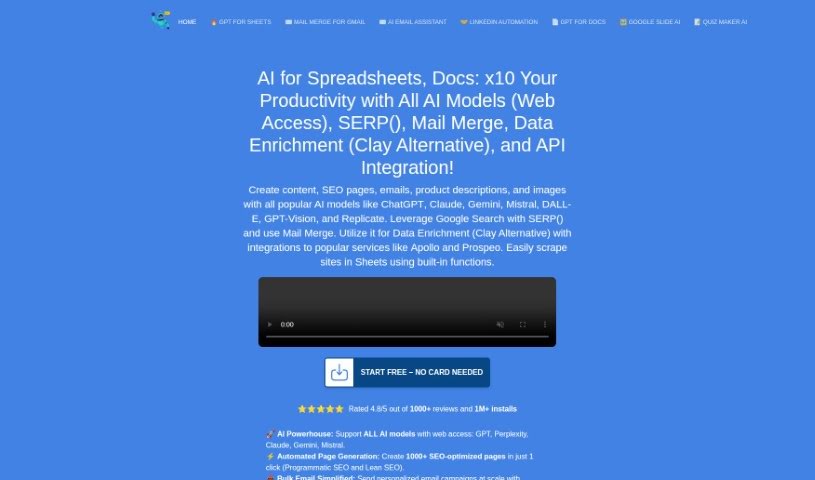
- GPT Excel: Great for automating data analysis.
- Coefficient: Quickly generate Excel reports with ease.
- Numerous.ai: Clean and summarize data in Excel.
- Quadratic: Analyze business data trends quickly.
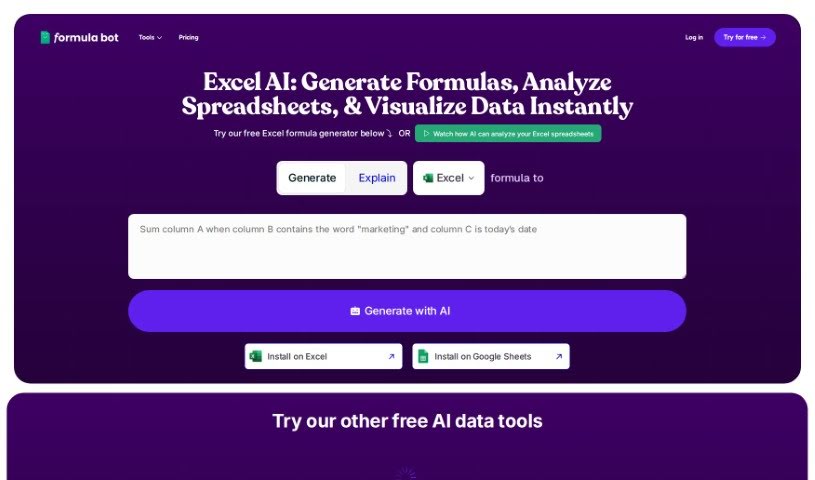
- Formula Bot Excel Formula Generator: Create dynamic reports using formulas.
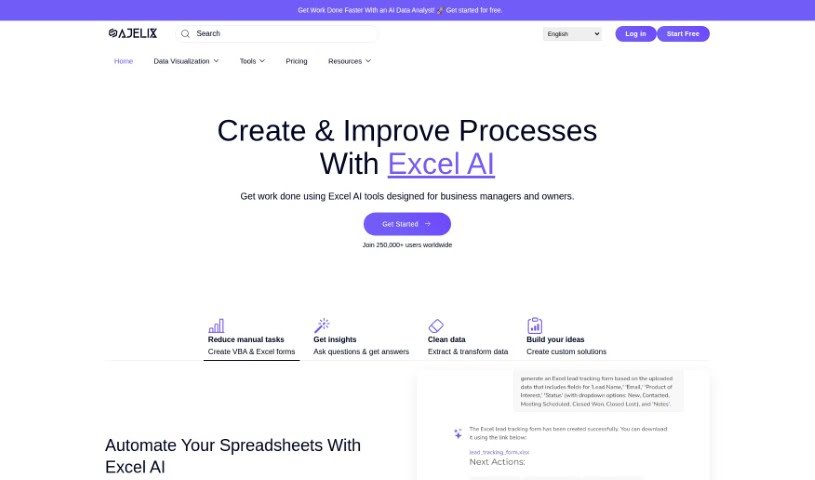
- Ajelix: Streamline complex data analysis tasks.
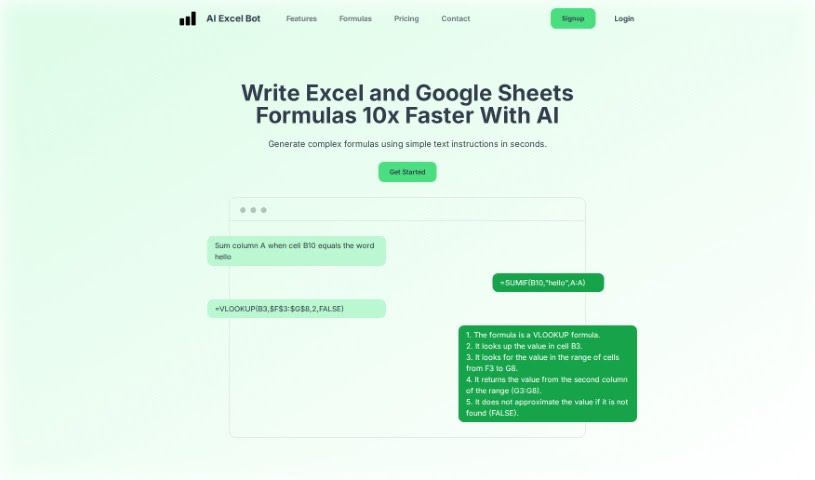
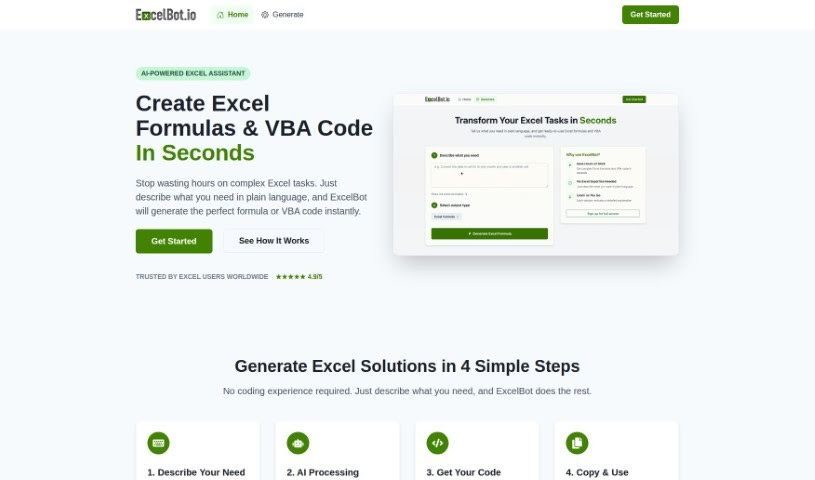
- AI Excel Bot: Easily automate repetitive calculations.
- Super GPT: Automate complex spreadsheet calculations.
- Formulas HQ: Automate complex spreadsheet calculations.
- Excelformulabot: Efficient project milestone tracking.
- Prompt Loop: Automate data analysis in Excel.
- Arcwise: Automate data processing tasks.
- AI Doc Gpt: Automated data analysis in Excel.
- Tuesday: Streamline data analysis with Excel tools.
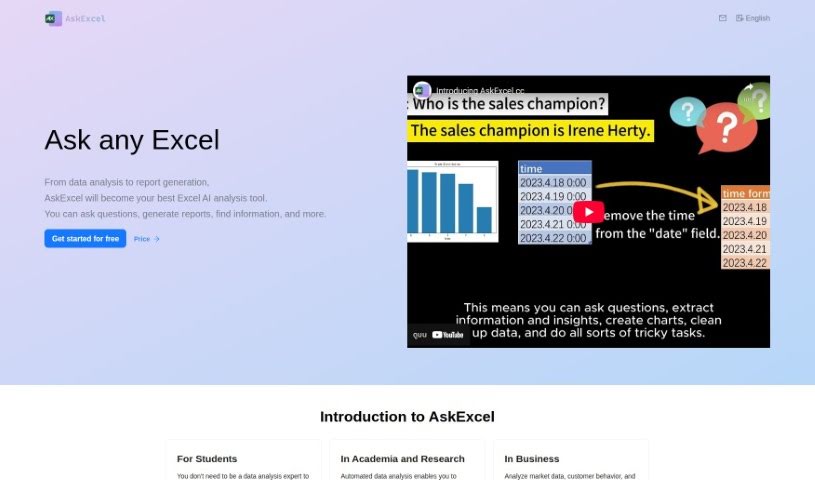
- Askexcel: Excel assistant that generates reports, charts and data analysis answers.