Going through a two-hundred-page research report or a dense financial document looking for a single statistic tests anyone’s patience. Between skimming endless pages, copying text into separate notes, and trying to cross-reference multiple files, extracting quick facts from static documents slows your work to a crawl.
Conversational search tools turn static files into interactive research workspaces. Instead of replacing thorough reading or critical analysis, they let you ask questions directly to your documents, extract key insights, and locate relevant sections in seconds.
Interactive Research, Document Comparisons, and Citations
Asking direct questions in natural language turns static files into interactive conversations. Rather than relying on rigid keyword searches that miss context, conversational document assistants read the full text and respond with specific answers. You can ask for a quick summary of a chapter, request an explanation of a complex table, or ask how two sections relate to each other without scrolling through pages of text.
Comparing information across multiple documents takes a fraction of the usual time. When you need to contrast three vendor contracts or compare annual financial statements side by side, switching between windows gets messy. Multi-document chat assistants scan several uploaded files at once, highlighting differences in terms, identifying trends across quarters, and synthesizing facts into a single clear answer.
Verifying facts and checking sources remains simple thanks to interactive citation links. Generative tools are only as helpful as their accuracy, which is why modern document platforms tie every answer directly back to the original text. Clicking a numbered citation jumps straight to the exact page and highlights the source paragraph, helping you verify facts quickly before using them in a report.
Useful Capabilities to Consider:
- Source citation links: Systems that anchor every generated answer to exact page numbers and highlighted text inside your document.
- Multi-file chat spaces: Features that allow you to upload and query multiple PDFs, spreadsheets, or slide decks within a single workspace.
- Data and table extraction: Software capable of reading complex tables, financial charts, and embedded graphics to answer quantitative questions.
- Privacy and data security controls: Platforms built with encryption standards that keep your documents secure and guarantee uploaded files aren’t used for training.
- Export and annotation options: Applications that let you save chat summaries, export key notes to word processors, or add digital highlights directly onto the PDF.
Getting true value from complex documents will always depend on your analytical skills and critical thinking. Software can pull a quote, summarize a chapter, or compare terms across files, but interpreting what those facts mean for your project requires your judgment.
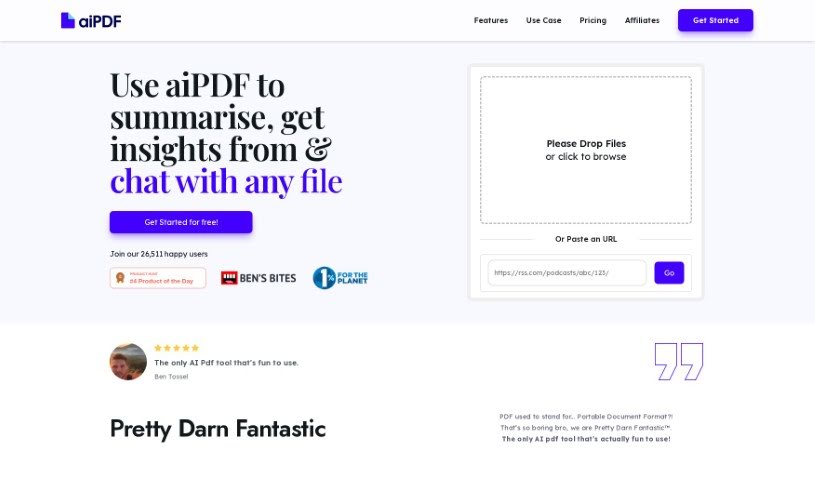
Explore the PDF chat tools below to speed up your document research.
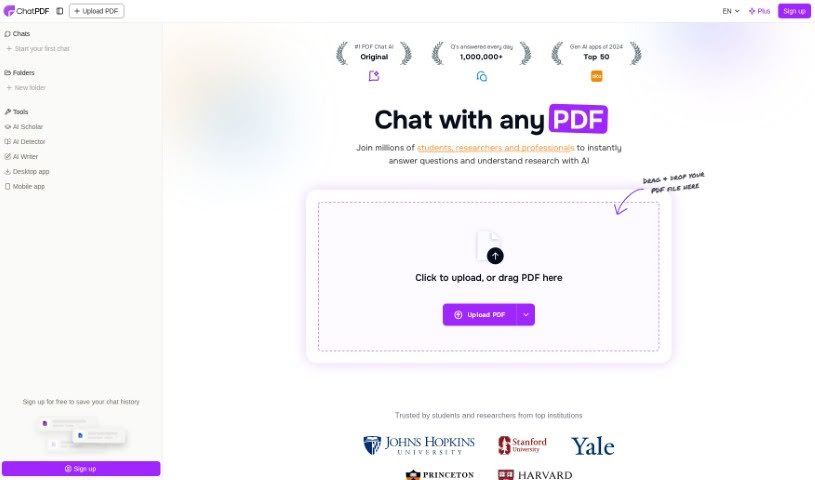
- ChatPDF: Great for quickly summarizing long documents.
- Humata: Offers instant PDF Q&A for fast knowledge access.
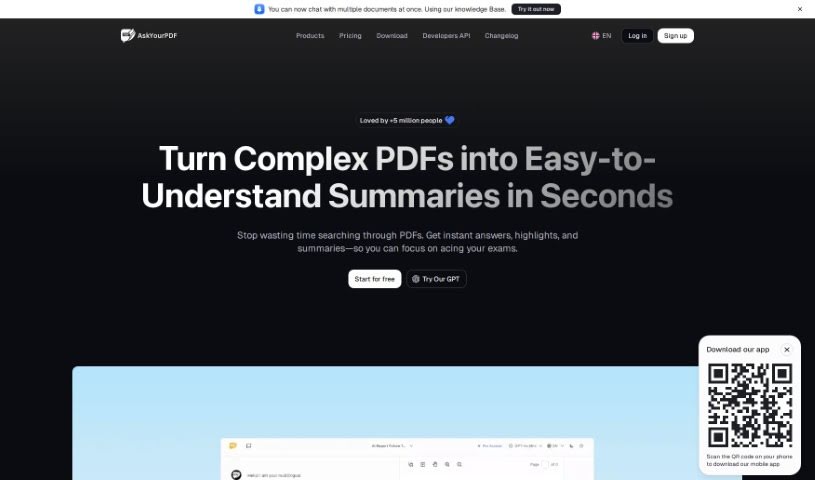
- Ask Your PDF: Perfect for interactive PDF Q&A sessions.
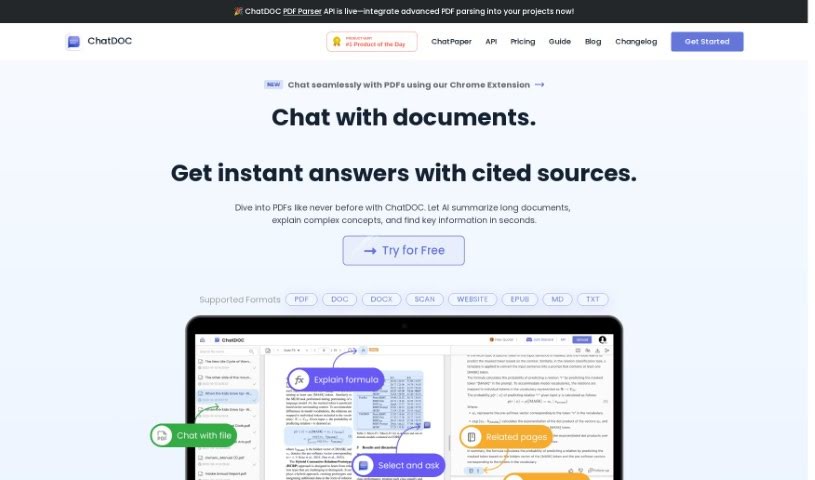
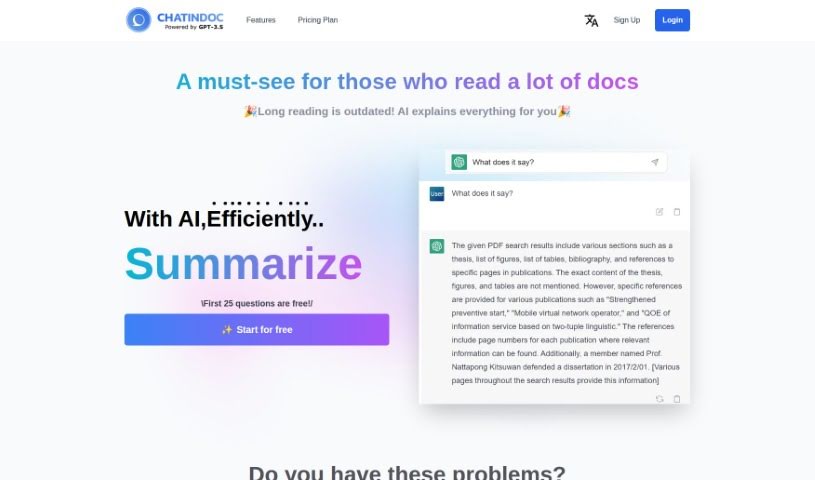
- Chat DOC: Provides instant insights from PDF documents.
- Note GPT AI Chat PDF: Ideal for interactive PDF question answering.
- Sharly AI: Good for interactive PDF document discussions.
- Sci Space AI Chat for scientific PDFs: Helps you quickly summarize research findings.
- Small PDF.com Chat PDF: Useful for interactive PDF content discussions.
- Docanalyzer.ai: Great for interactive document Q&A sessions.
- Gist Ai: Lets you quickly extract insights from PDF chats.
- PDFgpt.io: Makes Q&A on PDF content effortless.
- Search Plus AI: Offers interactive PDF Q&A sessions.
- Docalysis: Provides instant answers to your PDF inquiries.
- Petal: Good for interactive PDF discussions and feedback.
- Honeybear.ai: Delivers seamless PDF question and answer sessions.