Top AI Code Generators: Compare the Best Tools

AI Tools for Code Generation

Discover the best Code Generation AI tools to enhance your productivity and creativity.

Page 1 of 8 • 93 total tools
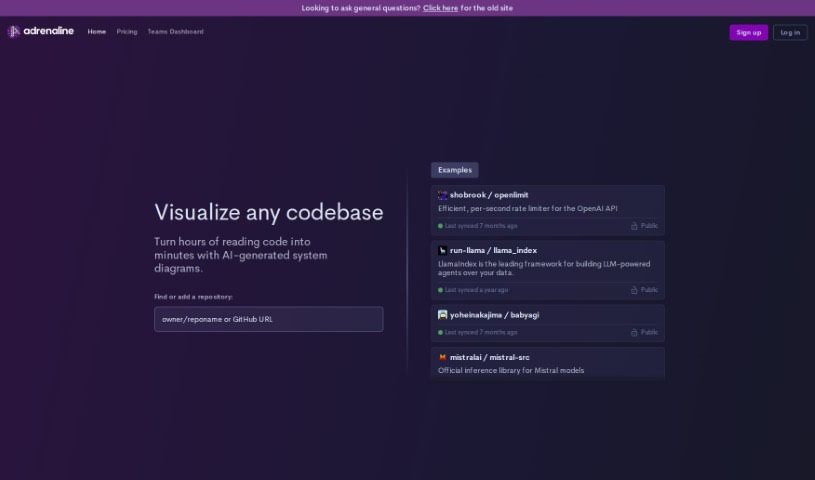
Screenshot of Adrenaline

Adrenaline

Freemium

Adrenaline is an AI coding assistant built on OpenAI Codex that helps developers find and fix code errors. It identifies the root cause of a problem—such as a typo or missing semicolon—and offers solutions that can be applied directly. The tool is designed to learn from usage and improve its performance over time.

Code Generation View Tool →
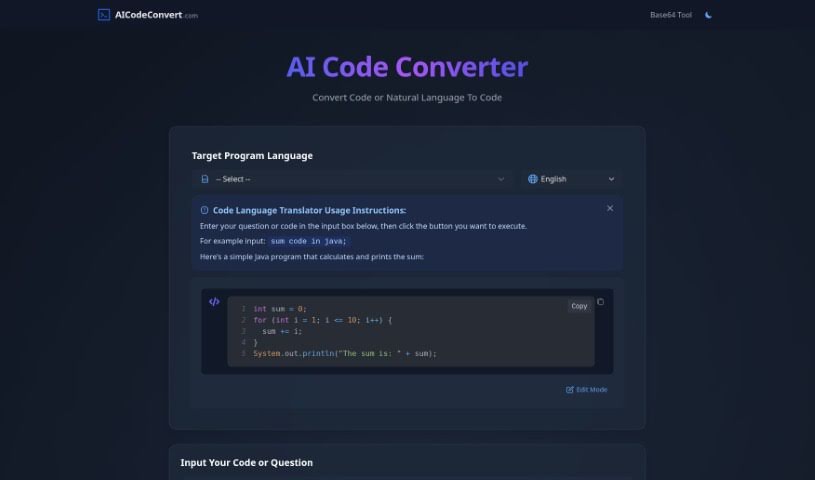
Screenshot of AI Code Converter

AI Code Converter

Freemium

AI Code Converter is an online platform that uses artificial intelligence to convert code from one programming language to another or generate code from plain English descriptions. It supports more than 49 programming languages, including Java, JavaScript, Python, and C++. Beyond translation and generation, the tool can optimize code, debug it, and explain how it works. It also includes a creative feature: generating Disney AI posters.

Code Generation View Tool →
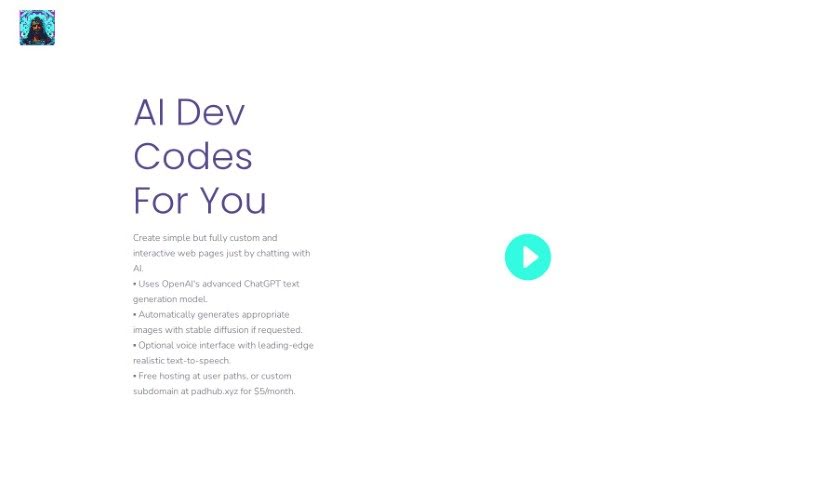
Screenshot of AI Dev Codes

AI Dev Codes

Freemium

AI Dev Codes is an AI-powered tool that builds custom, interactive web pages through chat. ChatGPT supports the responses while Stable Diffusion generates images, and the tool also offers optional realistic text-to-speech plus free hosting for anything you create.

Code Generation View Tool →
Screenshot of AI Love Code

AI Love Code

Freemium

AI Love Code is a tool that helps developers build websites and generate source code. Users describe it as simple and quick. It uses AI to make website development more productive and offers several pricing options for its code library, making it suitable for both beginners and experienced developers.

Code Generation View Tool →
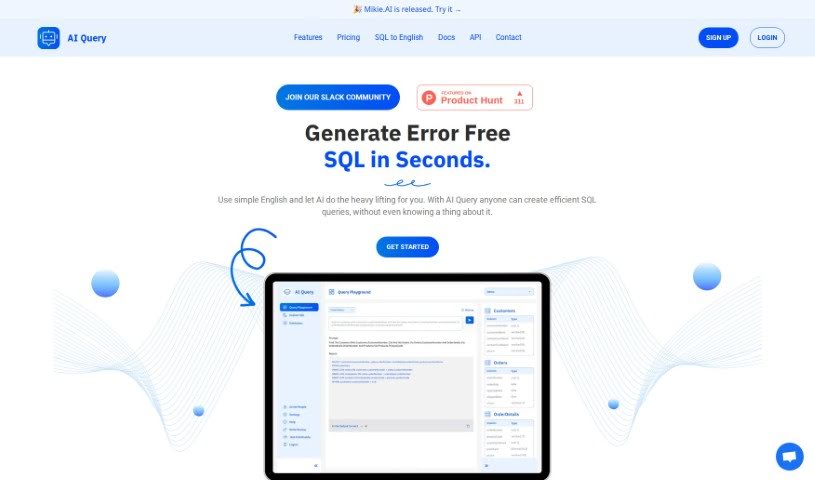
Screenshot of AI Query

AI Query

Freemium

AI Query translates plain-English requests into SQL queries. It uses AI models including OpenAI's GPT and Google's PaLM 2 to generate SQL, and it works for beginners and experienced developers alike. The platform includes a SQL to English Translator for understanding complex queries, simple database schema setup, and straightforward pricing plans.

Code Generation View Tool →
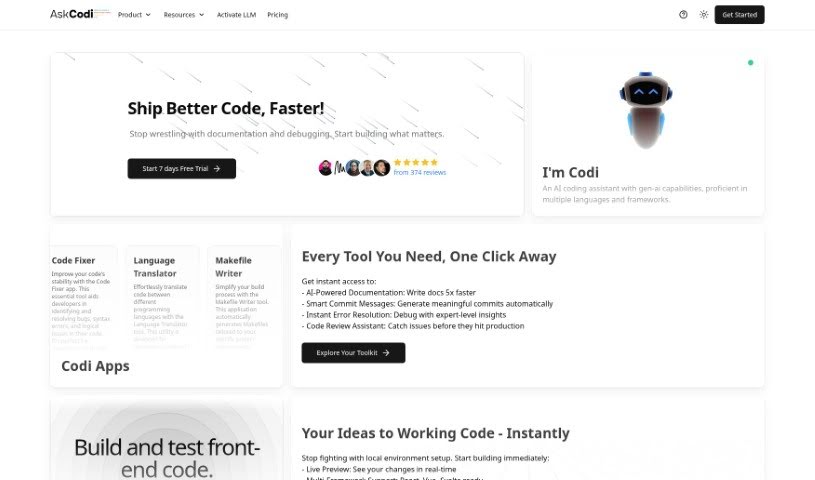
Screenshot of AskCodi

AskCodi

Freemium

AskCodi is an AI-powered coding assistant that provides code autocomplete, direct IDE integration, access to advanced AI models, and a GitHub connection. It is built to make coding tasks more efficient for developers.

Code Generation View Tool →
Screenshot of AutoRegex

AutoRegex

Freemium

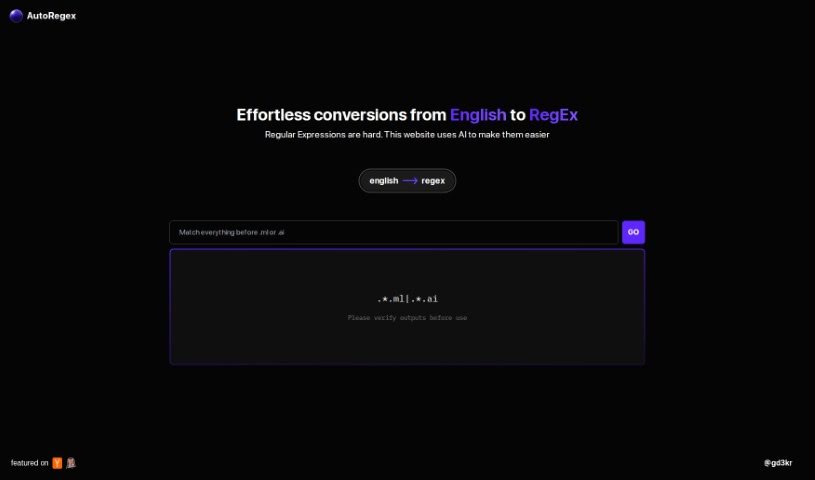
AutoRegex is a platform that uses artificial intelligence to convert plain English descriptions into Regular Expressions (RegEx). You type a pattern or requirement in English, and the site generates the corresponding RegEx. For example, it can help match valid email addresses. It is a good idea to double-check the generated RegEx before using it.

Code Generation View Tool →
Screenshot of Bappfy

Bappfy

Freemium

Bappfy is an online app builder that helps small businesses turn websites into Android and iOS mobile apps without coding. It also includes Bappfy AI, a suite with tools for generating text, images, and code, building chatbots, transcribing speech to text, and creating voice-overs. Bappfy is positioned as a cost-effective solution, supports multiple languages, offers an easy-to-use interface, and provides detailed analytics from its dashboard.

Code Generation View Tool →
Screenshot of Bind AI

Bind AI

Freemium

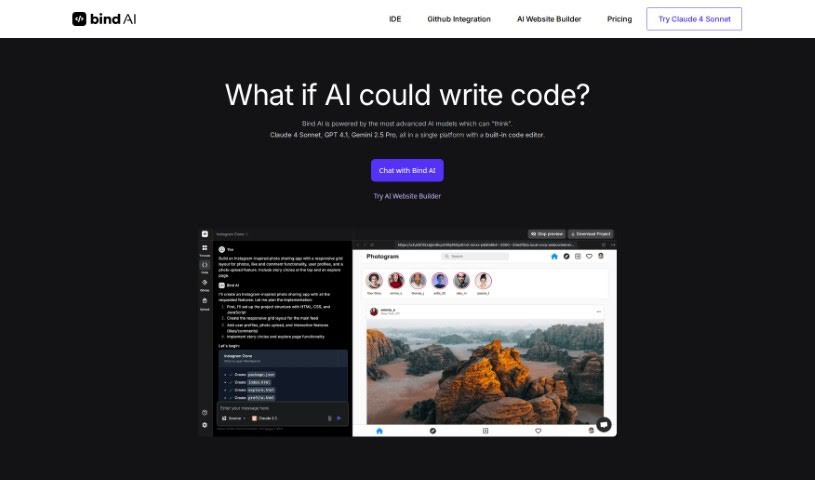
Bind AI is a platform that provides access to more than 15 AI models trained on data covering more than 72 programming languages, including Python, Java, C, C++, JavaScript, Bash, Swift, and Fortran. You can use it to build landing pages, write scripts, or create a complete backend. It is particularly strong at generating frontend code for web apps using HTML, NextJS, React, and Tailwind CSS. The built-in AI Code Editor also lets you write and run Python, C++, and bash scripts.

Code Generation View Tool →
Screenshot of Bito AI

Bito AI

Freemium

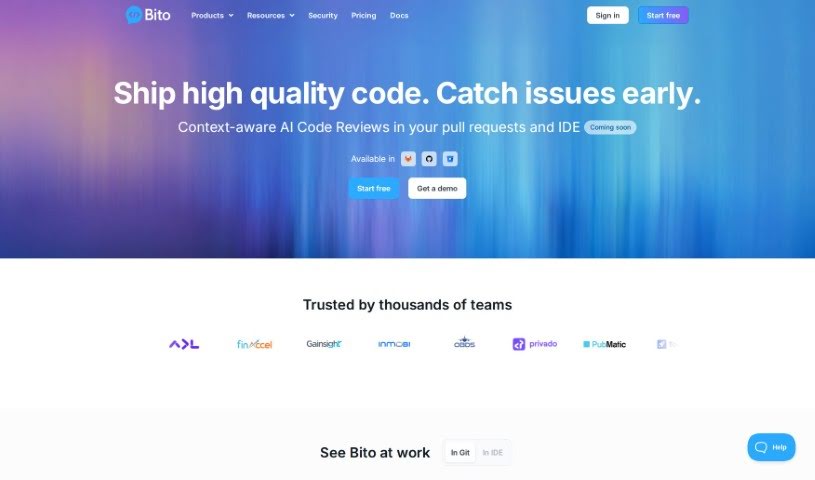
Bito AI is a platform that makes AI tools accessible and accurate for developers. It acts as an assistant for software engineers, aiming to improve coding speed and code quality. Its tools include AI Code Review Agents, an AI Chat that works inside your IDE or CLI, AI Code Completions, and AI that understands your code.

Code Generation View Tool →
Screenshot of Bongocat

Bongocat

Freemium

Bongocat is an interactive tool that responds to MIDI input with animations and sounds. It is designed for music-making and visual performance.

Code Generation View Tool →
Screenshot of Chat2Code

Chat2Code

Freemium

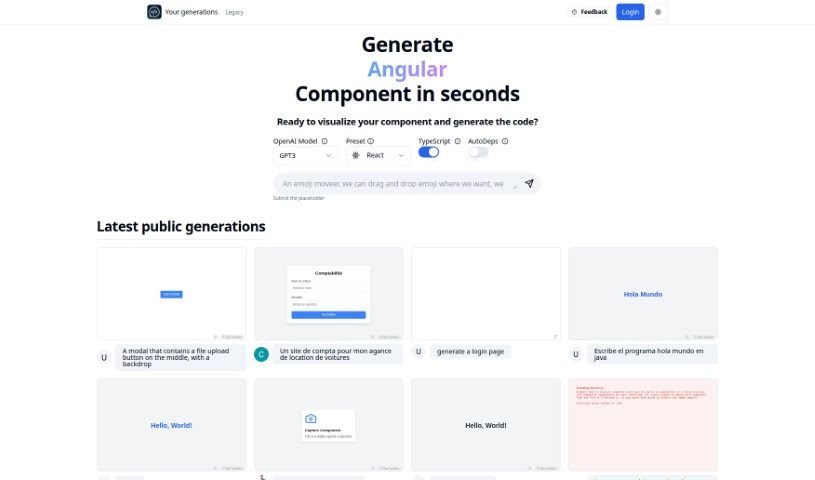
Chat2Code is an AI-powered platform focused on React component development. It lets you quickly create, run, and update React components in real time, streamlining the coding process for both beginners and experienced developers. Standout features include an OpenAI Model Preset that works with TypeScript and an AutoDeps function that automatically pulls in the libraries your code needs. Generated components are fully functional and interactive, not just static mockups, so they can be dropped directly into larger projects. You can also request additional libraries such as Zustand or usehooks-ts to extend functionality, and share your creations with others for collaboration. Chat2Code works within CodeSandbox, providing an interface to visualize and build components efficiently.

Code Generation View Tool →
Previous 1 of 8 Next

About Code Generation tools

Writing code is rewarding; hunting down a missing semicolon or fixing a broken dependency at 1 AM definitely isn’t. While traditional auto-complete tools can finish a single line or suggest a quick function, autonomous coding agents take things a step further. Instead of just suggesting snippets as you type, these systems act like a digital pair programmer that can read your entire project, edit multiple files at once, and run tests until a feature actually works.

Pair Programming with an Agent

Think of a standard auto-complete tool like the predictive text on your phone: it guesses the next word based on what you just typed. A coding agent is more like giving a clear task to a junior developer sitting next to you. You tell the system to “add a dark mode toggle to the settings page and save user preferences to local storage.” The agent searches your project, identifies which visual components need updating, writes the code across three separate files, and runs terminal commands to check whether the build passes.

These agents fit into several parts of the development lifecycle. Refactoring older code is a prime example. Swapping out an outdated library across dozens of files by hand takes hours of tedious copy-pasting. An agent maps out dependencies, replaces outdated calls across your whole project, and catches breaking changes before you commit. They’re also incredibly helpful for fixing bugs straight from error logs. Paste a stack trace into the editor, and the agent scans your files to find the exact line causing the crash, offering a tested fix in seconds.

What to Look for in a Coding Assistant:

  • Full repository context: Systems that analyze your whole codebase, not just the single file open on your screen.
  • Terminal execution: Tools that run shell commands, install dependencies, and run test suites in a sandbox environment.
  • Multi-file edits: Agents capable of editing multiple scripts at once while keeping variable names and imports consistent.
  • CLI and IDE integration: Applications that work inside your favorite text editor, command terminal, or web workspace.
  • Security and code privacy: Features that keep your private codebase confidential without using your data for model training.

These systems won’t build a complex enterprise app entirely on their own without human guidance. They still hallucinate packages or propose messy fixes when instructions aren’t clear. Experienced developers treat them as fast assistants rather than hands-off replacements. You’ll still need to review pull requests, enforce security rules, and guide the overall architecture.

But the repetitive busywork—writing basic unit tests and making repetitive edits across ten files—can finally take a back seat.

Explore the directory below to find the right fit for your development environment.

The Best AI Code Generators

  1. Cursor: Great for quickly creating basic code snippets.
  2. Replicate AI: Automates repetitive coding tasks.
  3. Code Sandbox: Automates boilerplate code.
  4. Taskade: Efficiently creates code snippets when you need them.
  5. UpCodes: Streamlines the code generation process.
  6. Code Signal: Automates code generation tasks.
  7. ZZZ Code AI: Provides automated code templates.
  8. Tabnine: Automates repetitive coding tasks.
  9. Locofy: Quickly converts designs into code.
  10. Code Rabbit: Automates code creation.
  11. Codeium: Automates repetitive coding tasks.
  12. Together AI Llama Coder: Automates repetitive coding tasks.
  13. Code GPT: Generates code snippets automatically.
  14. Code Convert AI: Instantly converts code snippets with ease.
  15. Bito AI: Generates complex code snippets quickly.
New tools, in your inbox.

Weekly picks of the best AI tools we've researched and added — no spam, unsubscribe anytime.

Join 25,000+ AI enthusiasts. No spam, unsubscribe anytime.