10Web
Web Development Website Builders
Learn more
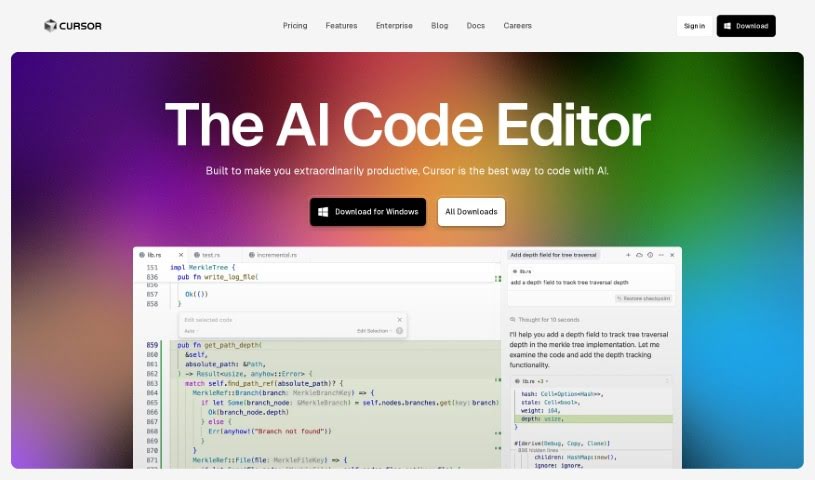
Discover Cursor, the AI-powered IDE for faster coding. Learn about its AI chat, natural language editing, bug fixing, and privacy-first design.
Cursor is an Integrated Development Environment (IDE) built for AI-assisted pair programming. It helps developers build software faster with features like chatting directly with your projects, editing code using plain English instructions, and automatically fixing bugs as you find them.
Cursor provides access to top-tier AI models, including GPT-4, GPT-4o, and Claude 3.5 Sonnet. You can choose between fast and slow usage depending on your needs. Premium models offer enhanced privacy settings, keeping your code exclusively on your local machine.
No matter which plan you use — free, pro, or business — you own all the code generated by Cursor.
Cursor is an AI-first code editor that boosts productivity through AI-assisted coding, built-in bug detection, and a strong focus on privacy.
Related
Discover more tools in similar categories
Weekly picks of the best AI tools we've researched and added — no spam, unsubscribe anytime.
Join 25,000+ AI enthusiasts. No spam, unsubscribe anytime.