AI Tools for Web Development

Discover the best Web Development AI tools to enhance your productivity and creativity.

Page 1 of 58 • 694 total tools

Web development has really changed lately, and AI tools are a big part of that. What used to take a lot of coding and design skill can now be made much simpler with smart programs that speed things up. Today, AI-assisted development tools are changing how we build websites, making it easier for newcomers and more efficient for experienced pros.

These tools offer everything from easy design features to help with writing code, letting you create great-looking, functional sites more quickly. Developers don’t have to start from scratch or fix every single line of code manually anymore. Instead, AI can offer suggestions and even create whole parts of a website based on what you need.

Having worked in web development for years, I’ve seen firsthand how AI can make tasks simpler and more efficient. But with so many options out there, picking the right tool can feel overwhelming.

In this article, I’ll share the best AI web development tools you can find right now. Whether you want to improve your coding, automate routine jobs, or make your design process better, there’s something here for you. Let’s explore the tools that can really change your web development experience.

The best AI Web Development Tools

  1. Lovable: Great for making frontend design work smoother.
  2. Cursor: Helps with real-time code collaboration.
  3. Replit AI: Generates code snippets for web apps.
  4. Supabase: For teams to manage databases together.
  5. v0 by Vercel: Quickly creates UI kits for web projects.
  6. Replicate AI: Automates code generation for web apps.
  7. Carrd: Perfect for a single-page site to promote an event.
  8. AI Dungeon: Lets you create interactive web stories with code.
  9. Ollama: For quickly building early versions of web interfaces.
  10. Jimdo: Makes building and managing websites easy.
  11. Code Sandbox: Simplifies CSS preprocessor workflows.
  12. Tilda: Lets you create websites easily without coding.
  13. Bubble: A drag-and-drop tool for building web applications.
  14. Weights & Biases: Streamlines integrating ML models into web apps.
  15. Warp Terminal: Helps deploy web apps quickly.

How do AI web development tools work?

AI web development tools use smart algorithms to handle different parts of designing and building websites. These tools often use large language models, much like AI writing software, to look at coding patterns and make things more efficient. They offer suggestions, code pieces, or even build whole sections of code based on what you tell them.

Basically, these tools understand what you’re asking for, so you can describe what you want in simple terms. For example, you could say, “Create a navigation bar,” and the AI will generate the HTML, CSS, or JavaScript code needed. This makes web development more accessible, even if you don’t have a lot of programming experience.

Many AI web development platforms connect with popular coding environments and content management systems. This means they can improve tools like WordPress, Wix, or GitHub by offering smart code completions or finding errors as you type. With these connections, users can really smooth out their development process.

The data these AI systems learn from usually includes tons of source code, guides, and content created by users on sites like GitHub. This helps them learn different coding styles and the best ways to do things. Their effectiveness comes from spotting patterns and suggesting the best solutions based on what the user needs.

In short, AI web development tools make coding simpler, letting developers focus on creativity and solving problems instead of getting stuck on syntax. As technology keeps changing, these tools are expected to get even better, likely changing how web developers work.

Our best AI web development tools at a glance

RankNameBest forPlans and PricingRating
1LovableMaking frontend design work smoother.N/A4.84 (43 reviews)
2CursorReal-time collaboration on code projects.Paid plans start at $20/Month.4.83 (6 reviews)
3Replit AIGenerating code snippets for web apps.N/A4.70 (44 reviews)
4SupabaseCollaborative database management for dev teamsN/A5.00 (32 reviews)
5v0 by VercelQuickly creating UI kits for web projects.N/A4.73 (11 reviews)
6Replicate AIAutomating code generation for web apps.N/A4.82 (11 reviews)
7CarrdA single-page site for event promotion.Paid plans start at $19/year.4.72 (29 reviews)
8AI DungeonCreating interactive web story experiences.N/A4.54 (39 reviews)
9OllamaRapid prototyping of web interfaces.N/A4.63 (8 reviews)
10JimdoBuilding and maintaining websites easily.N/A4.64 (11 reviews)
11CodeSandboxSimplifying CSS preprocessor workflows.N/A4.45 (11 reviews)
12TildaEffortless website creation without coding.N/A4.75 (20 reviews)
13BubbleA drag-and-drop web applications builder.N/A4.73 (11 reviews)
14Weights & BiasesStreamlining ML model integration in web apps.N/A4.50 (12 reviews)
15Warp TerminalDeploying web apps swiftly.N/A4.79 (28 reviews)
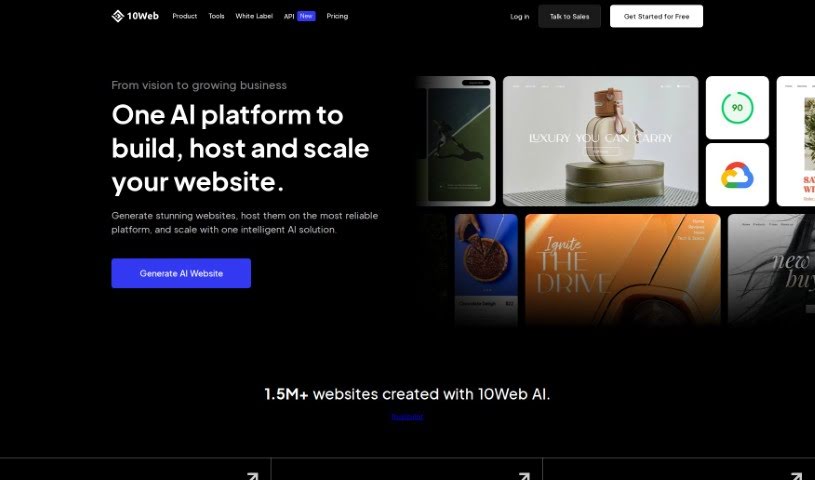
Screenshot of 10Web

10Web

Freemium

10Web is your all-in-one AI-powered toolkit for building and managing WordPress websites. It features an AI Website Builder that makes creating a site surprisingly simple: you just answer a few questions, and its generative AI crafts custom content and images specifically for you. What's great is that this AI-generated content feels original and natural, never plagiarized. Plus, the AI Assistant helps you create content that's not only engaging but also optimized for search engines, right within your WordPress site. Beyond building, 10Web offers 10Web Booster, a comprehensive optimization solution. It handles image optimization, caching, and even uses Cloudflare Enterprise CDN to make your site lightning-fast and secure.

Web Development View Tool →
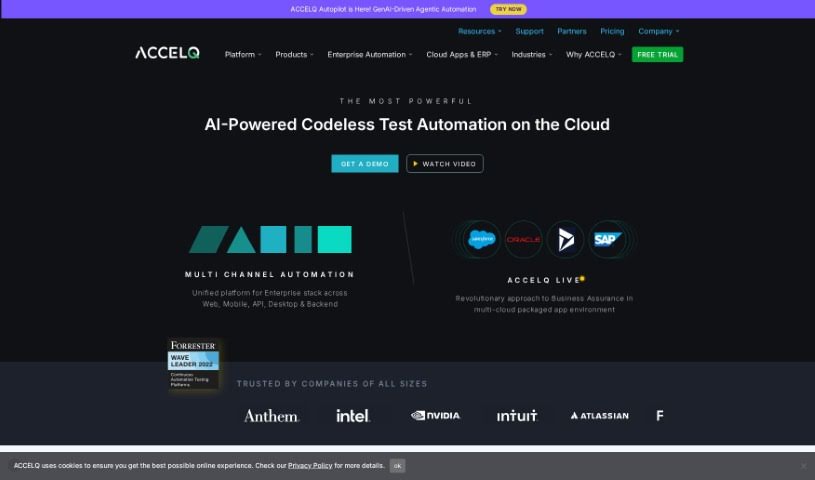
Screenshot of ACCELQ

ACCELQ

Freemium

ACCELQ is a platform designed to really shake up test automation and agile quality assurance. It aims to break down the old barriers and silos that often slow things down in the industry. Founded by Mahendra Alladi, ACCELQ puts quality right at the heart of how software is developed. This means you can deliver software continuously and incrementally, getting it out there faster and for less money. ACCELQ provides a range of tools for automating tests across web, mobile, and APIs, as well as for manual testing. What's neat is that it's all powered by AI, making continuous testing a reality in software development. It also boasts a 'no-code' capability, which means you don't need to be a coding expert to use it, making it both easy to pick up and scalable for handling even complex, real-world tests. Plus, ACCELQ offers training and certification programs to help you get the most out of the platform.

Web Development View Tool →
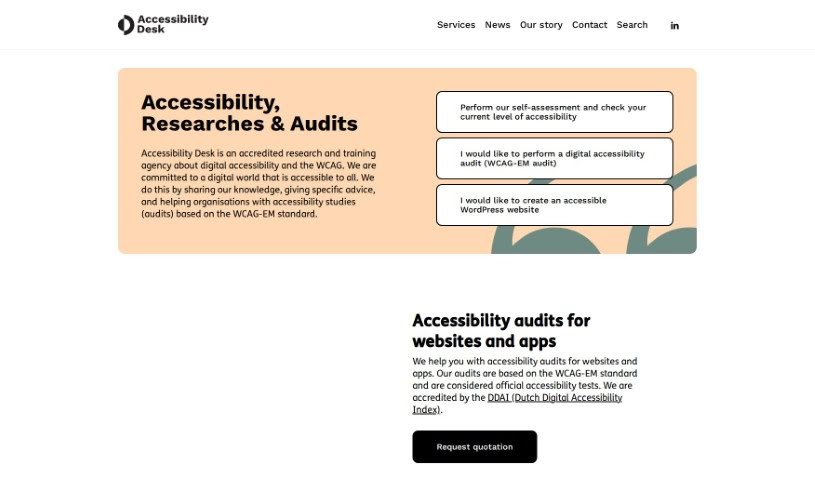
Screenshot of Accessibility Desk

Accessibility Desk

Freemium

Accessibility Desk offers a robust suite of tools designed to make digital content more accessible for everyone. At its core is the AI Accessibility Toolkit, which is packed with features to simplify text, create descriptive alternative text (alt text), improve readability, and help you assess and report on your digital accessibility efforts. It is your go-to resource for crafting clear alt text for images, videos, and more, checking your text against accessibility standards, building comprehensive accessibility statements, making sure your website code is up to par, and guiding you through self-assessments and reporting. You can dive deeper and access all these handy tools on their website: <https://accessibilitydesk.com/ai-toolkit/>.

Web Development View Tool →
Screenshot of Addy AI

Addy AI

Freemium

LangDrive is a really helpful platform with a powerful API that makes fine-tuning large language models (LLMs) much simpler. It lets you connect your own private data to train and personalize these language models. A big plus here is that you keep ownership of your model weights, which is great for data privacy and lets you really dial in the model's performance to your specific needs. Plus, deploying your trained models is a breeze because it integrates smoothly with Hugging Face, a super popular place for modern AI models. LangDrive is built for developers and businesses who want to use LLMs in their apps without getting bogged down in the technical details of tuning each model themselves.

Web Development View Tool →
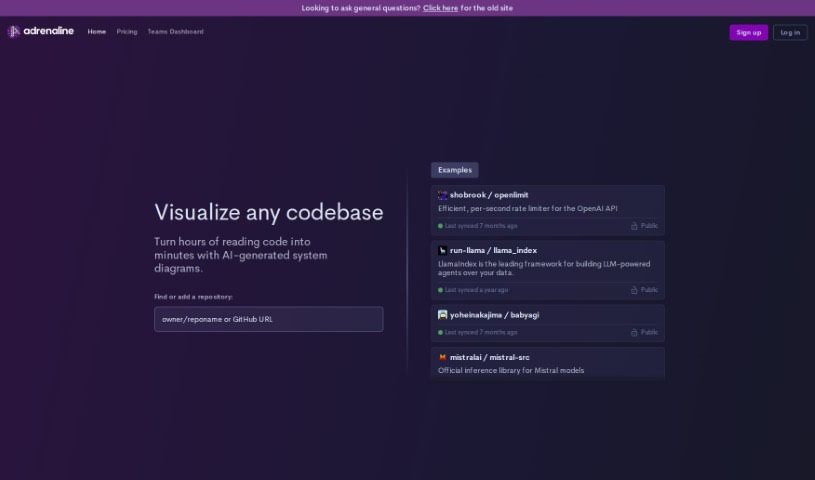
Screenshot of Adrenaline

Adrenaline

Freemium

Adrenaline is your AI coding assistant, built by OpenAI Codex. It's designed to help developers find and fix code errors super fast. How? By using AI to really dig in and figure out what's causing the problem – maybe a typo, a missing semicolon, or something else entirely. Then, it offers straightforward solutions you can just plug in.

Web Development View Tool →
Screenshot of Ag1 Labs

Ag1 Labs

Freemium

Ag1 Labs is a really handy tool that lets you train several different Large Language Models (LLMs). You can then take these trained models and turn them into APIs, Telegram bots, or even WhatsApp functionalities to automate tasks. What's great about Ag1 Labs is its infrastructure is connected to real-time web data. This means you can work with all sorts of information and contexts without worrying about hitting a limit on how much text the model can handle. It's built to be super user-friendly, working smoothly with no-code platforms, other automation tools, and LLMs.

Web Development View Tool →
Screenshot of AgentOps

AgentOps

Freemium

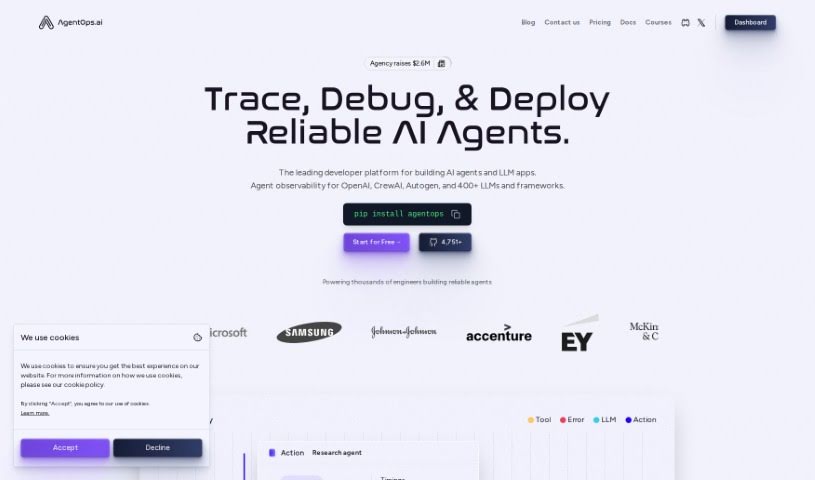
AgentOps is a really helpful AI tool designed to give you better performance analytics when you're building AI agents. It is a way to really understand what your AI agents are doing, how well they're doing it, and how to make them even better. It offers analytics and debugging features specifically for AI agents, all with the goal of making them more transparent, performant, and reliable. The software helps you get a clearer picture of your AI agents' behavior through features like constant monitoring, visual graphs, and replay analytics. By keeping a close eye on what the agent does, watching its behavior, and digging into past interactions, you can spot problems, fix them, and ultimately boost how well your agent performs.

Web Development View Tool →
Screenshot of AI Code Converter

AI Code Converter

Freemium

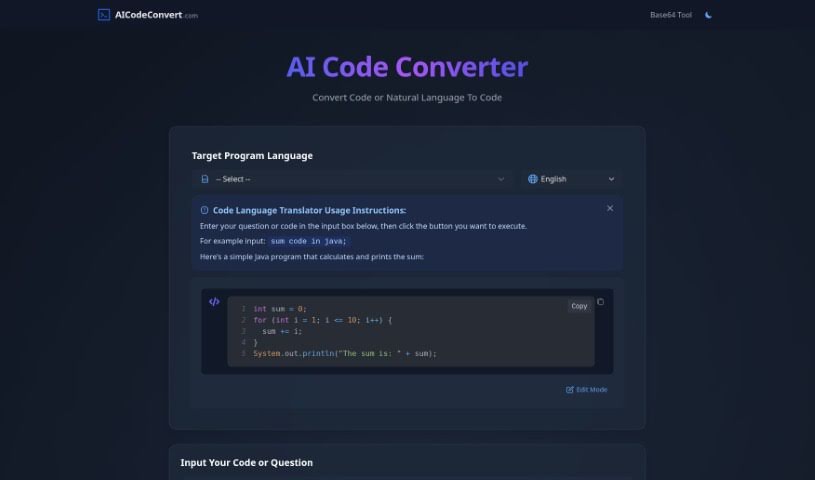
AI Code Converter is a really neat online platform. It uses smart artificial intelligence to help developers out, whether they need to switch code from one language to another or create code just by describing what they want in plain English. It's pretty versatile, supporting over 49 programming languages like Java, JavaScript, Python, and C++. Beyond just translating and creating code, it can also help optimize it, find bugs, and explain how it works, all aimed at making developers more productive and helping them understand things better. Plus, it has a fun, unique feature: it can even generate Disney AI posters, adding a creative flair to its services.

Web Development View Tool →
Screenshot of AI Code Mentor

AI Code Mentor

Freemium

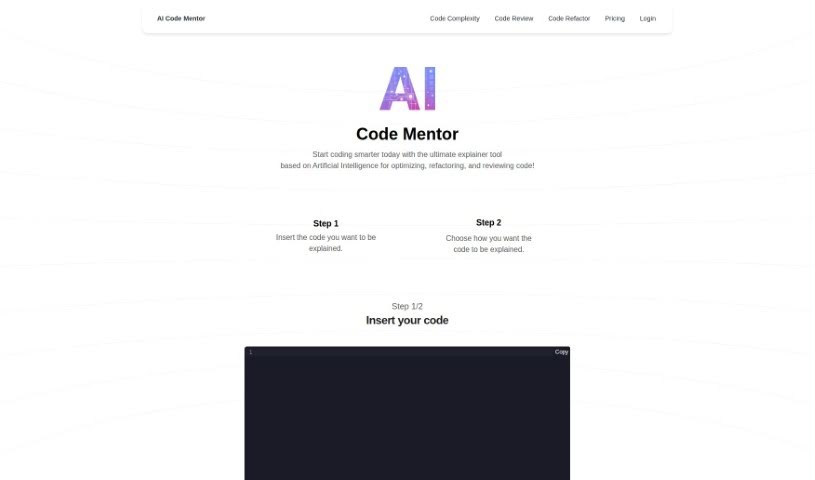
AI Code Mentor is your smart coding assistant. It uses artificial intelligence to help developers of all skill levels get a better handle on their code. What's really neat is that it can explain things in different ways, matching your current understanding. It's designed to make complex code easier to manage, boost performance, and generally make your code better, all without changing what it actually does. You can pick how you want it to explain things – like a straightforward 'Robot' explanation, a 'Beginner Programmer' style, or even insights from a 'seasoned professional.' This helps you optimize, clean up, and review your code much more efficiently.

Web Development View Tool →
Screenshot of AI Dev Codes

AI Dev Codes

Freemium

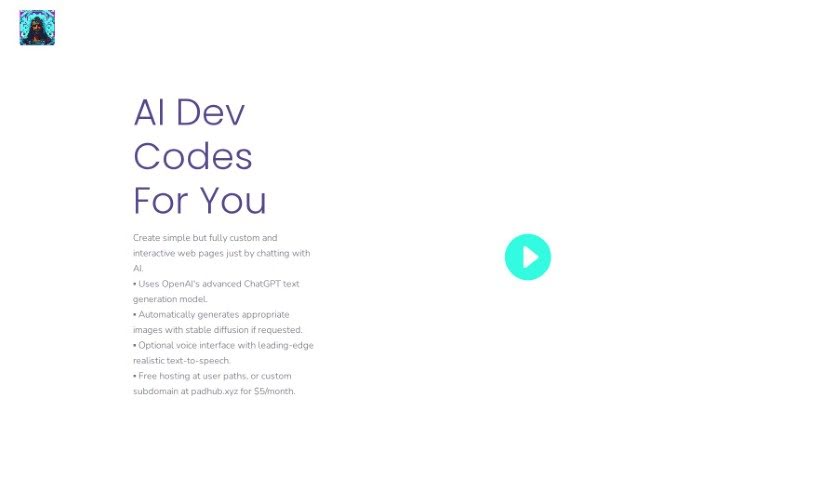
AI Dev Codes is a really neat AI-powered tool that lets you build custom, interactive web pages just by chatting with it. It uses advanced text and image generation tech, with ChatGPT helping out to make sure the responses you get are actually useful. It can even create images for you using stable diffusion, and there's an optional voice feature with realistic text-to-speech if you prefer that. Plus, you get free hosting for whatever you create! You can make all sorts of pages – think mock-ups, handy utility pages, fun creative writing projects, or even full-blown websites.

Web Development View Tool →
Screenshot of AI Dungeon

AI Dungeon

Freemium

AI Dungeon is a text-based adventure game where you're the star, guiding the story while an AI brings everything to life. Unlike typical games with pre-designed worlds, AI Dungeon lets you tell the AI what kind of world, characters, and situations you want. It's like a fantasy simulation powered by AI, offering endless adventures. You could be leading an army against aliens, or maybe you're a fantasy detective looking into the attempted assassination of a fairy queen. The AI's ability to create these deep, interactive worlds is pretty amazing, showing off what artificial intelligence can do.

Web Development View Tool →
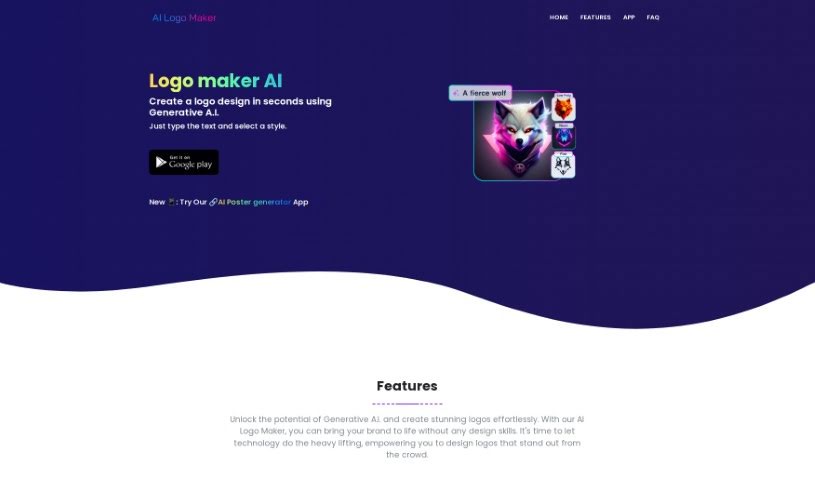
Screenshot of AI Logo Maker

AI Logo Maker

Freemium

An AI Logo Maker is essentially a smart tool that uses artificial intelligence to help you design logos and other graphic elements. It is a digital assistant that takes your ideas and turns them into visual concepts. It really simplifies the whole logo design process, making it super accessible even if you don't have any design experience. You can give the AI some basic input, and it'll generate a bunch of logo ideas for you. Then, you can tweak these concepts to make a logo that truly feels like your brand. This kind of tool usually supports different logo styles, lets you play around with colors, fonts, and other design elements, and lets you download your final logo in common formats like PNG, JPG, and SVG. Plus, they often have customer support ready to help if you get stuck.

Web Development View Tool →
Previous 1 of 58 Next

Stay Updated with AI Tools

Get weekly updates on the latest AI tools, trends, and insights delivered to your inbox

Join 25,000+ AI enthusiasts. No spam, unsubscribe anytime.