AI Tools for Image Enhancement

Discover the best Image Enhancement AI tools to enhance your productivity and creativity.

Page 1 of 9 • 106 total tools

In today’s world, where visuals are everything, making sure your images look their absolute best is more important than ever. Whether you’re a pro photographer, run a small business, or just love sharing memories, how good your photos look can really make a difference. But let’s be honest, not every shot is perfect right out of the camera.

That’s where AI-powered image enhancers and upscalers come in. These tools use smart algorithms to refine and improve your images without a fuss. They can restore detail in low-res photos, boost colors, and tweak contrasts, basically transforming your visuals in ways that used to need fancy professional software.

Over the last year, image enhancement tech has gotten so much better. What used to take ages of manual editing can now be done in seconds with just a few clicks. I’ve spent time trying out some of the best options out there, focusing on ones that give great results without needing you to be a digital art whiz.

If you’re ready to give your images a new lease on life, this guide will show you the top AI image enhancers and upscalers available right now. Let’s jump in and see how to make your photos go from good to amazing.

The best AI Image Enhancer & Upscalers

  1. Pixelcut: Great for improving image clarity and resolution.
  2. Cutout.pro: Helps boost photo clarity and resolution.
  3. Pica AI: Smoothly enhances and upscales anime images.
  4. Image Upscaler: Perfect for turning low-res images into print-ready files.
  5. Upscale.media: Quickly boosts visuals for e-commerce.
  6. Remini AI: Transforms low-res images into stunning visuals.
  7. Vectorizer.ai: Improves image quality for large prints.
  8. Let’s Enhance: Enhances images for vibrant large prints.
  9. Clip Drop: Boosts the quality of low-res images.
  10. Bigjpg: Enlarges anime art while keeping details sharp.
  11. Adobe Photoshop AI: Upscales low-res photos for better clarity.
  12. Vance AI: Improves photo quality for prints.
  13. Passport Photo Online: Enhances photo quality for official documents.
  14. Reface: Improves image quality for clearer details.
  15. Magnific AI: Transforms low-res images into high-definition.

How do AI image enhancers & upscalers work?

AI image enhancers and upscalers use advanced algorithms, especially deep learning models like convolutional neural networks (CNNs). These models analyze images to understand what they’re seeing and how they’re structured. The main goal is to make images look better, adding detail and clarity while reducing any oddities that can pop up when you enlarge a picture.

Basically, AI image upscaling looks at a low-resolution image and figures out what a high-resolution version would likely look like. By learning from tons of image data, these models can fill in details that aren’t actually there.

When training, the AI gets shown countless pairs of low and high-resolution images. This teaches it how to effectively reconstruct missing information. So, when you enlarge a smaller image, the model can create realistic textures, subtle lighting, and smooth color transitions.

Some common methods include super-resolution, where the AI creates new pixel data based on what’s already there, ensuring a smooth enlargement. This helps keep the image looking natural while making it sharper and generally better looking.

AI tools also fine-tune images by adjusting colors, contrast, and brightness. This isn’t just about resizing; it genuinely improves the look and feel of the photo. It makes distracting elements less obvious and really makes the main subject pop.

So, to sum it up, AI image enhancers and upscalers use deep learning and massive training datasets to create great-looking images from lower-quality sources. Their knack for recreating details and improving overall image quality really shows off how powerful artificial intelligence is for creating and enhancing visual content.

Our best AI image enhancer & upscalers at a glance

RankNameBest forPlans and PricingRating
1PixelcutImproving image clarity and resolution.N/A4.64 (11 reviews)
2Cutout.proBoosting photo clarity and resolution.N/A4.46 (13 reviews)
3Pica AIEnhancing and upscaling anime images smoothly.N/A4.58 (12 reviews)
4Image UpscalerTurning low-res images into print-ready files.Paid plans start at $3.9/year.4.54 (13 reviews)
5Upscale.mediaQuickly boosting visuals for e-commerce.N/A4.17 (6 reviews)
6Remini AITransforming low-res images into stunning visuals.N/A4.67 (6 reviews)
7Vectorizer.aiImproving image quality for large prints.N/A4.17 (6 reviews)
8Let’s EnhanceEnhancing images for vibrant large prints.Paid plans start at $12/month.4.72 (25 reviews)
9ClipDropBoosting the quality of low-res images.Paid plans start at N/A—/month.4.75 (12 reviews)
10BigjpgEnlarging anime art while keeping details sharp.N/A4.77 (13 reviews)
11Adobe Photoshop AIUpscaling low-res photos for better clarity.N/A4.70 (27 reviews)
12VanceAIImproving photo quality for prints.N/A4.73 (11 reviews)
13Passport Photo OnlineEnhancing photo quality for official documents.Paid plans start at $16.95/N/A.4.67 (6 reviews)
14RefaceImproving image quality for clearer details.N/A4.35 (20 reviews)
15Magnific AITransforming low-res images into high-definition.Paid plans start at $39/month.4.67 (6 reviews)
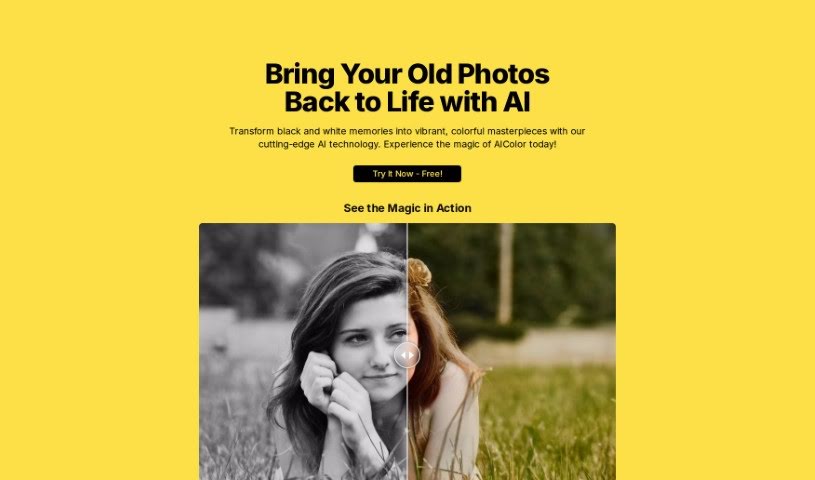
Screenshot of AI Color

AI Color

Freemium

AI Color is a really neat tool that uses artificial intelligence to add color to old black and white photos. It's designed to bring cherished memories back to life, transforming those old, faded pictures into vibrant, colorful images. The interface is super easy to use, so anyone can colorize their historical photos without a problem. By using AI, you can spot details you might have missed before and share these beautifully restored memories with everyone you care about. @eyucoder put a lot of care into creating this tool, making sure it really helps people preserve the past in stunning color.

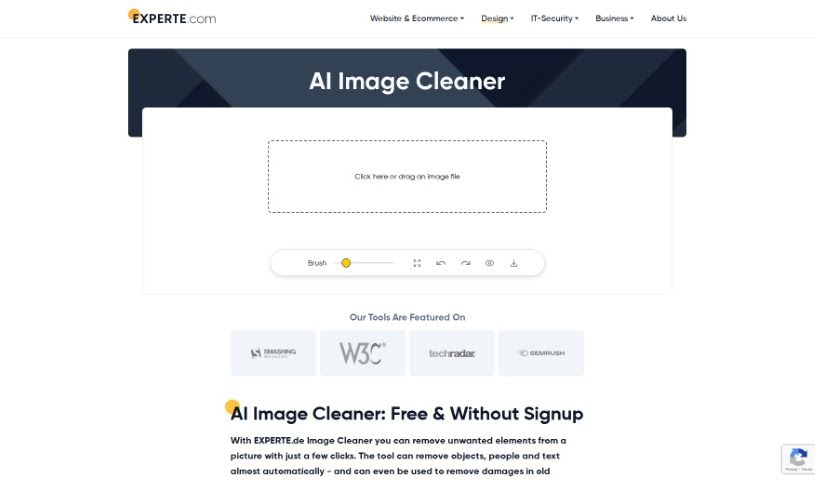
Screenshot of AI Image Cleaner By Experte

AI Image Cleaner By Experte

Freemium

AI Image Cleaner by Experte is a specialized tool designed to improve and perfect your images using artificial intelligence. It is a smart assistant for your photos. This innovative software uses advanced AI algorithms to automatically spot and fix common image problems like graininess, blurriness, and off colors. Because it's powered by AI, it cleans and refines your images, giving you professional-looking results with minimal fuss. You'll notice clearer, sharper images without much effort, making it a really handy and effective tool for anyone who needs high-quality image processing, whether for personal projects or professional work.

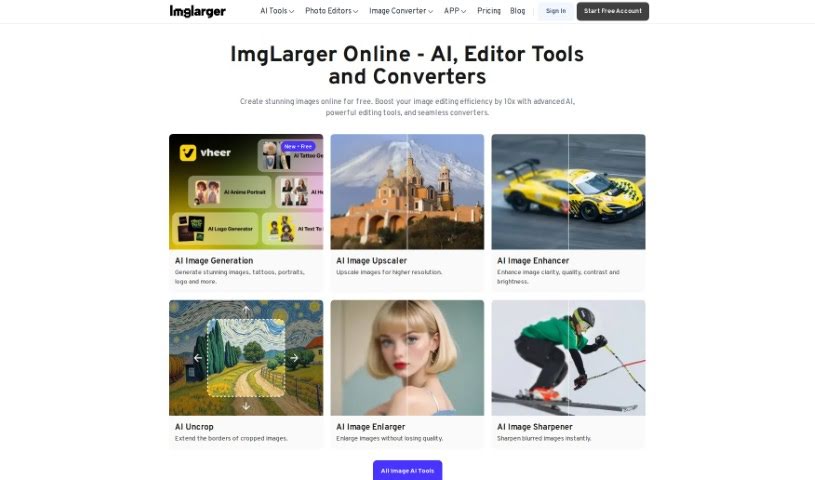
Screenshot of AI Image Enlarger

AI Image Enlarger

Freemium

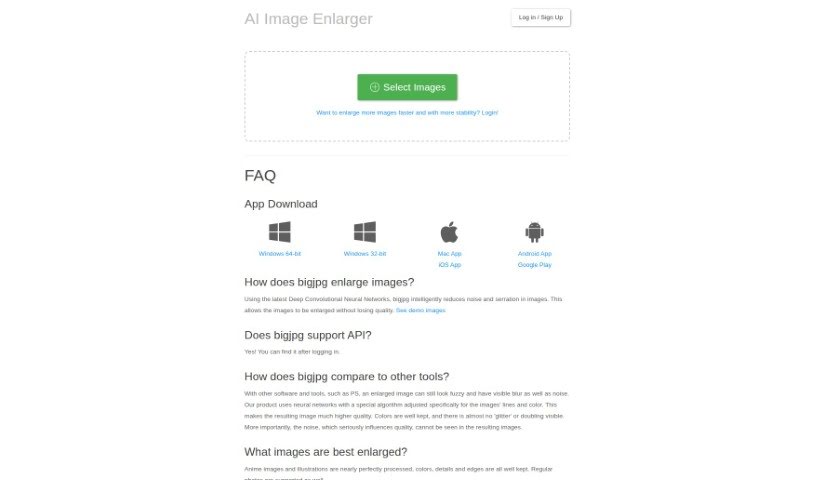
AI Image Enlarger is a really neat tool that uses artificial intelligence to make your images bigger and better. It is a smart way to boost the resolution and quality of your pictures. It uses advanced technology, kind of like a digital wizard, to enlarge images without making them look blurry or pixelated. This is super handy if you want to improve how photos, artwork, or graphics look, by increasing their size and bringing out more detail. You just upload your image, pick how much you want to enlarge it, and the AI does the rest. It’s a straightforward way for anyone, whether you're an individual or a business, to make their visual content look its best, perfect for printing, online use, or anything in between.

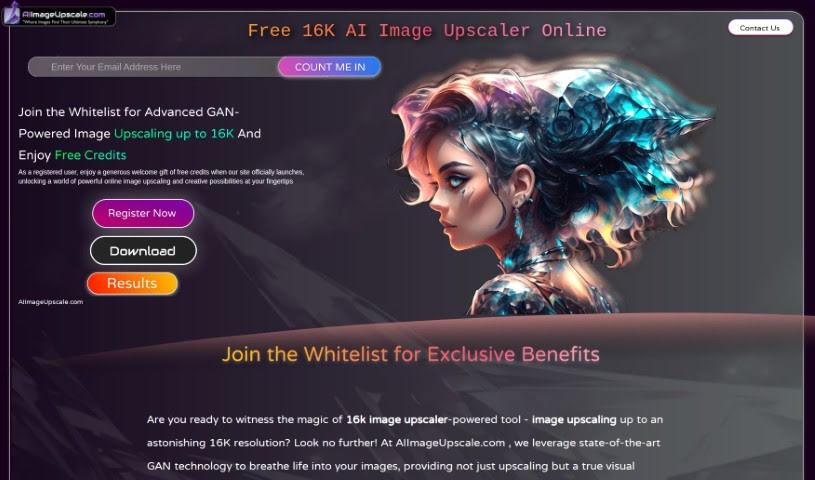
Screenshot of AI Image Upscale

AI Image Upscale

Freemium

AI Image Upscaler is a really advanced tool that uses the latest AI technology to make your pictures look much better when you increase their size. It's a game-changer for upscaling images. This tool uses Generative Adversarial Networks (GAN) technology, which is a fancy way of saying it's really smart at making images bigger while improving their quality significantly. You can expect features like smart color correction, AI Art Generation, and the ability to boost your images all the way up to an incredible 16K resolution. Plus, you get free usage credits, early access, and special perks. It’s perfect for creating artistic masterpieces or just making your photos look sharper. While it's capped at 16K and you'll need to sign up, the results are high-quality, opening up a whole new world of visual enhancement. This AI Image Upscaler can really bring your photos to life, making every pixel clearer and sharper, even when you enlarge them up to 16K. It's especially helpful for 3D artists who need to improve the quality and realism of their textures. This makes virtual worlds feel more immersive and helps them create stunningly realistic renders. Essentially, AI Image Upscaler wants to make top-notch image upscaling accessible to everyone, offering straightforward solutions with its AI tools.

Screenshot of AI Photo Editor

AI Photo Editor

Freemium

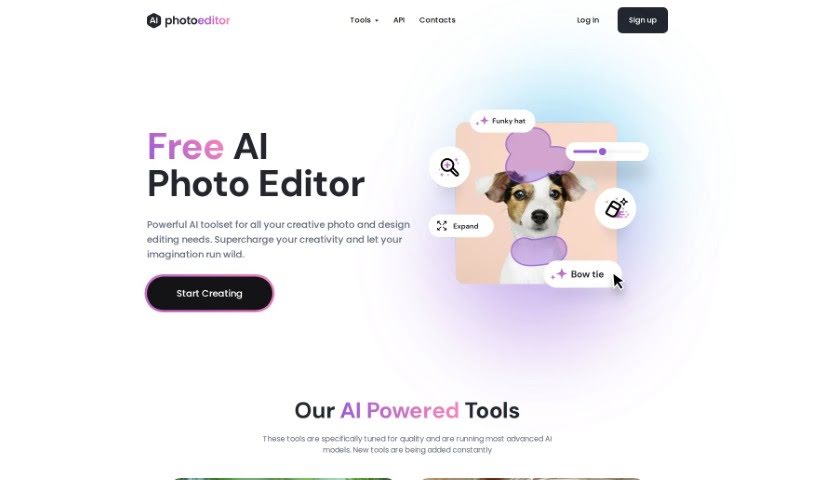
An AI Photo Editor, like PhotoEditor.ai, is a super smart visual platform that uses Artificial Intelligence to completely change how we edit photos. It’s a big step up from the old ways. This technology makes it really easy for anyone to clean up their pictures. You can effortlessly remove things you don't want – like objects, text, or even people. Plus, you can add new elements using generative fill, or sharpen blurry images with tools like Upscale and Unblur. The results you get are often as good as, or even better than, what you’d achieve with traditional methods. PhotoEditor.ai is a bit like Photoshop, but it’s designed to be much simpler to use while still delivering top-notch results. This is all thanks to its advanced AI and Machine Learning. You'll really notice a difference in how you edit photos once you start using these AI-powered tools.

Screenshot of AI Photo Restorer

AI Photo Restorer

Freemium

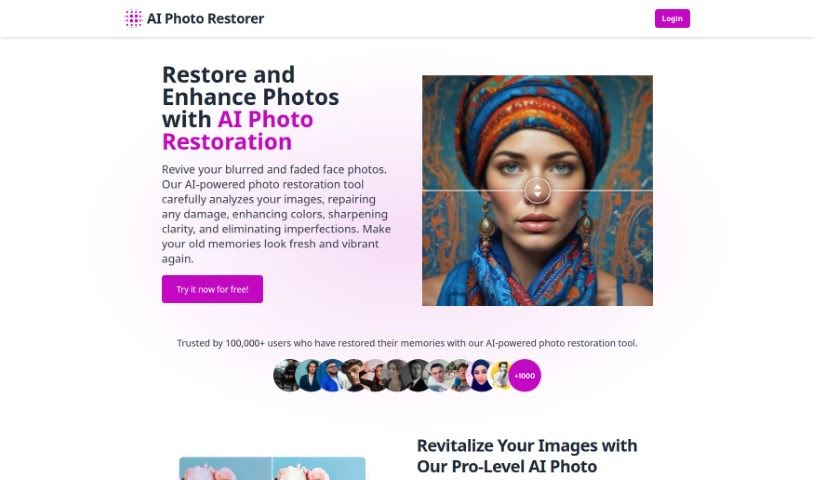
AI Photo Restorer is a really neat tool that uses smart artificial intelligence to bring old, faded, or damaged photos back to life. It is a digital magic wand for your pictures! It's designed to fix common problems like blurriness, scratches, and fading. It can bring back color, sharpen things up, and just make your photos look so much better overall. This tool uses the latest AI technology to upscale images, meaning it can increase their resolution by up to 4 times. This is fantastic if you want to print photos, use them in ads, or create really sharp wallpapers.

Screenshot of autoRetouch

autoRetouch

Freemium

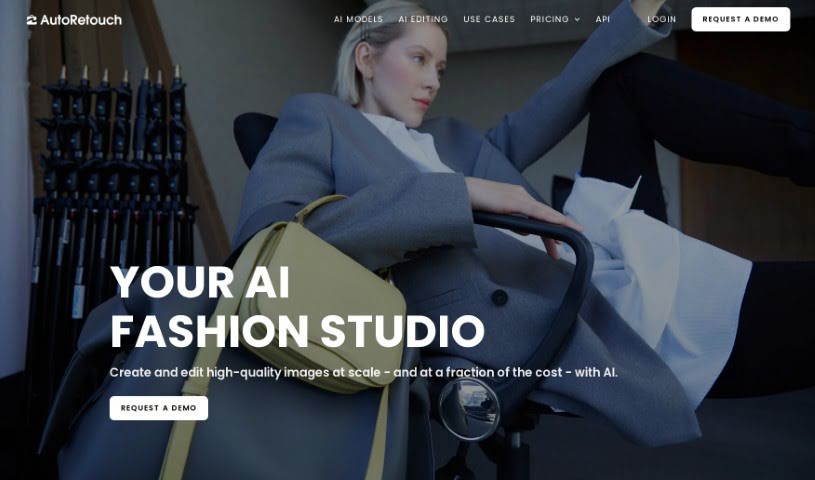
AutoRetouch is a smart, AI-powered platform that makes it super easy to create professional-looking images in just seconds. It is your go-to tool for quick, high-quality image editing. It's packed with AI editing tools designed for all sorts of tasks. Need to retouch a bunch of product photos at once? It's got you covered. Want to create those cool ghost mannequin effects for fashion items? Yep, it does that too. Plus, it's great for making your ecommerce products really pop. You can edit your images right in your browser, or if you're more technically inclined, you can use its API. And for those times when you have thousands of images to process, its batch editing capabilities are a lifesaver, letting you apply edits to them all at the same time. You can even check out what other businesses are saying about how autoRetouch has helped them. As for cost, it's based on how many images you edit each year, with plans starting around €900 annually for 6,000 images in their Starter package.

Screenshot of Azen

Azen

Freemium

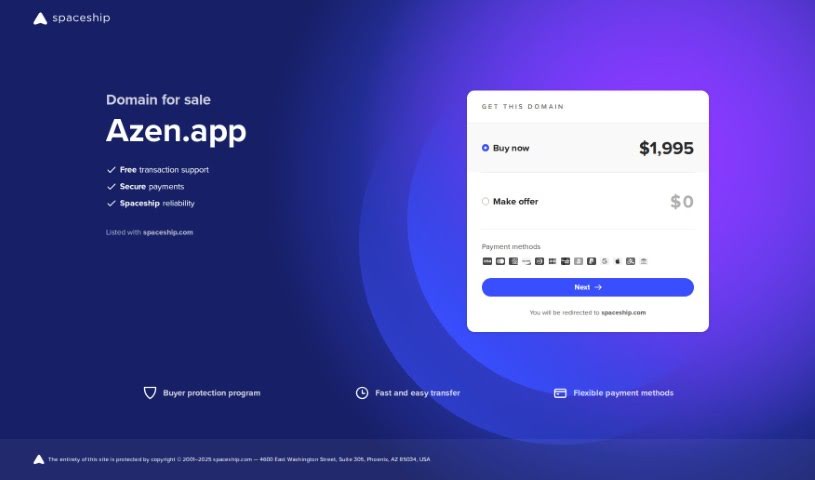
Azen is a comprehensive AI suite designed to be your go-to platform for all sorts of advanced AI technology. It is a one-stop shop! You can tap into a wide array of AI tools here, whether you need to analyze text, process images, generate videos, upscale existing pictures, or even convert text into speech. The platform is quite generous, allowing up to 150 file uploads each month. Plus, you get access to powerful models like GPT-3.5 and GPT-4, which means you can send about 5,000 instant messages every month. Beyond that, Azen offers handy features like image upscaling to improve picture quality, image analysis to pull out key information, and image generation to create new visuals from scratch. They even have text-to-speech with a variety of voices to choose from.

Screenshot of Barbie Selfie Generator

Barbie Selfie Generator

Freemium

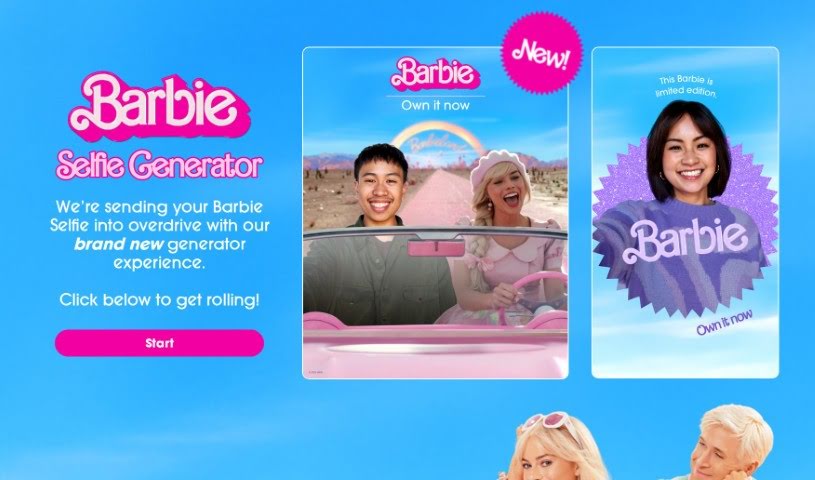
The Barbie Selfie Generator is a really fun new way to jazz up your Barbie selfies. It is taking your Barbie pics to the next level with some neat features. You can jump right in by clicking the button below to start creating your own unique Barbie selfies. It’s a super creative and enjoyable way to play around with Barbie, using digital tools to add cool effects and backgrounds.

Screenshot of Bigjpg

Bigjpg

Freemium

Bigjpg is a really neat tool for making images bigger, especially if you're working with Anime-style artwork or photos. It uses advanced Deep Convolutional Neural Networks, which sounds complicated, but basically, it's smart technology that helps enlarge your images without losing quality. It's particularly good at reducing any graininess or noise and keeping the image looking sharp and clear. Whether you're working with vibrant Anime scenes or everyday photos, Bigjpg aims to keep all the colors, fine details, and crisp edges just right. You can use it for free, or opt for their paid services if you need faster, more reliable enlargements. They also take your privacy seriously, using encrypted links and deleting your images automatically after 3 days. Plus, they offer API support and apps for your desktop and phone, making it super convenient to use wherever you are.

Screenshot of Ceacle Pipeline

Ceacle Pipeline

Freemium

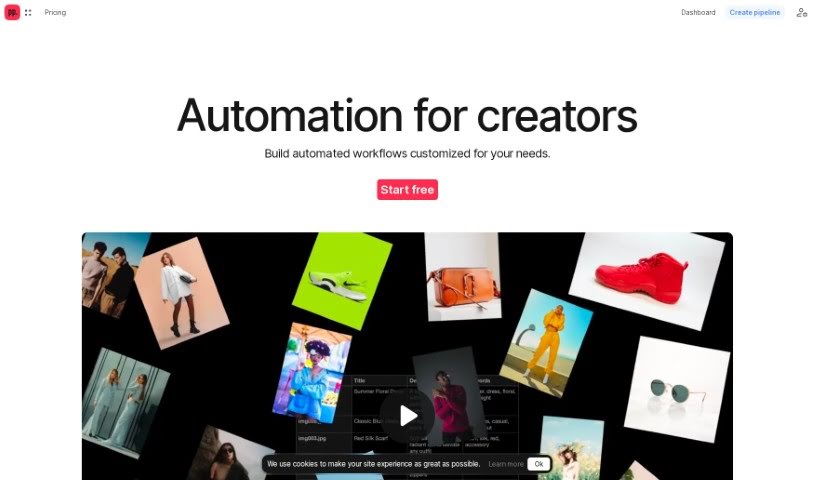
Ceacle Pipeline is an AI-driven platform that's really changing how artists, designers, and creators tackle their creative work. It is a way to automate all those time-consuming, repetitive tasks, so you can spend more time on the actual creative stuff. It's packed with handy tools like CeacleEffect for quickly adding effects, Mockupc for generating product mockups and scenes, and c. tools for speedy content editing. You can build your own custom workflows pretty fast, automate tasks, and save a ton of time thanks to its AI smarts. Plus, Ceacle Pipeline helps you generate inspiration boards, resize icons for web apps, classify images for e-commerce, vectorize and colorize images, smartly resize images for social media, and even upscale, convert, and compress images. It's a real game-changer for web designers, photographers, and digital marketers. They offer different pricing plans, too – starting with a free option that gives you some credits, all the way up to enterprise pricing if you need custom solutions, team management, and priority support.

Screenshot of Ceacle Tools

Ceacle Tools

Freemium

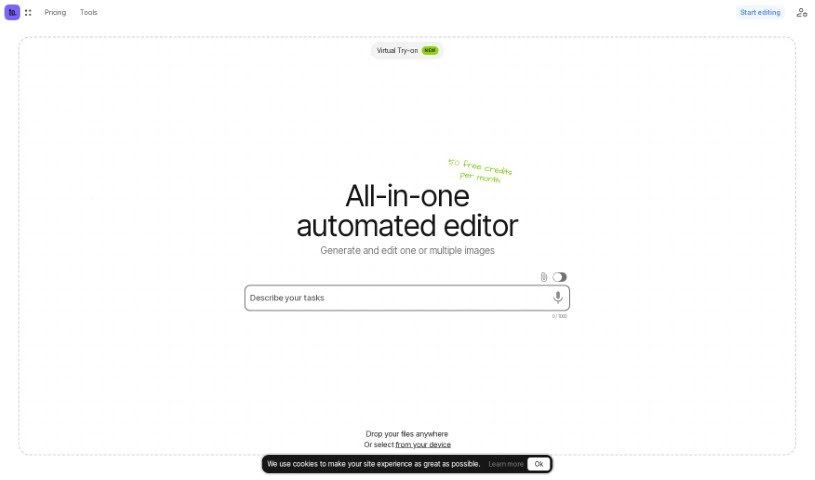
Ceacle Tools is a really handy platform built to help you manage and process lots of files at once. It makes it super easy to handle many files quickly, right from a user-friendly interface, with just a few clicks. You'll find a bunch of tools for editing images, like changing backgrounds, converting file formats, resizing pictures, compressing them, and a lot more. What's neat is you can build your own automated workflows by linking different tools together. This really streamlines your editing tasks, boosting both your productivity and how well your team works together. Plus, Ceacle Tools lets you customize these workflows, share them with your colleagues, remove text from images, and even generate icons.

Previous 1 of 9 Next

Stay Updated with AI Tools

Get weekly updates on the latest AI tools, trends, and insights delivered to your inbox

Join 25,000+ AI enthusiasts. No spam, unsubscribe anytime.