AI Tools for Background Removal

Discover the best Background Removal AI tools to enhance your productivity and creativity.

Page 1 of 5 • 54 total tools

In today’s world, where images are everything, being able to quickly remove backgrounds from photos is a must. Whether you’re designing graphics for your brand, getting products ready for online sales, or just want cleaner social media pics, a good background remover saves you tons of time and effort.

Forget spending ages painstakingly erasing backgrounds pixel by pixel. Now, AI tools can handle this task with impressive accuracy. As the tech gets better, so many options pop up, it can be tough to pick the right one for what you need.

I’ve spent a lot of time trying out different AI background removers, checking how well they work, how fast they are, and if they’re easy to use. No matter if you need a tool for quick edits or professional-level images, there’s definitely something out there for you. In this article, I’ll share the top AI background removers that can really boost your creative process and make your projects simpler.

Let’s jump in and explore the best options available right now, so you can get back to what you do best: creating awesome visuals.

The Best AI Background Removers

  1. Remove.bg: Great for quickly removing backgrounds for online stores.
  2. Remaker: Effortlessly eliminate unwanted backgrounds.
  3. Photoroom AI Background Remover: Perfect for making product photos look better.
  4. Canva AI Background Remover: Ideal for creating product images for online stores.
  5. Pixelcut AI Background Remover: Helps enhance e-commerce product images.
  6. Removal.ai: Instantly erase backgrounds from your images.
  7. Erase.bg: Also great for enhancing e-commerce product images.
  8. Pixlr AI Background Remover: Useful for creating product images for e-commerce.
  9. PFPMaker.com: Get clean profile pictures with background removal.
  10. Clipping Magic: Easily erase image backgrounds in bulk.
  11. Cutout.Pro Remove Background: Another excellent choice for e-commerce product image enhancement.
  12. Slazzer: Also a top pick for e-commerce product image enhancement.
  13. Adobe Express AI Image Background Remover: Helps create product images for e-commerce.
  14. Retoucher: Makes it easy to edit product images for e-commerce.
  15. Headshot Pro: For seamless adjustments to your headshot backgrounds.

How Do AI Background Removers Work?

AI background removers use smart algorithms to figure out the main subjects in a picture and separate them from the background. The main technology behind this often involves machine learning models that have learned from tons of labeled images. This training helps the AI recognize patterns and tell the difference between what’s in front and what’s in the back, really well.

When you upload an image, the AI looks at different things like colors, edges, and textures. It analyzes these layers to decide what’s the main subject and what’s just the backdrop. This can involve some pretty complex calculations and advanced methods, like finding edges and separating different parts of the image.

After the AI spots the subject, it creates a mask that outlines it, leaving out the background stuff. This masking process lets the software change the image, either by getting rid of the background entirely or swapping it out for a new one. The end result? A cleaner, more professional-looking image.

AI background removers have become super popular with content creators, photographers, and marketers. They offer a fast and efficient way to remove backgrounds without needing advanced photo editing skills. By making the editing process smoother, these tools help users focus on making their visuals look better, instead of getting stuck on tedious manual work.

As technology keeps improving, these background removal tools will probably get even more accurate and faster, making them essential for anyone wanting to boost their image editing skills.

Our Top AI Background Removers at a Glance

RankNameBest ForPlans and PricingRating
1Remove.bgQuickly removing backgrounds for online stores.Paid plans start at $0.2/image.4.82 (11 reviews)
2RemakerEffortlessly eliminating unwanted backgrounds.N/A4.69 (13 reviews)
3Photoroom AI Background RemoverEnhancing product photographyN/A4.83 (6 reviews)
4Canva AI Background RemoverCreating product images for online storesN/A4.89 (63 reviews)
5Pixelcut AI Background RemoverEnhancing e-commerce product imagesN/A4.67 (6 reviews)
6Removal.aiInstantly erasing backgrounds from images.Paid plans start at $1.89/image.4.81 (36 reviews)
7Erase.bgEnhancing e-commerce product images.N/A4.77 (26 reviews)
8Pixlr AI Background RemoverCreating product images for e-commerce.N/A4.64 (88 reviews)
9PFPMaker.comClean profile pics with background removal.N/A4.00 (5 reviews)
10Clipping MagicEffortlessly erasing image backgrounds in bulk.Paid plans start at $3.99/month.4.73 (11 reviews)
11Cutout.Pro Remove BackgroundEnhancing e-commerce product imagesN/A4.73 (11 reviews)
12SlazzerEnhancing e-commerce product imagesPaid plans start at $0.12/month.4.70 (10 reviews)
13Adobe Express AI Image Background RemoverCreating product images for e-commerce.N/A4.73 (11 reviews)
14RetoucherEditing product images for ecommerce.N/A4.73 (22 reviews)
15Headshot ProSeamless headshot background adjustments.Paid plans start at $29/N/A.4.75 (24 reviews)
Screenshot of AIShoot Img-Cut

AIShoot Img-Cut

Freemium

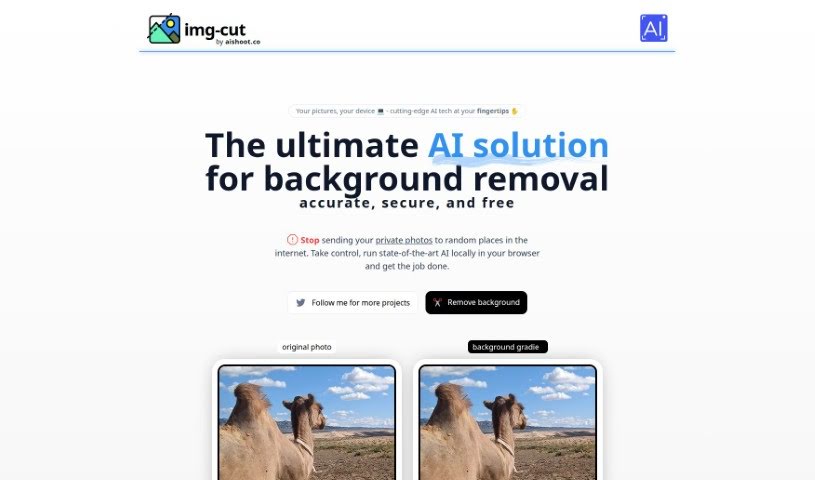
Img-Cut, brought to you by aishoot.co, is a really neat AI tool that completely changes how you remove backgrounds from your pictures. This smart technology lets you work with your photos securely and easily, right in your browser. That means you don't have to upload any sensitive images online. Thanks to its simple interface, Img-Cut makes it super easy for anyone to remove backgrounds from photos precisely and for free. It's perfect for design pros, photographers, or even just folks who enjoy editing images, all while keeping your privacy safe and delivering great results.

Screenshot of api4ai

api4ai

Freemium

Api4ai is a cloud-based AI and computer vision service that provides affordable, personalized solutions designed to boost your products or business. It offers a broad spectrum of image processing technologies. Think background removal, checking for NSFW content, optical character recognition (OCR), image labeling, object detection, and even face recognition. It's a great fit for businesses of all sizes – from large enterprises to new startups and individual developers – who want to easily weave advanced machine learning into what they already do. What makes api4ai stand out is its ability to be personalized for your specific business needs, its wide range of computer vision capabilities, and the fact that you can access it from anywhere. Plus, it's super easy to integrate with your current products or workflows, serving many different sectors. The API itself is designed to be user-friendly and intuitive, offering services for a vast array of domains and industries. Essentially, it lets you analyze images and videos effortlessly through a single HTTP API connection to the internet.

Screenshot of Background Remover Ai

Background Remover Ai

Freemium

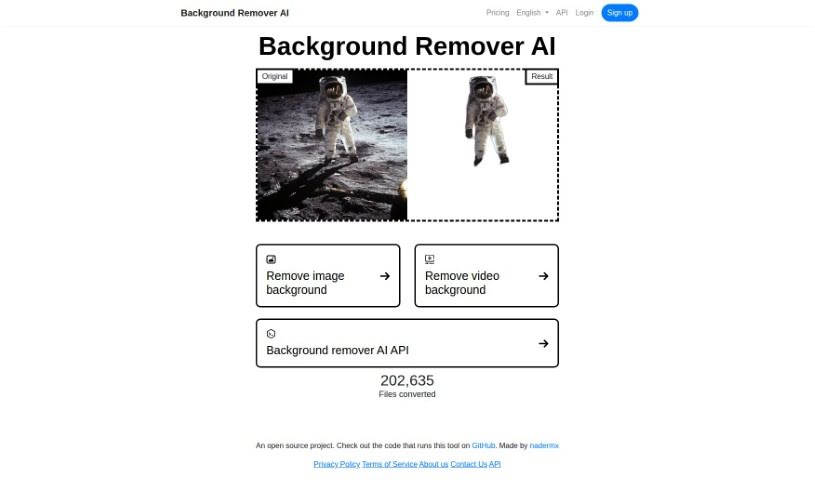
Background Remover AI is a smart, AI-powered helper that makes taking backgrounds out of videos and images super easy. It uses machine learning, which is basically teaching computers to learn from examples, to figure out what's the main subject and what's just the background. This means you get really clean, professional-looking results without a lot of fuss. What's cool is that it's an open-source project, so you can see exactly how it works, and developers can even customize it using its straightforward API. Whether you're working with videos or still images, this tool has you covered, and it even speaks many languages. It gives developers the power to build background removal right into their own apps.

Screenshot of BGEraser

BGEraser

Freemium

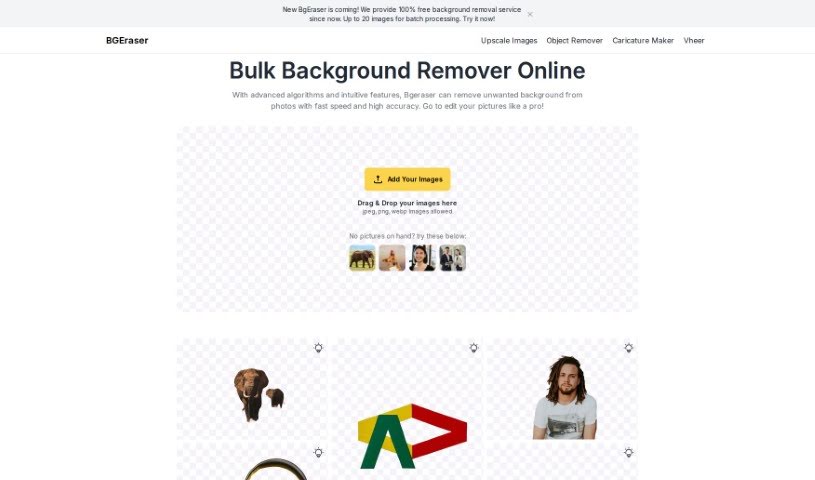
BGEraser is a really smart tool that uses advanced algorithms and machine learning to accurately find and separate the main subject from tricky backgrounds in your photos. It's designed to be super precise, even with fine details like wisps of hair or the edges of clothing. For the best possible outcome, we recommend uploading high-resolution images. This gives BGEraser all the detail it needs to analyze everything thoroughly.

Screenshot of BgSub

BgSub

Freemium

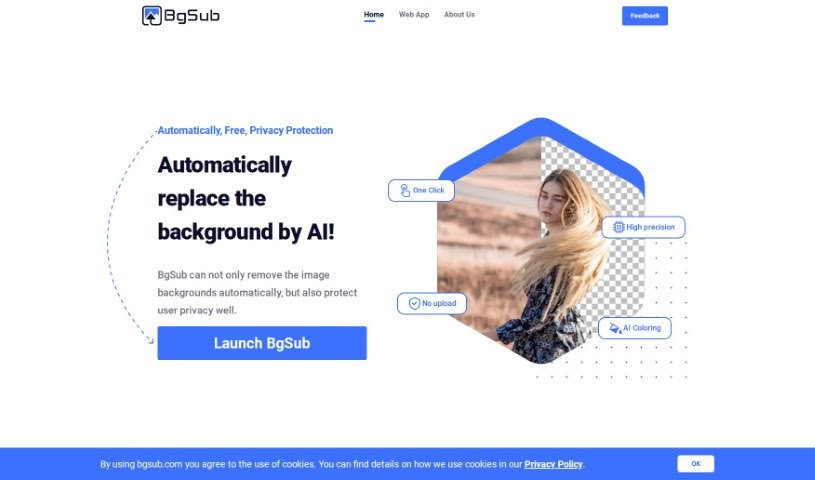
BgSub is a handy web app that uses AI to quickly remove or swap out image backgrounds. It's pretty neat because it also offers a bunch of cool artistic effects. What's more, they really care about your privacy – they don't keep your uploaded images on their servers at all. You'll love how fast it processes images, and it's available for commercial use. Plus, it can handle really high resolutions, up to a massive 200 megapixels!

Screenshot of Byebackground

Byebackground

Freemium

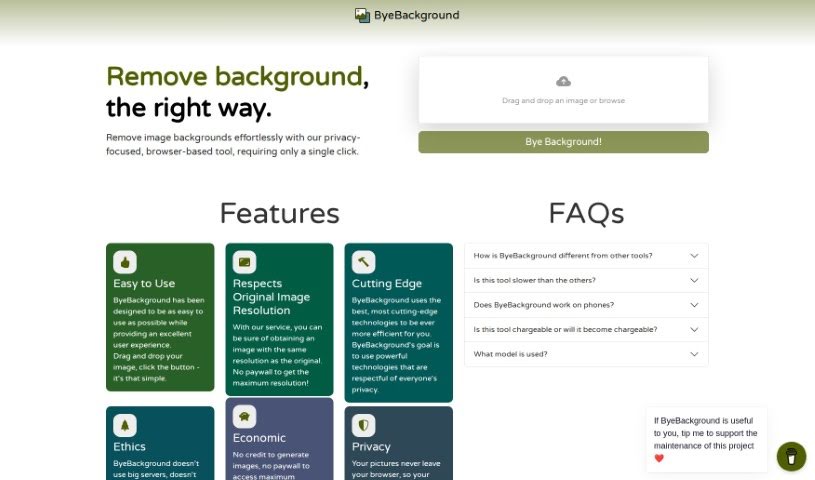
ByeBackground is a really neat online tool that puts your privacy first. It makes it super simple to remove backgrounds from your photos, all for free. You don't need to download anything or install any software; it works right in your web browser. It's powered by the BRIA Background Removal v1.4 algorithm. What's great is that everything happens on your computer, so your images never get sent anywhere else. This means your privacy is totally protected. Plus, it keeps your original image resolution, is easy for anyone to use, has no ads or hidden fees, and works smoothly on both computers and phones.

Screenshot of Canva AI Background Remover

Canva AI Background Remover

Freemium

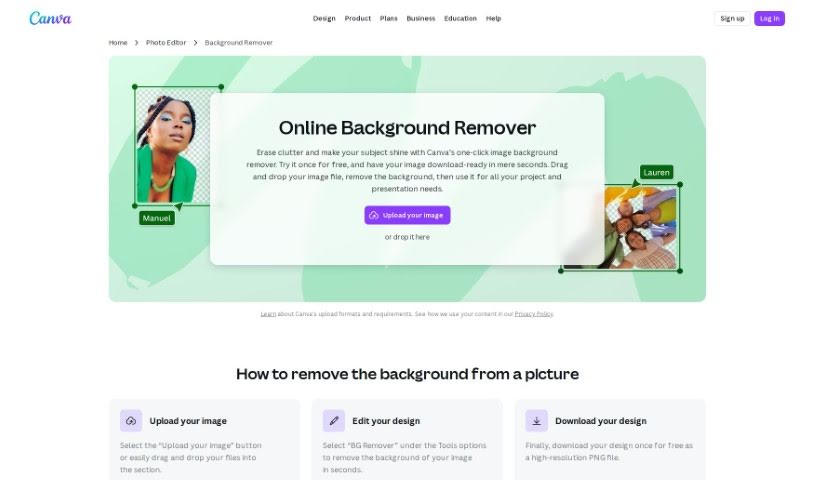
Canva's AI Background Remover is a super handy feature built right into Canva. It lets you easily get rid of image backgrounds. It is a smart tool that uses artificial intelligence to automatically spot and remove the background from any picture. This makes it a breeze for anyone to create designs with transparent backgrounds. You can use these for all sorts of things, like making graphics, putting together presentations, or designing social media posts. By using Canva's AI Background Remover, you can seriously cut down on the time and effort it takes compared to fiddling with manual background removal. It really lets you focus on creating great-looking content quickly and efficiently.

Screenshot of Clipping Magic

Clipping Magic

Freemium

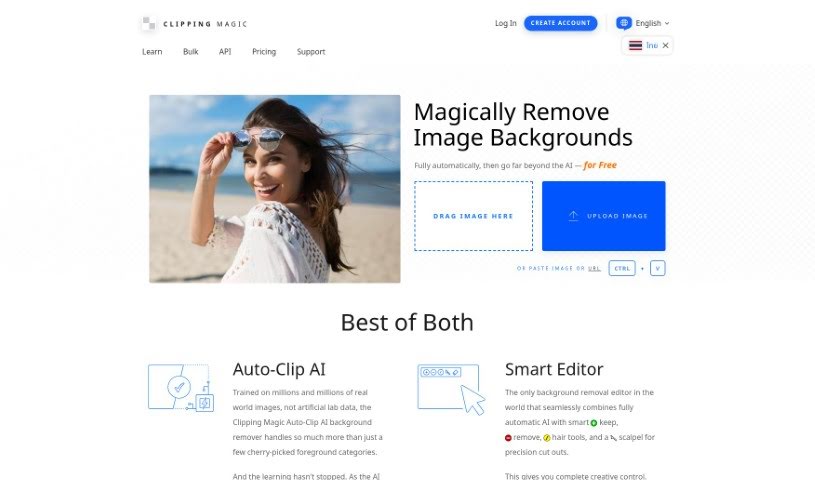
Clipping Magic is a handy online tool that uses AI to remove backgrounds from your images. It's packed with features to make this process smooth and efficient. You can count on automatic background removal, a precise scalpel tool for those tricky cuts, and smart smoothing to get clean edges. It even has a special graphics mode for logos and a dedicated hair tool, which is a lifesaver for isolating hair from backgrounds. Beyond just removal, Clipping Magic lets you control colors, add shadows, resize images, and export them in various formats like SVG and TIFF. It's really popular for eCommerce, business, and graphic design work, and it's available through a subscription that starts at just $3.99 a month.

Screenshot of Cutout.Pro Remove Background

Cutout.Pro Remove Background

Freemium

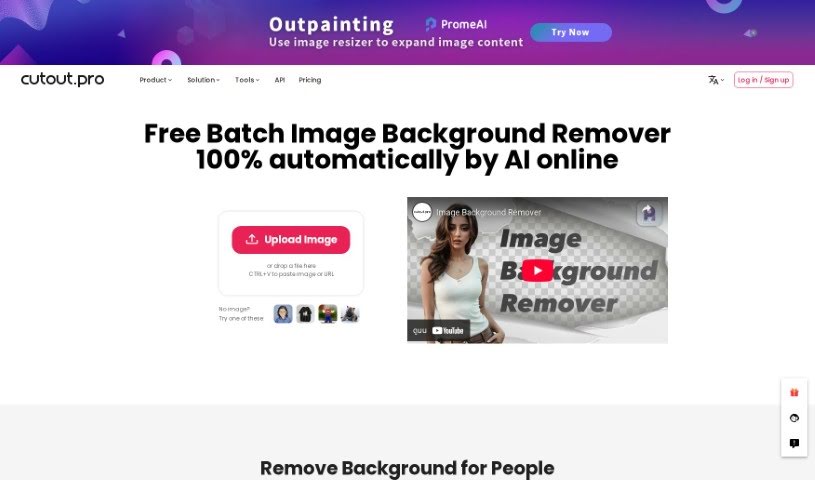
Basically, 'Remove Background' is a way to easily get rid of an image's background, making it transparent. It uses an AI-powered background eraser tool that's really quick at creating great-looking visuals. You can remove backgrounds and make them transparent with hardly any effort. This tool also makes it simple to swap out backgrounds, which really helps when you're trying to get creative with your images. Plus, it's got this handy bulk processing feature, so you can tackle multiple images at once. It really speeds things up, saves you time, and makes your images look better, fitting them perfectly for all sorts of projects.

Screenshot of Dashtoon

Dashtoon

Freemium

Dashtoon Studio is a really neat AI-powered platform built specifically for comic creators, whether you're working solo or as part of a studio. It's packed with tools designed to make your comic-making process smoother and more creative. You'll find a huge library of characters to choose from, lots of different styles to tell your story visually, and some clever AI tools. These AI features can help you turn your storyboards into actual comics, easily remove backgrounds, fix up faces, and even make your images look sharper by upscaling them. Plus, Dashtoon really focuses on supporting creators, offering a place to connect with others, collaborate, and get help when you need it. Essentially, Dashtoon Studio wants to make creating comics easier and more efficient for everyone, no matter their experience level.

Screenshot of Descript AI Remove Video Background

Descript AI Remove Video Background

Freemium

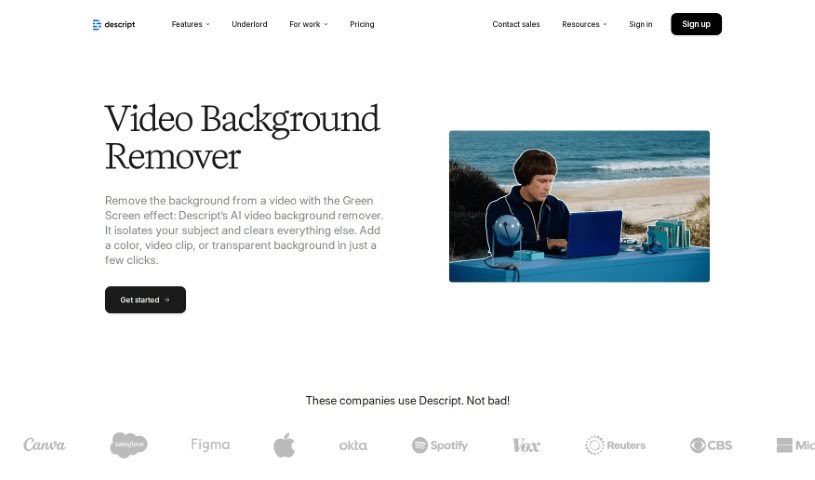
Descript's AI Remove Video Background is a handy tool that uses artificial intelligence to easily remove backgrounds from your videos. It's a non-destructive feature, which is pretty neat. This means you can simply toggle the green screen effect on or off to instantly get rid of the original background or bring it back if you change your mind. Because it's powered by AI, the app can automatically detect and remove the background for you. Then, you can pop in a new background by uploading a different photo or video and choosing the "Send to back" option. What's cool is that this AI background removal isn't just for videos; it works on GIFs and images too, as long as there's one person clearly in the foreground.

Screenshot of DeveloperSoft

DeveloperSoft

Freemium

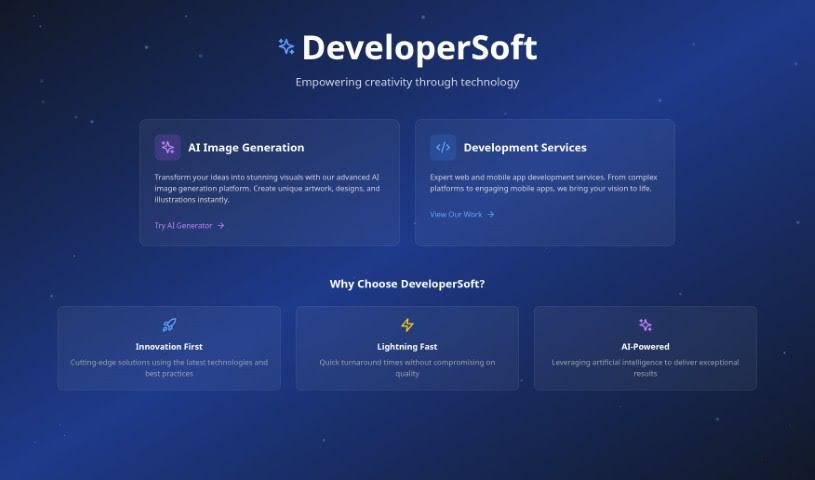
DeveloperSoft's platform, also called DeveloperSoft, is a really neat tool for making AI-generated images that you can customize exactly how you like. It's perfect for developers, designers, and anyone creative. You can pick from a bunch of different styles – think Realism, Anime, Pixar, or even Cubism. Plus, you can choose different sizes to make sure your images look great wherever you put them. DeveloperSoft also has some cool AI features like Enhance, Unsensor, and HD-Closeup, which help you really fine-tune your images. If you subscribe, you get access to premium features like high resolution, making stickers, removing backgrounds, and other advanced tools. This makes it a great choice whether you're just creating images for fun or for your business projects.

Previous 1 of 5 Next

Stay Updated with AI Tools

Get weekly updates on the latest AI tools, trends, and insights delivered to your inbox

Join 25,000+ AI enthusiasts. No spam, unsubscribe anytime.