AI Tools for Video Editing

Discover the best Video Editing AI tools to enhance your productivity and creativity.

Page 1 of 10 • 118 total tools

Video editing has changed so much! It used to mean expensive software and a tough learning curve. But now, thanks to AI, even beginners can make amazing videos that look like they were done by pros. Forget spending hours digging through footage or making tiny tweaks; AI tools can handle a lot of the work for you. This means you can spend more time on the actual storytelling.

The world of video editing tools is moving fast. Lots of apps now have AI features that can look at your content, suggest edits, or even improve the sound and visuals. As this tech gets better, it’s really changing how we edit, making it simpler and more accessible for everyone – whether you’re just starting out or have been doing this for years.

I’ve spent time trying out a bunch of these new AI video editing tools. After testing them thoroughly, I’ve put together a list of the best ones you can get right now. If you want to speed up your work, make your videos look better, or add cool visual effects, there’s an AI tool here that’ll help.

Ready to make your video projects shine with AI? Let’s look at the top picks that’ll help you create engaging content easily.

The best AI Video Editing Tools

  1. VEED: Great for editing images to make eye-catching video thumbnails.
  2. Wondershare: Perfect for creating and editing video tutorials.
  3. Media.io: Ideal for quick edits for social media videos.
  4. Movavi: Use it for making lively social media videos.
  5. Vmake: Offers tools for creating dynamic video content.
  6. Descript: Makes editing video clips super easy.
  7. Pictory: Helps you create engaging short clips from longer videos.
  8. Clipfly AI: Lets you trim and split video clips smoothly.
  9. Clipchamp: Good for making social media videos fast.
  10. HitPaw: Easily removes logos from videos.
  11. Captions: Provides tools for trimming and merging video clips seamlessly.
  12. D-ID: Boosts video storytelling with avatars.
  13. Tenorshare 4DDiG: (No specific best use provided in original text)
  14. Topview.ai: For professional video editing aimed at marketers.
  15. Aiseesoft: Helps convert and improve videos for sharing.

How do AI video editing tools work?

When you look for AI video editing tools, you’ll find many that do similar things. Most of these tools use deep learning technology to understand and edit footage. Basically, they use algorithms that have been trained on tons of video data. This helps them recognize things like scenes, people, and audio.

These platforms usually work by using computer vision. This means they break down video frames to spot objects, faces, and actions. This lets the software make smart editing choices. Many tools can automatically detect scenes or suggest cuts, making editing simpler for you.

Advanced AI models study countless hours of footage to learn different editing styles and what people like. This training lets them handle tricky tasks like fixing colors, balancing sound, and even creating transitions. By spotting patterns in the data, AI tools can make decisions that feel almost human, saving editors a lot of time.

Some video editing apps also have user-friendly interfaces. This means you can work with the software without needing to be a tech expert. So, even if you’re not a pro editor, you can still make polished videos quickly and efficiently.

Basically, AI video editing tools learn from huge amounts of data, which lets them adapt to different editing styles. The technology behind these tools keeps getting better, pushing what’s possible and opening up new creative avenues for both amateur and professional filmmakers.

Our best AI video editing tools at a glance

RankNameBest forPlans and PricingRating
1VEEDediting images for engaging video thumbnails.N/A4.70 (27 reviews)
2Wondersharevideo tutorial creation and editing.N/A4.36 (11 reviews)
3Media.ioquick social media video editsPaid plans start at $19/month.4.73 (11 reviews)
4Movavicreating dynamic social media videosN/A4.70 (23 reviews)
5Vmakedynamic video content creation toolsPaid plans start at $19.99/month.4.77 (13 reviews)
6Descripteffortless video clip editing.Paid plans start at $12/month.4.82 (11 reviews)
7Pictoryengaging short clips from long videosN/A4.73 (11 reviews)
8Clipfly AItrimming and splitting video clips smoothly.Paid plans start at $NaN/year.4.73 (11 reviews)
9Clipchampquick social media video creationN/A4.82 (11 reviews)
10HitPaweffortless logo removal from videos.N/A4.62 (26 reviews)
11Captionsseamless video trimming and merging toolsN/A4.64 (11 reviews)
12D-IDenhancing video storytelling with avatars.N/A4.33 (15 reviews)
13Tenorshare 4DDiGN/A4.73 (59 reviews)
14Topview.aiprofessional video editing for marketersPaid plans start at $14.7/month.4.73 (11 reviews)
15Aiseesoftconvert and enhance videos for sharing.N/A4.75 (12 reviews)
Screenshot of 10LevelUp

10LevelUp

Freemium

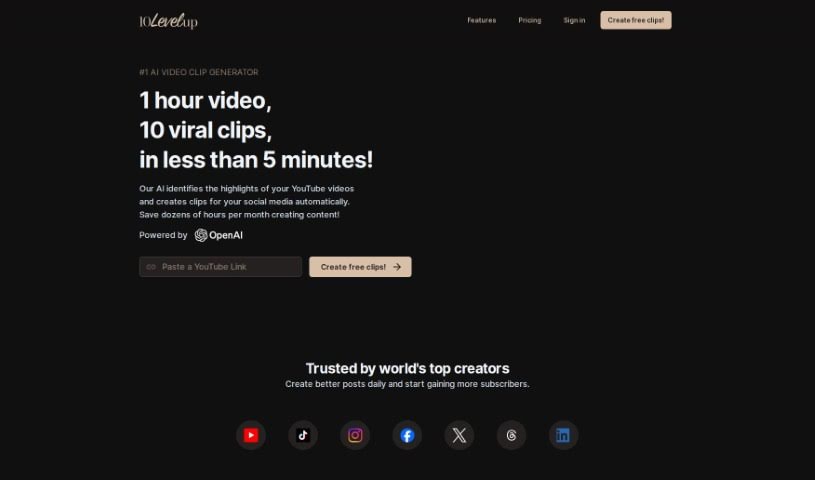
10LevelUp is a smart tool that uses AI to find the best moments in your longer videos. It then automatically creates short clips from these highlights, perfect for sharing on social media. It is your personal video editor for platforms like YouTube, LinkedIn, Twitter, TikTok, and Instagram. It can detect who's speaking, automatically clip segments, add captions, resize your video, and even set up the best output formats for you. All you need to do is upload your video file or a YouTube link, tell it your preferred settings while it works its magic, and then pick the clips you want to share.

Video Generation View Tool →
Screenshot of AI Trailers

AI Trailers

Freemium

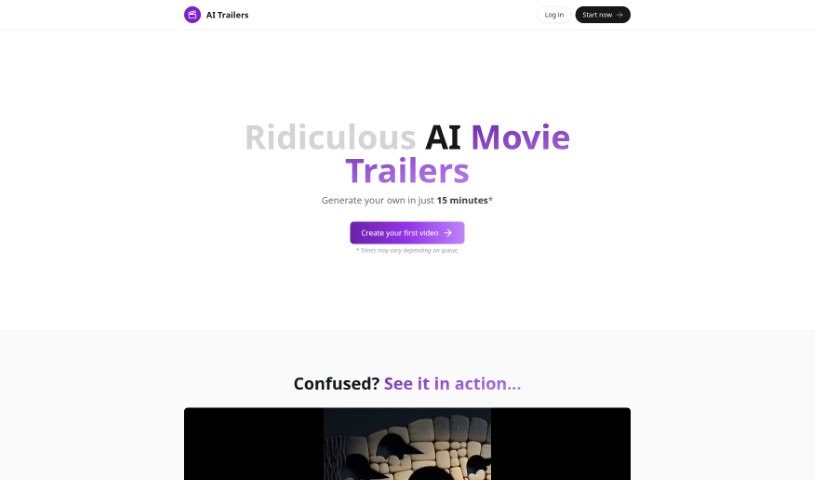
AI Trailers is a service that lets you create your own AI-generated movie trailers, and it's surprisingly quick and easy. You can whip up personalized trailers, usually between 20-40 seconds long, by using artificial intelligence to help write the script, create the images, and even do the narration. Plus, you've got options for more AI-driven tweaks or manual edits to really fine-tune the final product. What's great is the pricing – it's really accessible, starting at just $5 for a video credit. If you ever need a hand, they've got customer support ready on Discord. Basically, AI Trailers wants to make making AI movie trailers a smooth and enjoyable process for everyone.

Video Generation View Tool →
Screenshot of Ai4Video

Ai4Video

Freemium

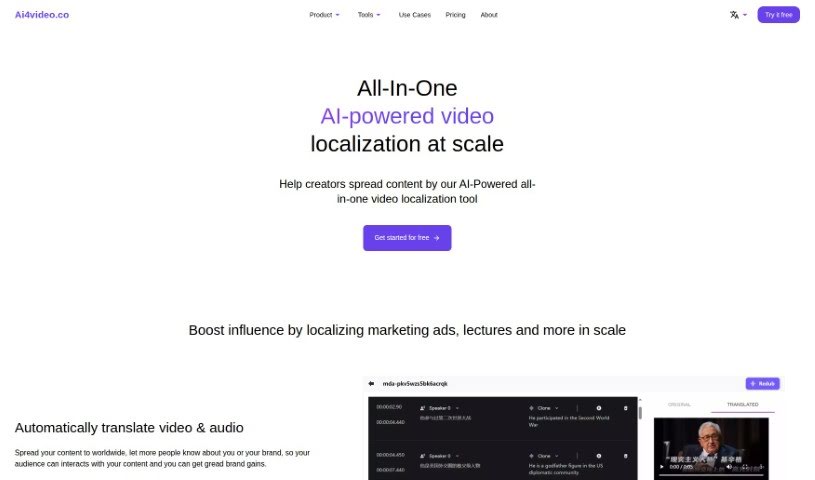
Ai4Video is a comprehensive, AI-driven platform designed to make video localization simple and effective. It is your all-in-one solution for adapting video content for a global audience. It offers a wide range of features, including translating your videos, dubbing them with realistic speaker voices, and even cloning the original speaker's voice. Beyond that, it helps you adjust content to fit different languages, upscale your videos to stunning 4K quality, add color to black and white footage, remove unwanted elements with inpainting, and edit backgrounds. It supports translation into many different languages and has smart tools that can identify things like animals, plants, currencies, and landmarks within your images. The AI Rewriter feature is particularly neat, as it can tweak your content to match the natural flow and timing of different languages. Ai4Video also handles audio-to-text translation, which really smooths out the whole localization process. You can even try it out with a free trial, and if you need help, their support team is available via email at [[email protected]](/cdn-cgi/l/email-protection#0f7c7a7f7f607d7b4f6e663b79666b6a60216c60).

Video Generation View Tool →
Screenshot of Aiseesoft

Aiseesoft

Freemium

Aiseesoft offers a whole suite of software designed to help with all sorts of multimedia tasks. Think video conversion, getting your lost data back, creating DVDs, converting PDFs, and even making your images look better.

Video Generation View Tool →
Screenshot of AnyClip

AnyClip

Freemium

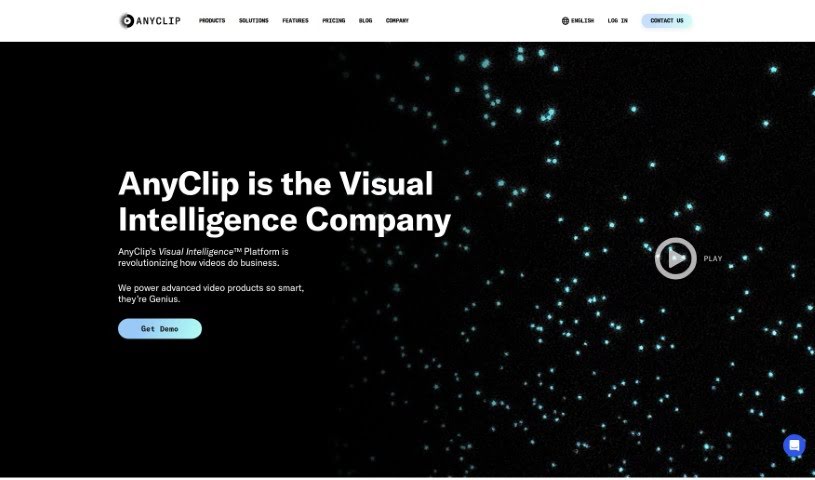
AnyClip is a smart video platform that uses artificial intelligence to turn regular videos into something much more dynamic and intelligent. It actually has two main products: Genius+ for when you're talking to customers, and GeniusWork for when you're communicating with your own team. AnyClip's AI tools make your videos searchable, measurable, personalizable, merchandisable, and even interactive. Essentially, they take traditional videos and make them richer with data, giving them smart video capabilities. The whole idea is to help businesses make their videos smarter, more engaging, and more impactful, offering advanced video solutions for all sorts of uses and industries.

Video Generation View Tool →
Screenshot of AutoCut

AutoCut

Freemium

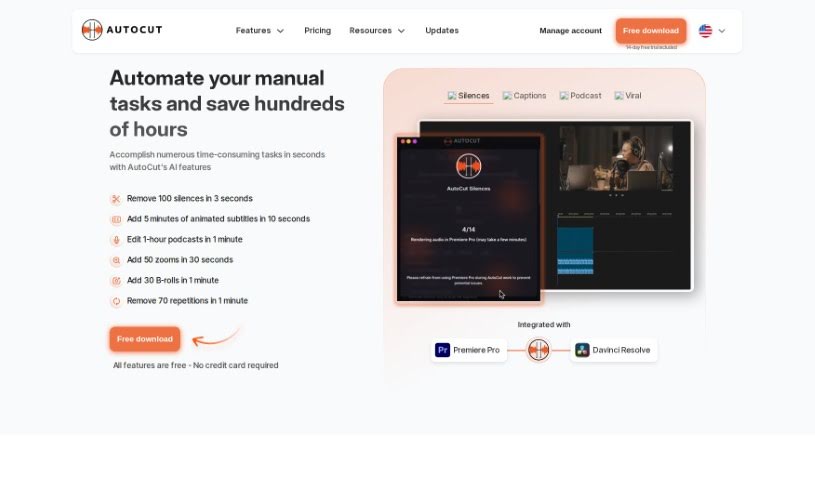
AutoCut is a smart, AI-powered tool built to make video editing much simpler. It's packed with features that really speed things up, like automatically removing silence, editing podcasts, adding dynamic zooms, spotting repeated words, and a whole lot more. What's great is that AutoCut works smoothly with Adobe Premiere Pro, so whether you're on Windows or OSX, you can easily integrate it into your workflow. It's pretty impressive – over 10,000 people already use it, and they've used it to make more than 30 million precise cuts in videos! AutoCut has a really user-friendly design and offers several subscription plans. Plus, you can try it out for free for 14 days, no credit card needed. Their goal is to make powerful video editing techniques accessible to everyone, from beginners just starting out to seasoned professional videographers.

Video Generation View Tool →
Screenshot of Autopod

Autopod

Freemium

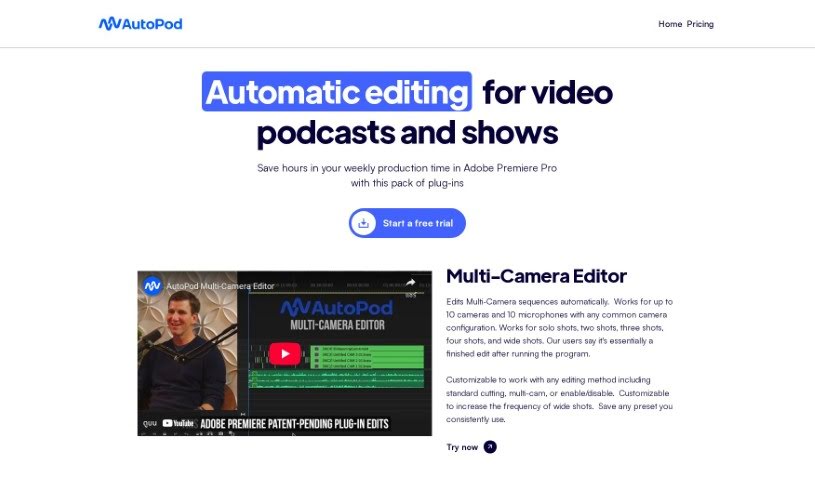
Autopod is a smart editing assistant specifically built for podcasters and show creators who already use Adobe Premiere Pro. It's essentially a collection of plug-ins designed by people who actually edit videos, meaning they know the pain points! Autopod automates a lot of those tedious, repetitive tasks that eat up your time. For instance, it can automatically create jump cuts by detecting silence in your footage, making your videos more dynamic. It also handles complex multi-camera setups, supporting up to 10 cameras and 10 microphones, which is a huge time-saver. Plus, it helps you create social media clips in all sorts of different aspect ratios, so your content looks great everywhere. You can customize how it edits, whether you're doing a simple cut or managing multiple camera angles, all to make your editing process much more efficient.

Video Generation View Tool →
Screenshot of Avais

Avais

Freemium

Avais is a really neat volleyball training app. It uses some pretty advanced AI to do a few cool things for players. Think real-time tracking during matches, detailed analysis of how you're playing, and even personalized coaching tips just for you. Plus, it can automatically put together highlight reels of your best plays, and get this – it can even help you get noticed by college scouts! The whole idea behind Avais is to help athletes get better at volleyball. It gives you specific advice and feedback based on your performance, suggests drills to work on your technique, and even lets you compete with friends, which makes improving your game a lot more fun. What really sets Avais apart is its focus on helping you grow and see your progress. It uses AI for that real-time tracking and analysis, offering instant stats, custom coaching, automatic highlight clips, and those scouting opportunities. Setting it up is super easy, you can challenge your friends, and getting scouted by colleges is a breeze thanks to those highlight clips it creates.

Video Generation View Tool →
Screenshot of Avclabs

Avclabs

Freemium

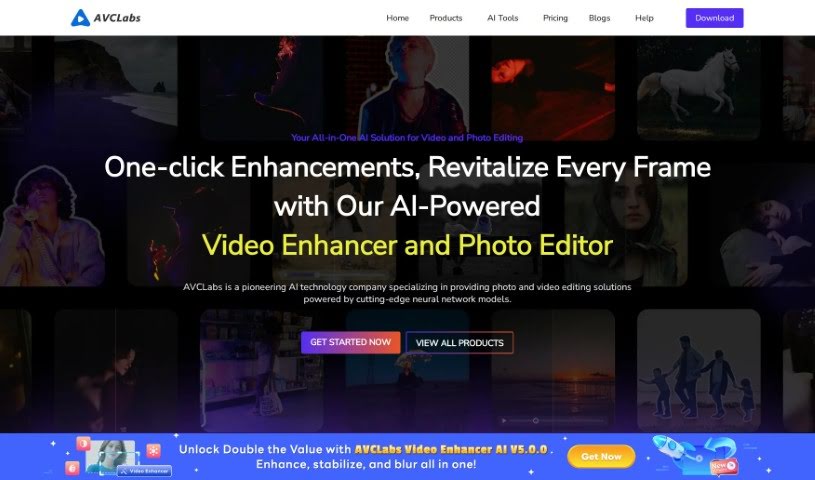
AVCLabs is all about making your videos and photos look their absolute best using AI. They've developed a suite of tools designed to boost quality, including their popular Video Enhancer AI, Photo Editor AI, Photo Enhancer AI, and Video Blur AI.

Video Generation View Tool →
Screenshot of Bith

Bith

Freemium

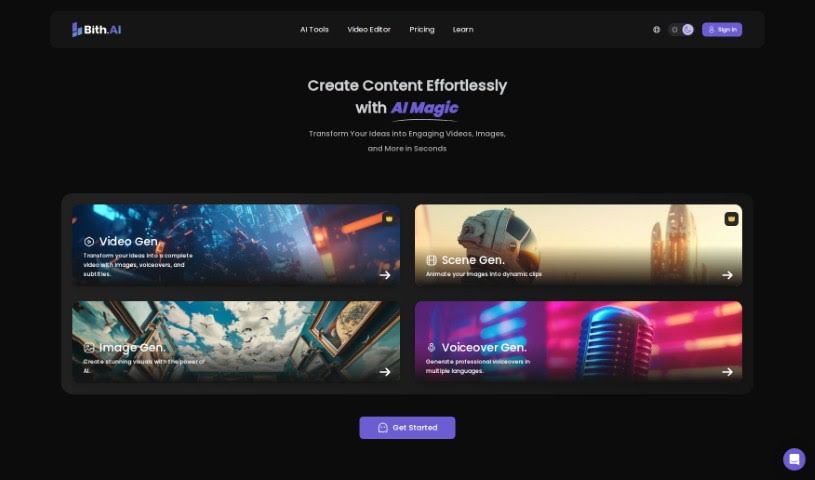
Bith is a really handy digital platform that makes creating and managing digital assets much simpler. It is an all-in-one place for your digital stuff. It lets you create assets, keep them organized, and even buy or sell them through its own marketplace. You can also turn your assets into tokens, clearly define who owns what, and make secure transactions using smart contracts. Bith is designed to be super easy to use, with a clean interface and efficient tools that make managing your assets a breeze. It's a great option if you're looking to use blockchain technology to create and manage your digital assets.

Video Generation View Tool →
Screenshot of BOOLV VideoMaker

BOOLV VideoMaker

Freemium

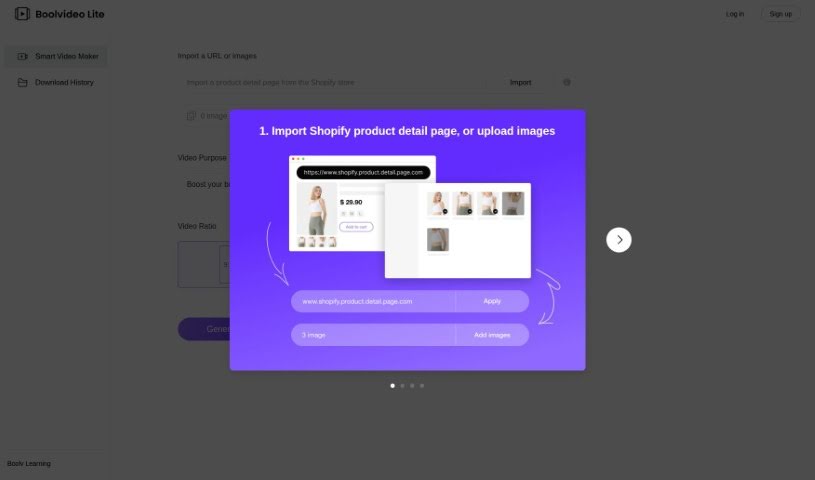
BOOLV VideoMaker is a platform designed to offer solutions that really use advanced technology to help both businesses and individuals. They focus on making things efficient, so BOOLV provides easy-to-use interfaces and solid features to help you work smarter and have a better digital experience. The platform is built on reliability and accuracy, meaning you can improve your processes with confidence. BOOLV is always growing, aiming to offer the latest services and products, which is why they're seen as a leader in the tech world. By exploring everything technology has to offer, BOOLV invites you to join them in discovering and creating new technological possibilities.

Video Generation View Tool →
Screenshot of Bytecap

Bytecap

Freemium

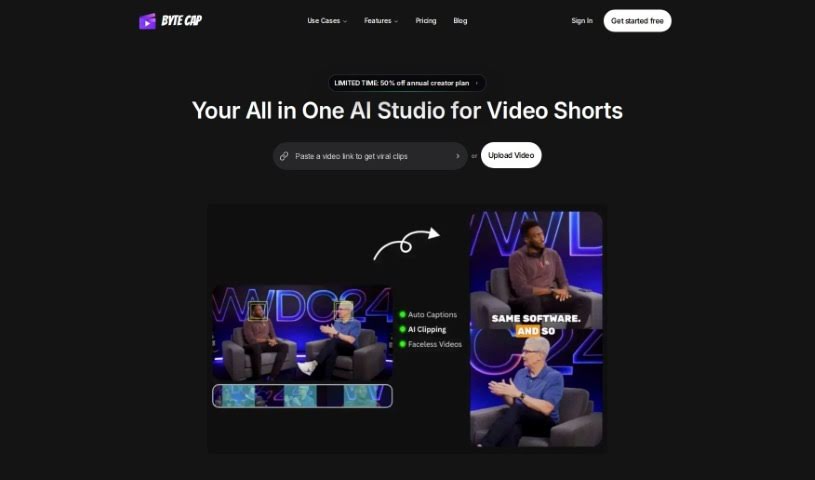
Bytecap is a fantastic tool for video creators, offering super-fast caption creation, really accurate speech recognition, and an interactive platform. You can customize your captions a lot – think font styles, colors, special effects, where they appear on screen, and even their size. It's a genuinely helpful tool for pros like video editors, content creators, podcasters, and streamers. Bytecap gives you features like editable timestamps, branding you can customize, the ability to sync sounds with your captions, and a speech recognition system that's about 99% accurate. It's all about making your videos more engaging, boosting viewership, and it's easy to use no matter what kind of computer you have.

Video Generation View Tool →
Previous 1 of 10 Next

Stay Updated with AI Tools

Get weekly updates on the latest AI tools, trends, and insights delivered to your inbox

Join 25,000+ AI enthusiasts. No spam, unsubscribe anytime.