AI Tools for Image To Video

Discover the best Image To Video AI tools to enhance your productivity and creativity.

Page 1 of 2 • 15 total tools

The digital world is always changing, and mixing image and video creation is becoming really popular. You don’t need to be a software expert or know complicated techniques anymore to animate still images. Now, AI tools can easily turn static pictures into engaging videos with just a few clicks.

These new tools use smart algorithms to bring images to life. They let you craft dynamic stories that grab your audience’s attention. Whether you’re a marketer wanting to boost your campaigns or a creator aiming to tell better stories, the possibilities are huge.

After looking into many options, I’ve put together a list of the best AI tools for converting images to video. Each one has unique features for different needs, making it simpler than ever to make your visuals more lively.

In this guide, you’ll find not only the best tools but also tips on how to get the most out of them. Let’s jump in and see how these AI solutions can really change your content creation.

The best AI Image To Video Tools

  1. Invideo AI AI Image to Videos: Great for turning product images into ads.
  2. Vidnoz AI Image to Video: Perfect for transforming photos into engaging videos.
  3. Haiper AI: Use this to transform images into captivating videos.
  4. Canva Photo to Video Converter: Ideal for creating marketing promotional videos.
  5. Getimg.ai AI Image to video: Transforms artwork into dynamic videos.
  6. Artificial Studio: Turns still images into captivating videos.
  7. Kapwing AI Image to Video: Use it for creating social media posts from images.
  8. Steve.ai Photo Video Maker: Good for social media content creation.
  9. VEED Image to Video: Helps create animated social media posts.
  10. Adobe Express Convert Images to Video: Perfect for social media story creation.
  11. Biteable Image to Video: Turns photos into engaging slideshows.
  12. Simplified AI Image to Video: Transforms slideshows into dynamic videos.
  13. Fancy Tech: Use this to transform product photos into dynamic videos.
  14. Stable Videtable Video Diffusion Online: Transforms still art into animations.
  15. Mind Video: Turns still images into dynamic videos.

How do AI image to video tools work?

AI image-to-video tools work by using advanced deep learning, especially neural networks. These tools take still images, look at what’s in them—like objects, scenes, and actions—and then figure out how those things might move over time. This lets them turn a static picture into a dynamic video.

At their core, these technologies often use Generative Adversarial Networks (GANs) or similar systems. Think of it like having two parts: one that creates videos and another that checks how good they are. This back-and-forth helps make the videos more realistic and smoother, matching what you’d expect from the original image.

Plus, many of these tools are trained on huge amounts of data, with millions of images and videos. This training teaches the models about different styles, movements, and situations. Because of this, they can create videos that not only look like the original picture but also have the kind of style and smooth motion you see in real videos.

Some tools offer simple interfaces, so people without technical skills can easily upload images and change things like motion style and how long the video lasts. This means anyone, whether you’re a content creator or a marketer, can quickly make engaging videos without needing lots of training or special resources.

As this technology keeps getting better, AI image-to-video tools can do more and more. They’re useful in areas like entertainment, education, and marketing, making them a great way to improve visual storytelling and keep your audience interested.

Our best AI image to video tools at a glance

RankNameBest forPlans and PricingRating
1Invideo AI AI Image to Videostransforming product images into ads.N/A4.59 (29 reviews)
2Vidnoz AI Image to Videotransforming photos into engaging videosN/A4.80 (10 reviews)
3Haiper AItransform images into captivating videos.N/A4.62 (21 reviews)
4Canva Photo to Video Convertercreating marketing promotional videos.N/A4.70 (10 reviews)
5Getimg.ai AI Image to videotransform artwork into dynamic videosN/A4.67 (12 reviews)
6ArtificialStudiotransform still images into captivating videos.N/A3.57 (7 reviews)
7Kapwing AI Image to Videocreating social media posts from images.N/A4.50 (6 reviews)
8Steve.ai Photo Video Makersocial media content creation.N/A4.55 (11 reviews)
9VEED Image to Videocreating animated social media postsN/A4.64 (11 reviews)
10Adobe Express Convert Images to Videosocial media story creation.N/A4.60 (10 reviews)
11Biteable Image to Videoturning photos into engaging slideshowsN/A4.56 (9 reviews)
12Simplified AI Image to Videotransforming slideshows into dynamic videos.N/A4.75 (24 reviews)
13Fancy Techtransform product photos into dynamic videos.N/A4.72 (25 reviews)
14Stable Videtable Video Diffusion Onlinetransforming still art into animationsN/A5.00 (19 reviews)
15Mind Videotransforming still images into dynamic videos.N/A5.00 (12 reviews)
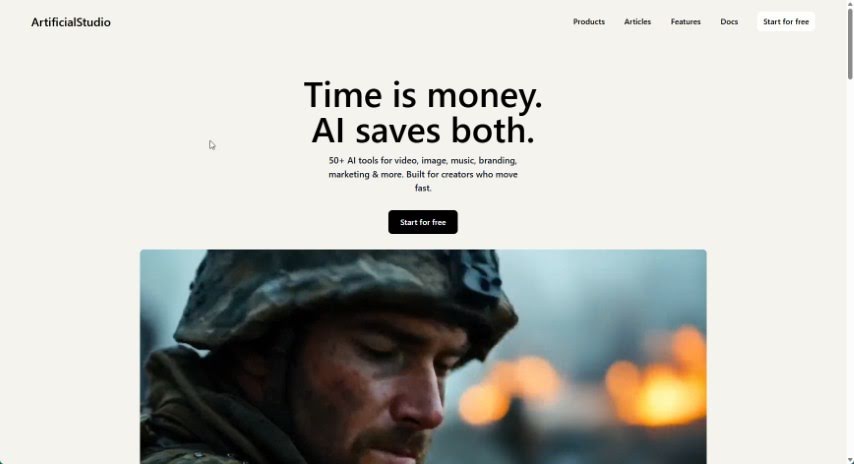
Screenshot of ArtificialStudio

ArtificialStudio

Freemium

ArtificialStudio is a comprehensive platform designed to automate creative projects. It offers a wide variety of AI tools that can help you automate tasks related to creating images and videos, manipulating audio, modifying room interiors, and enhancing images. It is your all-in-one creative assistant!

Video Generation View Tool →
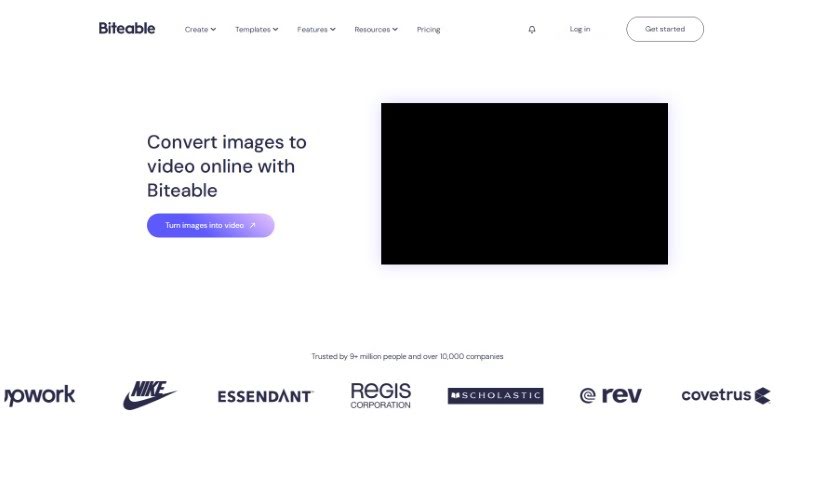
Screenshot of Biteable Image to Video

Biteable Image to Video

Freemium

Biteable Image to Video is a handy online tool that lets you turn your photos into engaging videos. It's pretty straightforward: you upload your images to the platform. You can pick from Biteable's own image library or upload your own pictures. Once they're there, you can really bring them to life. Think adding cool movement effects like pans or swipes, smoothly transitioning between different scenes, and even jazzing things up with animated text, icons, or a background music track. When you're happy with how it looks, you can easily preview your video and then export or share it in high resolution. Basically, Biteable Image to Video offers a super user-friendly and efficient way to transform those static images into dynamic, professional-looking videos.

Video Generation View Tool →
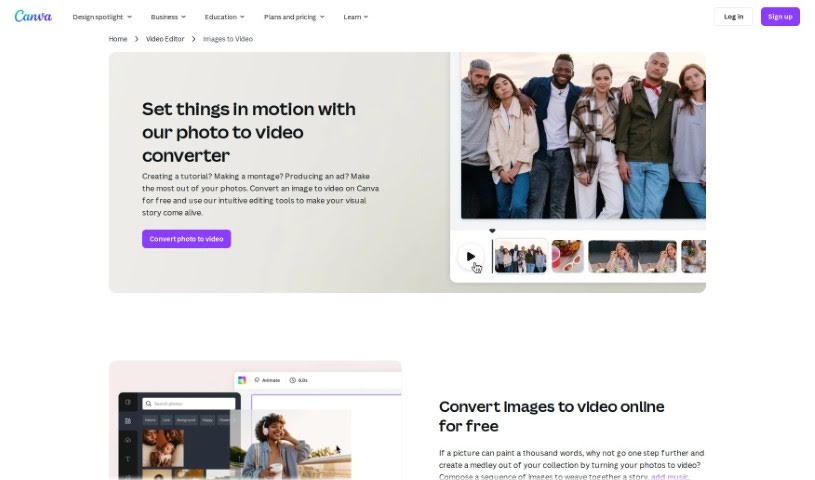
Screenshot of Canva Photo to Video Converter

Canva Photo to Video Converter

Freemium

Canva's Photo to Video Converter is your go-to tool for easily turning a collection of photos into a really engaging video presentation. It's a feature built right into Canva that lets you import your images, add smooth transitions between them, pop on some text, and even include background music. Basically, it helps you create professional-looking video slideshows for anything you need – whether it's for social media, a presentation, or just a personal project. It's a super user-friendly way to show off your photos in a much more dynamic and captivating way, perfect for anyone wanting to boost their visual storytelling skills without leaving the Canva platform.

Video Generation View Tool →
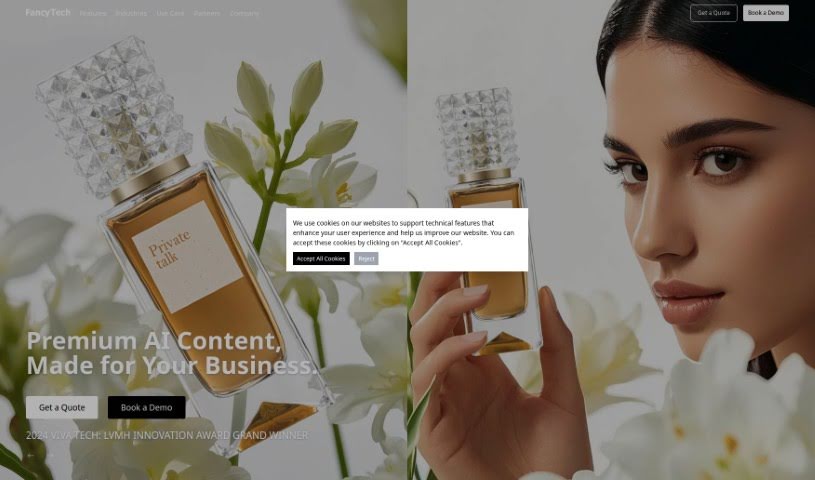
Screenshot of Fancy Tech

Fancy Tech

Freemium

FancyTech is an AI-powered platform that actually won the 2024 LVMH Innovation Award. It really specializes in taking regular product images and turning them into dynamic, shareable videos. Businesses can use FancyTech to create professional-looking video content pretty quickly and easily, even if they've never edited a video before. The platform offers some neat features, like turning images into videos, a super user-friendly interface, making engaging content, helping with search engine optimization, and just generally making the video creation process really efficient. FancyTech's main goal is to help boost your online visibility, get your audience more involved, and bring more people to your website by creating visually appealing video content.

Video Generation View Tool →
Screenshot of Getimg.ai AI Image to video

Getimg.ai AI Image to video

Freemium

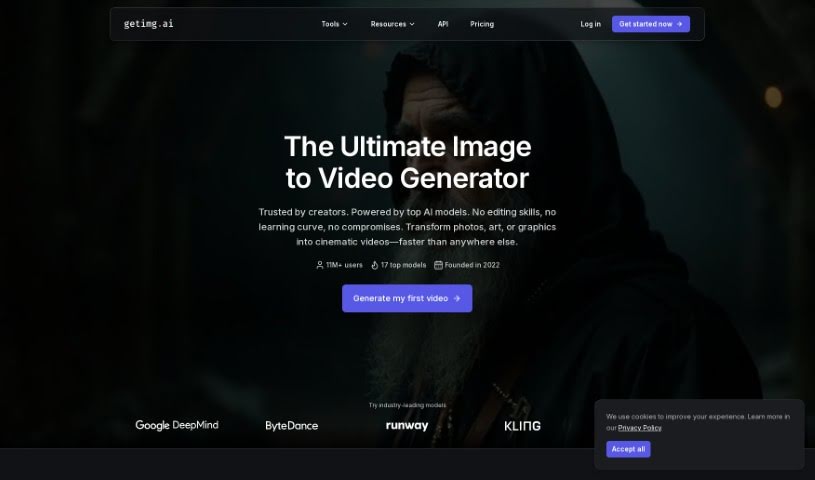
Getimg.ai offers a really neat AI tool that turns your still images into short video clips. It uses advanced AI, specifically the Runway Gen-3 model, to create smooth motion from just one picture. Instead of just flipping through images like a flipbook, this tool is smart about it. It actually generates multiple frames by understanding the context of your image and learning from patterns, which means you get coherent stories and seamless transitions. It's super versatile, too – whether you have a realistic photo or a piece of digital art in any style, it can handle it. If you're an artist, photographer, or content creator looking to add some engaging, eye-catching video to your work, this is a fantastic option.

Video Generation View Tool →
Screenshot of Haiper AI

Haiper AI

Freemium

Haiper AI is a sophisticated tool for creating content, using artificial intelligence to turn your text and still images into lively videos. It's packed with features like Video Repainting, which lets you change parts of existing videos, and tools to animate static images. Plus, you get advanced controls for things like AI camera movement, adjusting lighting, controlling character poses, and managing motion. Essentially, Haiper AI is designed to help individuals and businesses produce engaging, dynamic visual content that really stands out in today's digital world.

Video Generation View Tool →
Screenshot of Invideo AI AI Image to Videos

Invideo AI AI Image to Videos

Freemium

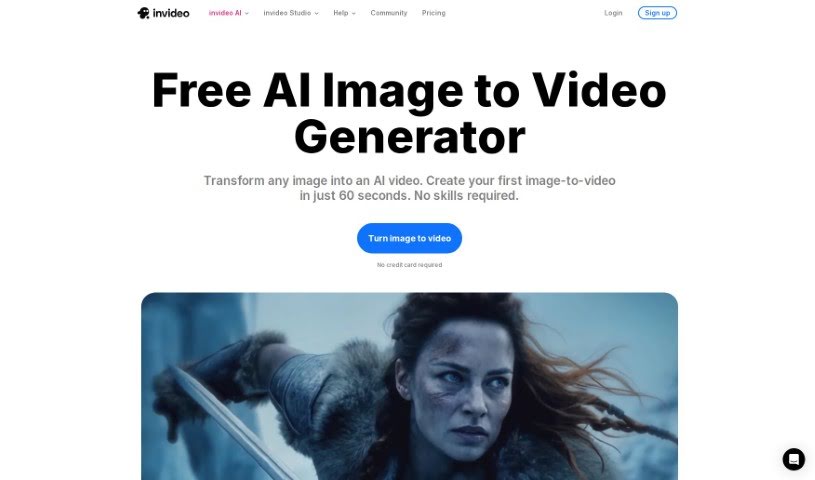
This technology lets you easily turn your images into videos, all thanks to artificial intelligence. You just upload your pictures, give the AI a text prompt describing what you want, and it whips up a video for you. It's pretty neat because this AI tool handles a lot of the heavy lifting – think background music, voiceovers, and subtitles. It really streamlines making videos, so you don't have to do all the manual editing yourself. Tools like InVideo AI make it super simple and free to transform your static images into engaging video content, making the whole process quick and effortless.

Video Generation View Tool →
Screenshot of Kapwing AI Image to Video

Kapwing AI Image to Video

Freemium

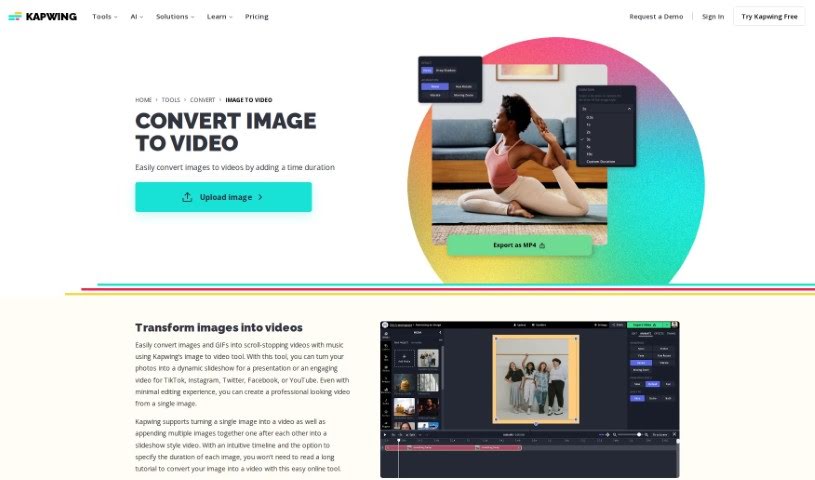
Kapwing offers a neat tool that lets you turn your still images into dynamic videos. It's perfect for anyone looking to create engaging video content, especially for social media where video really shines. You can upload common image formats like JPG, PNG, or even GIFs. The platform supports a range of ways to work with images and video, from simply converting a single photo into a video clip to more involved tasks like creating freeze frames or editing existing video segments.

Video Generation View Tool →
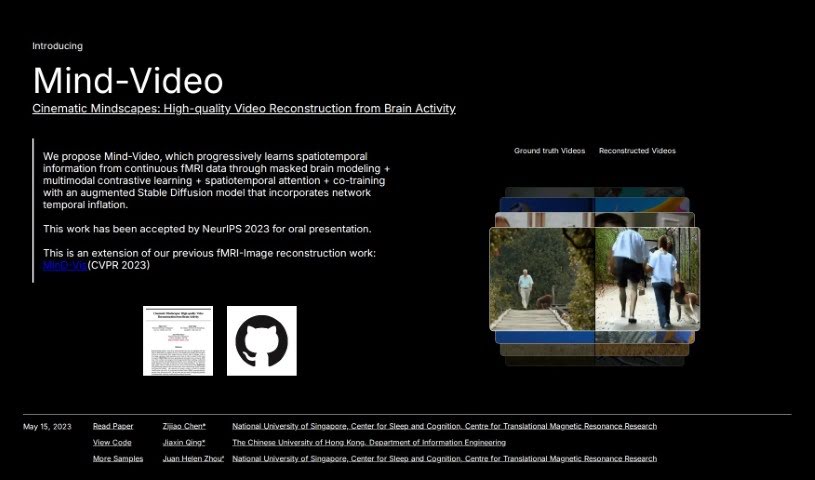
Screenshot of Mind Video

Mind Video

Freemium

Mind Video is a clever system built with two main parts, designed to connect how we understand images with how we decode brain signals for video. It gradually learns from brain activity, moving through several stages to really get the meaning behind what's being seen. The model uses unsupervised learning, specifically masked brain modeling, to pick up on visual fMRI features. Then, it hones in on features related to meaning by using contrastive learning within the CLIP space. Finally, these learned features are fine-tuned by training together with a special stable diffusion model made for video generation, all guided by fMRI data. The outcomes are impressive: high-quality videos that are reconstructed with accurate meaning, doing a better job than older methods on both semantic and pixel-level measurements.

Video Generation View Tool →
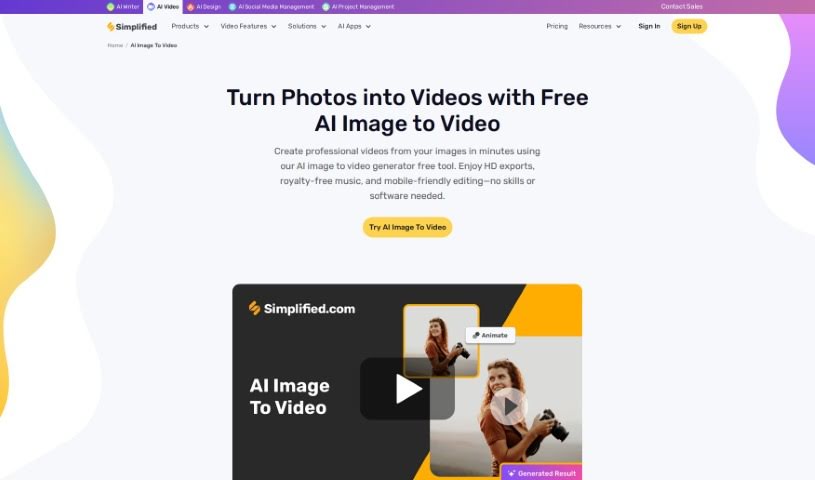
Screenshot of Simplified AI Image to Video

Simplified AI Image to Video

Freemium

AI Image to Video is a neat technology that lets you turn still pictures into lively videos without much fuss. It uses the Stable Video Diffusion Image to Video model, which is pretty clever at bringing your images to life with movement. This means you can easily create eye-catching visual stories. The best part? You don't need any experience with video editing or design to use it – it's made to be super user-friendly for everyone. With this tool, you can even add logos to your videos, tweak their transparency and placement, and then download your finished creation as an MP4 file. It supports common image formats like PNG, JPG, JPEG, BMP, and WEBP, and you can export your videos as MP4 or GIF, all the way up to a crisp 4K resolution. Plus, you get a watermark-free experience, which is great for content creators who want their work to look professional.

Video Generation View Tool →
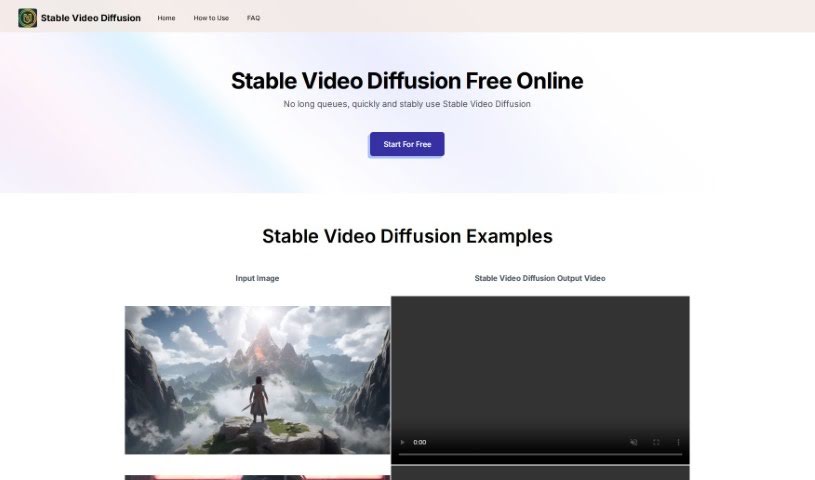
Screenshot of Stable Videtable Video Diffusion Online

Stable Videtable Video Diffusion Online

Freemium

Stable Video Diffusion is a really exciting new development in AI video generation, brought to you by Stability AI. It builds on the foundation of their well-known Stable Diffusion model, but it's specifically designed to create videos. What's neat about it is that it can produce high-resolution videos with frame rates you can adjust. Plus, it can turn text descriptions or even still images into video clips. This makes it super useful for all sorts of things, from advertising and education to just creating cool entertainment. Many people have found it generates better quality video content compared to other models out there. You can actually try it out easily through a user-friendly interface on Hugging Face Spaces. It really shows how AI can bring images to life, letting you create videos with different frame rates and resolutions. Right now, it's mainly intended for people who are researching and developing new AI technologies.

Video Generation View Tool →
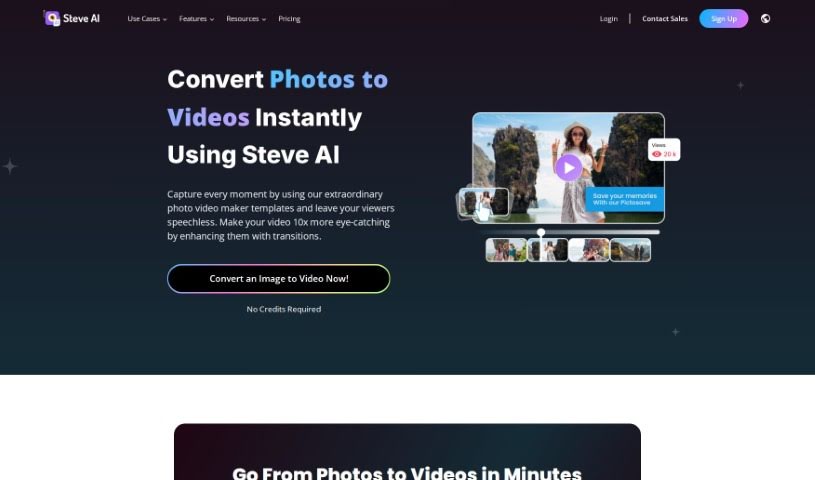
Screenshot of Steve.ai Photo Video Maker

Steve.ai Photo Video Maker

Freemium

It looks like Steve.ai Photo Video Maker is currently facing some technical hiccups. Based on the info I have, it seems like a problem with a URL has disrupted its usual functions, showing an error message that says, "Steve’s Broken!" Even though it's designed for things like 4k rendering, has access to media libraries, and can do animations, it seems an incorrect web address caused this issue. For the most up-to-date and accurate information about Steve.ai Photo Video Maker, your best bet is to head over to its official homepage. You can find the link there.

Video Generation View Tool →
Previous 1 of 2 Next

Stay Updated with AI Tools

Get weekly updates on the latest AI tools, trends, and insights delivered to your inbox

Join 25,000+ AI enthusiasts. No spam, unsubscribe anytime.