10LevelUp
Video Generation Video Editing
Learn more
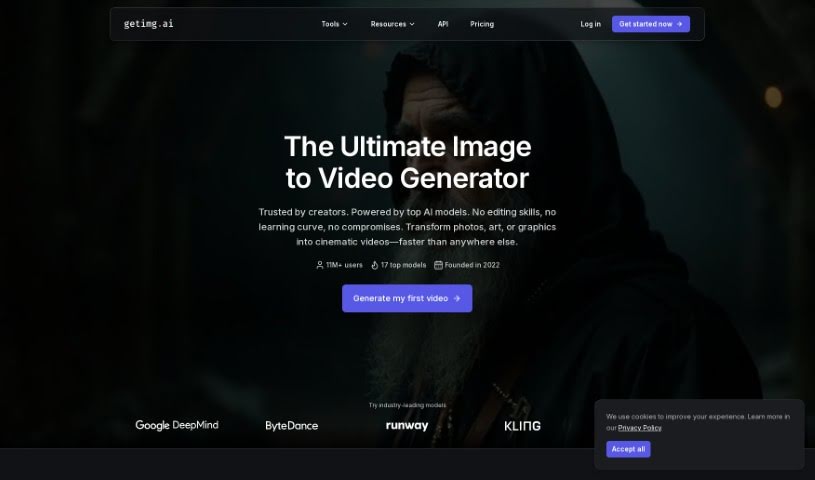
Discover what Getimg.ai's AI Image to Video tool does and how it turns still images into short video clips using the Runway Gen-3 model.
Getimg.ai’s AI Image to Video tool turns still images into short video clips. It uses the Runway Gen-3 model to generate motion from a single picture. Rather than simply sequencing images, the tool generates multiple frames by analyzing the context of your image and learning from patterns, producing coherent motion and smooth transitions.
It works with realistic photos and digital art in any style, making it a practical option for artists, photographers, and content creators who want to add video to their work.
Details about the founder of Getimg.ai aren’t available here. The company builds AI-powered tools for creating images and videos, aimed at artists, photographers, and content creators. Its platform lets you animate images, turning static pictures into videos. For more information about the team behind it, check the official website.
The tool suits a range of creative professionals:
The interface requires no special technical skills or video editing experience. Following these steps, you can create 4-second video clips from your images.
Related
Discover more tools in similar categories
Weekly picks of the best AI tools we've researched and added — no spam, unsubscribe anytime.
Join 25,000+ AI enthusiasts. No spam, unsubscribe anytime.