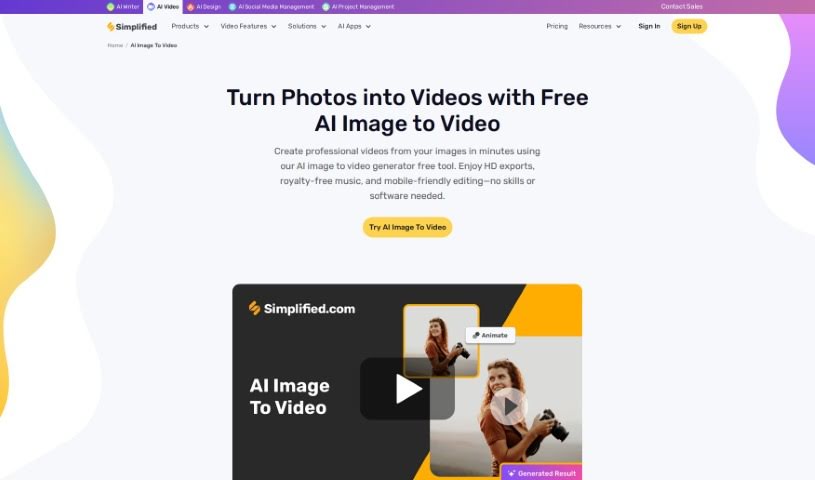
Screenshot of Simplified AI Image to Video

Simplified AI Image to Video

Discover Simplified's AI Image to Video tool in 2025! Learn how to easily turn your images into dynamic videos, explore its features, and see how it stacks up against other Image To Video tools.

Screenshot

What is Simplified AI Image to Video?

AI Image to Video is a neat technology that lets you turn still pictures into lively videos without much fuss. It uses the Stable Video Diffusion Image to Video model, which is pretty clever at bringing your images to life with movement. This means you can easily create eye-catching visual stories. The best part? You don’t need any experience with video editing or design to use it – it’s made to be super user-friendly for everyone. With this tool, you can even add logos to your videos, tweak their transparency and placement, and then download your finished creation as an MP4 file. It supports common image formats like PNG, JPG, JPEG, BMP, and WEBP, and you can export your videos as MP4 or GIF, all the way up to a crisp 4K resolution. Plus, you get a watermark-free experience, which is great for content creators who want their work to look professional.

Who created Simplified AI Image to Video?

This handy AI Image to Video tool was actually developed by Koustubha Deshpande, who’s the Founder of Simplified. He worked alongside Ajay Yadav, the Co-Founder. Simplified itself is part of TLDR Technologies, Inc., based out in Covina, California. Essentially, this tool lets people like you and me transform static images into really engaging videos, making it super easy. It’s perfect for all sorts of things, whether you’re into digital marketing, creating blog content, managing social media, or just want to make your pictures more dynamic.

How to use Simplified AI Image to Video?

Using an AI Image to Video tool is pretty straightforward. Here’s a simple breakdown of how you’d typically go about it:

  1. Upload Your Images: First off, you’ll want to upload the pictures you plan to use in your video. It’s a good idea to put them in the order you want them to appear.
  2. Pick Transition Effects: Next, choose how you want your images to move from one to the next. Think about things like smooth fades or different animation styles to make the flow nice and seamless.
  3. Set How Long Each Image Shows: Decide on the timing for each picture. You can adjust how long each image stays on screen to control the overall pace of your video.
  4. Add Music (If You Want): If you feel like it, you can add some background music. Just make sure the music fits the mood of your images and the story you’re telling.
  5. Add Text (Also Optional): You can also add text overlays on your images. This is great for adding context, captions, or any extra info. You can usually customize the font, size, and where the text appears.
  6. Check It Out (Preview): Before you officially finish, it’s always smart to preview your video. This lets you see if everything looks the way you imagined and make any tweaks needed to make it look even better.
  7. Finish Up and Export: Once you’re happy with how it looks, it’s time to finalize it. You’ll pick your export settings, like the video resolution and the file format you prefer.
  8. Create the Video: Now, you just start the process to generate your video. Depending on how many images you used and the effects you added, this might take a little bit of time.
  9. Download and Share: When your video is all done, download it to your computer or device. Then, you can share it on social media or send it to whoever you want.
  10. Get Feedback and Try Again: After you share it, it’s helpful to see what people think. You can use that feedback to make your next video even better.

Following these steps should help you create some really engaging videos from your images using an AI Image to Video tool.

Related AI Tools

Discover more tools in similar categories that might interest you

Stay Updated with AI Tools

Get weekly updates on the latest AI tools, trends, and insights delivered to your inbox

Join 25,000+ AI enthusiasts. No spam, unsubscribe anytime.