AI Tools for Podcast

Discover the best Podcast AI tools to enhance your productivity and creativity.

Page 1 of 8 • 88 total tools

Podcasting has really taken off in the last few years. It’s gone from a niche hobby to a mainstream thing. With millions of shows out there, creators have a tough time standing out. Luckily, a new bunch of AI tools is here to make podcasting easier.

From writing scripts to editing and even promotion, AI-powered podcast tools are helping creators make better content. These innovations can save you time, improve audio quality, and even connect with listeners in new ways.

I’ve tried out a lot of podcasting tools myself, and I’ve put together a list of the best AI solutions to help you level up your podcasting. Whether you’re a seasoned pro or just starting out, these tools can simplify the technical stuff, so you can focus on telling your story and connecting with your audience.

So, if you want to boost your podcast production without the extra stress, you’ve come to the right place. Let’s look at the best AI podcast tools that can take your show to the next level.

The best AI Podcast Tools

  1. Adobe Podcast: Makes spoken audio sound great, effortlessly.
  2. Eleven Labs Voice Cloning: Great for creating personalized podcast intros.
  3. Cleanvoice AI: Helps you easily streamline podcast editing tasks.
  4. Covers AI: Enhances podcasts with AI-generated voices.
  5. Listnr Ai: Streamlines how you generate podcast voices.
  6. Wondercraft AI: Offers an end-to-end podcast production studio.
  7. Kingshiper: Makes audio editing for podcasting simple.
  8. Audo Studio
  9. RadioGPT: Generates dynamic content for podcasts.
  10. Meta Audiobox: Helps you create engaging podcast intros and segments.
  11. Jellypod: Turns emails into engaging podcasts.
  12. Podsqueeze: Creates show notes and timestamps for you.
  13. Revocalize AI: Enhances vocals for clearer podcasting.
  14. Waveroom: Streamlines podcast guest interviews.
  15. Streamlabs: Simplifies podcast editing and transcription.

How do AI podcast tools work?

AI podcast tools work by looking at audio data and pulling out what’s needed to improve the production process. Basically, these platforms often use smart algorithms and machine learning. They can spot patterns in audio, understand speech, and even write scripts based on topics you choose. This makes creating podcasts much simpler for users.

Lots of AI podcast tools use advanced speech recognition. This turns spoken words into written text. It means you can get show notes or transcripts automatically, making it easier to connect with your audience through extra content. These models are trained on tons of audio to get better at accuracy and understanding context.

Besides transcription, some tools suggest content and give prompts for creating episodes. You can enter topics or keywords, and the AI will generate outlines or even full scripts. This helps creators brainstorm ideas, structure episodes, and keep their discussions flowing smoothly.

Plus, AI-powered audio editing tools improve the production quality of podcasts. Things like noise reduction, audio normalization, and automated editing help podcasters get a polished final product without needing to be audio engineering experts.

You can also add voice modulation and sound effects to make podcast episodes even better. These AI tools let you add creative touches and boost listener engagement by matching soundscapes to specific themes or moods, making each episode feel unique.

All in all, AI podcast tools make many parts of podcast creation easier, from the initial planning to the final edits. By using the latest technology, these tools let podcasters of all levels focus on their content while simplifying the process.

Our best AI podcast tools at a glance

RankNameBest forPlans and PricingRating
1Adobe PodcastMakes spoken audio sound great, effortlessly.N/A4.67 (12 reviews)
2ElevenLabs Voice CloningCreating personalized podcast introductionsN/A4.72 (25 reviews)
3Cleanvoice AIStreamlines podcast editing tasks easily.N/A4.33 (12 reviews)
4Covers AIEnhancing podcasts with AI-generated voices.N/A4.75 (12 reviews)
5Listnr AiStreamlines podcast voice generationPaid plans start at $9/month.4.41 (27 reviews)
6Wondercraft AIEnd-to-end podcast production studioPaid plans start at $29/month.4.29 (21 reviews)
7KingshiperEffortless audio editing for podcasting.N/A4.60 (5 reviews)
8Audo StudioN/A4.73 (11 reviews)
9RadioGPTDynamic content generation for podcastsN/A4.76 (70 reviews)
10Meta AudioboxCreate engaging podcast intros and segmentsN/A4.20 (5 reviews)
11JellypodTransforming emails into engaging podcastsN/A4.71 (28 reviews)
12PodsqueezeCreating show notes and timestampsPaid plans start at $27/month.4.80 (10 reviews)
13Revocalize AIVocal enhancement for podcasting clarityN/A4.72 (18 reviews)
14WaveroomStreamlined podcast guest interviewsN/A4.73 (44 reviews)
15StreamlabsStreamlines podcast editing and transcriptionN/A4.80 (5 reviews)
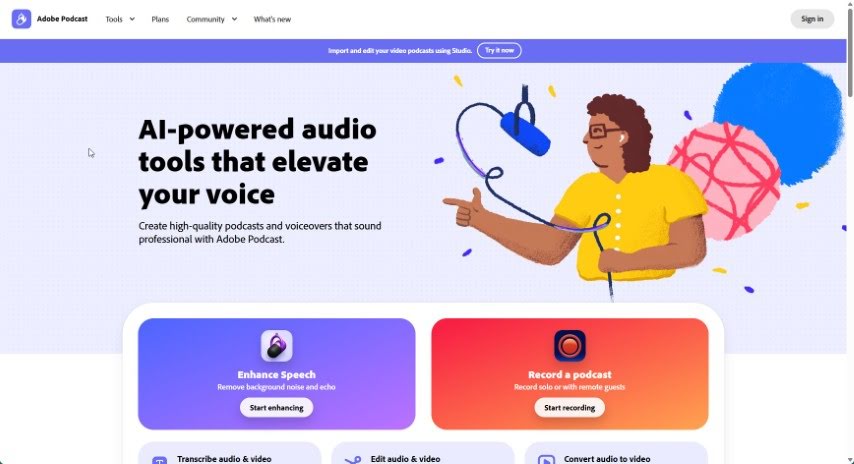
Screenshot of Adobe Podcast

Adobe Podcast

Freemium

Adobe Podcast is a really neat audio platform designed to make podcasting better for everyone. It uses advanced recording tech to capture super clear audio, cutting out background noise so your recordings sound great every time. Beyond just recording, Adobe Podcast can automatically turn your audio into text, which makes editing and making your content accessible a breeze. Plus, it makes sharing your work simple, letting you get your content out on different platforms and connect with more people. It's designed to be easy to use, helps your content get found more easily online, and has editing tools that work for creators at any skill level. Basically, Adobe Podcast is all about helping you create professional-sounding audio content without all the usual hassle.

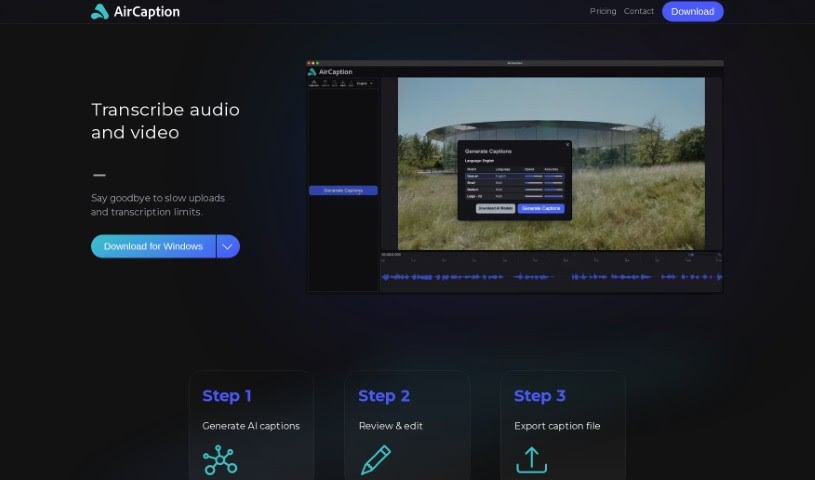
Screenshot of AirCaption

AirCaption

Freemium

AirCaption is a smart transcription software that uses AI models from OpenAI to create captions, transcripts, and subtitles for your audio or video content. You can easily review and edit these captions, then export them in various formats like SRT, VTT, TXT, or even directly onto your video. It's built for both Mac and Windows, and a really great feature is that it works offline. Plus, your privacy is protected because all transcriptions happen right on your own computer. AirCaption supports up to 60 languages and includes helpful hotkeys to speed up your workflow. It’s a fantastic tool for all sorts of professionals – think video editors, podcasters, language learners, legal folks, marketers, researchers, event organizers, online course creators, and journalists. Basically, anyone who needs to transcribe content can use it to make their work more accessible and easier for their audience to understand.

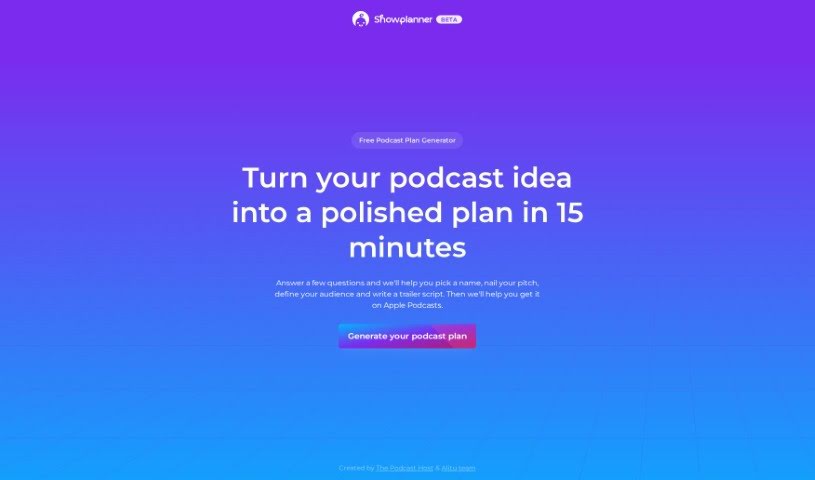
Screenshot of Alitu Showplanner

Alitu Showplanner

Freemium

Alitu Showplanner is a really user-friendly tool, powered by AI, designed to help anyone get their podcast off the ground without a fuss. It's a free service, and you can even submit your email if you like. The tool walks you through everything, step by step. It starts with helping you capture your initial podcast idea, then guides you to pick a name that really fits what your podcast is about and who you want to reach. Plus, it helps you write a script for a trailer to introduce your show. This way, you can get straight to recording your actual content without getting bogged down.

Screenshot of Allinpod

Allinpod

Freemium

Allinpod.ai is a really neat AI audio platform, brought to you by My Creativity Box. What makes it special is that it lets you create personalized rap verses using the actual voices of Chamath, Sacks, and Friedberg – you know, the Besties from the All In podcast! So, you can actually make custom rap songs with their unique voices. They offer different pricing plans for generating audio and video, and if you go for the Creator plan, you even get watermark-free video exports. Allinpod.ai uses some pretty advanced speech recognition to get accurate transcriptions and generate videos, which really helps boost your podcasting game with high-quality content and smooth speech-to-text.

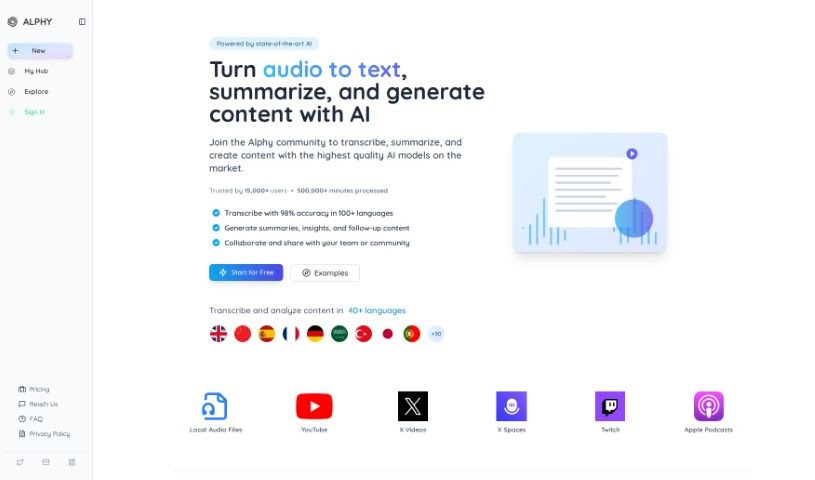
Screenshot of Alphy

Alphy

Freemium

Alphy is an AI tool designed to help you really connect with both online and offline audio and video content. It is your smart assistant for anything you listen to or watch. It uses AI to transcribe, summarize, and even help you create new written content from your videos and recordings. You can simply share a link or upload your own recordings, and Alphy will give you transcriptions, summaries, key takeaways, and even a mini AI assistant to help you dig deeper into the content. Plus, Alphy lets you build your own AI-powered search engines, called "Arcs," for any content you've processed.

Screenshot of Article Audio

Article Audio

Freemium

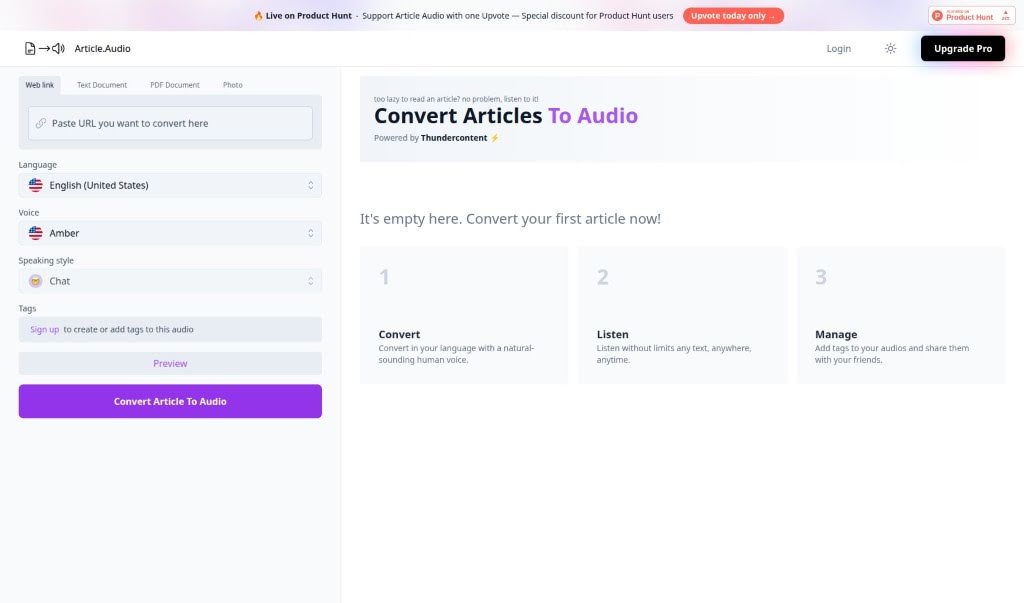
Article.Audio is a really handy tool that lets you turn articles into audio files without any fuss. It uses Thundercontent technology to make converting text documents, PDFs, and even photos into audio super simple. You can just pop in a web link or upload a document, pick your language, and Article.Audio does the rest, creating an audio version for you. If you decide to upgrade to Article.Audio Pro, you'll unlock even more advanced features and ways to customize your audio. The tool supports many languages and is known for converting audio quickly and accurately. Here’s a look at the pricing and features:

Screenshot of Audo Studio

Audo Studio

Freemium

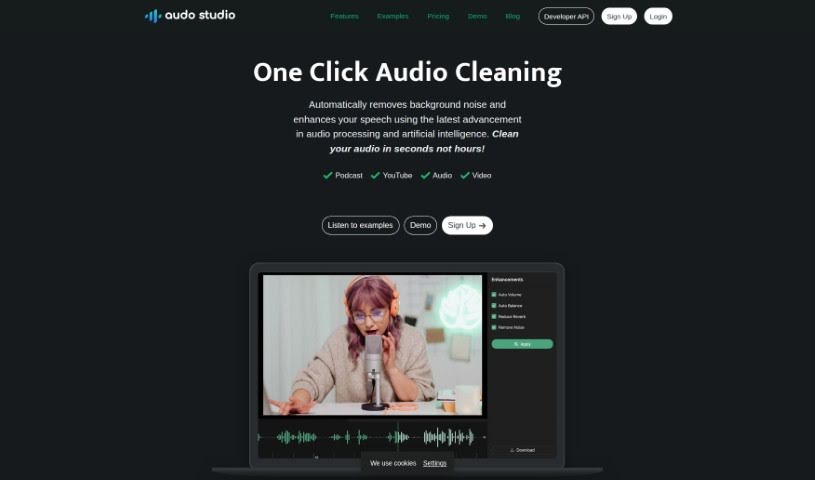
Audo Studio is a really handy tool for anyone creating content, like YouTubers and podcasters, who wants to make their audio sound much better. It’s packed with features that make audio cleaning a breeze, including a simple one-click option for cleaning up your sound, plus more advanced tools for removing background noise. They're even working on an echo reduction feature! Basically, this AI-powered platform works to give you crystal clear audio by cutting out distracting background noise, reducing echoes, and making sure your volume levels are just right. Since it's all done through your web browser, you can use it on any computer, no matter the operating system. The goal is to give you professional-sounding audio quickly and easily.

Screenshot of Blogcast

Blogcast

Freemium

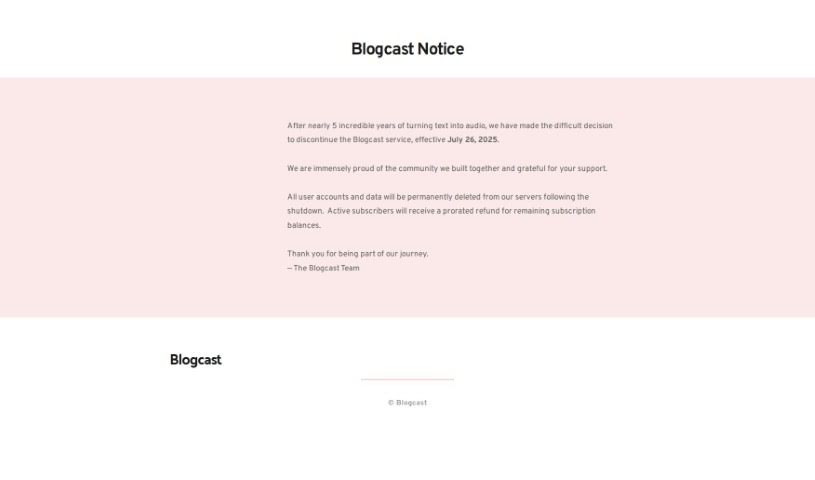
Blogcast is a platform that uses AI-powered text-to-speech technology to turn your written content – like blog posts, articles, and website text – into clear, natural-sounding audio. It is a way to create podcasts or voice-overs without ever needing a microphone. Blogcast really shines with its huge selection: over 110 neural voices across more than 25 languages and dialects. This means you can really customize the audio to fit your needs. You can use Blogcast to make your WordPress posts, Medium articles, YouTube videos, podcasts, eLearning materials, and demos more engaging by adding audio. The tool offers a handy speech synthesis editor, hosting for your audio files, built-in podcast creation and hosting, easy media player integration, and even import and sync features. Plus, there's a WordPress plugin to make adding audio super simple. With Blogcast, you can effortlessly turn your text into high-quality podcasts and connect with your audience in fresh, new ways.

Screenshot of Cleanvoice AI

Cleanvoice AI

Freemium

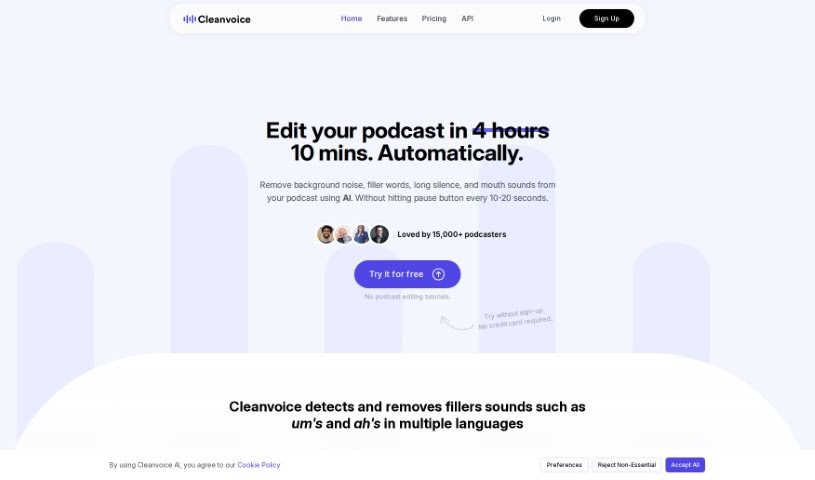
Cleanvoice AI is a really smart tool that uses artificial intelligence to make your audio sound much better. It is an automatic editor that cleans up all those little distractions – you know, the "uh's" and "um's," those little mouth noises, or any stuttering. It goes through your audio files and cleverly edits out these imperfections. This is a huge time-saver for podcasters, letting them concentrate on what they do best: sharing their message. The platform is super easy to use; you just upload your recordings, and Cleanvoice AI does the heavy lifting, giving you a polished, professional-sounding final product.

Screenshot of CloneDub

CloneDub

Freemium

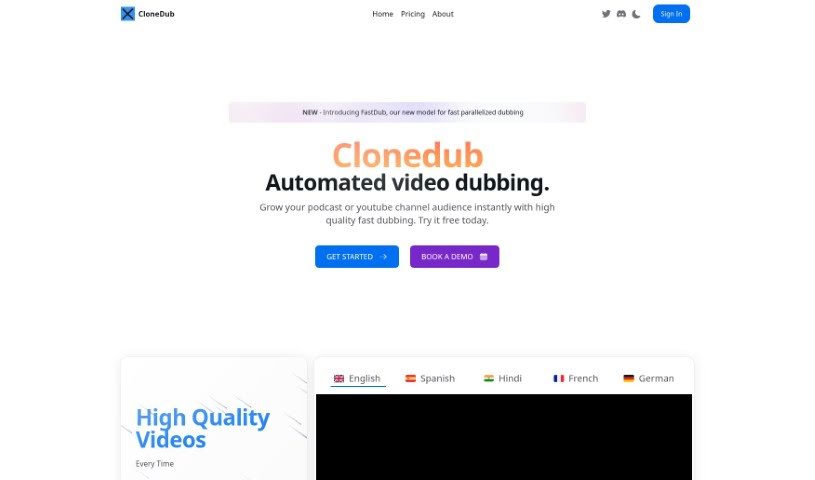
CloneDub is a really neat AI platform for dubbing. It uses AI voice cloning to translate your videos and podcasts into tons of different languages. What's cool is that it keeps the original music, sounds, and even the speaker's voice intact. You can work with all sorts of audio and video files, and it processes them quickly. Plus, it handles multiple uploads at once and supports a huge range of languages, like English, Japanese, Chinese, German, Hindi, French, and many more. If you're a developer or a business, you can even use their dedicated API to plug CloneDub's features right into your own apps.

Screenshot of Coffee Chat AI

Coffee Chat AI

Freemium

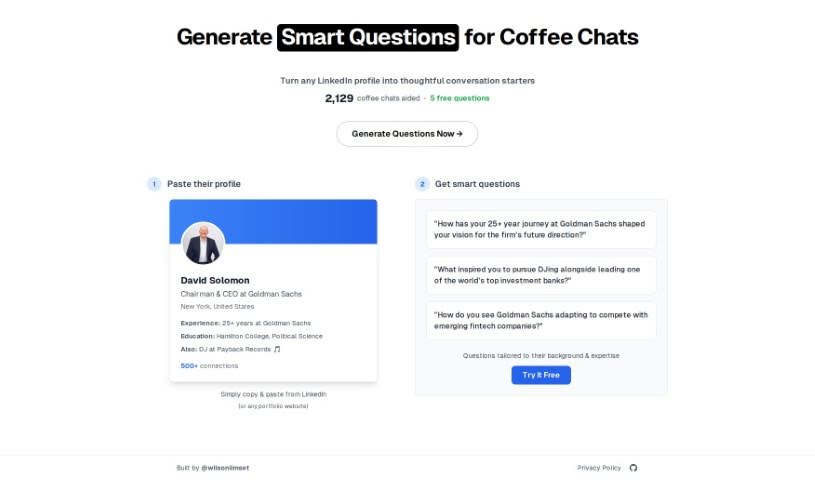
Coffee Chat AI is your go-to web tool for making social interactions smoother and more engaging. Whether you're having a personal chat, networking for business, conducting a podcast interview, or just having a professional conversation, this tool is designed to help. It can generate really insightful questions, all tailored to the person you're talking to. Plus, it learns your preferences and lets you customize things based on a person's bio, so you can easily switch between a casual or professional vibe. The main goal here is to help you have better conversations, open up more networking chances, boost your communication skills, and really foster those meaningful, productive chats. Basically, Coffee Chat AI is a handy resource for building connections, improving how you interact with people, and creating environments where networking feels natural and effective.

Screenshot of Coggler

Coggler

Freemium

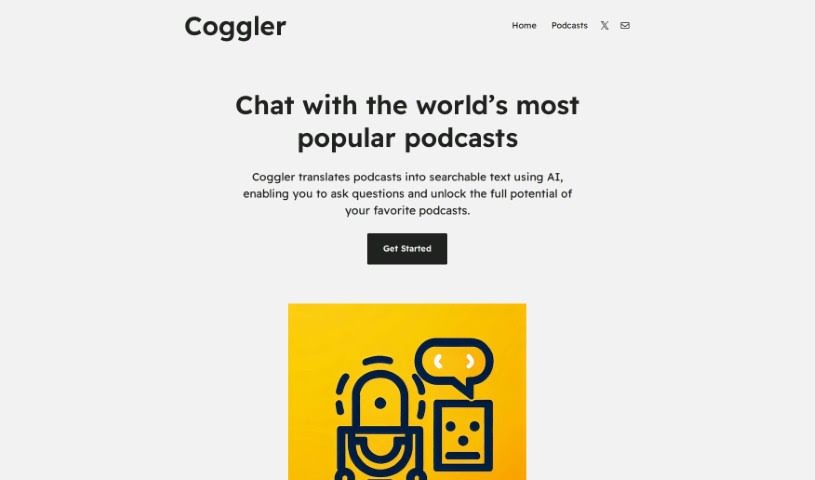
Coggler is a smart tool that uses AI to make listening to podcasts a much richer experience. It turns podcast episodes into text you can search through. This means you can interact with podcasts in totally new ways, easily finding specific moments or topics you're interested in, and really dive deeper into the content. Coggler uses advanced artificial intelligence to convert audio into text, making it super easy to jump around in episodes, ask specific questions about what's being said, and it's also a great help for anyone with hearing impairments.

Previous 1 of 8 Next

Stay Updated with AI Tools

Get weekly updates on the latest AI tools, trends, and insights delivered to your inbox

Join 25,000+ AI enthusiasts. No spam, unsubscribe anytime.