AI Tools for Paraphrasing

Discover the best Paraphrasing AI tools to enhance your productivity and creativity.

Page 1 of 4 • 38 total tools

In today’s busy world of creating content, being able to rephrase and polish your ideas is super valuable. Whether you’re a student, a professional writer, or just someone who wants to get their thoughts across more clearly, AI paraphrasing tools can really change your writing for the better. These tools are built to take your text and present it in a new way, making it more interesting and easier to understand.

Paraphrasing technology has come a long way. We’re past the days of clunky software that just swapped words for synonyms. Today’s top tools use smart algorithms to grasp context and improve how easy your writing is to read, turning regular sentences into polished prose. With so many choices out there, picking the right tool can feel a bit much.

I’ve spent a good amount of time checking out the best AI paraphrasing tools to help make your writing process smoother. From tools made for schoolwork to those for professional content, this guide will point out the most effective options available. If you’re looking to improve your writing, spark your creativity, or just save some time, the tools below might be exactly what you need. Let’s jump into the world of paraphrasing!

The Best AI Paraphrasing Tools

  1. QuillBot Paraphrasing Tool: Great for rewording content to make it clearer and more stylish.
  2. ZeroGPT Paraphraser: Ideal for making academic papers clearer.
  3. Reverso English Spelling Checker: Helps make paraphrased texts clearer.
  4. Ginger Software: Useful for creating unique content from existing text.
  5. Wordtune: Perfect for revamping text to get fresh perspectives.
  6. Paraphraser: Helps make blog posts clearer for a wider audience.
  7. Paperpal: Good for rephrasing academic content to be clearer.
  8. Hemingway Editor: Useful for rephrasing to improve clarity and originality.
  9. Ginger Software Grammar Check: Helps rephrase essays for better clarity.
  10. Scribbr Paraphrasing Tool: Enhances clarity in academic writing.
  11. Rephrase: Focuses on improving clarity in academic writing.
  12. paraphrasing-tool.com: Rewords essays for better clarity and flow.
  13. Engram: Boosts clarity through effective paraphrasing.
  14. ChatGPT Writer: Rewords sentences to make their meaning clearer.
  15. Paraphrasing.io: Effortlessly elevates your writing quality.

How Do AI Paraphrasing Tools Work?

AI paraphrasing tools work by analyzing the structure and meaning of the text you input, which lets them rewrite it while keeping the original ideas intact. These tools use large language models (LLMs) that have been trained on huge amounts of data. This training helps them understand context, meaning, and sentence structure in many languages.

When you put in a sentence or paragraph, the tool comes up with different ways to say the same thing. It focuses on swapping out words, changing sentence structures, and even adjusting the overall flow of ideas to create unique results. This process not only makes your writing easier to read but also helps you avoid plagiarism.

Many of these paraphrasing tools use smart algorithms designed to find synonyms and phrases that can replace the original text without losing its meaning. They aim to keep the core of the content while giving it a fresh spin, which is perfect for students, writers, and professionals who want to update their work.

What’s more, some of the more advanced paraphrasing tools can learn from how users interact with them, getting better at their suggestions over time. This ability to adapt means they can handle different writing styles, making them even more helpful for various audiences and situations.

Even though AI paraphrasers are incredibly useful, they still need a human to check them. People should review the content the tools generate to make sure it’s clear and makes sense, because sometimes automated systems can produce awkward or nonsensical phrasing.

Our Top AI Paraphrasing Tools at a Glance

RankNameBest ForPlans and PricingRating
1QuillBot Paraphrasing ToolRewording content for clarity and style.N/A4.84 (51 reviews)
2ZeroGPT ParaphraserRewording academic papers for clarity.N/A4.71 (24 reviews)
3Reverso English Spelling CheckerEnhancing clarity in paraphrased textsN/A4.73 (11 reviews)
4Ginger SoftwareCrafting unique content from existing text.N/A4.73 (11 reviews)
5WordtuneRevamping text for fresh perspectivesN/A4.82 (28 reviews)
6ParaphraserEnhance blog clarity for wider audiencesN/A4.79 (24 reviews)
7PaperpalRephrasing academic content for clarityN/A4.81 (47 reviews)
8Hemingway EditorRephrasing for clarity and originality.N/A4.77 (26 reviews)
9Ginger Software Grammar CheckRephrasing essays for better clarity.N/A4.67 (12 reviews)
10Scribbr Paraphrasing ToolEnhancing academic writing clarityN/A4.70 (27 reviews)
11RephraseEnhancing clarity in academic writingN/A4.75 (12 reviews)
12paraphrasing-tool.comRewording essays for clarity and flow.N/A4.73 (11 reviews)
13EngramEnhance clarity with effective paraphrasing.Paid plans start at $12.99/month.4.81 (26 reviews)
14ChatGPT WriterReword sentences for clearer meaningN/A4.79 (29 reviews)
15Paraphrasing.ioElevate your writing quality effortlessly.N/A4.67 (6 reviews)
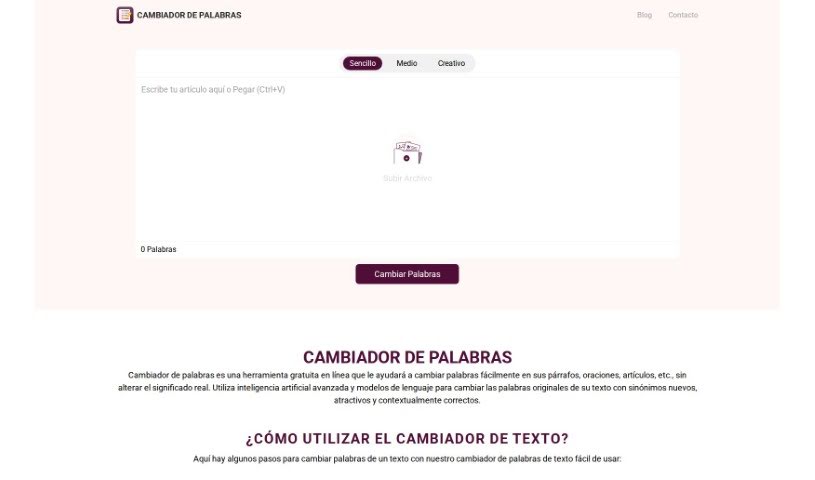
Screenshot of Cambiador De Palabras

Cambiador De Palabras

Freemium

Cambiador De Palabras is a free online tool designed to help you easily swap out words in your writing – think paragraphs, sentences, or even whole articles – all while keeping the original meaning intact. It uses smart AI and language models to find new, appealing, and contextually fitting synonyms for your original words. You can simply paste your text or upload a file, pick a word-changing style (like Simple, Half, or Creative), hit the "Change words" button, and then review the rewritten text. You can then copy it or download the version with the new words. It's built to be super user-friendly, offering quick and accurate suggestions. Plus, you get options for different levels of text alteration and a handy drag-and-drop feature.

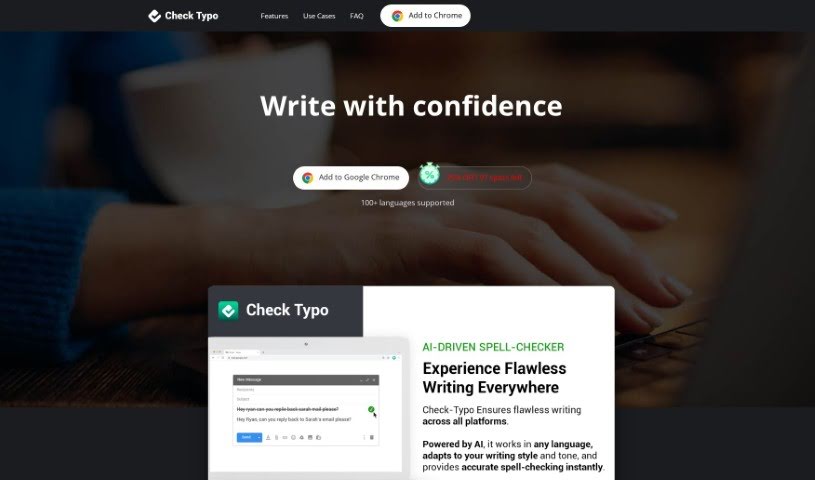
Screenshot of Check Typo

Check Typo

Freemium

Based on the information available, here’s a clear, human-written explanation of what "Check Typo" is all about:

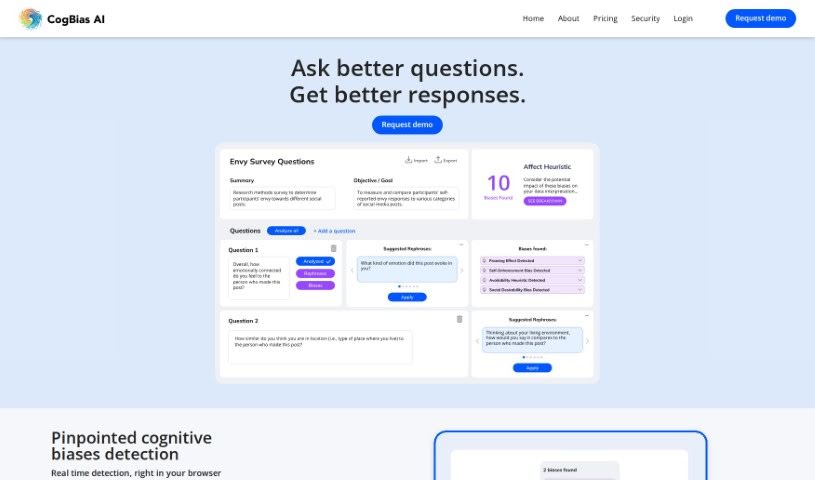
Screenshot of Cogbias Ai

Cogbias Ai

Freemium

CogBias AI is a smart platform built to help you spot cognitive biases that pop up in conversations. It is your AI assistant for asking better questions and really understanding the answers you get. It's designed to help you make smarter decisions by analyzing conversations from a specific viewpoint. The system uses advanced machine learning to find those subtle biases that humans often have in how they ask questions or interpret responses. Some of the cool things CogBias AI can do include rephrasing your questions to be clearer, offering AI-driven tips to help you identify biases, giving your questions a 'Quality Score' to see how likely they are to get you good insights, and even looking at how your interview questions are sequenced to understand how they might be influencing the answers.

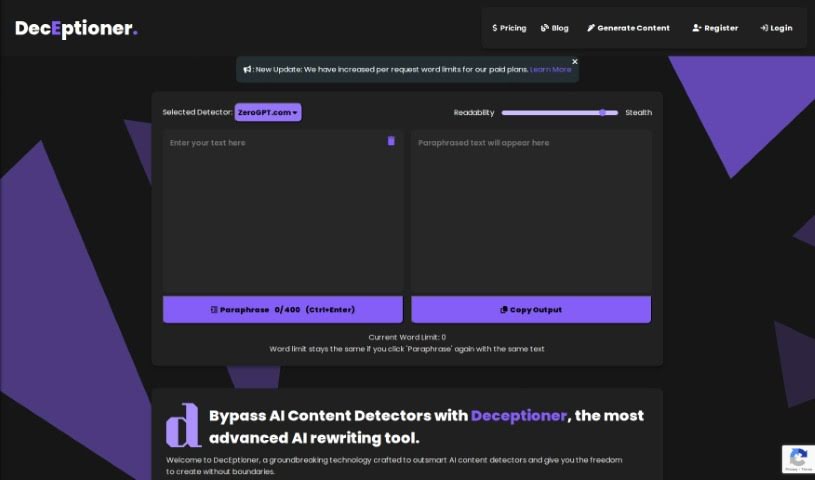
Screenshot of Deceptioner

Deceptioner

Freemium

Deceptioner is a really neat tool designed to help you get around AI content detectors. It's all about giving you the freedom to write what you need to without worrying about limitations. They even offer a free plan so you can try it out and see what it can do before you decide to subscribe. If you want to really boost your writing experience, you can upgrade your subscription, with plans starting at just $10. Managing your subscription is super easy – you can switch plans or cancel anytime, no hassle. Plus, if you ever have questions or need a hand, their support team is right there to help make sure everything runs smoothly.

Screenshot of Emdash

Emdash

Freemium

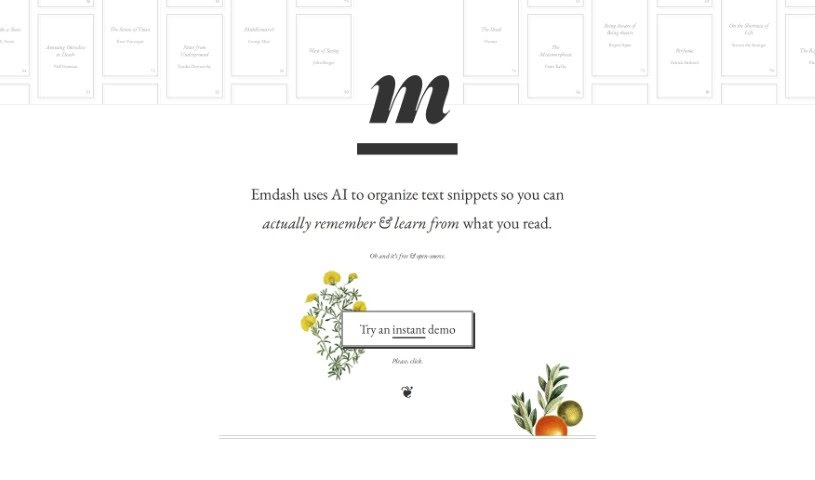
Emdash is a smart tool that uses AI to help you get more out of what you read. It organizes text snippets so you can remember them better and learn more effectively. It is a personal reading assistant. It can find similar ideas from different authors, letting you see how various people approach the same topic. It also has powerful semantic search, meaning you can find what you're looking for even if you don't remember the exact words. Plus, you can easily organize your notes with tags and add your own annotations. If a concept is a bit dense, Emdash can even rephrase it using metaphors to make it clearer. You can also export your annotations back to an e-reader format, which is super handy. The tool supports open formats for importing and exporting data, so you're never locked in. It even encourages you to stumble upon new ideas randomly and keeps your data private by analyzing it offline first. It also offers ways to summarize and rephrase complex ideas.

Screenshot of Engram

Engram

Freemium

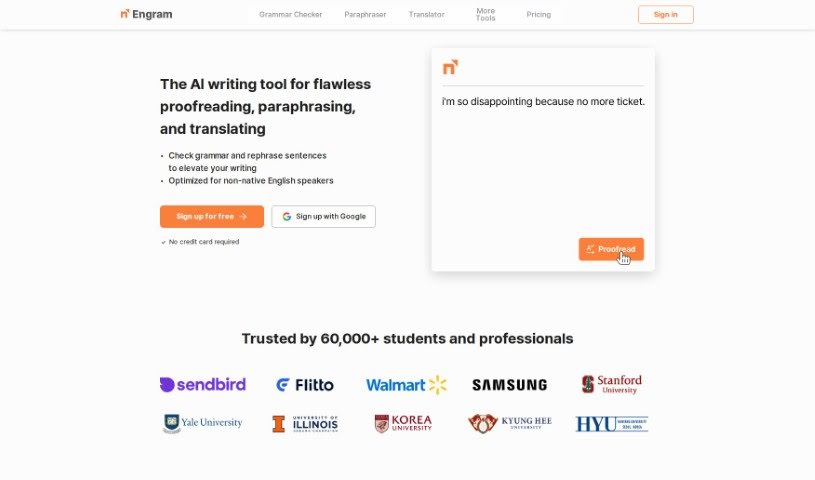
Engram is an AI-powered writing assistant built to help non-native English speakers really nail their English writing. It is your personal editor, proofreader, and translator all rolled into one. It's designed to catch and fix everything from grammar slip-ups, spelling errors, and punctuation woes to awkward word choices, incorrect word order, and clunky sentence structures. Plus, its paraphrasing tool can actually rewrite your sentences in seven different styles, which is fantastic for adding some flair and variety to your work. And if you've got a complex phrase you need translated into natural-sounding English, Engram can handle that too. It aims to be super user-friendly and reliable, offering suggestions that feel genuinely human, setting it apart from other AI tools like ChatGPT or Grammarly.

Screenshot of Free Paraphrasing For All Languages

Free Paraphrasing For All Languages

Freemium

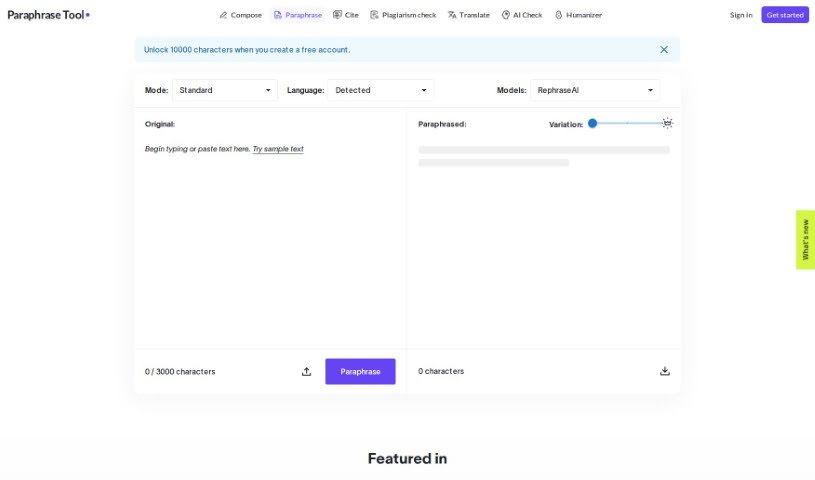
The Free Paraphrasing For All Languages tool offers a straightforward and flexible way to rephrase text across many languages. It comes with different options to help you rewrite sentences, paragraphs, or even whole essays. Plus, it can check your grammar and make sure your content is original. This tool uses smart natural language processing to keep your writing's meaning and flow intact after rephrasing. You'll also find it includes grammar checking and gives you results right away, making content creation and improvement much quicker.

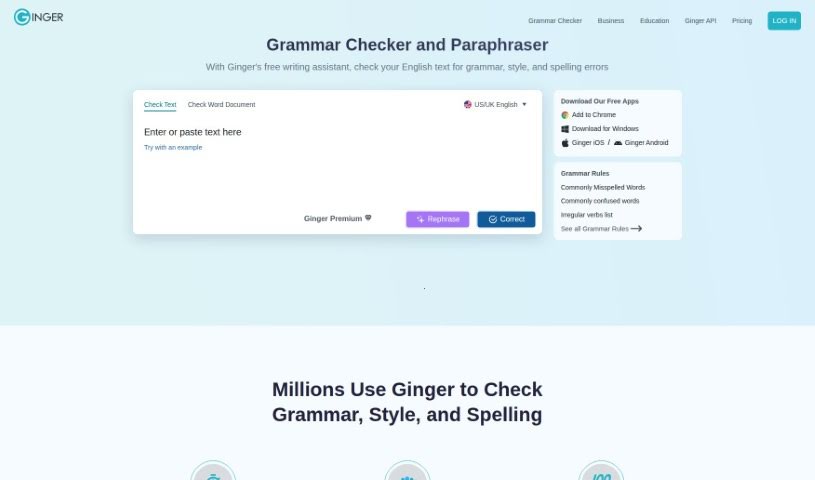
Screenshot of Ginger Software

Ginger Software

Freemium

Ginger Software is a popular writing enhancement platform designed to help you improve your writing skills and communicate more effectively. It offers a variety of features, including grammar checking, sentence rephrasing, translation, and a personal dictionary, all aimed at helping you write more clearly and confidently. Thanks to its user-friendly interface and advanced algorithms, Ginger Software can help you catch and fix grammar mistakes, punctuation errors, and other language issues. It's a really useful tool for students, professionals, and really anyone who wants to make their written communication shine. Ultimately, Ginger Software wants to give you the tools and resources you need to create written content that's clear, makes sense, and is completely error-free.

Screenshot of Ginger Software Grammar Check

Ginger Software Grammar Check

Freemium

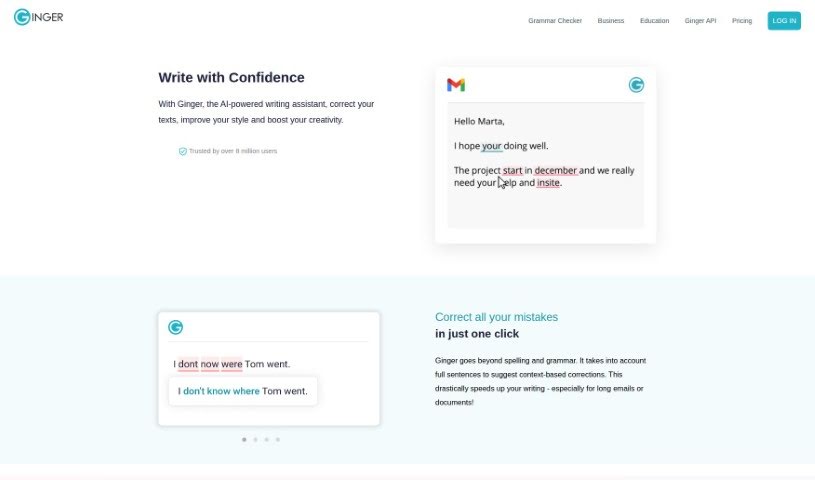
Ginger's Grammar Check is more than just a basic grammar corrector; it's a comprehensive writing assistant. It actually includes features like rephrasing to help you improve your writing quality, going beyond what typical grammar checkers offer. With a user base of over 8 million people, Ginger is designed to help everyone – students, casual writers, professionals, and those learning English – really boost their writing skills. This tool works smoothly across many different applications you might already use, like Microsoft Word, your email client, and even Slack. It provides a focused environment so you can write clearly and with confidence, without distractions. Ginger brings together grammar checking, spell checking, and punctuation correction, all powered by advanced AI. It suggests different ways to phrase things, aiming for more effective and creative writing, making it a truly all-in-one writing tool.

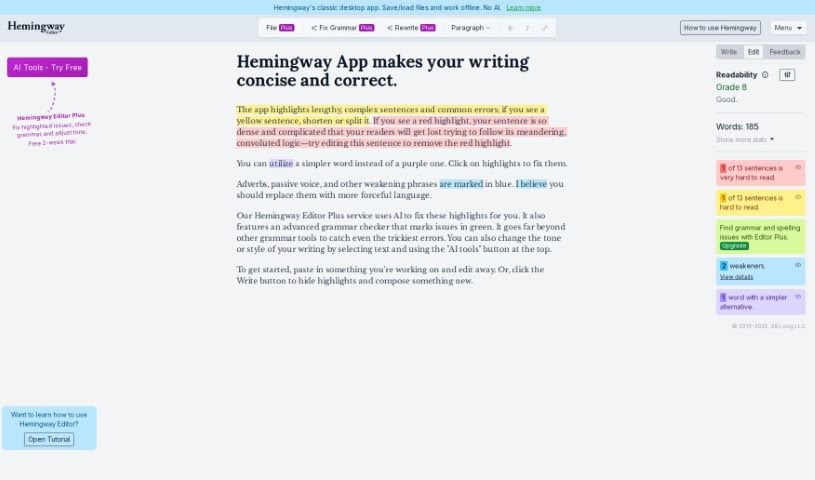
Screenshot of Hemingway Editor

Hemingway Editor

Freemium

The Hemingway Editor is a fantastic tool designed to help writers really boost their writing. It focuses on making your sentences clear and bold, simplifying complex structures, spotting common mistakes, and generally making the editing process smoother. The goal is to help you communicate more effectively and ensure your writing is easy to read. It's pretty straightforward to use, which makes it a great fit for all sorts of writing projects – whether you're working on a novel, a blog post, or anything else that needs clear, strong expression. It's known for being simple, effective at making sentences sharper, good at finding errors, versatile for different kinds of writing, and great at cutting out unnecessary wordiness.

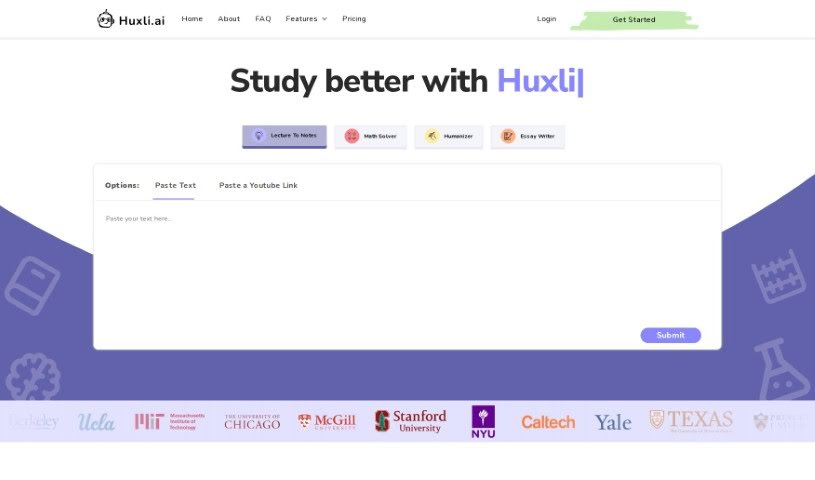
Screenshot of Huxli

Huxli

Freemium

Huxli.ai is an AI tool built to help students write better and faster. It's packed with features designed to make academic tasks smoother. Think of things like an AI Humanizer to make your writing sound more natural, an AI Freewrite to keep your thoughts flowing, tools for crafting long essays, and utilities to summarize, paraphrase, find quotes, and even turn essays into speeches. Essentially, Huxli aims to be your go-to assistant for improving writing flow, organizing lengthy essays, condensing information, rephrasing content, and even converting your written work into spoken presentations. While it's mainly geared towards students, creative writers can also find it super helpful for generating ideas, structuring their projects, and maintaining a good writing rhythm.

Screenshot of Inkey

Inkey

Freemium

Inkey.ai is a platform powered by AI, built to help students with their writing projects. It offers a range of AI tools, including an AI Essay Writer, a Paraphraser, and a Summarizer. Plus, there are specialized tools for specific essay sections like the body, introduction, thesis, and conclusion. Beyond essays, Inkey.ai also provides Classroom Tools to help with coding problems and discussion board responses. For job seekers, it offers Job Application Tools to help craft Resumes, Application Emails, Cover Letters, and LinkedIn bios. It can even generate speeches, stories, and poems, making it easier for students to create engaging content.

Previous 1 of 4 Next

Stay Updated with AI Tools

Get weekly updates on the latest AI tools, trends, and insights delivered to your inbox

Join 25,000+ AI enthusiasts. No spam, unsubscribe anytime.