777ccc.com
Education Summarizers
Learn more
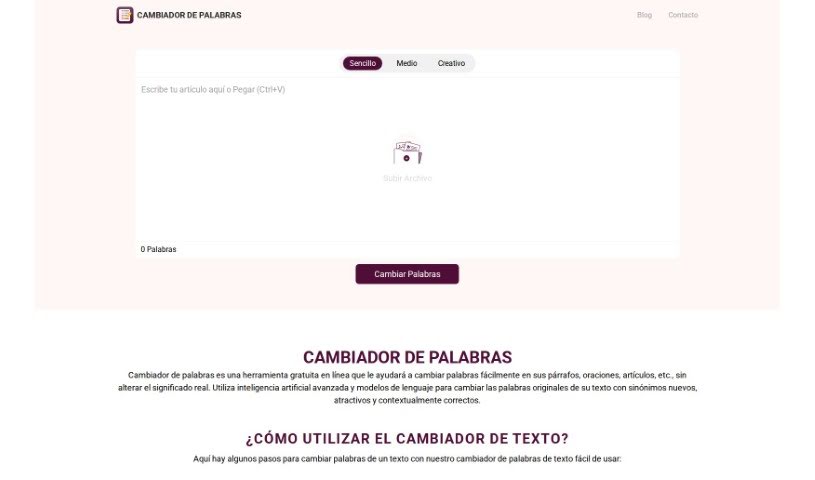
Discover what Cambiador De Palabras is, a free AI-powered paraphrasing tool that rewrites text while preserving meaning. Learn about its modes, features
Cambiador De Palabras is a free online tool that swaps out words in paragraphs, sentences, or entire articles while keeping the original meaning intact. It uses AI and language models to find contextually fitting synonyms. You can paste text or upload a file, choose a word-changing style (Simple, Medium, or Creative), click “Change Words,” then review, copy, or download the rewritten text. The tool offers different levels of text alteration, a drag-and-drop feature, and highlights changed words in the output, with a “List of Synonyms” available for each so you can pick the best fit.
The founder’s specific details aren’t readily available, but the tool was developed by a team focused on creating a user-friendly rewriting experience, using natural language processing algorithms and multiple rewriting styles.
The tool serves several audiences:
Core capabilities include:
It suits content writers, marketers, editors, students, authors, bloggers, copywriters, social media managers, translators, and academic researchers.
Related
Discover more tools in similar categories
Weekly picks of the best AI tools we've researched and added — no spam, unsubscribe anytime.
Join 25,000+ AI enthusiasts. No spam, unsubscribe anytime.