AI Tools for Software Engineers

Discover the best Software Engineers AI tools to enhance your productivity and creativity.

Page 1 of 2 • 17 total tools

Software development is changing incredibly fast these days, and AI tools are becoming essential for engineers. We’re long past the days when coding was a solo act; now, smart, collaborative tools are really boosting creativity. AI is transforming how we build and maintain software, from handling boring tasks to fixing tricky bugs.

With so many options out there, picking the right tool can feel overwhelming. But if you’re looking to smooth out your workflow, work better with others, or just write cleaner code, the right AI tools can seriously boost your productivity.

I’ve spent a good chunk of time digging into and trying out the best AI tools available for software engineers right now. My goal? To find the ones that don’t just look good but actually make coding a better experience. This list includes tools that are easy to set up, simple to use, and ready to take your software development skills up a notch.

Come along as we explore the top AI tools that every software engineer should think about adding to their kit. Whether you’re a seasoned pro or just starting out, these resources are here to help you in your coding journey. Let’s jump in and see how they can change the way you approach software engineering!

The Best AI Software Engineers Tools

  1. Modal: Great for easily deploying machine learning models.
  2. Weaviate: Offers hybrid search, useful for finding tech talent.
  3. Browserbase: Helps you debug web applications without a hitch.
  4. Qualcomm AI Hub: Provides real-time help with code reviews.
  5. Cognition AI Devin: Can autonomously fix bugs and roll out new features.
  6. Mind Inventory: Offers tools for optimizing code and debugging.
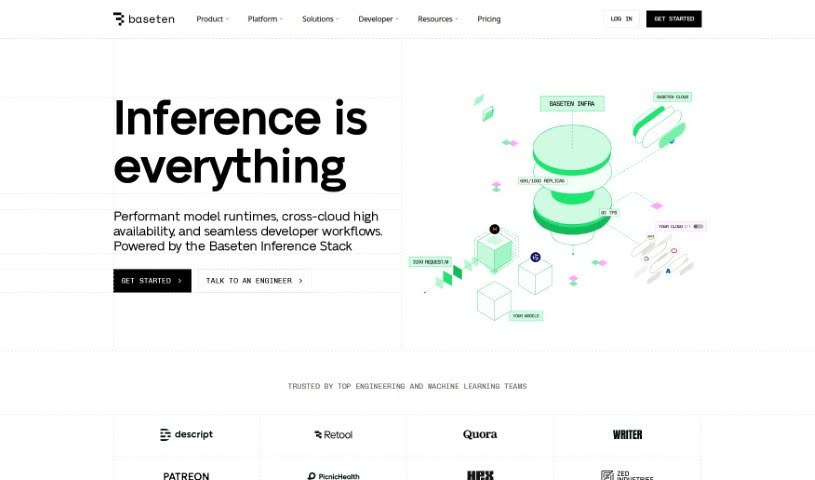
  7. Baseten: Lets you easily deploy and scale custom ML models.
  8. Klu.ai: Useful for quickly creating AI features for software tools.
  9. Pickaxe: Helps you create custom coding assistants for developers.
  10. LAION: Focused on developing open-source AI tools.
  11. BlazeSQL: Simplifies database queries using natural language.
  12. Typo: Assists with code documentation and tracking errors.
  13. Arbius: Streamlines how developer tools connect.
  14. Pace AI: Helps you draft technical specifications fast.
  15. Siml.ai: For developing custom model architectures.

How Do AI Software Engineers Tools Work?

AI software engineering tools essentially automate different parts of the software development process. They use smart machine learning algorithms to help engineers with things like writing code, finding bugs, and even testing. The main idea is to boost productivity, cut down on mistakes, and speed up project delivery.

At their core, these tools rely on powerful models trained with huge amounts of data, including existing code, documentation, and programming languages. This training helps them spot patterns and offer suggestions based on what they’ve learned. For example, an AI tool might suggest code snippets or flag potential bugs by looking at the code around them.

Many of these tools also fit right into popular development environments, so engineers can get AI help while working in their usual setup. By giving instant feedback or suggesting code, they let developers concentrate on bigger design ideas and problem-solving instead of getting stuck on repetitive tasks.

Plus, AI software engineering tools can be adjusted for specific languages or frameworks, making them really adaptable. Engineers can tell the tools their preferred programming languages, and the tools will adjust their suggestions and features accordingly. This flexibility is key in today’s diverse tech world.

When it comes to teamwork, many AI tools encourage collaboration by letting multiple engineers work together and improve code. They can help with code reviews and even suggest improvements automatically, based on the best practices they’ve learned from their vast training data.

All in all, AI in software engineering isn’t about replacing human smarts; it’s about boosting them. These tools empower engineers to use artificial intelligence to innovate faster and create more solid software solutions. The future of software development is increasingly tied to AI, promising exciting progress ahead.

Our Top AI Software Engineers Tools at a Glance

RankNameBest forPlans and PricingRating
1ModalEasily deploying machine learning modelsPaid plans start at $100/month.4.00 (17 reviews)
2WeaviateHybrid search for finding tech talentPaid plans start at $25/month.4.68 (22 reviews)
3BrowserbaseDebugging web applications smoothlyPaid plans start at $99/month.4.75 (12 reviews)
4Qualcomm AI HubReal-time help with code reviewsN/A4.64 (11 reviews)
5Cognition AI DevinFixing bugs and rolling out features automaticallyN/A4.17 (6 reviews)
6MindInventoryAids for code optimization and debuggingN/A4.00 (5 reviews)
7BasetenDeploying and scaling custom ML models easilyN/A4.70 (37 reviews)
8Klu.aiPrototyping AI features for software toolsN/A4.17 (6 reviews)
9PickaxeLaunching custom coding assistants for developersN/A3.50 (10 reviews)
10LAIONOpen-source AI tool developmentN/A3.40 (5 reviews)
11BlazeSQLStreamlining database queries with natural languageN/A4.80 (5 reviews)
12TypoCode documentation and error trackingN/A4.73 (11 reviews)
13ArbiusStreamlining developer tool integrationsN/A4.73 (74 reviews)
14PaceAIDrafting technical specifications quicklyPaid plans start at $9/month.4.83 (12 reviews)
15Siml.aiCustom model architecture developmentPaid plans start at €999/month.4.83 (6 reviews)
Screenshot of Arbius

Arbius

Freemium

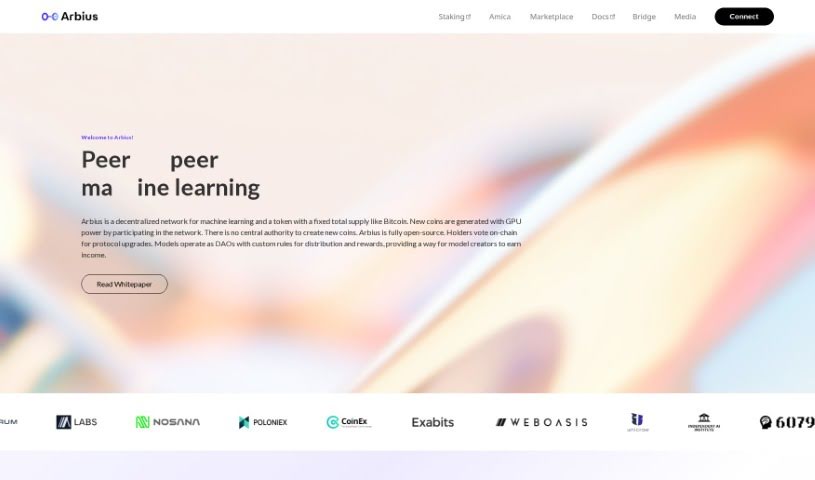
Arbius is a really interesting platform that's bringing decentralization to machine learning. It is a network where you, the user, are in charge, helping it grow through a direct peer-to-peer system. It takes inspiration from Bitcoin, using a decentralized model where participants create new tokens by using their GPU power. This means no single authority is calling the shots. The whole platform is open-source, which is great because it means transparency and community involvement are key. You can even vote on protocol updates right on the blockchain. Plus, machine learning models here work like DAOs – decentralized autonomous organizations – with their own rules for how profits and rewards get shared. Arbius makes it easy to connect with different applications, and it sticks to a clear economic plan with rewards that adjust automatically. It’s designed to protect scarcity and value, much like Bitcoin does.

Professionals View Tool →
Screenshot of Baseten

Baseten

Freemium

It seems there might be a slight mix-up, as the term "Baseten" doesn't appear in the documents I have. Without more specific information about what Baseten refers to, it's tough for me to give you a clear picture. If you can share some more details or context, I'd be happy to help!

Professionals View Tool →
Screenshot of BlazeSQL

BlazeSQL

Freemium

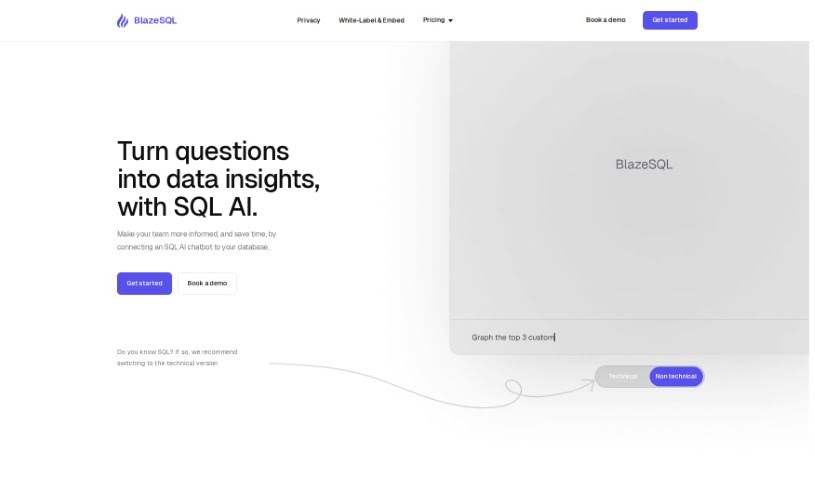
Blaze SQL AI is a really neat AI tool that acts as a Data Analytics chatbot and an AI SQL generator. Basically, it makes analyzing data much simpler. It like having a ChatGPT specifically for your SQL Databases. You can ask it to create SQL queries just by telling it what you need in plain English. BlazeSQL AI connects directly to your SQL databases on Windows or Mac, so your data analysis stays private and secure. It learns about your database's structure, which allows it to write SQL queries, run them, and then create visualizations like graphs and dashboards in just seconds. This tool can cut down the time you spend on data tasks by is much as 85%, making it a huge help for boosting productivity in data work and making smarter decisions.

Professionals View Tool →
Screenshot of Browserbase

Browserbase

Freemium

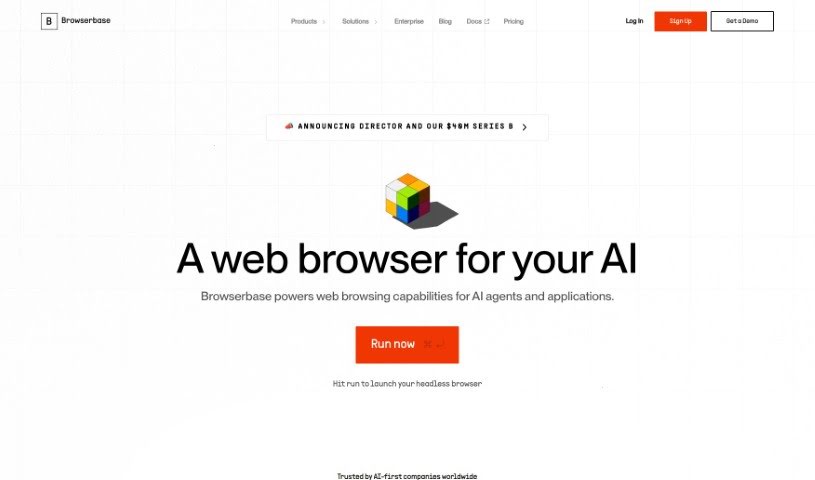
Browserbase is your secret weapon for coding. It lets you concentrate on writing your code because it handles all the tricky browser stuff for you. It provides browser instances that automatically scale up or down as needed, packed with top-notch stealth features. Plus, you get a debugging experience that feels just like using Chrome Devtools. This means AI Agents can navigate even the most complicated web pages without being detected, acting just like a real person would. And if a task gets a bit too complex for the AI, you can easily jump in with the Live Session View feature to lend a human hand and get things done.

Professionals View Tool →
Screenshot of Cognition AI Devin

Cognition AI Devin

Freemium

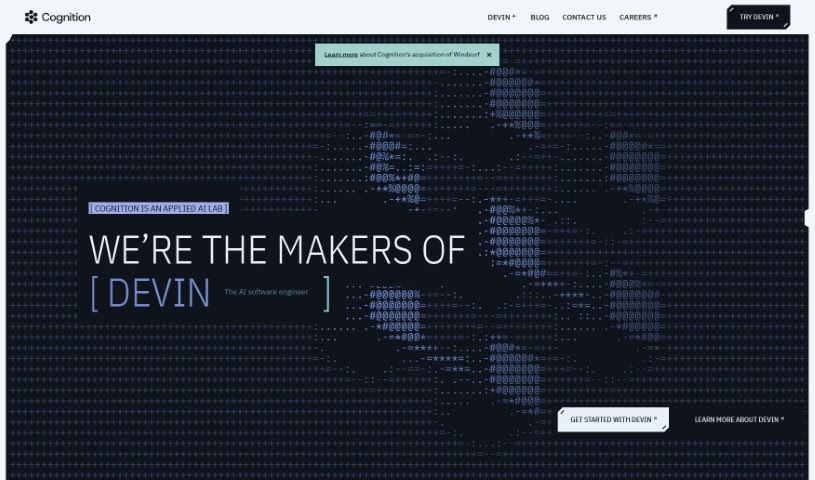
Cognition AI's Devin is a platform built to help you really get a handle on what different AI models are like – their characteristics, features, and what they need to work. Devin gives you insights into various AI models, making it easier to pick the best ones for whatever you're trying to do. With Devin, you can understand how AI models behave and perform much better, which means you can make your AI projects work more smoothly. It's a super helpful tool for anyone, whether you're an individual or a company, looking to use AI for different things. It lays out clear, detailed info on all sorts of AI models and what they can do.

Professionals View Tool →
Screenshot of Dystr

Dystr

Freemium

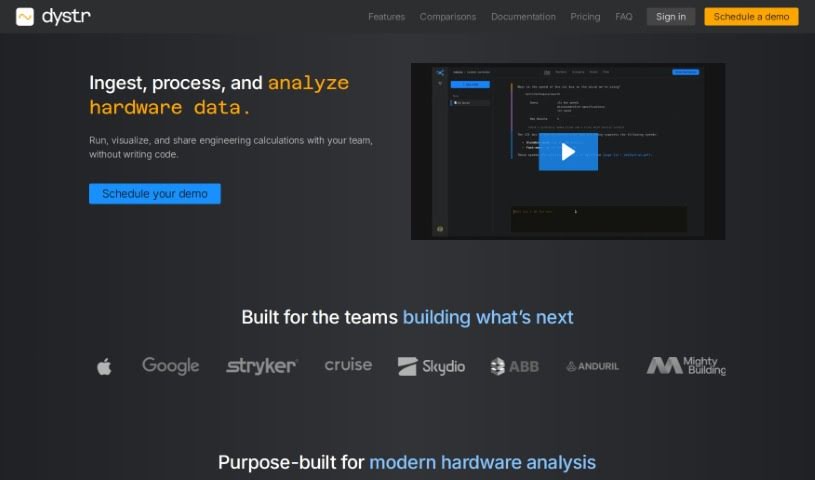
Dystr is an engineering environment powered by AI, designed to automate tasks, run analyses with helpful visualizations, and handle complex calculations. It is a cloud-based hub built for teams to work together smoothly and boost their productivity. It does this by automating workflows, cutting down on repetitive manual work, and making it easier to make decisions based on data. Plus, Dystr really focuses on being user-friendly, offering customization options, and supporting everyone, no matter their skill level. The AI at its core makes the whole experience better by automating tasks, helping with data analysis, and providing straightforward functions that save you time and effort.

Professionals View Tool →
Screenshot of Klu.ai

Klu.ai

Freemium

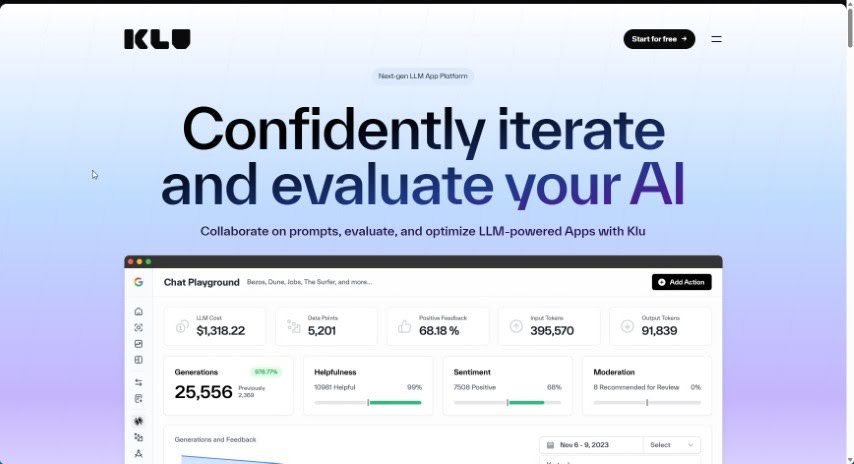
Klu.ai is a platform designed to completely change how AI engineers and their teams operate. It makes it much easier to iterate quickly, using insights from models, prompts, and user feedback. The big idea behind Klu is to make every software product feel personal to the person using it. This helps people learn and get things done more efficiently and effectively. Essentially, Klu focuses on building new features that help you finish tedious work faster, spot areas where you might be missing something, and find new ways to really excel in your job. The company is steered by a leadership team that includes CEO Stephen M. Walker II and Co-Founder/CTO Stefan Sabev.

Professionals View Tool →
Screenshot of LAION

LAION

Freemium

LAION, which stands for Large-scale Artificial Intelligence Open Network, is a non-profit organization dedicated to making machine learning resources readily available to everyone. Their core mission is to democratize artificial intelligence by providing a wealth of tools, resources, and educational materials for anyone interested in diving into machine learning. It is a hub where you can find a wide variety of machine learning models, datasets, and algorithms perfect for research, development, or simply learning. LAION also fosters a collaborative environment, acting as a platform for members to share knowledge and build a community. They're big on open-source development, which means they champion the use of open-source software and actively encourage contributions to make machine learning tools and algorithms even better.

Professionals View Tool →
Screenshot of MindInventory

MindInventory

Freemium

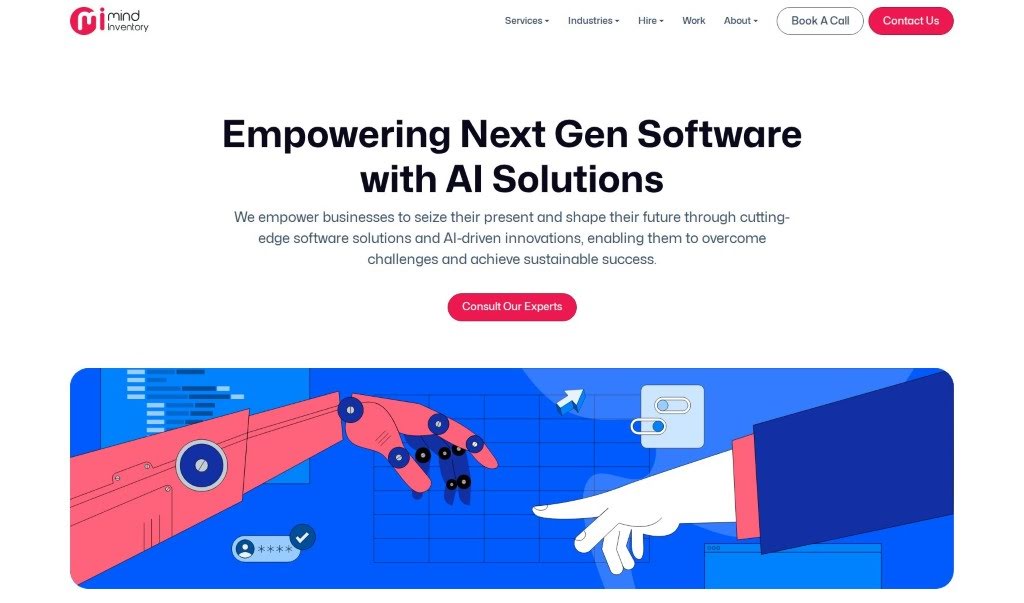
MindSQL AI is a handy Python library that makes interacting with your databases super smooth. It is a bridge that lets you talk to your data using everyday language. It works with a bunch of popular databases like PostgreSQL, MySQL, SQLite, Snowflake, and BigQuery. What's really cool is that it's built on Open Source LLMs, meaning it understands natural language queries really well. Plus, it supports ChromaDB and Faiss for even more power. Honestly, with just a few lines of code, you can make your database work much simpler and faster using MindSQL AI.

Professionals View Tool →
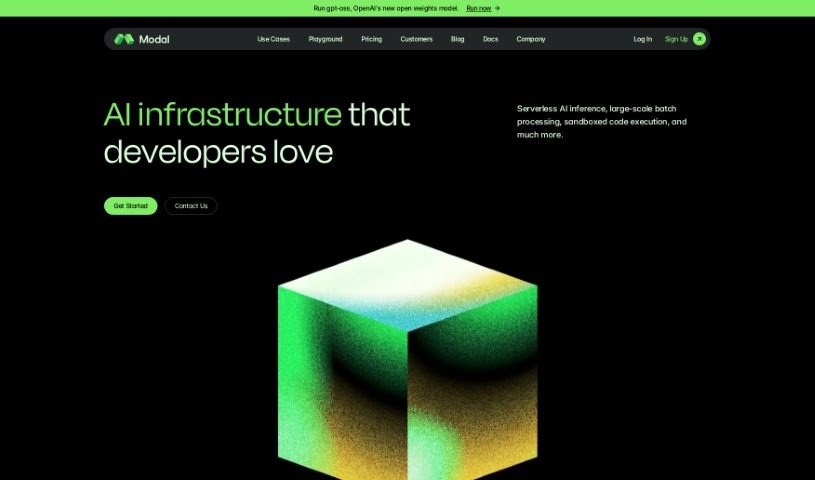
Screenshot of Modal

Modal

Freemium

Modal is a cloud platform built specifically for developers, with a strong focus on teams working with AI, data, and machine learning (ML). It is a way to run your CPU or GPU tasks for AI and data-heavy applications without ever having to worry about managing the underlying infrastructure yourself. It’s designed to be fast and scalable, thanks to its custom container system built in Rust, which means quick cold starts. Plus, it offers a serverless environment, a full suite of developer tools, and a pricing model that’s easy on the wallet, including free compute credits every month. You can use Modal for all sorts of compute tasks, like running generative AI models, handling big batch jobs, or managing job queues.

Professionals View Tool →
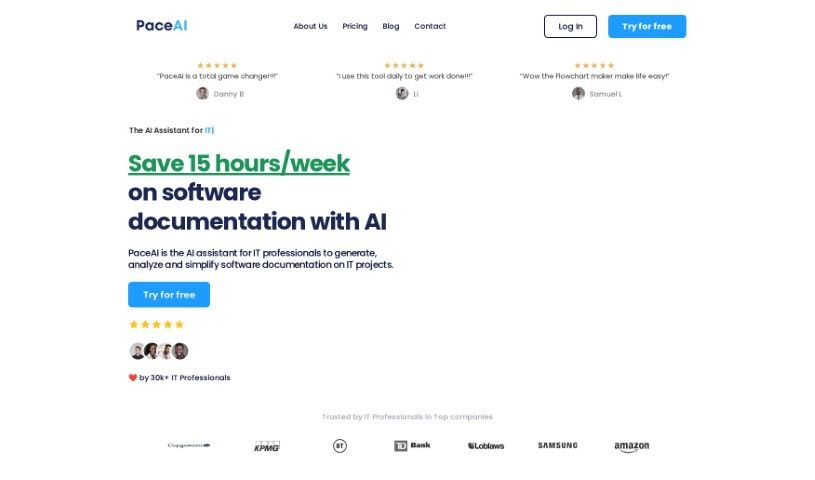
Screenshot of PaceAI

PaceAI

Freemium

PaceAI is an AI tool built specifically for IT professionals who aren't necessarily tech experts themselves. It's designed to help them create, analyze, and simplify all sorts of technical documents. It is a smart assistant for your documentation tasks. It actually offers over 35 different AI tools, each fine-tuned for specific jobs like writing user stories, outlining product visions, or even creating flowcharts. The main goal here is to make the whole technical documentation process much smoother, freeing up IT pros to concentrate on more strategic work and teamwork. The team behind PaceAI are IT professionals themselves, and their mission is to give non-technical IT folks the power of the latest AI models to really boost how much they can get done and how efficiently they can do it.

Professionals View Tool →
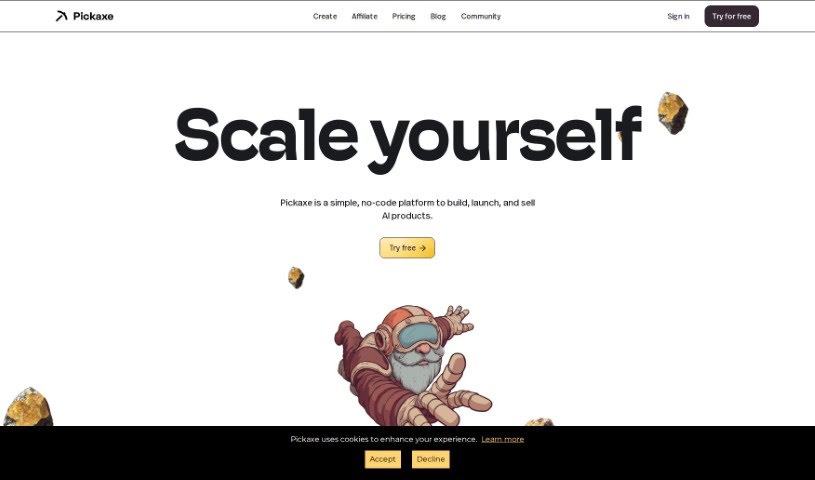
Screenshot of Pickaxe

Pickaxe

Freemium

Pickaxe is a no-code platform that makes it super easy for engineers to bring generative AI applications into their company. You can build and embed GPT-4 apps right onto your website, and guess what? You don't need to write a single line of code for any of it. This includes using a visual tool that helps you frame your prompts, essentially training AI models with your own documents, data, and specific instructions. Pickaxe also gives you a dashboard where you can keep an eye on your AI apps, make them better over time, see how they're performing, get feedback, and tweak them based on new data.

Professionals View Tool →
Previous 1 of 2 Next

Stay Updated with AI Tools

Get weekly updates on the latest AI tools, trends, and insights delivered to your inbox

Join 25,000+ AI enthusiasts. No spam, unsubscribe anytime.